Order Error, Remake & Re-fire Cost Tracker: Order Error Log, Remake Cost and Errors per 1,000 Covers in Excel and Word
Full description
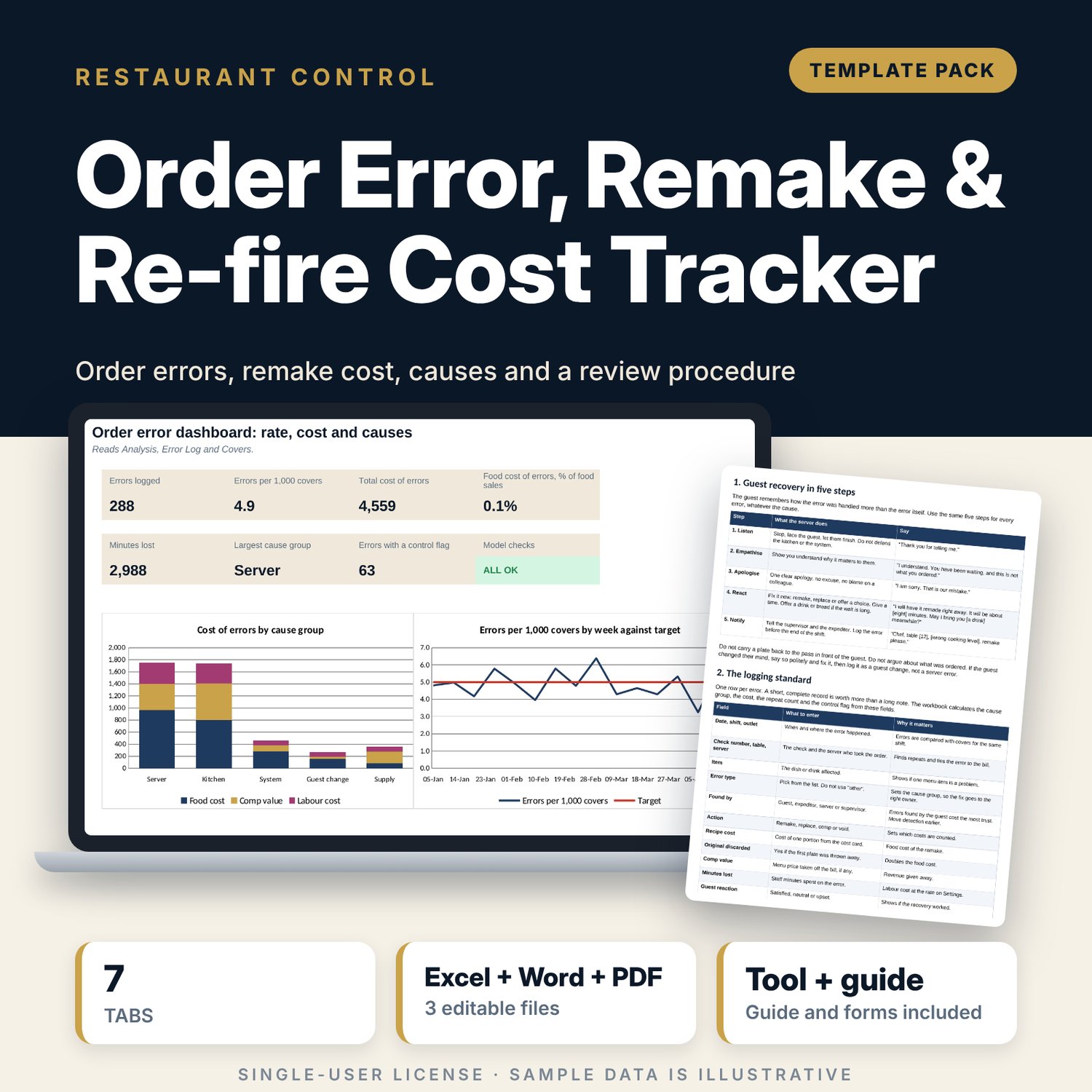
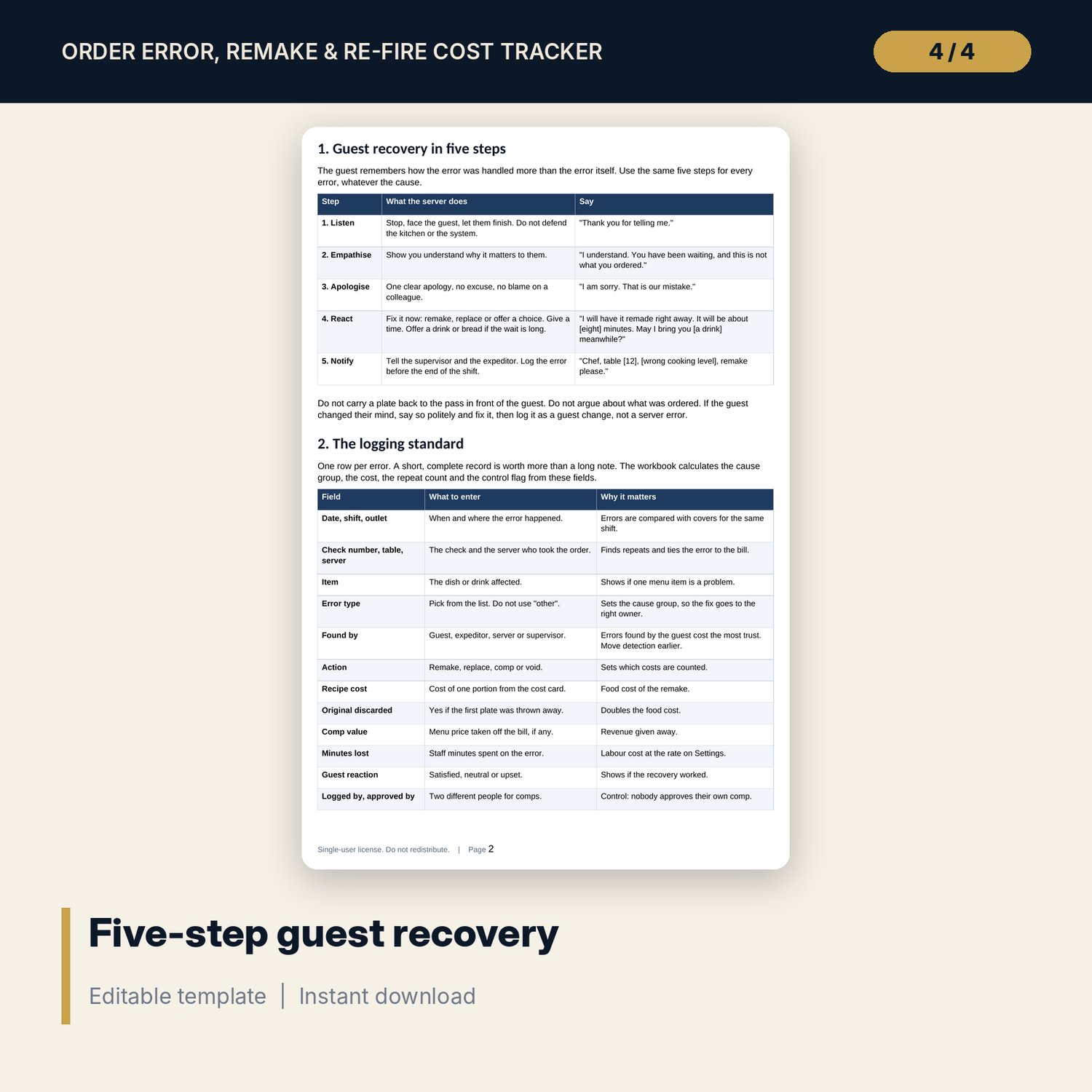
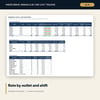
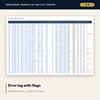
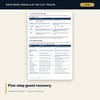
For restaurant managers, chefs and food and beverage directors who want order errors counted, costed and traced to a cause. The workbook logs every error (288 sample errors over 16 weeks), maps each error type to a cause group (server, kitchen, system, guest change, supply), and calculates the food cost of the remake, the comp value, the labour cost of minutes lost and the total. It shows errors per 1,000 covers by outlet and shift against a target, the cost as a share of food sales, a weekly trend with a rising or falling test, a server table and a control flag for unapproved, self-approved and repeated errors. The Word procedure sets the five-step guest recovery, the logging standard, comp limits, a weekly review agenda, a worked example read from the workbook and printable forms.
What is inside
- Order_Error_and_Remake_Cost_Tracker.xlsx: 7 tabs, 3,122 formulas, 2 native charts, 21 drop-down and input rules, 8 integrity checks
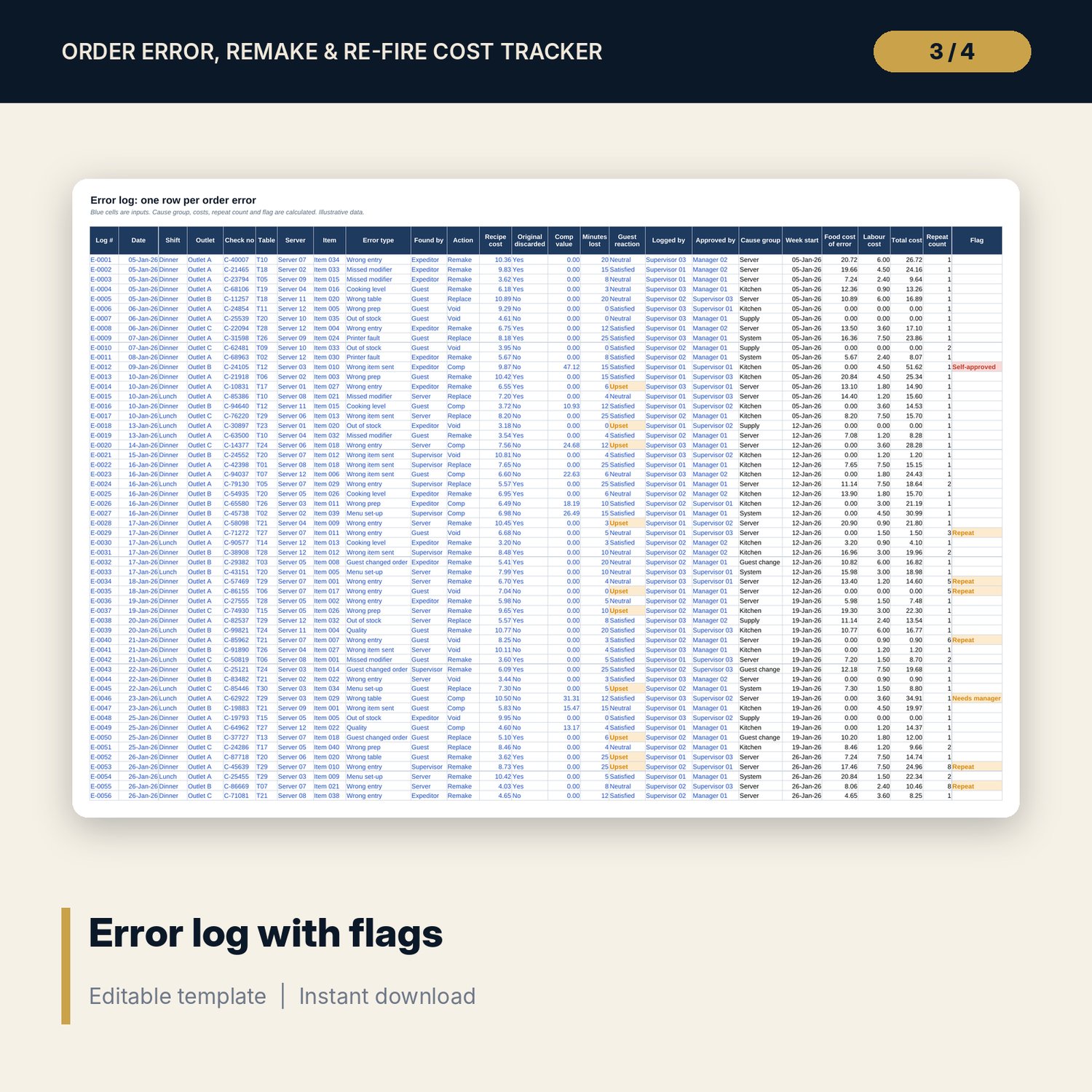
- Error Log: 288 sample errors plus 60 spare rows, 25 columns with cause group, food cost, labour cost, total cost, repeat count and control flag
- Covers: 96 outlet, shift and week rows plus 24 spare rows with errors per 1,000 covers
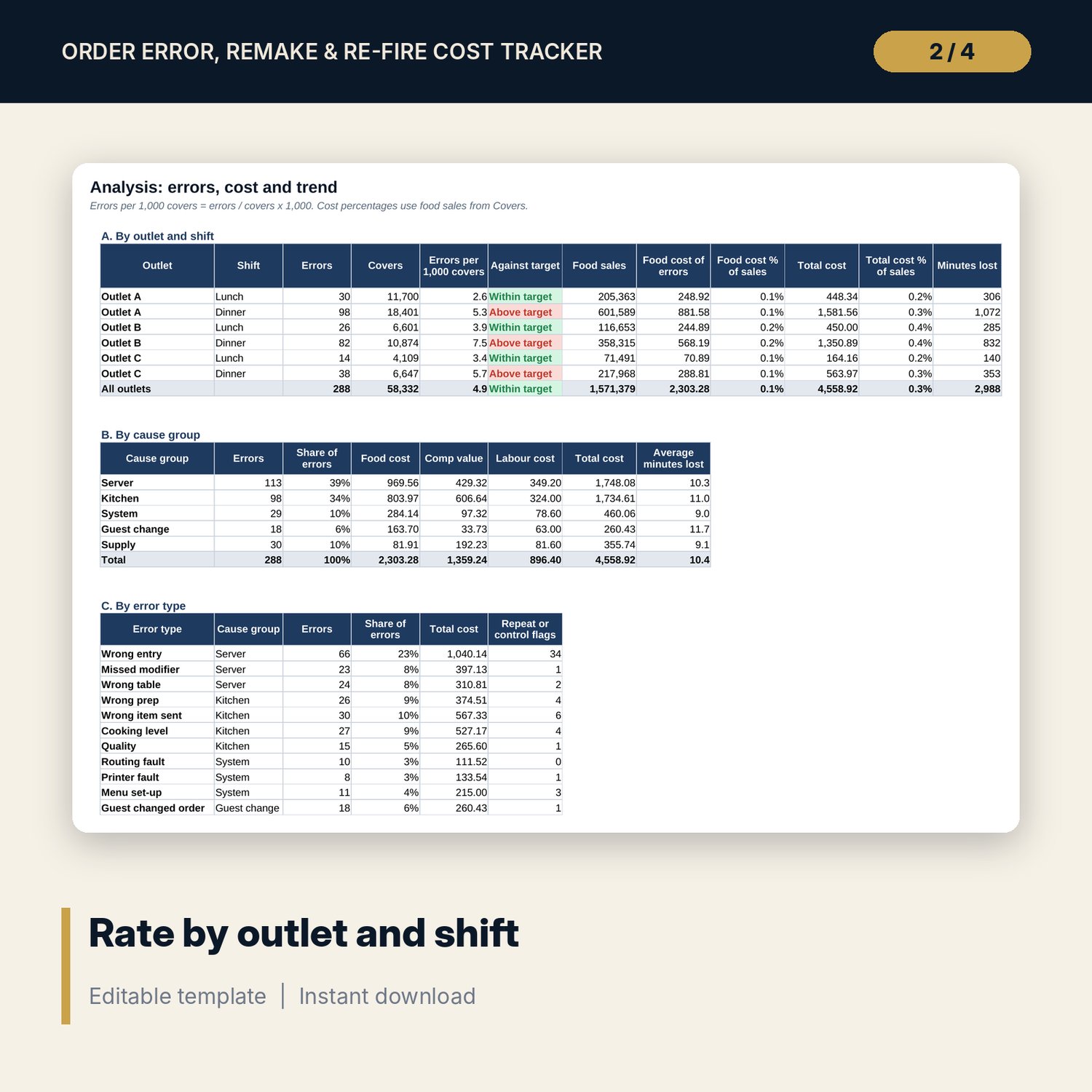
- Analysis: 5 tables by outlet and shift, cause group, error type, week with trend test and server
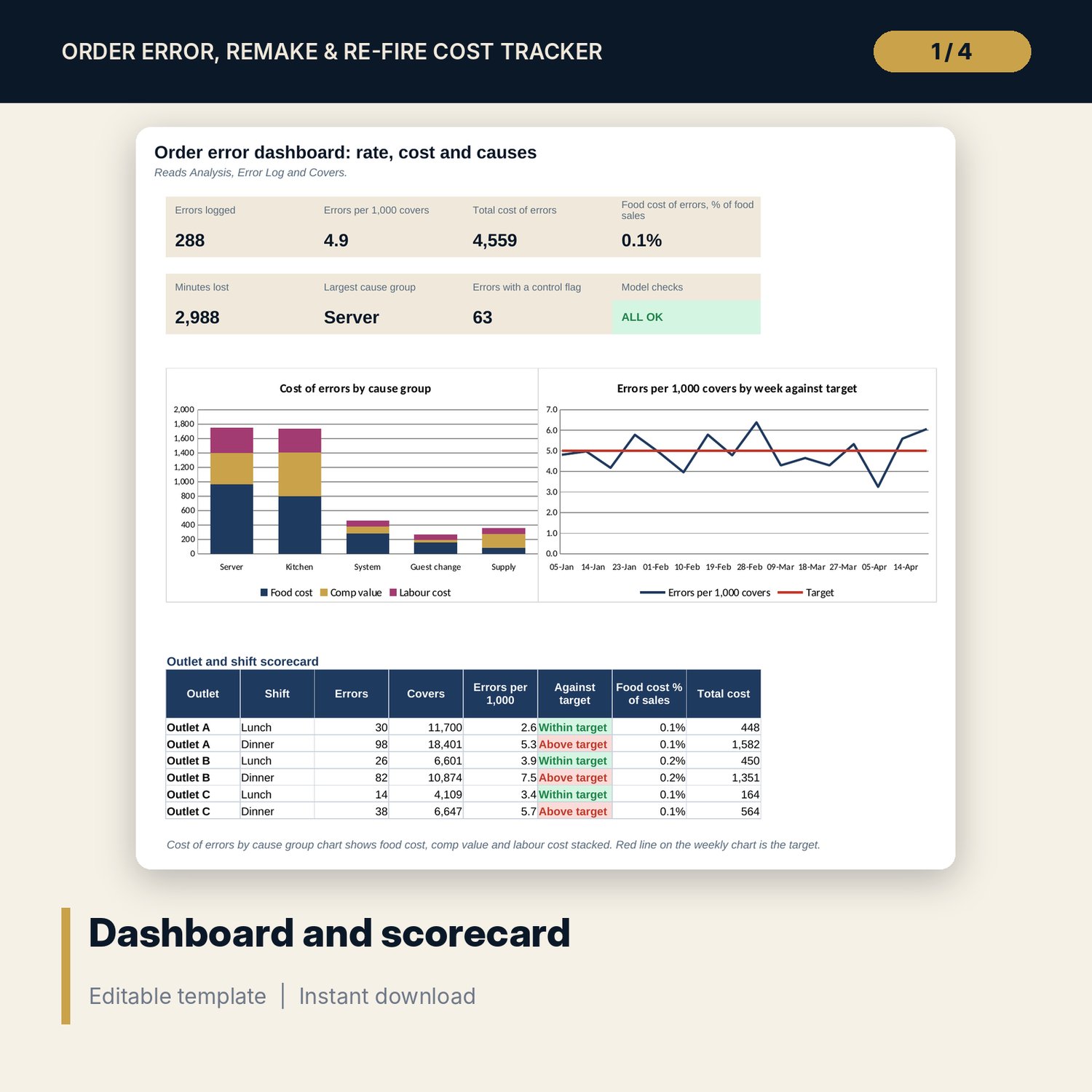
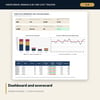
- Dashboard: 7 KPI tiles, a check tile, an outlet and shift scorecard and 2 charts
- Order_Error_Review_Procedure.docx and PDF: 9 pages with guest recovery scripts, logging standard, costing method, comp limits, weekly review, 19-item prevention checklist and 3 forms
- README.txt and LICENSE-and-Terms.txt
How it works
- Set targets, the labour rate and your error types on Settings.
- Enter weekly covers and food sales on Covers.
- Log each error the same day on Error Log; pick the error type and the cause group follows.
- Run the weekly review from Analysis: cause group first, then outlet and shift, then repeat flags.
Details
- Formats: 1 Excel workbook (.xlsx), 1 Word procedure (.docx) and PDF, English
- Software: Excel 2016 or later, or LibreOffice Calc 7 or later
- No macros, no external links, no data tables, no array formulas
- 3 files plus README and license; instant digital download
Good to know
- Sample data is illustrative. Replace it with your own figures.
- Targets, comp limits and repeat rules are examples. Use your own policy and verify local requirements.
- Single-user license. Do not redistribute.
FAQ
How is the cost of an error counted?
Food cost (recipe cost for a remake or replacement, plus the same again if the first plate was discarded) plus comp value plus minutes lost times the labour rate.
Can I add my own error types?
Yes. The error type list and its cause group are inputs on Settings. Keep the list under 15 types.
What does the repeat flag mean?
The same server and the same error type a set number of times inside a set number of days. Both numbers are inputs on Settings.
How many errors can the log hold?
The sample has 288 errors and 60 spare rows. Insert rows above the last row to add more; formulas copy down.
Do I need macros?
No. Every result is a standard worksheet formula.