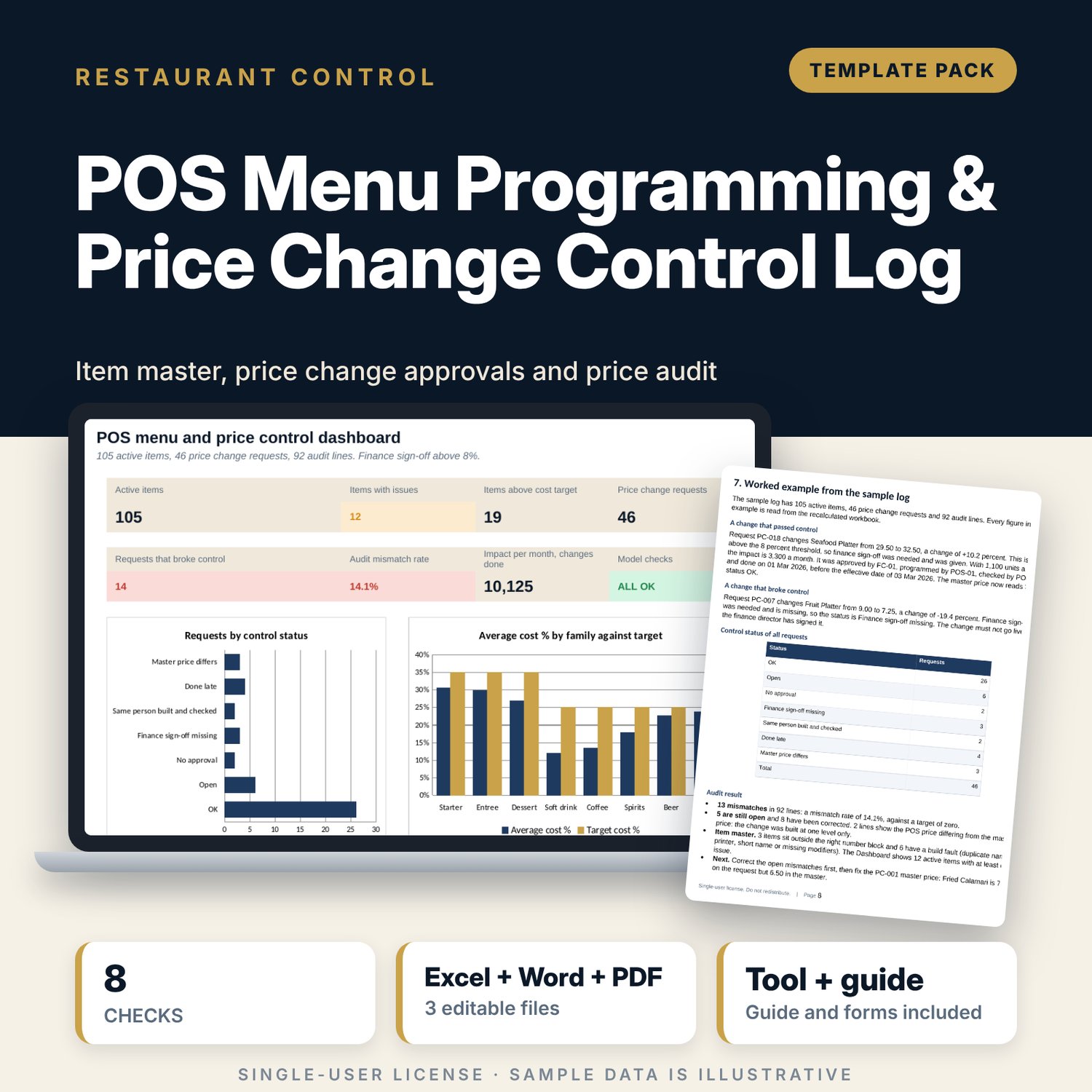
POS Menu Programming & Price Change Control Log: Item Master, Price Change Approval Log and Price Audit for Restaurant POS
Full description
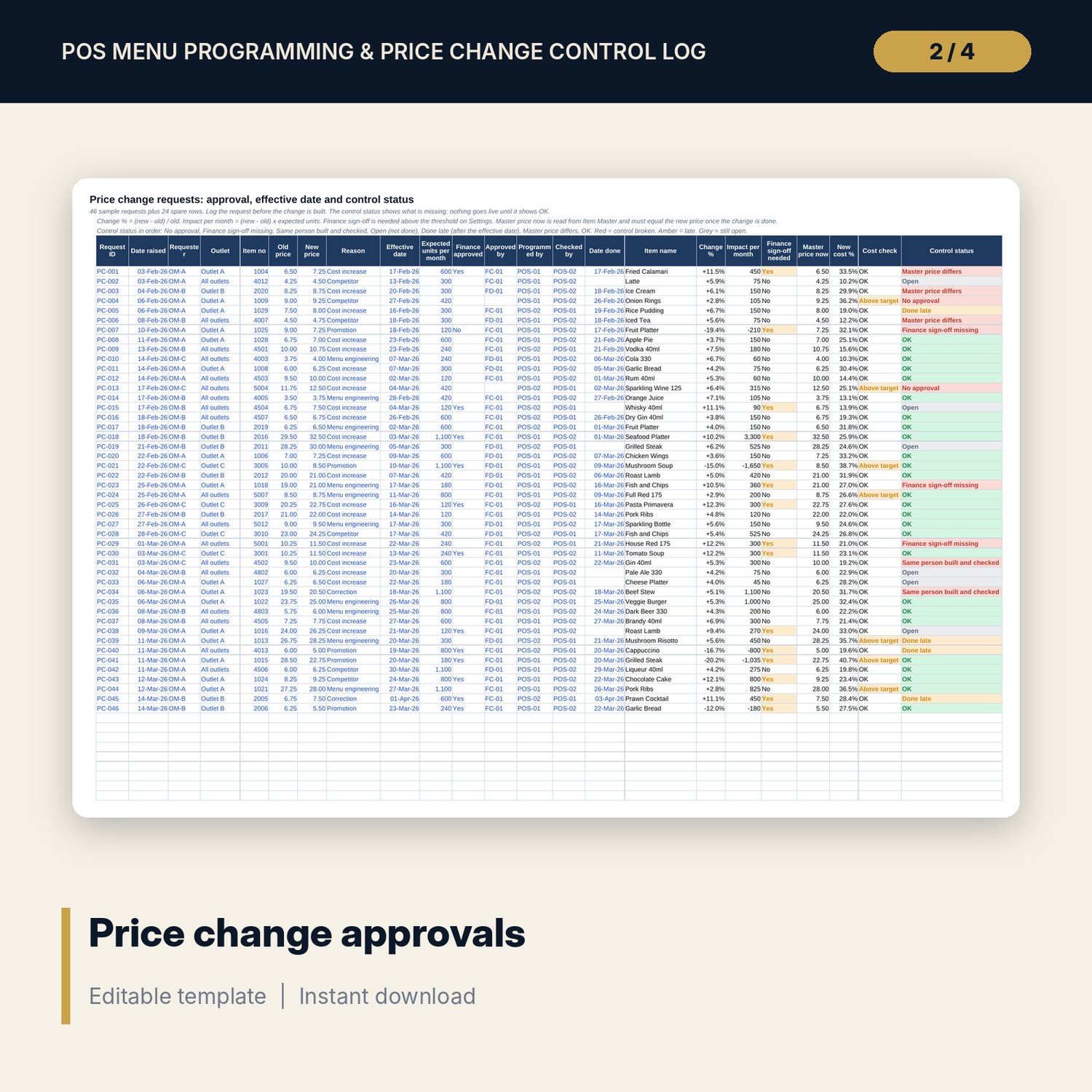
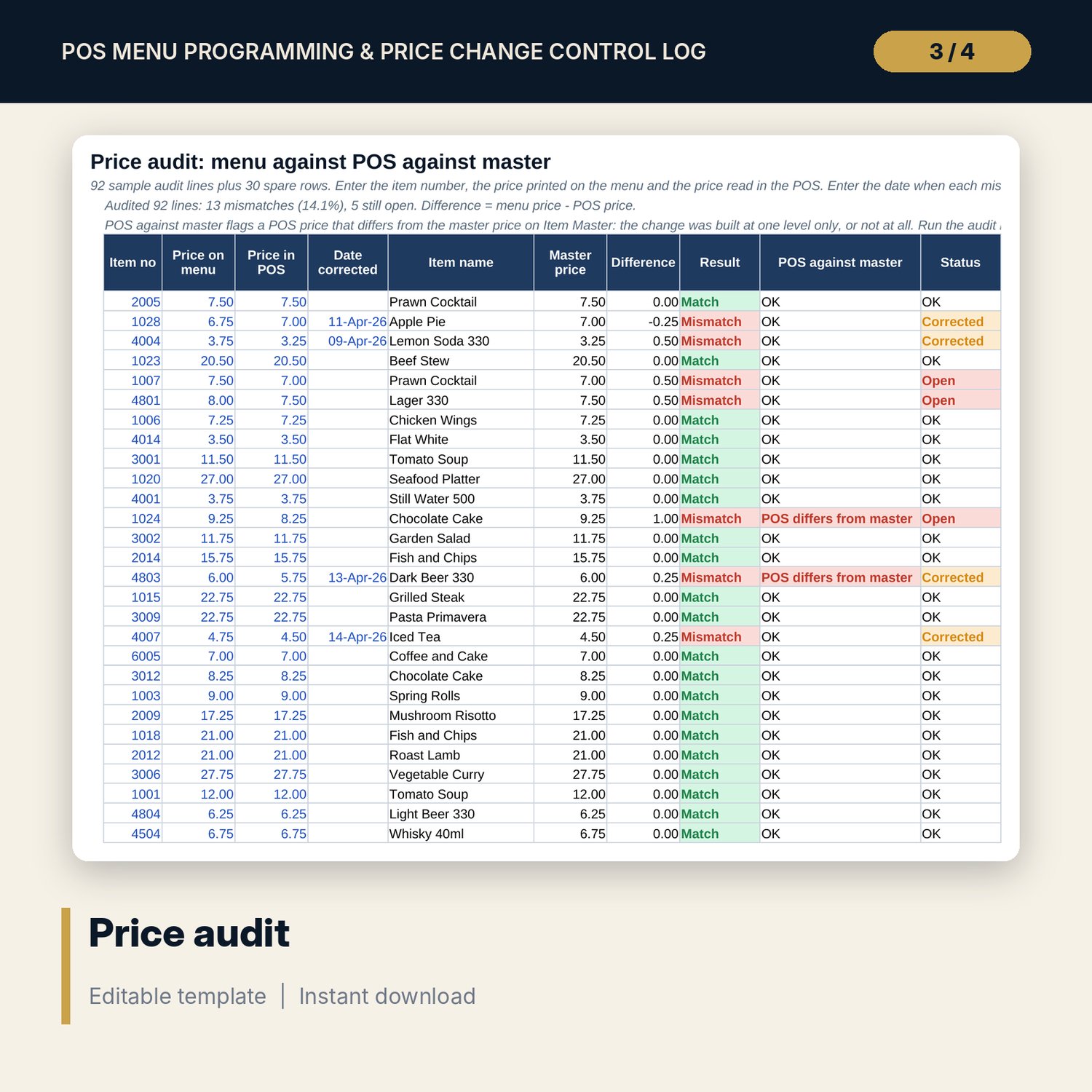
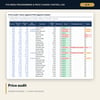
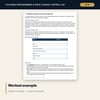
For restaurant managers, F&B controllers and POS administrators who need the menu in the POS to match the menu on the table. The workbook holds an item master where every item has a number from a blocked range, and checks each item for a wrong or duplicate number, a printer that does not match the group, a long kitchen name, a missing modifier set, price levels that do not make sense, cost above target and an outlet that does not sell the item. The price change log records each request with its approvals, effective date, programmed by, checked by and date done, and gives every request a control status: no approval, finance sign-off missing, same person built and checked, done late, or master price differs. The price audit compares the price on the menu, the price in the POS and the master price, and reports the mismatch rate. The Word procedure gives the numbering scheme, the add, change and remove procedures, the approval rule, the modifier list, the audit sheet and a worked example.
What is inside
- POS_Menu_and_Price_Change_Control_Log.xlsx: 7 tabs, 2,849 formulas, 2 native charts, 26 drop-down and input rules, 8 integrity checks
- Item Master: 111 sample items plus 20 spare rows with 3 price levels, recipe cost and 5 automatic checks
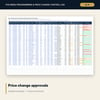
- Price Changes: 46 sample requests plus 24 spare rows with approvals, effective dates and a control status
- Price Audit: 92 sample lines plus 30 spare rows comparing menu, POS and master prices
- Settings: approval threshold, cost targets, 3 tax classes, 9 item number blocks, a 5-set modifier list and an outlet mapping grid
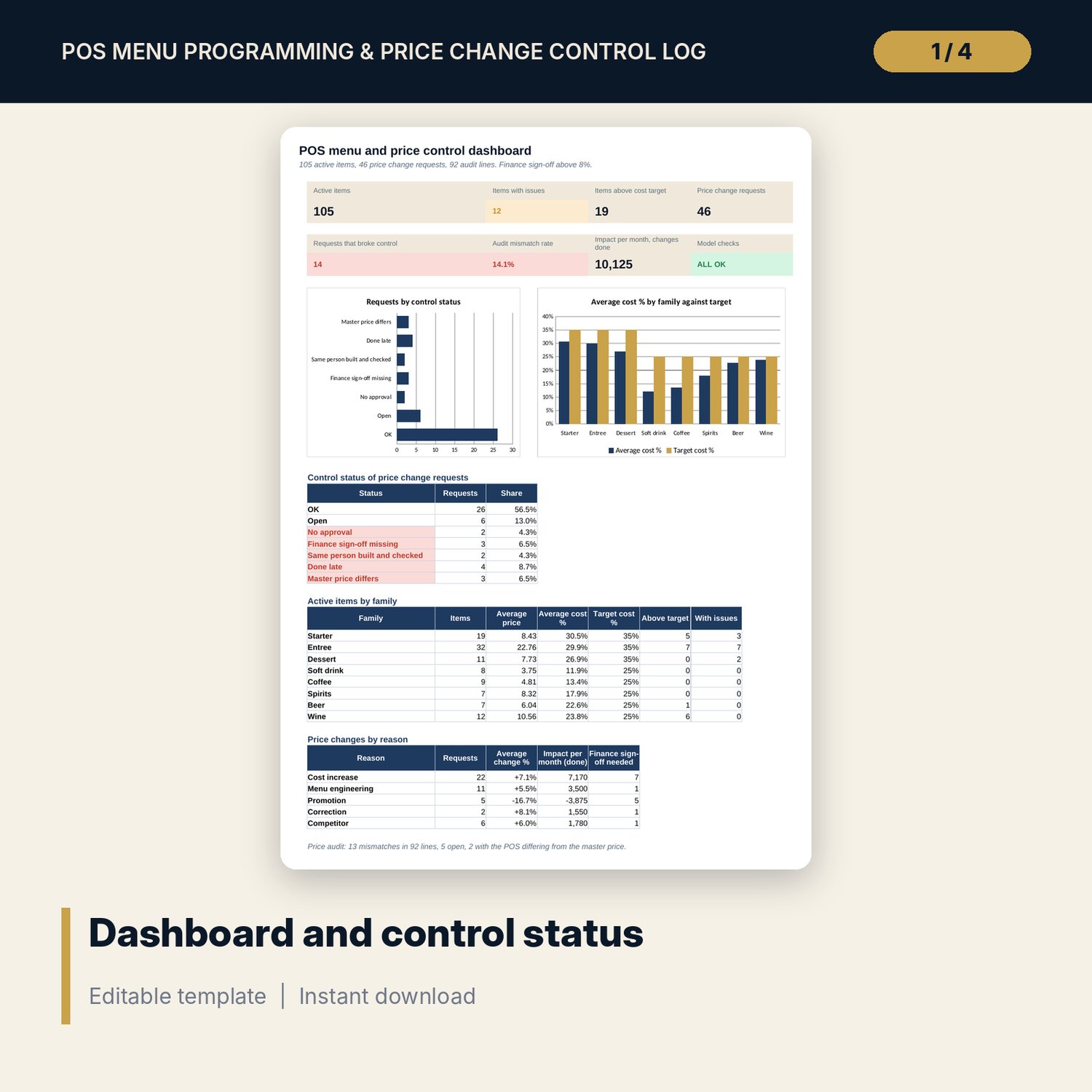
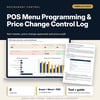
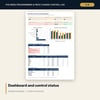
- Dashboard: 8 tiles, 2 charts and tables by control status, family and reason
- POS_Menu_Change_Procedure_and_Forms.docx and PDF: 9 pages with the numbering scheme, build checklist, approval rule, request form, audit sheet and a worked example
- README.txt and LICENSE-and-Terms.txt
How it works
- Set the approval threshold, cost targets, number blocks and outlet mapping on Settings.
- Replace the sample items on Item Master and read the check columns.
- Log every price change before it is built and watch the control status.
- Run the monthly price audit and bring the mismatch rate to zero.
Details
- Formats: 1 Excel workbook (.xlsx), 1 Word procedure and forms (.docx) and PDF, English
- Software: Excel 2016 or later, or LibreOffice Calc 7 or later
- No macros, no external links, no data tables, no array formulas
- 3 files plus README and license; instant digital download
Good to know
- Sample data is illustrative. Outlets and staff are codes and items are generic.
- Number ranges, thresholds and cost targets are examples: set your own. Check tax and service charge rules locally. Not tax or legal advice.
- Single-user license. Do not redistribute.
FAQ
Does it connect to my POS?
No. It is a control log. You enter the items and the prices, and the workbook checks them and keeps the audit trail.
Can I change the number ranges?
Yes. The blocks are inputs on Settings. Item Master reads the block from the number.
What does the control status mean?
It shows the first control that is missing on a price change request: approval, finance sign-off, a separate checker, the date done or the master price.
How many items can it hold?
The sample has 111 items and 20 spare rows. Copy the last formula row down to add more; the named ranges stretch with the rows.
Do I need macros?
No. Every result is a standard worksheet formula.