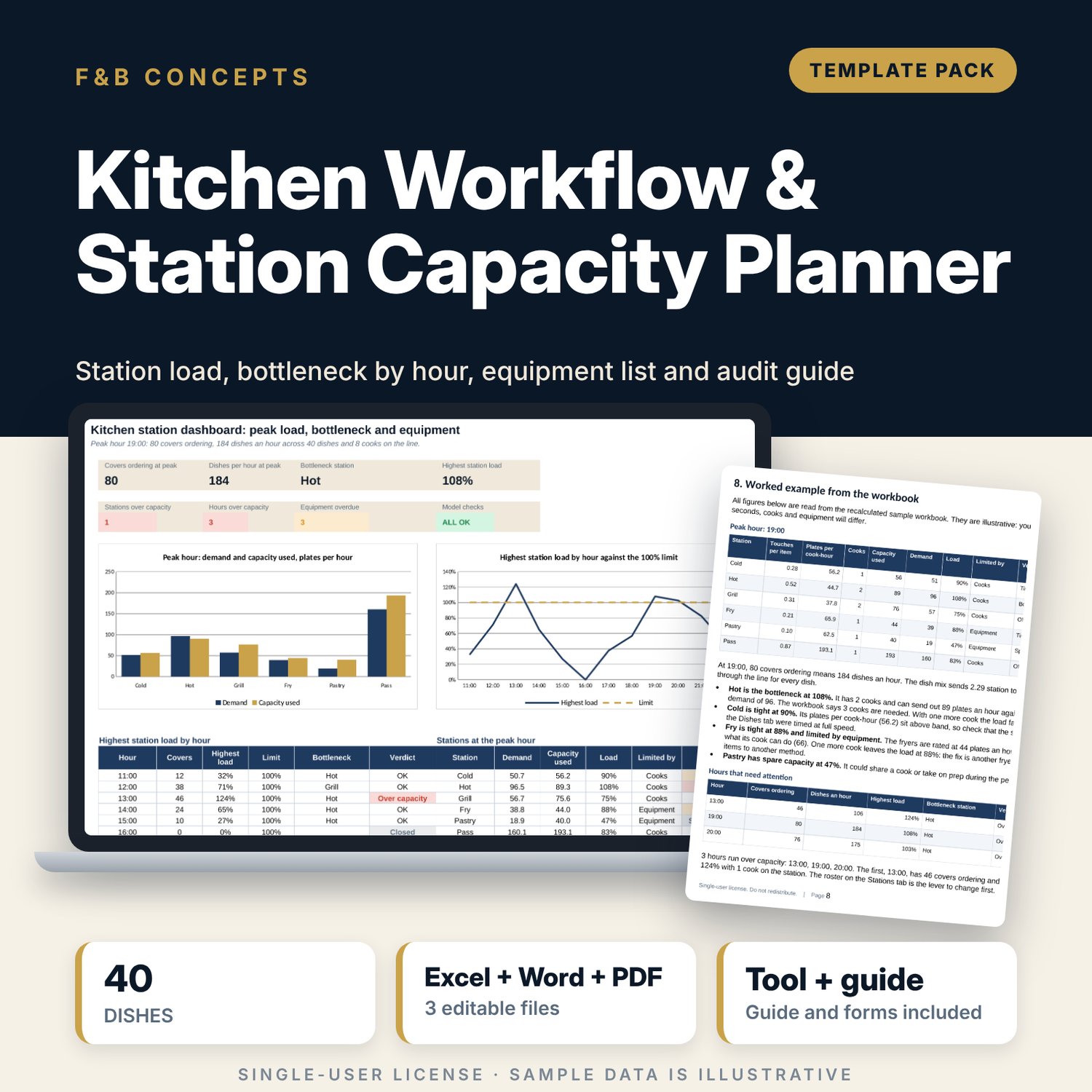
Kitchen Workflow & Station Capacity Planner: Kitchen Capacity Planning Template
Full description
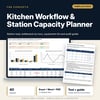
For executive chefs, sous chefs, food and beverage managers and restaurant owners who need to know how many plates a kitchen line can send out and which station fails first. The workbook takes 40 sample dishes with active cook seconds at up to three stations each, works out touches, plates per cook-hour and demand for every station, tests cooks and equipment against the peak hour and each of 12 service hours, and lists 38 items of equipment by station with service dates and status. A Word guide gives you the station map, opening and closing duties, 22 standards, a scored weekly audit, a cleaning schedule and a worked example.
What is inside
- Kitchen_Station_Capacity_Planner.xlsx: 7 tabs, 841 formulas, 2 native charts, 23 drop-down and input rules, 8 integrity checks
- Dishes: 40 sample dishes with mix weight, up to three station steps, total active seconds and a flag for slow dishes, plus 10 spare rows
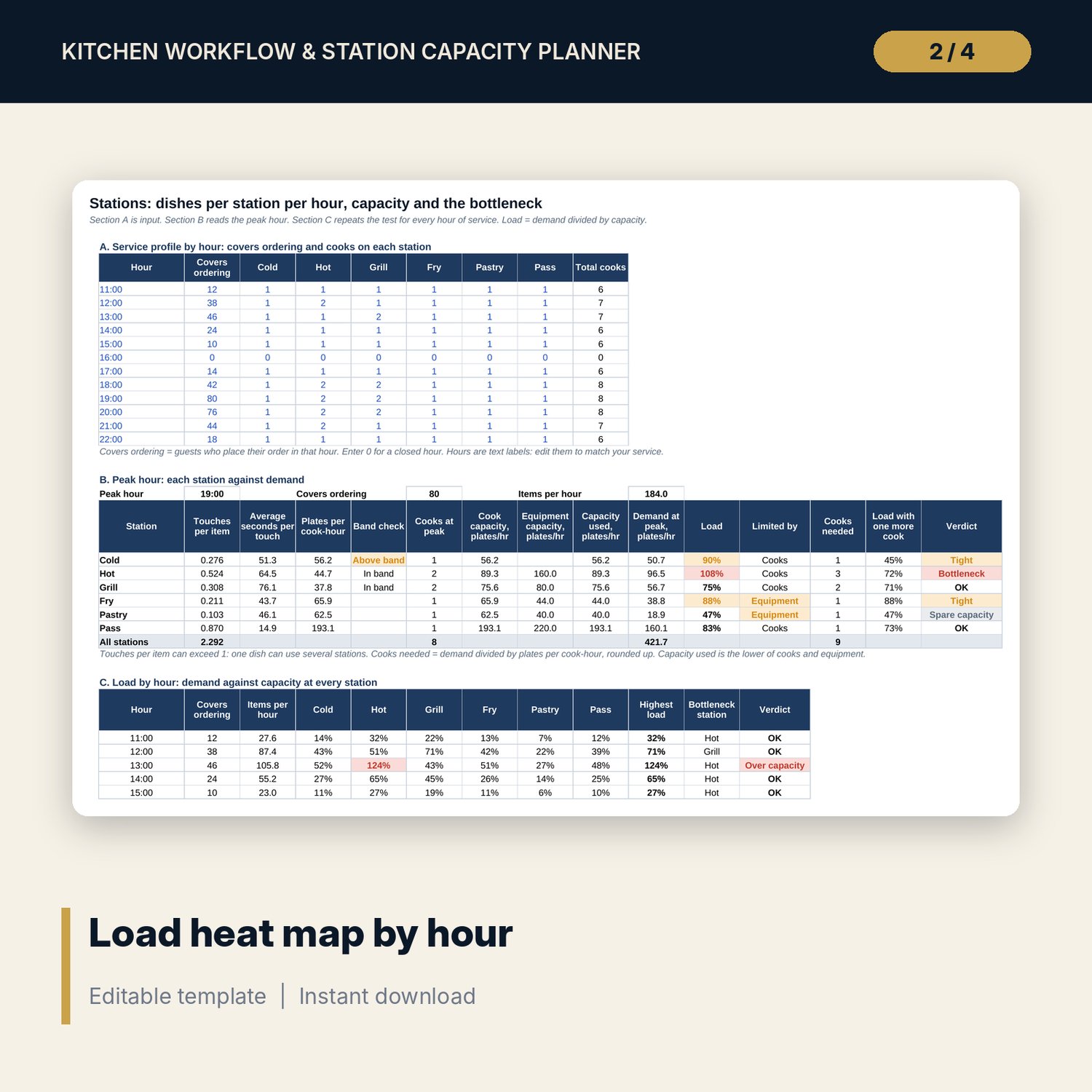
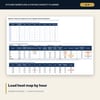
- Stations: covers and cooks for 12 hours, the peak hour for 6 service stations (load, limit, cooks needed, load with one more cook) and a heat map of every hour with the bottleneck named
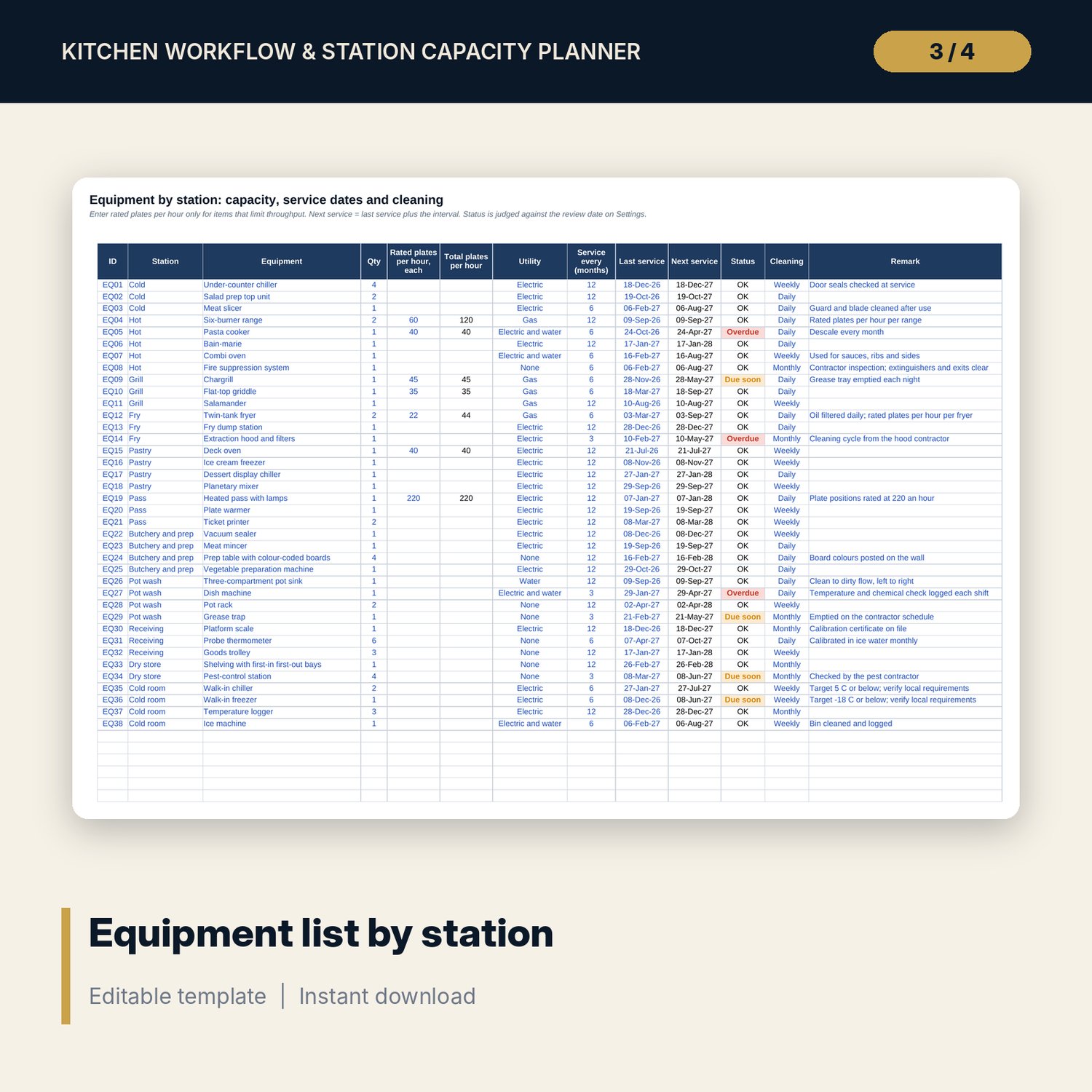
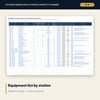
- Equipment: 38 sample items across 11 stations with rated plates per hour, service interval, next service date and status, a summary by station and 8 spare rows
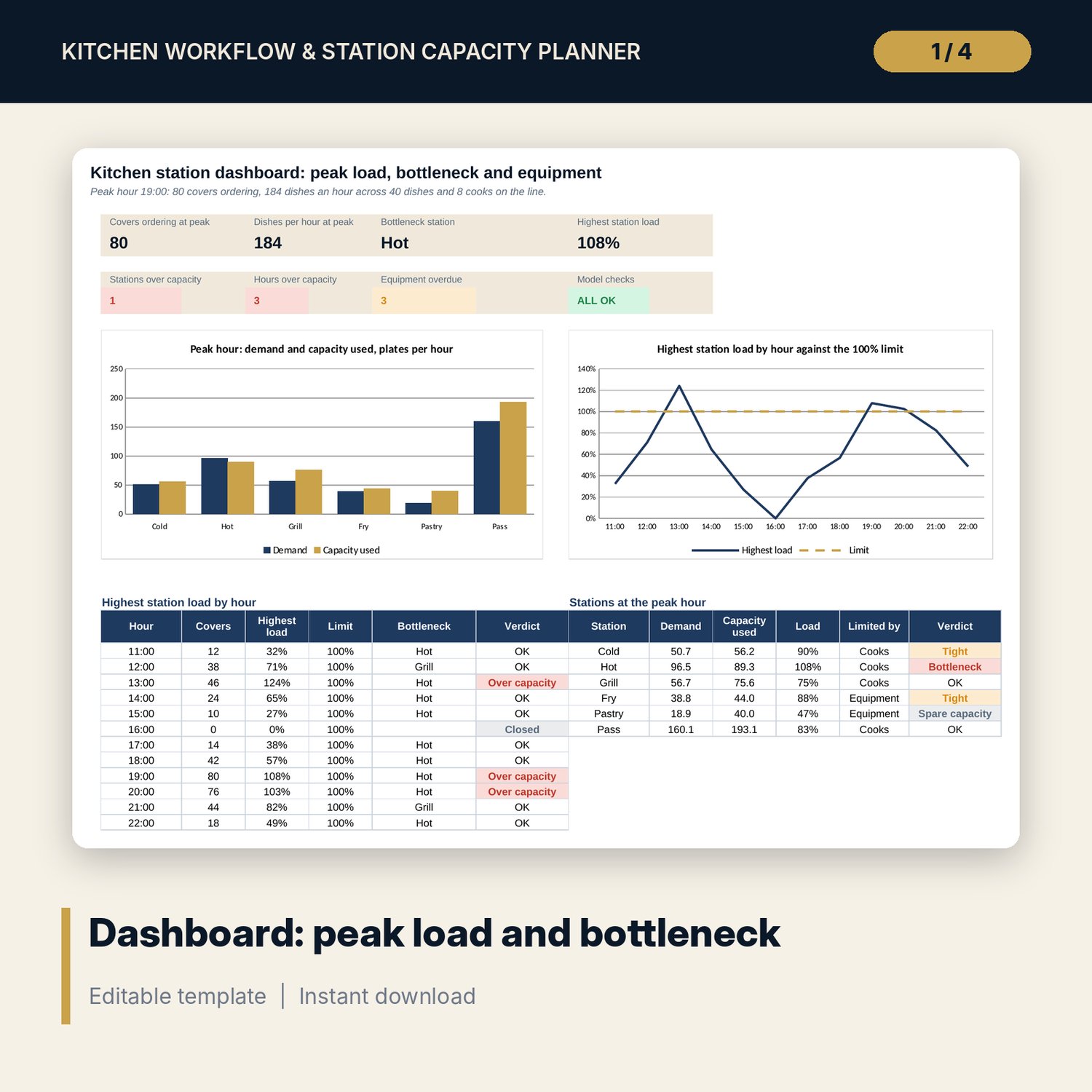
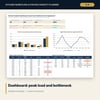
- Dashboard: 7 KPI tiles, a check tile, 2 charts, load by hour and the stations at the peak
- Kitchen_Workflow_Guide.docx and PDF: 9 pages with a station map, duties for 11 stations, 22 standards, a 22-line weighted audit sheet, a cleaning schedule of 19 tasks and a worked example
- README.txt and LICENSE-and-Terms.txt
How it works
- Set items per cover, cook efficiency, load alerts and the review date on Settings.
- List your dishes with a mix weight and up to three stations, with the active seconds at each.
- Enter covers ordering and the cooks on each station for every hour.
- Read the load, the limit (cooks or equipment) and the bottleneck, then test one more cook.
- List your equipment, book what is overdue and use the Word guide for the weekly audit.
Details
- Formats: 1 Excel workbook (.xlsx), 1 workflow guide in Word (.docx) and PDF, English
- Software: Excel 2016 or later, or LibreOffice Calc 7 or later
- No macros, no external links, no data tables, no array formulas
- 3 files plus README and license; instant digital download
Good to know
- Sample data is illustrative. Replace it with your own figures.
- Temperatures, hygiene rules, audit pass marks and equipment service intervals differ by location. Verify local requirements.
- These files are planning tools, not financial, legal or food-safety advice.
- Single-user license. Do not redistribute.
FAQ
How does it find the bottleneck?
Each station's demand at the peak hour is divided by its capacity, which is the lower of what its cooks can do and what its equipment is rated for. The station with the highest load is the bottleneck, and the verdict shows Bottleneck above 100%.
What are touches per item?
The share of dishes that use a station. One dish can use several stations, so total touches can be above 1.
Can it tell me whether to add a cook or buy equipment?
Yes. The Limited by column says Cooks or Equipment, and the next column shows the load with one more cook. If equipment is the limit, another cook leaves the load unchanged.
Can I use my own stations, hours and dishes?
Yes. Station names, covers, cooks, dishes, seconds and equipment are all inputs. Blank spare rows are included.
Do I need macros?
No. Every result is a standard worksheet formula.