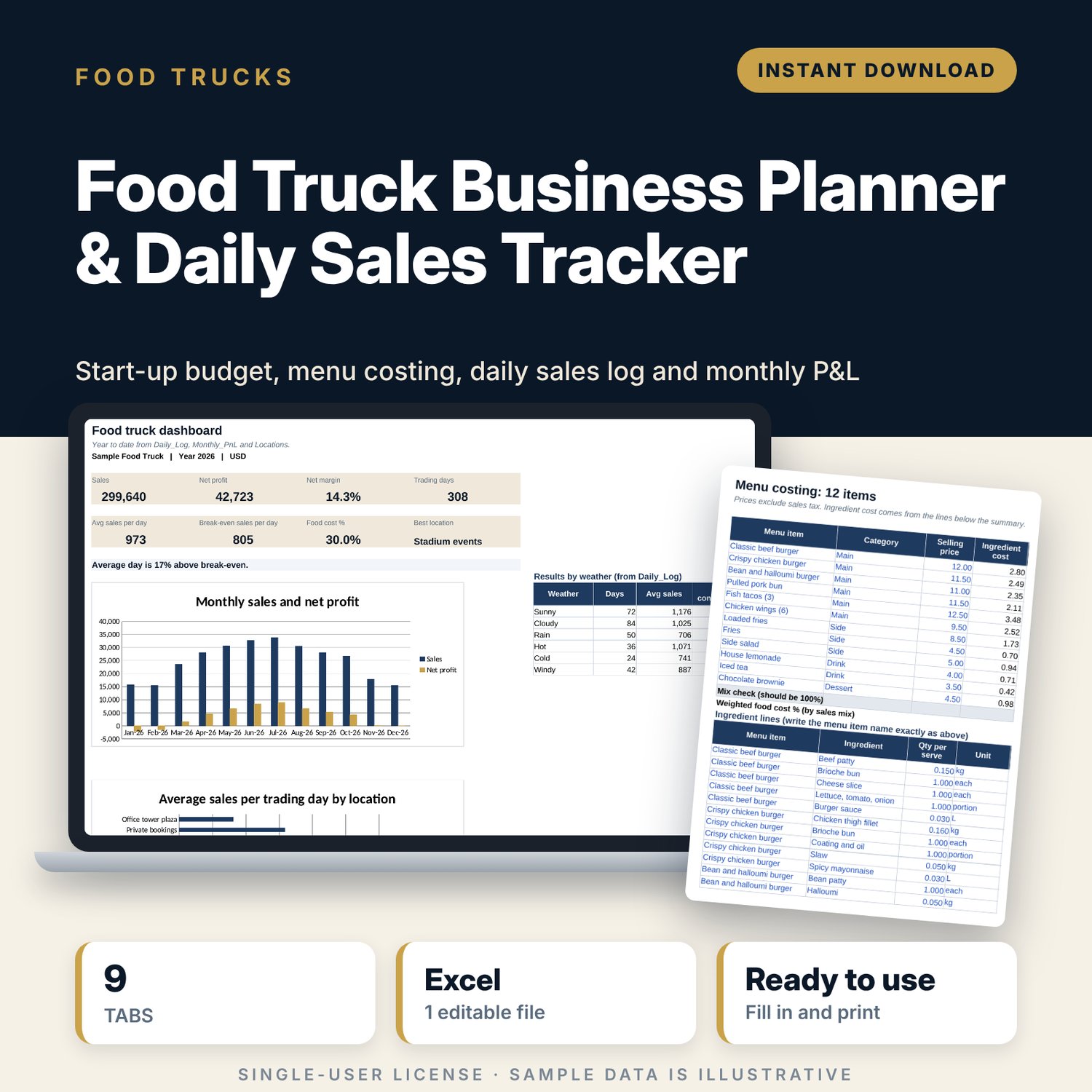
Food Truck Business Planner & Daily Sales Tracker: Food Truck Spreadsheet
Full description
For people starting or running a food truck, trailer or market stall who want to know which pitches pay, what each dish earns and how much they must sell each day to cover costs. You budget the start-up and cost the menu once, then log each trading day in one row. The workbook ranks your locations, tracks permit expiry dates, builds a monthly profit and loss and calculates break-even sales and orders per trading day.
Save with a bundle: this template is also in the Food & Leisure Business Startup Bundle, 14 templates for $35 instead of $103. All 141 templates are in the All-Access Hospitality Template Library for $79.
What is inside
- Food_Truck_Business_Planner_Sales_Tracker.xlsx: 9 tabs, 1,974 formulas, 3 native charts, 15 drop-down or number rules.
- Settings: year, currency label, target food cost %, card share and fee, staff cost per hour, planned trading days, renewal warning days, 9 fixed monthly cost lines and 8 drop-down lists.
- Startup_Budget: room for 40 items (23 sample lines) in 10 categories with budget, quote or actual, variance, status and funding source, plus a funding check for 5 sources.
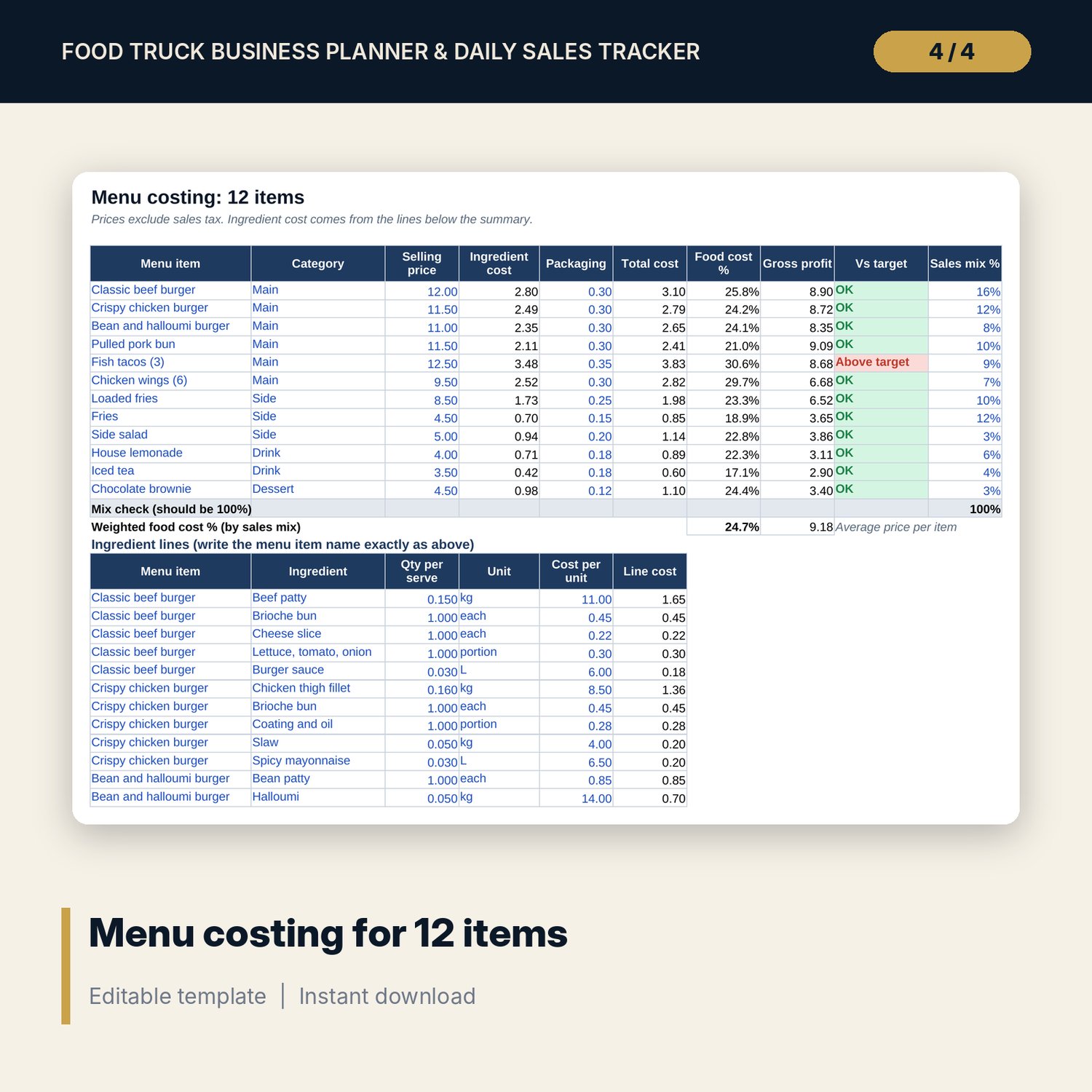
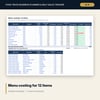
- Menu_Costing: 12 menu items with selling price, ingredient cost, packaging, food cost %, gross profit, target flag and sales mix, built from up to 96 ingredient lines (46 sample lines).
- Locations: room for 14 pitches (10 samples) with days traded, average sales, orders and ticket, food cost %, average contribution per day, rank and verdict.
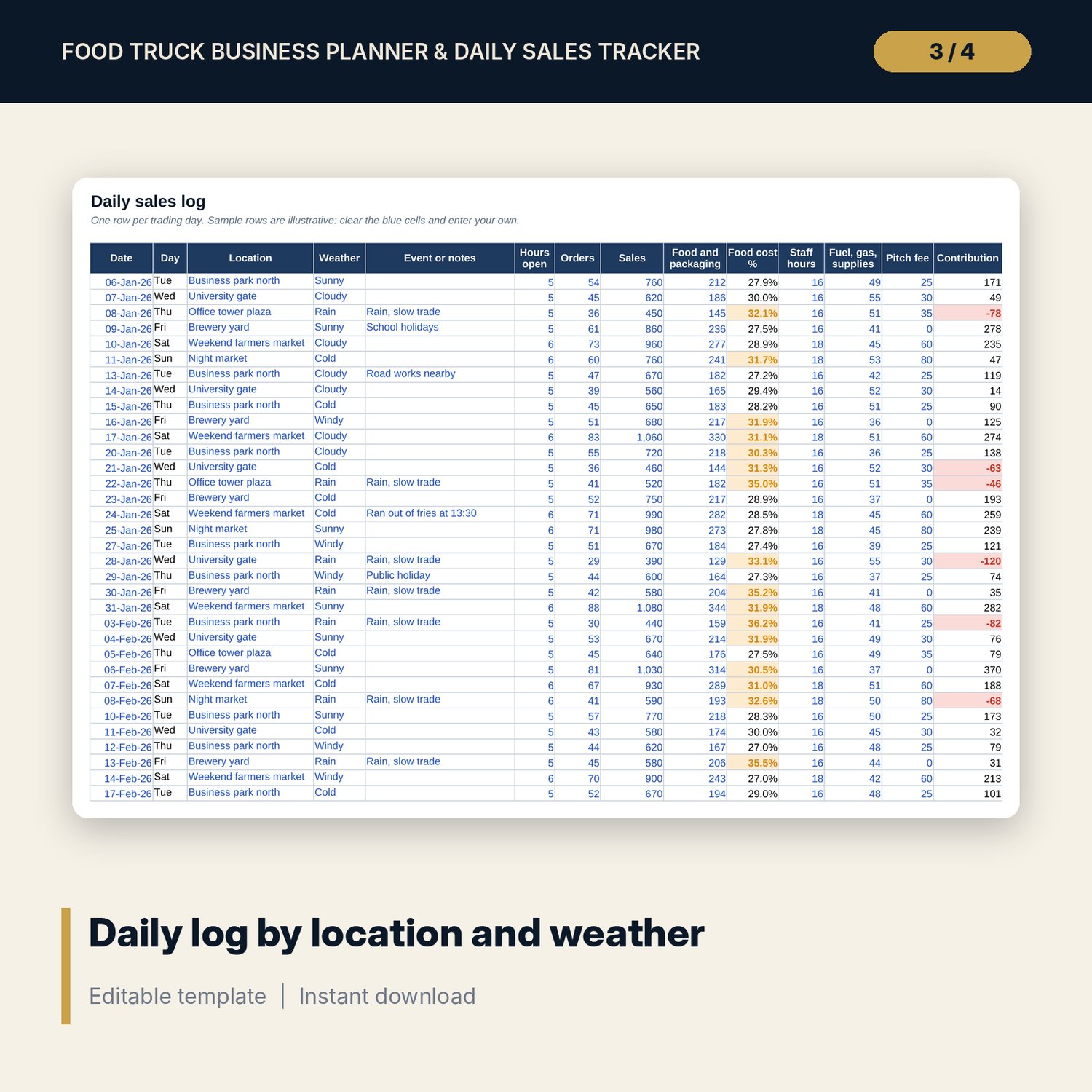
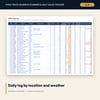
- Daily_Log: room for 420 trading days (308 sample days) with location, weather, notes, orders, sales, food cost, staff hours, fuel and pitch fee. Contribution per day calculates.
- Permits_Fees: room for 60 permits, licences, inspections and event fees (14 samples) with days left and an Expired, Renew soon or Valid status.
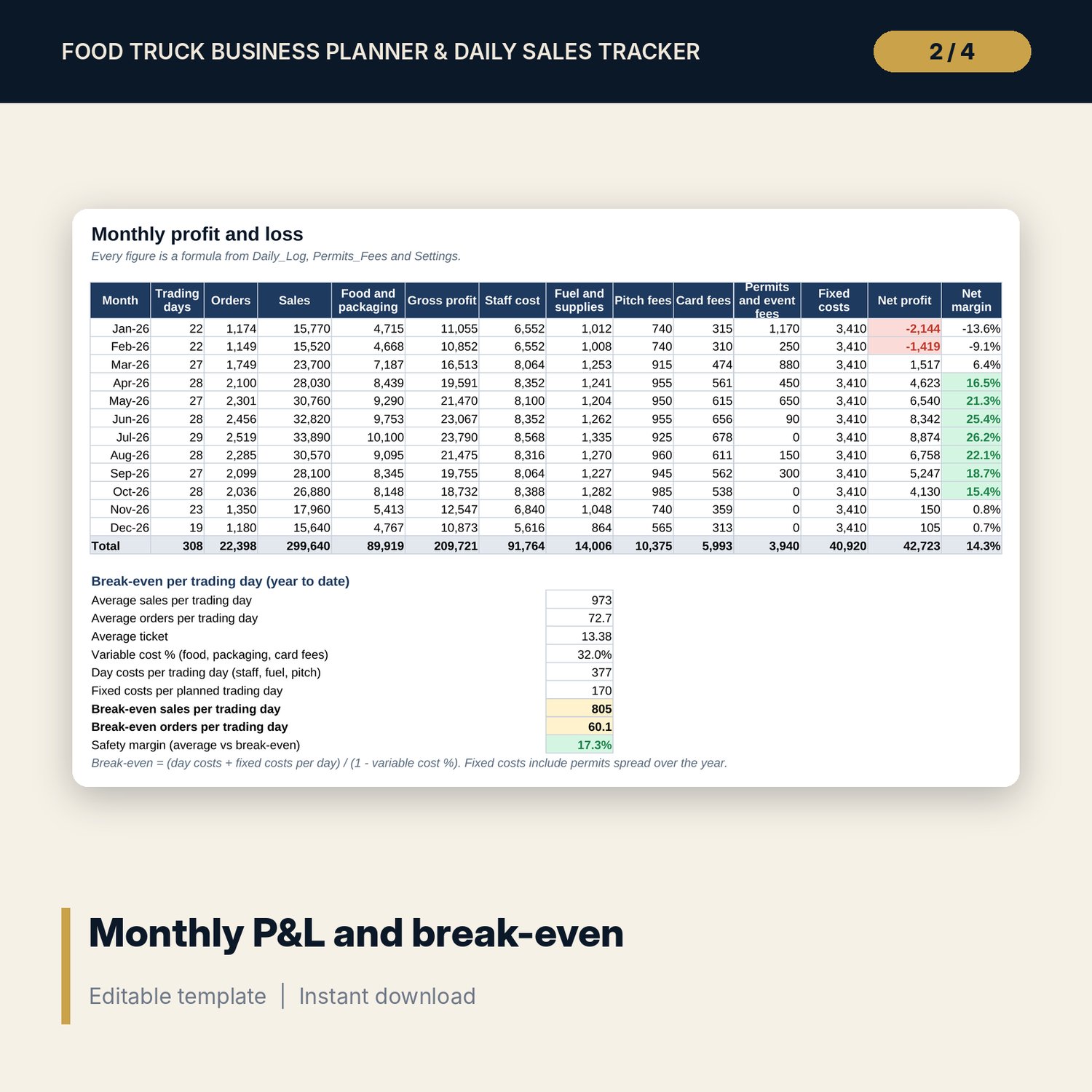
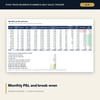
- Monthly_PnL: 12 months of trading days, orders, sales, costs, net profit and margin, plus a 9-line break-even block per trading day.
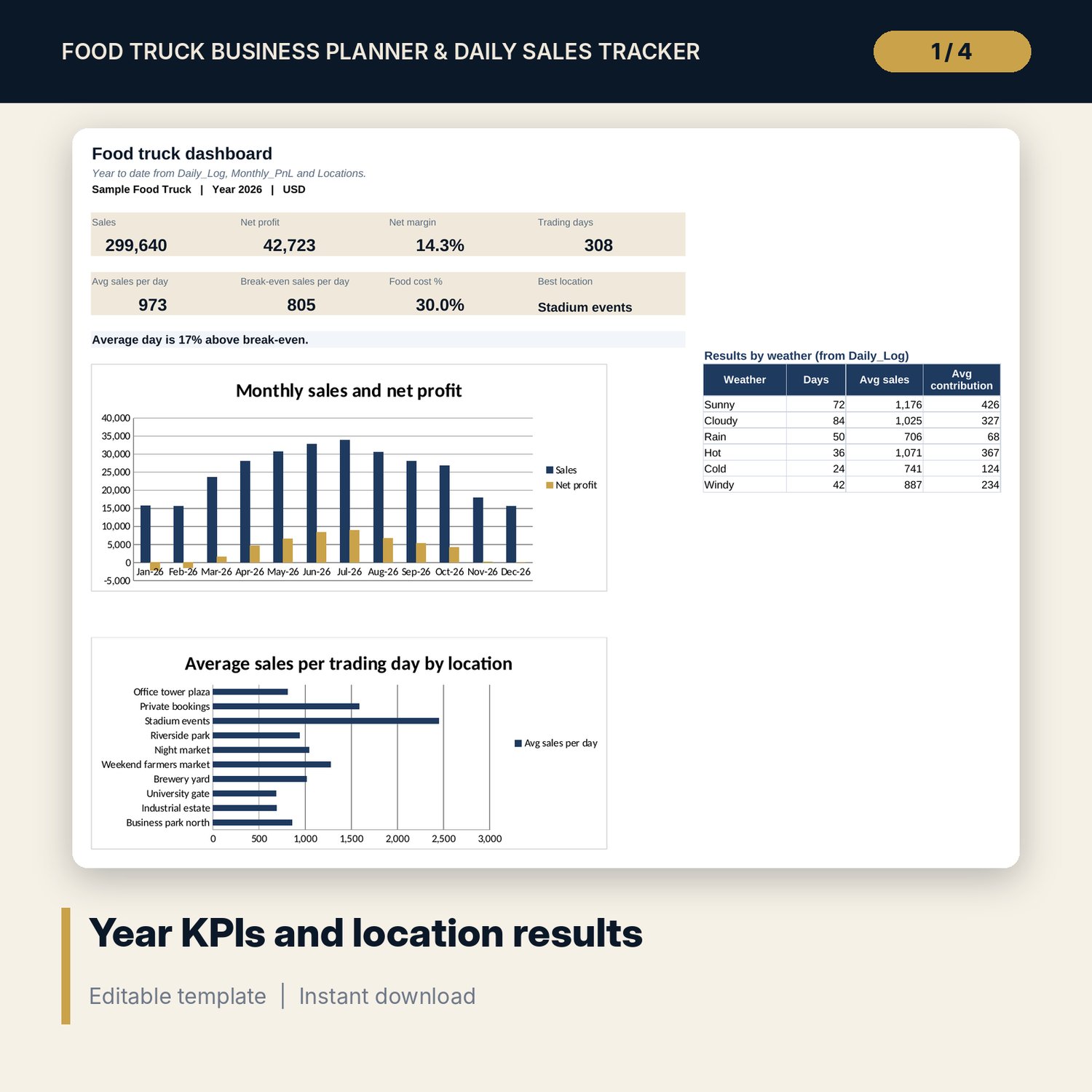
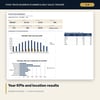
- Dashboard: 8 KPI tiles, a break-even line, results for 6 weather types and 2 charts. Locations has a third chart.
- README.txt and LICENSE-and-Terms.txt.
How it works
- Set your targets, rates and fixed monthly costs on Settings.
- Build the start-up budget and check the funding gap before you buy.
- Cost each menu item from its ingredient lines and set your prices.
- Log every trading day: location, weather, sales, food cost, hours, fuel and pitch fee.
- Read the location ranking, the monthly P&L and the break-even per day each week.
Details
- Format: Excel workbook (.xlsx). No macros.
- Language: English. Currency is a label you choose.
- Software: Excel 2016 or later, or a spreadsheet program that opens .xlsx files.
- Delivery: instant digital download. Nothing is shipped.
Good to know
- All sample sales, costs, locations and permits are illustrative. Replace them with your own data.
- Permit, licence and inspection rules differ by city and region. Verify local requirements.
- This is a planning tool, not tax or financial advice.
- Single-user license. Do not share or resell the files.
FAQ
Can I use it for a market stall or coffee cart?
Yes. Rename the menu items, locations and cost lines to match your business.
How is a location ranked?
By average contribution per trading day: sales minus food and packaging, staff, fuel, pitch fee and card fees.
What does break-even per day mean here?
The sales you need on an average trading day to cover day costs, variable costs and your share of monthly fixed costs and permits.
Does it work in Google Sheets?
It opens in Google Sheets and the formulas calculate. Check the drop-downs after import.
Is this a physical product?
No. It is a digital download. Refund terms follow the store policy at the time of purchase.