Restaurant Allergen Matrix & Menu Allergen Chart: Allergen Matrix Spreadsheet and Handling Procedure
Full description
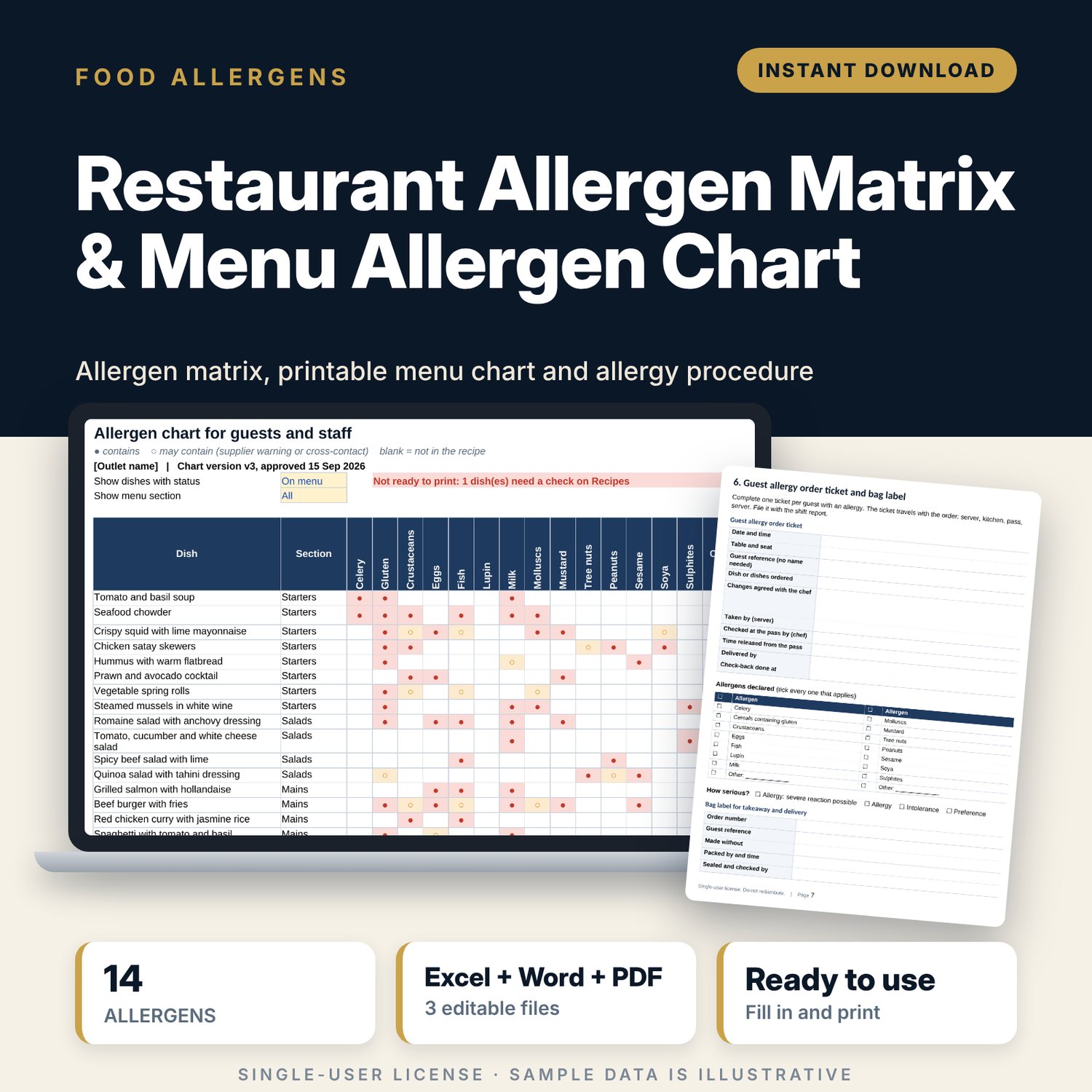
For restaurant owners, head chefs and F&B managers who need one reliable answer when a guest asks "what is in this dish?". You flag the 14 common allergens on each ingredient once, from the supplier label or spec sheet. You list your dishes and their ingredients. The workbook then works out the allergens in every dish, prints a one-page allergen chart for guests and staff, and warns you when a dish has an unknown ingredient or a spec is out of date. The procedure document gives your team the order-taking words, the kitchen cross-contact checks and the guest allergy ticket that go with the chart.
Save with a bundle: this template is also in the Restaurant & Café Operations Bundle, 17 templates for $39 instead of $116. All 141 templates are in the All-Access Hospitality Template Library for $79.
What is inside
- Restaurant_Allergen_Matrix.xlsx: 7 tabs, 2,984 formulas, 2 native charts, 15 drop-down or number rules.
- Settings: outlet name, chart version, spec check interval, the 14 allergens with editable names, codes and chart labels, and 7 drop-down lists.
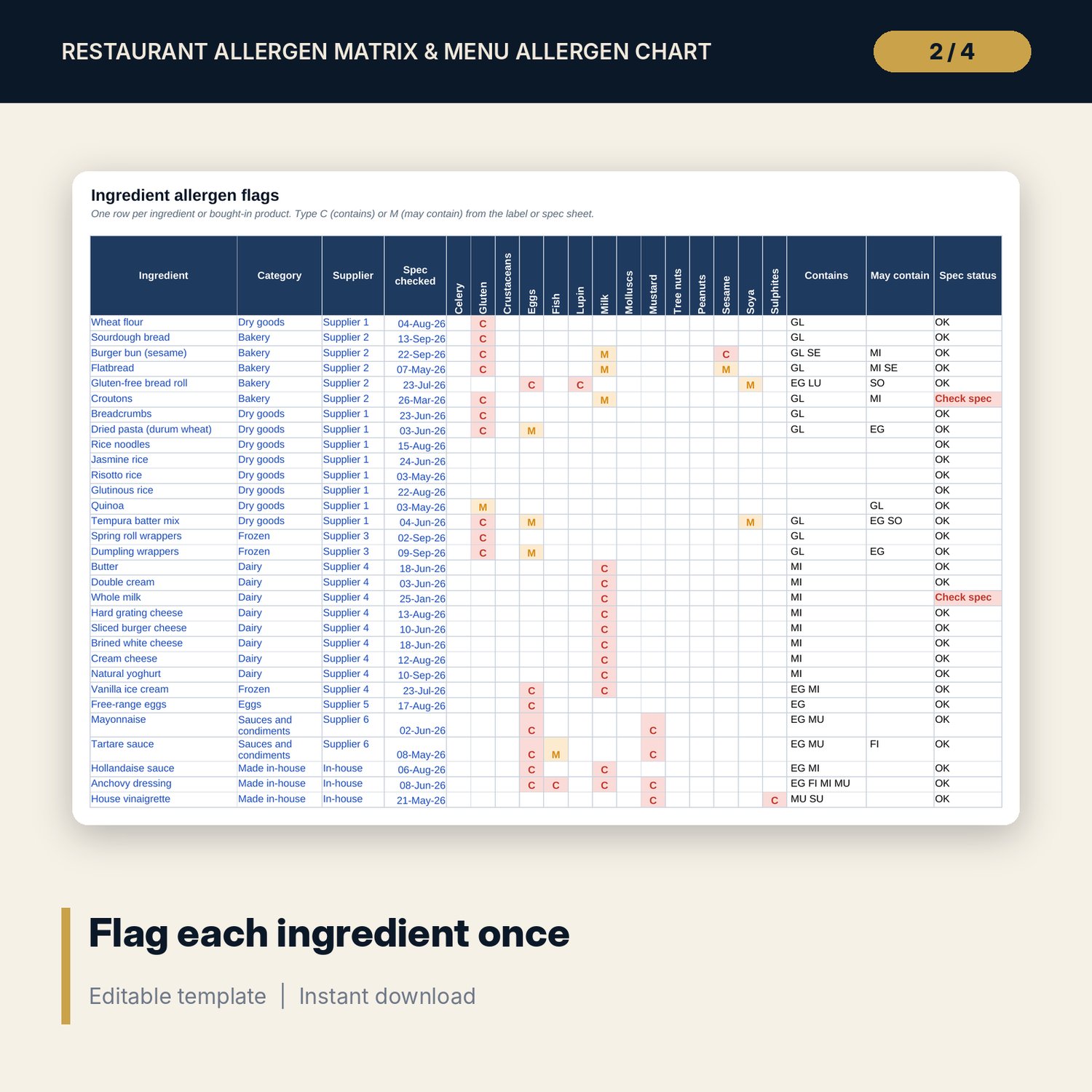
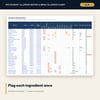
- Ingredients: room for 150 ingredients (104 sample rows). Type C (contains) or M (may contain) under each allergen. Old or missing spec dates are flagged.
- Recipes: dish list with room for 60 dishes (40 samples) and recipe lines with room for 400 rows (212 samples). Allergens per dish calculate. Checks flag unknown ingredients, dishes without ingredients and duplicate names.
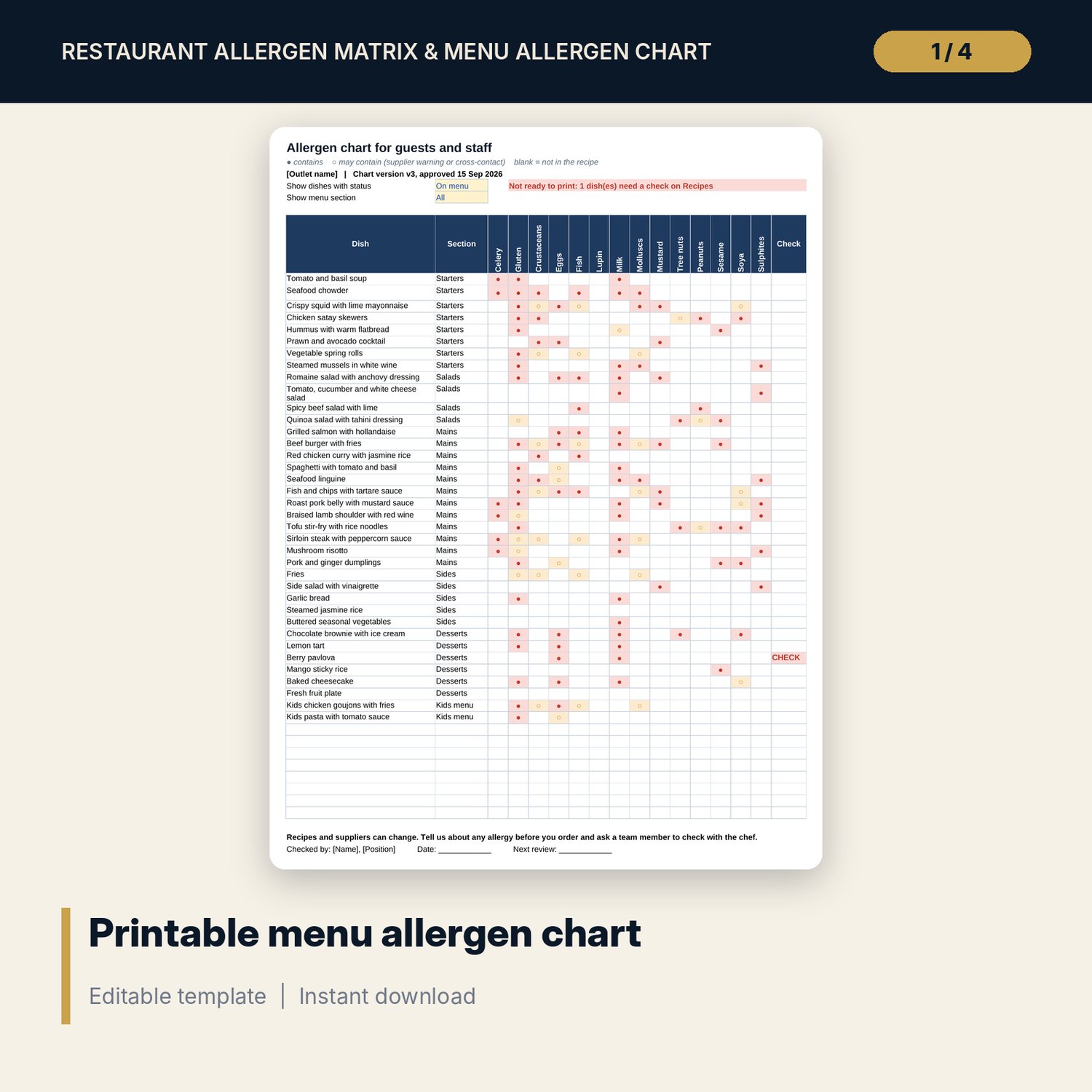
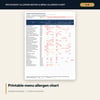
- Allergen_Chart: one printable page for up to 45 dishes, with a contains or may-contain mark for each of the 14 allergens. Filter by dish status and menu section. It shows CHECK and "Not ready to print" when a dish is incomplete.
- Change_Log: room for 40 changes (10 samples) with an open or closed status, plus a staff sign-off record with room for 50 rows (14 samples) that flags anyone not briefed on the current version.
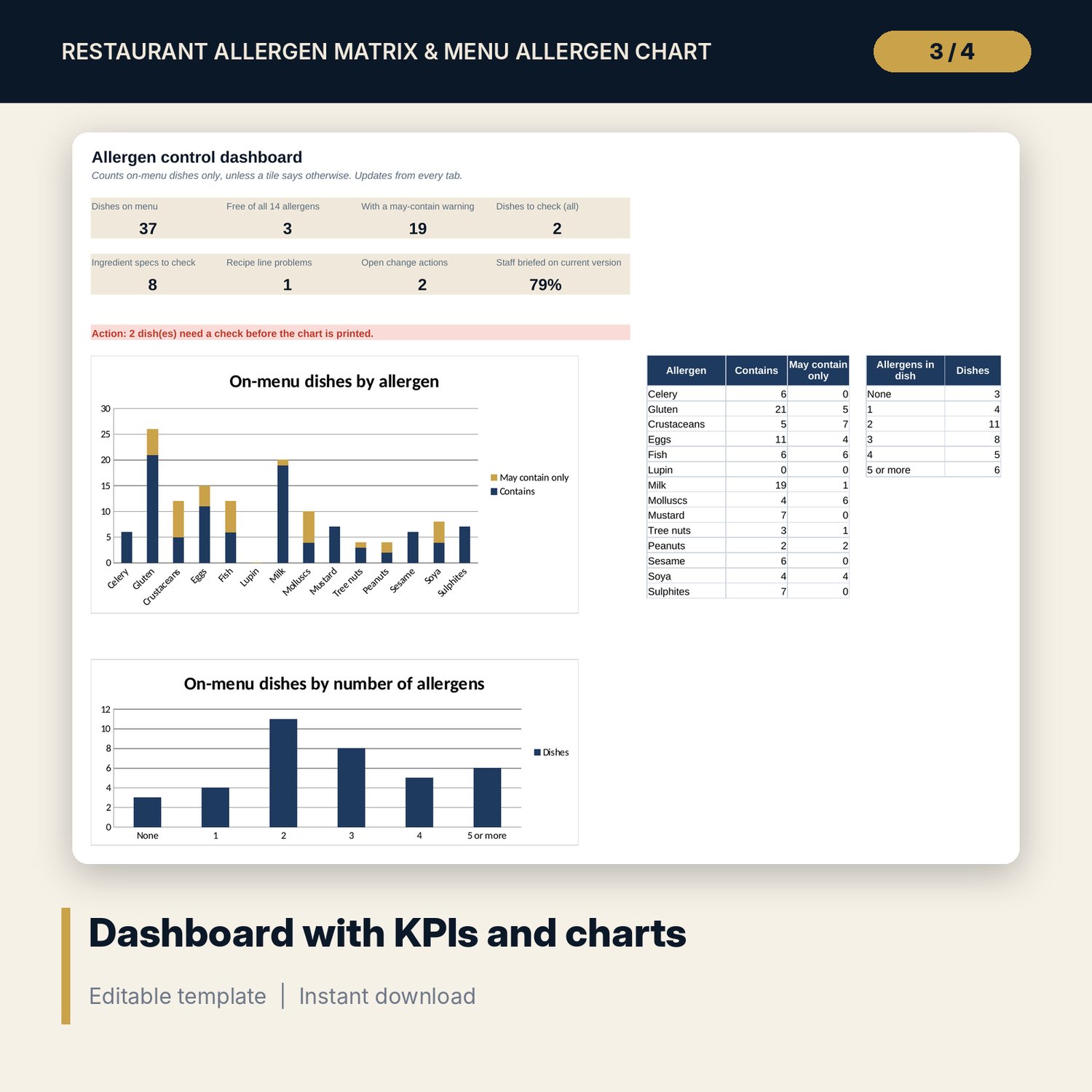
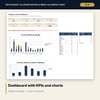
- Dashboard: 8 KPI tiles and 2 charts (dishes by allergen, dishes by number of allergens).
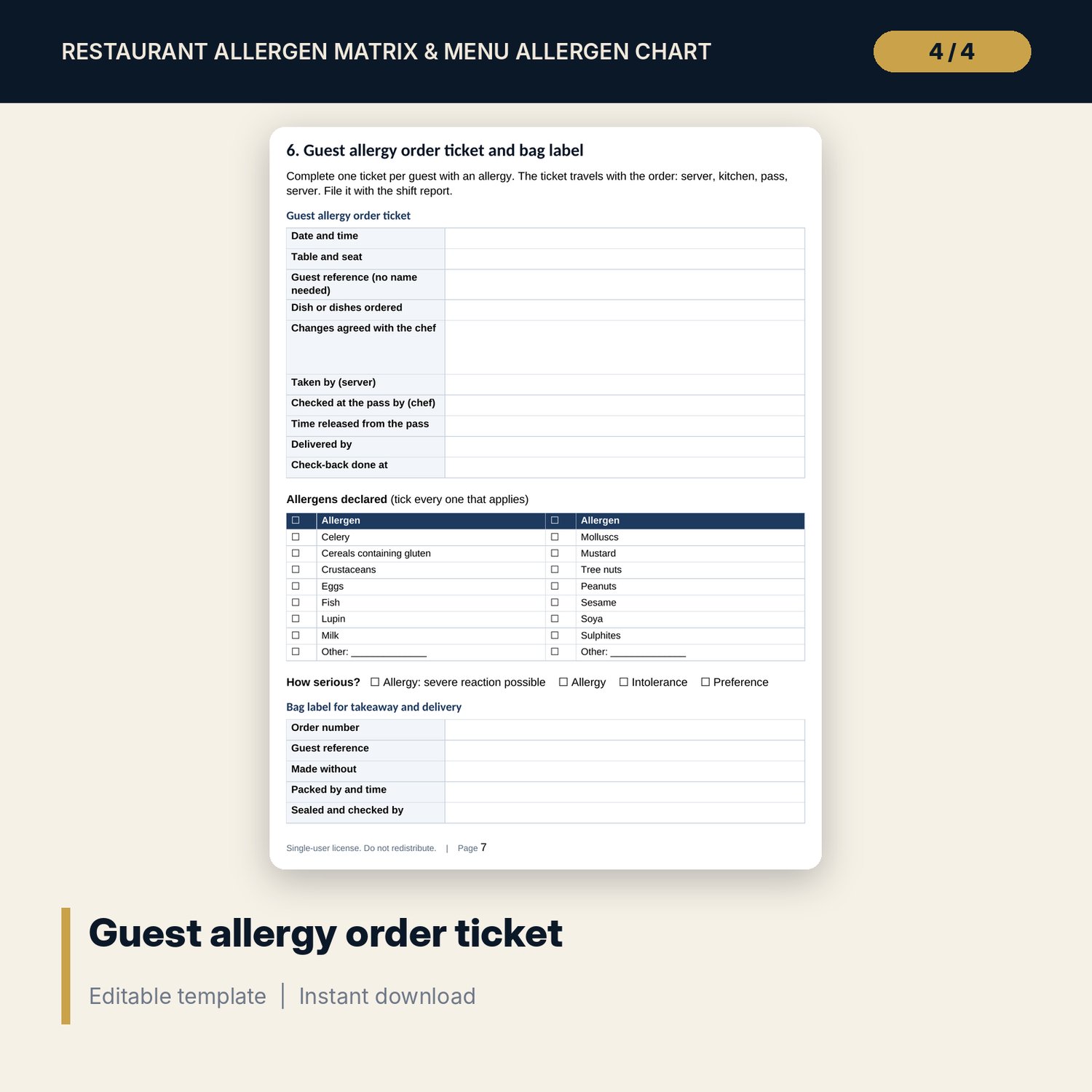
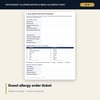
- Allergen_Handling_Procedure.docx (editable) and Allergen_Handling_Procedure.pdf, 9 A4 pages: where the 14 allergens hide, roles, standards for 12 stages from buying to cleaning, a 6-step order-taking script with 10 "say and avoid" lines, 10 rules for every shift, a 28-point kitchen cross-contact checklist, a guest allergy order ticket with 14 allergen tick boxes and a bag label, an incident and near-miss record (14 fields) and a 12-point monthly review.
- README.txt and LICENSE-and-Terms.txt.
How it works
- Enter your outlet name and chart version on Settings and check the allergen list against local labelling rules.
- Flag each ingredient with C or M from its label or spec sheet.
- List your dishes, add their ingredients, and fix every row that does not show OK.
- Print Allergen_Chart when it says "Ready to print" and train the team with the procedure.
- Log every change, raise the chart version and record each staff sign-off.
Details
- Formats: Excel workbook (.xlsx), Word document (.docx) and PDF. No macros.
- Language: English. A4 print layout.
- Software: Excel 2016 or later, or a spreadsheet program that opens .xlsx files. Word or any program that opens .docx files.
- Delivery: instant digital download. Nothing is shipped.
Good to know
- All sample dishes, ingredients and allergen flags are illustrative. Replace them with your own recipes and supplier labels.
- The 14 allergens follow a widely used regulatory list. Some markets use another list or extra rules. Verify local labelling rules.
- The files support your allergen controls. They are not legal, medical or food safety certification advice.
- Single-user license. Do not share or resell the files.
FAQ
Can I change the allergen list?
Yes. Rename allergens and chart labels on Settings. Column headers, the chart and the dashboard follow. Keep each code unique.
What do C and M mean?
C means the ingredient contains the allergen. M means the label warns it may contain it, or your kitchen adds a cross-contact risk such as a shared fryer.
How many dishes fit on the printed chart?
45 per page. For a bigger menu, filter by menu section and print one section at a time.
What software do I need?
Excel 2016 or later for the workbook. Word or any program that opens .docx files for the procedure. The PDF opens in any PDF reader.
Is this a physical product?
No. It is a digital download. Refund terms follow the store policy at the time of purchase.