Afternoon Tea & Tea Lounge Product Costing: Afternoon Tea Costing Workbook and Service Standards
Full description
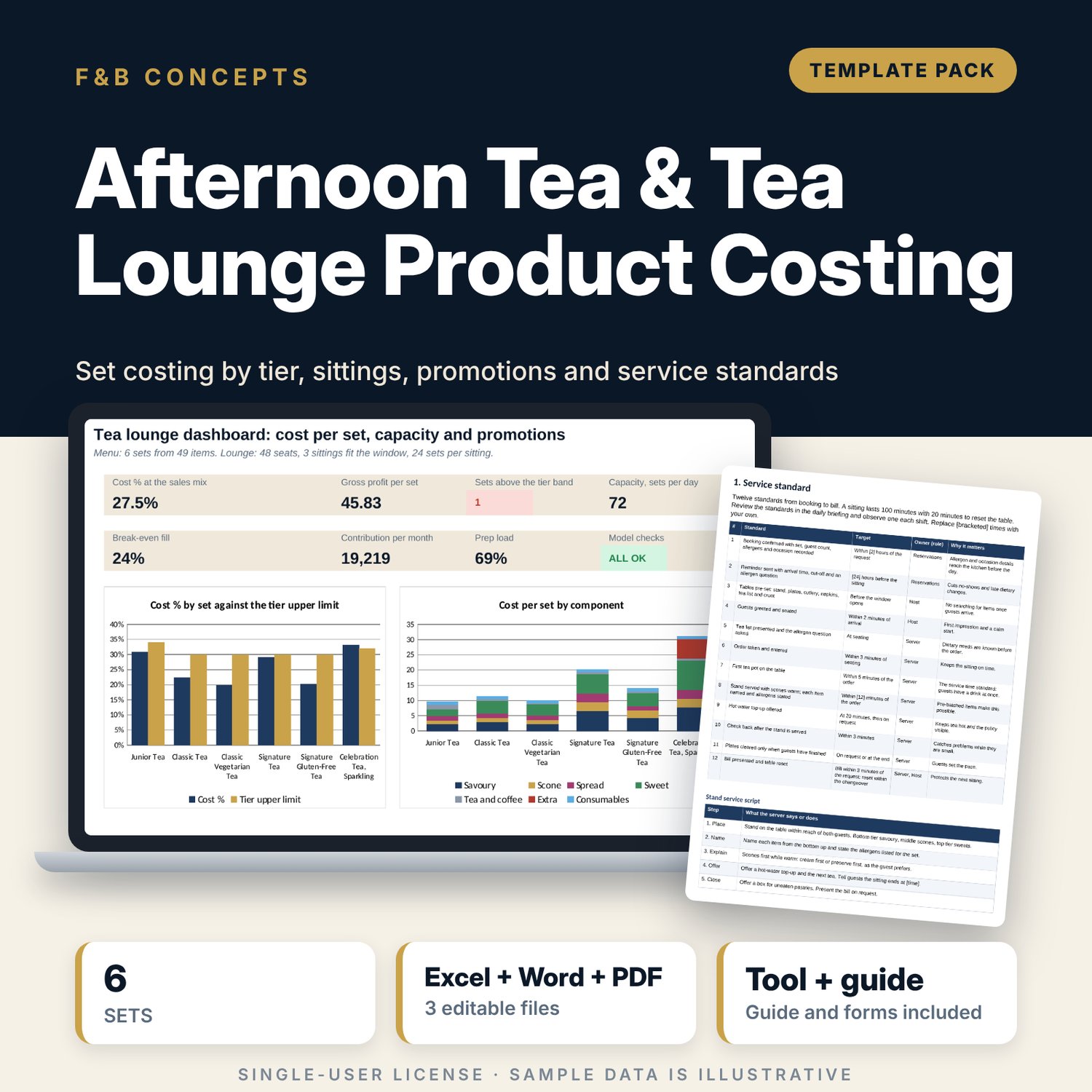
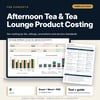
For hotel food and beverage managers, tea lounge managers and pastry chefs who sell afternoon tea and need cost, capacity and promotions under control. The workbook costs 49 items (cost per serve with yield loss), builds 6 tiered sets for two guests, shows cost % against a tier band, gross profit and the price needed at the band mid-point, counts allergens by set, turns seats and sitting length into sets per day and break-even fill, and tests 7 promotions before you run them. A 9-page Word pack holds the service standards, set specifications, tea standard, daily preparation checklist and forms.
What is inside
- Afternoon_Tea_Costing_Workbook.xlsx: 7 tabs, 1,247 formulas, 2 native charts, 28 drop-down and input rules
- Menu Costing: 49 sample items in 6 components plus 8 spare rows; cost per serve, allergens, vegetarian flag, prep minutes and cost % for items sold singly
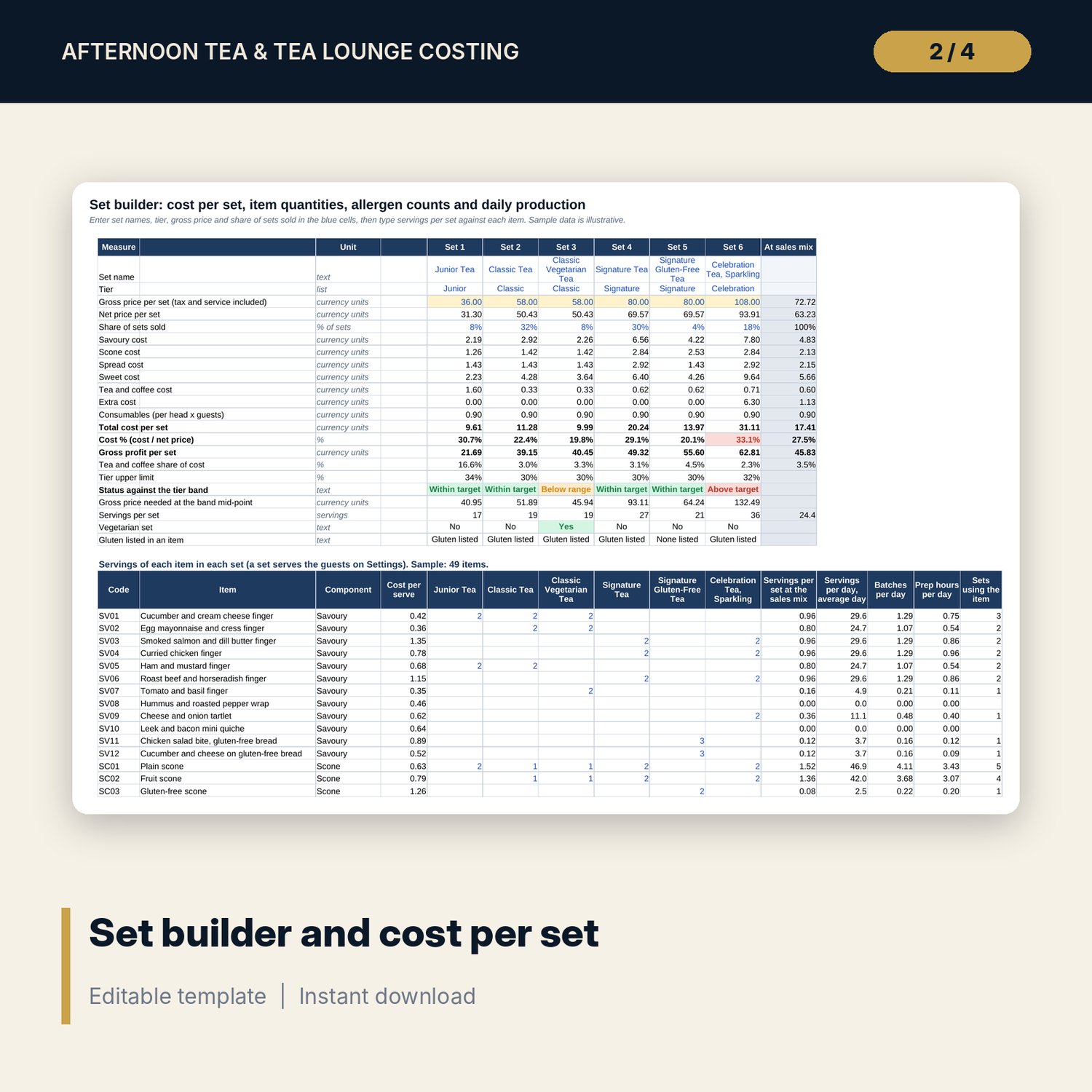
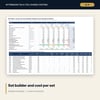
- Set Builder: 6 sample sets in 4 tiers; cost by component, cost %, status, price at target, vegetarian and gluten flags, a 14-group allergen matrix and a daily production plan
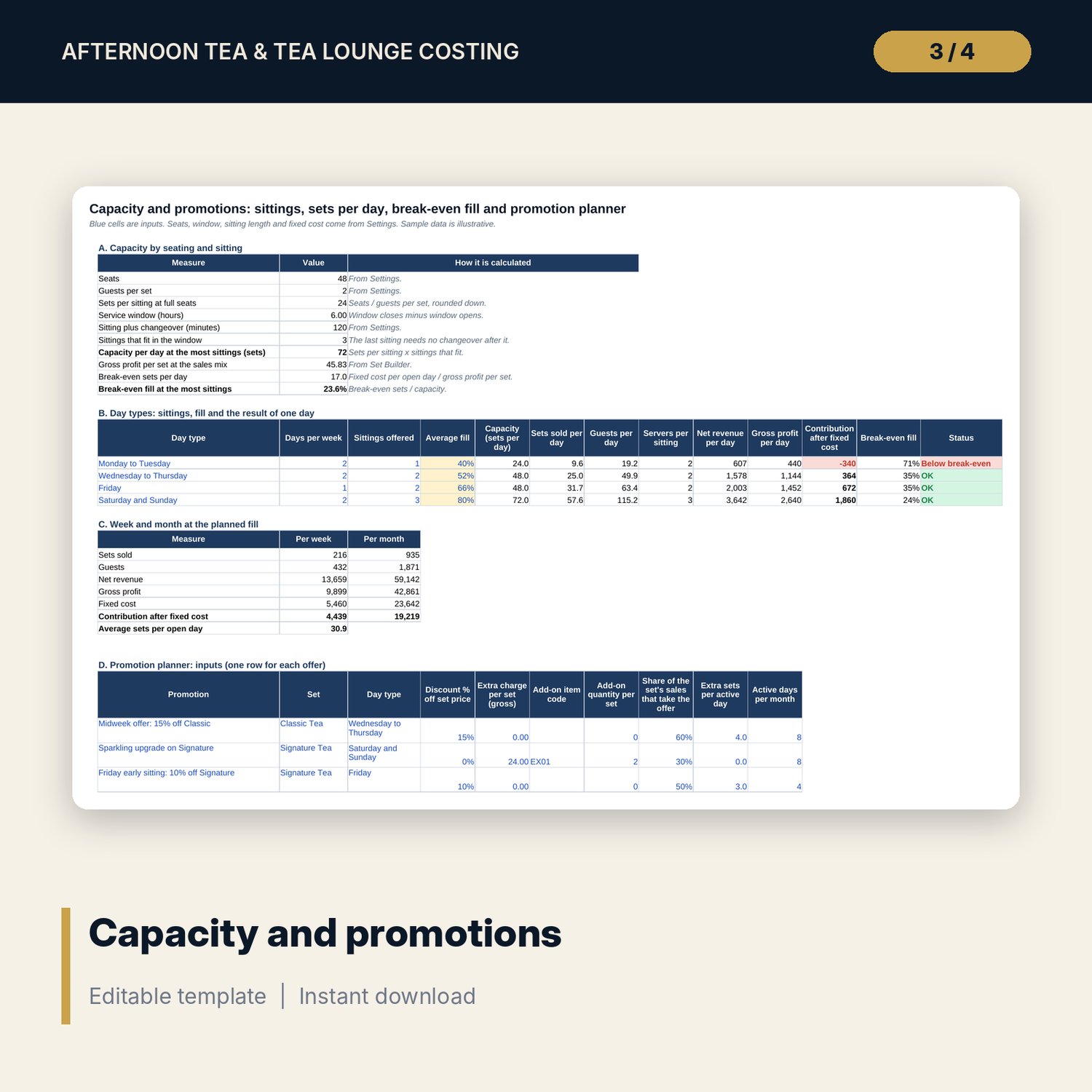
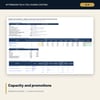
- Capacity and Promotions: sittings that fit the window, 4 day types with break-even fill, week and month totals and 7 sample promotions with spare rows
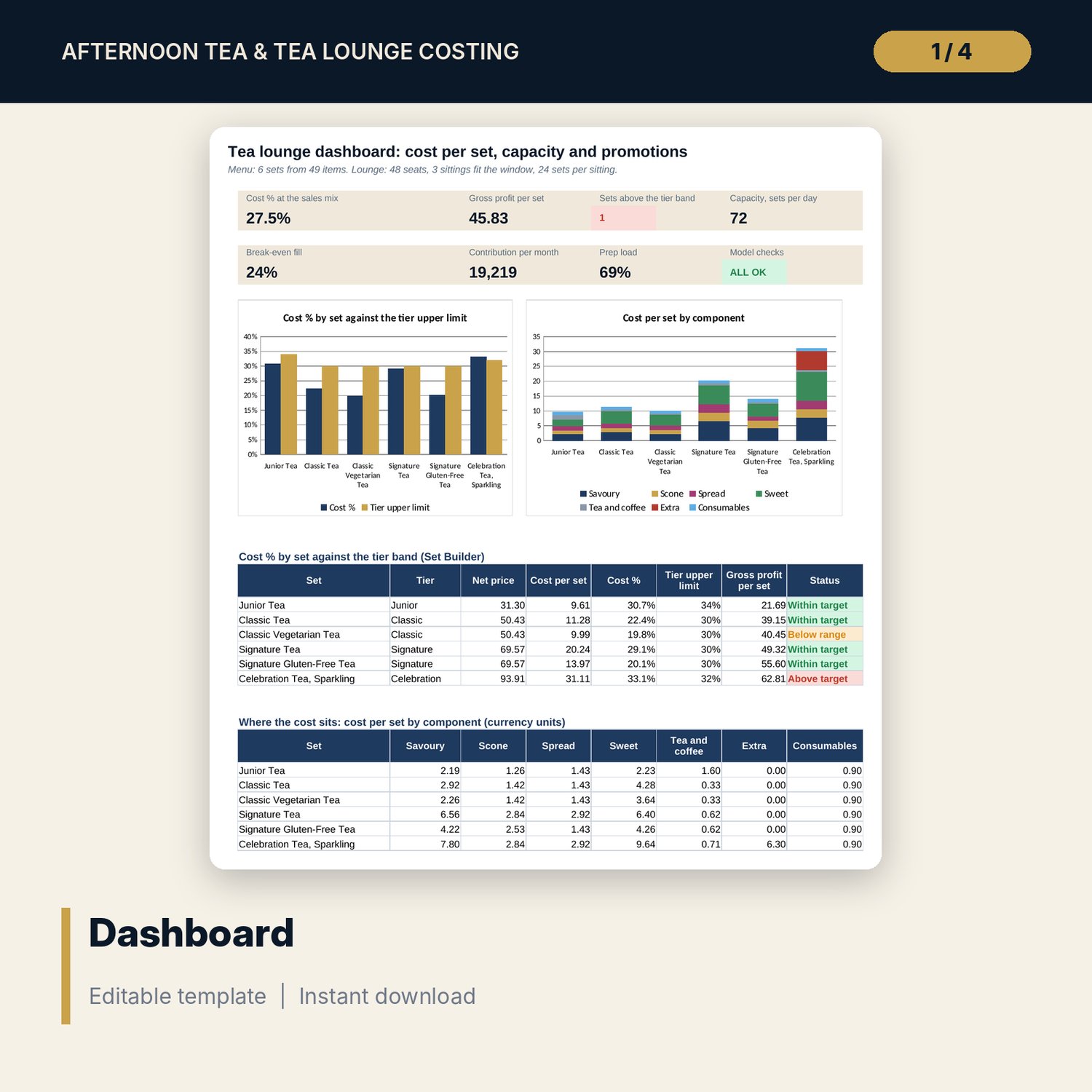
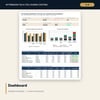
- Dashboard: 7 KPI tiles, a check tile, 2 charts and two tables; 8 integrity checks
- Afternoon_Tea_Service_Standards.docx and PDF: 9 pages with 12 service standards, set specifications, allergen declaration, tea standard, a 10-line daily checklist, forms and a worked example
- README.txt and LICENSE-and-Terms.txt
How it works
- Enter the tax and service rate, seats, window, sitting length, fixed cost and tier bands on Settings.
- Replace the sample items with your batch costs, serves, yield loss and allergens.
- Build each set on Set Builder and read the cost %, status and allergen counts.
- Set days, sittings and fill, then test each promotion on Capacity and Promotions. Print the standards for the team.
Details
- Formats: 1 Excel workbook (.xlsx), 1 standards pack in Word (.docx) and PDF, English
- Software: Excel 2016 or later, or LibreOffice Calc 7 or later
- No macros, no external links, no data tables, no array formulas
- 3 files plus README and license; instant digital download
Good to know
- Sample data is illustrative. Replace it with your own figures.
- Rules for tax, service charge, allergen declaration and food safety differ by location. Verify local requirements before you use any limit, temperature or wording.
- These files are management tools, not legal, tax or food-safety advice.
- Single-user license. Do not redistribute.
FAQ
How is the cost of a set calculated?
Each item has a cost per serve = batch cost / (serves per batch x (1 - yield loss)). A set adds quantity x cost per serve for every item, plus consumables for each guest.
Can I add more items or sets?
Yes. Menu Costing has 8 spare rows and the grid on Set Builder follows them. The workbook holds 6 sets; overwrite any set to change it.
What does break-even fill mean?
Break-even sets per day = fixed cost per day / gross profit per set. Dividing by the sets the lounge can serve in a day gives the fill you need to cover fixed cost.
How does the promotion planner work?
You enter a discount, an extra charge, an add-on item, the share of guests who take the offer and the extra sets you expect. It returns profit per day and month and the extra sets needed to break even.
Do I need macros or add-ins?
No. Every result is a standard worksheet formula.