Bar Layout, Mise-en-Place & Equipment Specification Planner: Bar Layout, Equipment List, Smallware Par and Opening Budget Workbook
Full description
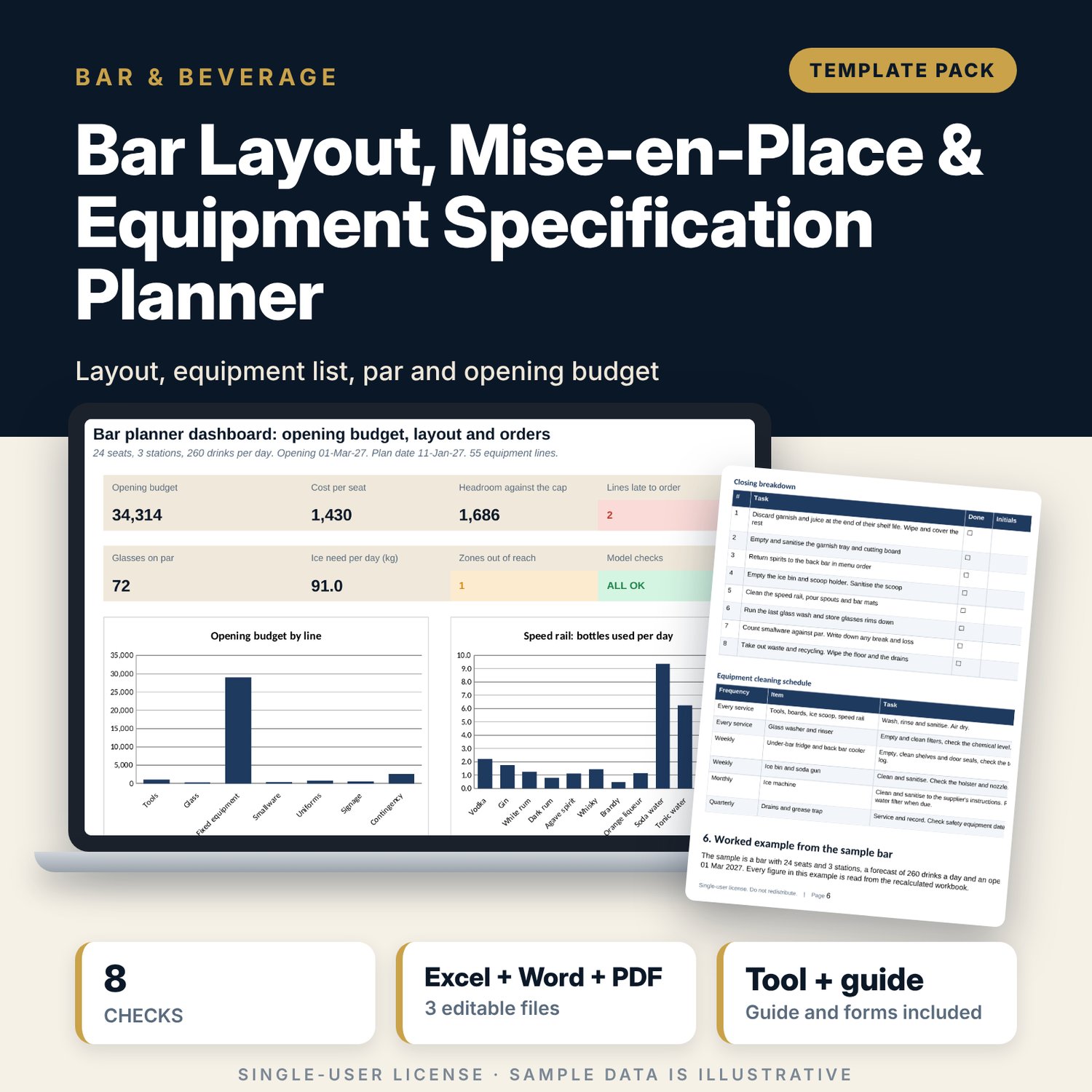
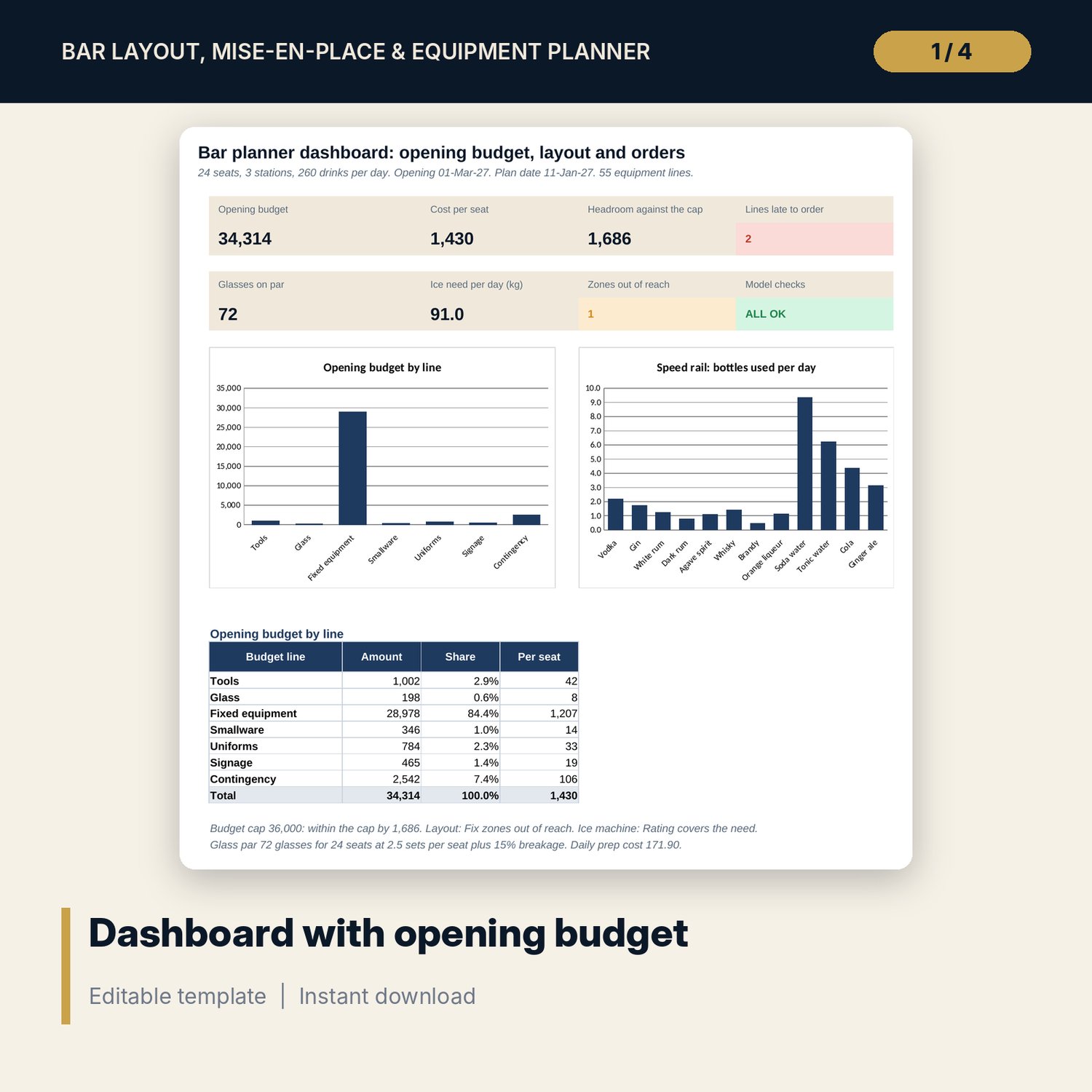
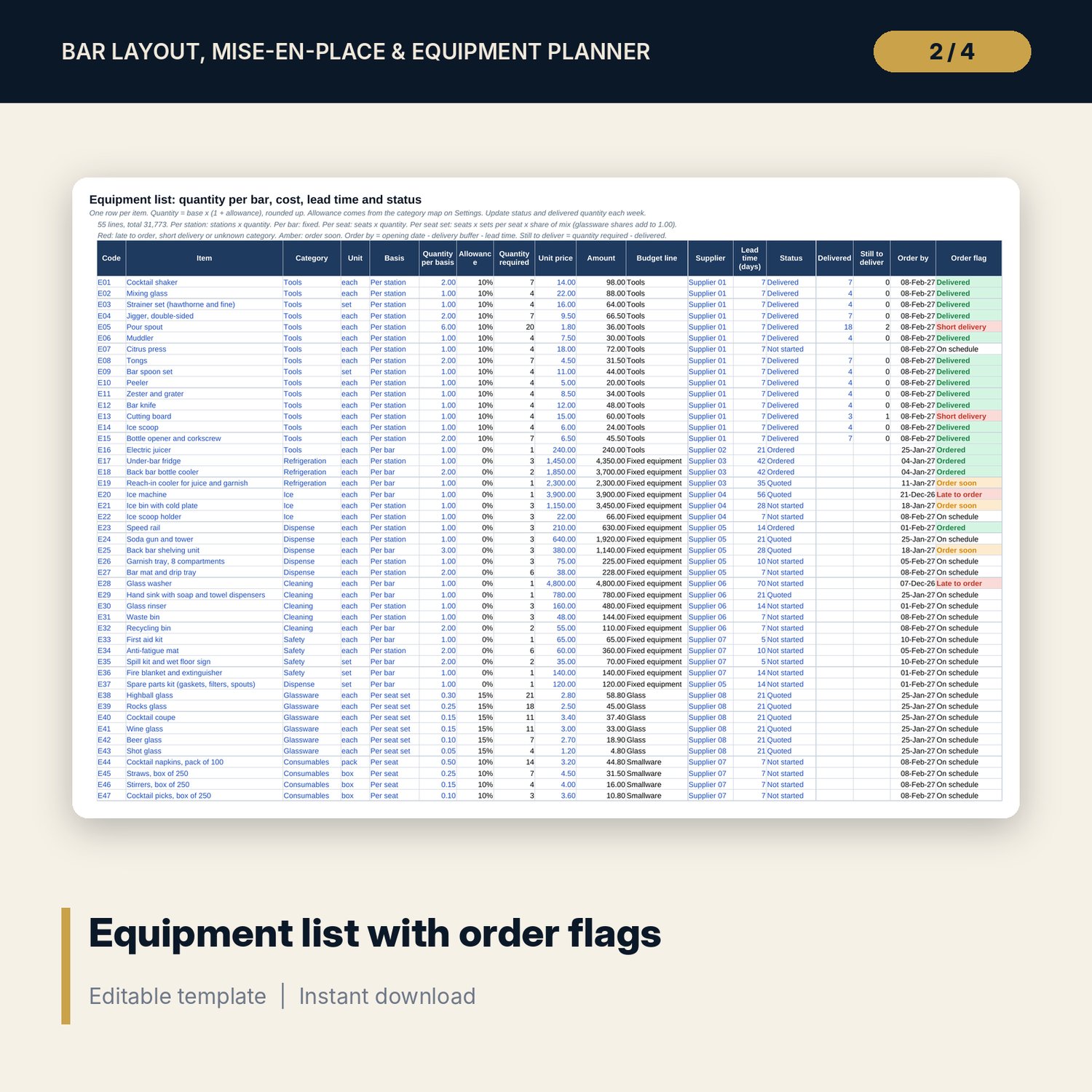
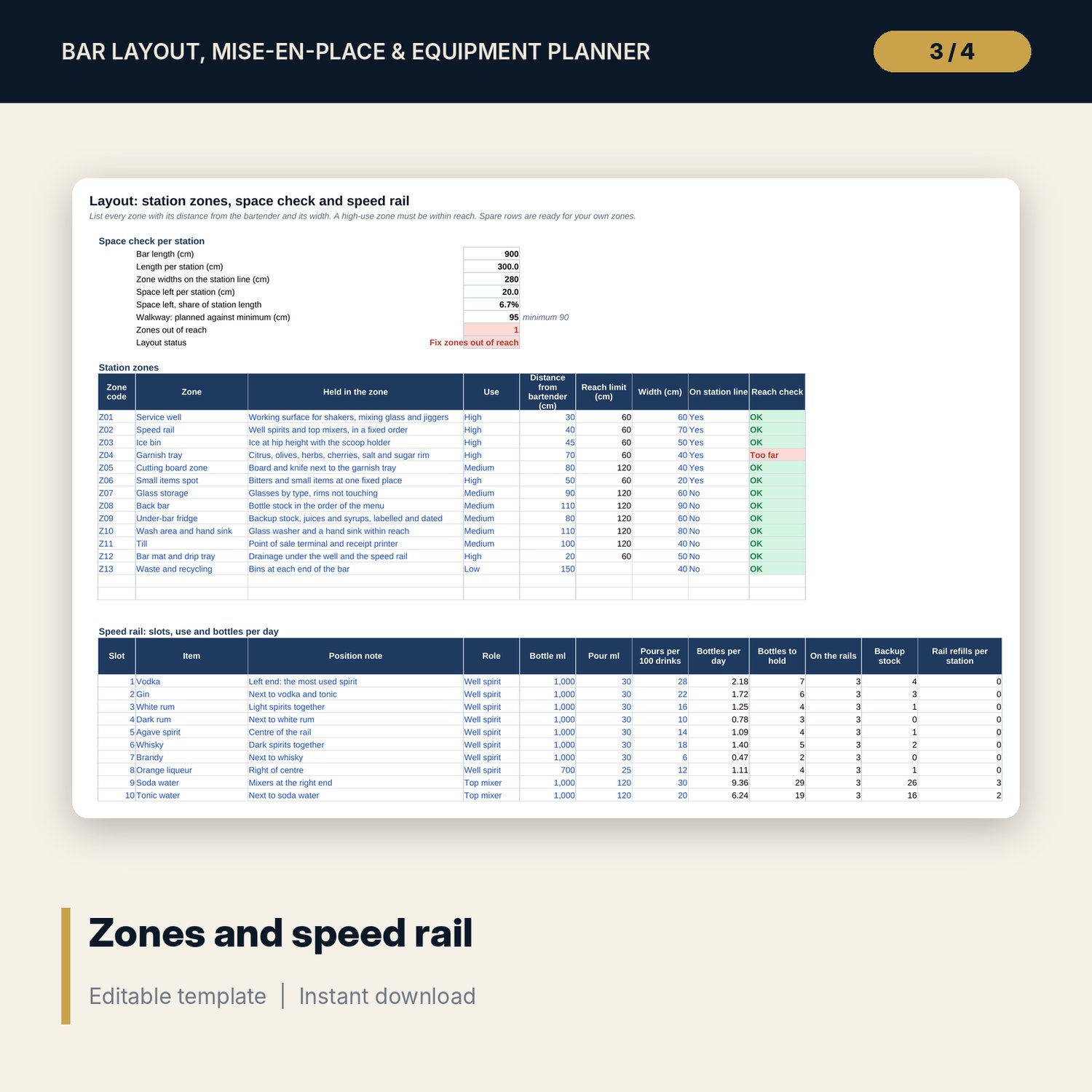
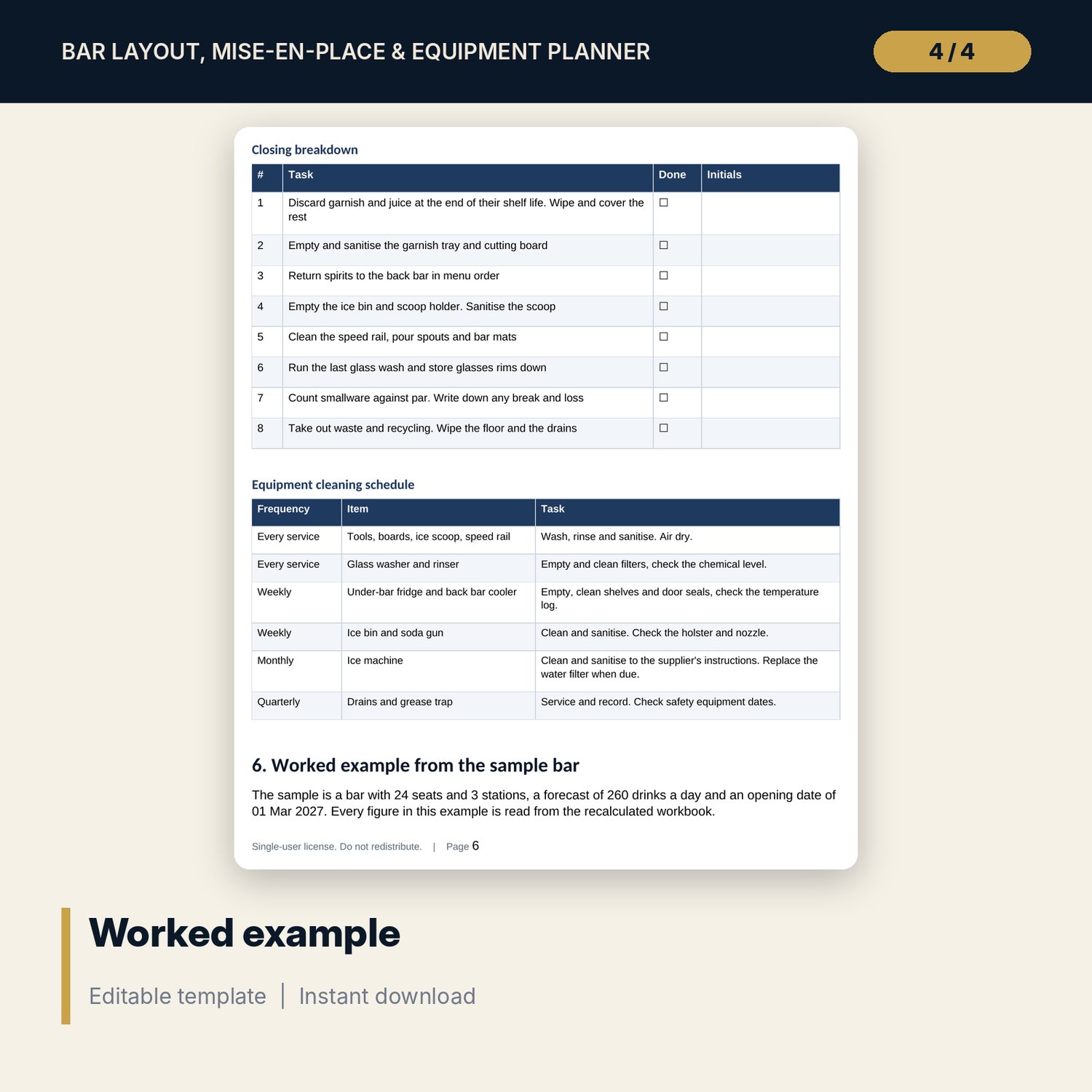
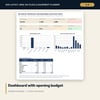
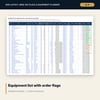
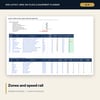
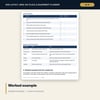
For bar managers, F&B managers and owners who are fitting out a new bar or refitting an old one. The workbook starts from your seats, stations and forecast drinks. It lists the station zones with a reach check, works out the space left per station, lists the speed rail with bottles per day and backup stock, and builds one equipment list where each quantity is the base quantity plus an allowance, rounded up, with cost, budget line, lead time, an order-by date and a status flag. The Mise-en-Place tab works out prep for the day, the garnish tray fit and the ice need. The Dashboard shows the opening budget by line, cost per seat, headroom against your cap and the lines that are late to order. The Word guide gives the zone and reach rules, the speed rail and garnish tray rules, an equipment specification table, a smallware count sheet, opening and closing lists, a cleaning schedule, a worked example read from the workbook and the roles for the project.
What is inside
- Bar_Layout_and_Equipment_Planner.xlsx: 7 tabs, 727 formulas, 2 native charts, 31 drop-down and input rules, 8 integrity checks
- Layout: 13 sample zones with reach check, a space check per station and 12 speed rail slots with bottles per day, backup stock and refill flags
- Equipment: 55 sample lines across tools, refrigeration, ice, dispense, cleaning, safety, glassware, consumables, uniforms and signage, with quantity, cost, budget line, lead time, order-by date and status
- Mise-en-Place: 13 prep items with quantities and cost, an 8-compartment garnish tray check and the ice need
- Dashboard: 8 tiles, 2 charts and the opening budget by line
- Bar_Layout_and_Mise_en_Place_Guide.docx and PDF: 9 pages with zone rules, station plan, equipment specification, a handover count sheet, opening and closing lists, a worked example and project roles
- README.txt and LICENSE-and-Terms.txt
How it works
- Enter your seats, stations, drinks per day, dates and allowances on Settings.
- List your zones and speed rail on Layout and fix any zone that is out of reach.
- Replace the equipment list and keep status and delivered quantity up to date each week.
- Set the prep quantities and the garnish tray, then read the Dashboard and send the budget for approval.
Details
- Formats: 1 Excel workbook (.xlsx), 1 Word guide (.docx) and PDF, English
- Software: Excel 2016 or later, or LibreOffice Calc 7 or later
- No macros, no external links, no data tables, no array formulas
- 3 files plus README and license; instant digital download
Good to know
- Sample data is illustrative. Replace it with your own figures.
- Distances, allowances, quantities, lead times and shelf lives are typical starting values. Verify with your suppliers, engineer and local requirements. Not engineering or food safety advice.
- Single-user license. Do not redistribute.
FAQ
Does it name brands or suppliers?
No. Items are generic and suppliers are codes, so you can enter your own.
How is the quantity per bar worked out?
Base quantity (stations, seats, seat sets or a fixed number) times one plus an allowance for the category, rounded up to whole units.
Can I change the allowances?
Yes. Spare tools, breakage, consumables, uniforms and contingency are inputs on Settings.
How many equipment lines can it hold?
The sample has 55 lines and 8 spare rows. Copy the last formula row down to add more; the named ranges stretch with the rows.
Do I need macros?
No. Every result is a standard worksheet formula.