
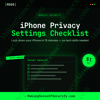
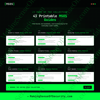
iPhone Privacy Settings Checklist | Lock Down iOS Privacy & Tracking | Apple Device Security Guide | Printable PDF | Digital Download
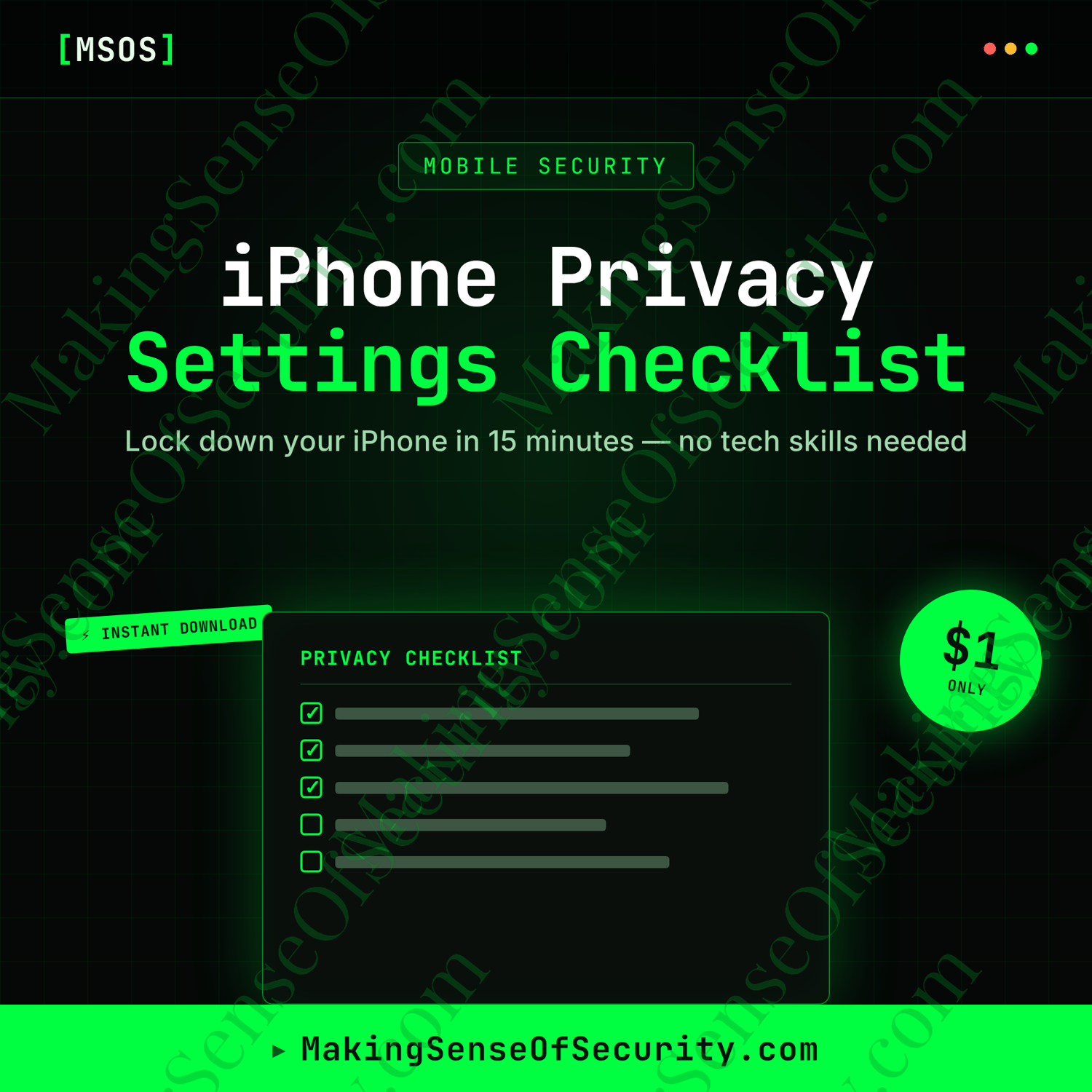
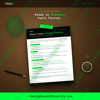
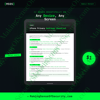
Take control of your iPhone's privacy in about 15 minutes with this easy-to-follow printable checklist. Learn how to reduce tracking, secure your lock screen, protect your personal data, and strengthen your Apple account with step-by-step settings.
Lock Down Your iPhone Privacy in Minutes
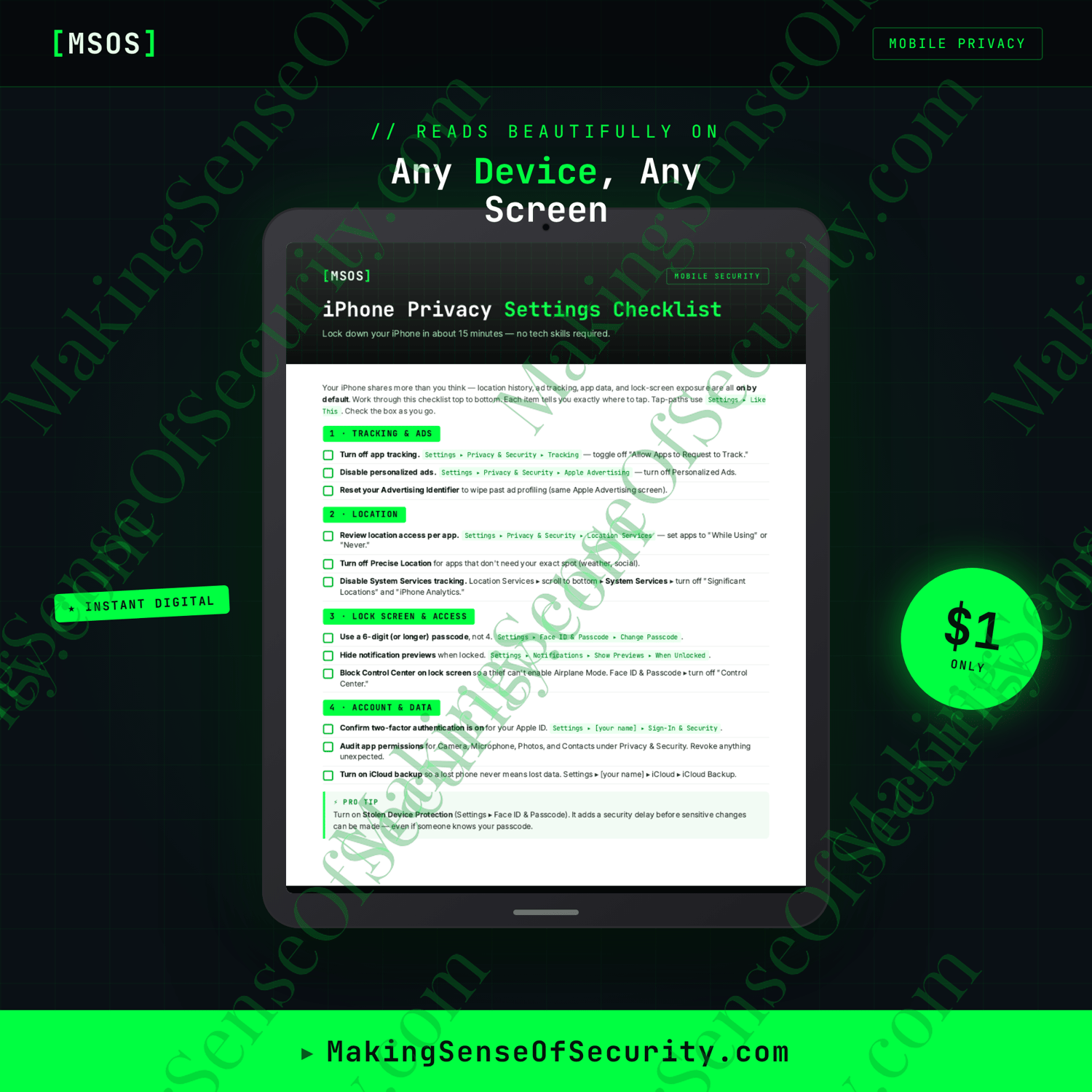
Your iPhone contains some of your most valuable personal information—from your location and photos to messages, financial apps, and personal accounts. While Apple includes powerful privacy features, many of the most important settings aren't enabled or optimized by default.
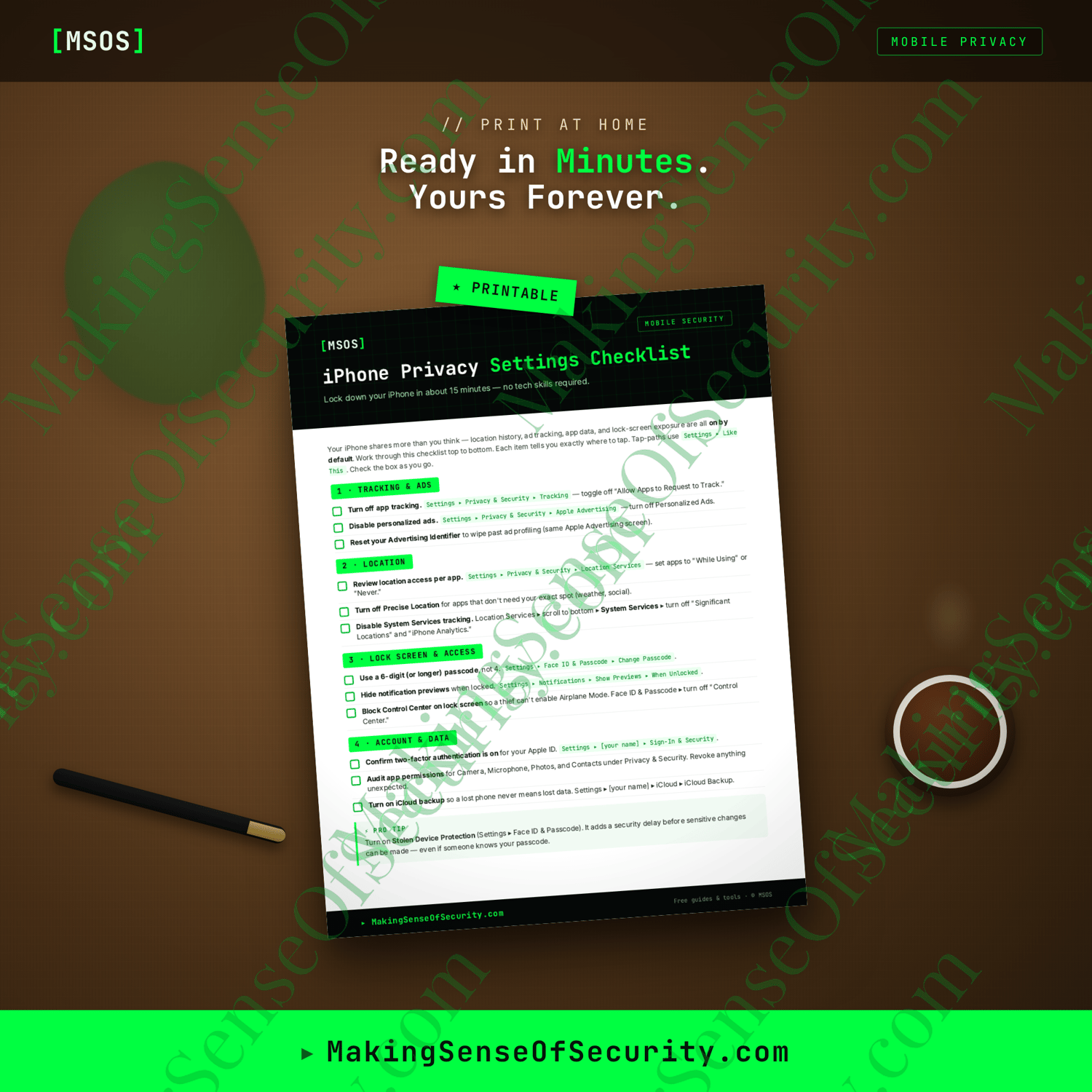
The iPhone Privacy Settings Checklist provides a simple, organized guide that walks you through the settings that matter most. Each step includes exactly where to tap in iOS, making it easy for beginners and experienced users alike to improve their privacy and security without needing technical knowledge.
Whether you're setting up a new iPhone or reviewing your current privacy settings, this printable checklist helps you reduce tracking, protect sensitive information, and take control of your device.
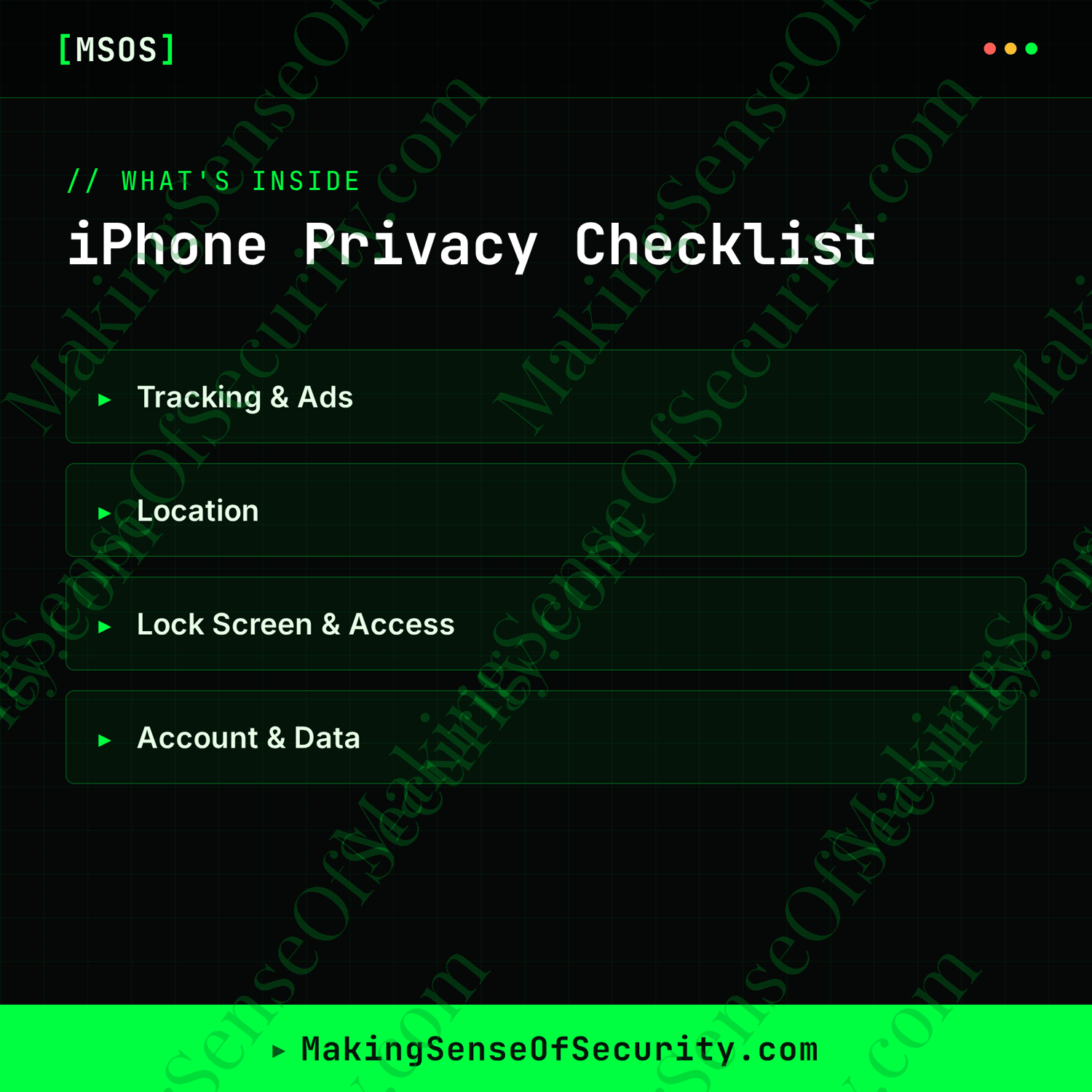
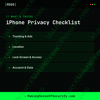
What's Inside
✓ Tracking & Ads
Reduce how much information apps and advertisers collect.
Learn how to:
- Disable app tracking requests
- Turn off personalized Apple advertising
- Reset your advertising identifier
✓ Location Privacy
Control who knows where you are.
Review settings for:
- App location permissions
- Precise Location
- Significant Locations
- iPhone Analytics
✓ Lock Screen & Access
Protect your device if it's lost or stolen.
Learn to:
- Upgrade to a stronger passcode
- Hide notification previews
- Disable Control Center access from the lock screen
✓ Account & Data
Strengthen your Apple account and protect important information.
Check your:
- Apple ID two-factor authentication
- Camera, microphone, photos, and contacts permissions
- iCloud Backup settings
✓ Pro Tip
Learn how Stolen Device Protection adds an extra layer of security by delaying sensitive account changes—even if someone knows your passcode.
Perfect For
- iPhone users
- Apple customers
- Parents
- Students
- Seniors
- Professionals
- Remote workers
- Small business owners
- Privacy-conscious individuals
- Cybersecurity beginners
- Everyday smartphone users
- Anyone wanting better mobile privacy
Why You'll Love It
✔ Instant digital download
✔ Printable PDF
✔ One-page privacy checklist
✔ Beginner-friendly
✔ Step-by-step settings paths
✔ No technical skills required
✔ Reduce tracking and data collection
✔ Strengthen your iPhone security
✔ Designed by Making Sense Of Security
You'll Receive
- 1 Printable PDF
- US Letter Size
- Unlimited personal printing
- Instant digital download
- Designed by Making Sense Of Security
Pair It With
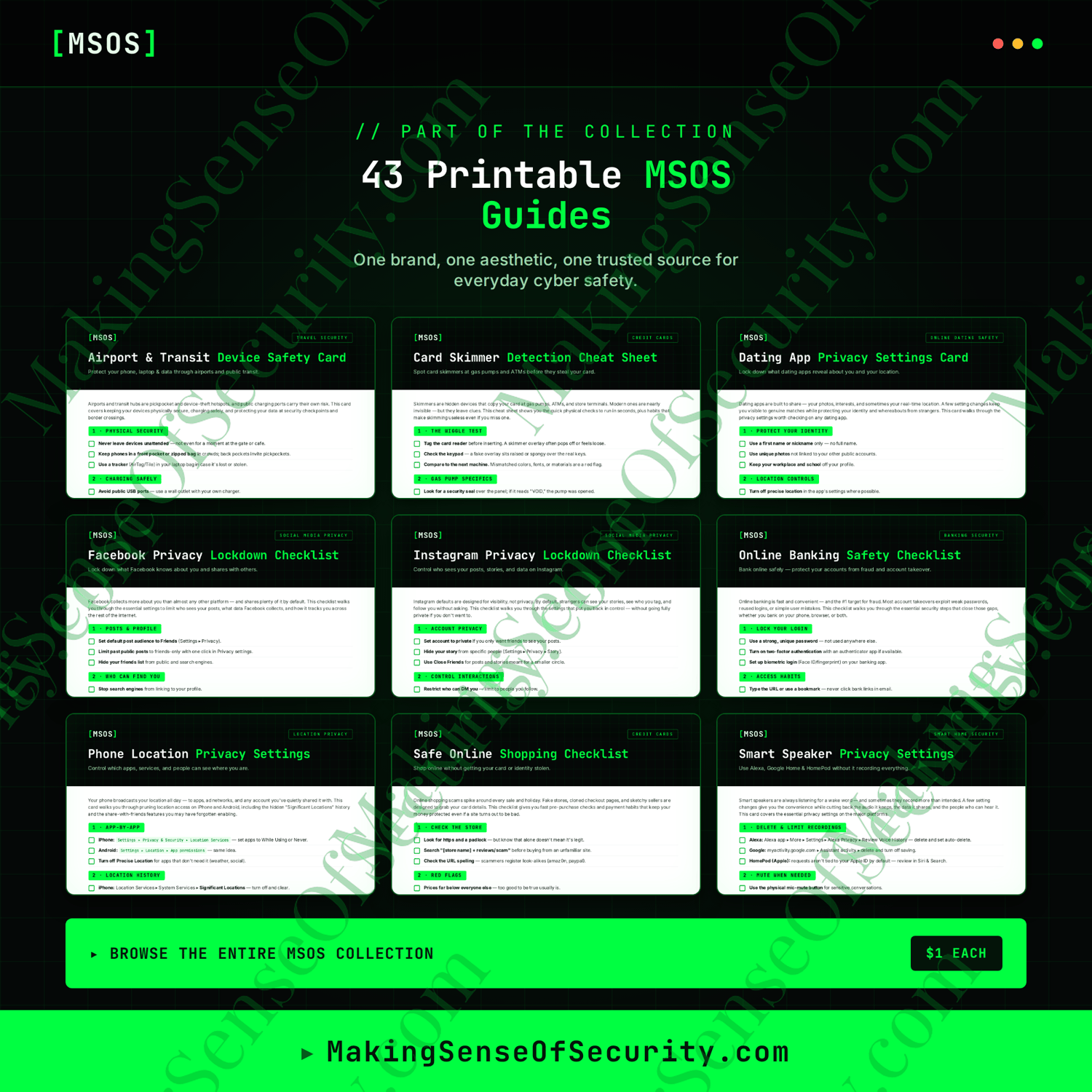
Build your Mobile Security Collection with these additional MSOS guides:
- Android Privacy Settings Checklist
- Phone Location Privacy Settings Checklist
- Smartphone Privacy Checklist
- Hidden Tracker Detection Checklist
- Password Security Checklist
- Identity Theft Warning Signs Checklist
- Public Wi-Fi Safety Checklist
- Online Banking Safety Checklist
Product Details
Format: Printable PDF
Pages: 1
Delivery: Instant Digital Download
Printable: Yes
Physical Item: No
Save With A Bundle
This card is part of a $5 bundle — get the full set and save:
Great Companion Guides
Pair this with:
- App Permissions Audit Cheat Sheet
- Phone Location Privacy Settings Card
- Turning Off Location Sharing Card
- Spotting Malicious Apps Cheat Sheet
- Hidden Tracker Detection Checklist
- Android Privacy Settings Checklist
All Sales Final. Please reference this page for details.