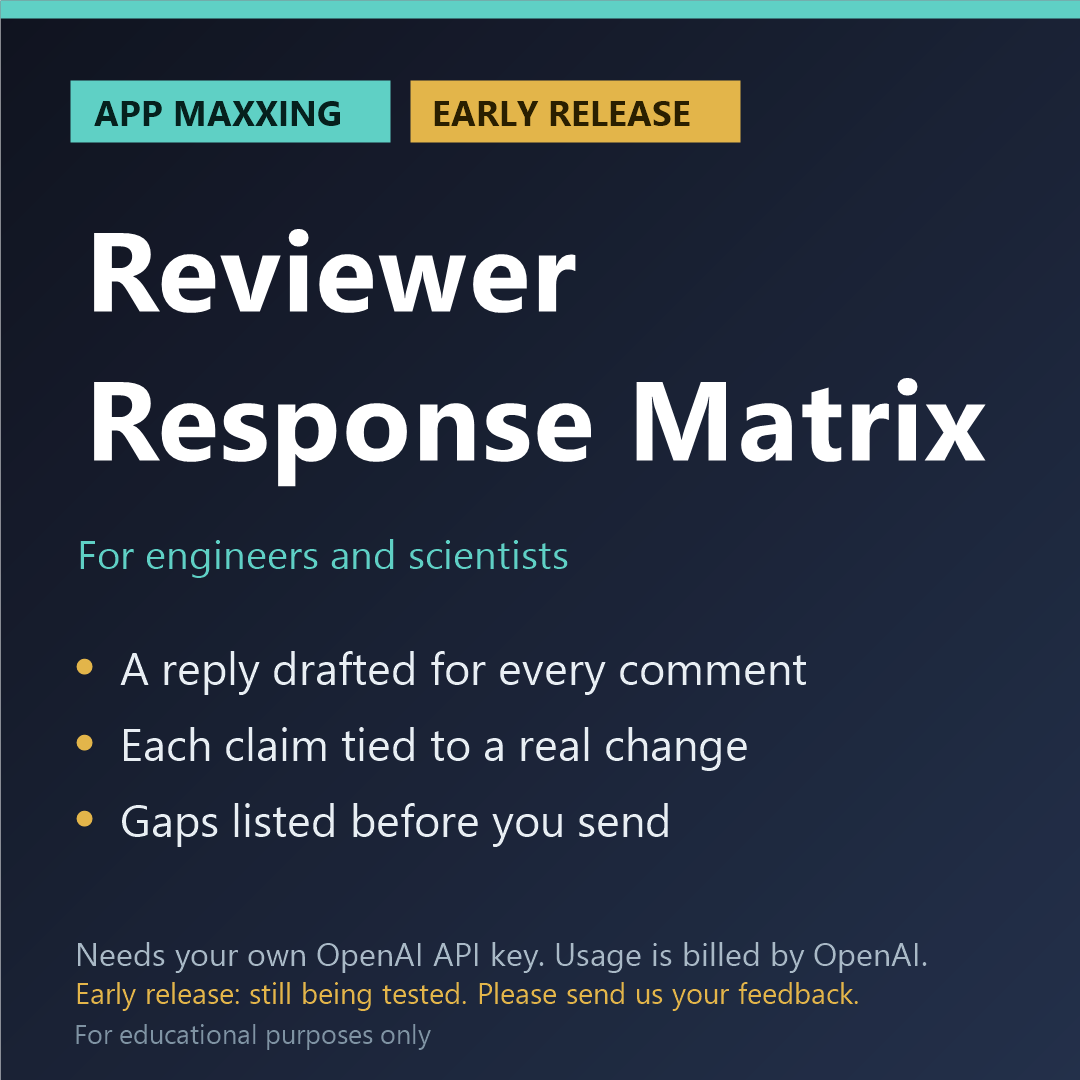
Reviewer Response Matrix (App Maxxing, early release)
EARLY RELEASE: PLEASE READ BEFORE BUYING
- This app needs your own OpenAI API key. It will not run without one, and a ChatGPT subscription does not include one.
- It is an early release that still needs further testing. So far each app has passed our own offline tests, and has been run on its built-in sample against the live service on both models (October 2026). It has not yet been tried on a wide range of real files of different kinds and sizes. You may meet faults.
- Please tell us what you find after you buy: email kit376351@gmail.com with the subject "Maxxing feedback". Every report is read, and fixes are sent to buyers free.
- If we cannot get it running for you, email us within 14 days for a refund of the app price.
Draft a point-by-point response to the reviewers of your own manuscript, with each change it cites looked up in your revised file.
WHAT IT DOES
Type or paste your own summary of each reviewer comment, one comment to a line, under a line such as 'Reviewer 1'. Add your original and your revised manuscript, and your own notes on what you did for each comment, if you have them. The app numbers the comments in code (R1.1, R1.2, R2.1 ...) and keeps that numbering fixed. It compares the two manuscript files on your computer and finds every changed passage, with its section and its paragraph or page. The manuscript files are not sent: only the changed passages go to the model, with your summaries and your notes, and the button 'See exactly what will be sent' shows every word. The model drafts a short, courteous reply to each comment from your notes, for you to rewrite and suggests which changed passages answer it, quoting the new wording. Then the app checks the drafts in code. A quotation that is not in your revised file is struck out and shown as 'not found in the revised file'. A reply that says something was changed must be tied to a changed passage the app found. Every changed passage must be mentioned by some reply. A figure in a draft must be somewhere in your own material. You get the count first ('4 of 8 comments have a draft response with nothing left open; 4 still need something from you'), the matrix, a table of gaps, an Excel file and a Word response letter in which every reply is marked as a draft for you to edit. Where your notes are silent the letter says 'YOUR ANSWER NEEDED' and gives no reason of its own. A review report is someone else's unpublished work, so by default you give your own summaries, not the reviewers' words. For educational purposes only.
HOW IT IS BUILT
- The app's own code does the finding, the arithmetic and the unit conversions. The AI is used only for what code cannot do, and what it says is checked against your file.
- Anything the app cannot find in your file is marked "not found in the file", not trusted.
- The cost is shown before each run and after it, with a limit you set for one run.
- No verdicts: the app never says pass, fail or compliant. It shows you what it found and where.
WHAT YOU NEED
- Windows, Mac or Linux, and free Node.js 18 or newer
- Your own OpenAI account with API access and a key (platform.openai.com). This is separate from a ChatGPT subscription.
- You pay OpenAI for what you use, on top of the price of the app. In our own tests on a short sample file, a run of this app cost about 12 cents. Longer files cost more.
- The app uses OpenAI's GPT-6 Astra model. In Settings you can switch to a cheaper model at about a fifth of the price.
- About ten minutes of setup. A step-by-step guide is included.
HONEST LIMITS
Every reply is a draft by the model, written from your summaries, your notes and the changed passages alone. It does not know your study and it can be wrong: read and edit every one. The app never gives a reason, a result, an analysis or a citation of its own on purpose, and it flags a figure in a draft that is in none of your material, but only you can tell whether a reply says what you mean and whether a change really answers its comment. The app does not write or rewrite your manuscript, and it gives no opinion on the reviewers or on who is right. It compares wording, not meaning. Figures, pictures, equations set as images, formatting, comments and tracked-change marks are not compared, so a change to a figure is not seen, and a Word file is read as if every tracked change had been accepted. A manuscript that was heavily re-ordered confuses the comparison. A PDF needs a text layer (one whose text you can select and copy) and is compared sentence by sentence. Comments are split at numbers, bullets or line breaks: look at the numbering on the page before you rely on it. One run takes up to 150 comments. The reviewers' own words can be used only if your journal allows you to share them with an AI service and you tick the box that says so. Journals and funders have rules on the use and disclosure of AI: check and follow yours. A blank list of gaps does not mean the letter is ready. Use the app on your own manuscript only, never to answer reviewers for someone else, and never on a manuscript you are reviewing.
For educational purposes only, and for your own research and your own documents. The app points things out for you to check: it does not certify, approve or sign off anything, what the AI writes can be wrong, and it is not a substitute for review by a qualified person. You are asked to accept this when you first open the app.
PRIVACY
The app runs on your computer. It says before each run exactly what will be sent to OpenAI, under OpenAI's terms, and what stays on your computer; nothing is sent to us. Use it only with documents you are allowed to send to an AI service: not an employer's or customer's confidential documents, not export-controlled material, and not someone else's unpublished work. Your key is stored only on your computer and is sent only to OpenAI.
WHAT IS INCLUDED
The app (a zip file), start files for Windows, Mac and Linux, a sample to try, a setup guide and a README. Kitson Workshop is not affiliated with or endorsed by OpenAI.
REFUNDS
Digital download. If we cannot get it running for you, email kit376351@gmail.com within 14 days for a refund of the app price. Credit you bought from OpenAI is theirs to refund or not.
FEEDBACK AND IDEAS
Email kit376351@gmail.com with the subject "Maxxing feedback" to report a fault or tell us what worked. For a new app idea, use the subject "Kitson idea".