



GREP Apply Cell Style 2.3
GREP Apply Cell Style 2.3
Consider getting the GREP MEGAPACK instead!
Automate Table Cell Styling with GREP
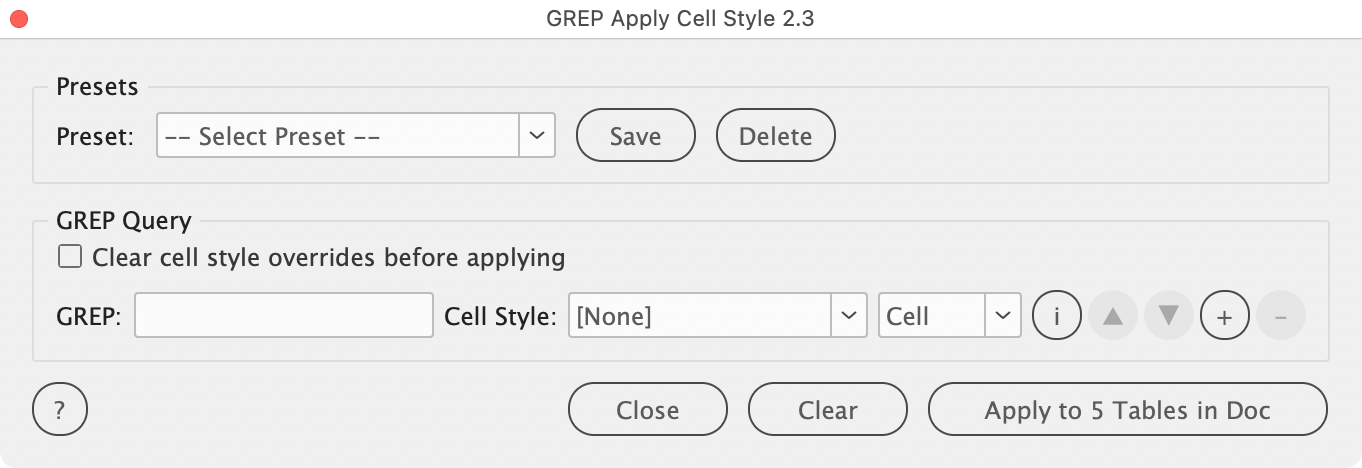
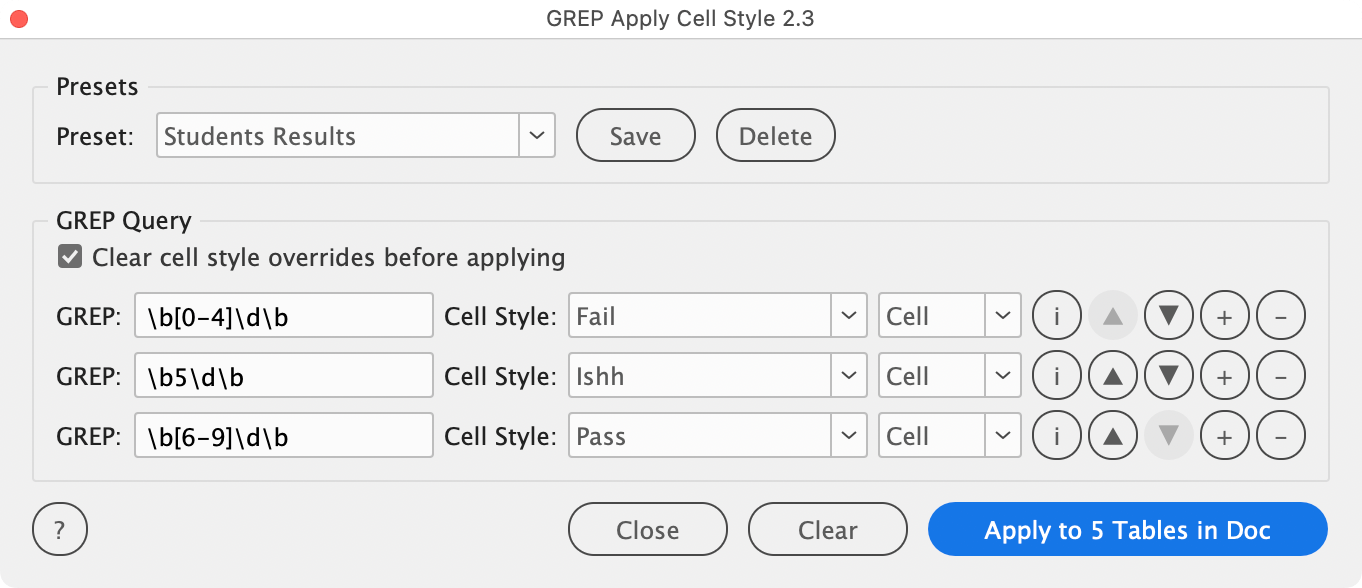
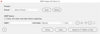
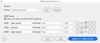
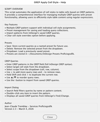
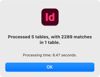
GREP Apply Cell Style is an Adobe InDesign script that applies cell styles to table cells based on what their text contains. You build a list of rules — each pairing an InDesign GREP pattern with a cell style and a scope — and the script searches the cells of your tables; any cell whose text matches the pattern is styled, either on its own or across its whole row or column.
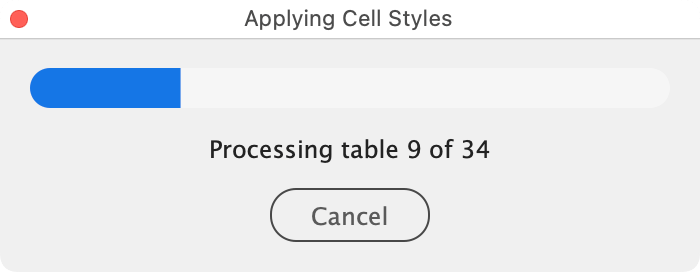
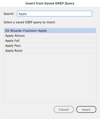
It is made for styling tables by content rather than by hand: highlight every total, flag every cell containing a code, or shade an entire column whose header matches a pattern — all in one pass. Rule sets can be saved as presets, patterns can be imported from InDesign’s own saved GREP queries, and a progress bar with a cancel button keeps long runs under control.
New in 2.3
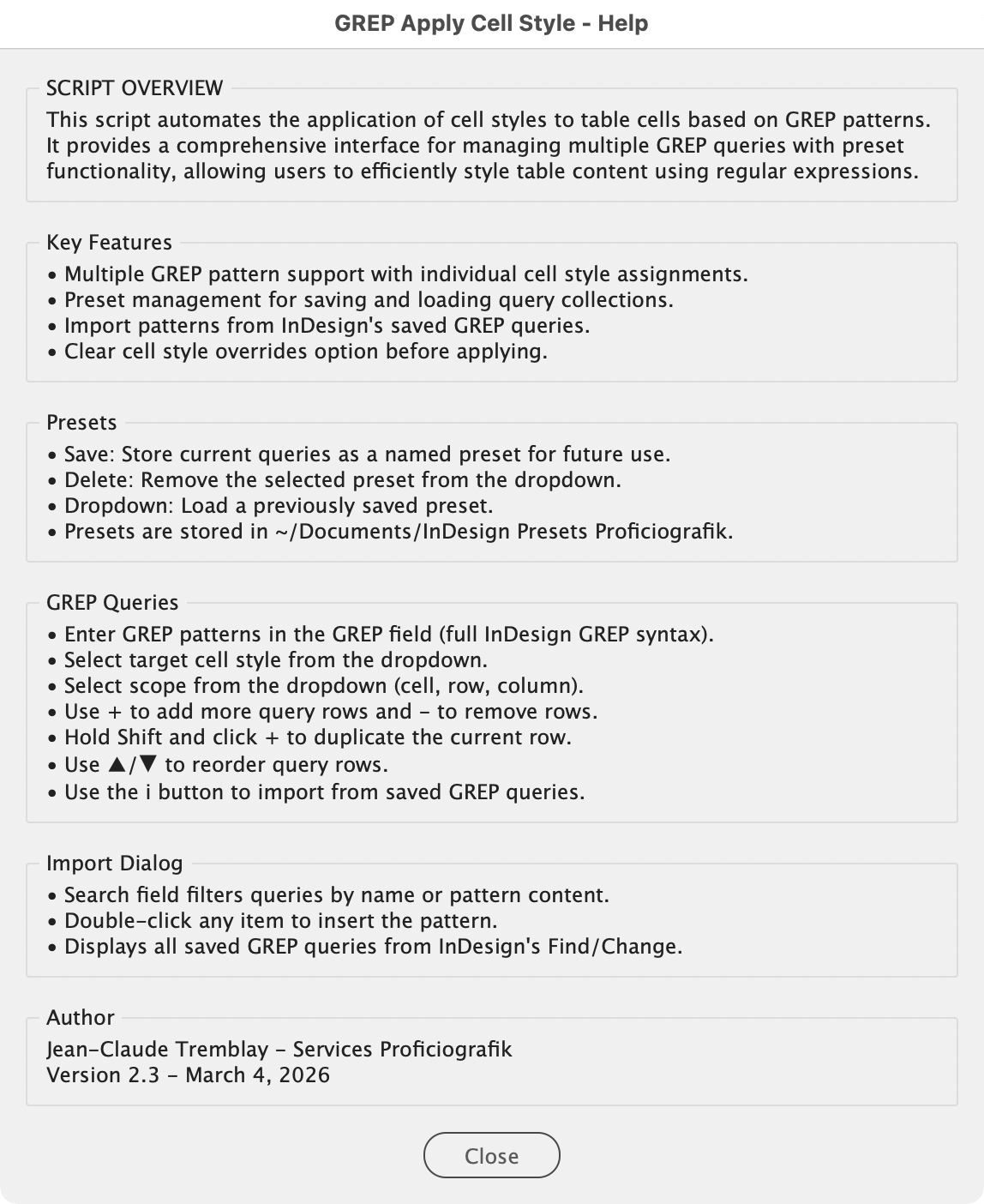
- Maintenance and refinement release. Restructured Help window.
- Refinements to selection handling and the Apply button’s context-aware labelling.
- User documentation (PDF)
Compatible 2025, 2024 and 2023 (maybe below)
Contact me for bugs/feature requests.
Scripts provided without warranty - backup data and use at your own risk.
Licensed under CC BY-NC-SA-4.0
Jean-Claude Tremblay – Services Proficiografik