



Bank Reconciliation Template for Excel with Reviewer Sign-Off
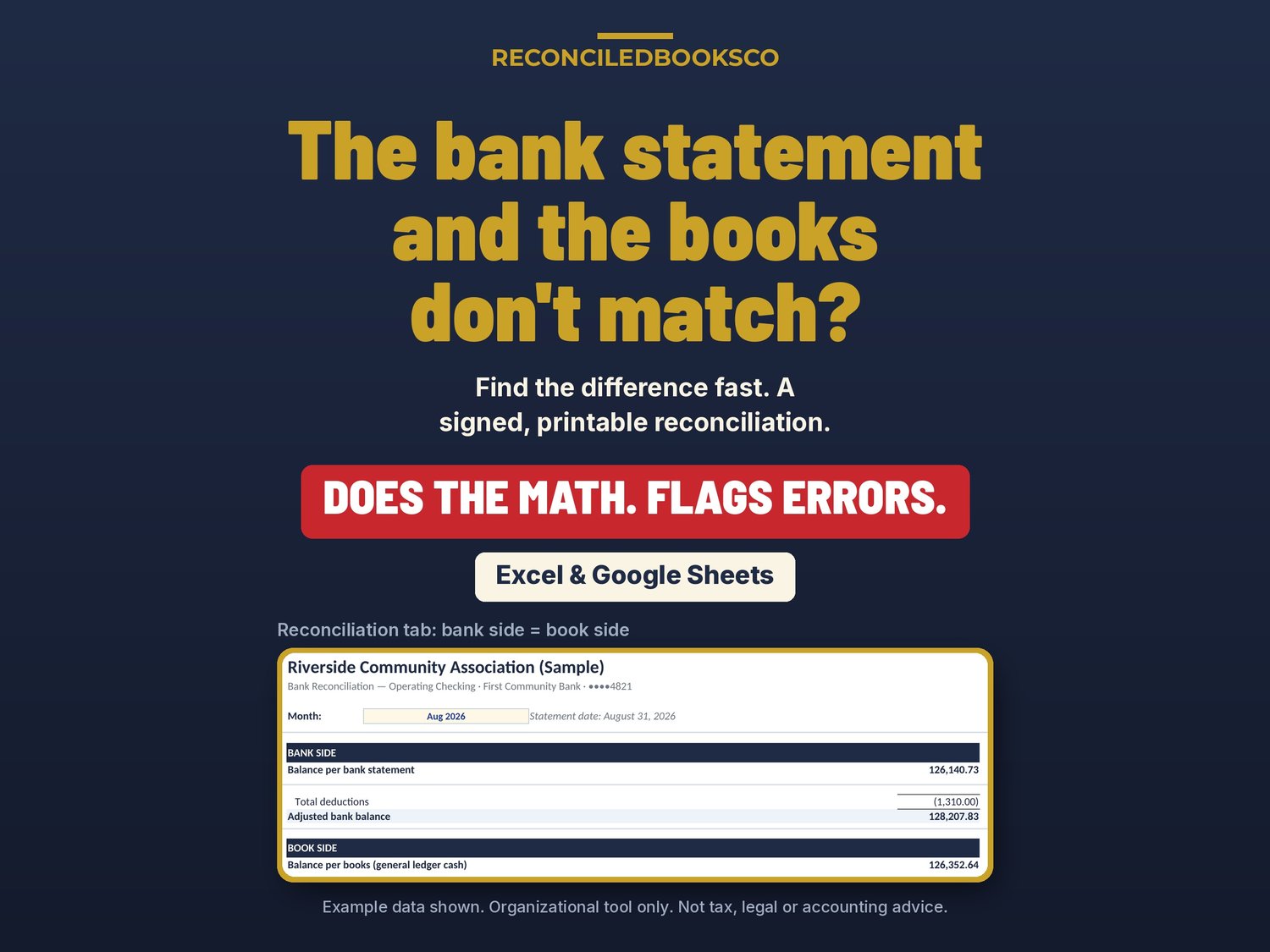
Bank statement doesn't match the books? This monthly bank reconciliation template for Excel and Google Sheets helps you tie it out, with reviewer sign-off.
Somewhere in the difference is a check that hasn't been cashed, a deposit that went in on the 1st, a $12 service fee nobody recorded and an online payout that landed net of fees. Many bank reconciliation templates are a blank form. This workbook does the math, carries open items forward month to month, writes the journal entries you need to post, and gives your reviewer a one-page reconciliation to print, sign and file.
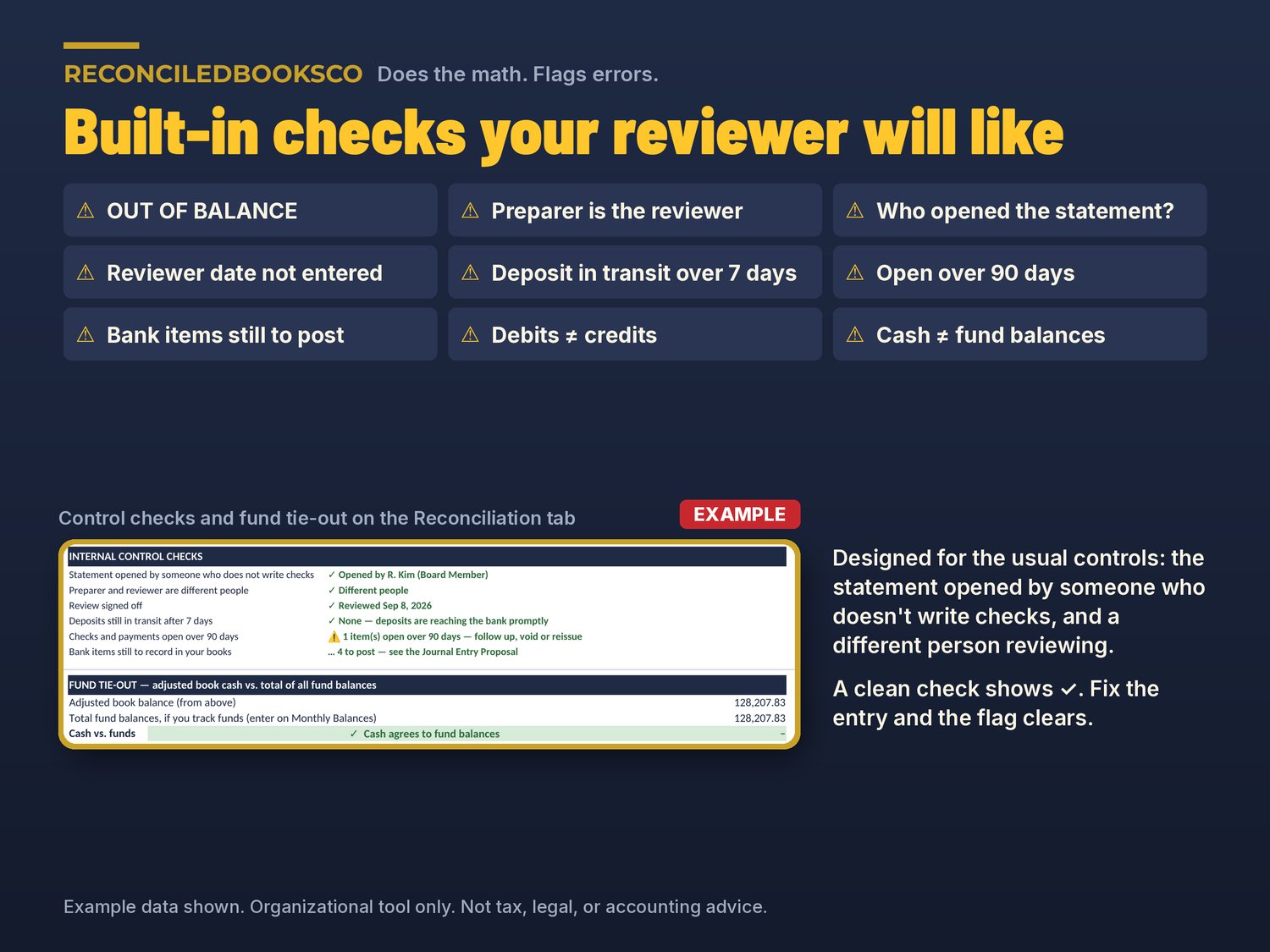
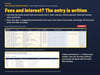
DOES THE MATH. FLAGS ERRORS.
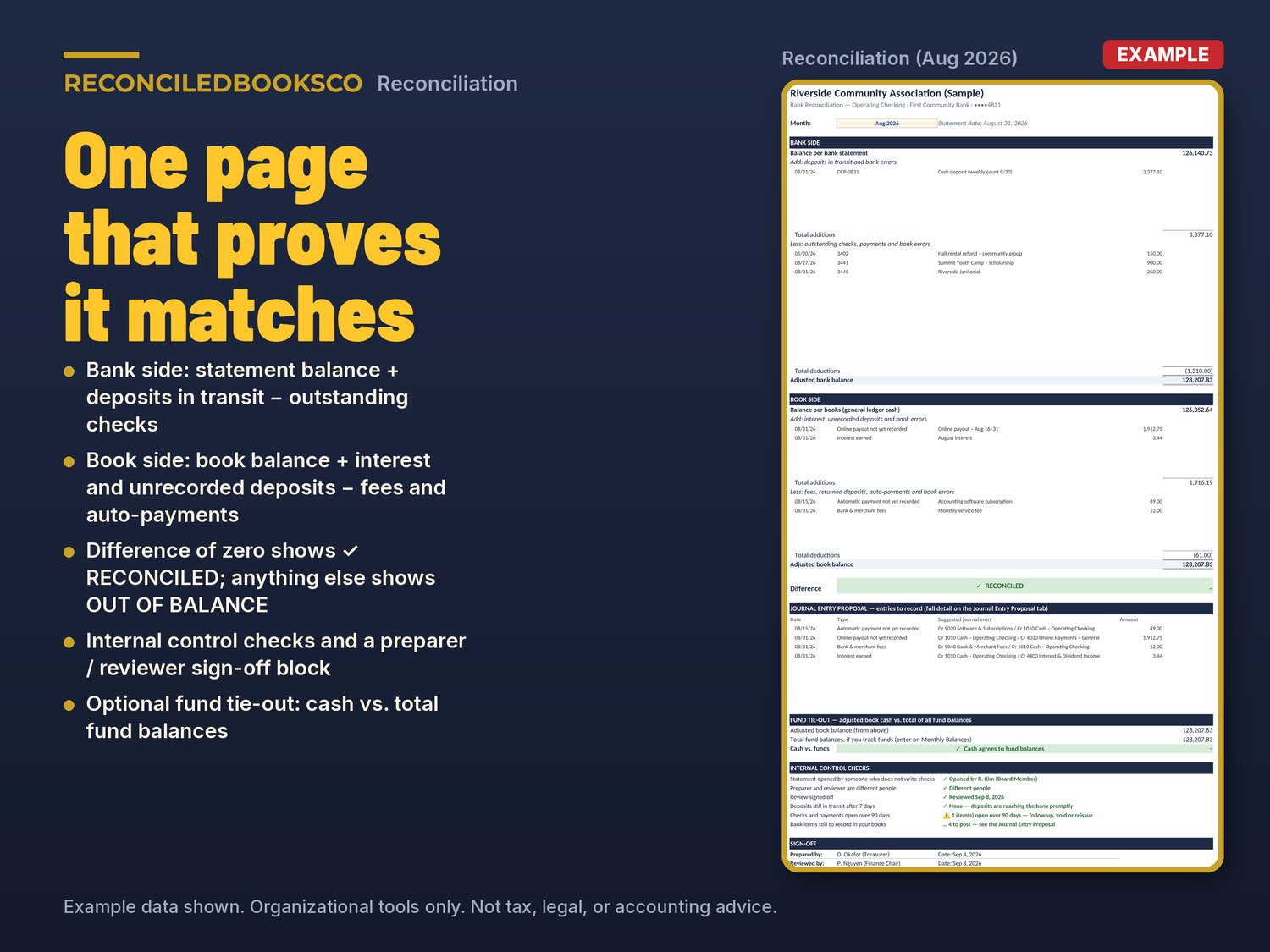
• OUT OF BALANCE, with tips for finding the difference (divide by 2, divide by 9, check the count sheet)
• Same person prepared and reviewed
• Who opened the statement is not entered
• Reviewer sign-off date not entered
• Deposits in transit over 7 days: compare to the count sheet
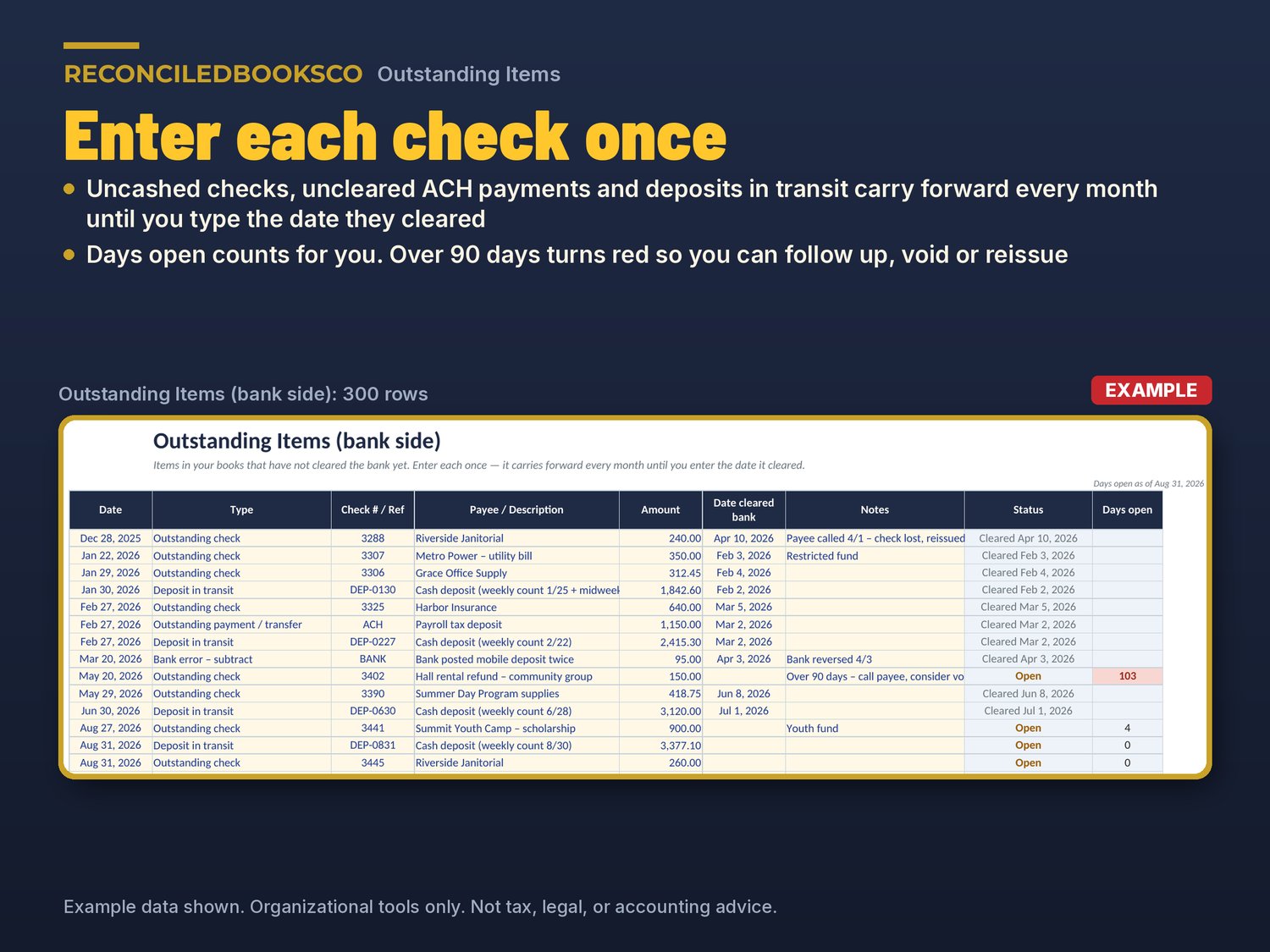
• Checks and payments open over 90 days: follow up, void or reissue
• Bank items still to record in your books
• Debits and credits do not match on the journal entry proposal
• Cash does not agree to total fund balances (optional, if you track funds)
A clean check shows a check mark, and a flag clears as soon as you fix the entry.
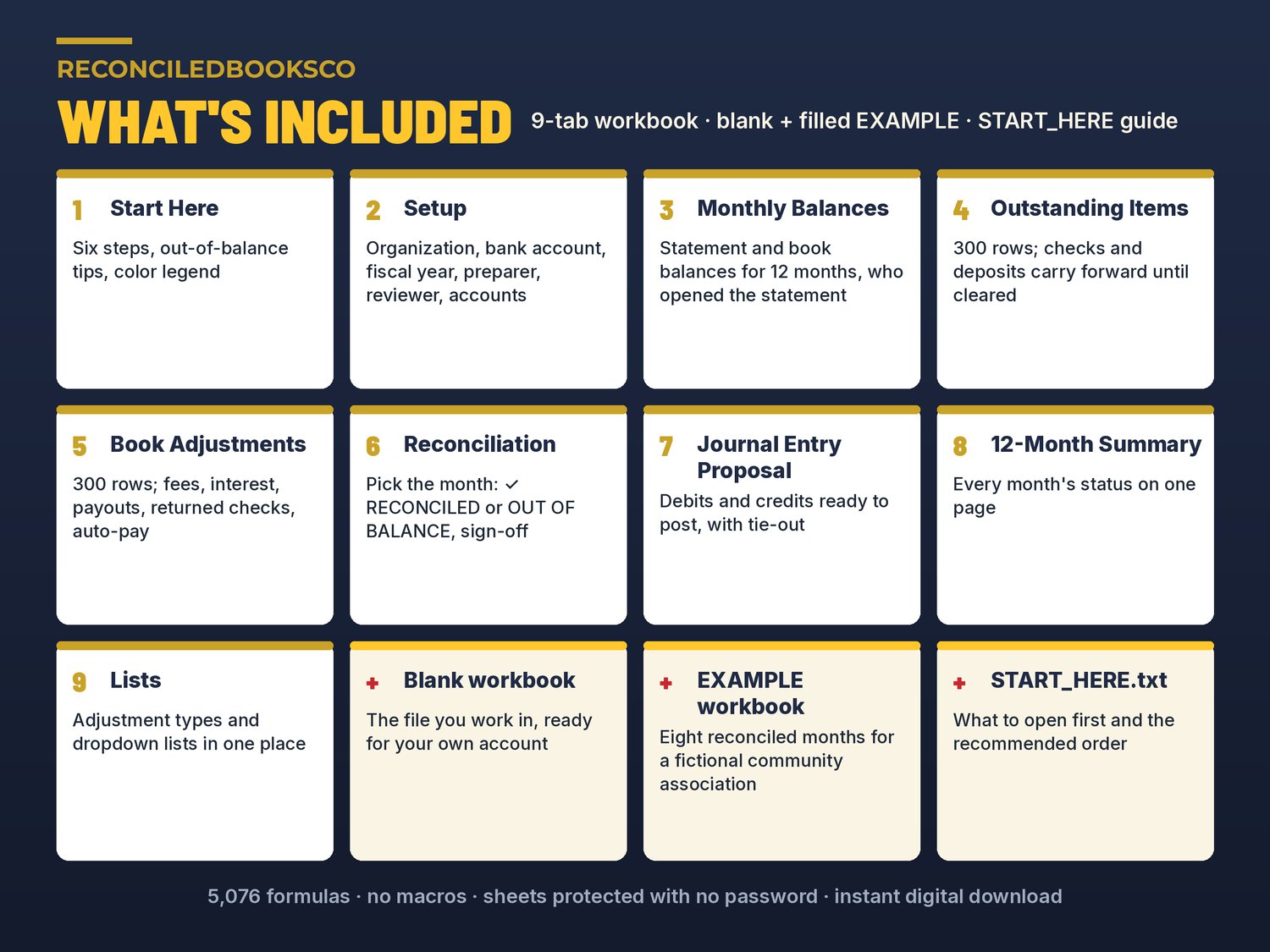
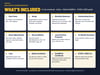
WHAT'S INCLUDED (2 Excel workbooks, plus START_HERE.txt)
• Bank_Reconciliation_Workbook.xlsx: the blank 9-tab workbook you work in
• Bank_Reconciliation_Workbook_EXAMPLE.xlsx: eight reconciled months (January to August) for a fictional community association, including an item open over 90 days
• START_HERE.txt: what to open first and the recommended order
THE 9 TABS
• Start Here: six steps, out-of-balance tips and a color legend, in plain English
• Setup: organization, account, bank, last 4 digits, the first month of your year, the preparer and the reviewer, plus the accounts used for journal entries
• Monthly Balances: 12 months of statement and book ending balances, prepared and reviewed dates, who opened the statement, and total fund balances if you track funds
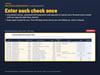
• Outstanding Items (bank side): up to 300 uncashed checks, uncleared payments and deposits in transit; each carries forward until you enter the date it cleared, with days open counted for you
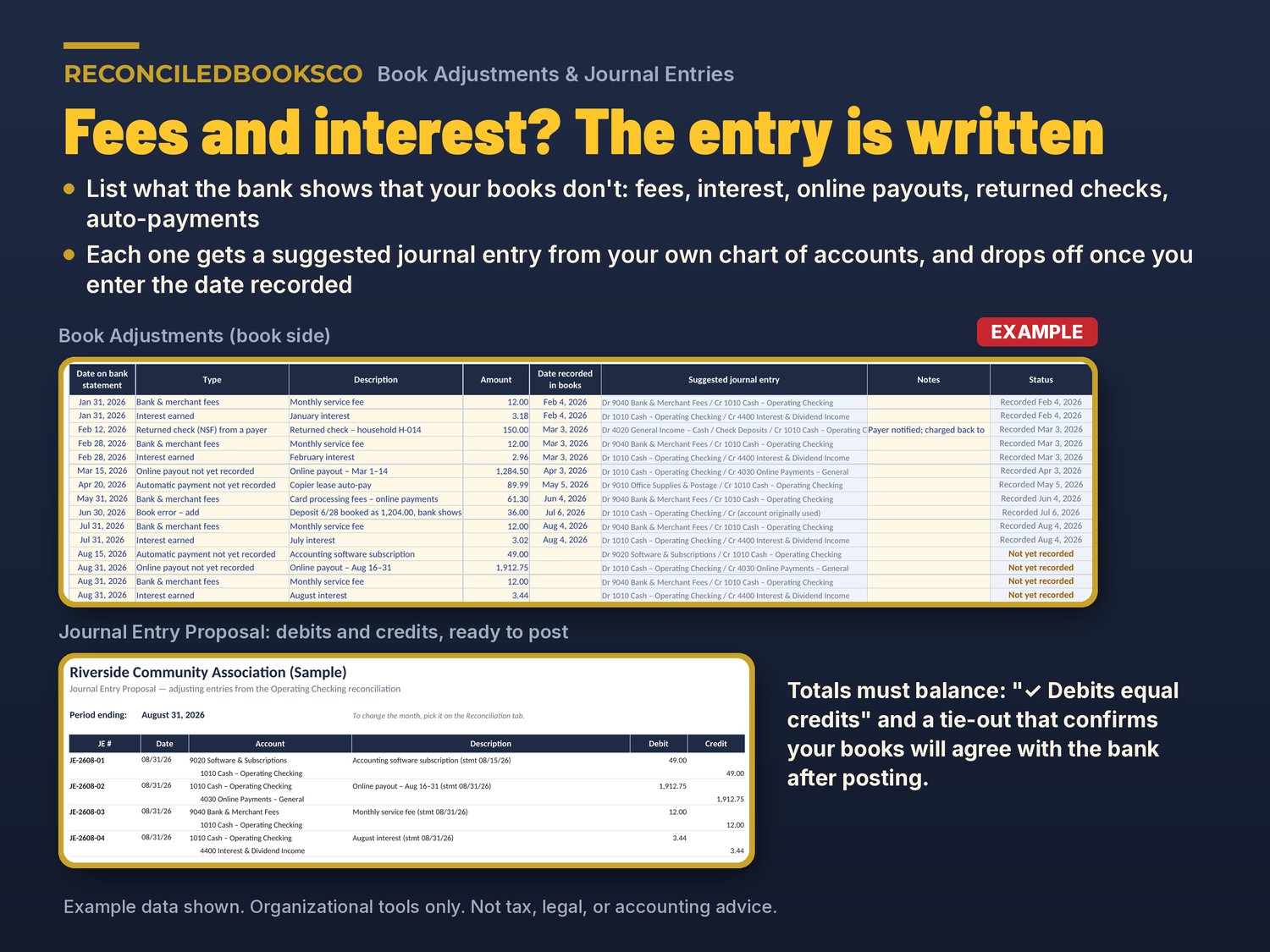
• Book Adjustments (book side): up to 300 fees, interest, online payouts, returned checks, auto-payments and book errors, each with a suggested journal entry
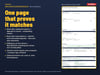
• Reconciliation: pick the month; bank side, book side, difference, RECONCILED or OUT OF BALANCE, fund tie-out, internal control checks and a sign-off block
• Journal Entry Proposal: debits and credits ready to post, a debits-equal-credits check and a tie-out showing your books will agree with the bank after posting
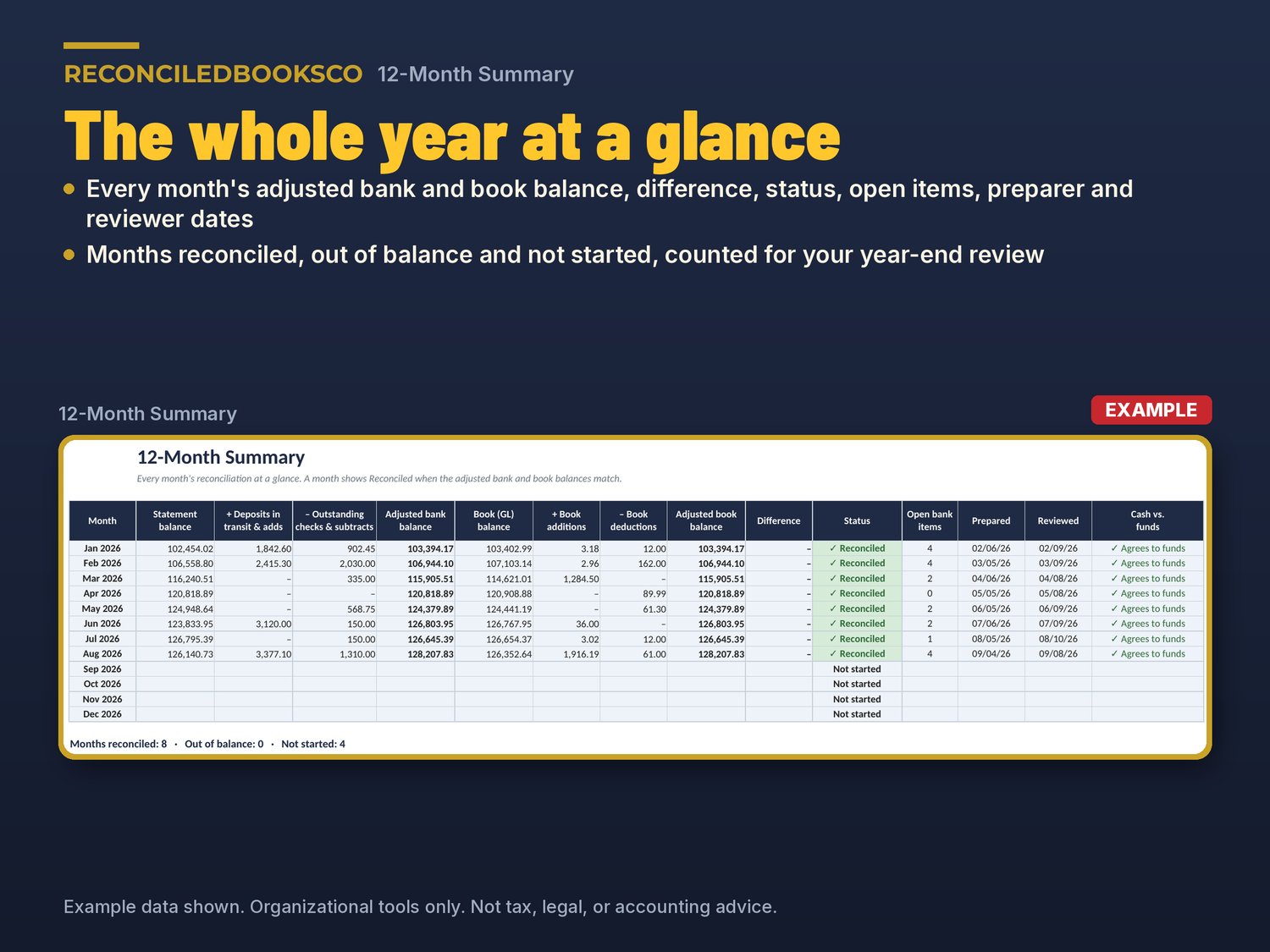
• 12-Month Summary: every month's balances, difference, status, open items and review dates on one page
• Lists: adjustment types and dropdown lists in one place
HOW IT WORKS
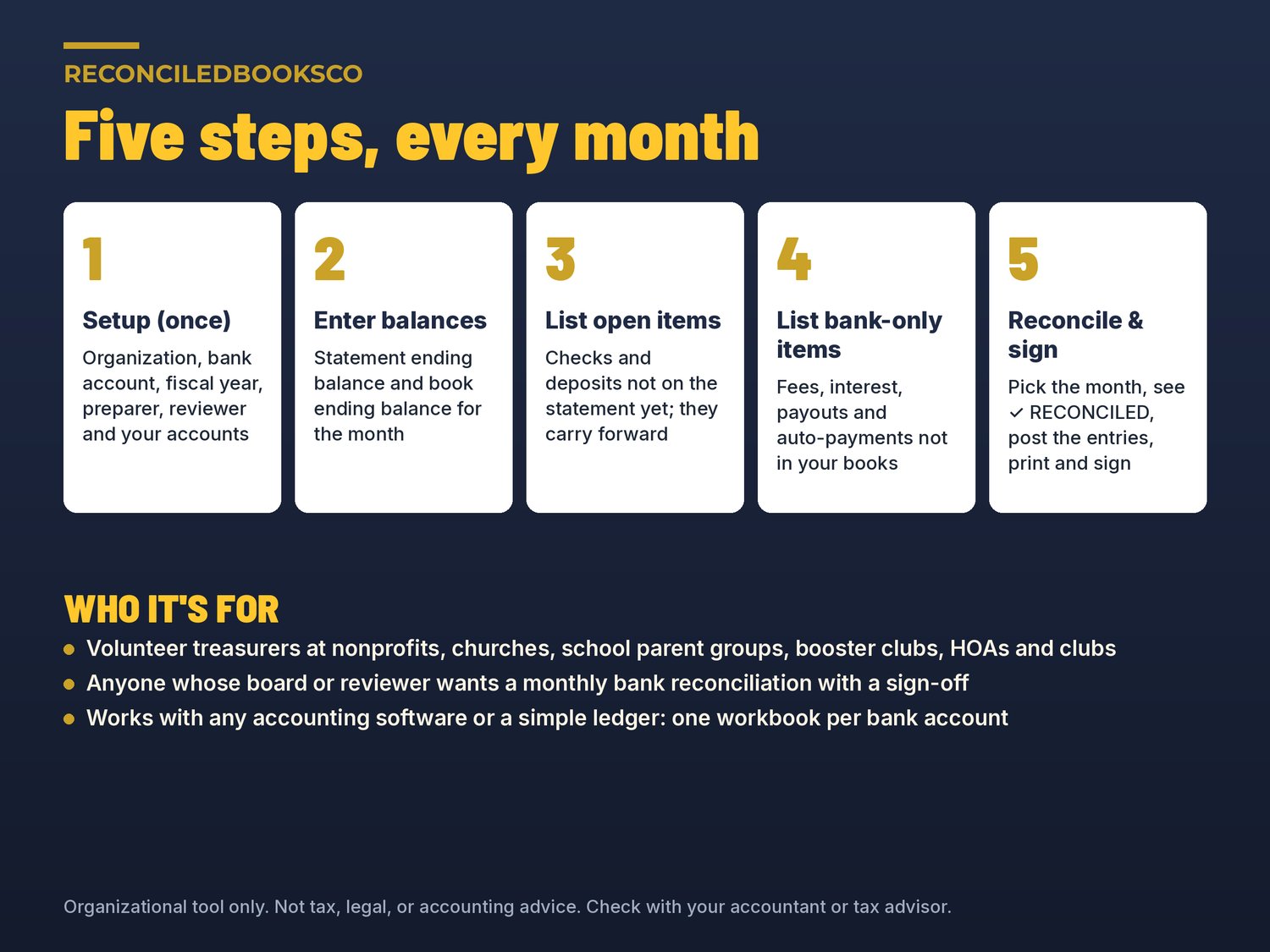
1. Setup (once): organization, bank account, year, preparer, reviewer and your accounts.
2. Enter balances: the statement ending balance and the book ending balance for the month.
3. List open items: checks and deposits not on the statement yet. They carry forward.
4. List bank-only items: fees, interest, payouts and auto-payments not in your books yet.
5. Reconcile and sign: pick the month, see RECONCILED, post the proposed entries, print and sign.
No macros. Sheets are protected with no password, so you can unlock and adjust. Prints on US Letter. Use one workbook per bank account.
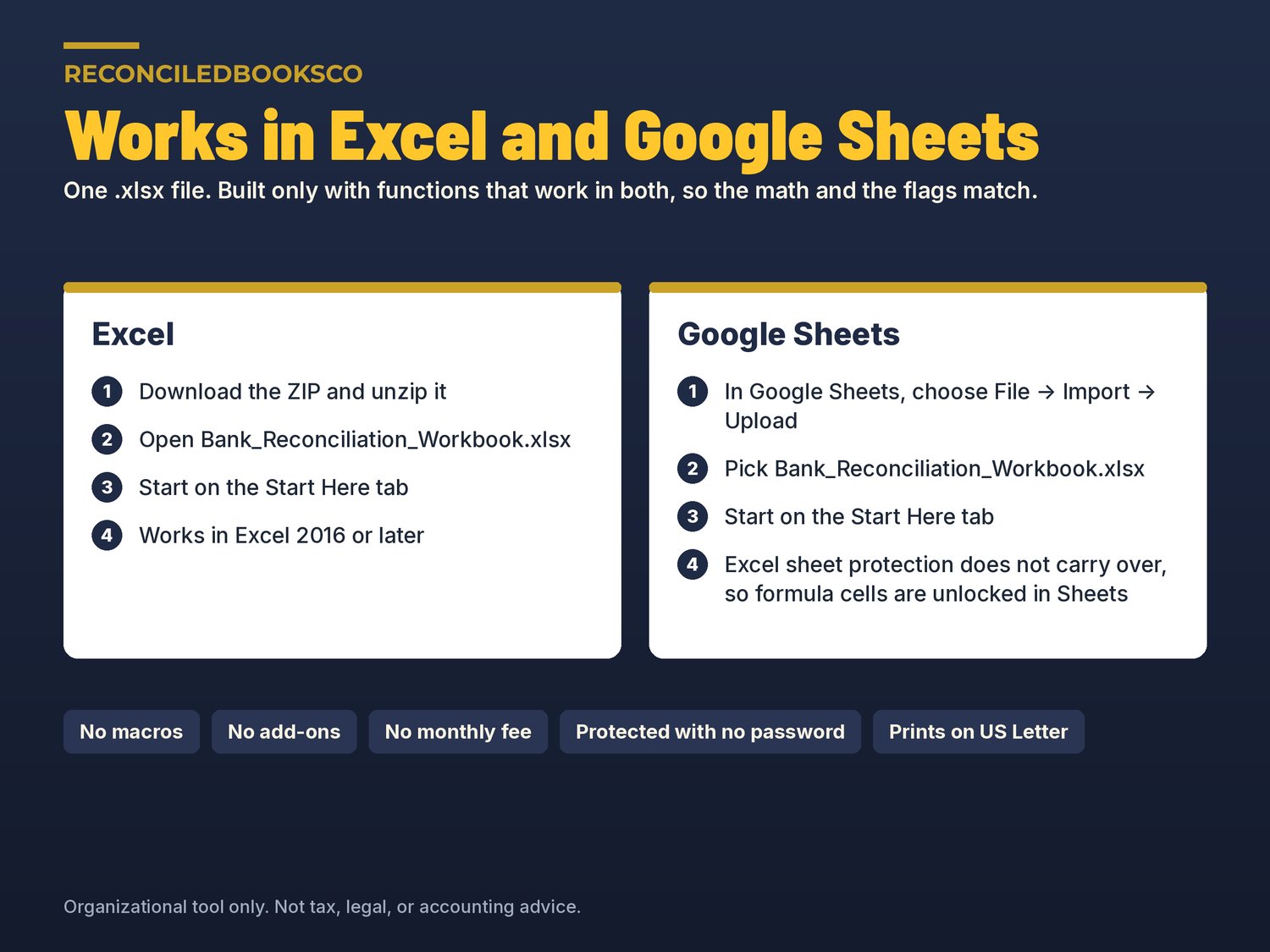
WORKS WITH EXCEL & GOOGLE SHEETS
Excel: unzip the download, open the .xlsx and start on the Start Here tab (Excel 2016 or later).
Google Sheets: open Google Sheets and use File > Import > Upload. The workbook uses only functions that work in both programs. Google Sheets does not carry over Excel's sheet protection, so formula cells are unlocked there.
SEE IT FILLED IN FIRST
The EXAMPLE file shows eight reconciled months for a made-up organization, so you can see every tab filled in before you start. Keep it as a reference and work in the blank file.
WHO THIS IS FOR
Treasurers, including part-time treasurers, at nonprofits, churches, school parent groups, booster clubs, HOAs, clubs and community associations, and small business owners. It works alongside any accounting software or a simple ledger, for anyone whose board, finance committee or reviewer wants a monthly bank reconciliation with a sign-off. You don't need to be an accountant.
INSTANT DOWNLOAD · DIGITAL FILES ONLY
This is a digital download. Nothing will be shipped. Your download link appears right after checkout and is also in your email receipt. Because these are digital files, all sales are final. If a file won't open, contact us and we'll fix it or send it again. One purchase covers one organization; please don't resell or share the files.
DISCLAIMER
This template is an organizational tool, not tax, legal, or accounting advice. Check with your accountant or tax advisor for your organization's specific requirements. Not approved or endorsed by any bank, church, denomination, school, national organization or regulator. The sample organization, people and numbers in the EXAMPLE file are fictional.
Built by ReconciledBooksCo, a small shop run by an experienced accountant.