

Digital Legacy & Password Organiser: Hints, Not Passwords
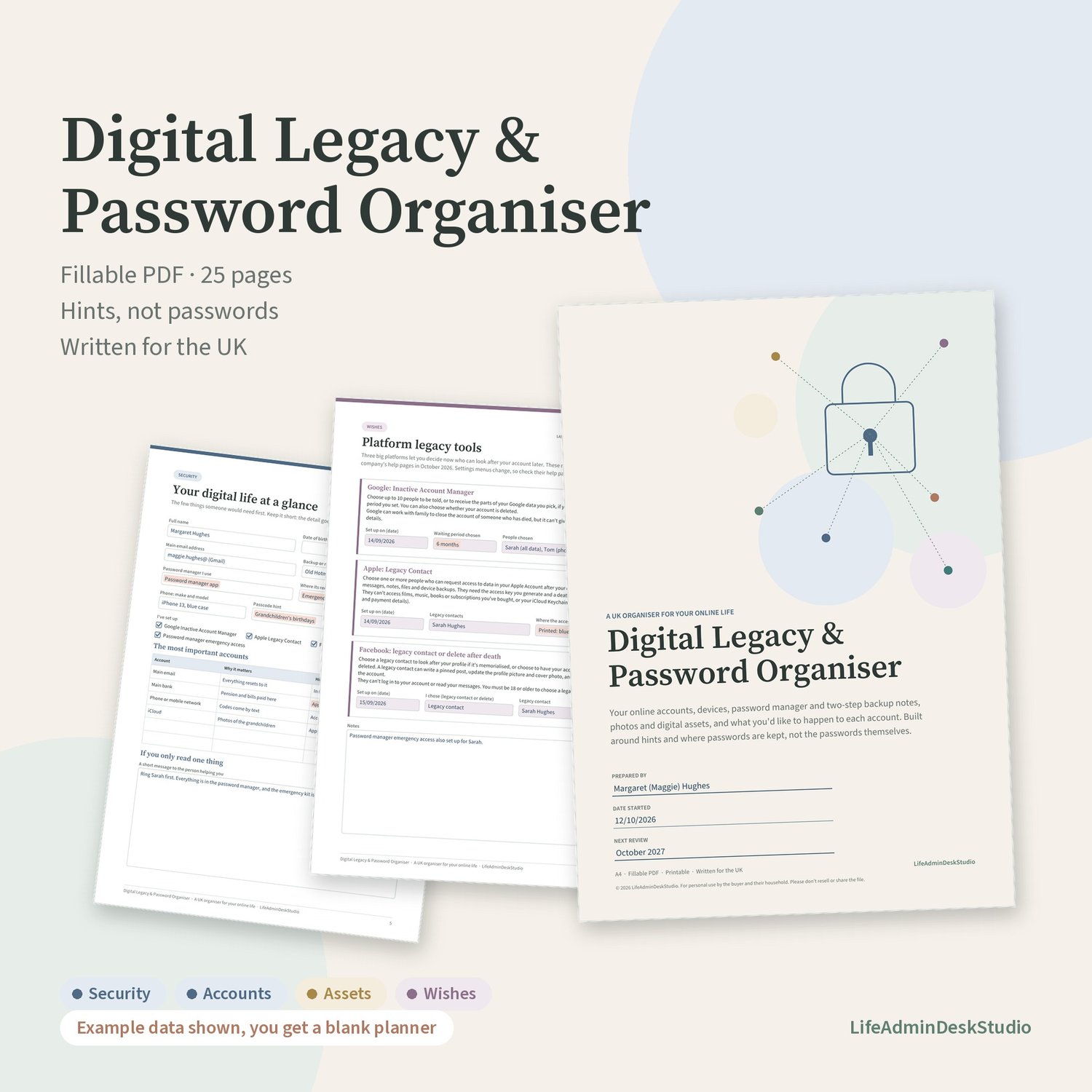
If something happened to you, could the people you trust find your email, your photos and your subscriptions, and would they know what you'd want done with each account? This organiser gives them that map without asking you to write your passwords down.
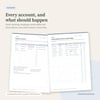
It's a 25-page fillable PDF, written for the UK. Record each account, a hint or where its password is kept, and your wishes for it: keep, close, memorialise or pass on. Type into it on screen or print it and write by hand.
Hints, not passwords
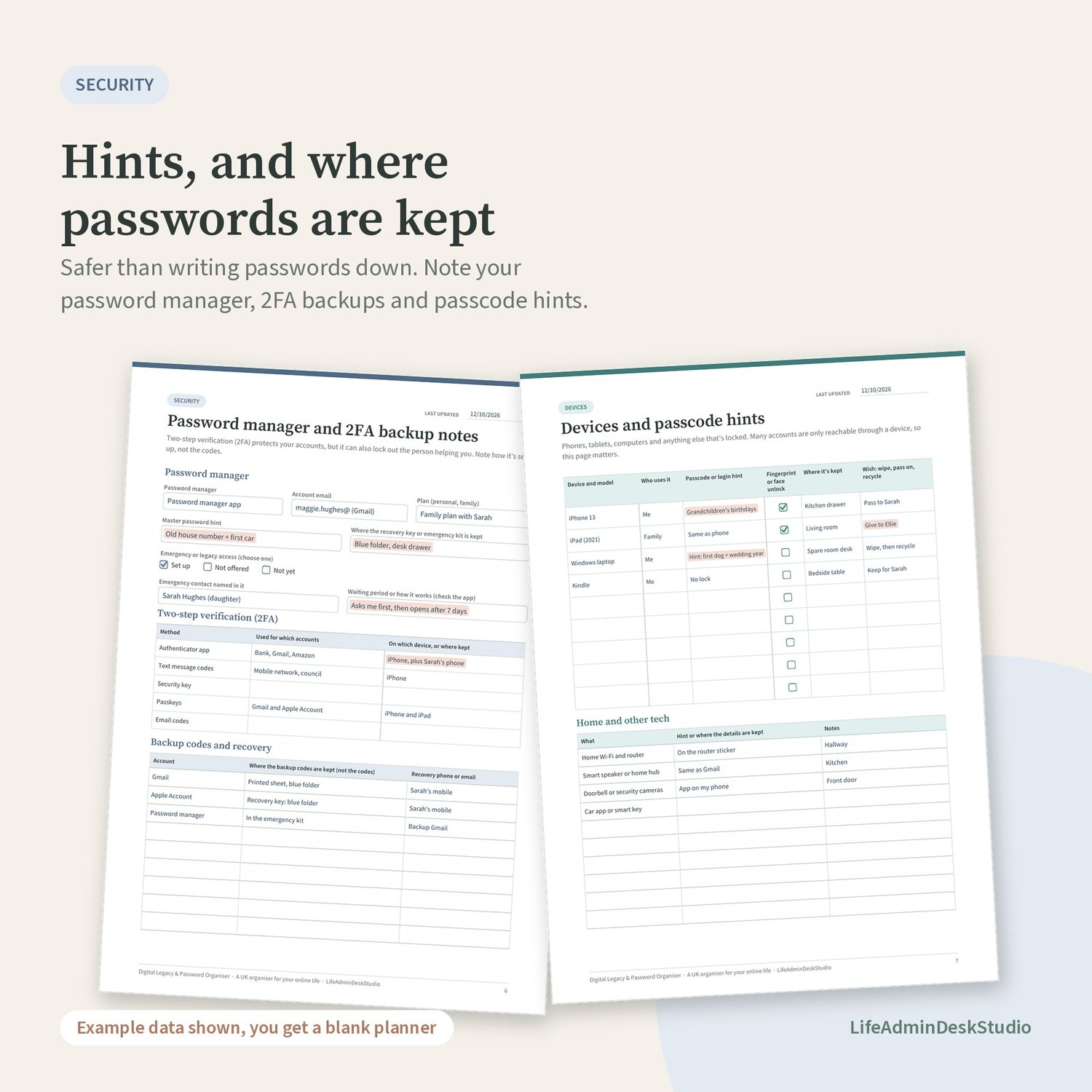
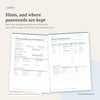
It's safer to record a hint, and where each password is kept, than the password itself. The organiser is built around that: a password manager page, where your 2FA backup codes are kept (not the codes), and a passcode hint for each device. It reminds you never to write PINs, full card or account numbers, or crypto recovery (seed) phrases in it.
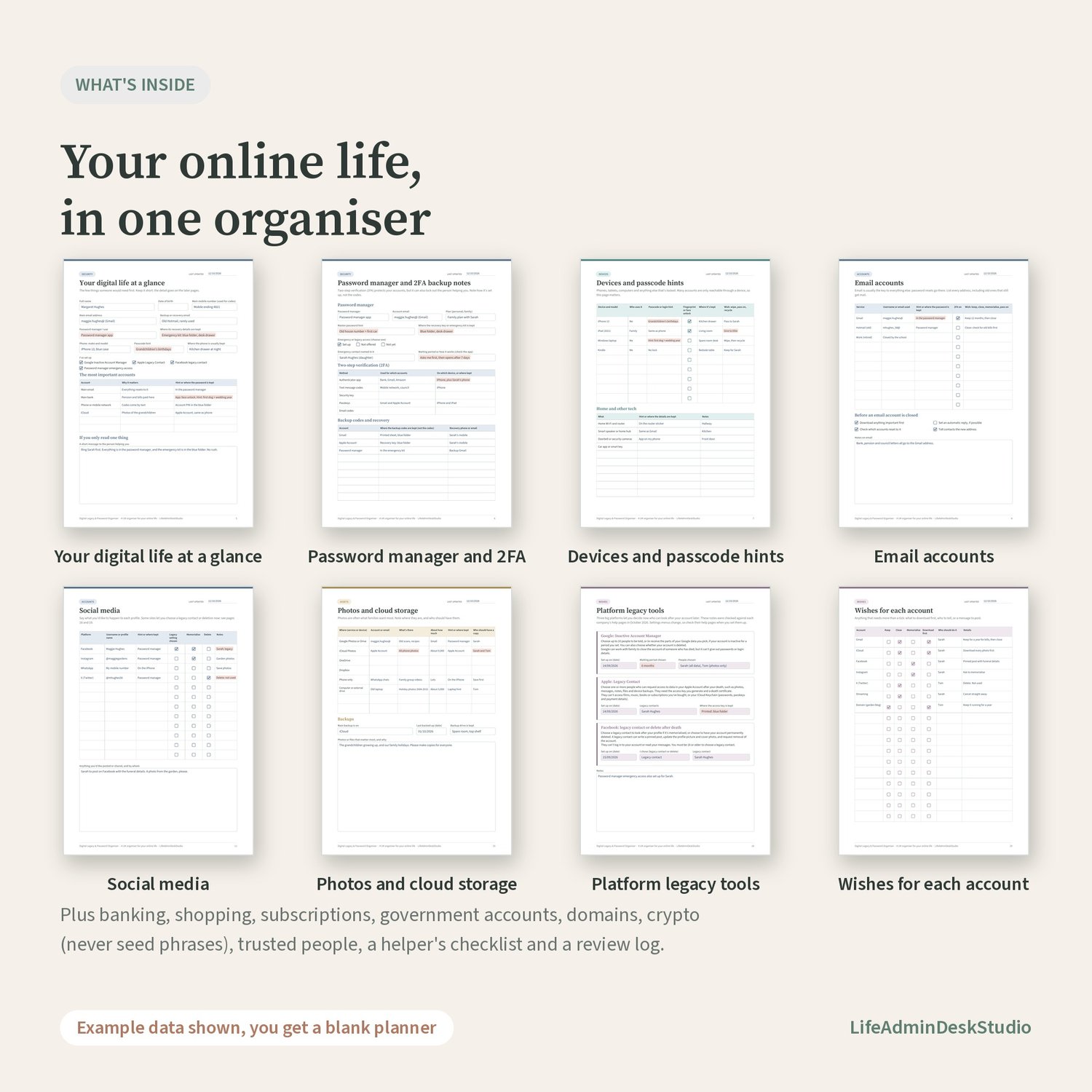
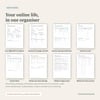
What's inside (25 A4 pages, in colour-coded sections)
Start
- Before you start, and a linked contents page
Security
- Keeping this organiser safe: dos and don'ts, and where the printed copy is kept
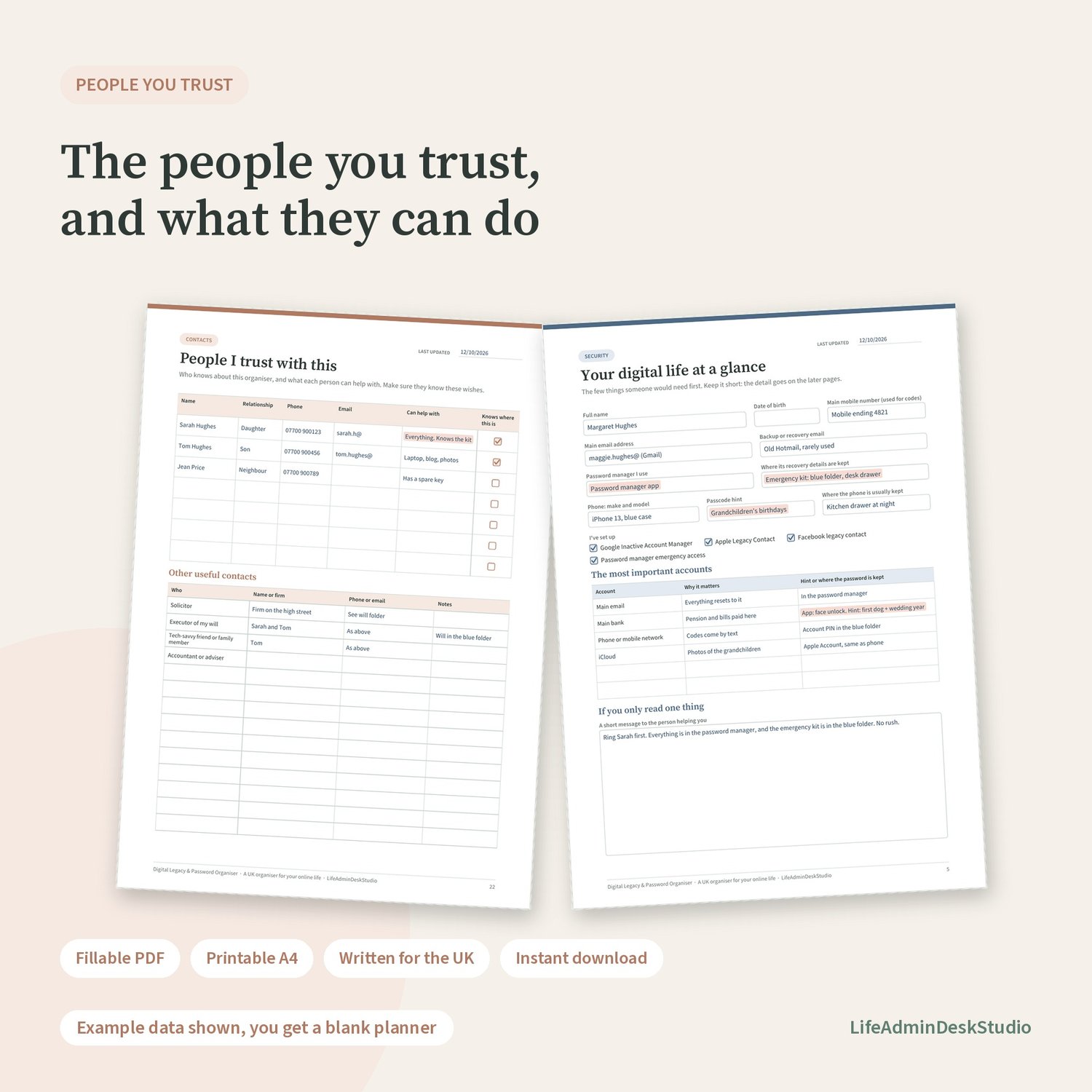
- Your digital life at a glance: the few things someone would need first, and a short message to the person helping you
- Password manager and 2FA backup notes: emergency or legacy access, two-step methods, and where backup codes are kept
Devices
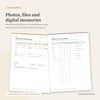
- Devices and passcode hints: phones, tablets and computers, who uses each, where it's kept and what should happen to it, plus home Wi-Fi, smart speakers, doorbells and car apps
Accounts
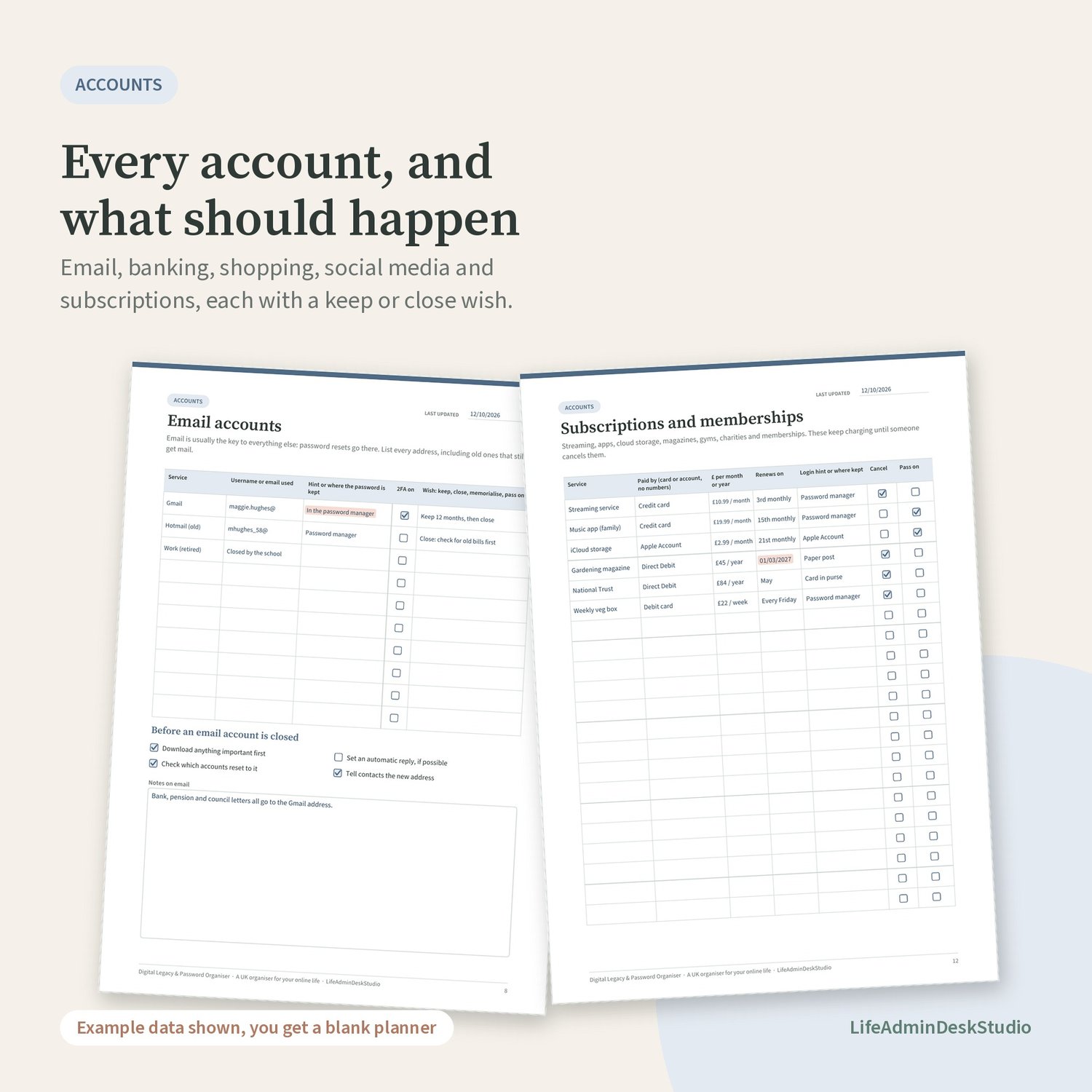
- Email accounts, with a checklist for before an address is closed
- Banking, money and payment apps (account type and last 4 digits only)
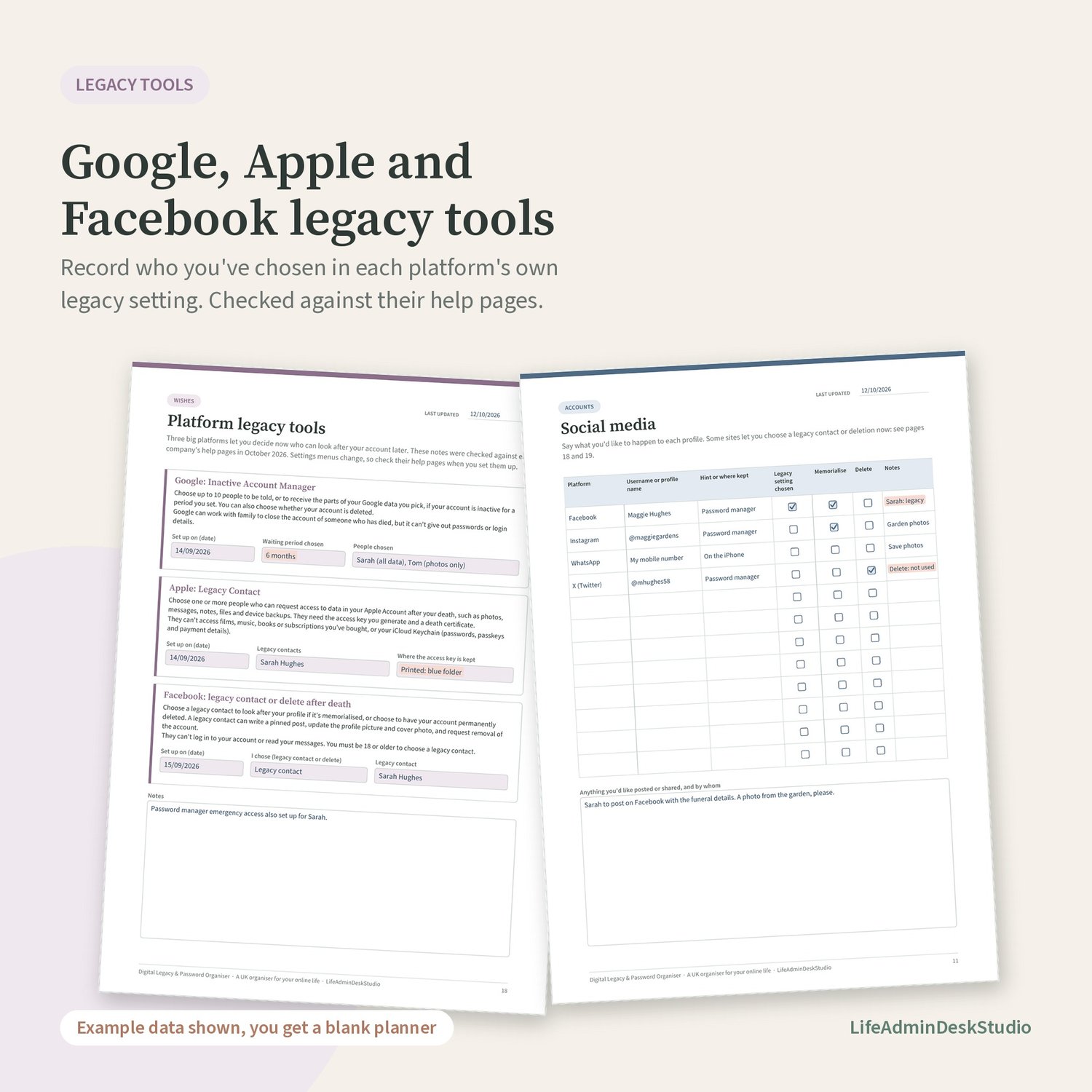
- Shopping and online stores, social media, subscriptions and memberships
- Home, utilities and government accounts, such as GOV.UK One Login, HMRC online services and TV Licensing
- Work, school and other accounts
Assets
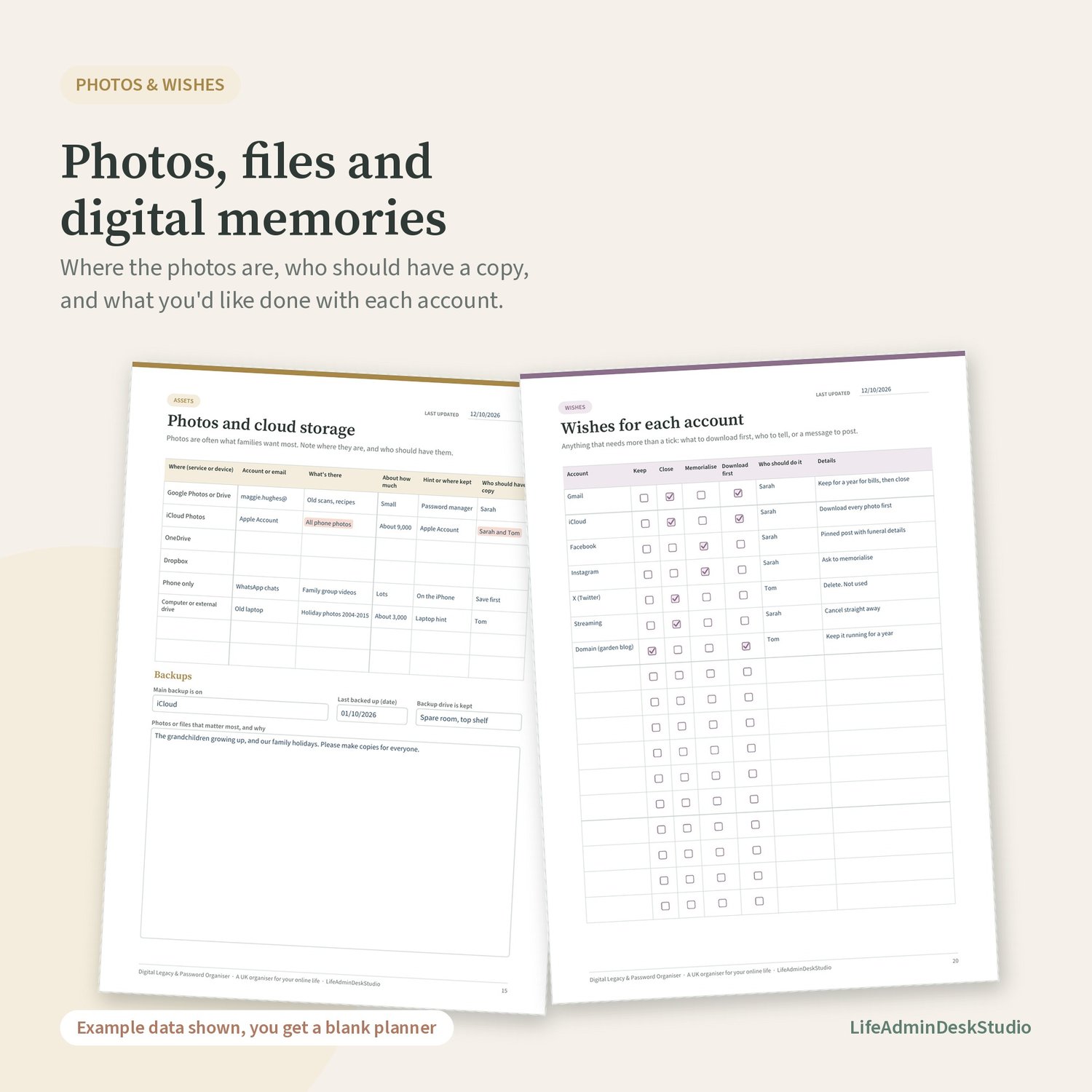
- Photos and cloud storage, and your backups
- Websites, domains and online businesses
- Crypto, points and digital purchases (never seed phrases)
Wishes
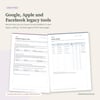
- Platform legacy tools: Google Inactive Account Manager, Apple Legacy Contact and Facebook legacy contact, checked against each company's help pages in October 2026
- Other platforms' legacy settings
- Wishes for each account, and for photos, messages and memories
Contacts
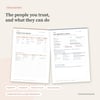
- People I trust with this, and other useful contacts
- For the person helping: a calm order to work in, and a log of who's been told
- Review log and notes
What you'll download
- Digital-Legacy-Password-Organiser_LifeAdminDeskStudio.pdf (PDF, 25 pages)
How it works
- Digital download: one PDF file. Nothing physical is posted.
- Straight after you pay, you'll be taken to your download page, and you'll also get an email with your download link.
- Type into the fillable fields and tick boxes using a PDF app that supports forms, such as the free Adobe Acrobat Reader, then save. Or print on A4 and fill it in by hand.
- Some browser and phone PDF viewers don't save form entries. If that happens, use Adobe Acrobat Reader.
- The images show made-up example entries. You get a blank organiser.
- A4 size. It prints on US Letter with "fit to page", but it's written for the UK.
Keeping it safe
- Store the printed copy securely, for example in a locked drawer or a fire-resistant box, and tell one or two trusted people where it is.
- We recommend recording hints and where passwords are kept, not the passwords themselves. If you choose to type anything sensitive, don't save the PDF anywhere unencrypted.
- Don't email the filled-in file or leave it unencrypted on a shared computer or cloud folder.
Works alongside the Family Emergency Organiser
If you also use the "If Something Happens to Me" Family Emergency Organiser from this shop, keep the two together. That one covers the household, money and documents. This one goes into detail on accounts, devices and digital assets.
Please note
This is a practical record, not a will. It isn't legal or financial advice, and it doesn't give anyone legal authority over your accounts. Each company has its own rules for when someone has died, and they can change, so check their help pages. Ask a solicitor about your will.
How this was made
I designed this organiser and chose its contents, which were checked against the platforms' official help pages. AI tools were used to help draft some of the wording and to help build the layout of the PDF. Every page has been checked and the fillable fields tested before release. There are no AI-generated photos or illustrations.
Digital download and cancellations
This is digital content, available to download straight after purchase. At checkout, you'll be asked to agree that the download can start immediately and to acknowledge that you then lose your 14-day right to cancel under the UK Consumer Contracts Regulations. If the file is faulty or won't open, email lifeadmindesk@gmail.com and I'll put it right.
Personal use
For personal use by you and your household. Please don't resell or share the file publicly.
From LifeAdminDeskStudio: practical, UK-specific organisers for the paperwork side of life.