
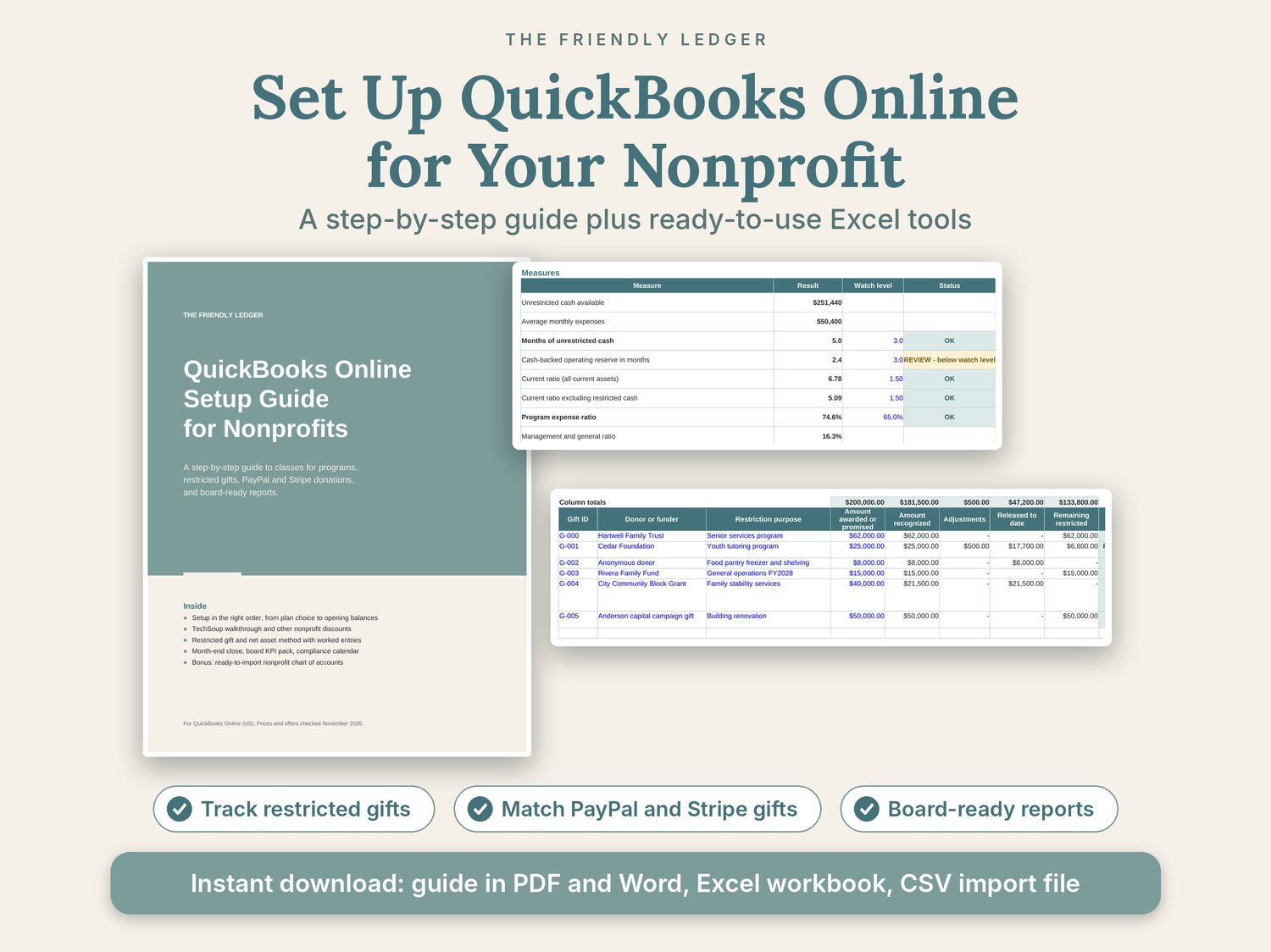
QuickBooks Online Setup Guide for Nonprofits + Nonprofit Chart of Accounts Template (QBO Import CSV)
QuickBooks Online setup guide for nonprofits, with a ready-made nonprofit chart of accounts template and a QBO import file. Set up restricted funds, programs, grants and net assets the right way from day one, or clean up a file that already exists.
Most nonprofits start QuickBooks Online with a chart of accounts built for a small business. Then restricted gifts, grants and programs get tangled, and the board report takes hours. This guide shows you how to avoid that.
Written by a fractional CFO with 26 years of accounting experience, including nonprofit audits and grant compliance.
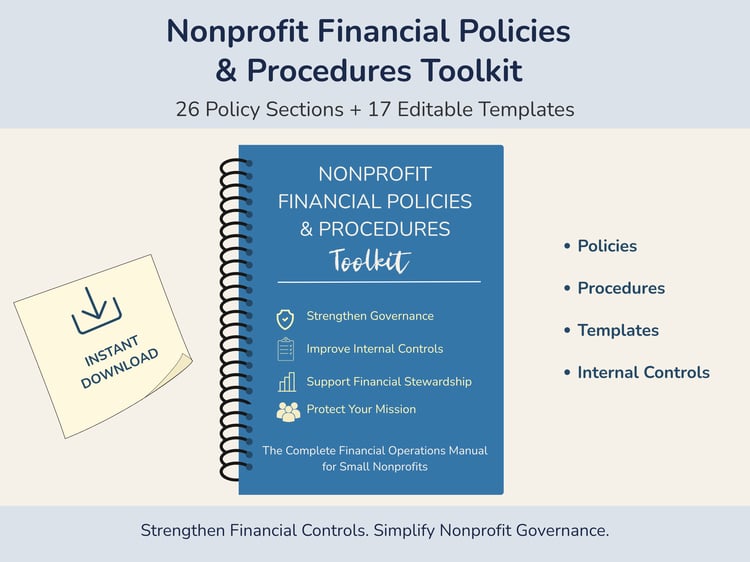
WHAT YOU GET (instant download, one zip file)
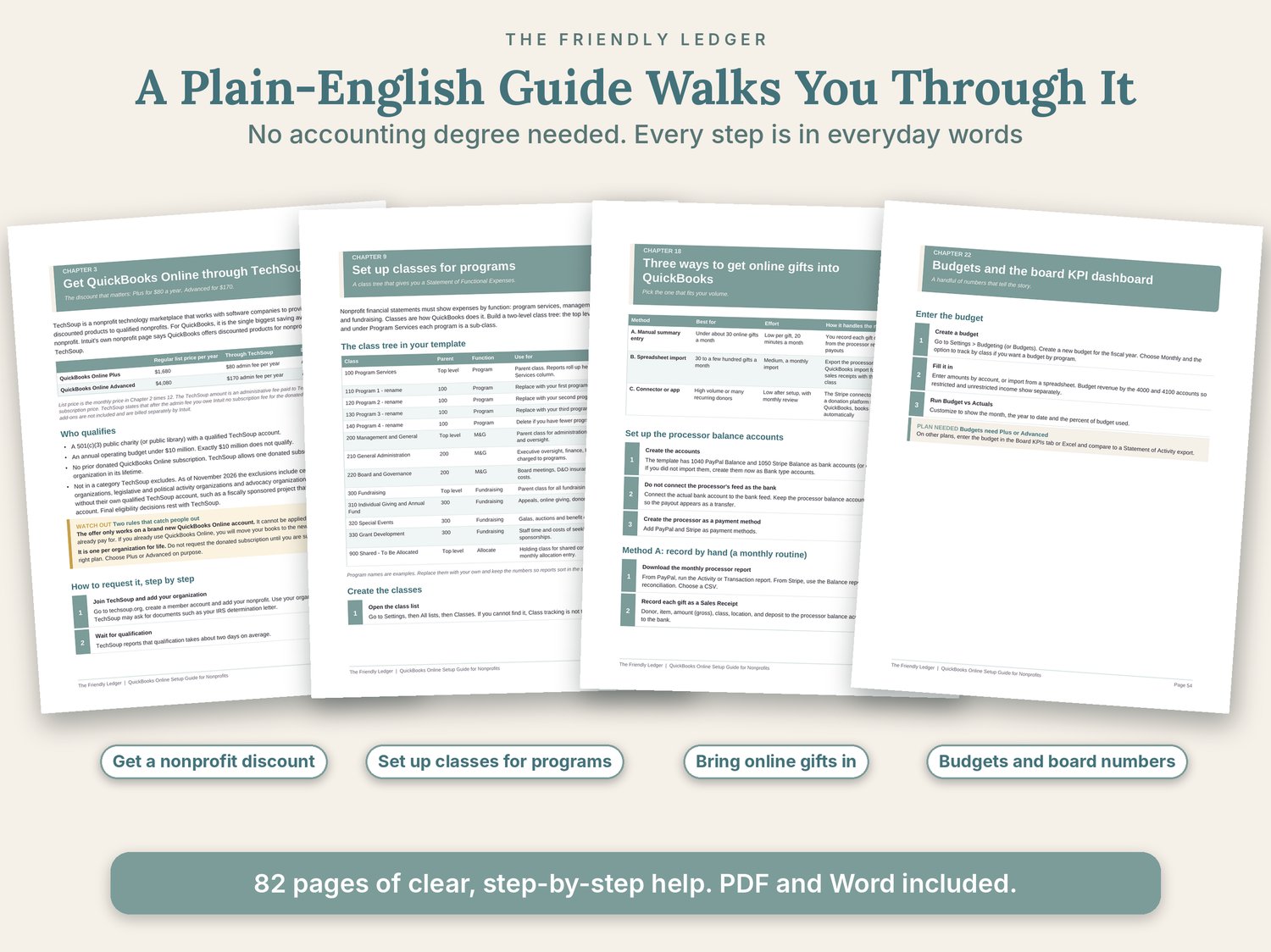
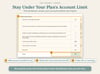
- 82-page setup guide in PDF and Word
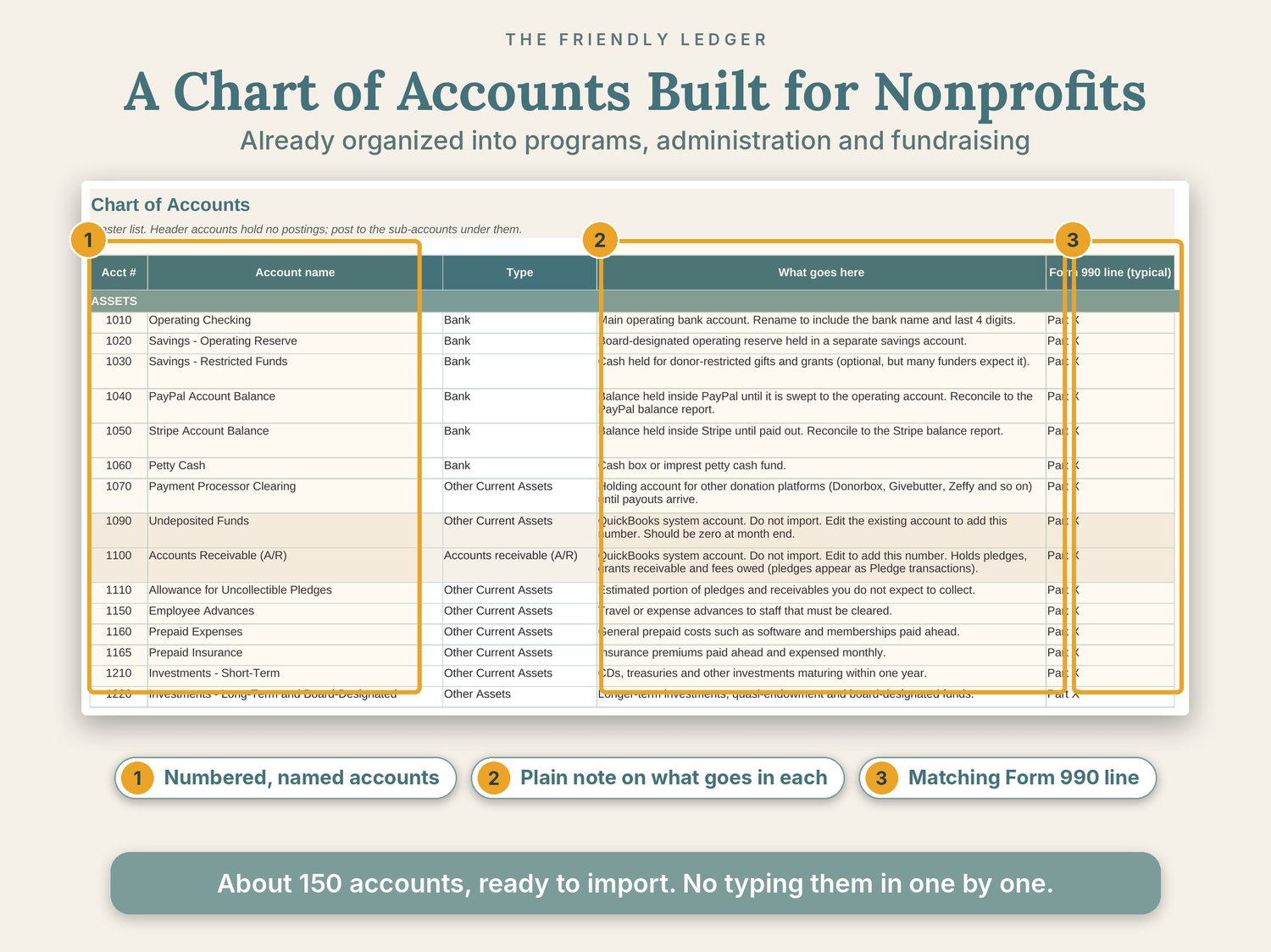
- Nonprofit chart of accounts EXAMPLE workbook (Excel), filled in with sample data
- Nonprofit chart of accounts TEMPLATE workbook (Excel), blank and ready to edit
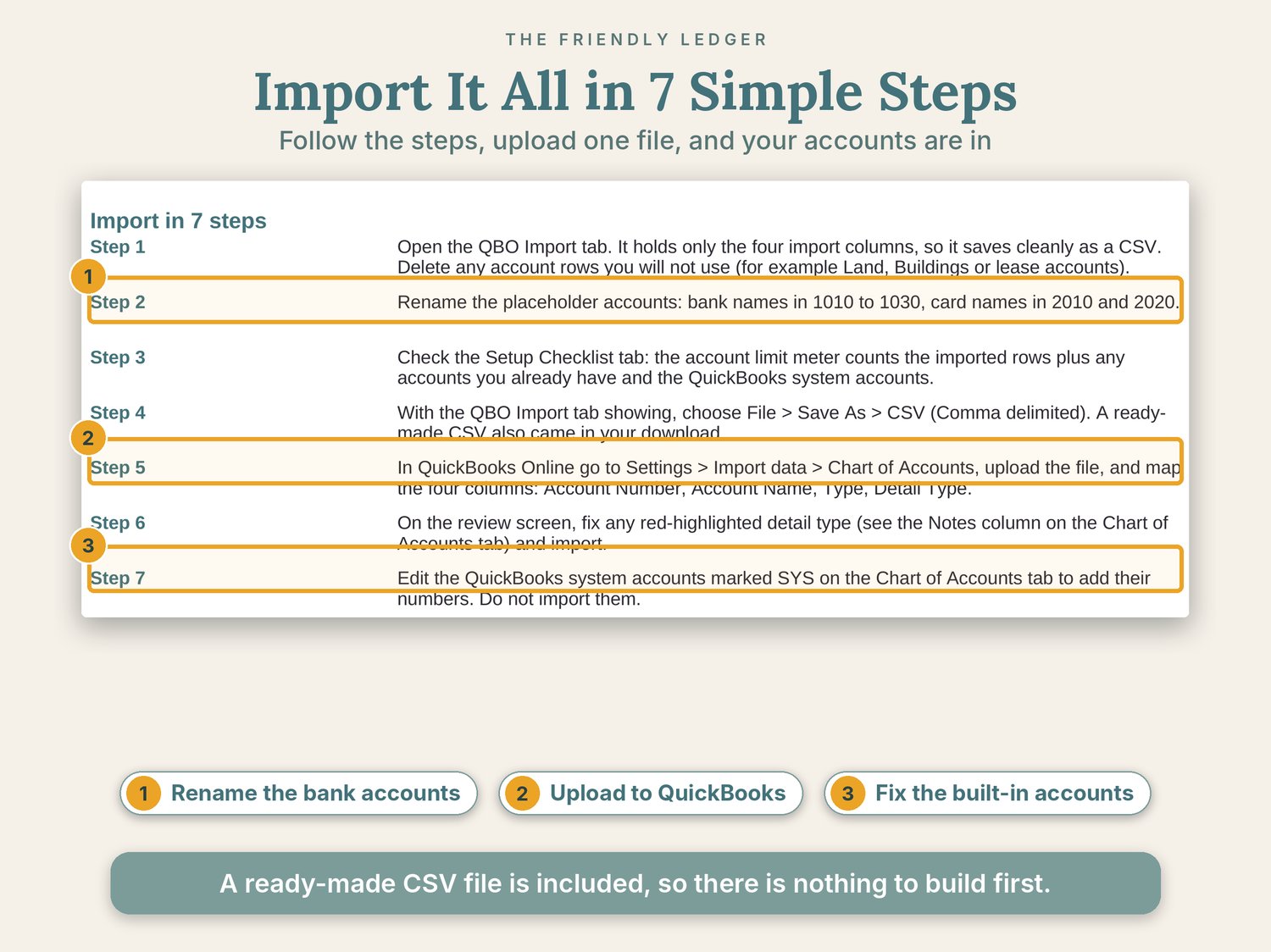
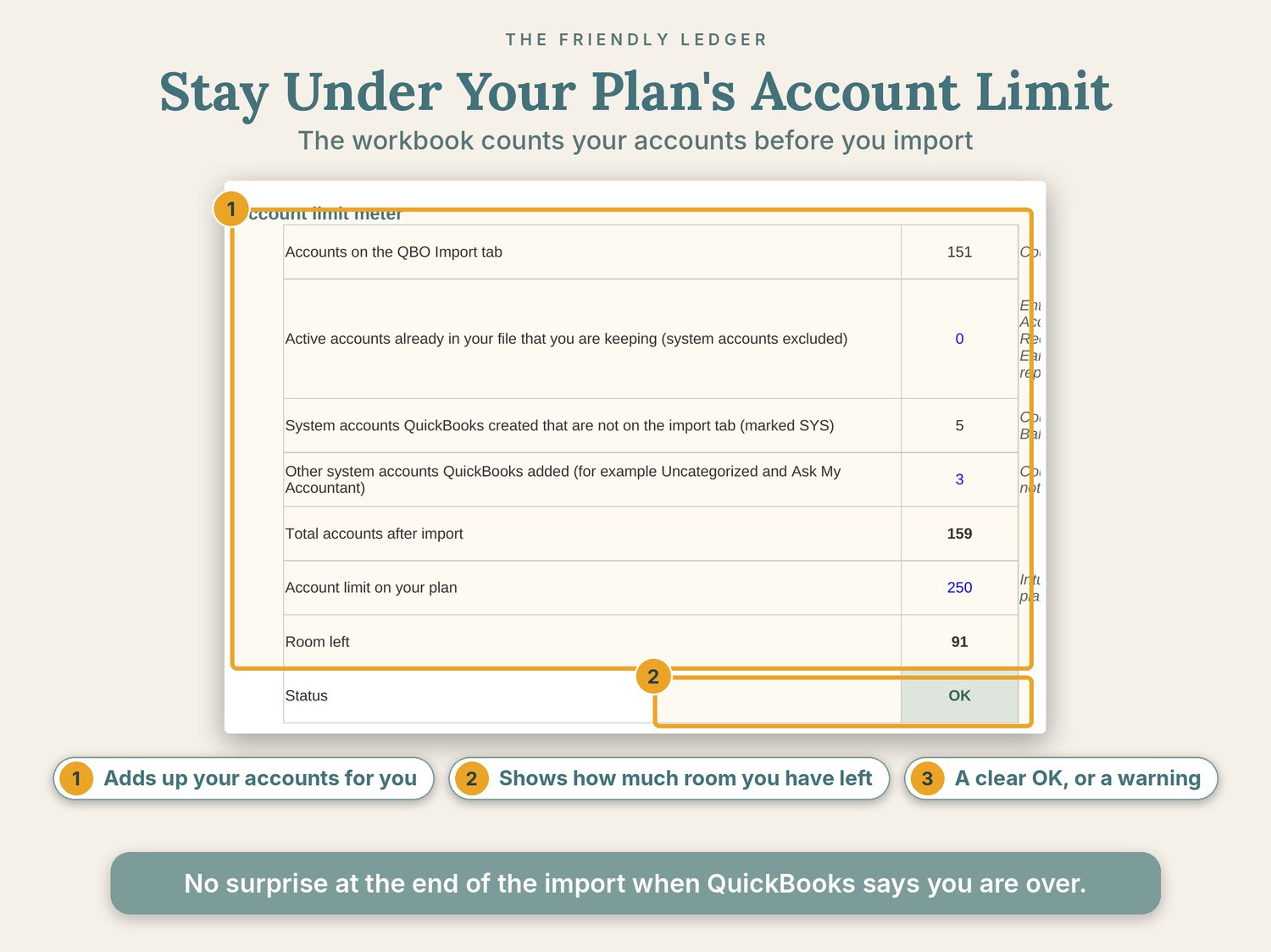
- QBO import file (CSV) to load the accounts
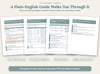
WHAT THE GUIDE WALKS YOU THROUGH
- Importing the chart of accounts into QuickBooks Online
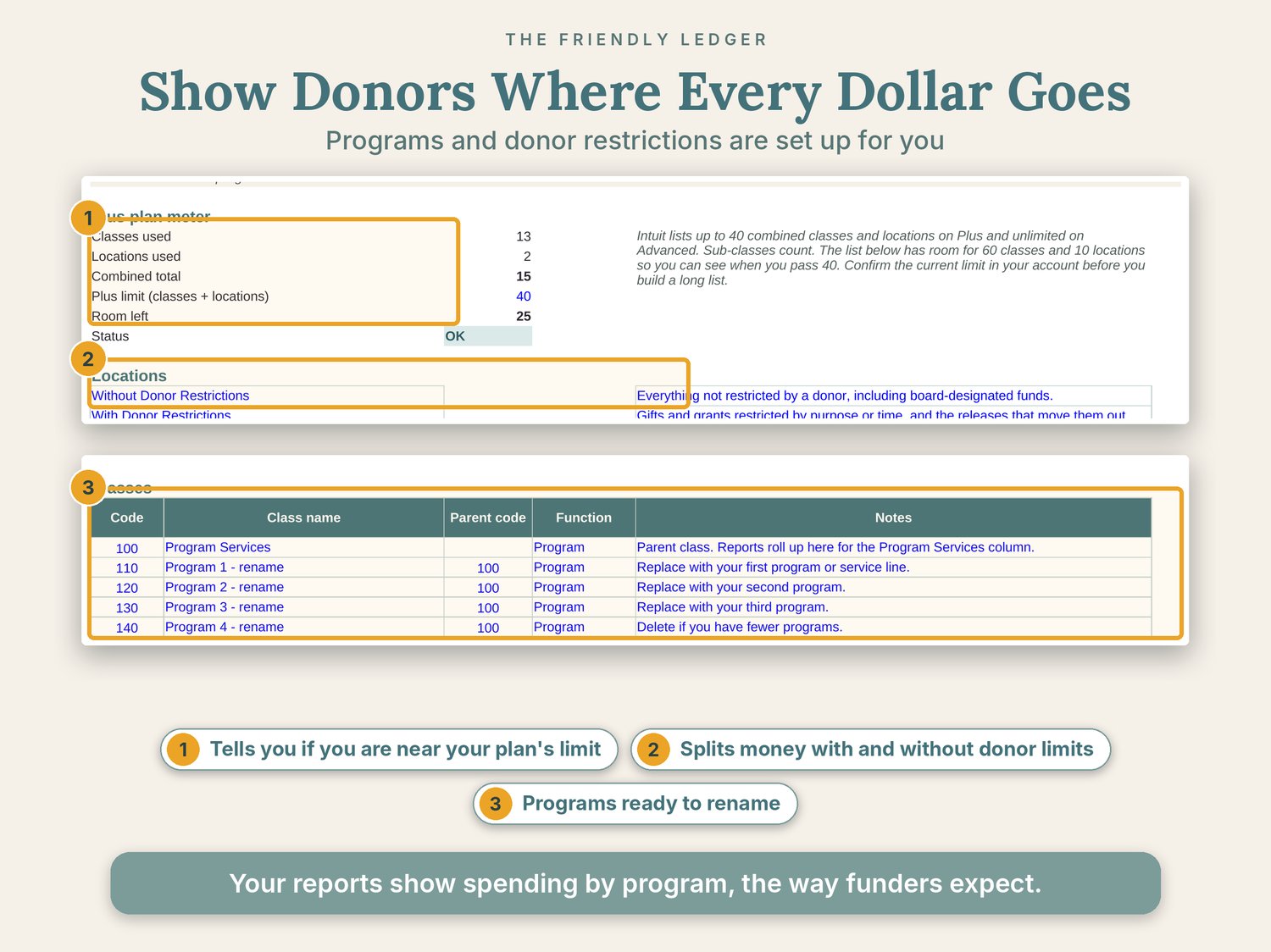
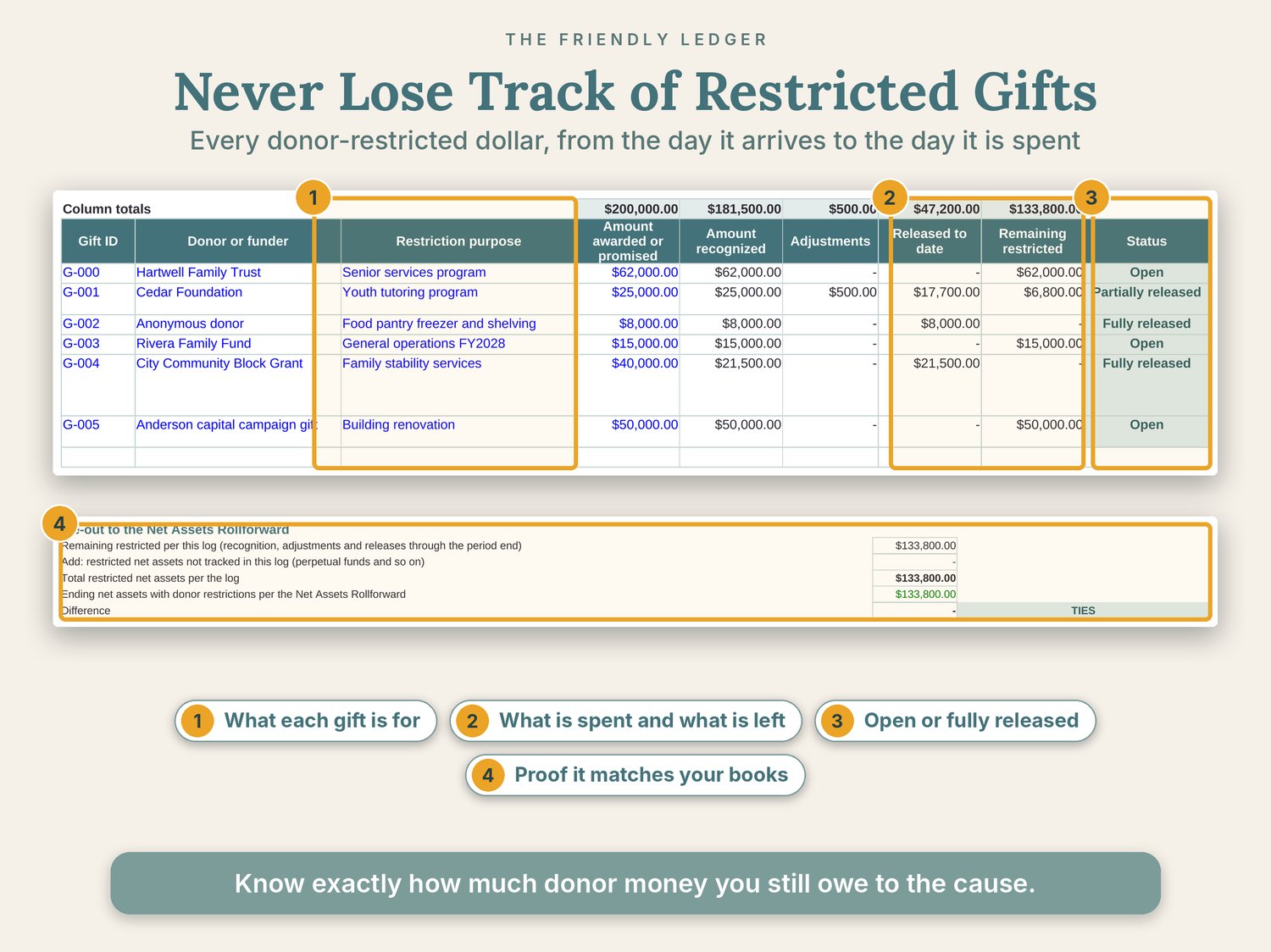
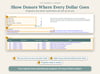
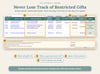
- Tracking programs and restricted gifts with classes
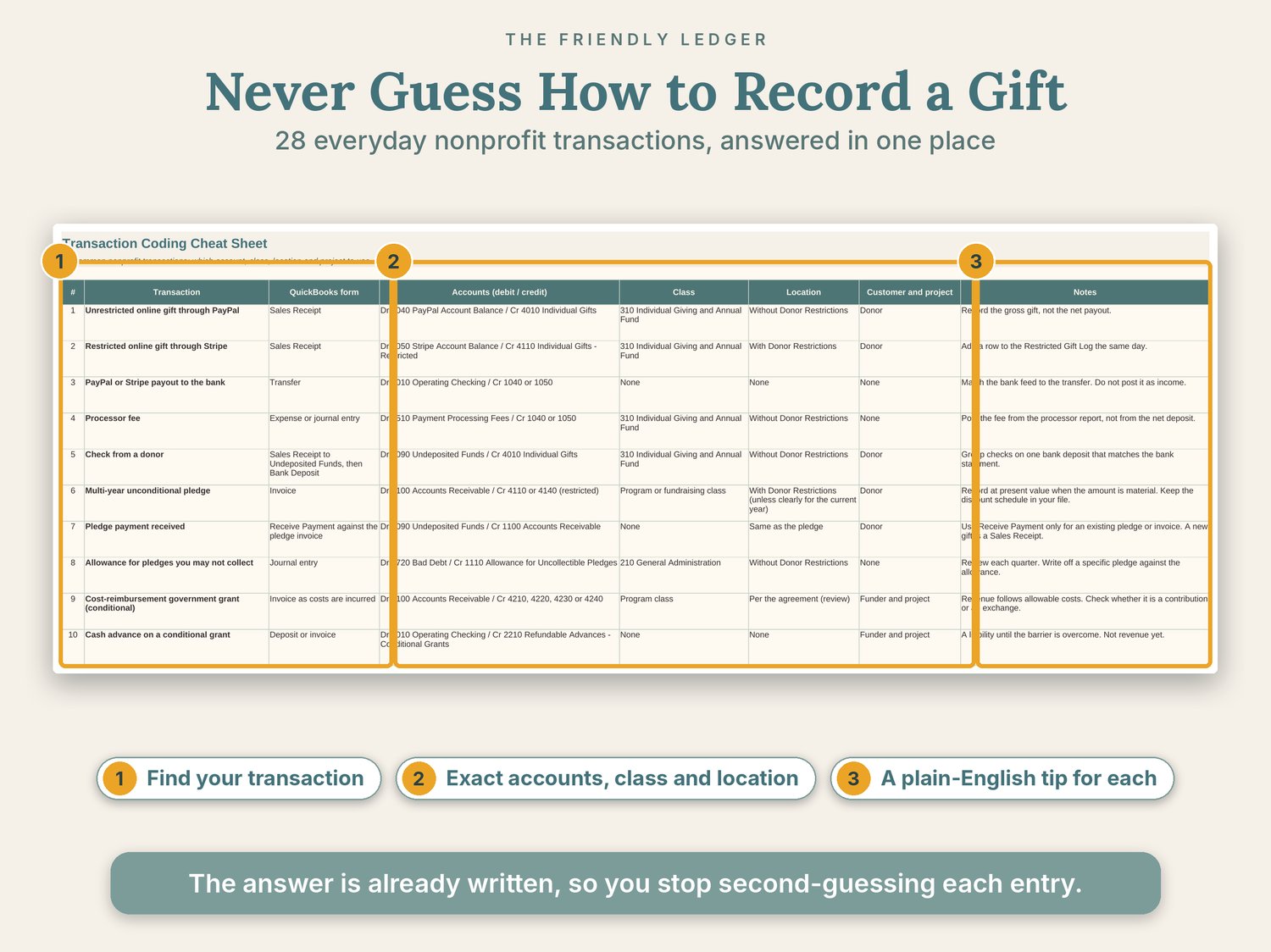
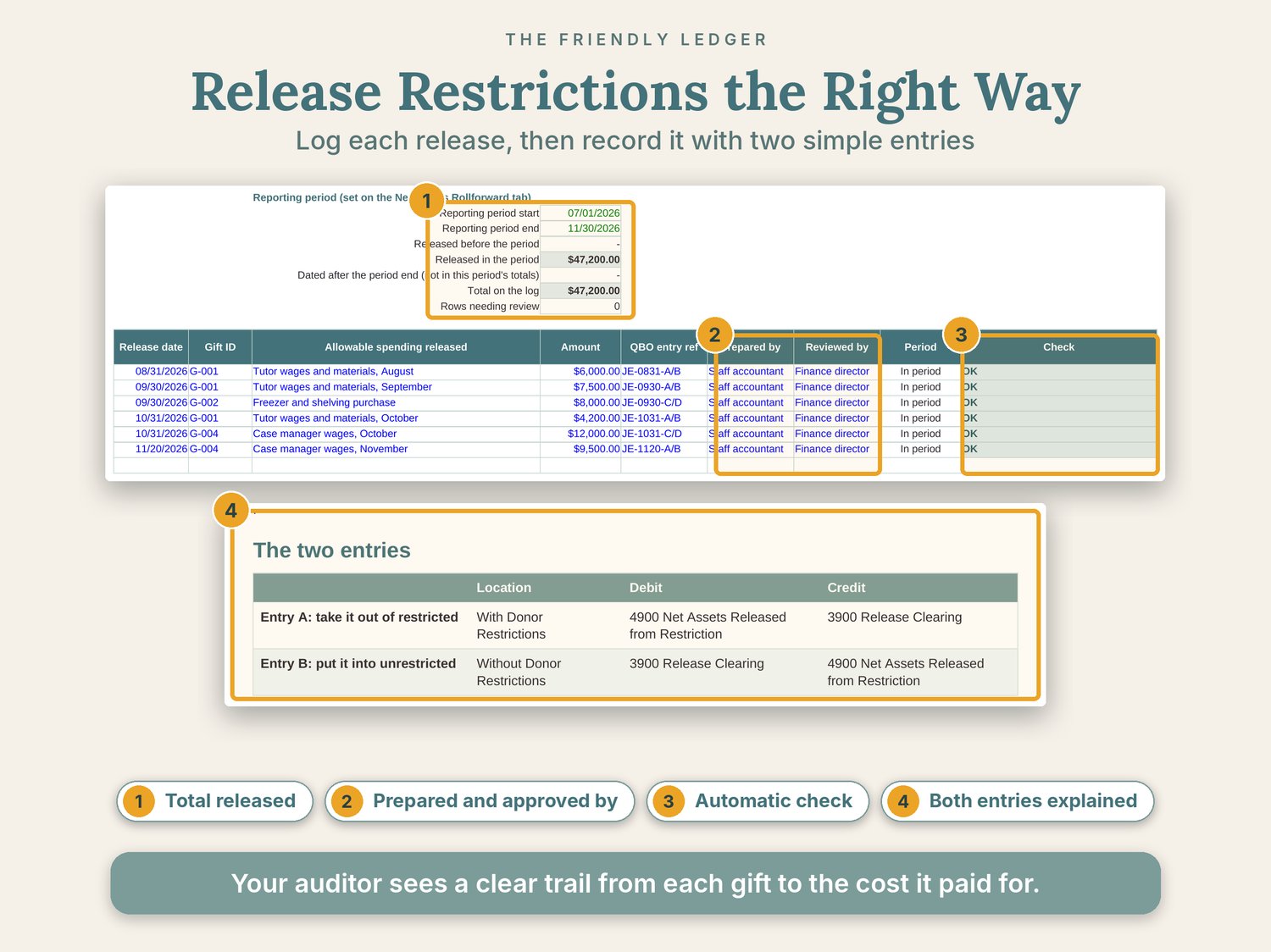
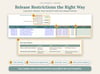
- Coding transactions and recording the release of restricted funds
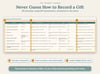
- Recording online gifts
- Entering opening balances
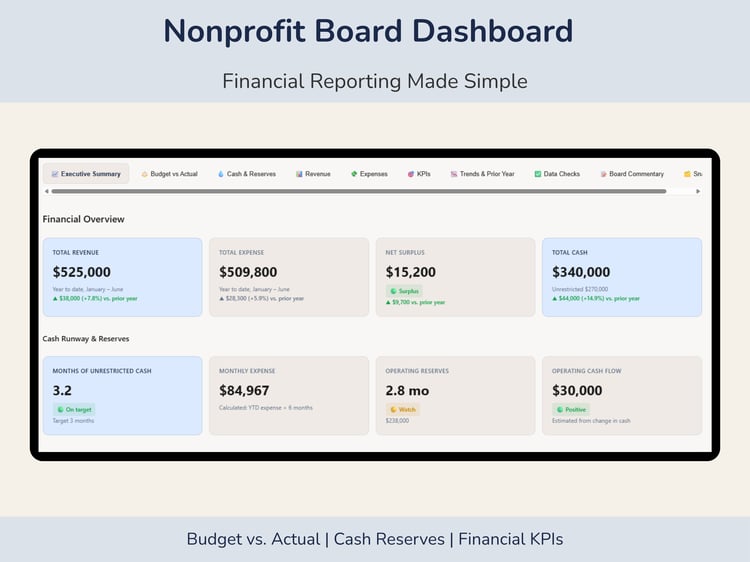
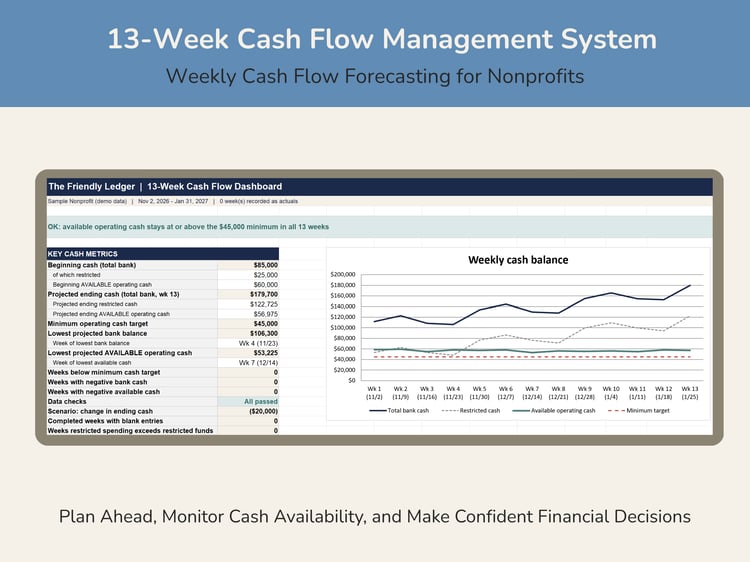
- Seeing your available cash and the numbers your board needs
WHO IT'S FOR
Executive directors, treasurers, bookkeepers and volunteers who run the books for a nonprofit in QuickBooks Online, with no accounting degree required.
GOOD TO KNOW
- All organizations, names and figures in the examples are fictional sample data.
- Requires your own QuickBooks Online subscription (not included) and Excel or a compatible spreadsheet app.
- General educational material, not tax, legal or audit advice. Check your setup with your CPA.
- Created with help from an AI generator and reviewed by the author.
- Not affiliated with or endorsed by Intuit. QuickBooks is a trademark of Intuit Inc.