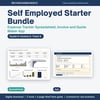
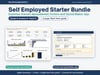
Self Employed Starter Bundle, Expense Tracker Spreadsheet, Invoice and Quote Maker App
For new freelancers, side hustlers and sole proprietors who need to send quotes and invoices, then keep income, expenses and miles in one place.
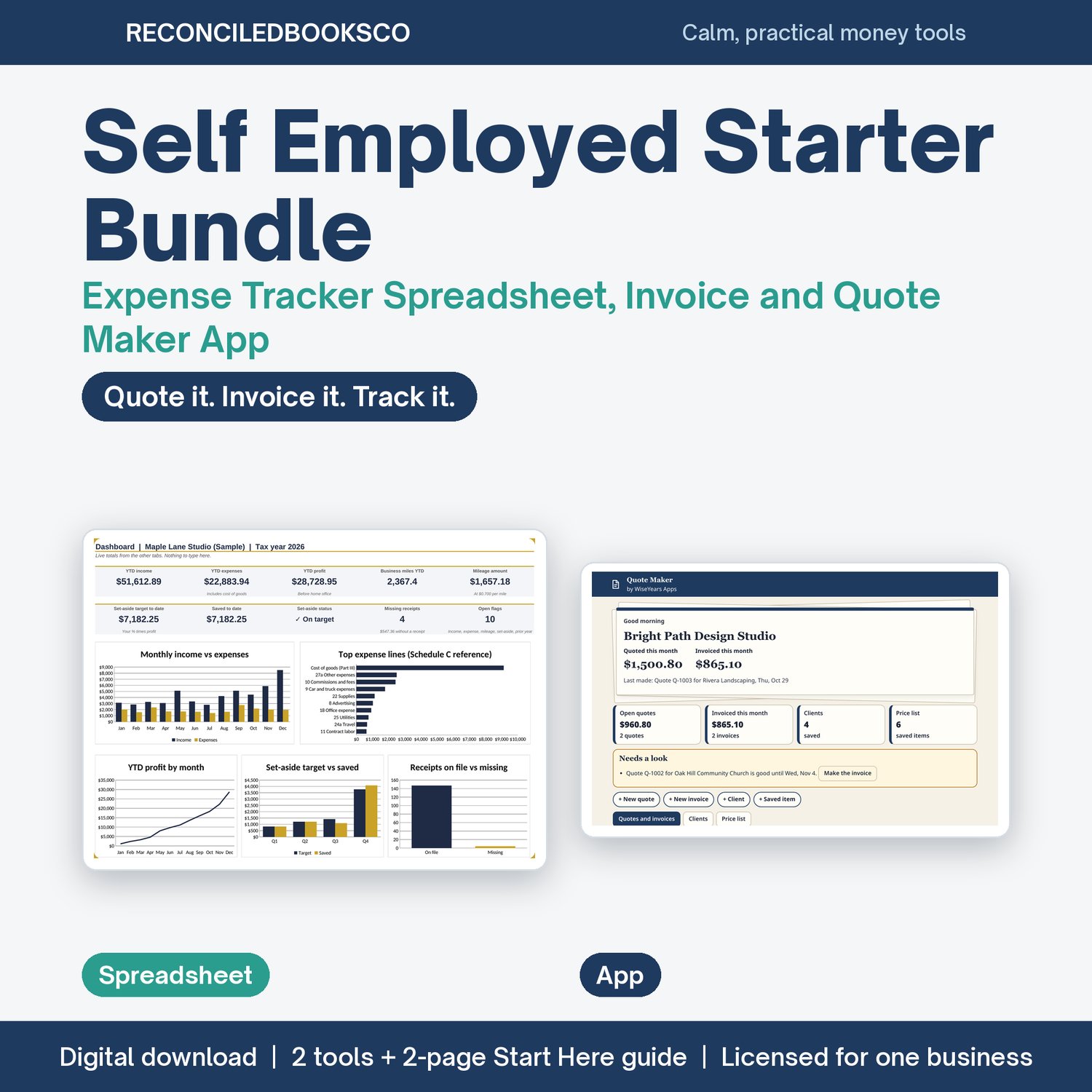
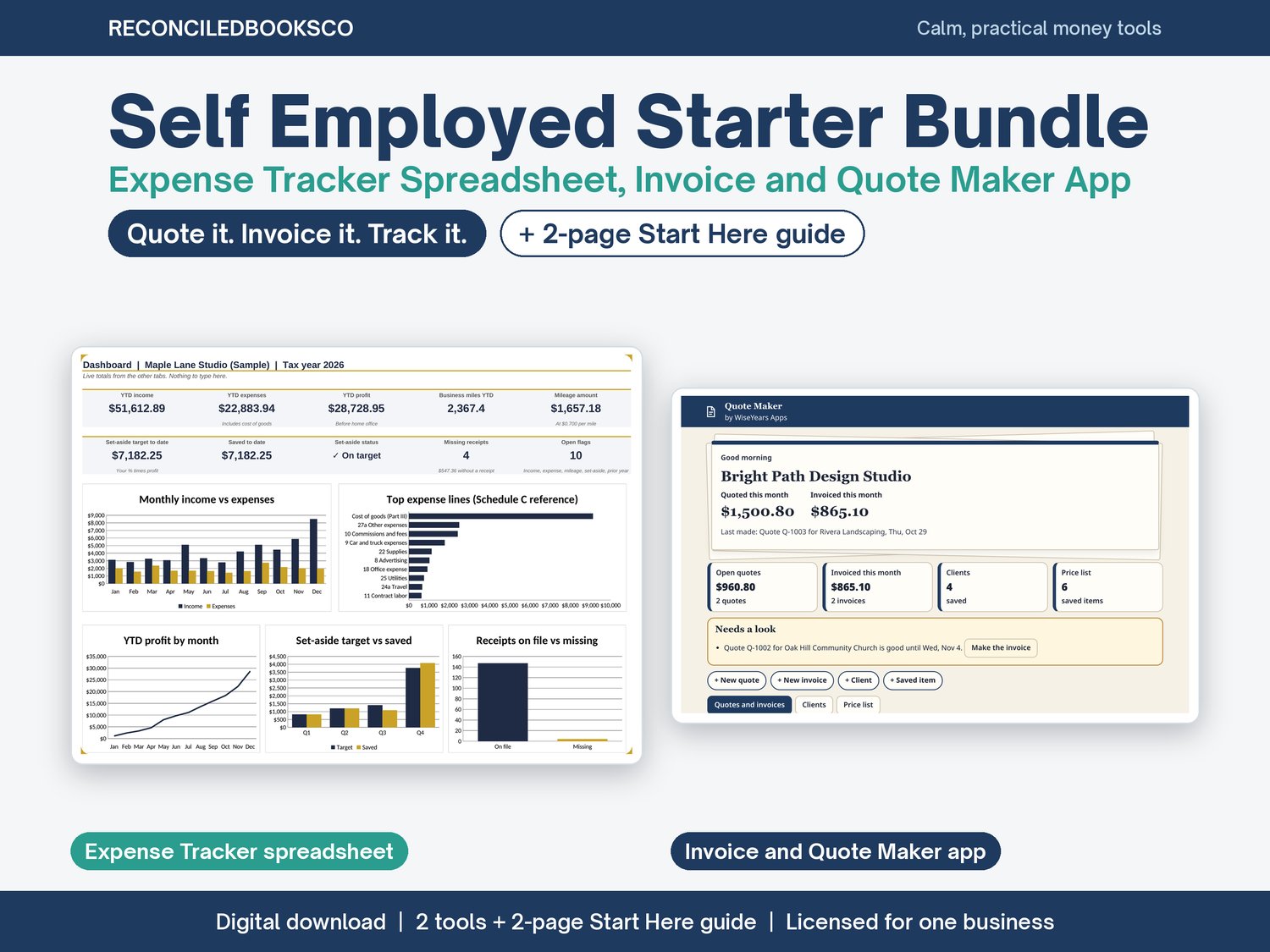
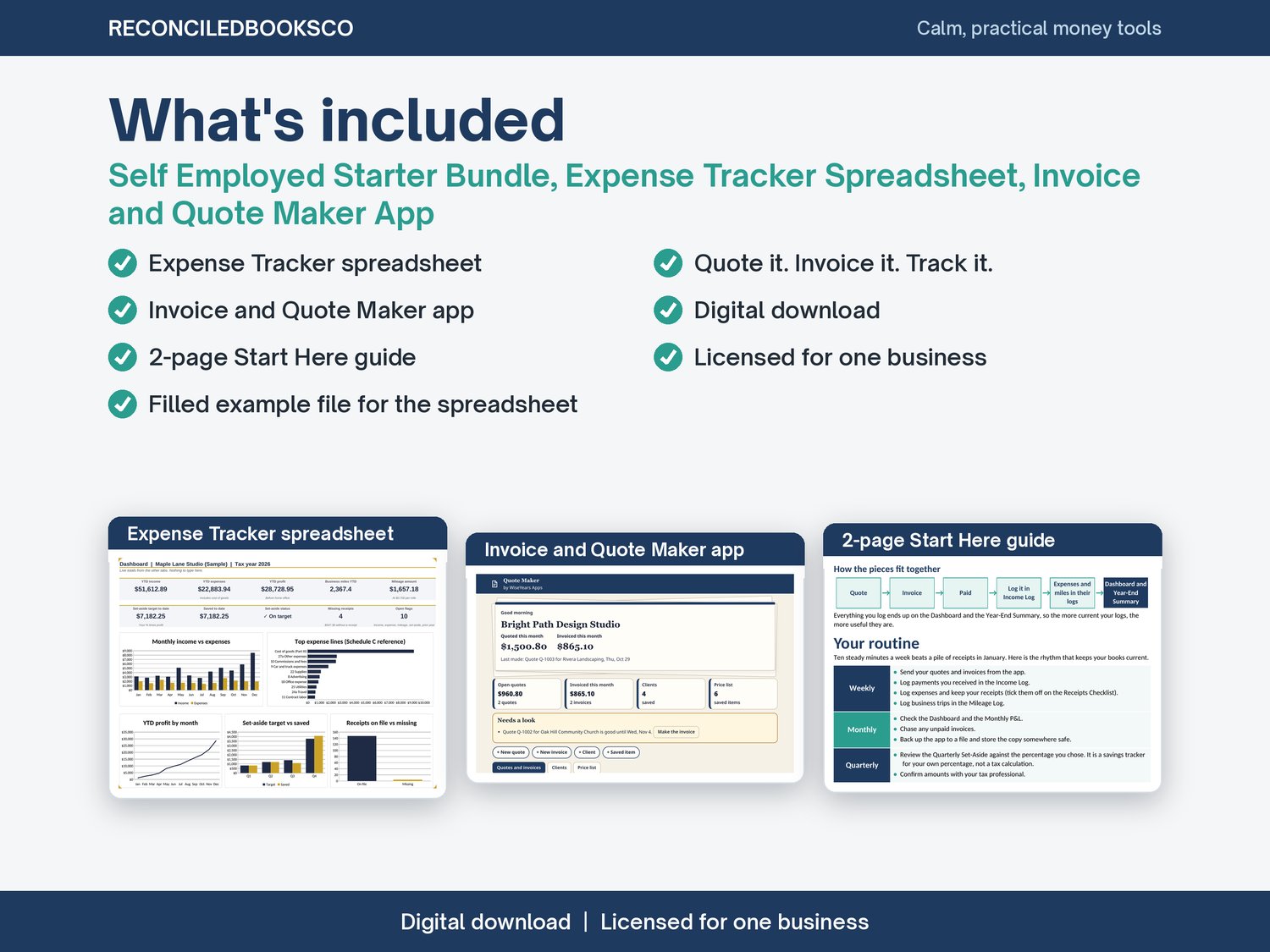
This bundle includes both tools in one download, with one Start Here guide. Quote and bill in the Invoice and Quote Maker app, then log what you were paid, what you spent and the miles you drove in the Business Expense Tracker.
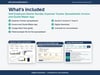
WHAT YOU GET
• One ZIP with 8 files
• Business_Expense_Tracker.xlsx: the blank expense tracker for your own year. It works in Excel and Google Sheets, and it opens on the Dashboard.
• Business_Expense_Tracker_EXAMPLE.xlsx: a filled sample year, so you can see how a finished year looks before you start
• Business_Expense_Tracker_Guide.docx: a short guide to every tab in the tracker
• START_HERE.txt: what is in the download and what to open first
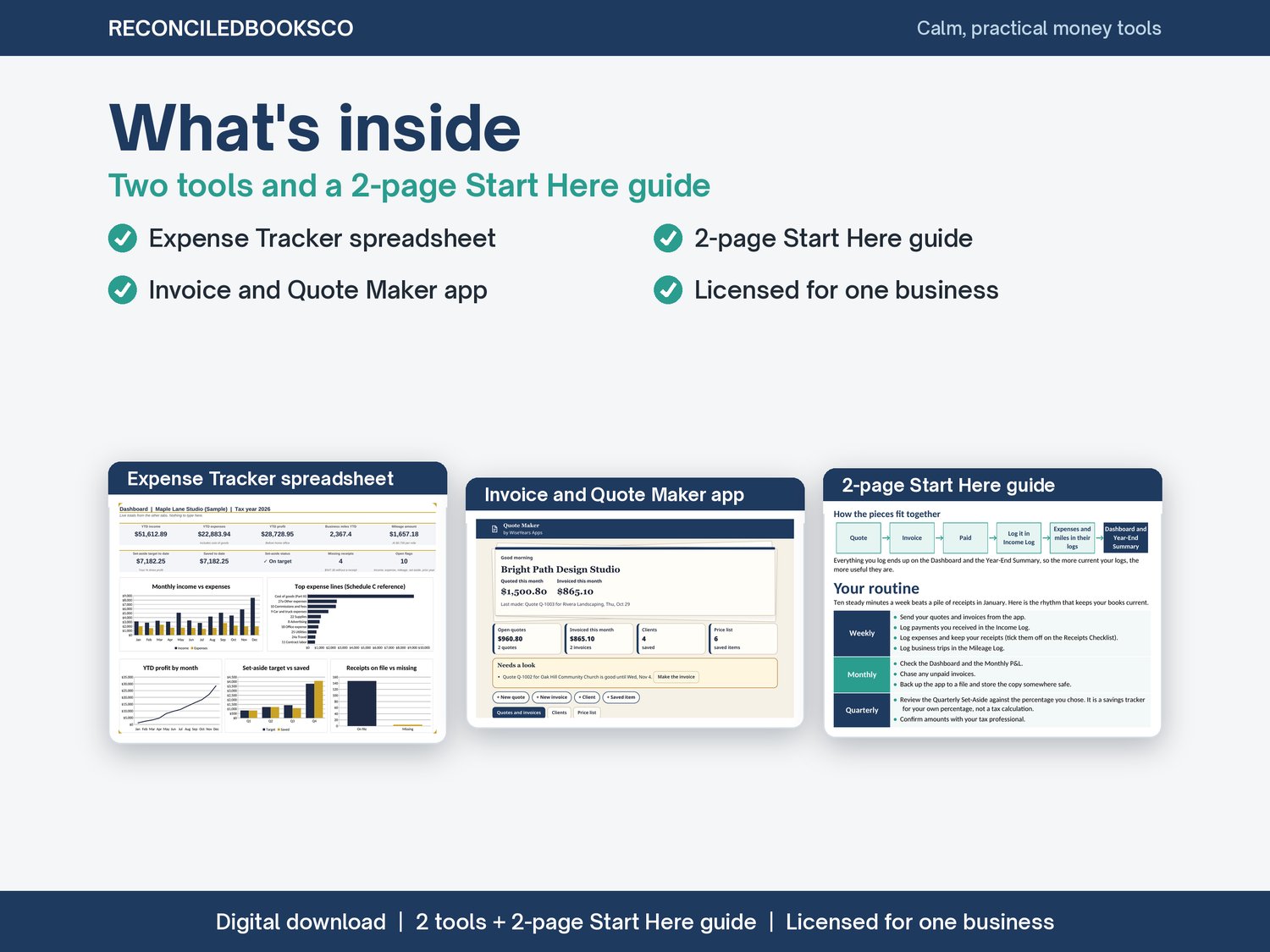
• Start_Here_Guide.pdf: the 2-page bundle Start Here guide
• Start_Here_Guide.docx: the same guide in Word
• How-to-open-Quote-Maker.pdf: how to open the Invoice and Quote Maker app at the hosted address
• Your-Unlock-Code.txt: included in the download
THE EXPENSE TRACKER
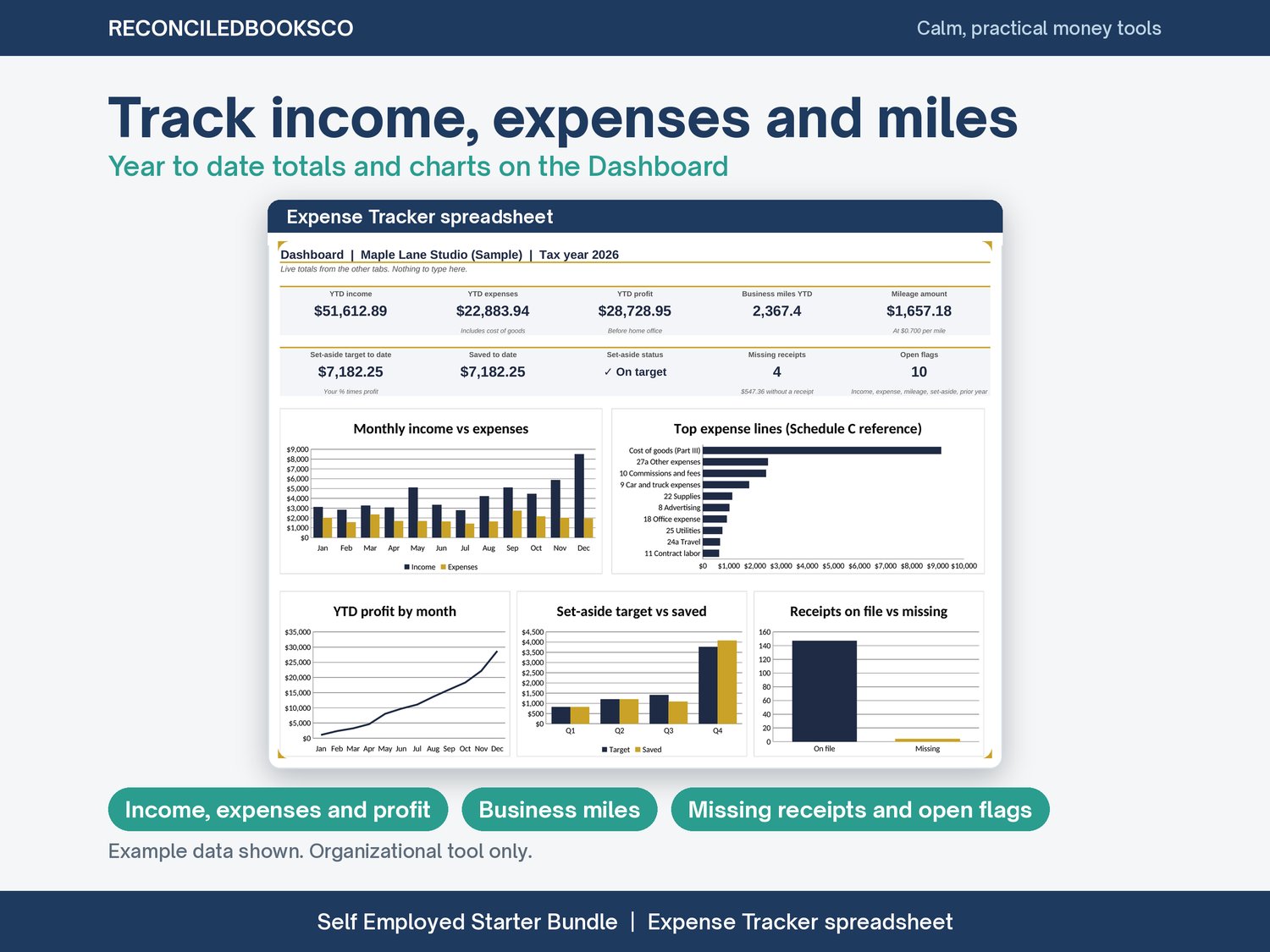
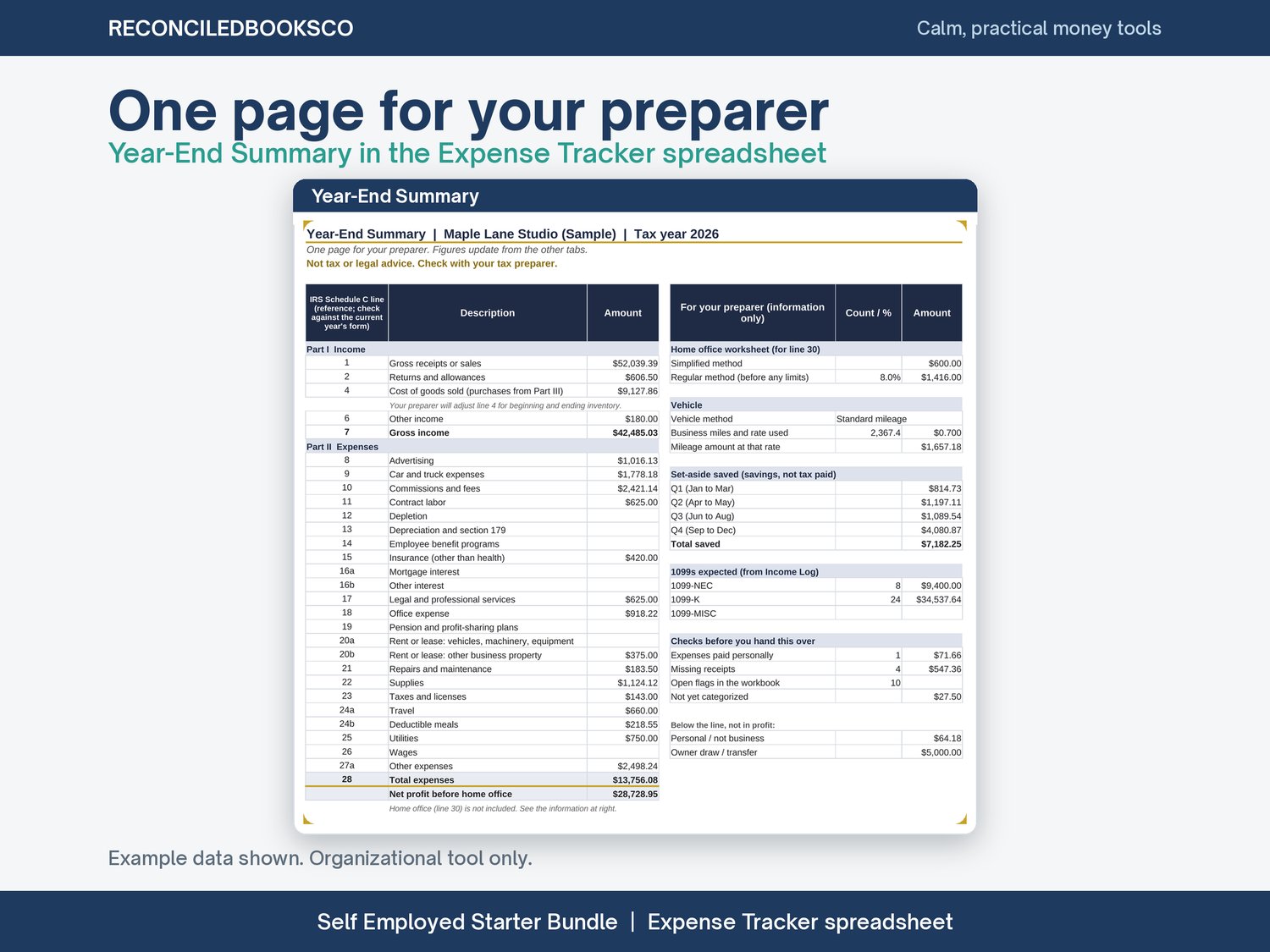
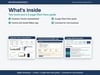
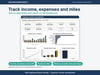
The tracker is for logging income, expenses, miles and receipts. It has a Home Office tab, a Quarterly Set-Aside savings tracker, a monthly profit and loss, a Dashboard and a Year-End Summary.
SPECS
• 12 tabs: Dashboard, monthly profit and loss, Year-End Summary, Start Here, Categories, Income Log, Expense Log, Mileage Log, Home Office, Quarterly Set-Aside, Receipts Checklist, Prior Year
• Opens on the Dashboard
• Income Log: up to 500 sales, payouts and client payments
• Expense Log: up to 1,000 expenses, with flags for a missing receipt, possible duplicate, $0 amount, missing category, a date outside your year and expenses paid personally
• Mileage Log tab included in the spreadsheet: up to 500 trips
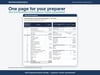
• Home Office: a worksheet that shows the simplified and regular methods side by side for your preparer
• Quarterly Set-Aside: a savings tracker for the percentage you choose, not a tax calculation
• Monthly profit and loss and Year-End Summary: income and expenses by month, with a one-page year-end summary you can print
• Categories can be mapped to Schedule C lines as a reference. Check them against the current year's form.
• Gold cells are the ones you type in. Everything else is calculated. No macros.
• Works in Excel and Google Sheets (the tracker only)
THE INVOICE AND QUOTE MAKER APP
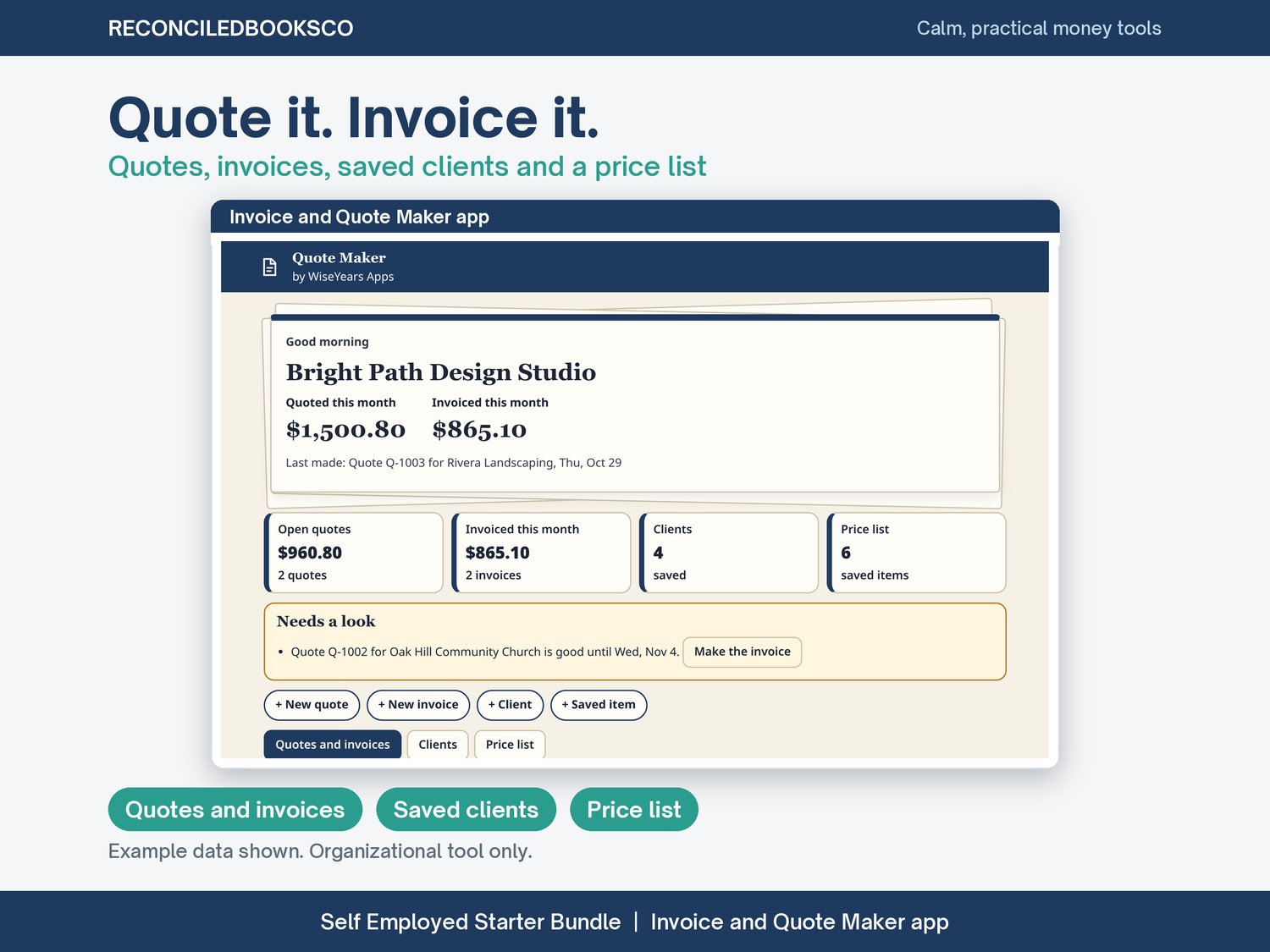
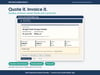
The Quote Maker is a browser app. Open it at the hosted address in the How-to PDF. See Your-Unlock-Code.txt. No account or sign-up is needed.
• Saves your business details, clients and price list
• Works out line totals, discount and tax, and numbers each quote and invoice
• Turns a quote into an invoice
• Shows quotes close to their "good until" date
• Print or save as PDF, export to CSV, and back up or restore your data
• Your data stays in the browser on that device. Use Back up to a file to keep a copy.
• It does not email invoices or take card payments. You print or save them and send them yourself.
• It does not connect to any bank or accounting software.
GETTING STARTED
Open START_HERE.txt, then the Start Here guide. Open the hosted app at the address in How-to-open-Quote-Maker.pdf. See Your-Unlock-Code.txt. Enter your business details and clients, then build your price list. Open the Example tracker to see a finished year. Open the blank tracker in Excel, or upload it to Google Drive and open it with Google Sheets. On the Start Here tab, set your year and categories.
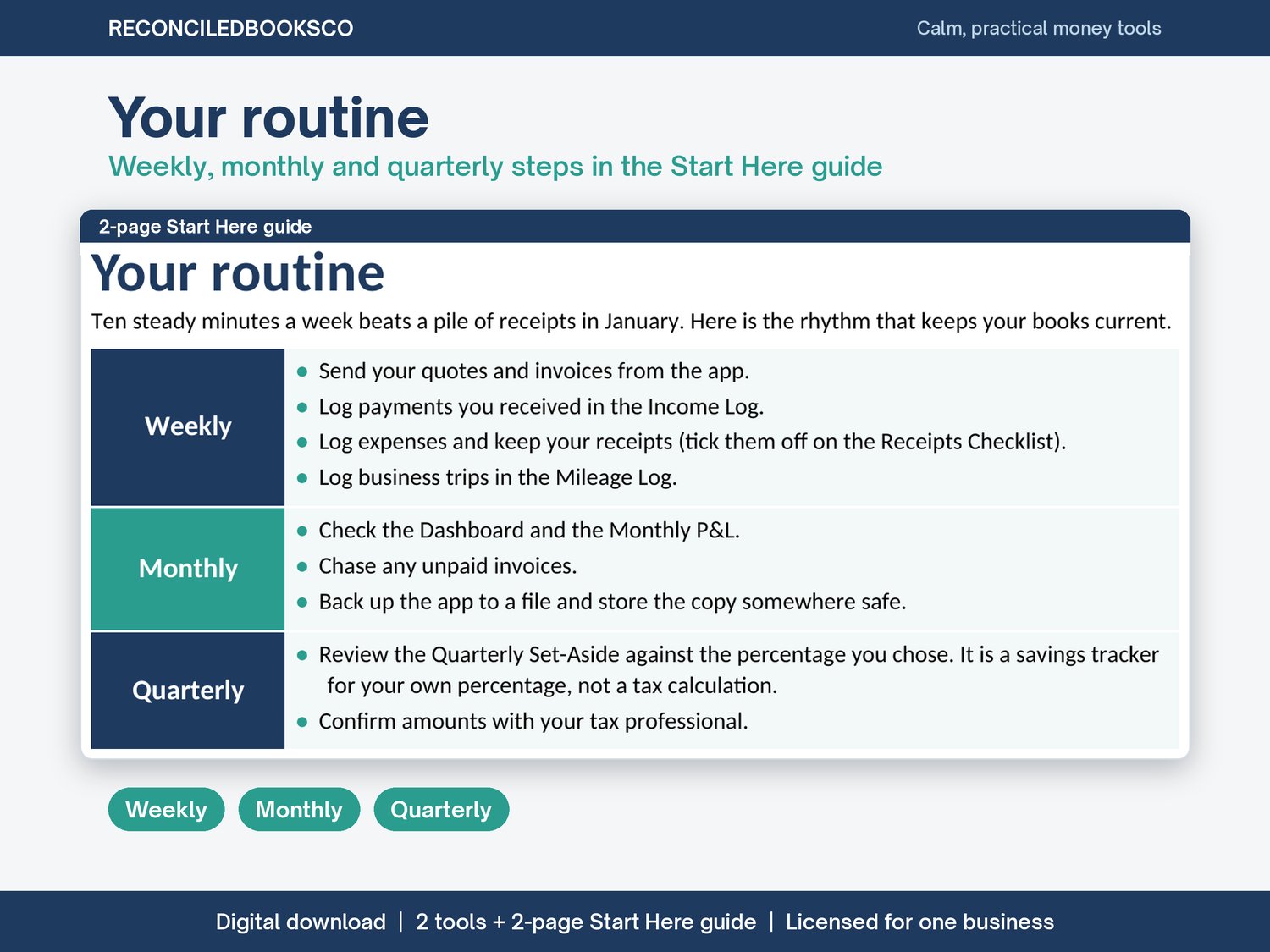
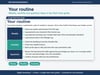
As you get paid, log those payments in the Income Log. Log expenses and miles in their logs. The Dashboard and Year-End Summary update from those entries.
To use the tracker in Google Sheets, upload the .xlsx to Google Drive, open it with Google Sheets, and choose File > Save as Google Sheets (or File > Make a copy).
FAQ
Is the whole bundle a spreadsheet?
No. The Business Expense Tracker works in Excel and Google Sheets. The Invoice and Quote Maker is a browser app, opened at the hosted address in How-to-open-Quote-Maker.pdf. See Your-Unlock-Code.txt.
How do I open the Quote Maker?
Follow How-to-open-Quote-Maker.pdf. The hosted address is in that file. See Your-Unlock-Code.txt.
Does the tracker include a mileage log?
Yes. A Mileage Log tab is included in the spreadsheet.
Where is my data?
Tracker data lives in your file. App data stays in your browser on that device. Use Back up to a file in the app to keep a copy.
Can I share it?
This bundle is licensed for use by one business. Please don't share or resell the files.
INSTANT DOWNLOAD · DIGITAL ONLY
This is a digital download. Nothing ships. Files are available immediately after purchase. Licensed for use by one business. Please don't share or resell the files. Because this is a digital download, sales are final (see shop policies).
Please note: This bundle is an organizational tool, not tax, legal, accounting or financial advice. The Quarterly Set-Aside is a savings tracker for the percentage you choose, not a tax calculation. Schedule C line numbers in the tracker are a reference. Check them against the current year's form. This bundle does not prepare a return or figure tax. Always check figures with a qualified professional when you need advice.