



Home Network Security Workbook — Lock Down Your Router & WiFi | Printable PDF
Home Network Security Workbook — Lock Down Your Router & WiFi | Printable PDF
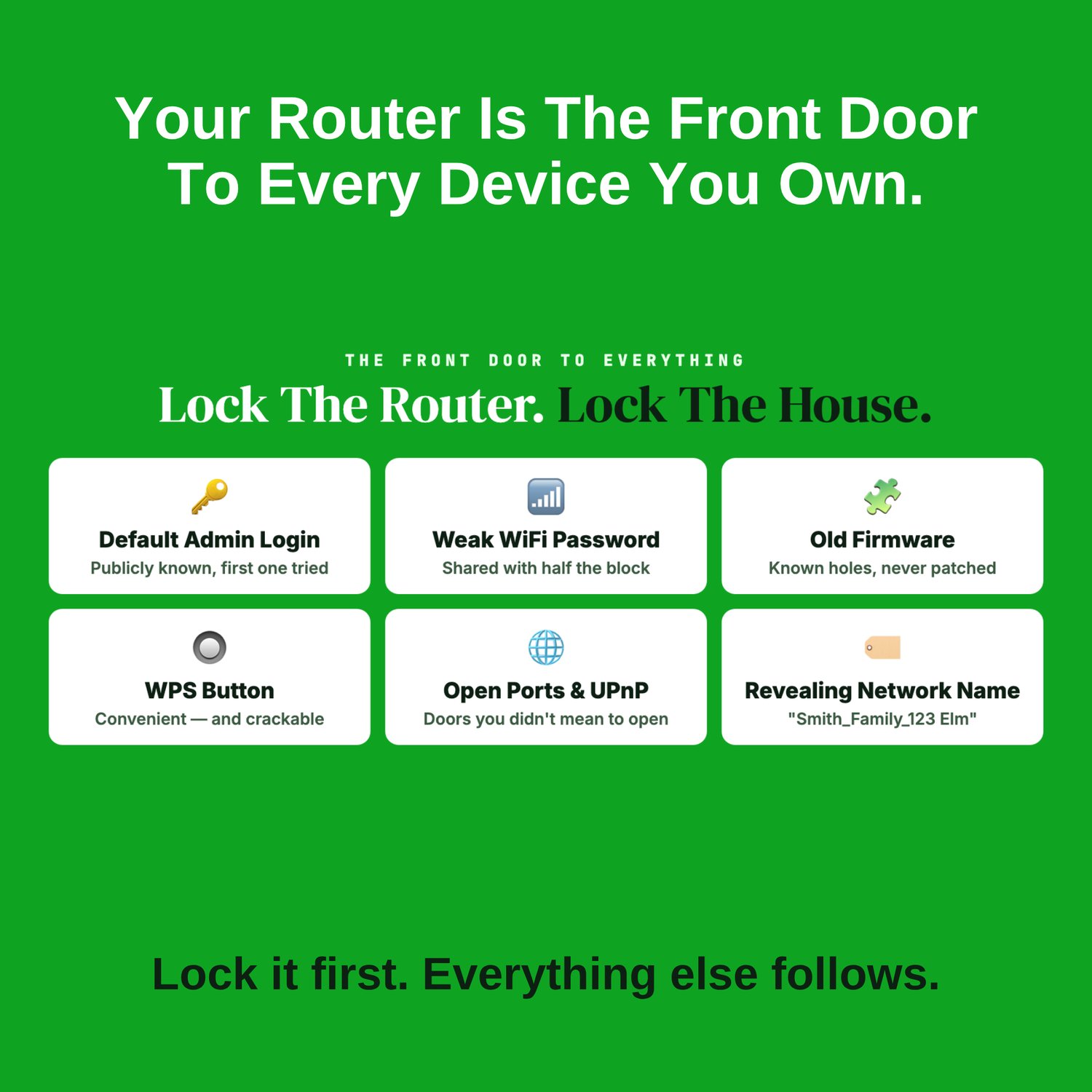
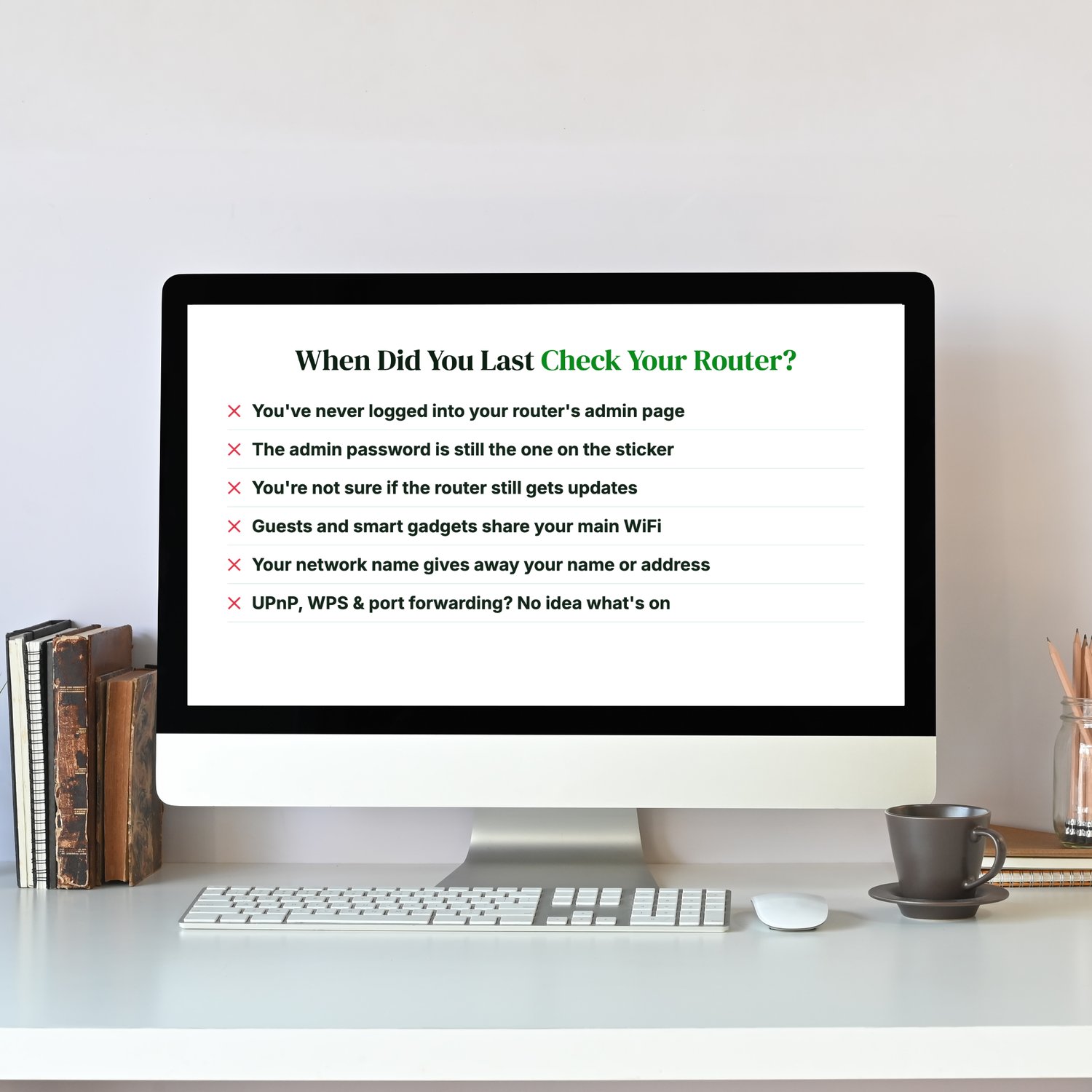
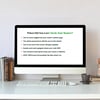
When did you last check your router?
- You've never logged into your router's admin page.
- The admin password is still the one printed on the sticker.
- You're not sure whether the router still gets updates.
- Guests and smart gadgets share your main WiFi.
- Your network name gives away your name or address.
- UPnP, WPS (the router's auto-connect features), port forwarding: you have no idea what's switched on.
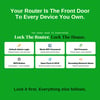
Your router is the front door to every connected device you own. A default or weak admin password, outdated firmware or a forgotten setting can let someone see what you do online, mess with your traffic, or reach the other devices on your network.
This workbook walks you through locking it down, one setting at a time.
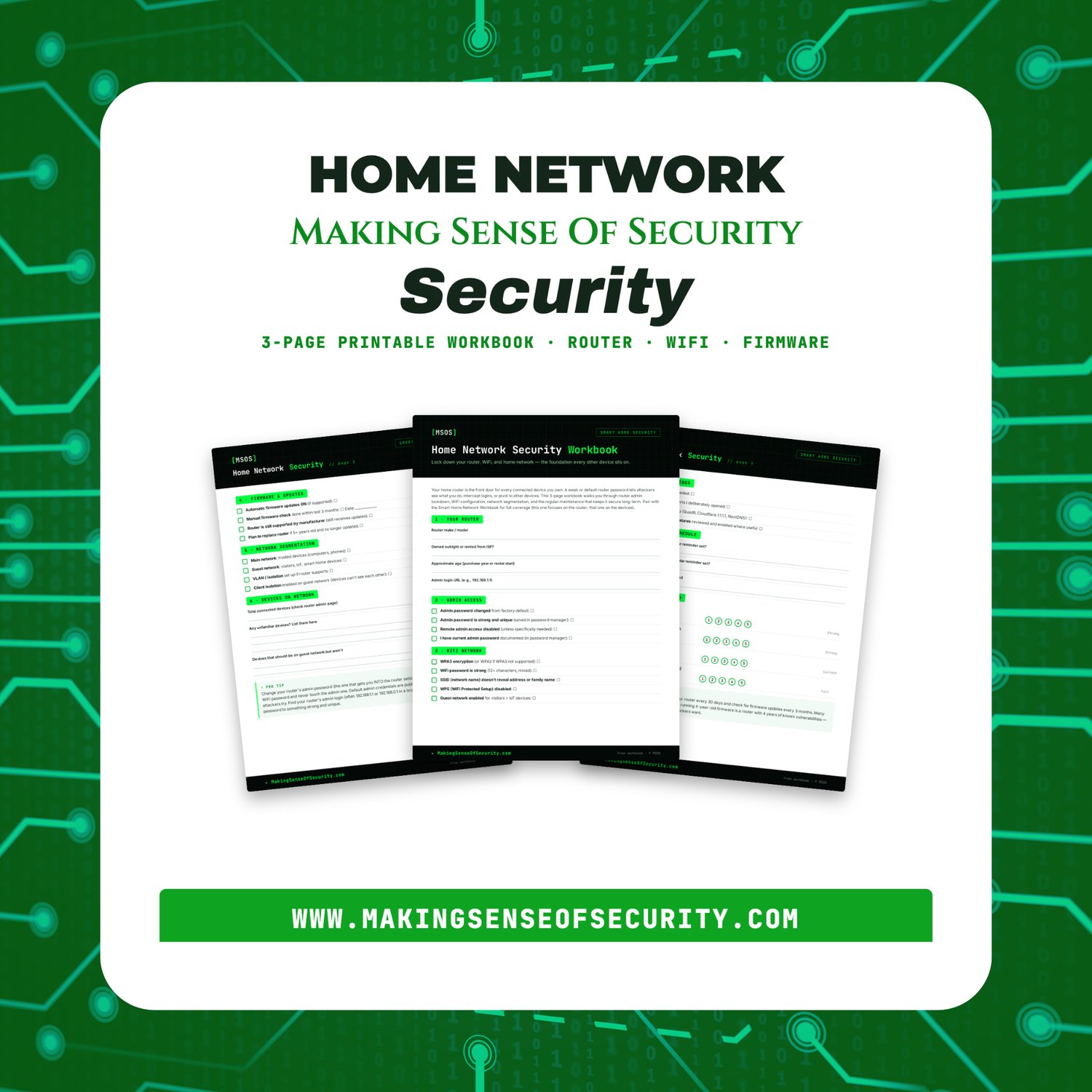
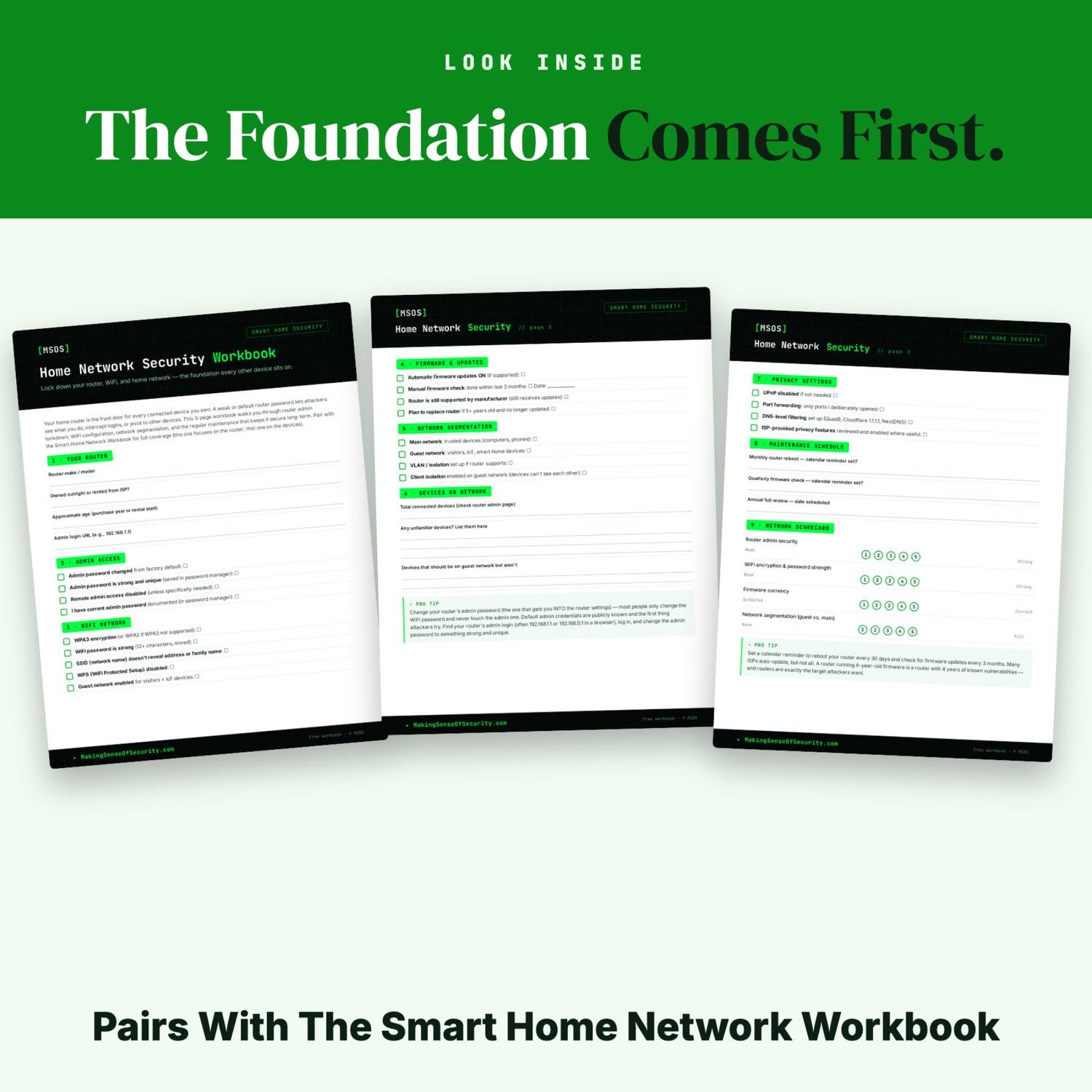
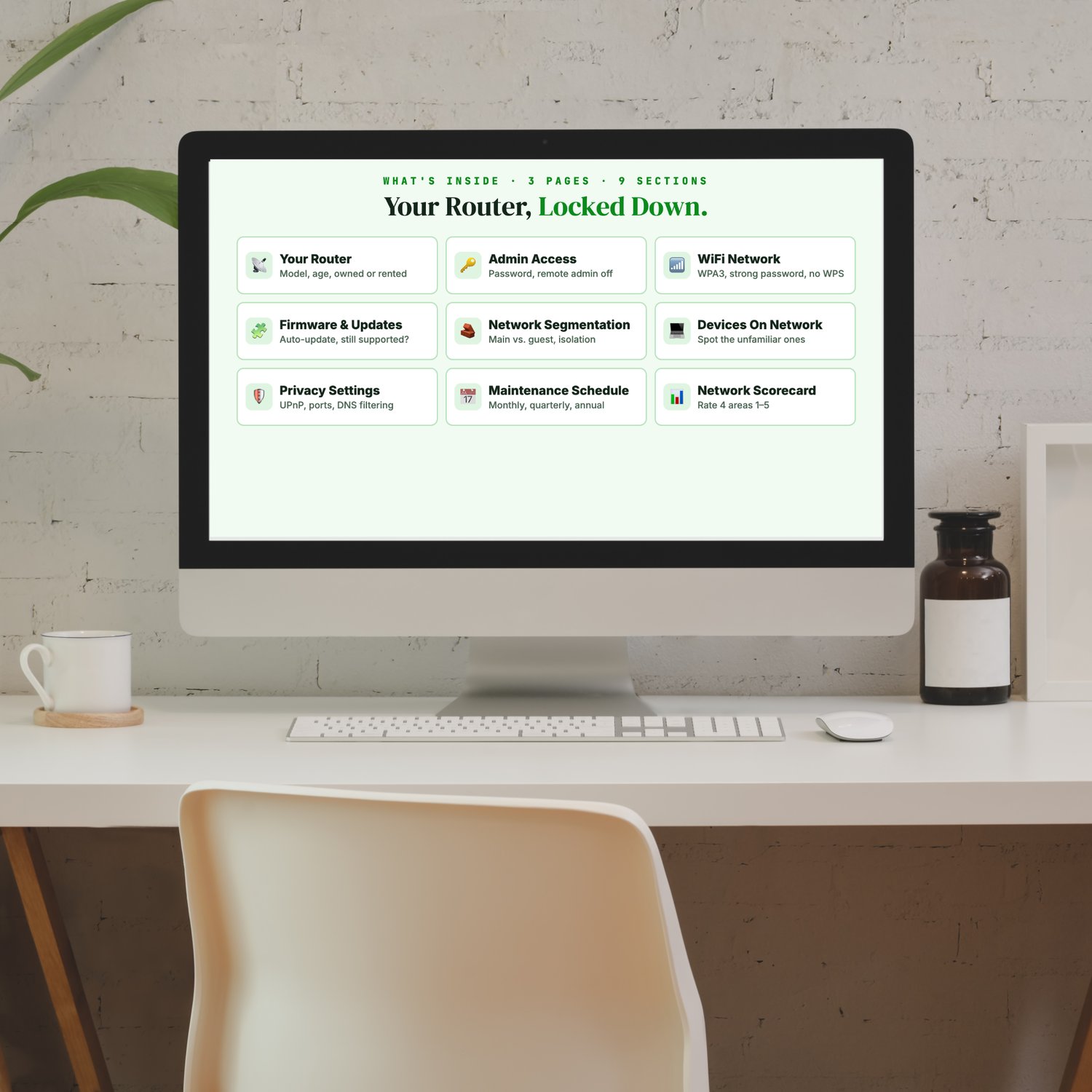
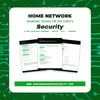
It's a 3-page printable workbook focused on the foundation every other device sits on:
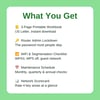
- 📡 Your Router: make, model, age, owned or rented from your internet provider, admin login address
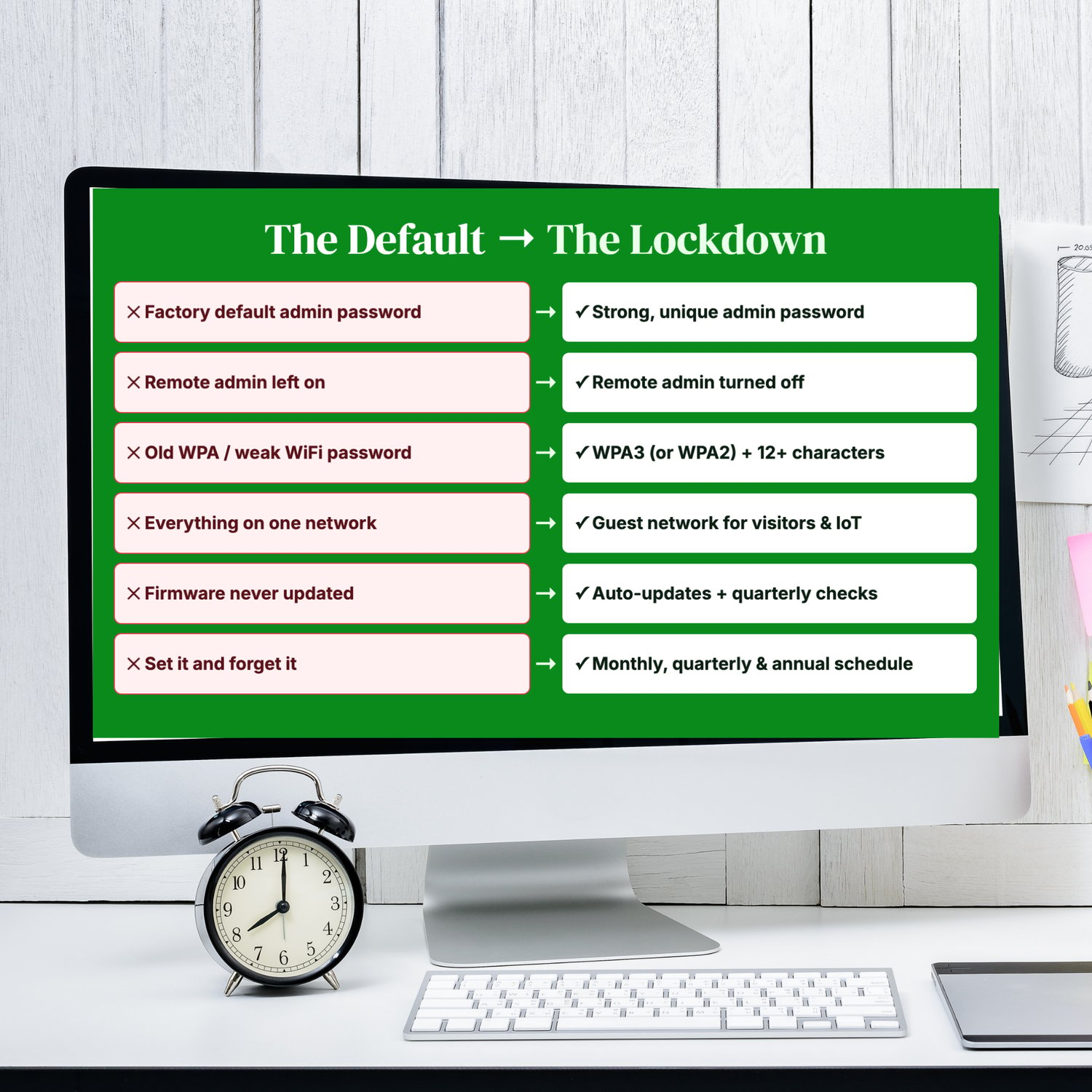
- 🔑 Admin Access: change the default admin password, turn off remote admin
- 📶 WiFi Network: WPA3 (or WPA2), a strong password, a neutral network name, WPS off, a guest network
- 🧩 Firmware & Updates: automatic updates, still supported, when to replace
- 🧱 Network Segmentation: a main network for trusted devices, a guest network for visitors and smart-home gadgets, client isolation
- 💻 Devices on Network: spot unfamiliar devices
- 🛡️ Privacy Settings: UPnP, port forwarding, DNS filtering (Quad9, Cloudflare, NextDNS)
- 📅 Maintenance Schedule: monthly, quarterly and annual checks
- 📊 Network Scorecard: rate four key areas from 1 to 5
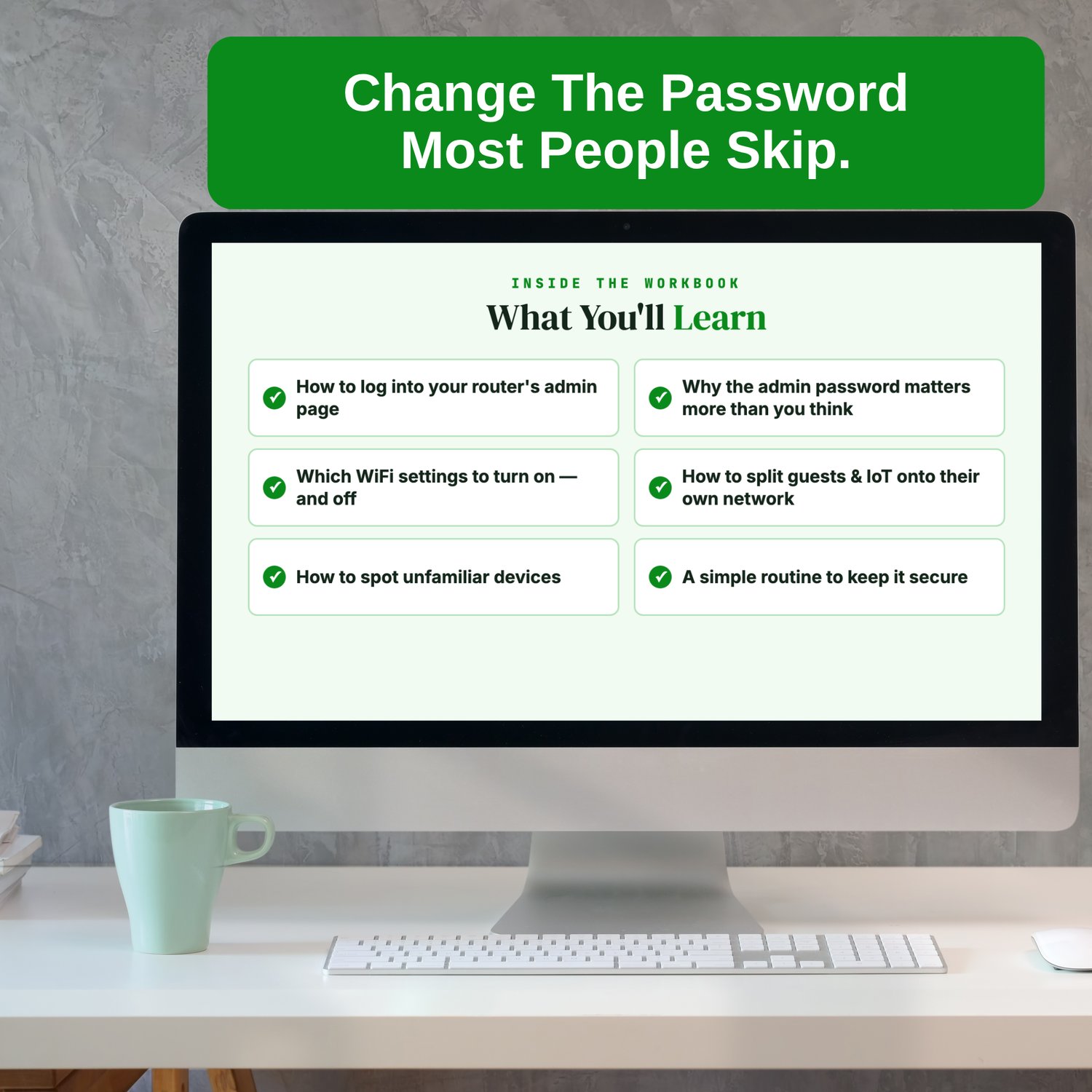
What you'll learn
- How to log into your router's admin page
- Why the admin password matters more than you think
- Which WiFi settings to turn on, and which to turn off
- How to put guests and smart-home devices on their own network
- How to spot unfamiliar devices
- A simple routine to keep it all secure
Pro tip: most people change the WiFi password but never touch the router's admin password, the one that controls every setting. Default admin logins are widely published, so change yours first.
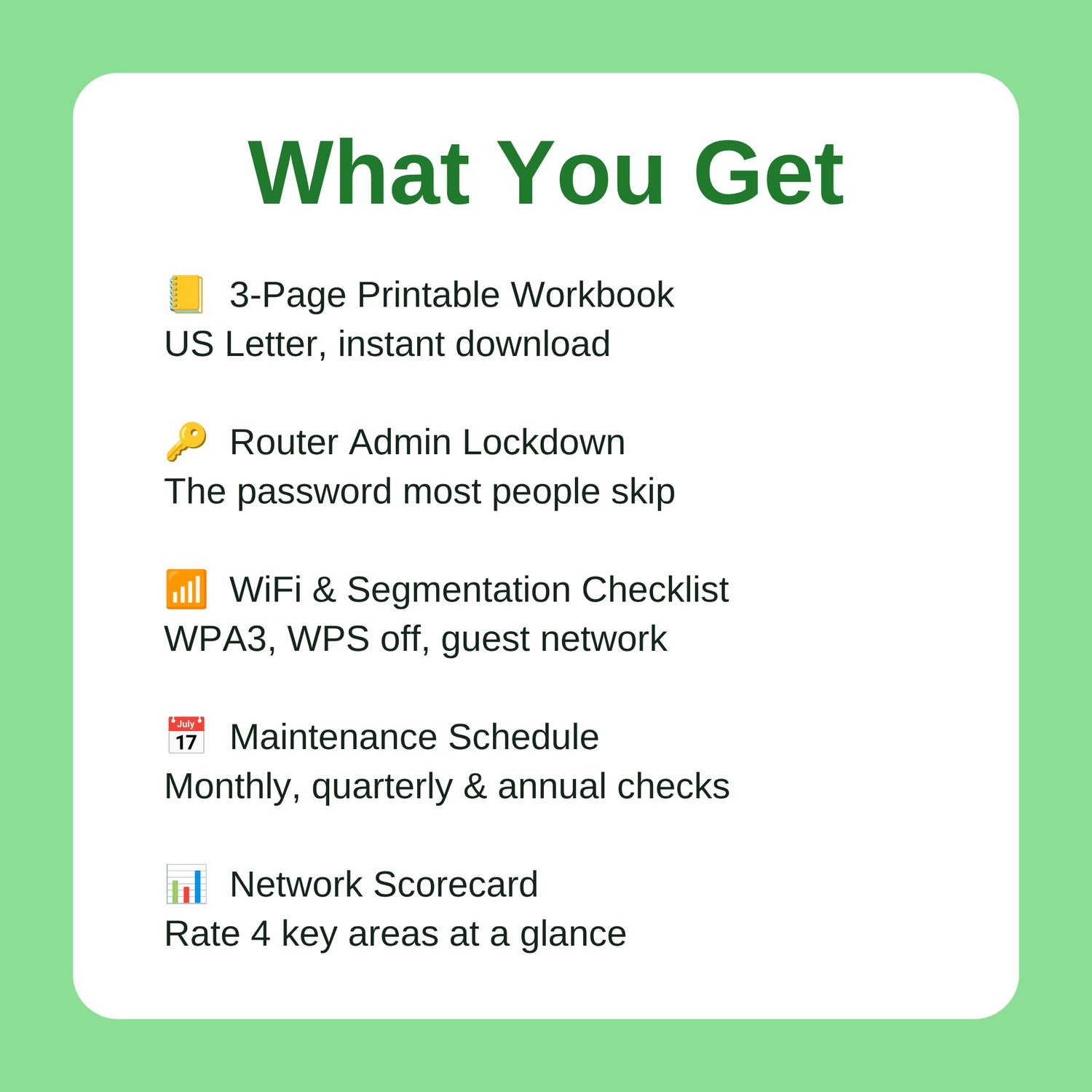
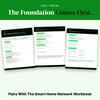
What you get: a 3-page printable PDF workbook, sized for US Letter and available as an instant download. Print it, sit down with your router's settings page, and work through it in an afternoon. Pair it with the Smart Home Network
Workbook for full coverage: this one secures the router, that one secures the devices.
Great Companion Guides
- Router Hardening Cheat Sheet
- Default Password Change Checklist
- Smart Home Security Quick-Start Checklist
- Public WiFi Safety Card
- Smart TV Privacy Settings Card
- Smart Speaker Privacy Settings Card
All Sales Final. Please reference this page for details.