
Payday Super Due-Date Planner (Australia) - Super Due Dates for Every Payday, Send-By Reminders and On-Time Tracker | Free Excel
NEW (24 Oct 2026): Google Sheets edition included. Your download now has the Excel workbook plus a PDF with a one-click link to make your own Google Sheets copy (same formulas, checked cell by cell against the Excel version).
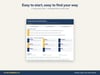
NEW in version 1.2 (22 Oct 2026): every tab now looks and works like an app screen, not a worksheet: no gridlines or row numbers, a branded header with a one-line instruction on each tab, Home and Dashboard links, cleaner tables and clearly marked input cells. Same tested formulas: every result was checked identical to the previous version.
Free for Australian employers: know the date every super payment must reach the fund under Payday Super, and when to send it.
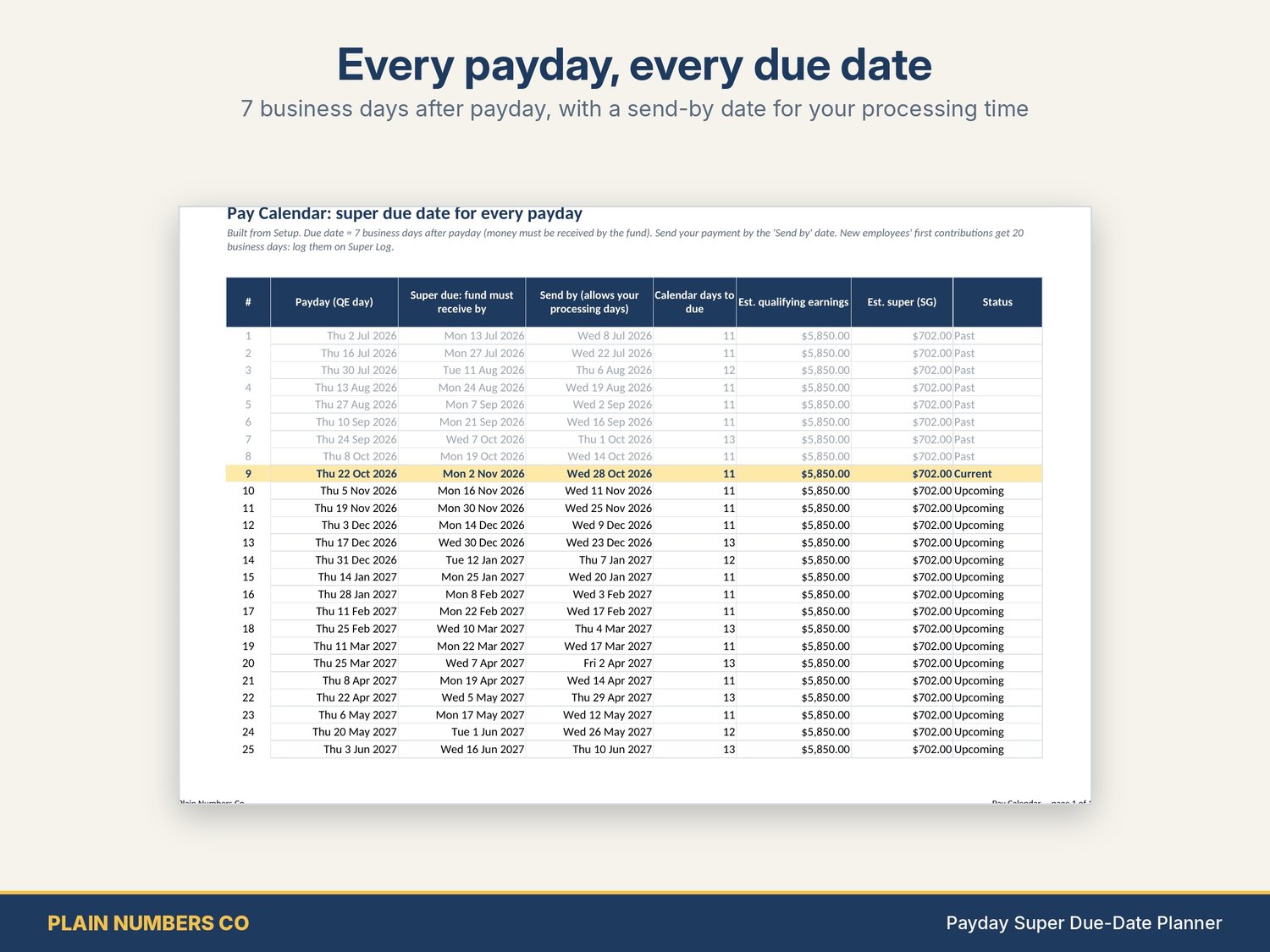
From 1 July 2026, super must be received by each employee's fund within 7 business days after payday. Business days skip weekends and any public holiday that covers a whole state or territory anywhere in Australia, not just in your state. This planner works all of that out for you.
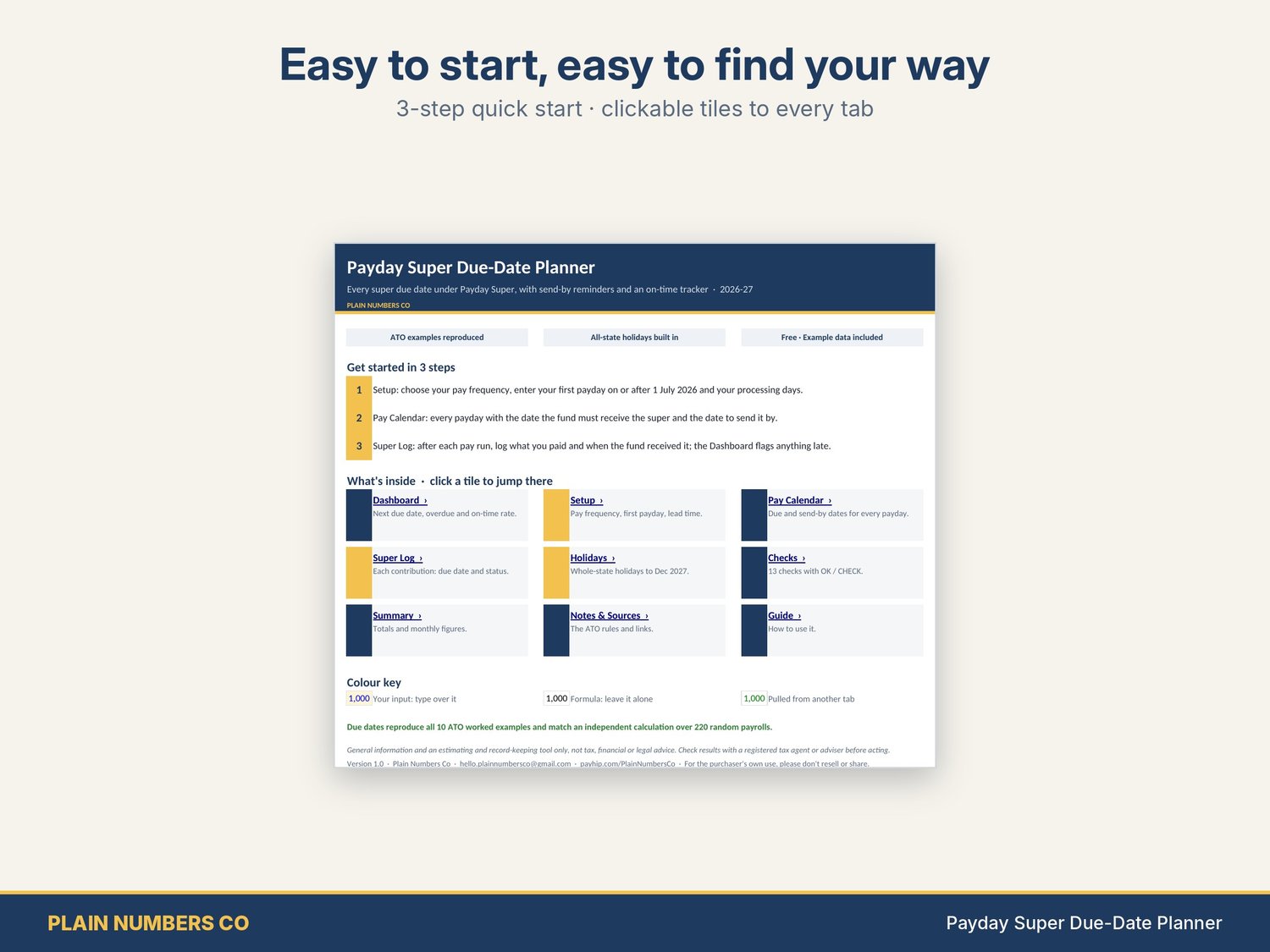
What it does
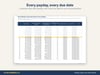
- Pay Calendar: every payday to 30 June 2027 (weekly, fortnightly or monthly) with the date the fund must receive the super and a "send by" date that allows for your payroll or clearing house processing time
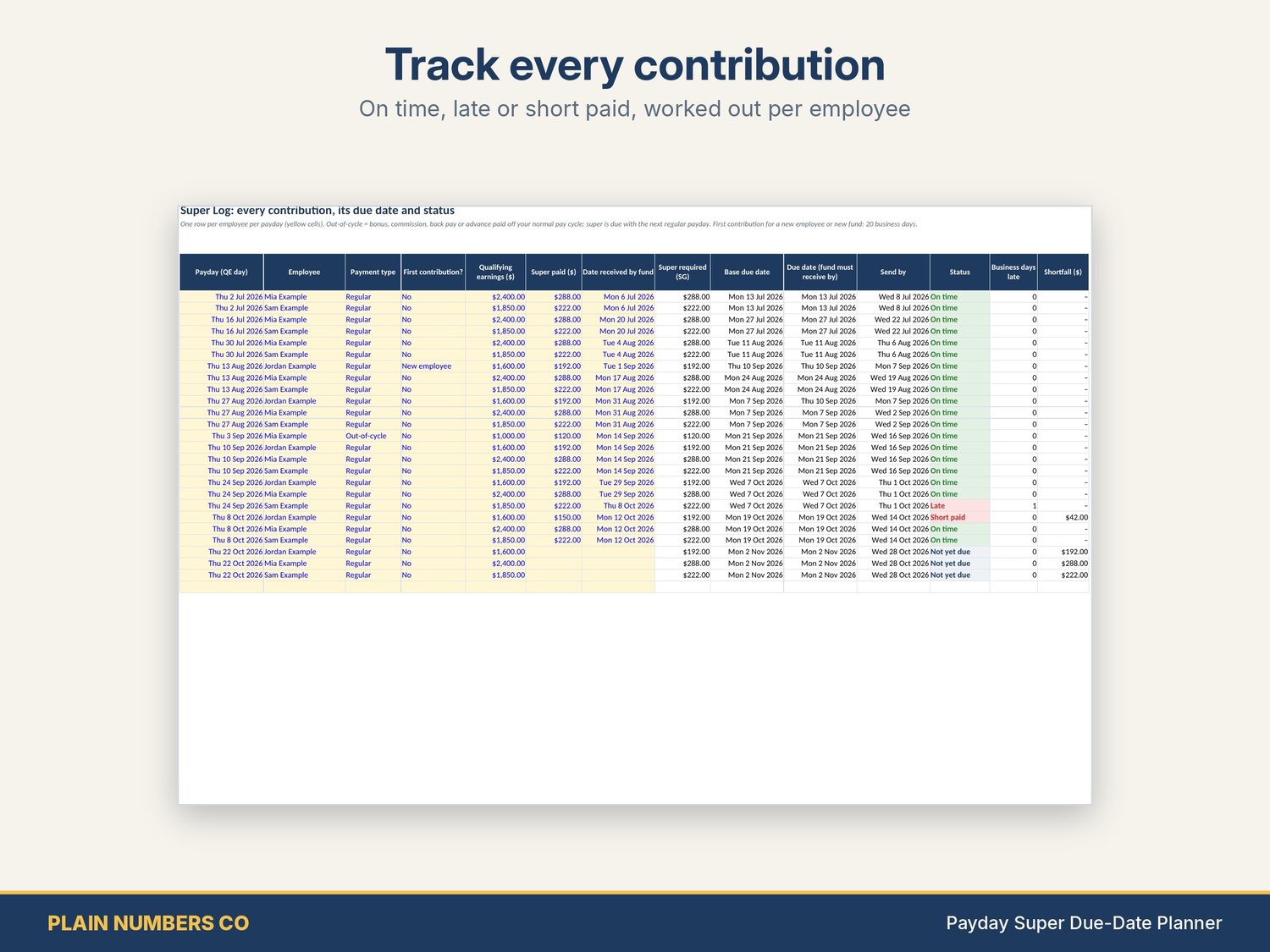
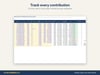
- Super Log: one row per employee per payday. It works out the super (12% of qualifying earnings), the due date and the status: Not yet due, Pay now, OVERDUE, On time, Late or Short paid, plus business days late
- The ATO's special rules built in: 20 business days for a new employee's or new fund's first contribution, bonuses and back pay due with the next regular payday, and the "bunching" rule
- Maximum contribution base ($270,830 for 2026-27) applied per employee
- Holidays tab: every whole-state public holiday to 31 Dec 2027, editable
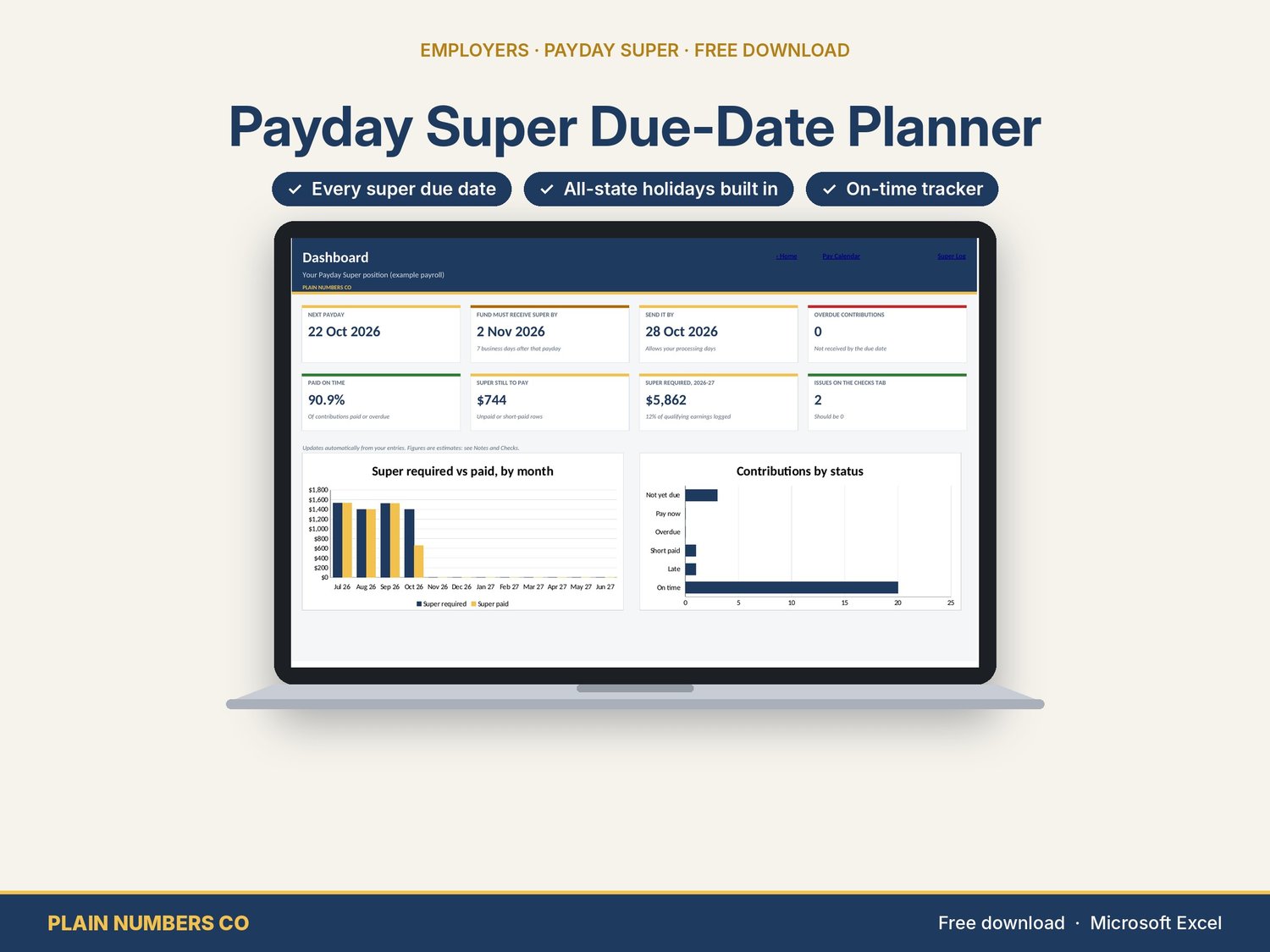
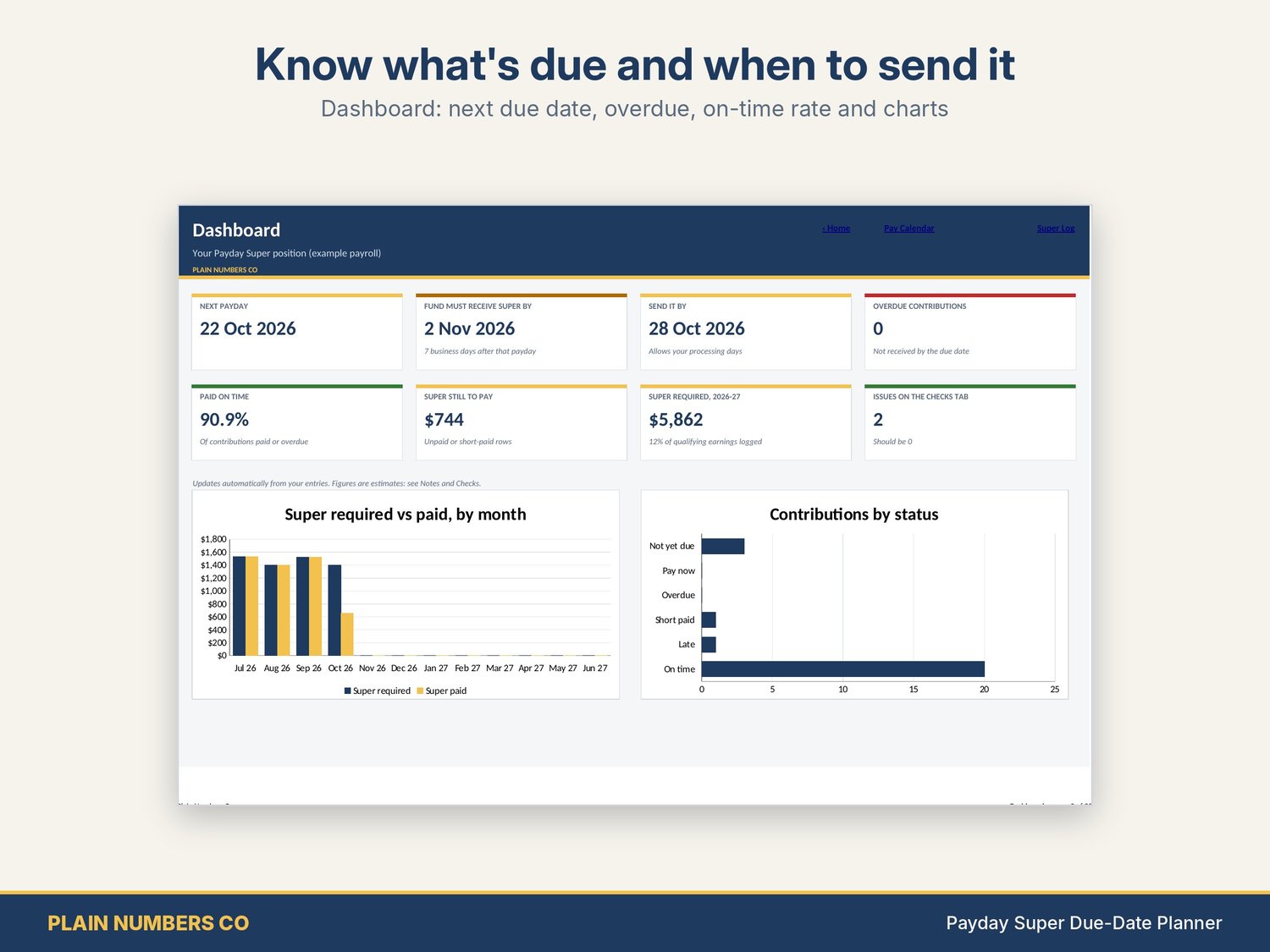
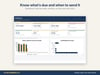
- Dashboard: next payday, due date, send-by date, overdue count, on-time rate, super still to pay, and charts
- Checks tab: 13 checks with OK / CHECK
What you get
- Excel workbook, blank, ready for your payroll
- Excel workbook filled in with a fictional example cafe (a new starter, a bonus, one late and one short payment)
How it was checked
- Rules checked against ato.gov.au and the Fair Work Ombudsman's public holiday lists in October 2026 (sources listed in the workbook).
- It reproduces all 10 due dates in the ATO's own worked examples (new employee, new fund, bonus, back pay, bunching).
- The formulas matched an independent calculation on 220 randomly generated payrolls (over 340,000 cells checked).
Good to know
- Works in Microsoft Excel 2019 or later and Microsoft 365.
- Plays it safe: holidays that only part of a state observes (Melbourne Cup, WA King's Birthday, regional show days) and part-day evening holidays count as business days, which gives an earlier due date. Change any of them on the Holidays tab.
- A planning and record-keeping tool. Your payroll software and the ATO's records are what count.
- Designed by Plain Numbers Co with the help of AI tools.
General information and tools only, not tax, financial or legal advice. Check with a registered tax agent. Your rights under the Australian Consumer Law are not excluded. Found an error? Email hello.plainnumbersco@gmail.com and we will fix it. Licence: your own business use; please do not resell or share the files