


Smart Image Uploads for Gravity Forms
ANNUAL LICENSE OPTION
Annual subscription plans are available for this product, with 1-site, 3-site, 10-site, and Agency options.Prefer annual billing? Choose your site tier:
SMART IMAGES UPLOAD FOR GRAVITY FORMS
Safer image submissions, premium editing and reliable multi-image uploads—all inside Gravity Forms.
Smart Images Upload for Gravity Forms adds a complete image-submission workflow to your forms. Visitors can upload multiple images, review large previews, edit their images and receive an automatic AI safety check before approved files are uploaded.
Image classification runs directly in the visitor’s browser using TensorFlow.js.
No third-party moderation API.
No API key.
No recurring image-scanning fees.
No image pixels sent to an external moderation service.
🚀 KEY FEATURES
✅ BROWSER-BASED NSFW DETECTION
The addon helps detect and block images classified as:
• Porn
• Hentai
• Sexy or suggestive content
Porn, Hentai and Sexy blocking are enabled by default. General Drawings blocking is optional, allowing ordinary illustrations to remain accepted unless you choose a stricter policy.
Administrators can select the blocked categories and adjust the detection sensitivity from the Gravity Forms settings area.
✅ PRIVACY-FOCUSED AI MODERATION
Image analysis happens locally on the visitor’s device.
Only approved images are uploaded to your WordPress website through the normal addon workflow. No image is sent to an external moderation API for classification.
✅ PREMIUM MULTI-IMAGE UPLOADER
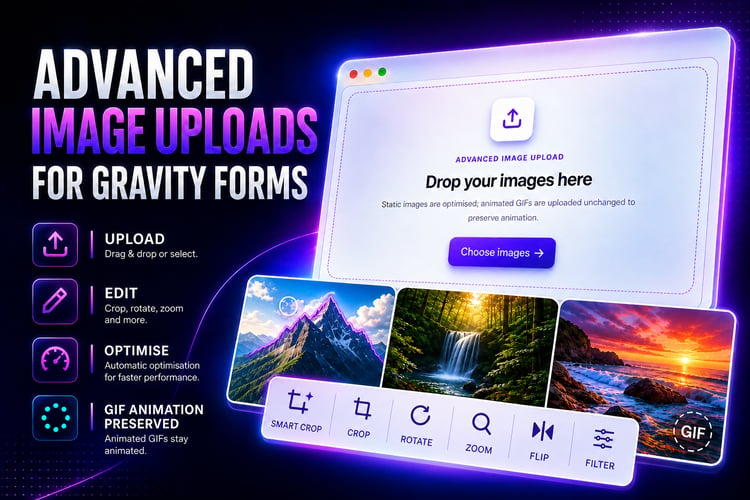
Give visitors a modern upload experience with:
• Multiple-image selection
• Drag-and-drop uploading
• Native browser file picker
• Large responsive image previews
• Image filenames
• Edit and remove controls
• Animated upload indicator
• Checking, uploading, approved and blocked statuses
• Customizable visitor messages
• Gravity Forms conditional logic
✅ BLURRED NSFW PREVIEWS
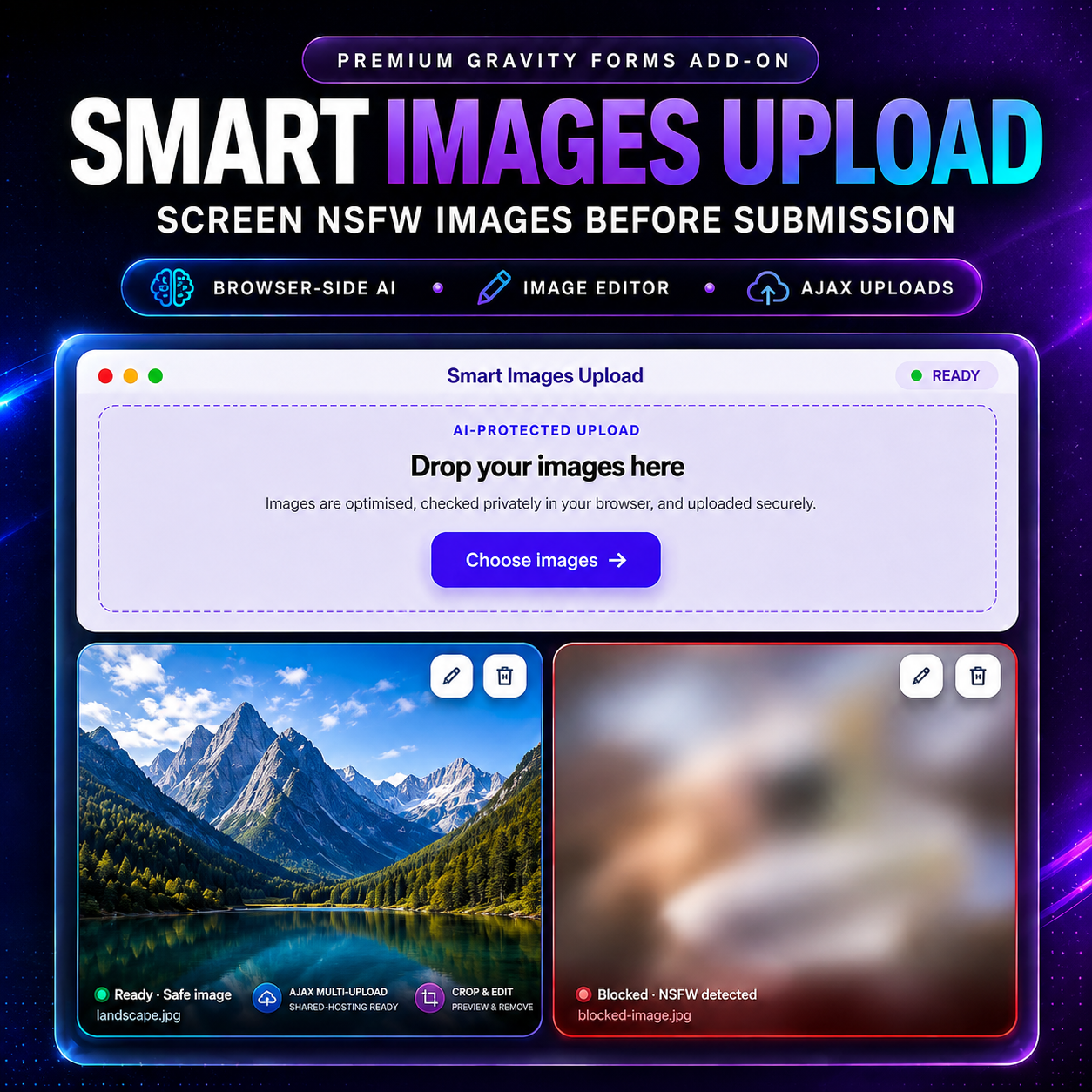
When an image is flagged, its frontend preview is blurred and clearly labeled as blocked.
The image remains contained inside its preview card while the Edit and Remove controls stay accessible.
✅ SAFETY-AWARE IMAGE EDITING
A visitor can crop inappropriate content out of a blocked static image. The actual cropped result is then checked again.
If the cropped image passes moderation, it can be approved and uploaded.
Filters, grayscale effects and flips cannot be used to bypass an existing blocked verdict.
✅ COMPLETE IMAGE EDITOR
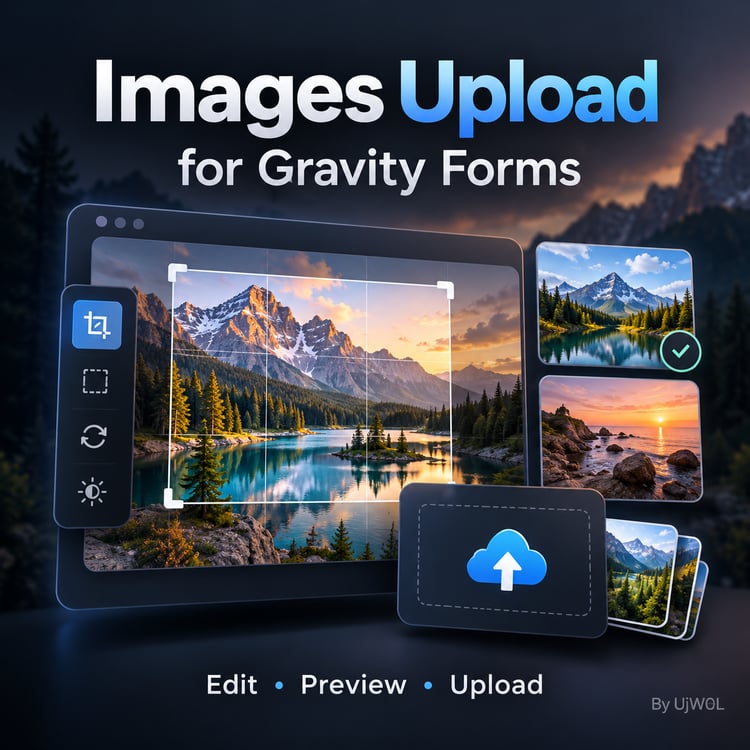
JPEG and PNG images can be edited before submission using:
• Crop
• Zoom in
• Zoom out
• Reset zoom
• Horizontal flip
• Vertical flip
• Undo
• Redo
• Reset
• Live filter previews
• Responsive SVG controls
• Button tooltips
Available filters include:
• Original
• Mono
• Sepia
• Vivid
• Warm
• Cool
• Contrast
• Bright
• Fade
• Noir
• Vintage
• Aqua
The editor is responsive and touch-friendly on desktop computers, phones, tablets and iPads. Filter processing is also designed to work in Safari.
✅ ANIMATED GIF MODERATION
Animated GIFs are preserved instead of being converted into static JPEG images.
The addon:
• Checks every displayed GIF frame
• Preserves the original animation
• Stops processing when an unsafe frame is found
• Rejects damaged or overly complex GIFs
• Uploads approved GIFs in their original animated format
GIFs are view-only and cannot be cropped, filtered or flipped because editing could remove their animation.
Maximum GIF size: 2 MB.
✅ RELIABLE INDIVIDUAL AJAX UPLOADS
Approved images upload individually through AJAX instead of being bundled into one enormous Base64 form request.
This helps:
• Prevent oversized form submissions
• Reduce LiteSpeed 413 request errors
• Improve reliability on shared hosting
• Give every image its own upload status
• Keep the final Gravity Forms submission small
The form waits for pending image uploads to finish before submitting compact image URLs with the entry.
✅ PREMIUM GRAVITY FORMS ENTRY GALLERY
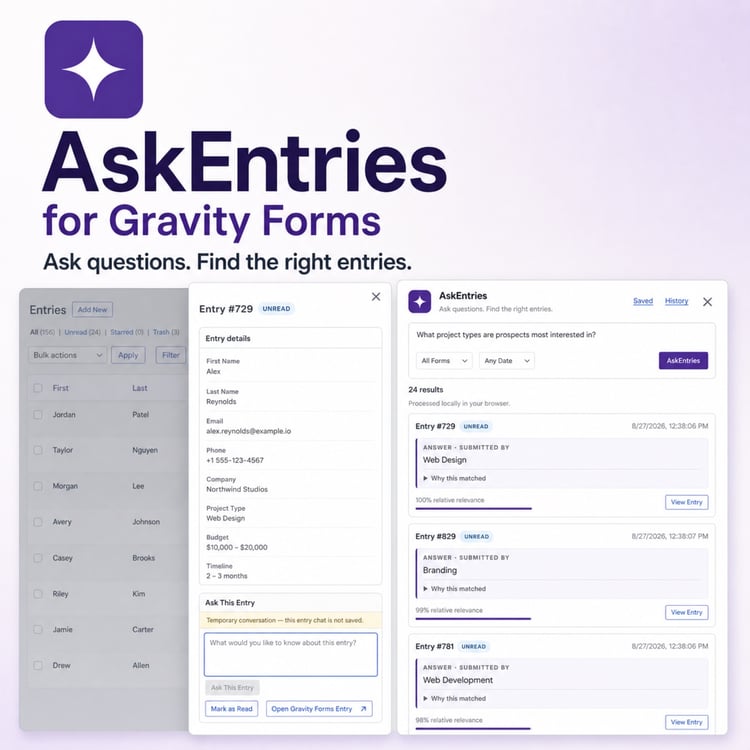
Submitted images are displayed as a structured gallery inside the Gravity Forms entry list and entry-details screens.
Administrators receive:
• Responsive thumbnails
• Accepted-image counts
• Original filenames
• Direct links to original images
• Full-screen overlay viewer
• Previous and next navigation
• Keyboard navigation
• Swipe navigation
• Mobile thumbnail filmstrip
• Desktop thumbnail sidebar
• Zoom controls
• Responsive portrait and landscape layouts
✅ NON-DESTRUCTIVE ADMIN IMAGE EDITOR
Administrators can crop, filter, flip and zoom JPEG or PNG entry images.
Edited versions can be downloaded as separate local copies. The addon does not overwrite the original submitted image or silently change the Gravity Forms entry.
Animated GIF entries remain viewable with navigation and zoom, but GIF editing is disabled.
✅ NATIVE GRAVITY FORMS SETTINGS
Manage the addon from:
Forms → Settings → Smart Images Upload
Available settings include:
• Moderation sensitivity
• Hentai blocking
• Porn blocking
• Sexy-content blocking
• Optional Drawings blocking
• Approved-image message
• Blocked-image message
• License activation
• Live visitor-message previews
A direct Settings link is also available from the WordPress Plugins screen.
💡 PERFECT FOR
• User-generated content forms
• Directories and listing websites
• Membership and community websites
• Profile photo submissions
• ID and document verification
• Product and service listings
• Marketplaces
• Support screenshots
• Product returns and claims
• Property submissions
• Portfolio uploads
• Contest entries
• School and event registrations
• Client upload portals
• WordPress agencies building premium Gravity Forms solutions
🎯 WHY CHOOSE THIS ADDON?
Creating the same workflow through custom development would require combining:
• A custom Gravity Forms field
• A multi-image uploader
• TensorFlow.js model integration
• NSFW classification logic
• Animated GIF frame decoding
• A responsive image editor
• Individual AJAX uploads
• Mobile and iPad optimization
• A structured entry gallery
• An administrative image viewer
Smart Images Upload combines these capabilities into one addon built specifically for Gravity Forms.
🔒 HOW IT WORKS
1. Add the Smart Images Upload field to your form.
2. The visitor selects or drops multiple images.
3. Each image is optimized and checked in the browser.
4. Blocked images remain blurred and cannot upload.
5. Safe static images can be cropped or edited.
6. Animated GIFs are checked frame by frame.
7. Approved images upload individually through AJAX.
8. Gravity Forms submits their compact URLs.
9. Administrators review the images in the responsive entry gallery.
🌐 LIVE DEMO
Try the uploader, editor and browser-based moderation workflow:
DEMO VIDEO
📦 REQUIREMENTS
• WordPress 5.0 or newer
• Gravity Forms installed and activated
• A modern JavaScript-enabled browser
• An active product license
Supported modern browsers include:
• Google Chrome
• Mozilla Firefox
• Microsoft Edge
• Apple Safari
Current version: 1.5.1
Tested up to WordPress 7.1
⚡ INSTALLATION
1. Download the plugin ZIP after purchase.
2. Open WordPress → Plugins → Add New Plugin.
3. Upload and activate the ZIP.
4. Open your form in the Gravity Forms editor.
5. Add the Smart Images Upload field.
6. Open Forms → Settings → Smart Images Upload.
7. Enter your license and configure moderation.
8. Publish the form and start accepting images.
No external moderation account or API configuration is required.
⚠️ IMPORTANT MODERATION INFORMATION
AI image classification is probabilistic, and no automated model can guarantee perfect results.
Detection sensitivity can be adjusted for your website. A stricter setting may create more false positives, while a more permissive setting may allow borderline images.
Browser-side moderation protects the normal visitor upload workflow. Websites with strict legal, safety or compliance requirements should combine it with administrator review or additional server-side controls.
📌 LICENSE AND UPDATES
Choose the license size that matches the number of WordPress sites you manage.
License options include lifetime use and lifetime product updates.
Payment plans are available here:
https://payhip.com/b/pxSYs
REFUND POLICY
A 7-day return policy applies.
Change-of-mind purchases are not eligible for a refund. Please review the product information, requirements and live demo before purchasing.
UPGRADE YOUR GRAVITY FORMS IMAGE WORKFLOW
Give visitors a polished way to upload, preview, correct and submit multiple images.
Help reduce inappropriate submissions, avoid recurring moderation API fees, improve multi-image upload reliability and give administrators a professional gallery for reviewing every entry.
Try the live demo:
Choose your license and upgrade your Gravity Forms image workflow today.