


Multi Image Webcam for Gravity Forms
ANNUAL LICENSE OPTION
Annual subscription plans are available for this product, with 1-site, 3-site, 10-site, and Agency options.Prefer annual billing? Choose your site tier:
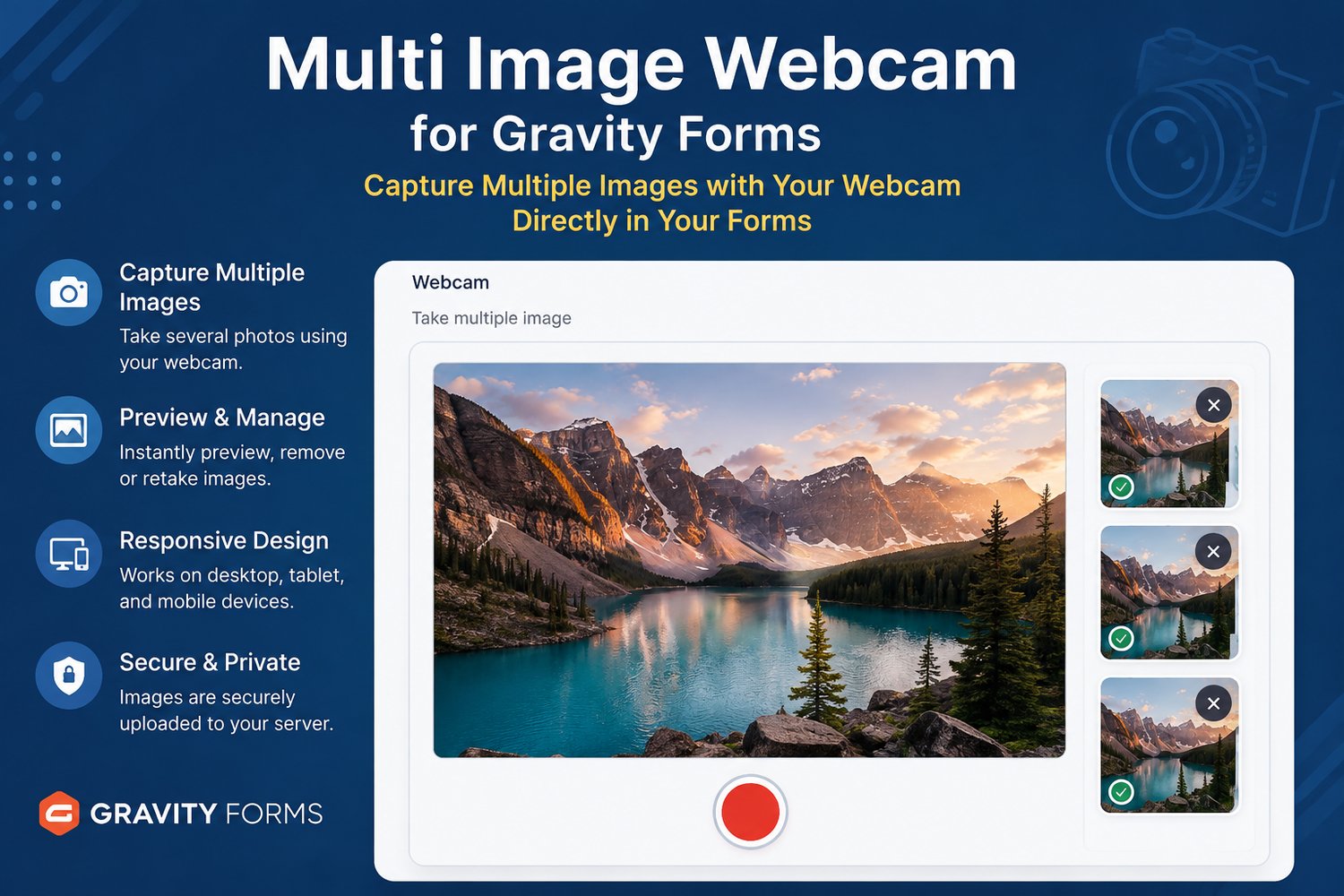
Let visitors take several photos directly from their browser webcam and submit them with one Gravity Forms entry—without saving and manually uploading files first.
Multi-Photo Webcam Capture for Gravity Forms adds a webcam field with live preview and multi-photo capture. Visitors can review their images before submission, while completed uploads are saved to the WordPress Media Library and attached to the form entry.
KEY BENEFITS
• Capture multiple webcam photos from one field
• Preview images before form submission
• Mobile friendly
• Save completed uploads to the WordPress Media Library
• Use multiple webcam fields in the same form
• Show or hide fields with Gravity Forms conditional logic
• Works on supported desktop, tablet, and mobile browsers
• Includes lifetime updates while download access remains available
IMPORTANT PRODUCT DIFFERENCE
This product is designed for webcam capture. If visitors need to switch among front, rear, and other available device cameras, choose Multi Image Camera for Gravity Forms instead.
REQUIREMENTS
• Gravity Forms installed and active
• HTTPS/SSL, WebRTC support, and browser camera permission
• A modern Chrome, Firefox, Edge, or Safari version with webcam support
INSTALLATION
1. Install and activate the addon.
2. Add the Multi Image Webcam field to a Gravity Form.
3. Configure field settings and conditional logic.
4. Test camera permissions before publishing.
LIVE DEMO
DEMO VIDEO
LICENSE OPTIONS
Choose the site license that fits the number of websites where you will use the addon. Each option is a lifetime license.
REFUND POLICY
7Day Refund , Change of mind doesn't Apply
COMPATIBILITY
WordPess : 7
Gravity Forms : 3
RELATED ADDONS
Multi Image Camera for Gravity Forms