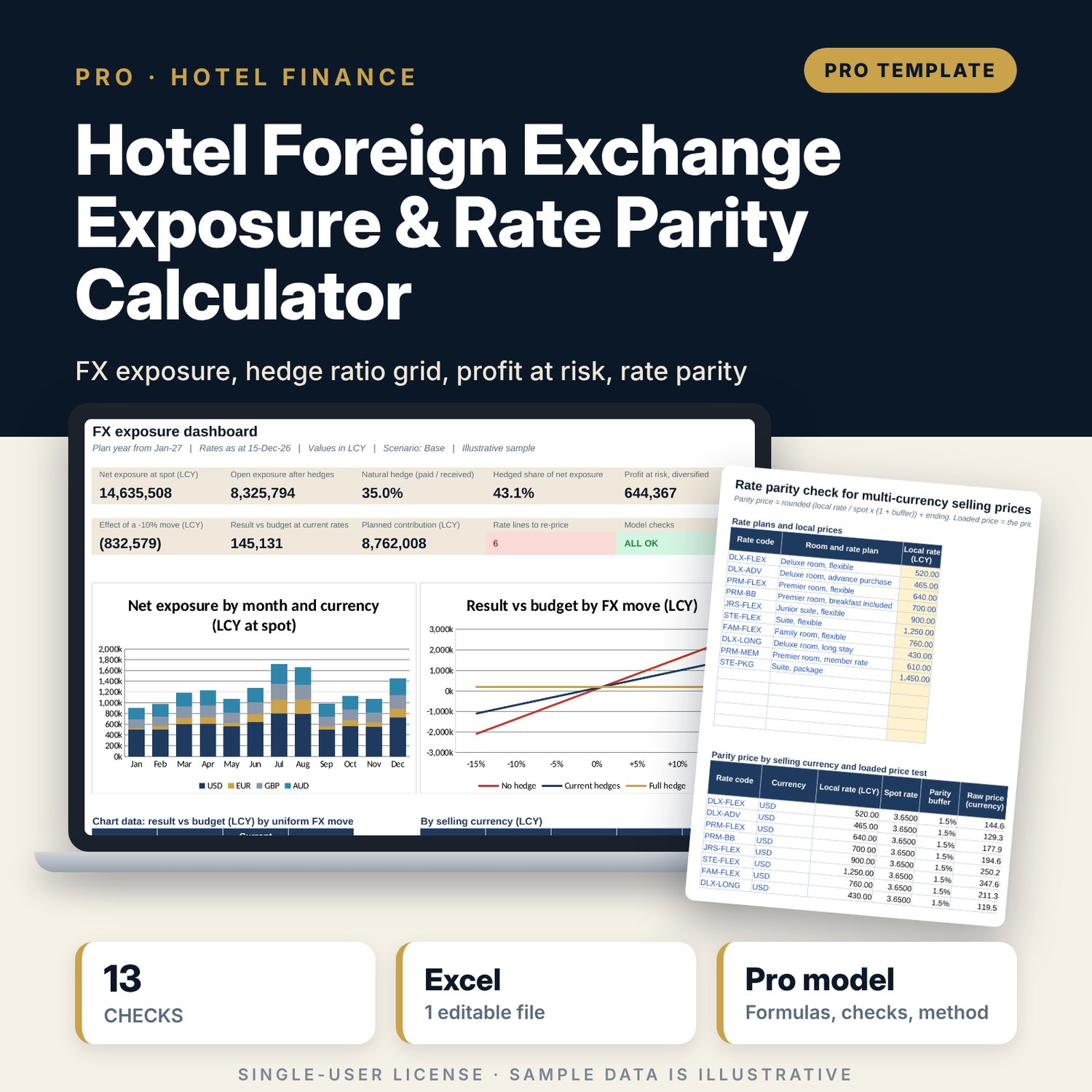
Hotel Foreign Exchange Exposure & Rate Parity Calculator: FX exposure, hedge ratio and currency rate parity model for hotels
Full description
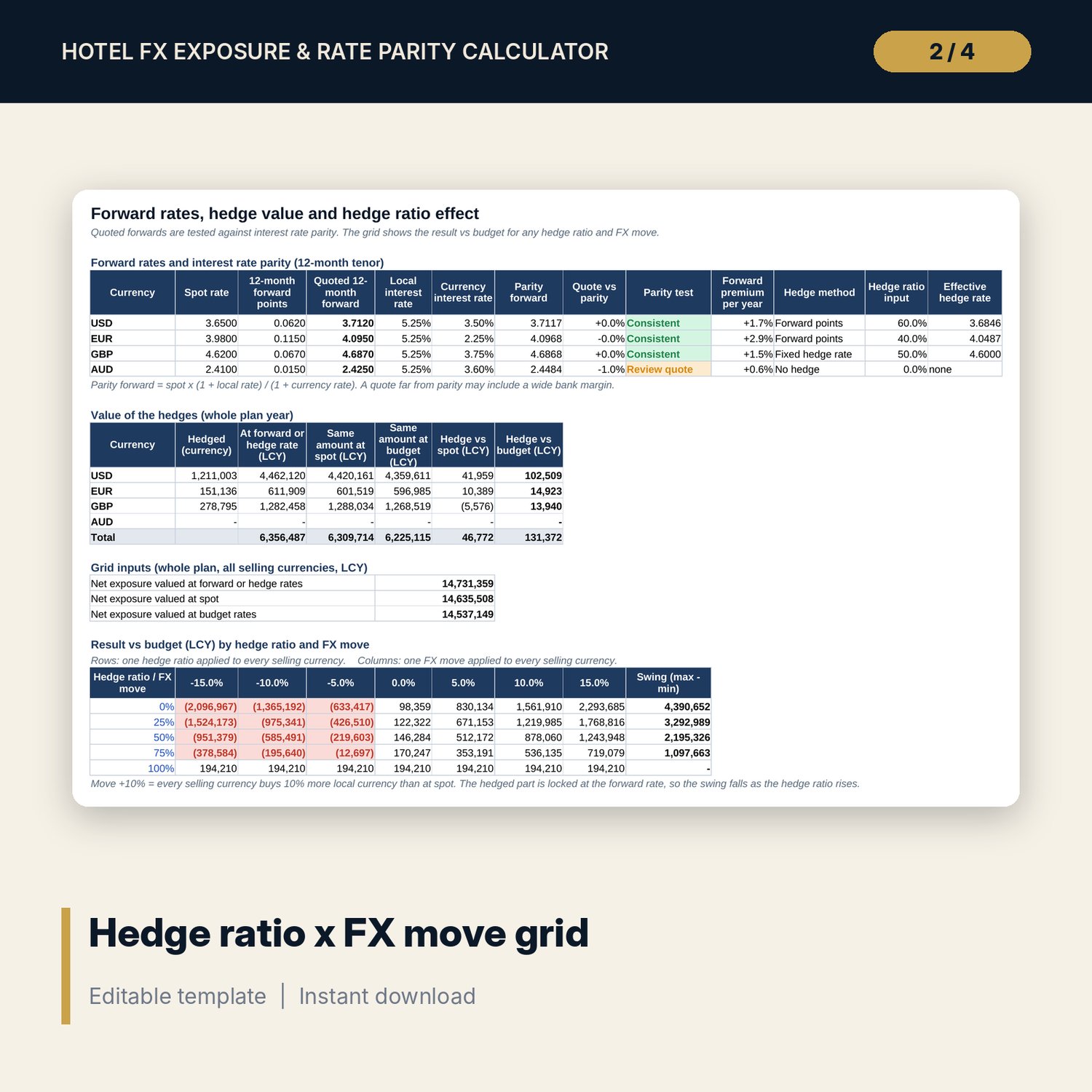
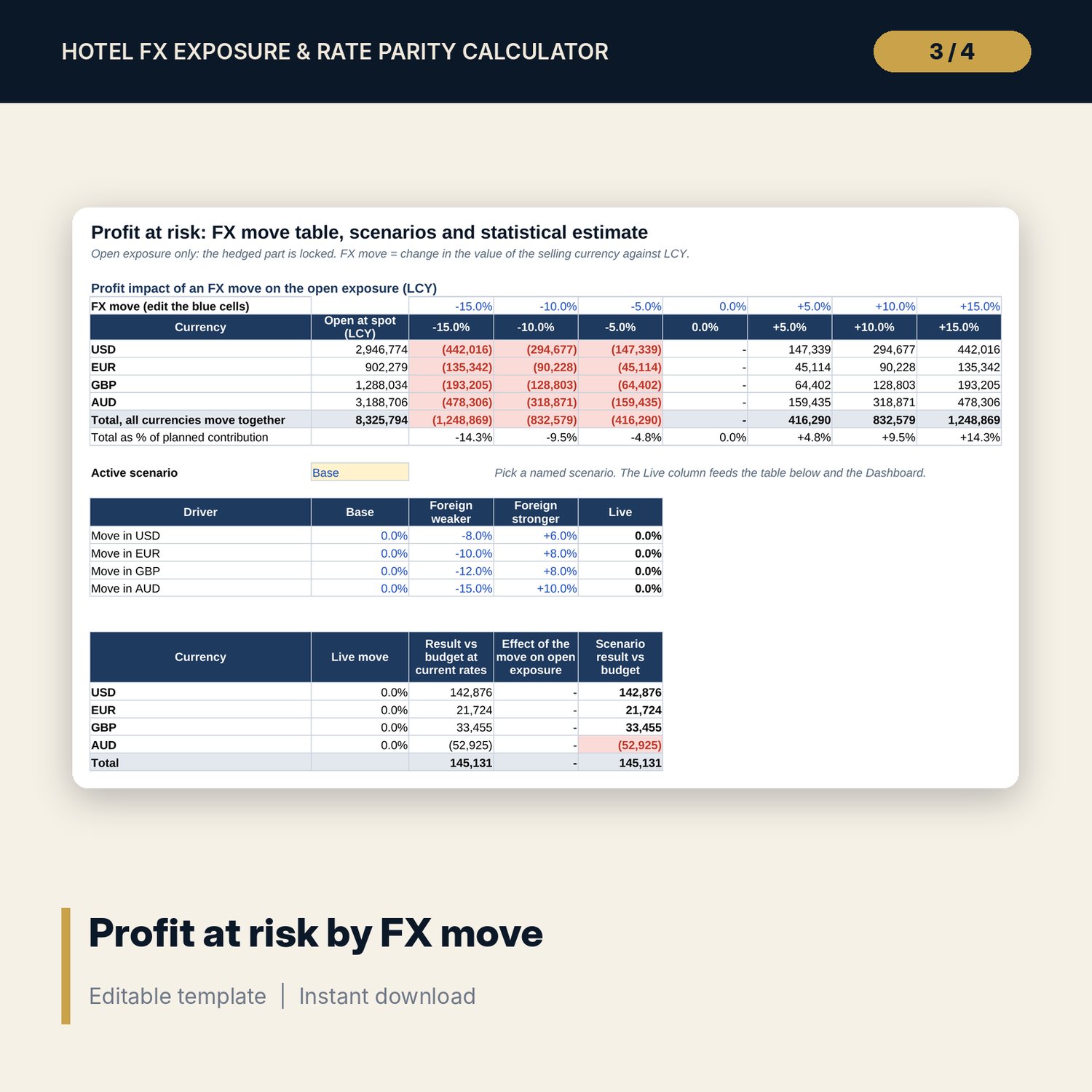
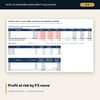
For financial controllers, general managers, revenue managers and asset managers of hotels that sell rooms in foreign currencies and pay most costs in local currency. You enter monthly receipts by selling currency and channel, costs by currency of payment, budget and spot rates, 12-month forward points or a fixed hedge rate, a hedge ratio and an annual volatility per currency. The workbook nets receipts against payments in each currency and month, values the hedged part at the forward rate and the open part at spot, and reports the FX result against budget. It shows the profit impact of moves from -15% to +15%, a hedge ratio x FX move grid, three named scenarios and a statistical profit at risk with a correlation matrix (NORM.S.INV, volatility scaled by the square root of time). A rate parity tab converts each local rate plan into the selling currencies with a buffer and a rounding rule, then flags channel prices that drifted away from parity.
Save with a bundle: this workbook is also in the Hotel Finance & Investment Pro Bundle, 25 workbooks for $59 instead of $329. All 100 Pro workbooks are in the Pro Library for $119, and all 241 templates and workbooks are in the Ultimate Hospitality Library for $149.
What is inside
- Hotel_FX_Exposure_Rate_Parity_Calculator.xlsx: 12 tabs, 4,038 formulas, 2 native charts, 13 integrity checks, 30 drop-down and input rules, a Method tab with 18 calculation notes.
- Revenue_Plan: 180 sample rows (15 currency and channel lines x 12 months) and room for 240 rows.
- Cost_Base: 132 sample rows (11 cost lines x 12 months) and room for 180 rows.
- Exposure_Engine: 48 rows (4 selling currencies x 12 months), one column per calculation step.
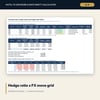
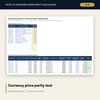
- Hedging: interest rate parity test of forward quotes, hedge value vs spot and budget, and a 5 x 7 hedge ratio x FX move grid.
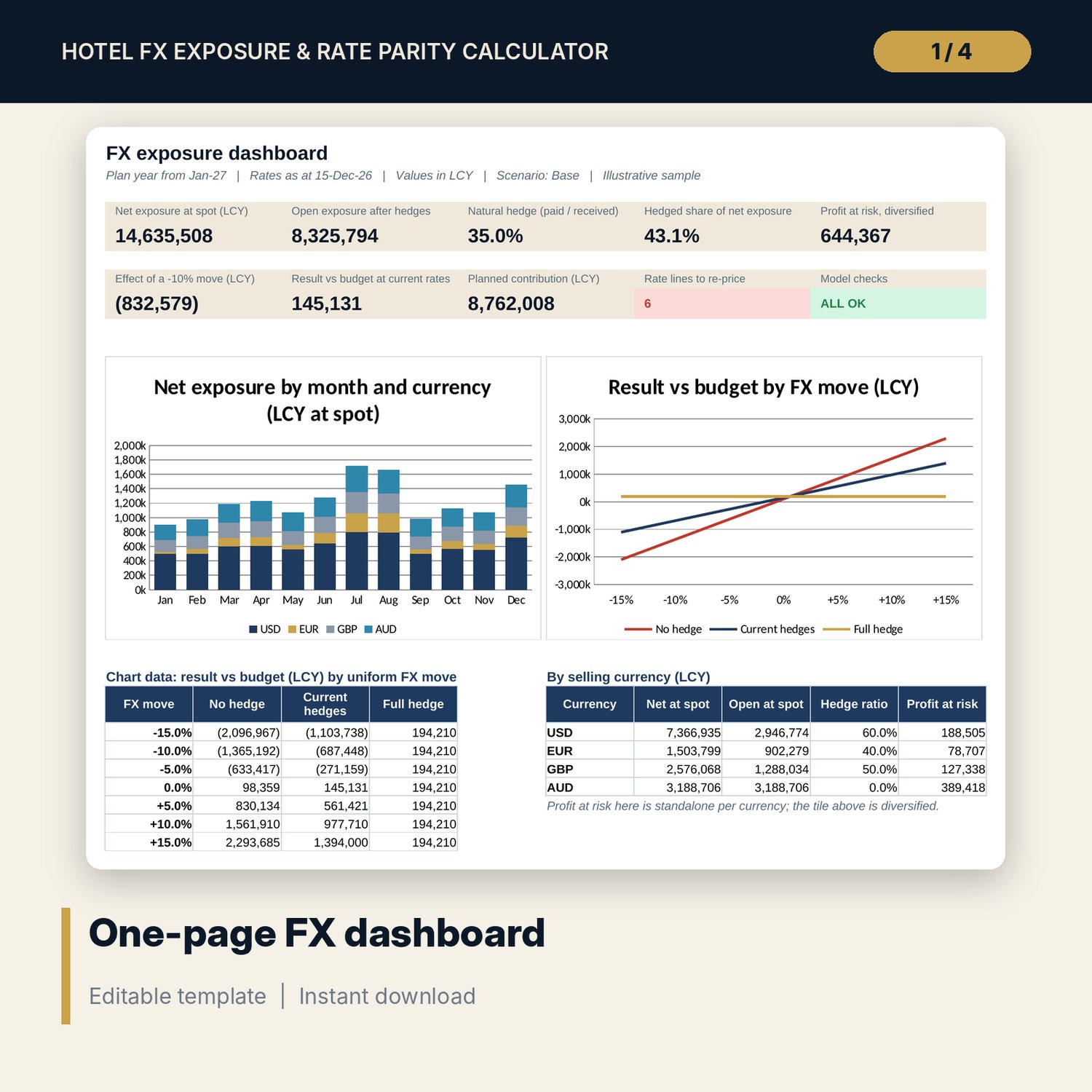
- Profit_at_Risk: impact table for 7 FX moves, 3 named scenarios and diversified vs undiversified profit at risk.
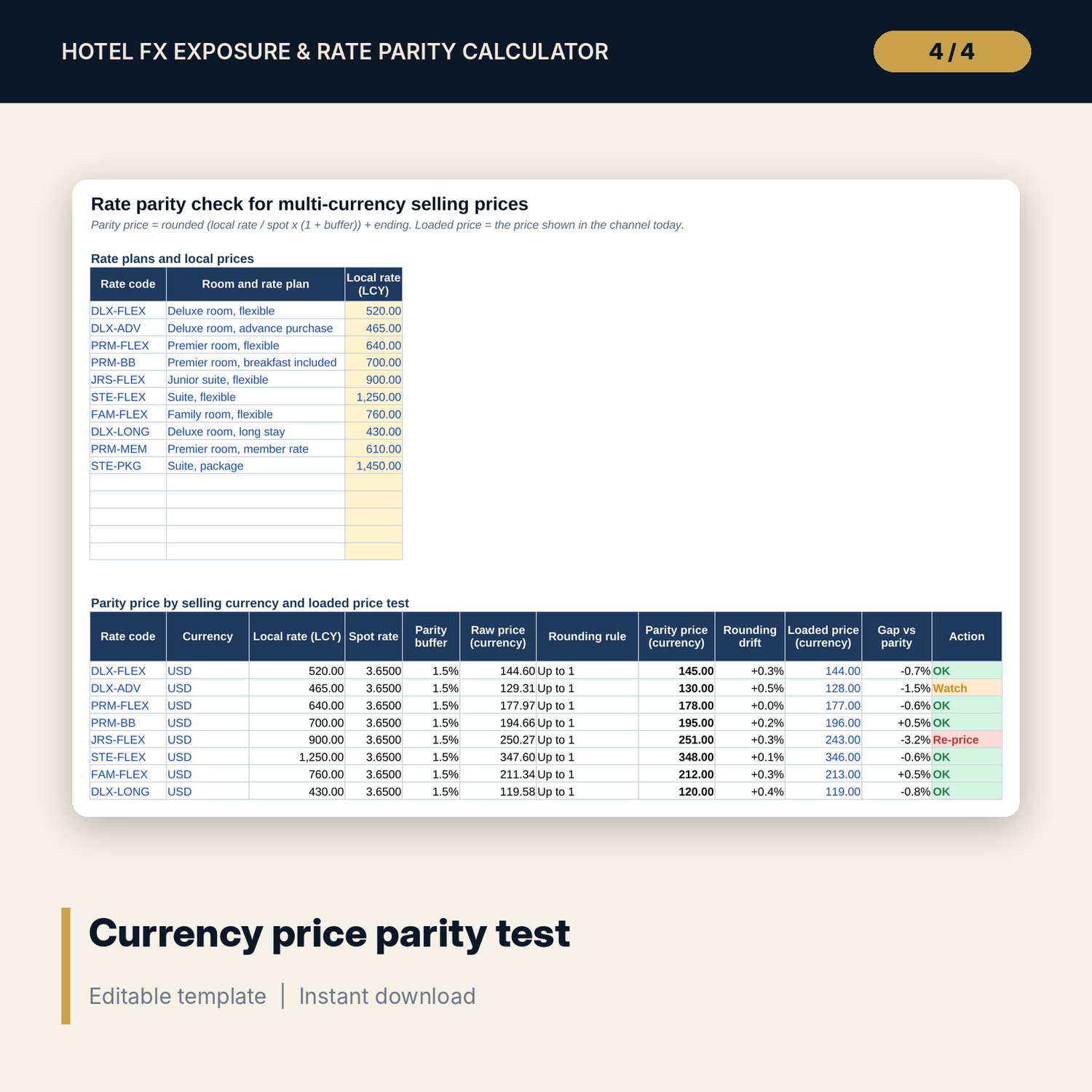
- Rate_Parity: 10 sample rate plans x 4 currencies (40 price lines, 60 rows) with rounding rules and a cross-currency spread test.
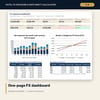
- Dashboard: 9 KPI tiles, a check tile, a monthly exposure chart and a result vs FX move chart, printable on one page.
- README.txt and LICENSE-and-Terms.txt.
How it works
- Set your local currency, the plan start, the rates date and four selling currencies with budget, spot and forward rates.
- Enter monthly receipts by currency and channel and costs by currency of payment, or keep the sample to learn the model.
- Choose a hedge method and ratio per currency and read net and open exposure, the result vs budget and the hedge grid.
- Read profit at risk for each FX move and scenario, then decide how much to hedge.
- Enter your rate plans and the prices loaded in each currency, and re-price the lines the parity test flags.
Details
- Format: one .xlsx workbook, English.
- Software: Excel 2016 or later, or LibreOffice Calc 7 or later.
- No macros, no data tables, no array formulas, no add-ins.
- Works with any local currency and any four selling currencies (edit the codes).
- Delivery: instant download.
Good to know
- Sample data is illustrative and does not describe any market or real exchange rates.
- Not financial, treasury or tax advice. Verify forward quotes, interest rates and hedge terms with your bank.
- The statistical profit at risk assumes normally distributed moves and stable correlations; treat it as a guide, not a limit.
- Single-user license.
FAQ
Which way are the exchange rates quoted?
As direct quotes: units of your local currency per 1 unit of the selling currency. A +10% move means the selling currency buys 10% more local currency.
Can I add a fifth selling currency?
The engine is built for four selling currencies plus the local currency. Edit the four codes to the ones you sell in; a fifth needs the engine rows extended.
What if I pay costs in a selling currency?
Enter them on Cost_Base in that currency. They reduce the net exposure, and the Natural hedge column shows how much of the receipts they offset.
How does the rate parity test work?
Each local rate is divided by spot, a buffer is added, and the result is rounded with your step, method and price ending. Prices loaded in channels more than the tolerance away from that parity price are set to Re-price.
How do I know the formulas are right?
The Checks tab runs 13 tests, including two independent reconciliations of receipts and payments between the data tabs and the engine. The Method tab explains every calculation.