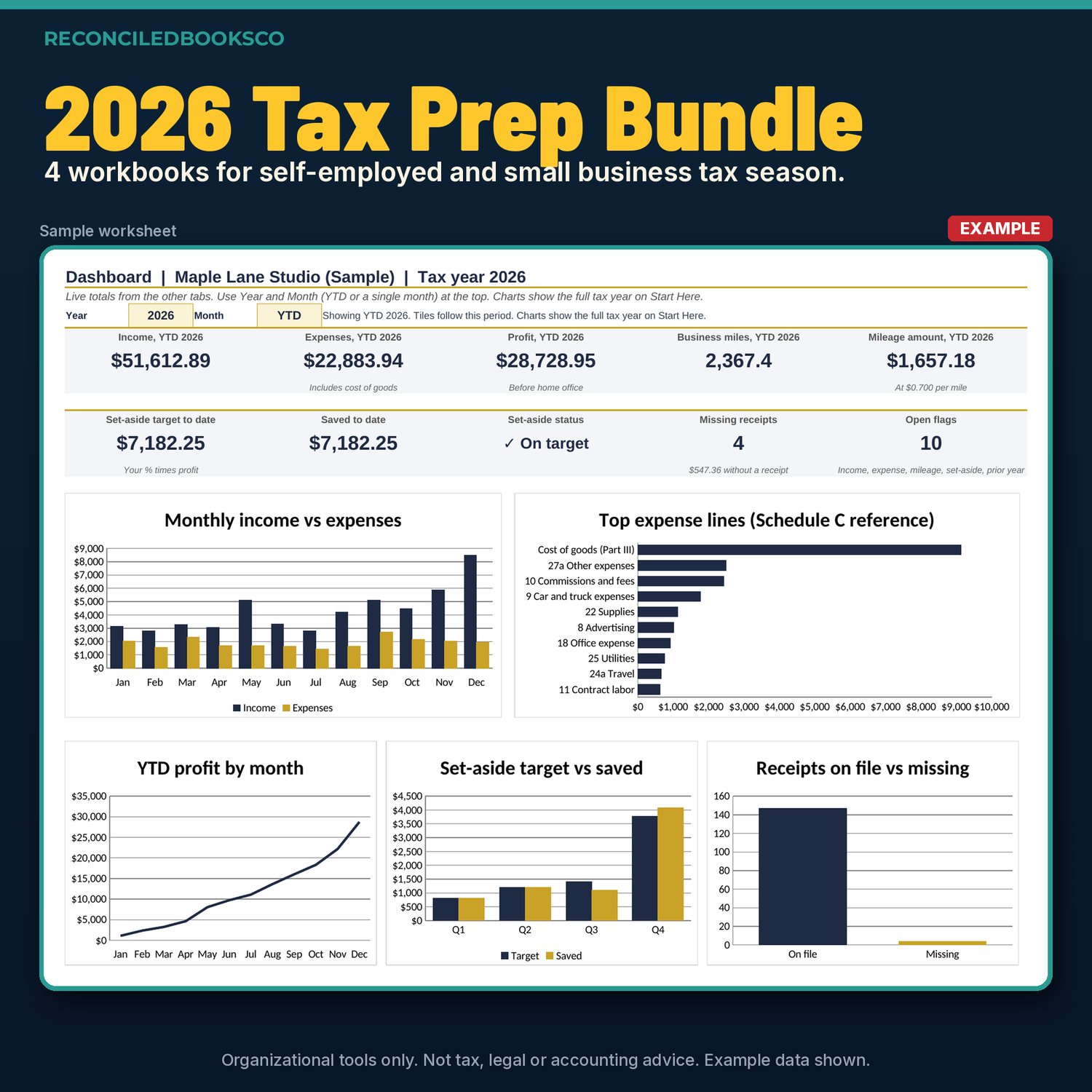
Tax Prep Bundle 2026: Business Expense Tracker, Simple Payroll Log, 1099 Contractor and W-9 Tracker, Tax Prep Organizer
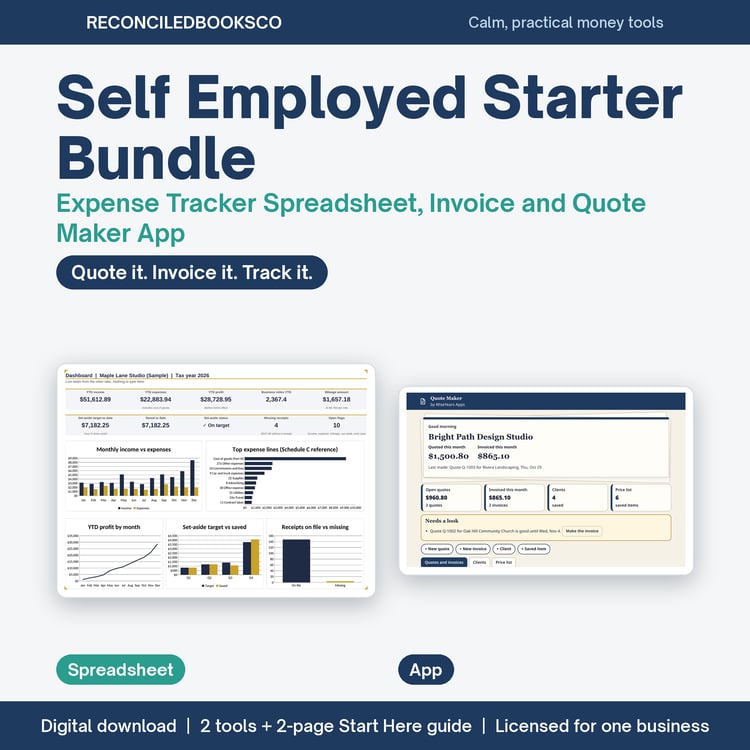
This bundle has four workbooks for a self-employed person or a small business owner who wants the year's records in one place before January. It includes expenses and mileage in Schedule C-style categories, payroll with quarterly totals, contractor payments and W-9s for 1099s, and a document checklist with a two-page summary for your preparer.
$48.96 if bought separately in our shop. The bundle is $28.99, a $19.97 saving (41%).
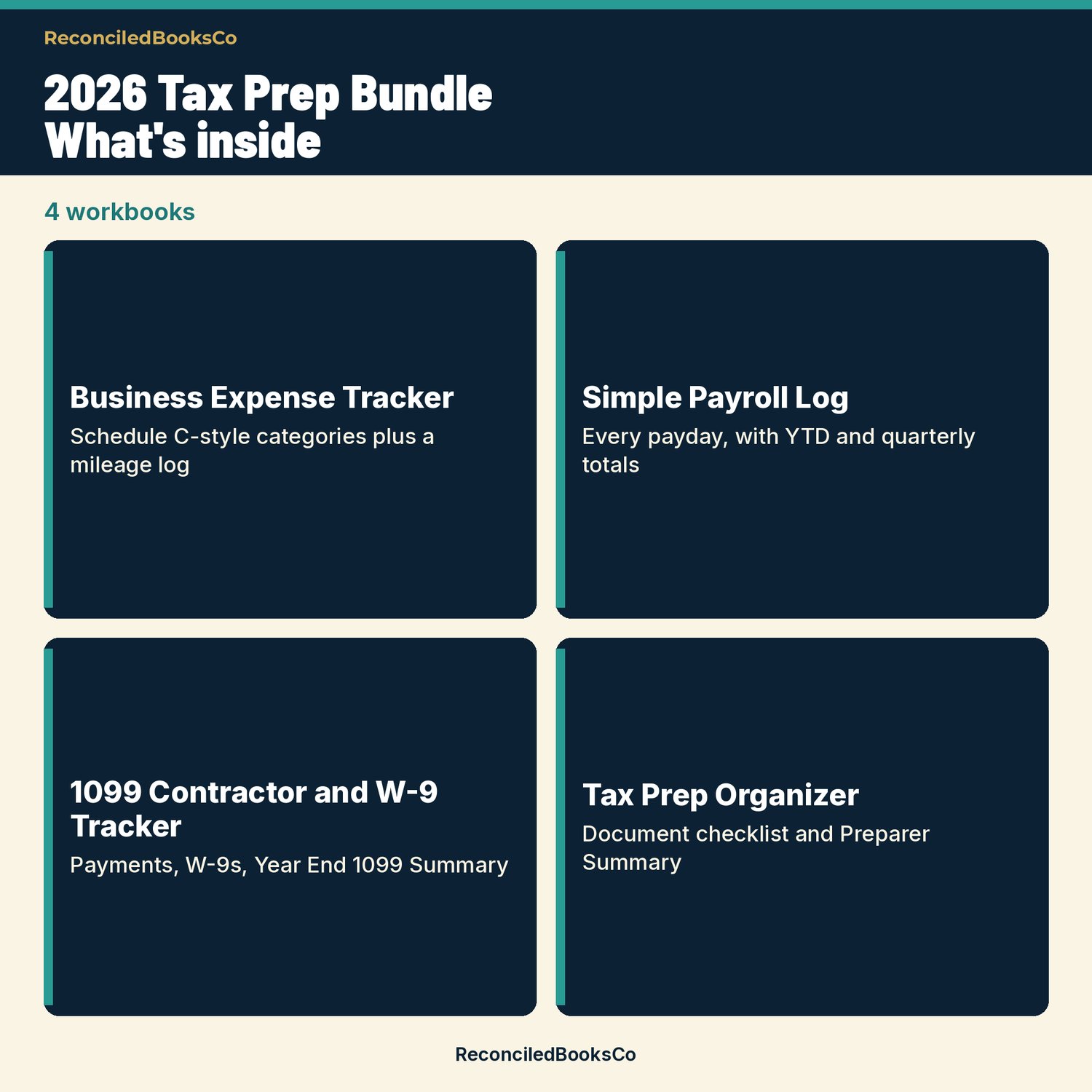
What's inside (4 workbooks)
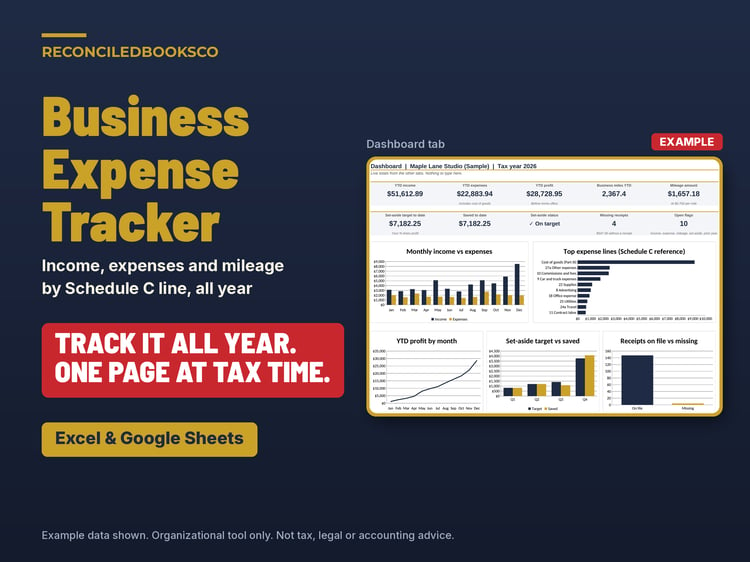
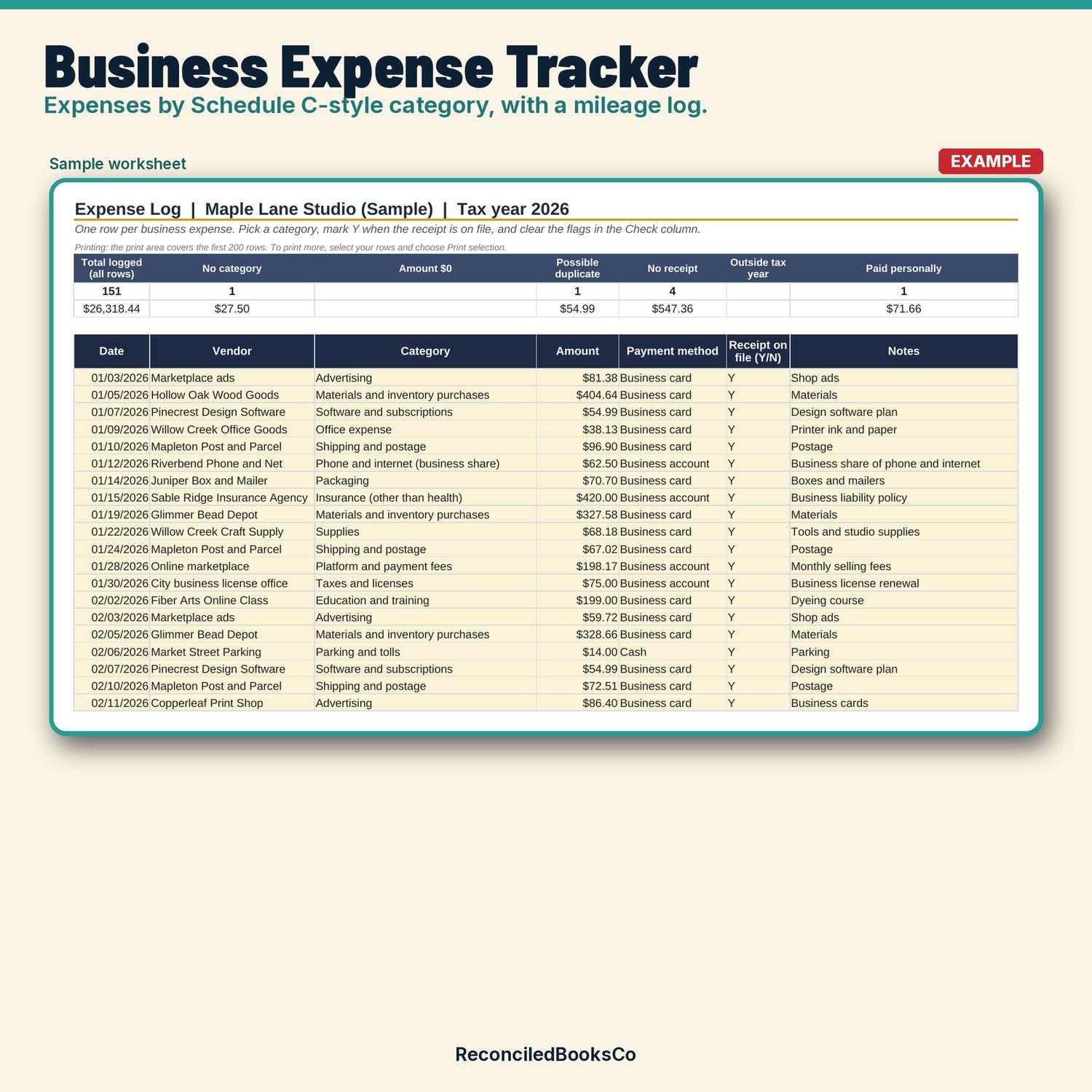
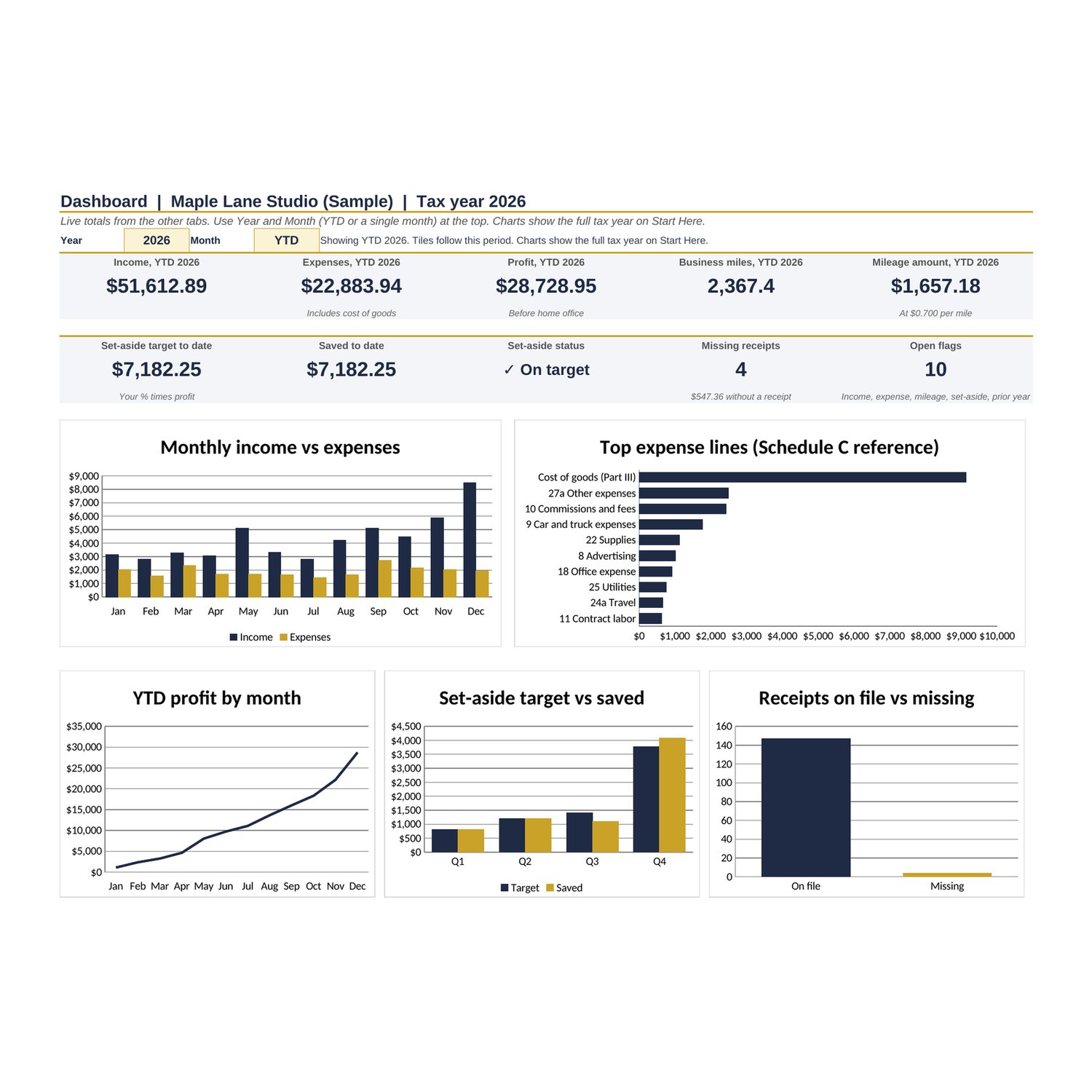
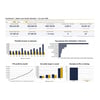
- Business Expense Tracker: expenses by Schedule C-style category, plus a mileage log. The file opens on the Dashboard. A written guide (Business_Expense_Tracker_Guide.docx) is included.
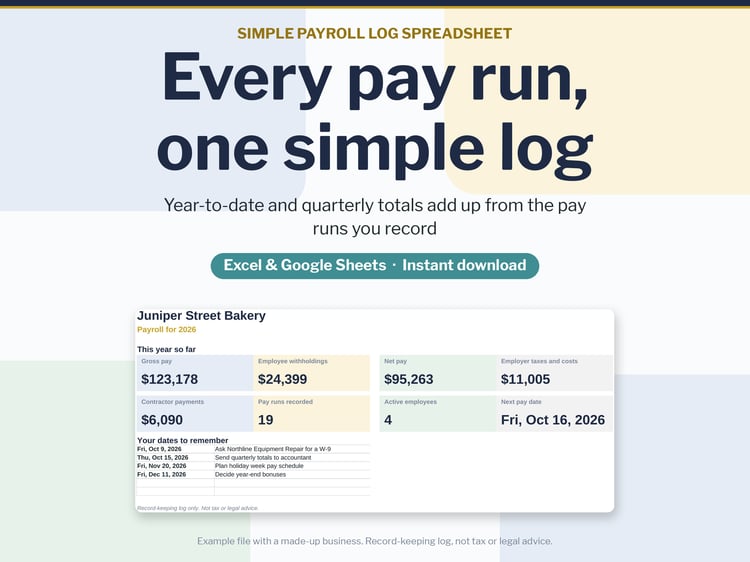
- 2. Simple Payroll Log: every payday, with year-to-date and quarterly totals. The file opens on the Dashboard. A written start guide (START_HERE.pdf) is included.
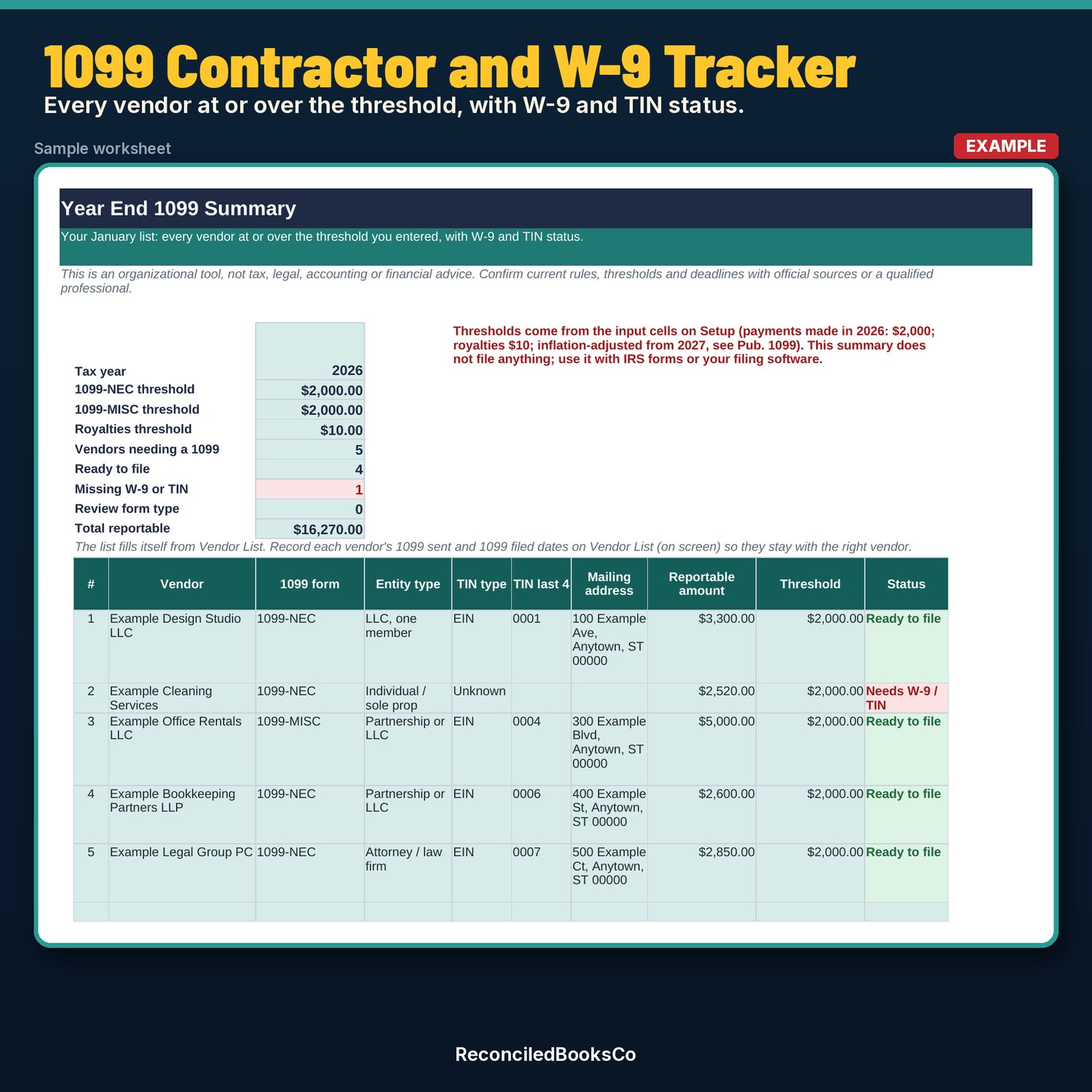
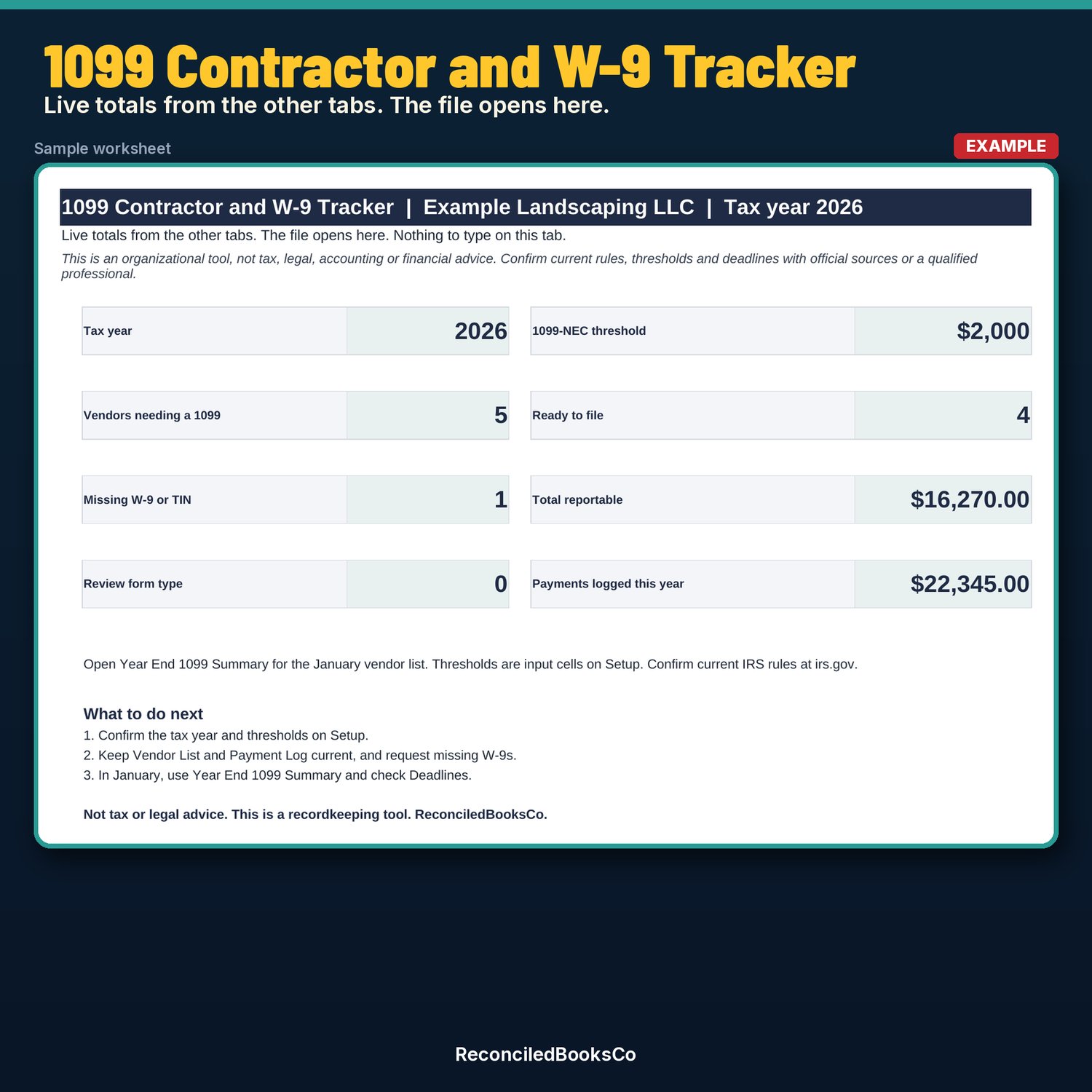
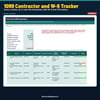
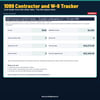
- 3. 1099 Contractor and W-9 Tracker: Dashboard, Year End 1099 Summary, START HERE, Setup, Vendor List, Payment Log, W-9 Request Tracker and Deadlines. The file opens on the Dashboard. The 2026 $2,000 threshold is an input cell. Confirm current IRS rules at irs.gov.
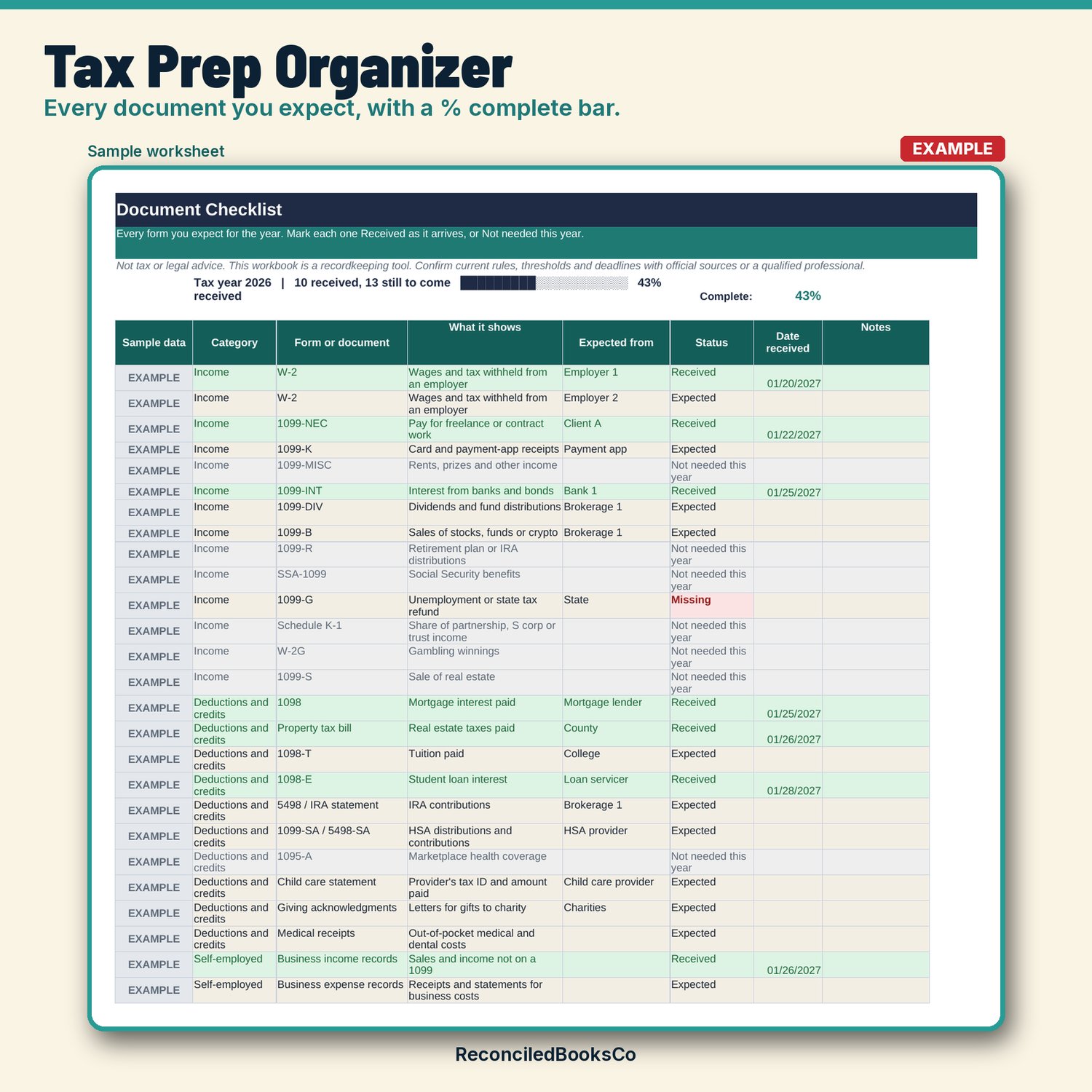
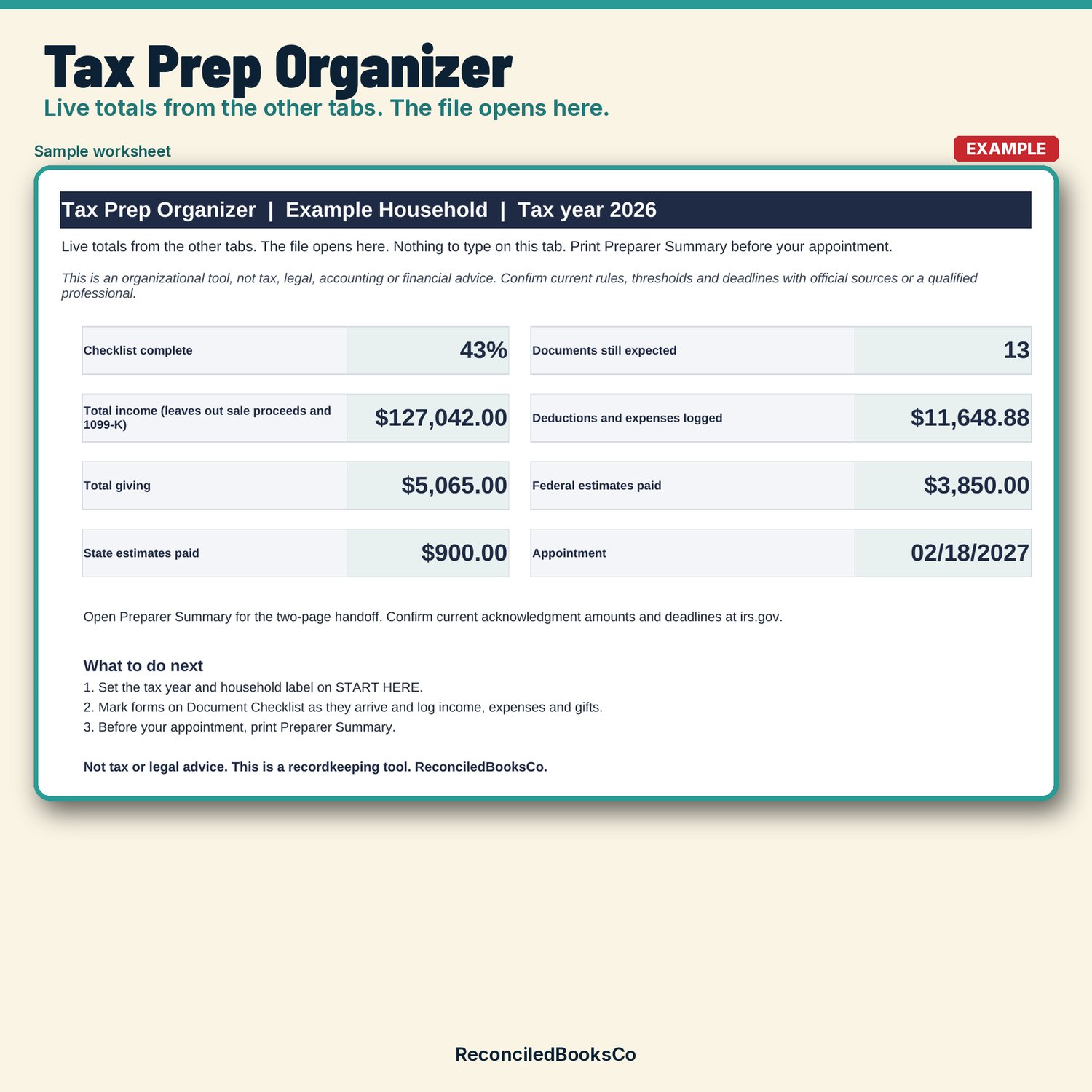
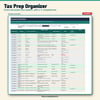
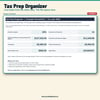
- 4. Tax Prep Organizer: Dashboard, Preparer Summary, START HERE, Document Checklist, Income Sources, Deduction and Expense Log, Charitable Giving Log and Estimated Tax Payments. The file opens on the Dashboard. The Preparer Summary prints on 2 landscape Letter pages.
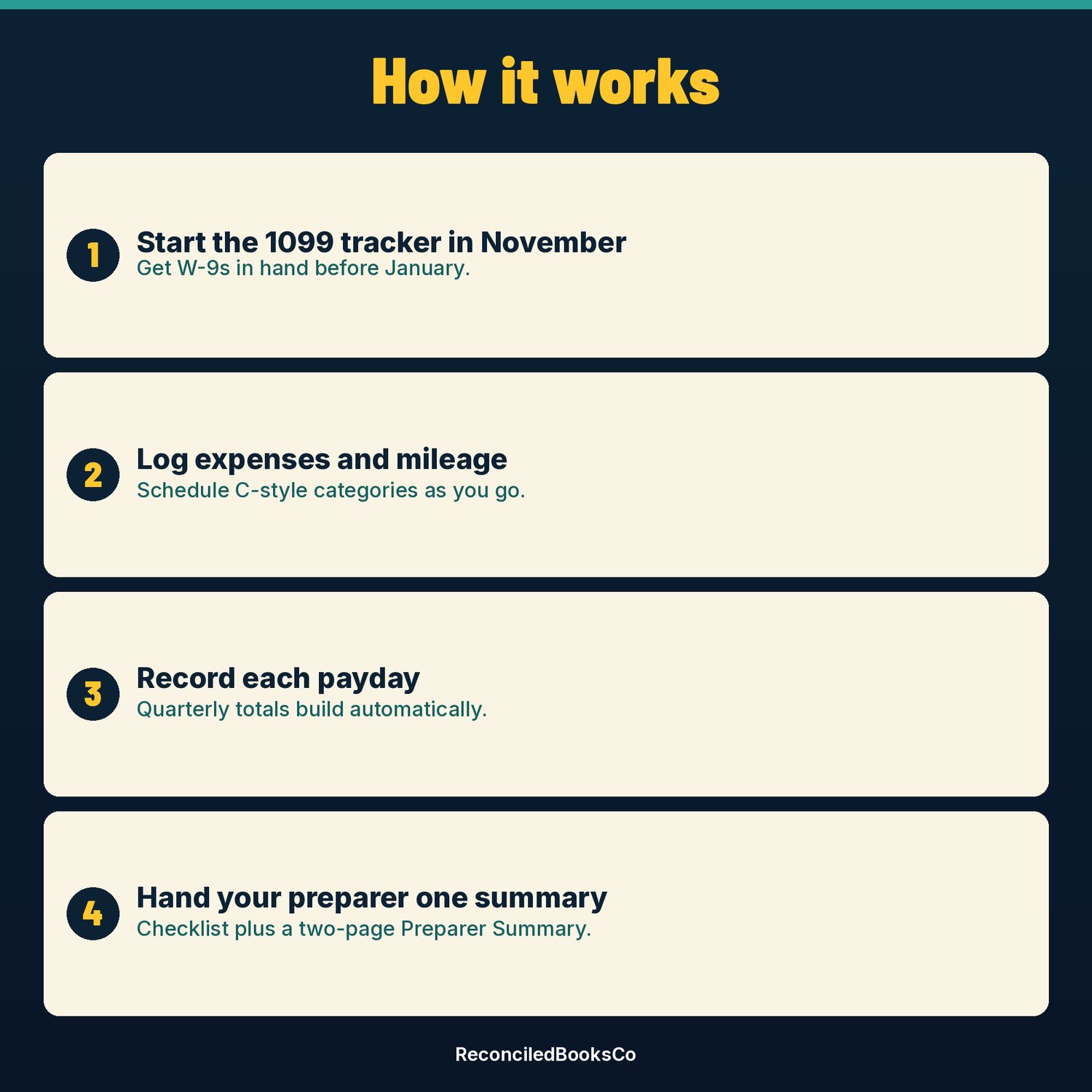
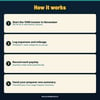
Start with the 1099 tracker in November so W-9s are in hand by January. Not tax or legal advice.
Specs
Files: 6 Excel workbooks in one zip. Business Expense Tracker (blank and EXAMPLE, 12 tabs each), Simple Payroll Log (blank and EXAMPLE, 12 visible tabs each, plus a hidden Calc tab), 1099 Contractor and W-9 Tracker (8 tabs) and Tax Prep Organizer (8 tabs), plus start guides.
Format: Excel (.xlsx) and Google Sheets. No macros.
Opens on: the Dashboard tab in every workbook.
Tax year is an input you can change in each workbook. The 1099 tracker and the Organizer start at 2026. Reporting thresholds are input cells you can change.
FAQ
Do I need Excel? No. Works in Excel and Google Sheets: these are .xlsx workbooks with no macros, so you can use either. In Sheets, use File > Import or open the uploaded file and save it as a Google Sheet.
Does the payroll log work in Google Sheets? Yes. In Sheets a helper tab called Calc may show. You can hide it: right-click the tab and choose Hide sheet.
How do I clear the sample? Use the blank Expense and Payroll files, or follow the Start Here steps in each workbook to clear the EXAMPLE rows.
Is this tax advice? No. It keeps your records organized for you and your preparer. Confirm current IRS rules at irs.gov or with a qualified tax professional.
Digital download, nothing ships.
License: Licensed for use by one business. Please don't share or resell the file.
Excel (.xlsx) and Google Sheets. No macros. Sample rows are marked EXAMPLE (no real names or data). The Expense Tracker and Payroll Log also include a separate blank workbook and a filled EXAMPLE workbook. This is a recordkeeping tool, not tax, legal or accounting advice. Confirm current IRS rules at irs.gov or with a qualified tax professional.