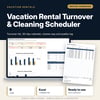
Vacation Rental Turnover & Cleaning Scheduler: Short-Term Rental Cleaning Schedule Spreadsheet
Full description
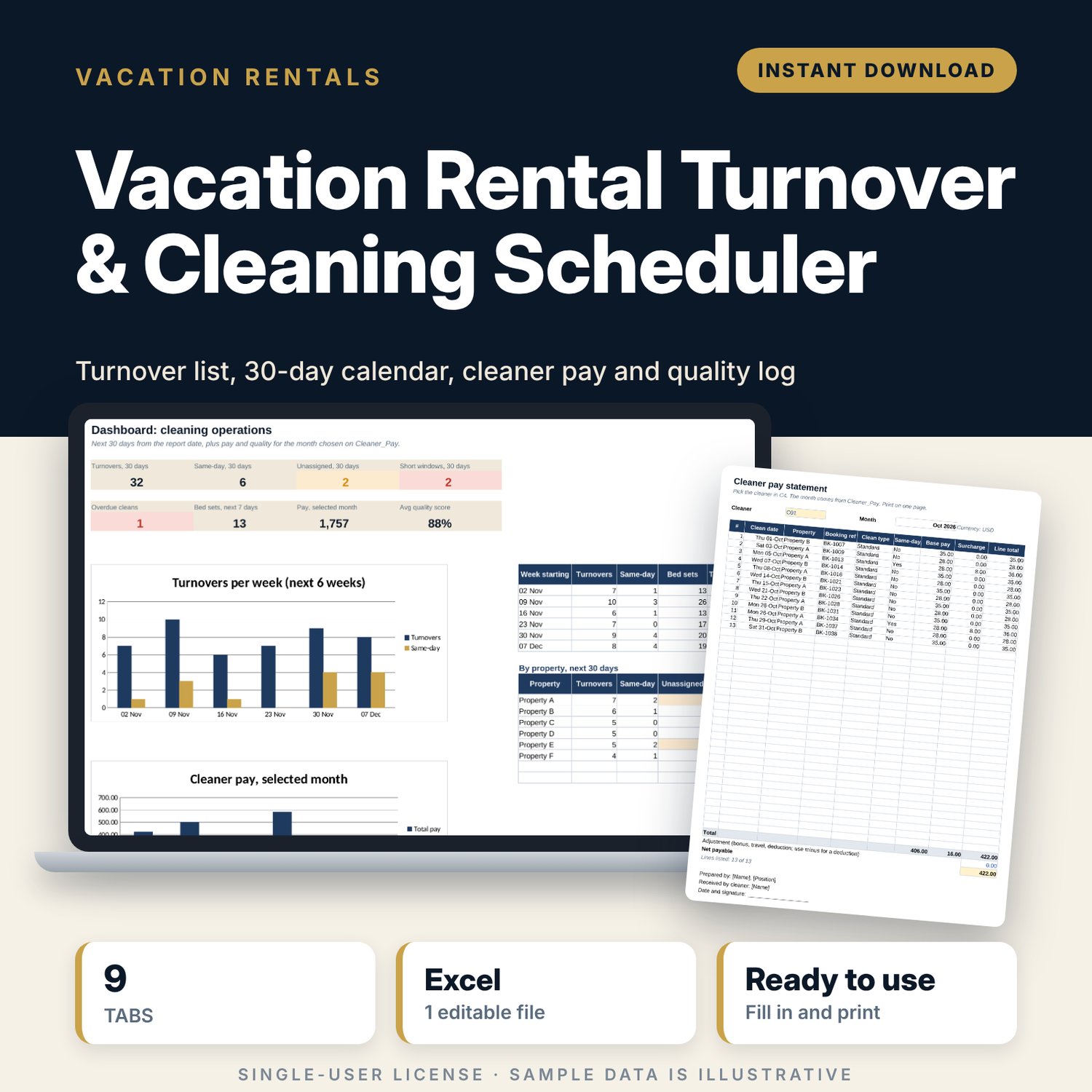
For hosts and small property managers who coordinate cleaners across one to eight short-term rental units. You enter each stay once and assign a cleaner. The workbook finds the next arrival for every check-out, works out the cleaning window in hours, and flags same-day turnovers, windows shorter than the clean time, double bookings and overloaded cleaners. It then builds a dated turnover list, a 30-day calendar, the bed and towel sets needed, a monthly pay summary by cleaner and a printable pay statement.
Save with a bundle: this template is also in the Vacation Rental Business Bundle, 10 templates for $29 instead of $69. All 141 templates are in the All-Access Hospitality Template Library for $79.
What is inside
- Vacation_Rental_Turnover_Cleaning_Scheduler.xlsx: 9 tabs, 13,174 formulas, 3 native charts, 11 drop-down or number rules.
- Settings: report date, same-day surcharge, quality pass mark, 8 property slots (6 sample) with size, beds, guests, check-out and check-in times, pay and clean hours for 5 property sizes, 6 cleaner slots with a daily maximum.
- Bookings: room for 400 stays (109 sample rows). Nights, next arrival, window in hours, turnover flag and turnover pay calculate.
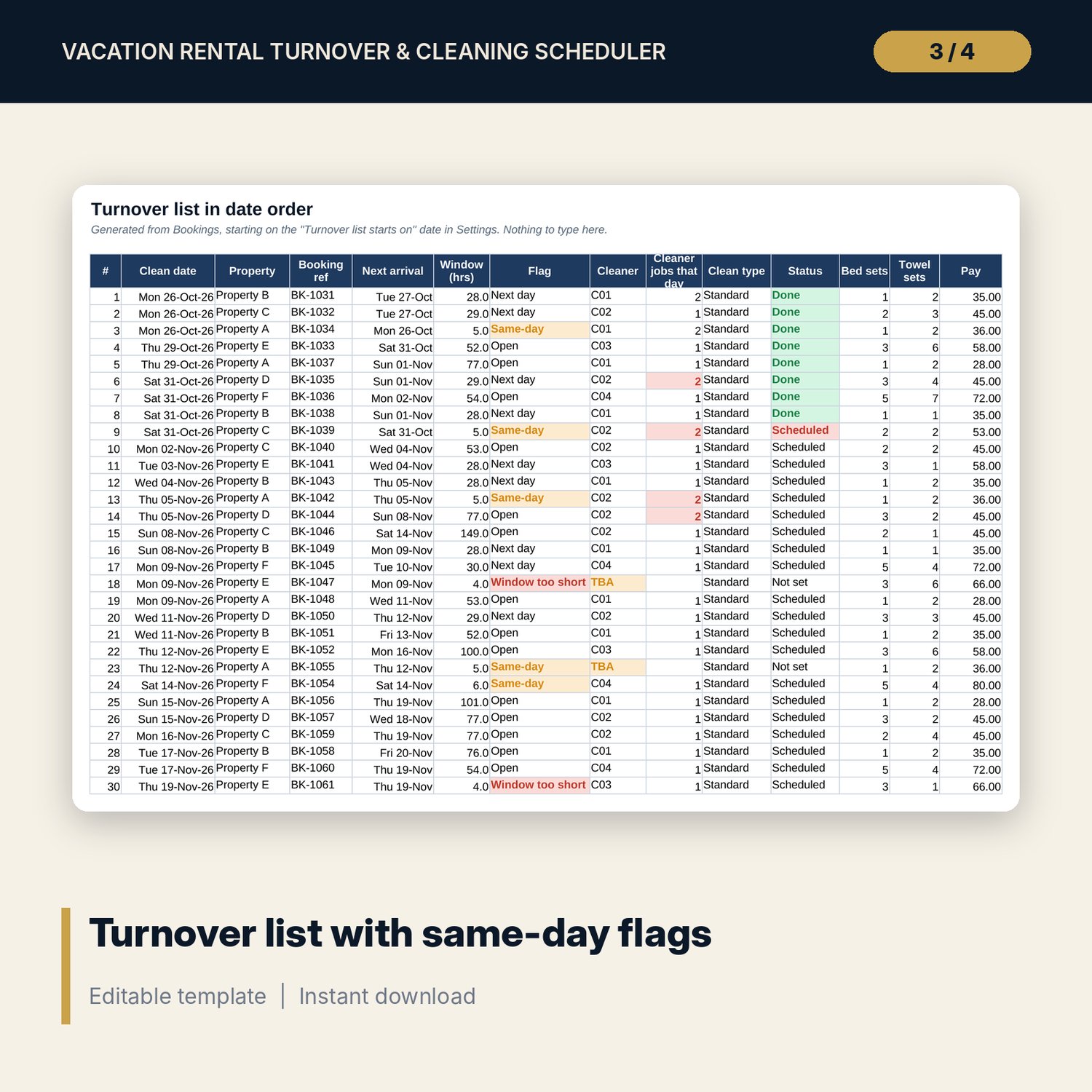
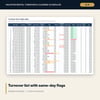
- Turnovers: the cleaning list in date order with flag, cleaner, cleaner jobs that day, clean type, status, bed sets, towel sets and pay.
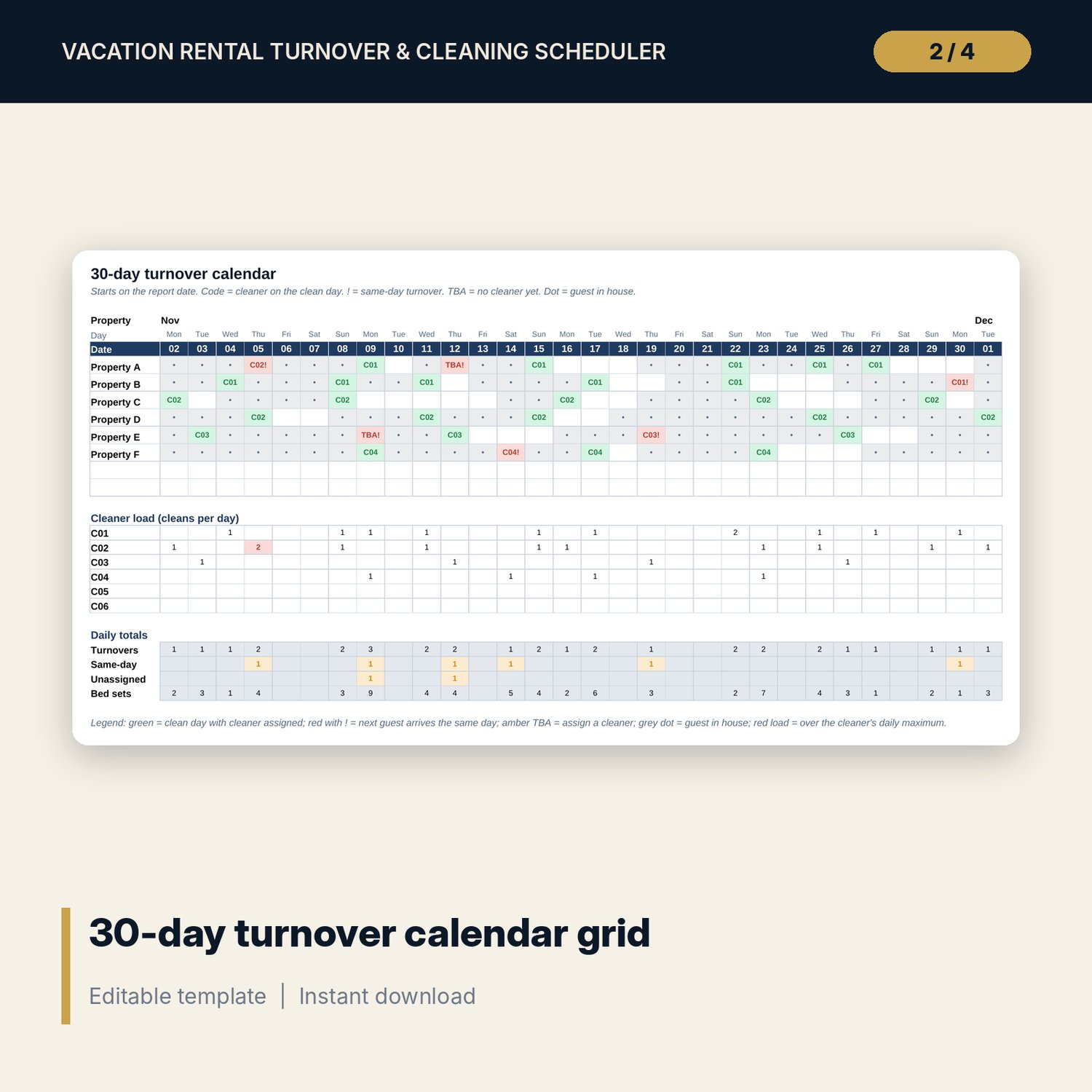
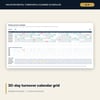
- Calendar_30_Day: 8 properties by 30 days showing guest nights, clean days with the cleaner code and same-day turnovers, plus cleaner load and daily totals.
- Quality_Log: room for 200 inspections (19 sample rows), 5 area scores, score %, pass or fail and re-clean status.
- Cleaner_Pay: one month per view: cleans done, same-day cleans, deep cleans, base pay, surcharge, total pay and average score for each cleaner, with a chart.
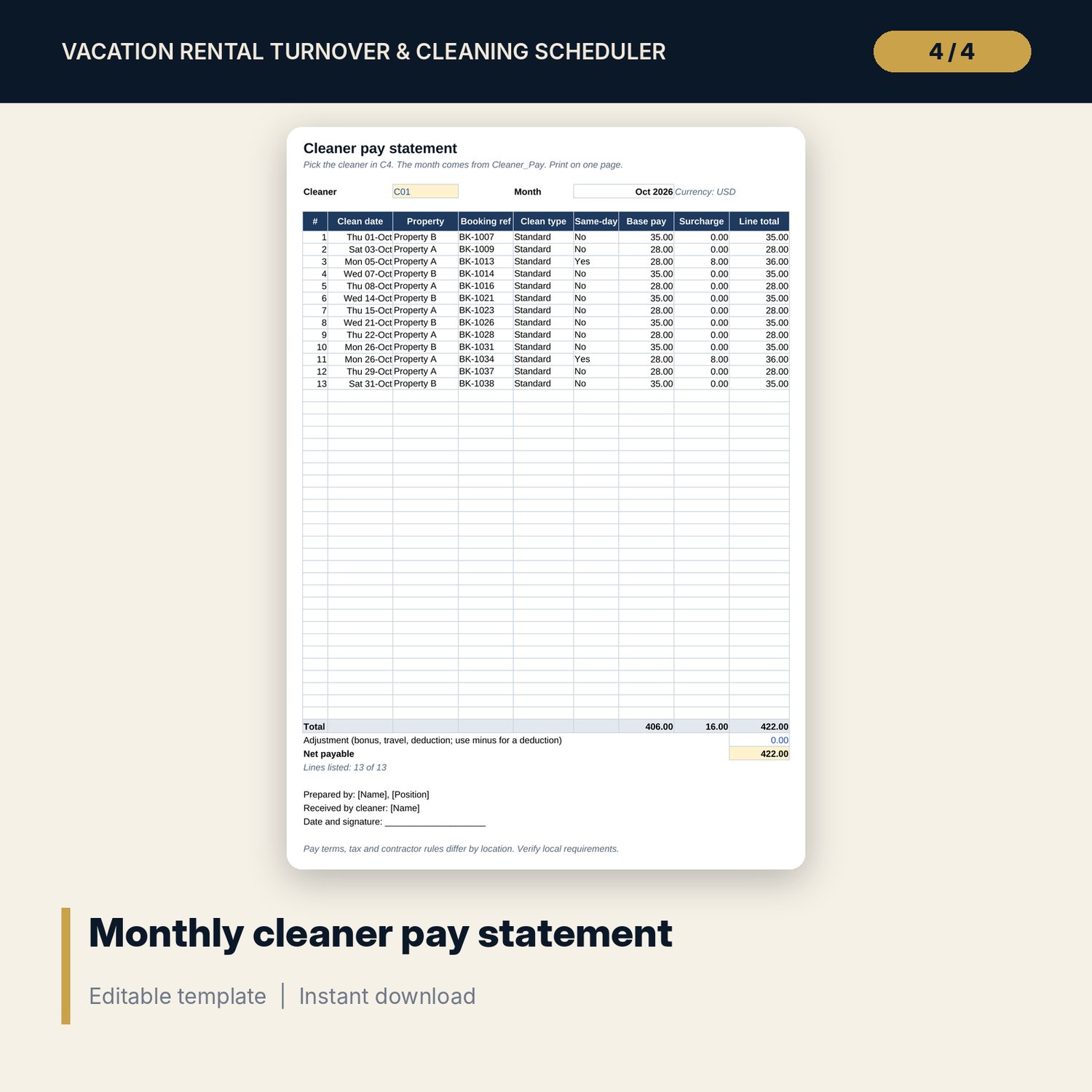
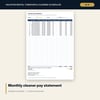
- Pay_Statement: one printable page per cleaner with up to 40 lines, adjustment, net payable and sign-off.
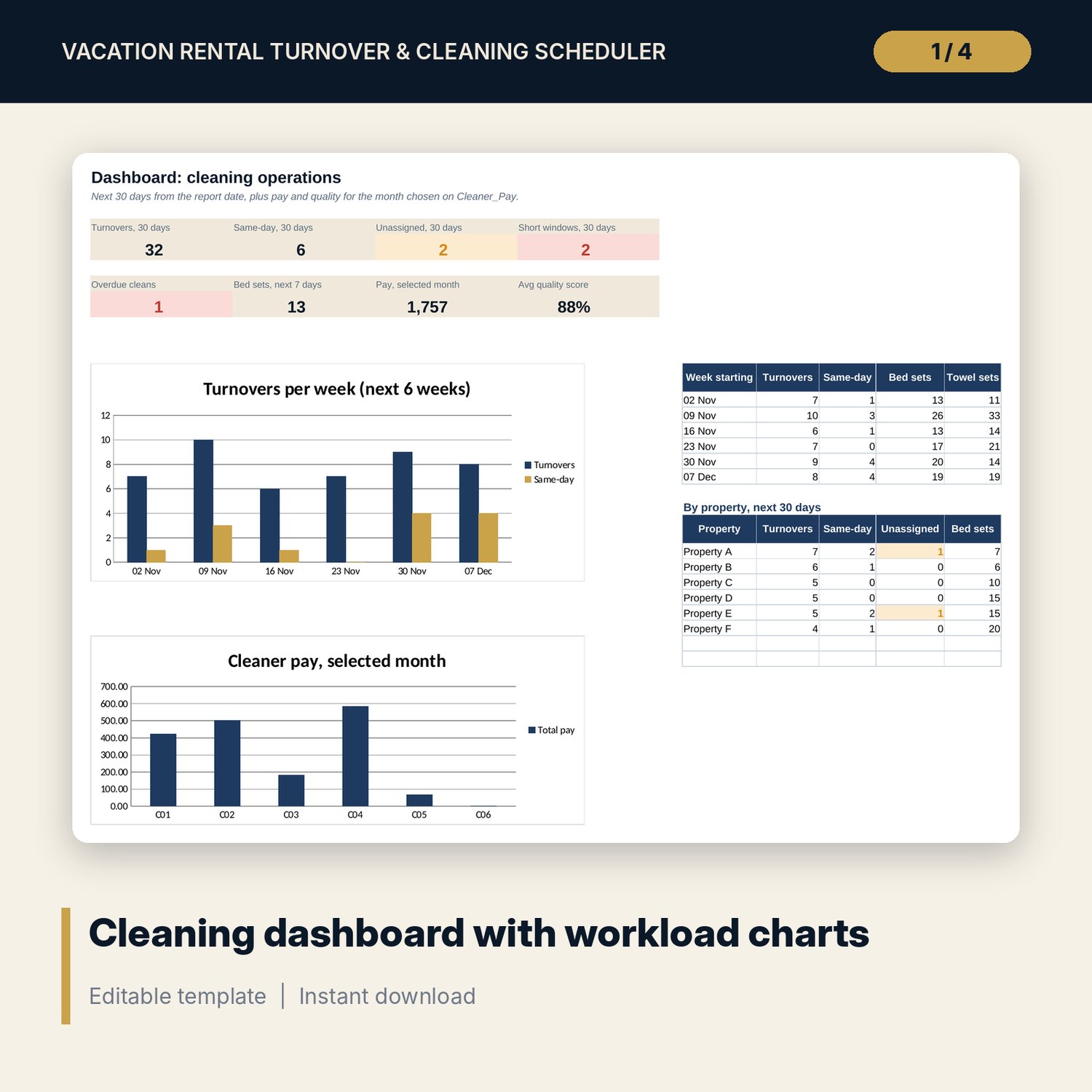
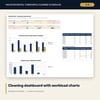
- Dashboard: 8 KPI tiles, a 6-week workload table, a 30-day table by property and 2 charts.
- README.txt and LICENSE-and-Terms.txt.
How it works
- Enter the report date, your properties, their size, beds and check-out and check-in times on Settings.
- Set pay and clean hours per property size, the same-day surcharge and your cleaner codes.
- Clear the sample rows and enter your stays in Bookings, then assign a cleaner to each one.
- Print Turnovers or Calendar_30_Day for the team and act on the red and amber flags.
- At month end, choose the month on Cleaner_Pay and print Pay_Statement for each cleaner.
Details
- Format: Excel workbook (.xlsx). No macros.
- Language: English. Currency is a label you choose.
- Software: Excel 2019 or later, or Google Sheets. The next-arrival formula uses MINIFS, which Excel 2016 does not have.
- Delivery: instant digital download. Nothing is shipped.
Good to know
- All sample stays, codes, pay rates and scores are illustrative. Replace them with your own data.
- The clean is scheduled on the check-out date. Cancelled stays create no turnover.
- Pay terms and contractor rules differ by location. Verify local requirements. This is a scheduling tool, not legal or tax advice.
- Single-user license. Do not share or resell the files.
FAQ
Do I need to type the turnover list?
No. You enter stays in Bookings. The Turnovers tab sorts the cleans by date with formulas.
How does it spot a same-day turnover?
It looks up the next check-in for the same property. If it falls on the check-out date, the row is flagged, and the window in hours is checked against the clean time for that property size.
Can I pay cleaners a different rate per property?
Pay is set per property size and clean type, plus a same-day surcharge. Set the size of each property on Settings to match the rate you agreed.
Does it work in Google Sheets?
Yes, the formulas calculate in Google Sheets. Check the drop-downs after import.
Is this a physical product?
No. It is a digital download. Refund terms follow the store policy at the time of purchase.