
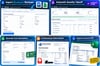
Turn Bluebeam Takeoffs Into Client Quotes | Save Time Estimating
Still copying Bluebeam takeoff quantities into spreadsheets to prepare estimates?
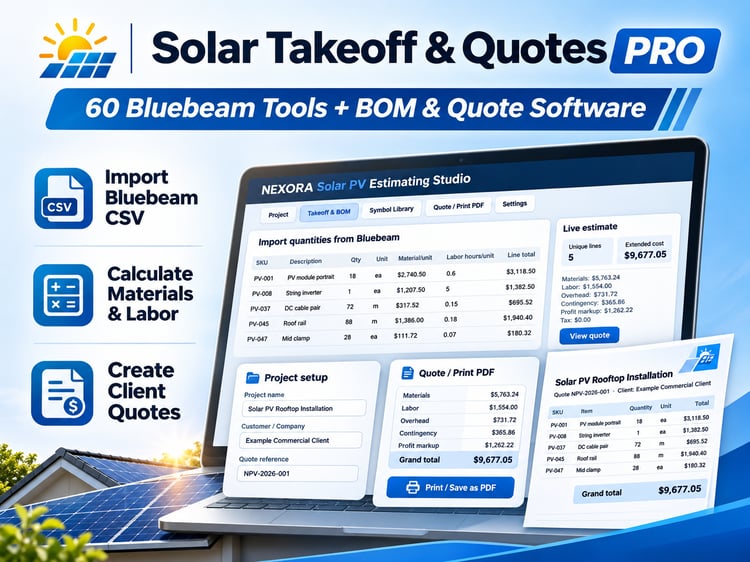
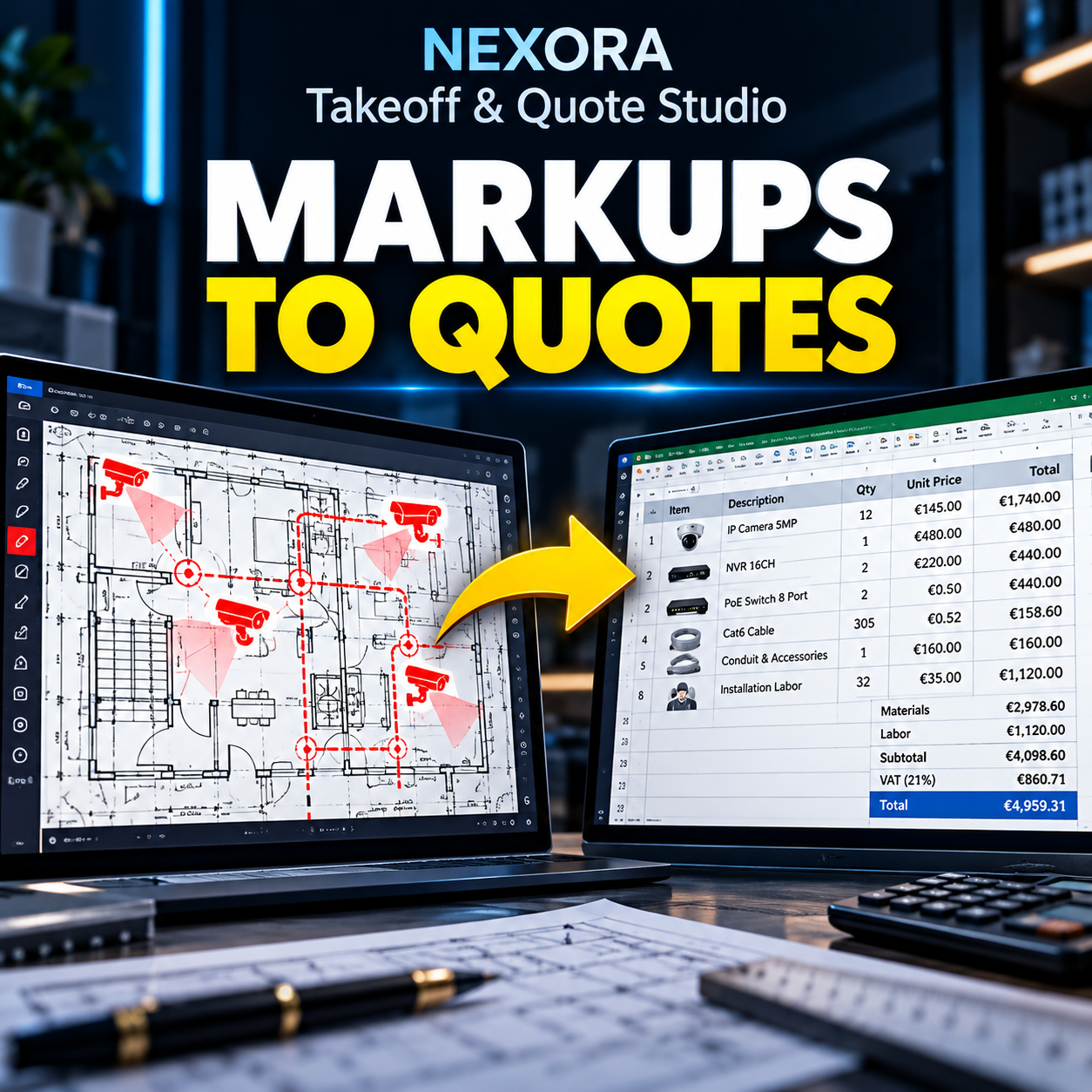
Turn exported takeoff data into organized material and labor calculations, editable estimates, and professional client quotations.
Import your quantities. Calculate your costs. Prepare your quote.
NEXORA Takeoff & Quote Studio helps contractors and estimators simplify repetitive estimating work without a monthly subscription.
Works offline in Chrome or Edge. No account or API key required.
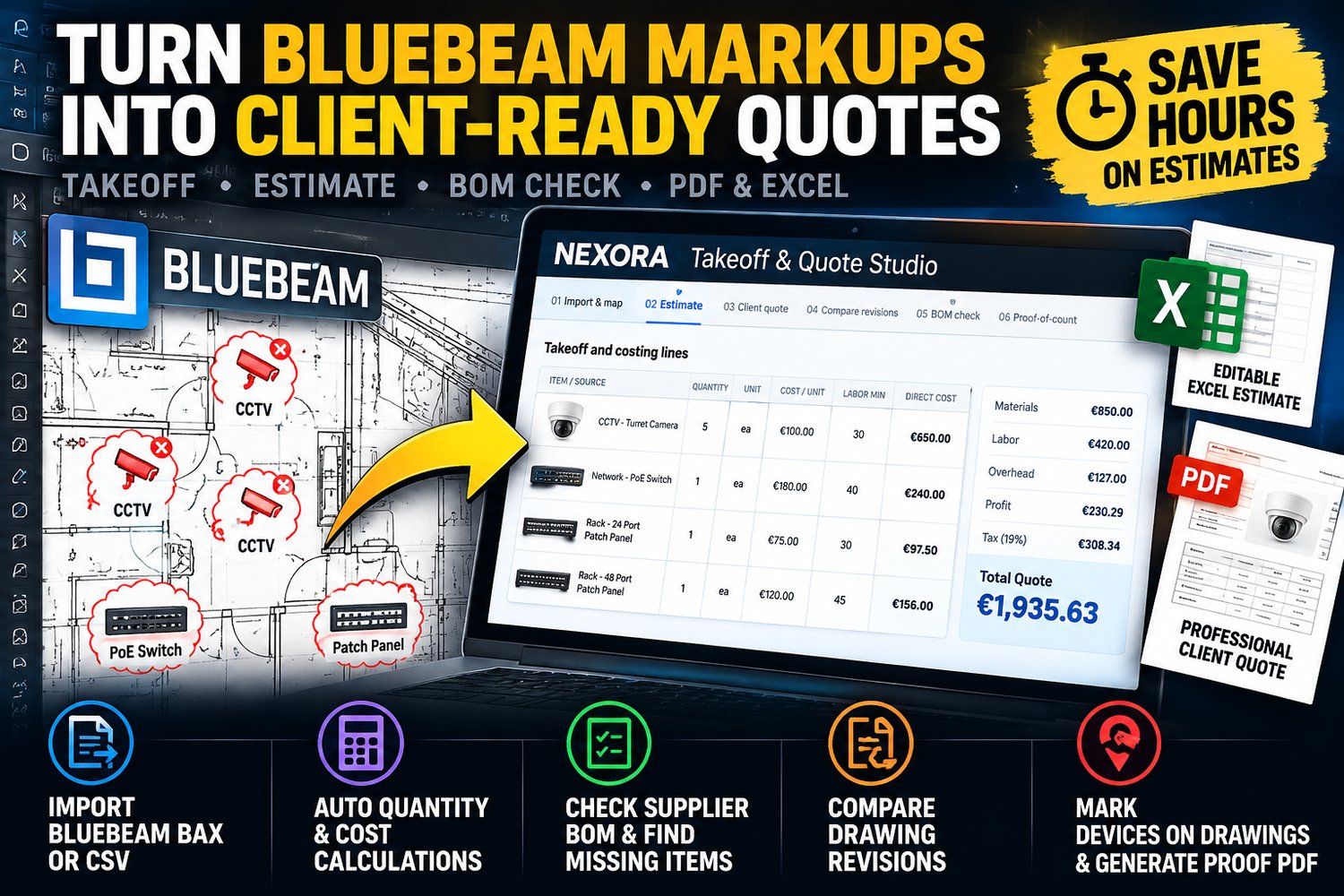
Stop manually transferring takeoff quantities into spreadsheets. Save time on estimates, catch BOM discrepancies, and deliver professional client quotations.
NEXORA Takeoff & Quote Studio is an offline estimating and project verification tool designed for CCTV, access control, electronic security, low-voltage contractors, estimators, and system integrators.
From Bluebeam markup quantities to material costs, labor calculations, editable Excel estimates, and professional PDF proposals — manage the entire estimating workflow in one place.
One tool. One workflow. No subscriptions or AI credits required.
What Can You Do?
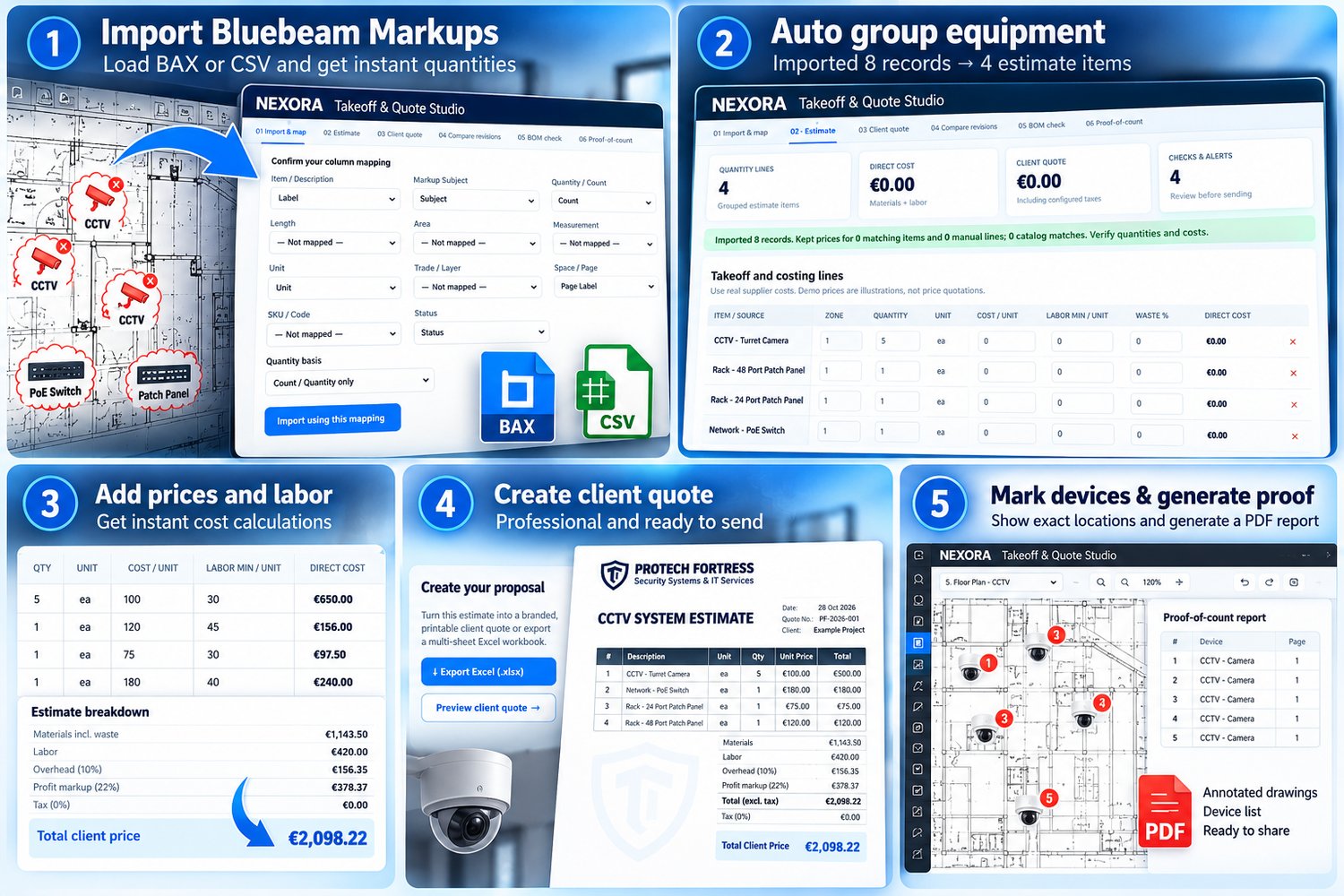
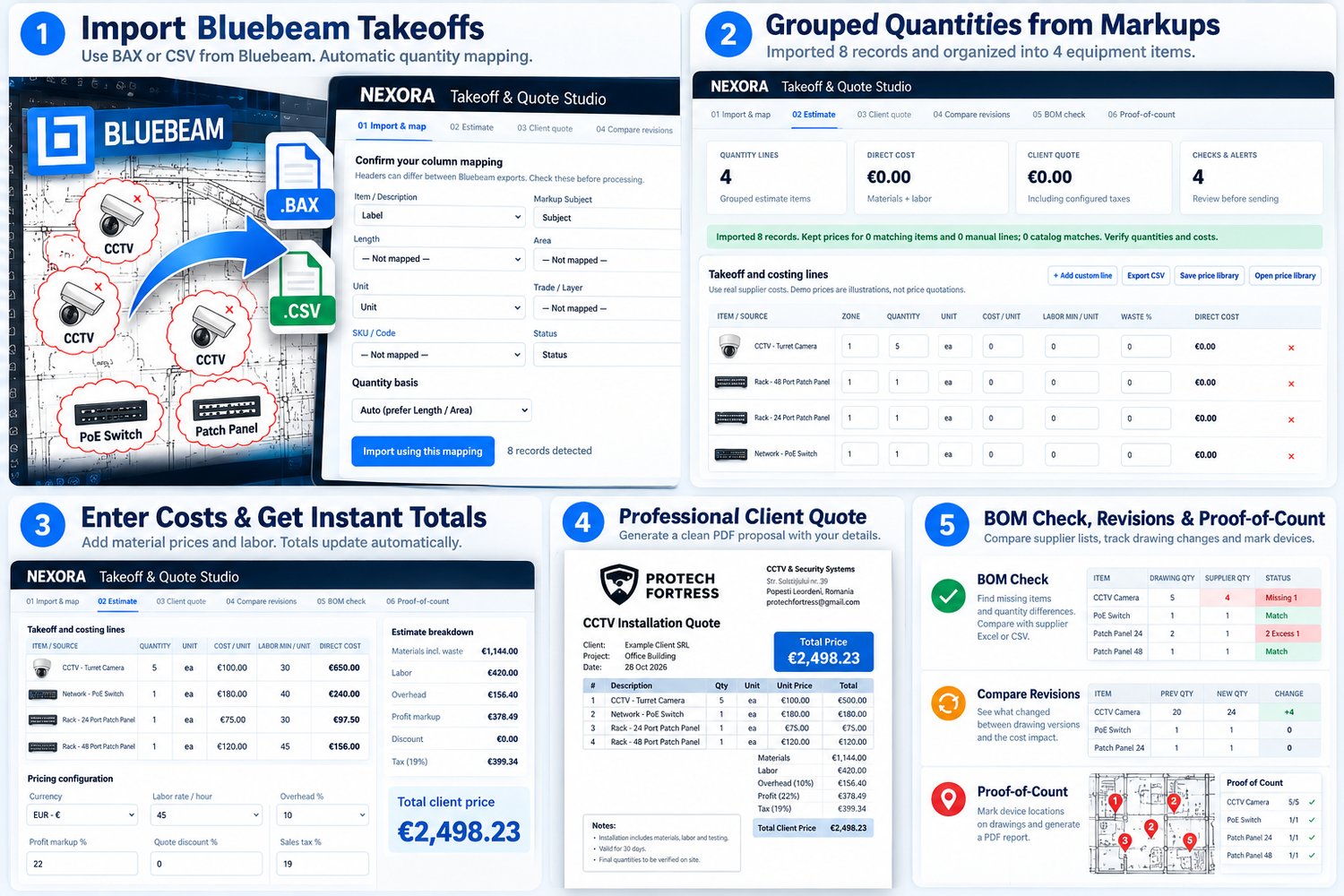
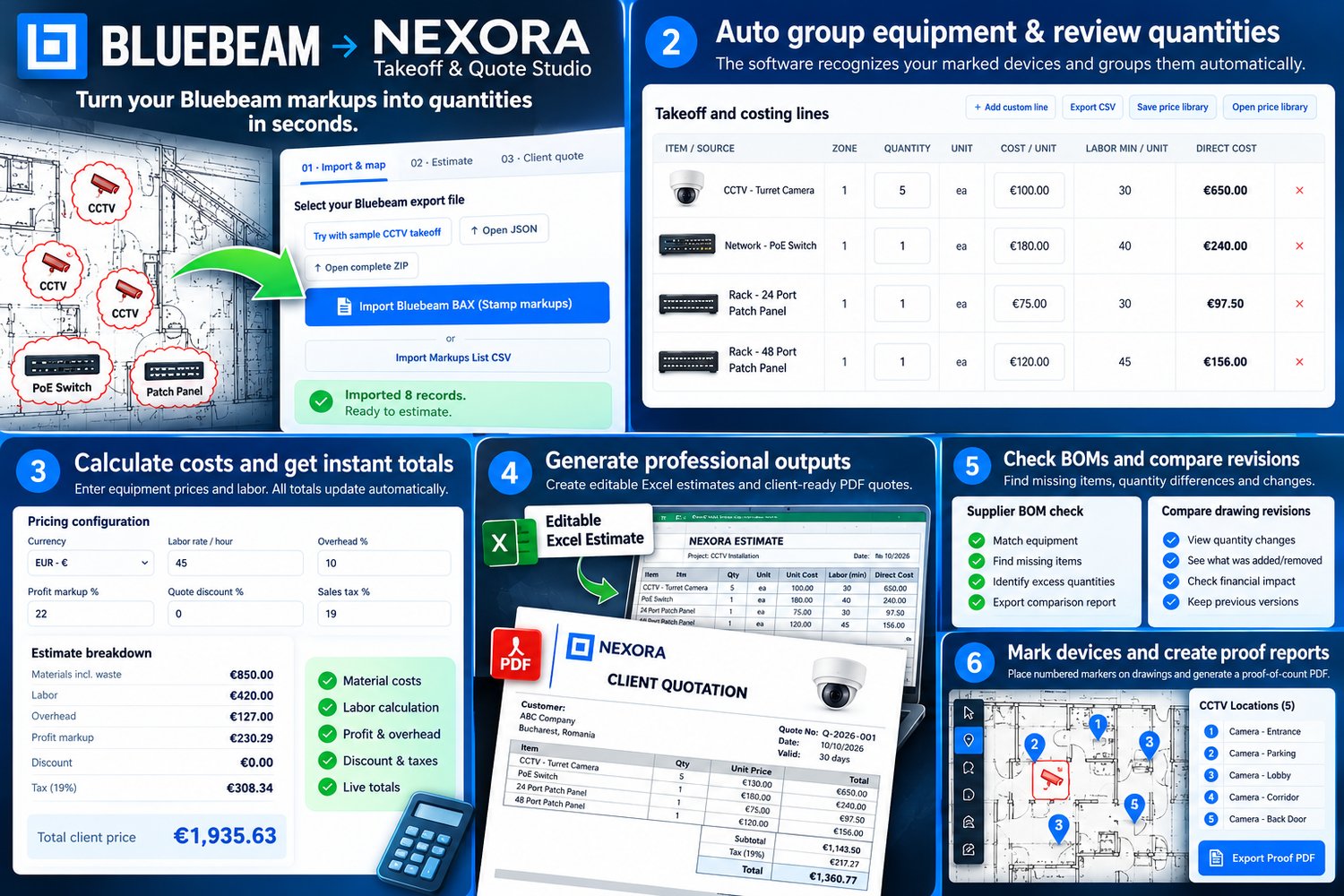
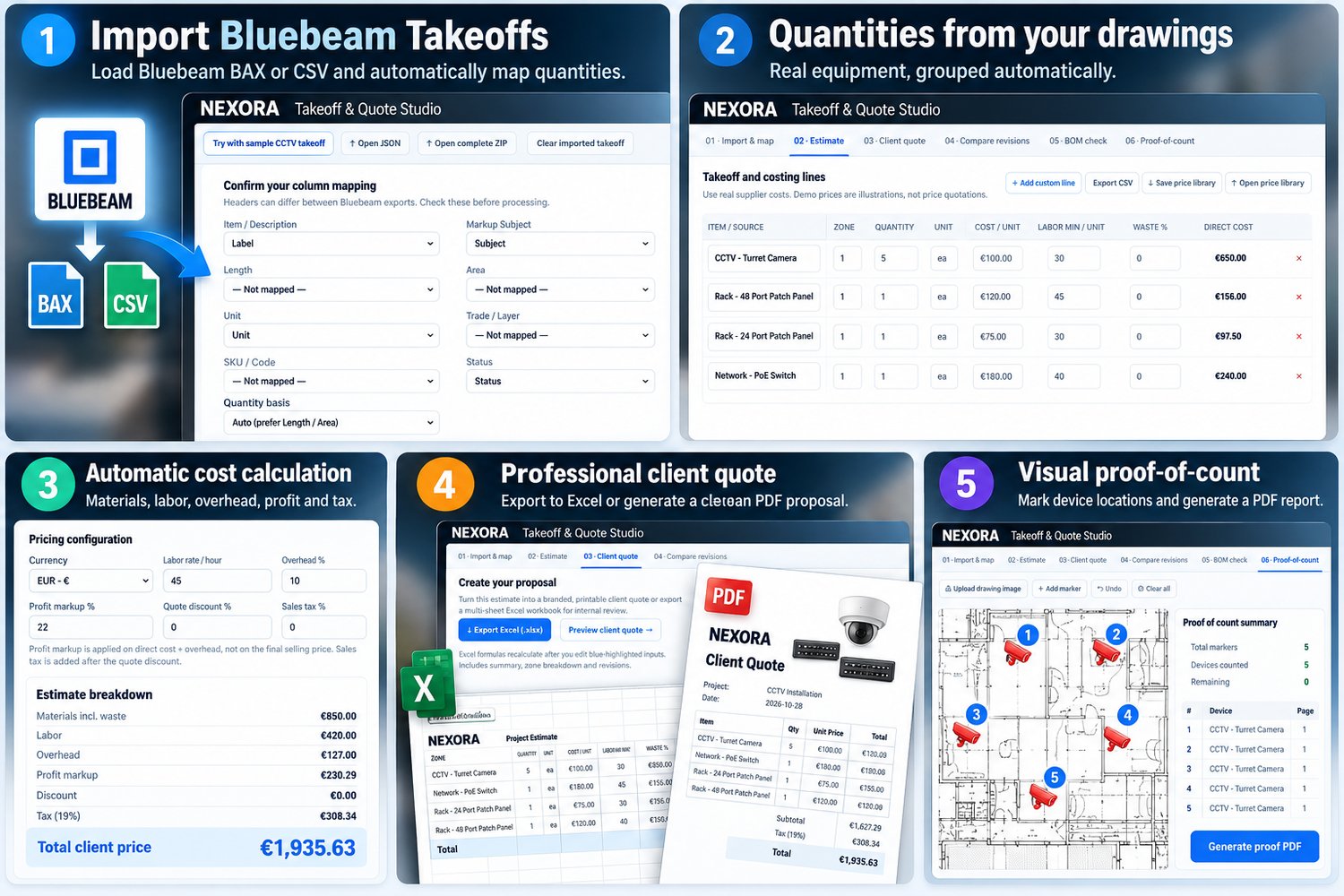
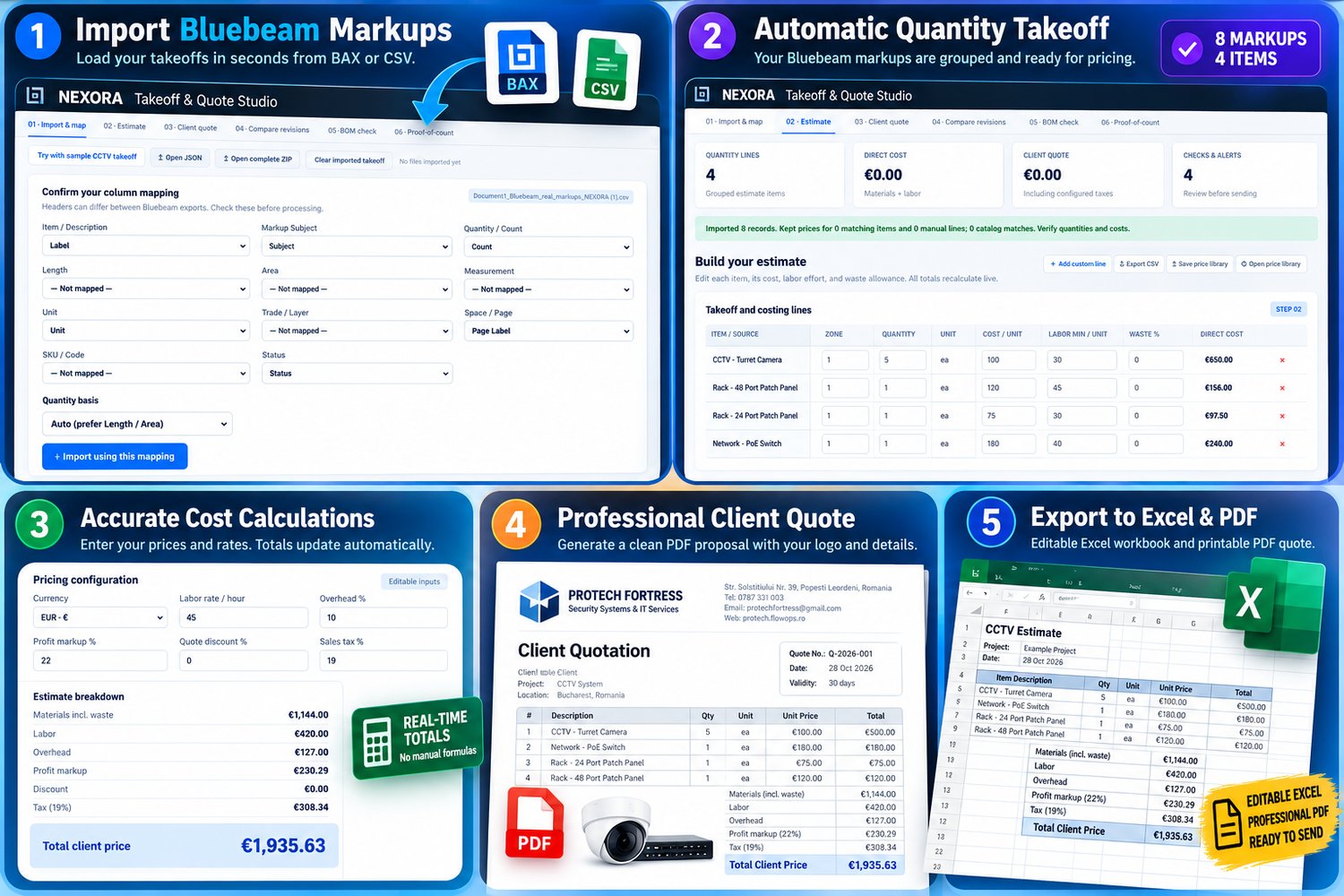
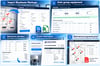
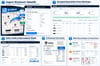
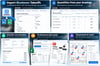
1. Import Bluebeam Takeoffs
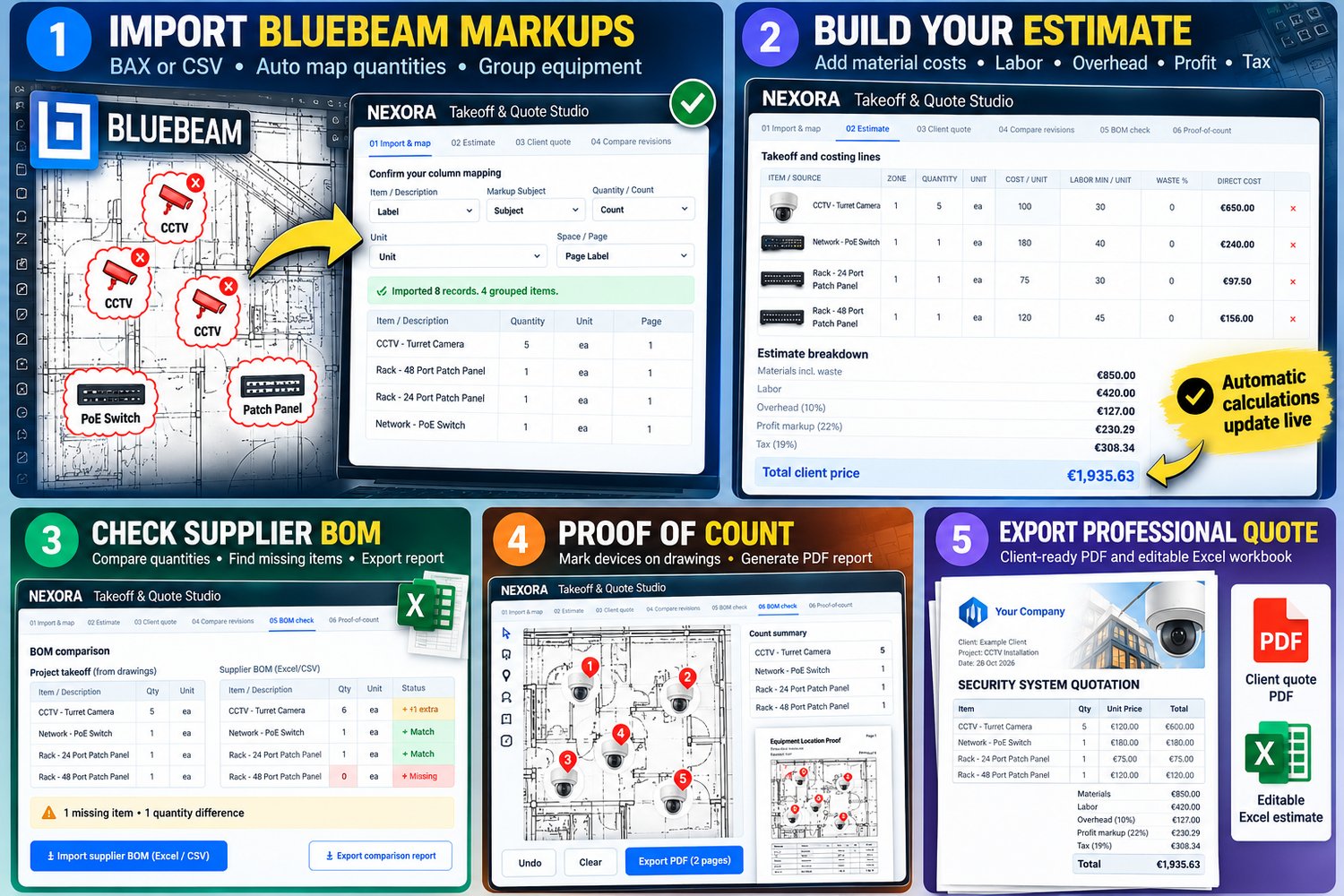
- Import supported Bluebeam BAX files containing placed Stamp annotations, or Markups List CSV exports.
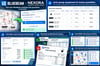
- Automatically group matching equipment and calculate quantities.
- Organize items by device name, page/zone, unit, and available equipment code.
- Review quantity mappings, measurements, and rejected markups.
- Import multiple CSV files and handle common column and separator variations.
2. Calculate Materials, Labor & Profit
- Enter equipment prices and installation labor per device.
- Calculate material costs, labor hours, waste allowances, and direct costs.
- Configure hourly labor rates, overhead, profit markup, discounts, and sales tax.
- Update project totals automatically when prices or quantities change.
- Save and reuse equipment price libraries.
- Add custom items and preserve matching prices during project reimports.
3. Generate Editable Excel Estimates
Export multi-sheet Excel workbooks containing project quantities, equipment costs, labor calculations, pricing summaries, and zone breakdowns.
Built-in formulas recalculate totals when supported input cells are edited.
4. Create Professional Client Quotes
Turn estimates into printable PDF proposals with company details, customer information, itemized pricing, project information, and commercial terms.
5. Check Supplier BOMs
Import supplier Bills of Materials from Excel (.xlsx) or CSV.
Compare supplied quantities with project takeoffs and identify missing equipment, excess quantities, unmatched items, and unit conflicts.
Export reconciliation reports for review.
6. Compare Drawing Revisions
Compare earlier and updated takeoff data to identify equipment additions, removals, quantity changes, and their estimated financial impact.
7. Generate Visual Proof-of-Count Reports
Upload drawing pages as PNG/JPG images and manually place numbered markers on equipment locations.
Select, move, delete, or undo markers directly on drawings.
Produce separate PDF proof sheets showing numbered devices, drawing references, counted quantities, and outstanding discrepancies.
Partial counts are clearly flagged for review.
8. Save and Restore Complete Projects
Save equipment data, pricing, drawing images, and annotations in a portable Complete Project ZIP.
Restore projects without rebuilding previous work. File integrity checks help detect damaged or modified attachments.
Tested & Verified
NEXORA has undergone internal functional testing and real-device workflow checks.
Bluebeam Import Test
Tested with an authentic Bluebeam BAX export containing 8 equipment annotations. All 8 Stamp annotations were recognized and organized into 4 equipment groups: CCTV cameras, a PoE switch, and patch panels.
Real Laptop Workflow Test
The estimating workflow was tested on Windows 11 using Microsoft Edge, including loading and restoring projects, editing costs, recalculating totals, and exporting documentation.
Financial Calculation Test
A 24-camera CCTV example was used to verify pricing changes. The software recalculated the client quotation to €12,468.92 after an equipment cost adjustment.
Large Estimate Test
An 80-line simulated estimate generated a five-page quotation PDF, which was visually reviewed.
Visual Proof Test
Five camera positions were marked on a sample drawing. The software generated a two-page PDF containing the annotated drawing and a quantity reconciliation report.
Project Recovery & Safety Tests
Complete ZIP restoration, marker preservation, corrupted-file rejection, unsupported BAX annotation handling, and backup integrity checks were tested.
Automated Calculation Tests
10 estimating-engine tests and 13 BOM-engine tests passed, covering calculations, quantities, measurement handling, CSV parsing, revisions, BOM matching, and error handling.
These results demonstrate the tested workflows, not universal compatibility with every Bluebeam version, file structure, or project.
What Is Included?
A downloadable ZIP containing:
- NEXORA Takeoff & Quote Studio v1.0
- Sample CCTV takeoff files
- Example supplier BOM data
- Demonstration drawing and project
- Sample Excel estimate and PDF quotation
- Example proof-of-count PDF
- English Quick Start Guide and FAQ
No Monthly Software Costs
The included features run locally in a compatible browser.
No cloud account, mandatory subscription, AI API key, or token-based processing is required.
Extract the ZIP, open index.html in Chrome or Edge, and start working.
Important Information
NEXORA is an estimating and verification assistant, not an automatic AI drawing recognition system. Visual device placement is manual, and original PDF drawings are not modified.
Direct BAX import supports tested Stamp-type annotations only. CSV formats and available export options depend on the Bluebeam Revu configuration and edition.
All quantities, measurements, BOM differences, taxes, and final quotations must be reviewed by a qualified user before submission.
NEXORA is independent software and is not affiliated with, endorsed by, or certified by Bluebeam.
Spend less time rebuilding estimates. Spend more time reviewing projects, preparing accurate proposals, and winning work.