Small Business SOP Library Spreadsheet: SOP Template with Training Matrix and Process Checklist
Keep every procedure in one place, with an owner, a review date and a record of who has been trained.
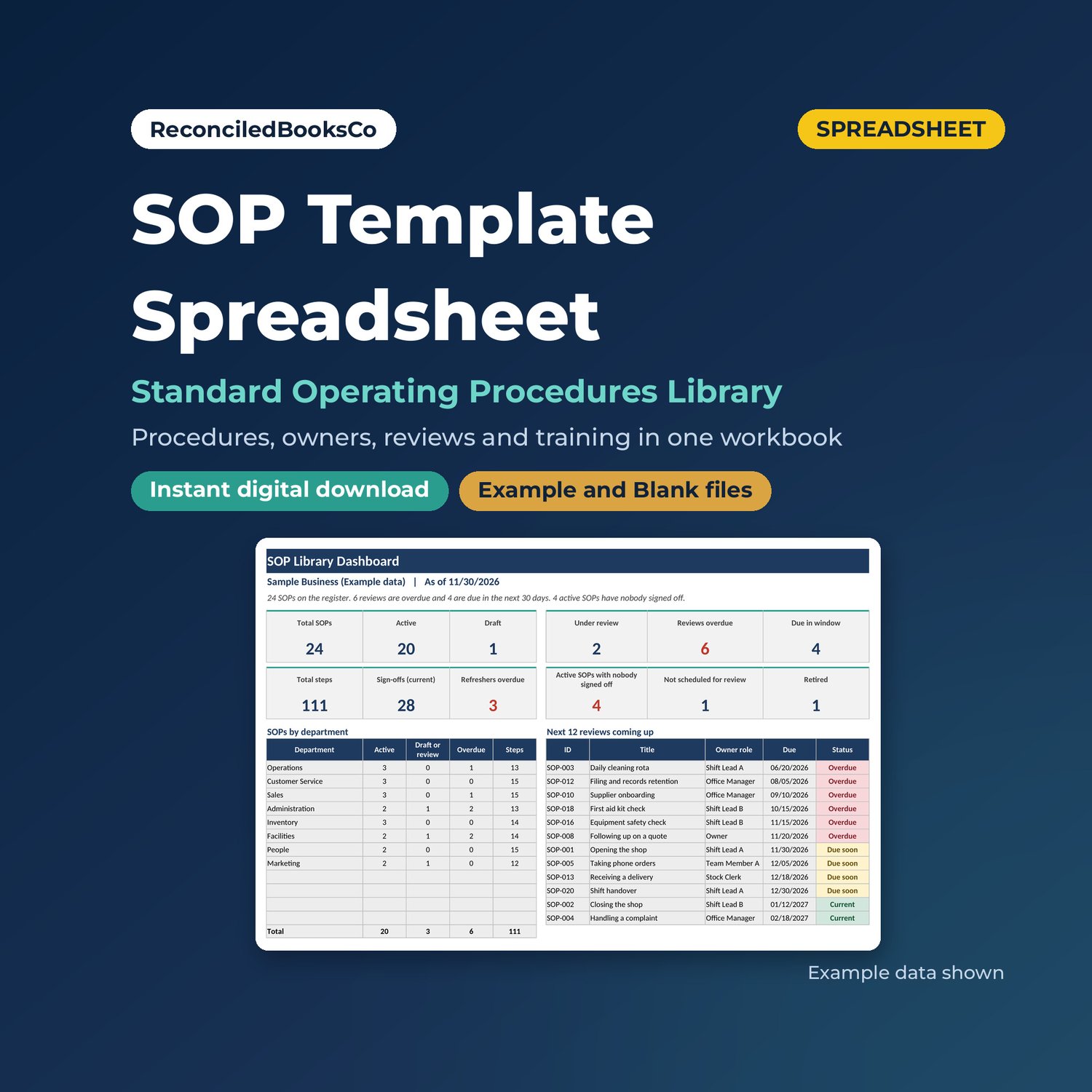
This SOP library spreadsheet is for small businesses that keep their procedures in their heads or in scattered documents. List each SOP, add its steps, set review dates, log training and print a one page checklist for the shift. The Dashboard, Review Calendar and Training Matrix update from your entries. No macros and no add-ons.
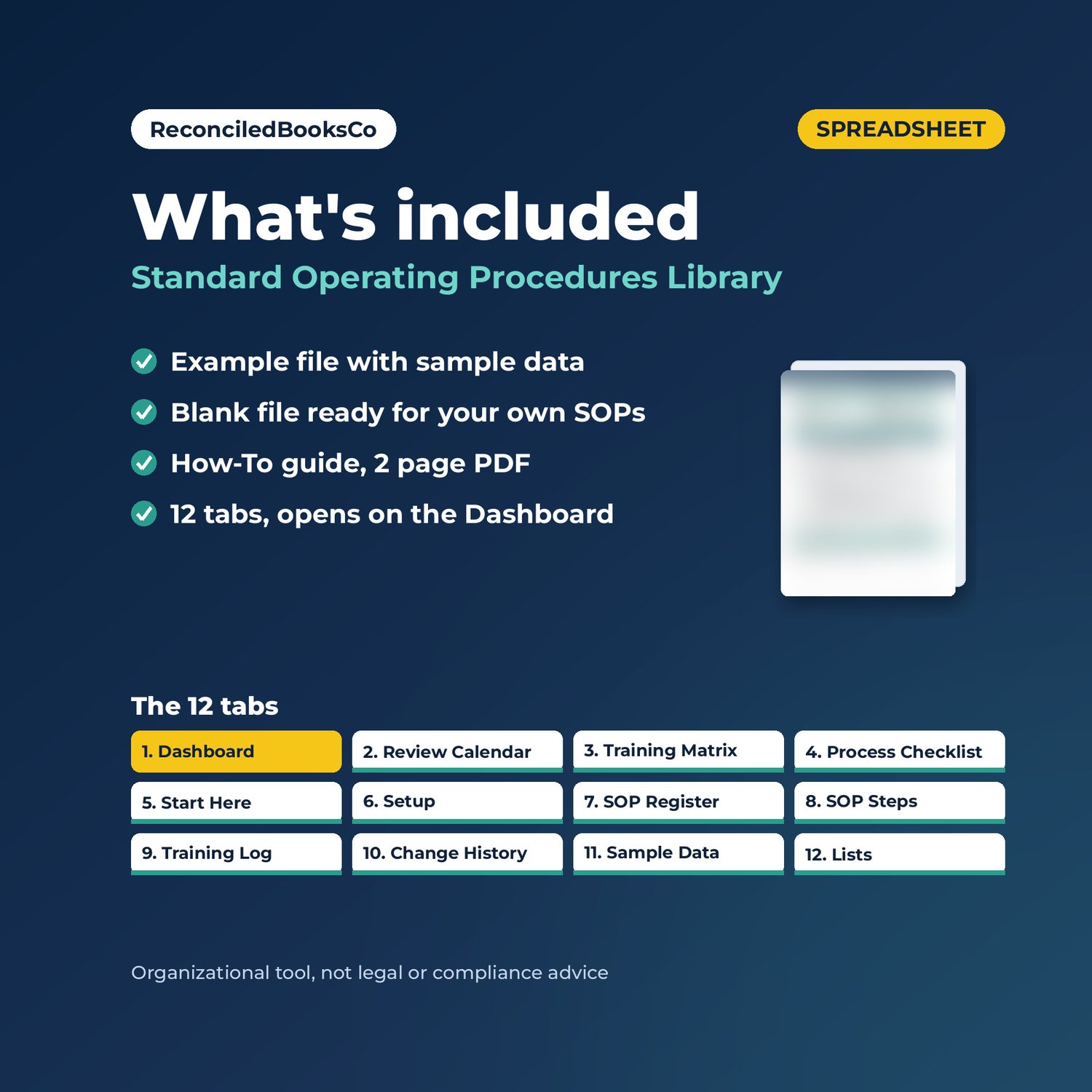
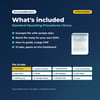
WHAT'S INSIDE (12 tabs, left to right)
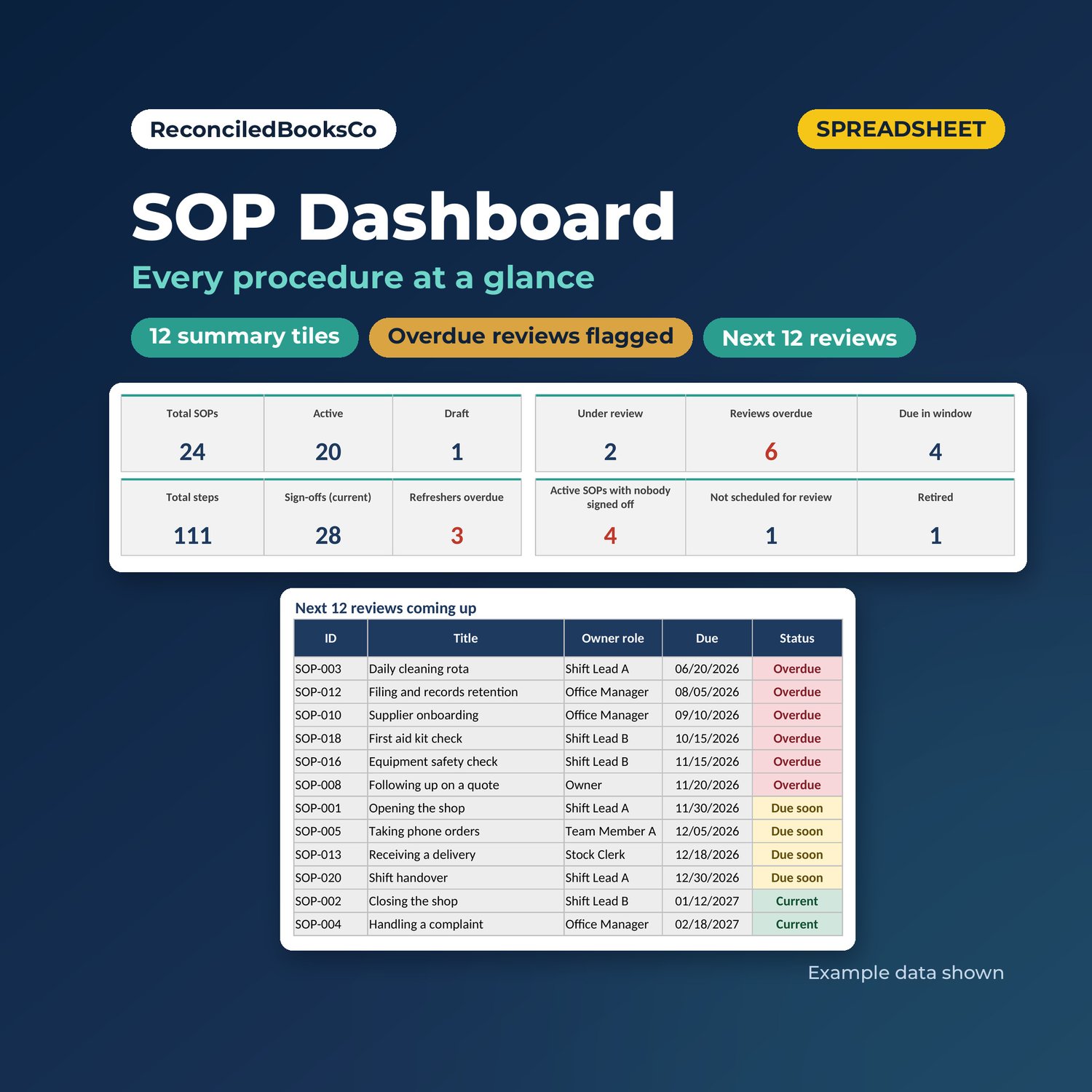
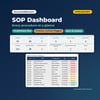
- Dashboard: opens first. 12 tiles (Total SOPs, Active, Draft, Under review, Reviews overdue, Due in window, Total steps, Sign-offs (current), Refreshers overdue, Active SOPs with nobody signed off, Not scheduled for review, Retired), SOPs by department, the next 12 reviews coming up, color coded, and two charts. Prints on one landscape page.
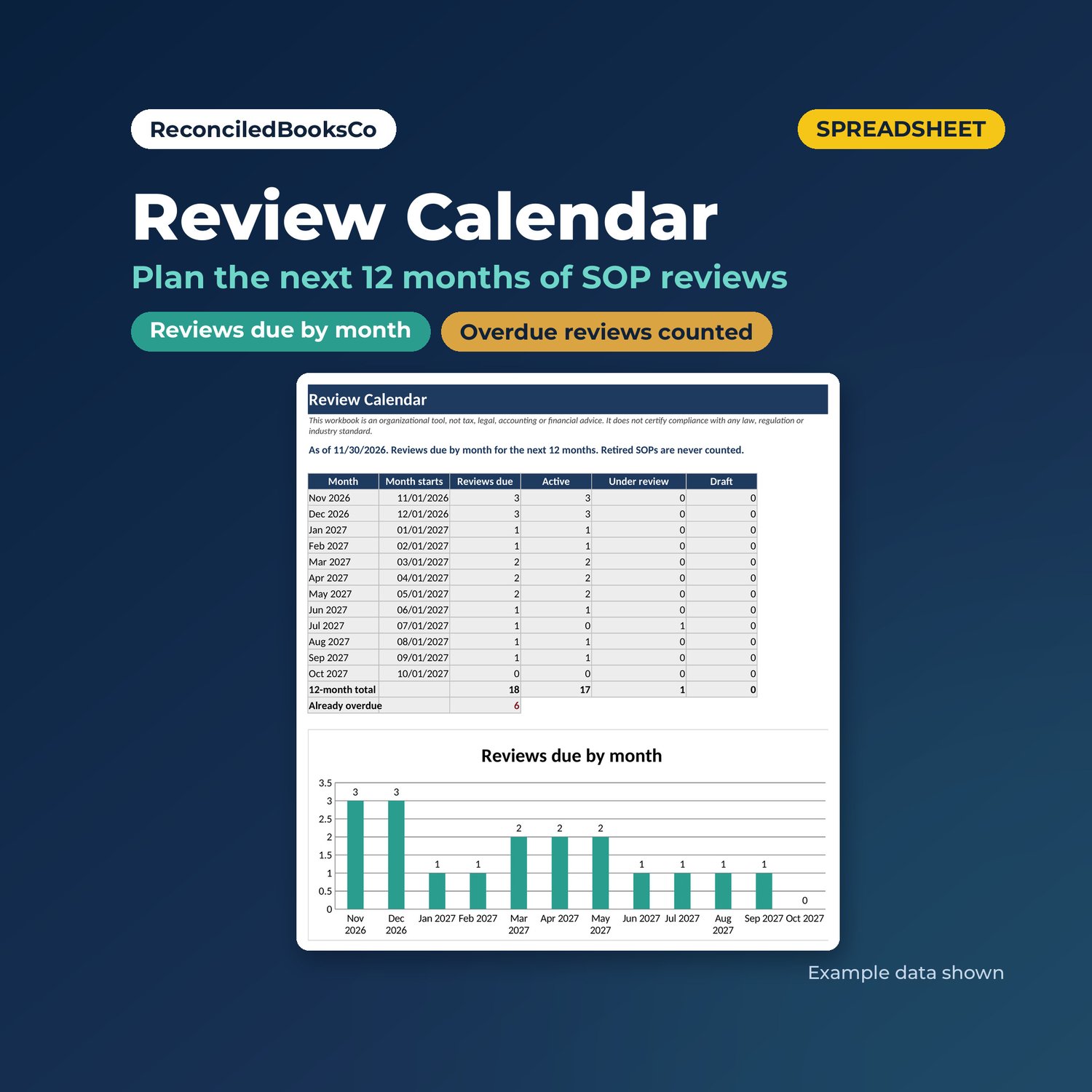
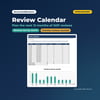
- Review Calendar: the next 12 months of reviews due, plus the 25 oldest overdue reviews with days late.
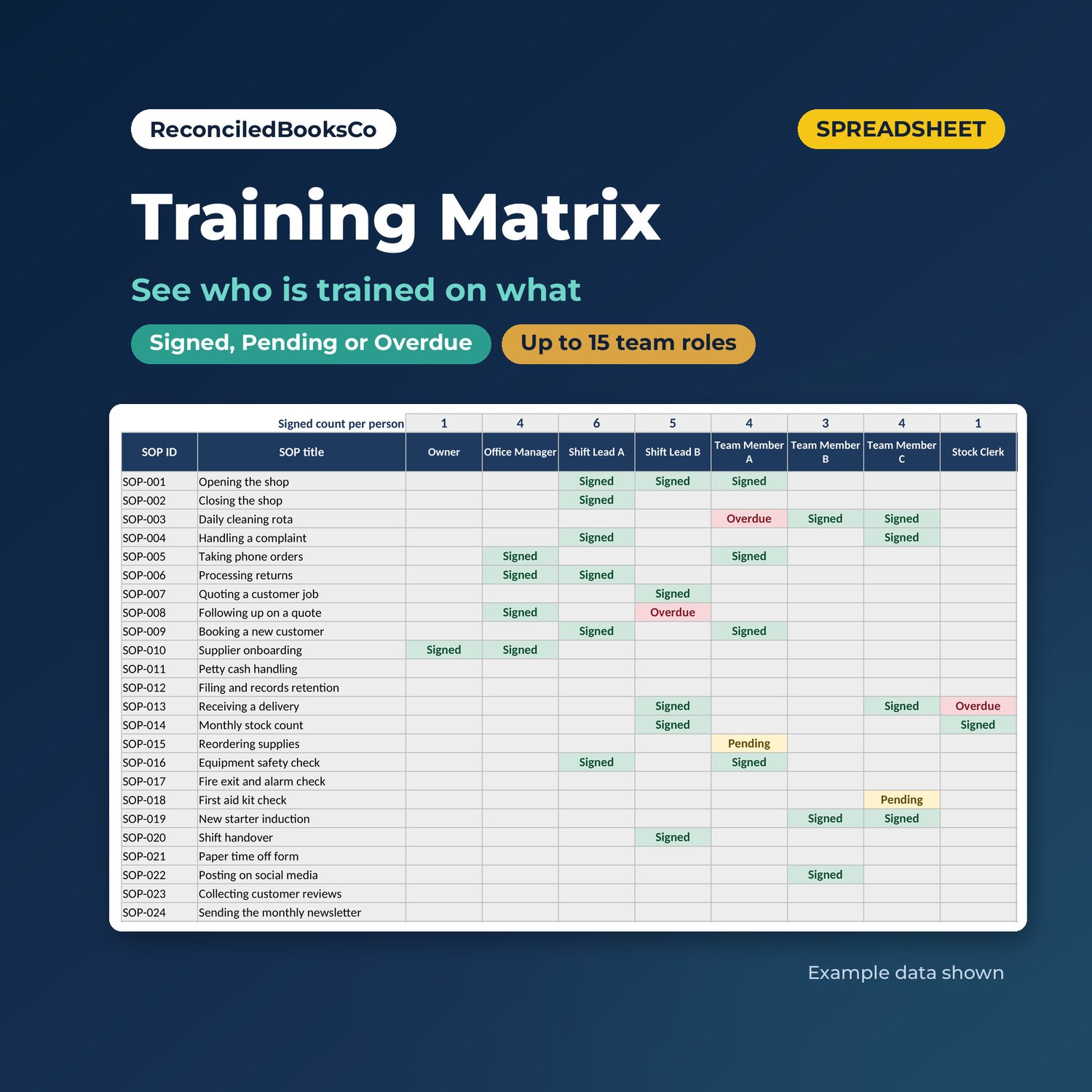
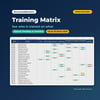
- Training Matrix: up to 200 SOPs by 15 team members, showing Signed, Pending or Overdue (refresher past due) from the latest session only.
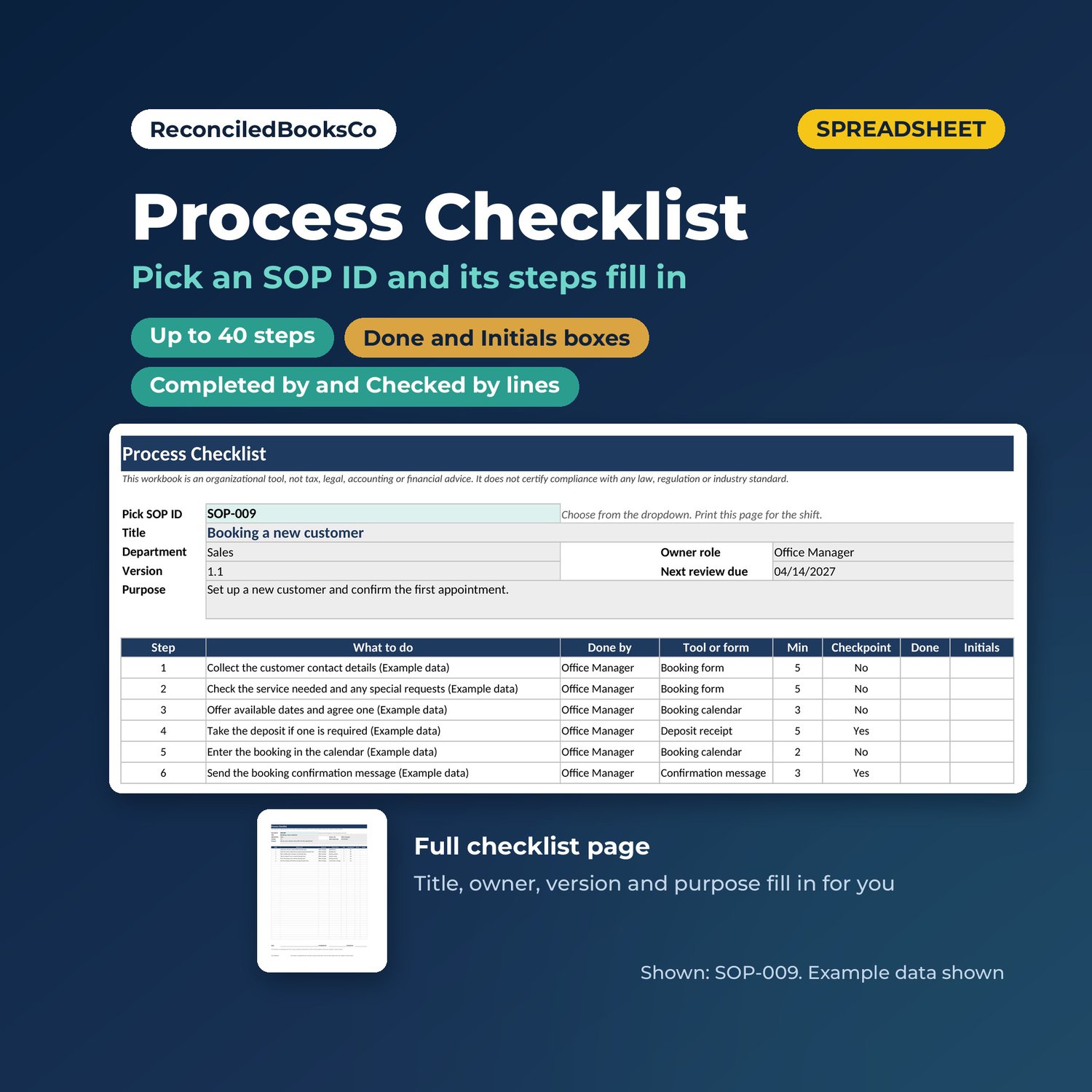
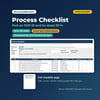
- Process Checklist: pick an SOP ID from a dropdown and print a one page checklist with up to 40 steps, Done boxes, initials and Date, Completed by and Checked by lines.
- Start Here: quick start, how review dates and training status work, how to clear the example data, printing tips.
- Setup: business name, report as-of date, review cycle, due soon window, refresher cycle, ID prefix, 12 departments and 15 team roles.
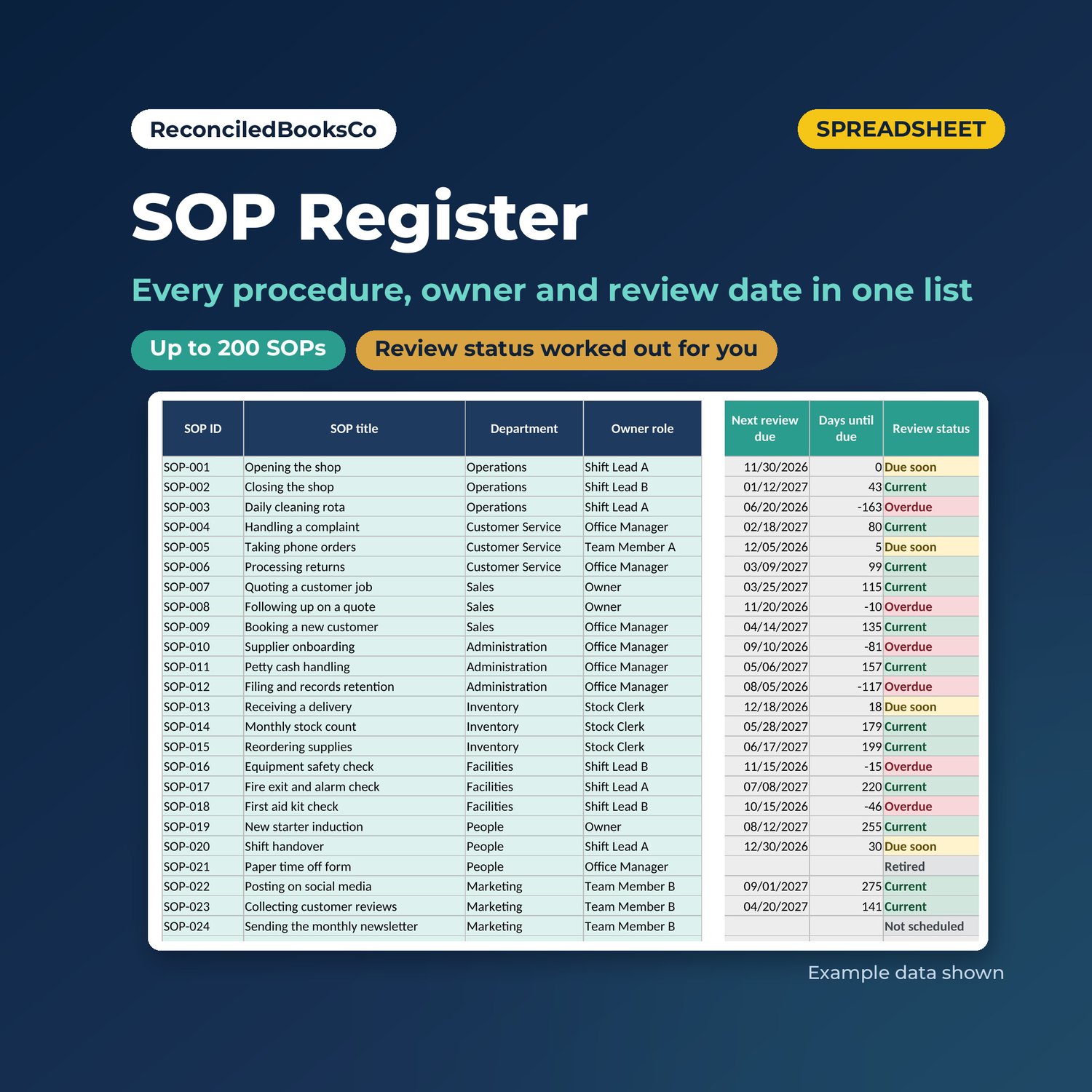
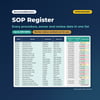
- SOP Register: up to 200 SOPs with department, owner role, purpose, status, version, review dates and where the full document lives. Next review due and review status are worked out for you.
- SOP Steps: up to 2,000 steps with who does each one, the tool or form, minutes and checkpoints.
- Training Log: up to 1,000 sessions with method, sign-off date and refresher due date.
- Change History: up to 300 version changes with what changed and who approved it.
- Sample Data: checks the example file against its expected results.
- Lists: the values behind the dropdowns.
WHAT YOU GET
- The Example workbook (.xlsx), filled with a fictional business so you can see how it works. Every example entry is labeled Example data.
- The Blank workbook (.xlsx), ready for your own procedures.
- A 2 page How-To Guide (PDF).
- A Google Sheets link PDF, so you can make your own copy in Google Sheets.
Made for Excel 2016 or later, Microsoft 365, and Google Sheets. A Google Sheets import was checked. Open the file once in Excel before you rely on it.
WHO IT'S FOR
Owners and managers of small businesses such as shops, studios, service firms, cafes, salons, cleaning crews and agencies who want one place to list procedures, assign an owner, keep them reviewed and show people were trained.
GOOD TO KNOW
- This is a digital spreadsheet. Nothing is shipped.
- Sheets are protected with no password so formulas are not changed by accident.
- Use roles such as Shift Lead A in place of personal names.
- It does not write your procedures for you. You enter your own.
This workbook is an organizational tool, not tax, legal, accounting or financial advice. It is not legal or HR advice. It does not certify compliance with any law, regulation or industry standard.
License: for use in one business. Please don't resell, share or redistribute the file.