Actual Vs Budget Charts Templates - Excel Template
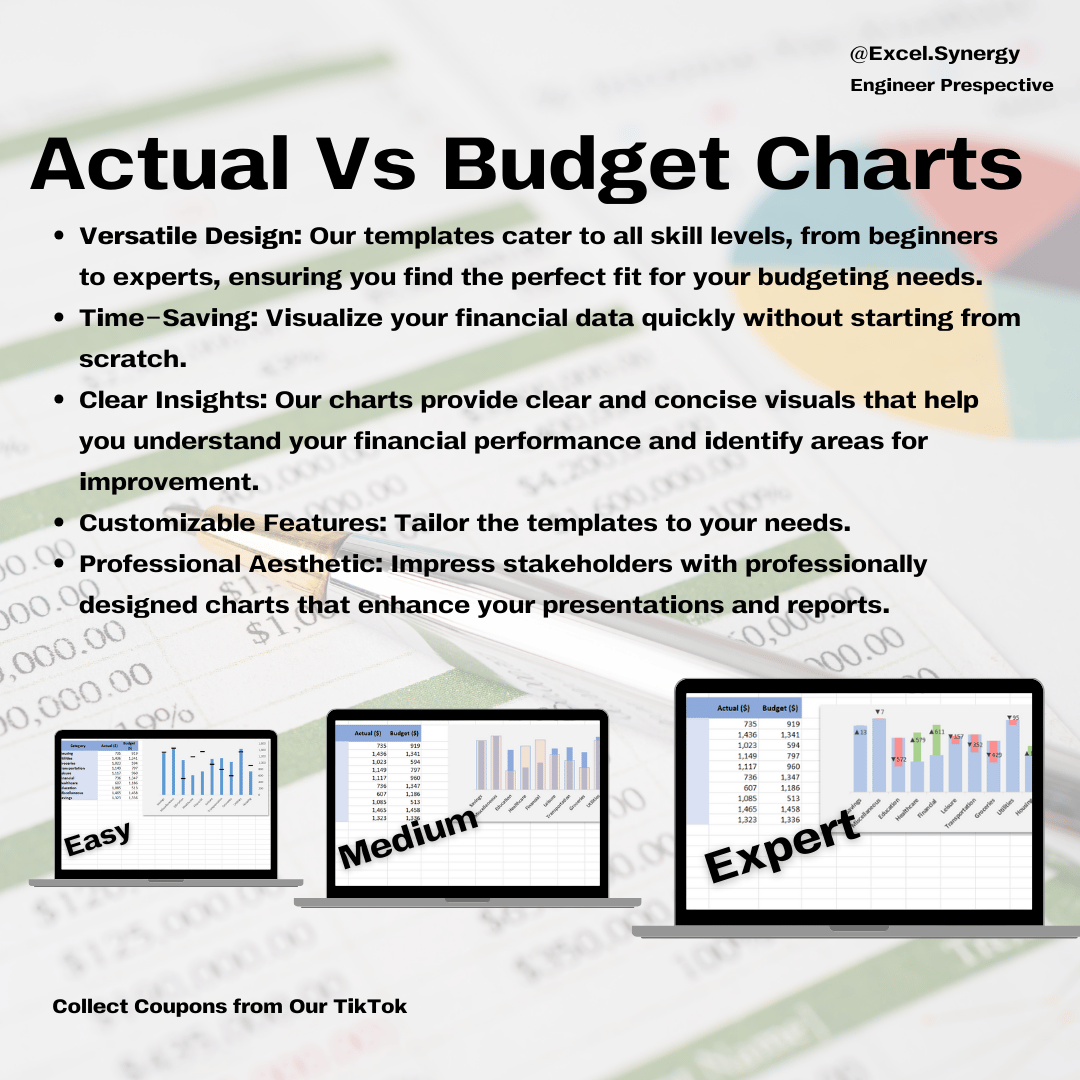
An Actual vs. Budget chart in Excel is an essential tool for comparing expected financial or project goals with real outcomes, helping users quickly spot variances.
Each method progressively enhancing your data visualization skills. Starting with a straightforward comparison chart, we’ll then move to intermediate techniques, and finally, an advanced method that incorporates interactivity and dynamic data presentation. These techniques are perfect for analyzing performance, refining budget strategies, and creating polished, professional visuals.
*Note: All data and calculations are fictional and created purely for graphic purposes. This template is designed for you to modify the KPIs according to your specific needs!
Unique Features:
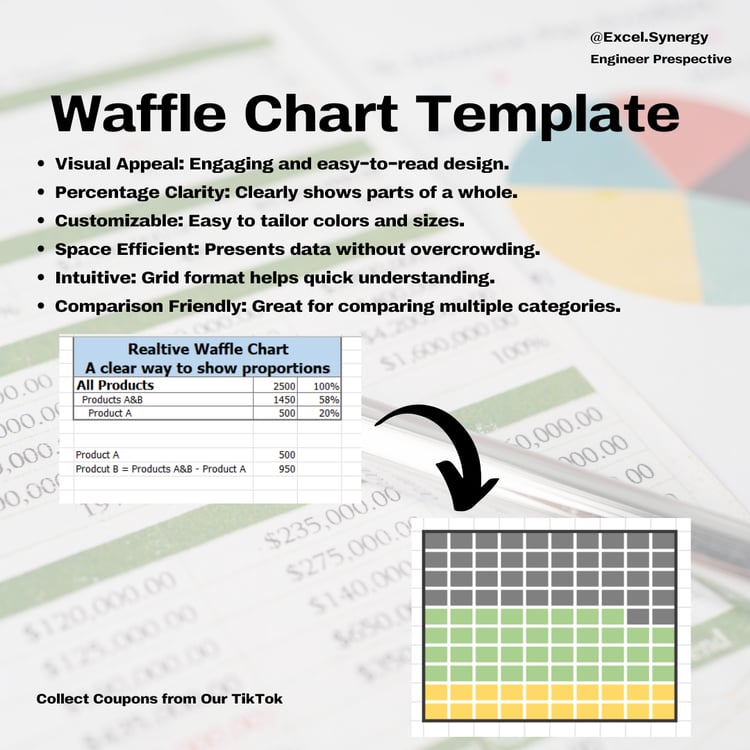
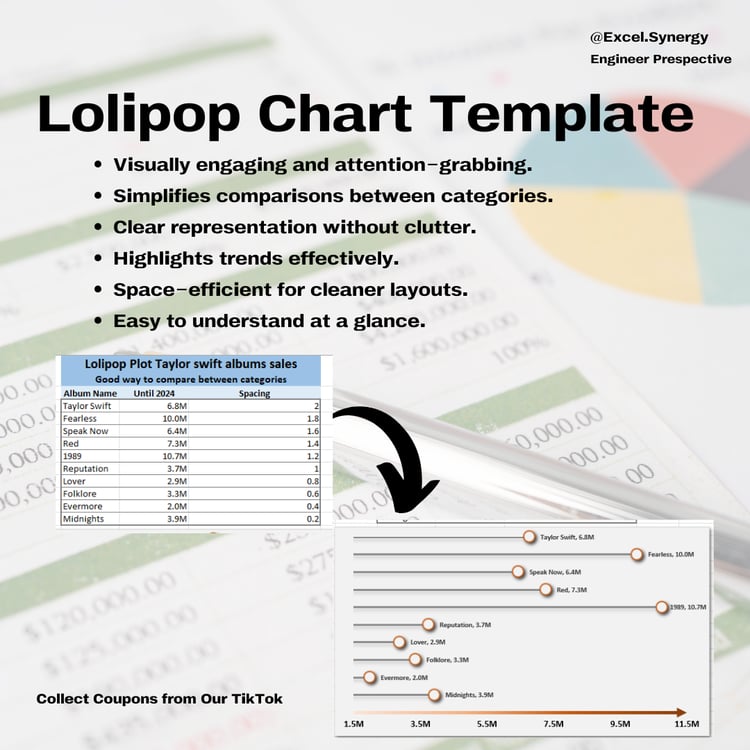
- Comparison of Planned vs. Realized Data: They allow a side-by-side comparison of projected (budgeted) amounts with actual results, making it easy to see over- or under-performance at a glance.
- Variance Highlighting: Many Actual vs. Budget charts highlight variances through color-coding or percentage indicators, immediately drawing attention to areas that need review.
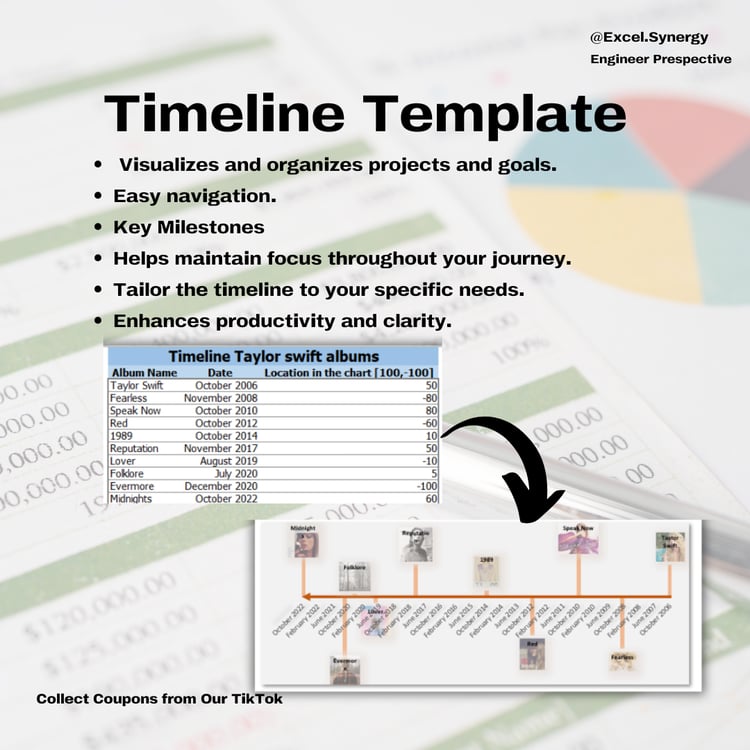
- Trend Tracking: When created over multiple periods (e.g., months or quarters), they reveal performance trends, showing whether goals are being consistently met, exceeded, or missed.
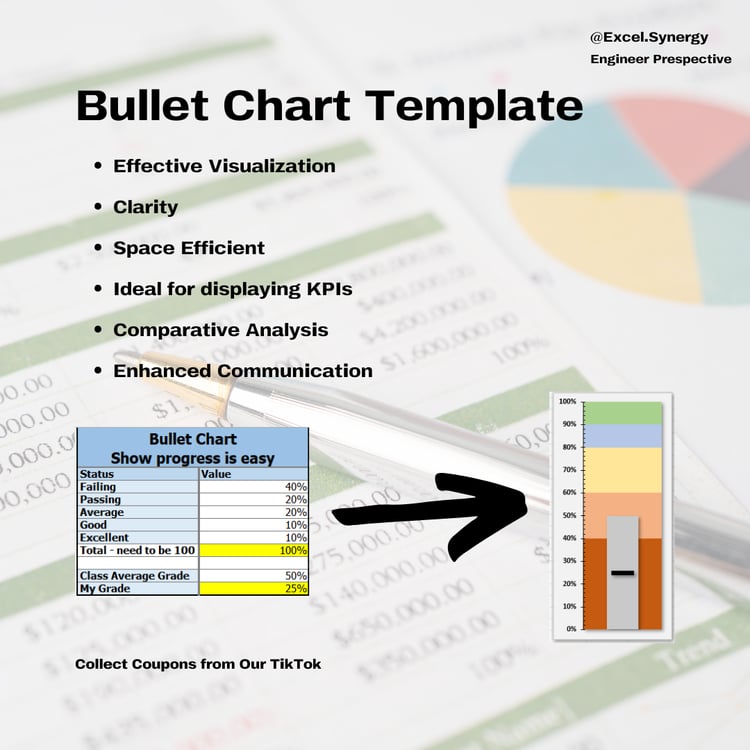
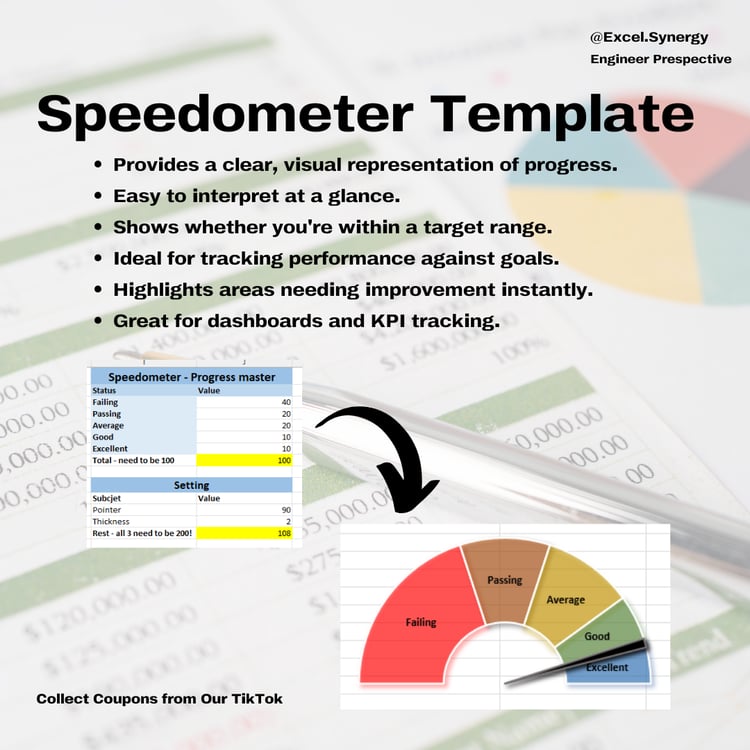
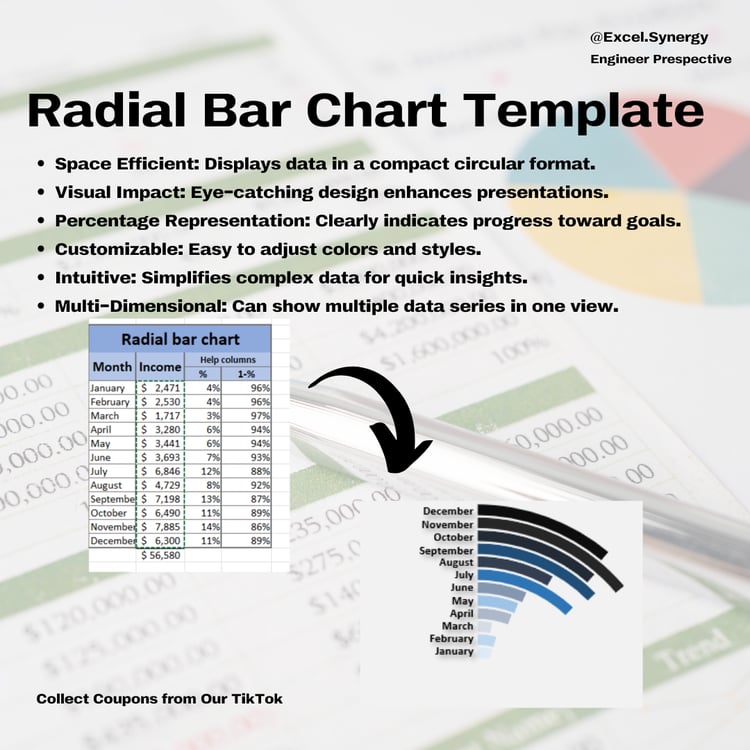
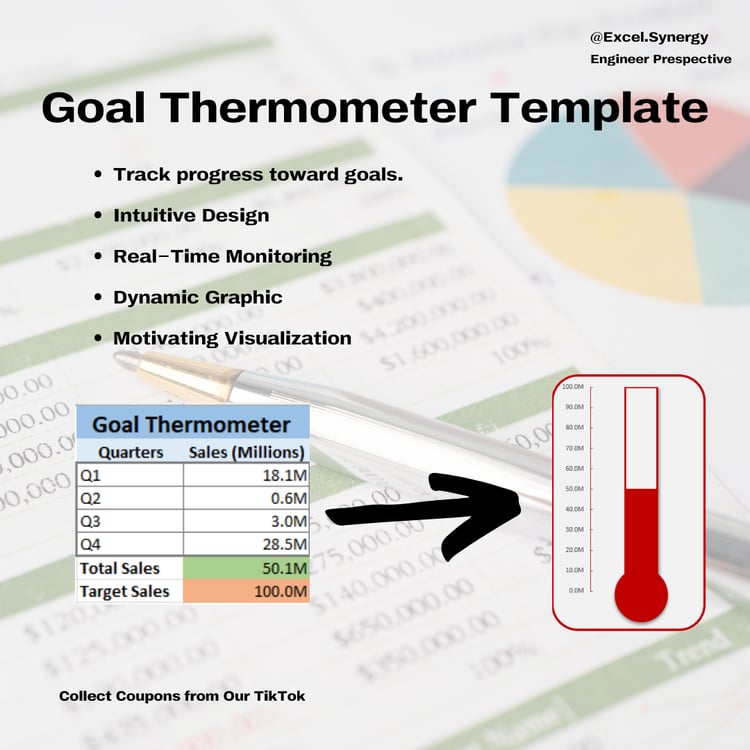
- Goal Progress Visuals: With options like progress bars or radial bars, these charts can visually communicate how close you are to reaching a target, which is helpful for ongoing goal tracking.
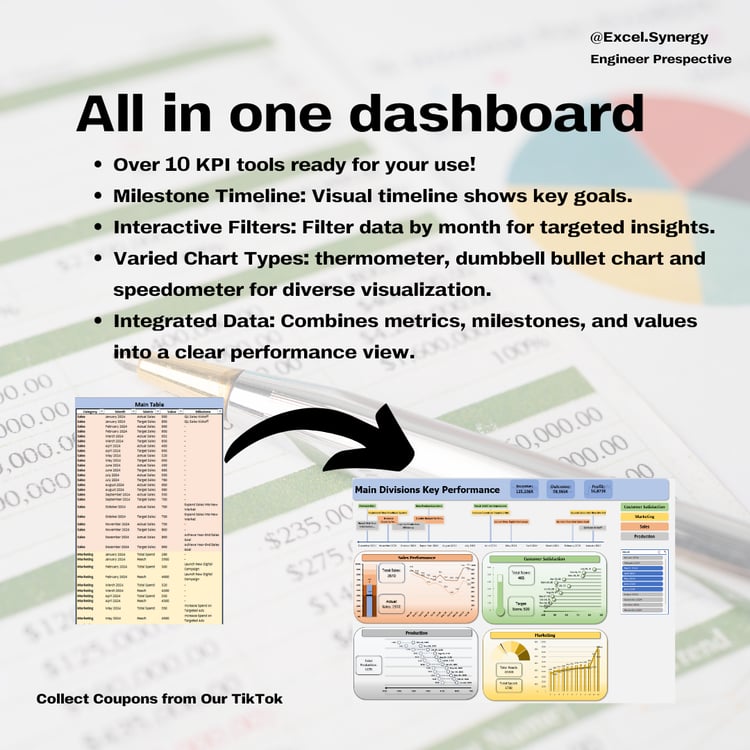
- Customization for Multiple Categories: Actual vs. Budget charts can be segmented by departments, projects, or categories, providing a detailed breakdown of performance across different areas.
Tabs:
- ActualVsBudget
*Note: You'll get 3 Excels files - each excel file contain different Chart.
Important Instructions:
------------------------
Compatibility Notice: To use this template, you’ll need either Office 2016 or later or a Microsoft Excel 365 subscription. Please note that it is not compatible with Google Sheets or any other software.
We're Here to Help: If you have any questions or need assistance, don’t hesitate to reach out! Remember, this template is for personal use only, and you cannot use any part of it to create products for sale or for public/commercial purposes.
Digital Product Policy: Please be aware that due to the nature of digital products, we cannot accept refunds, returns, exchanges, or cancellations.
*This is a digital product, ready for immediate download after your purchase! Enjoy the convenience of no waiting and no shipping fees—buy once, and it’s yours forever!
Please note: No physical product will be shipped.