Your Cart
Loading

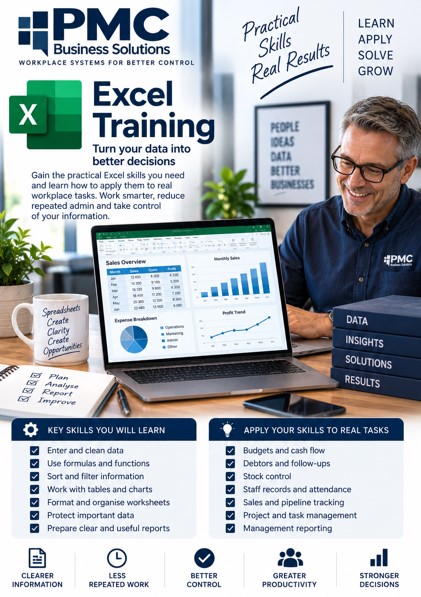
Excel Training Overview

Excel remains one of the most useful workplace tools because it helps people organise information, calculate accurately, analyse results, and produce reports that support better decisions.


This training focuses on both the skills and the application: users learn the formulas, tables, formatting, sorting, filtering, charts, and reporting tools they need, while also learning how to apply them to real tasks such as budgets, cash flow, stock control, debtor follow-up, staff records, project tracking, and business reporting.


The aim is not only to know Excel, but to use it properly as a practical workplace control tool.

Google Sheets Training Overview

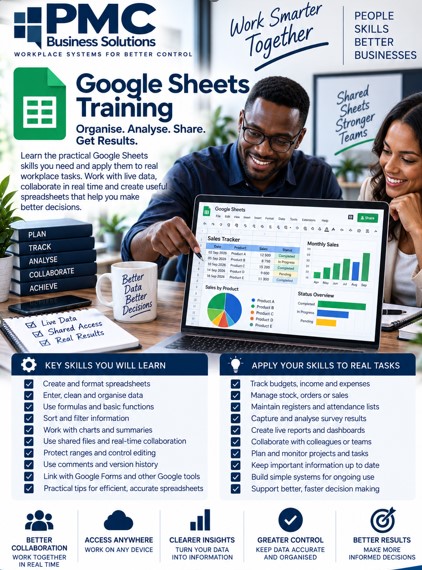
Google Sheets training helps users work confidently with online spreadsheets that can be shared, updated, and used by teams.


The skills include entering and cleaning data, formatting sheets, using formulas, sorting and filtering, working with shared files, protecting ranges, using comments, creating summaries, and building simple reports.


The practical application is learning how to manage live records such as registers, responses, schedules, trackers, budgets, learner information, stock lists, and team reports where more than one person may need access.

PowerPoint Training Overview

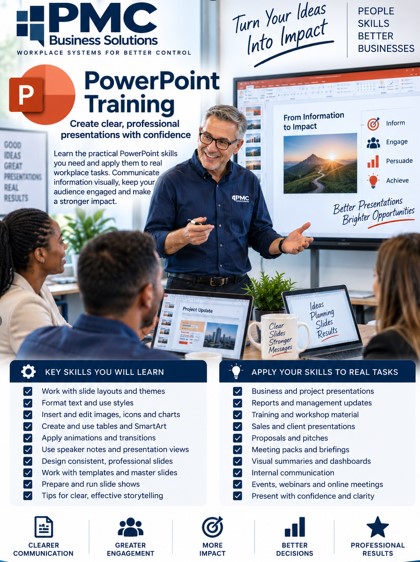
PowerPoint training helps users create clear, professional, and well-structured presentations for workplace, training, sales, reporting, and communication purposes.


The skills include working with slide layouts, themes, text formatting, images, icons, charts, tables, SmartArt, animations, transitions, speaker notes, templates, and presentation flow.


The practical application is learning how to prepare reports, training slides, proposals, project updates, business presentations, meeting packs, product overviews, and visual summaries that are easy to follow, visually consistent, and focused on the message rather than cluttered with too much information.

Word Training Overview

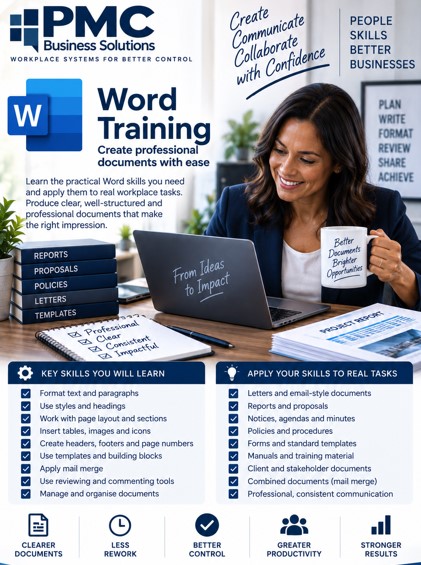
Word training focuses on helping users create professional, clear, and well-structured documents for the workplace.


The skills include formatting text, working with headings and styles, page layout, tables, images, headers and footers, templates, mail merge, reviewing tools, and document control.


The practical application is learning how to prepare letters, reports, proposals, notices, forms, minutes, policies, manuals, and client-ready documents that look consistent, are easy to edit, and support professional communication.

Outlook Training Overview

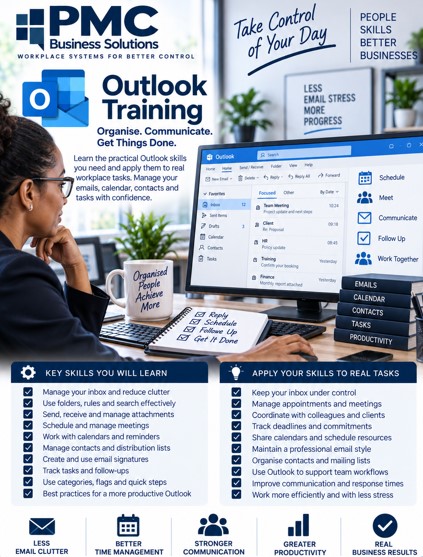
Outlook training helps users manage email, calendars, tasks, contacts, and workplace communication more effectively.


The skills include organising mail, using folders and rules, searching properly, managing attachments, scheduling meetings, using calendars, setting reminders, creating signatures, and handling follow-ups.


The practical application is learning how to reduce inbox clutter, respond more professionally, track commitments, manage appointments, and keep daily communication under better control.

Teams Training Overview

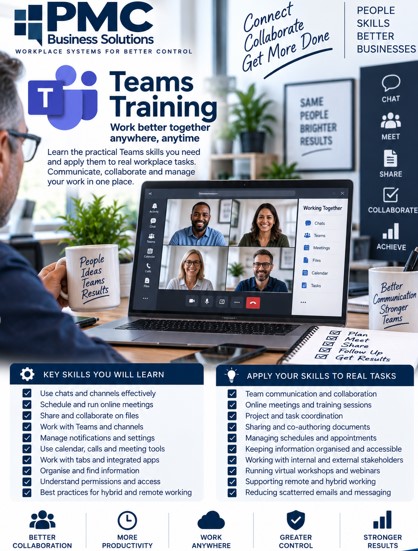
Teams training focuses on improving workplace collaboration, meetings, communication, and shared workspaces.


The skills include using chats, channels, meetings, calls, file sharing, notifications, tabs, collaboration tools, and meeting controls.


The practical application is learning how to communicate clearly with teams, run better online meetings, share files properly, avoid scattered messages, keep project conversations organised, and support hybrid or remote working.

Google Forms Training Overview

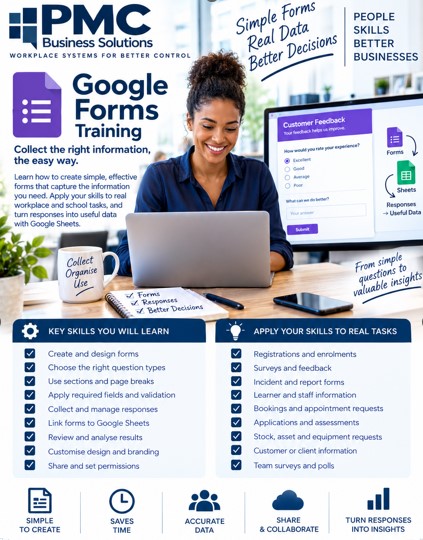
Google Forms training focuses on creating simple, structured forms for collecting information accurately and efficiently.


The skills include building forms, choosing question types, using sections, applying required fields, collecting responses, linking forms to Google Sheets, reviewing results, and improving form design.


The practical application is learning how to collect registrations, surveys, feedback, incident reports, learner information, bookings, requests, assessments, and other workplace or school data without relying on scattered messages or manual capturing.