
Custom Order Tracker | Made-to-Order Studio
Track personalised orders, proof approvals, production deadlines and outstanding balances with Made-to-Order Studio, a custom order planner for small maker businesses.
Keep the exact brief, approved revision and next production step together.
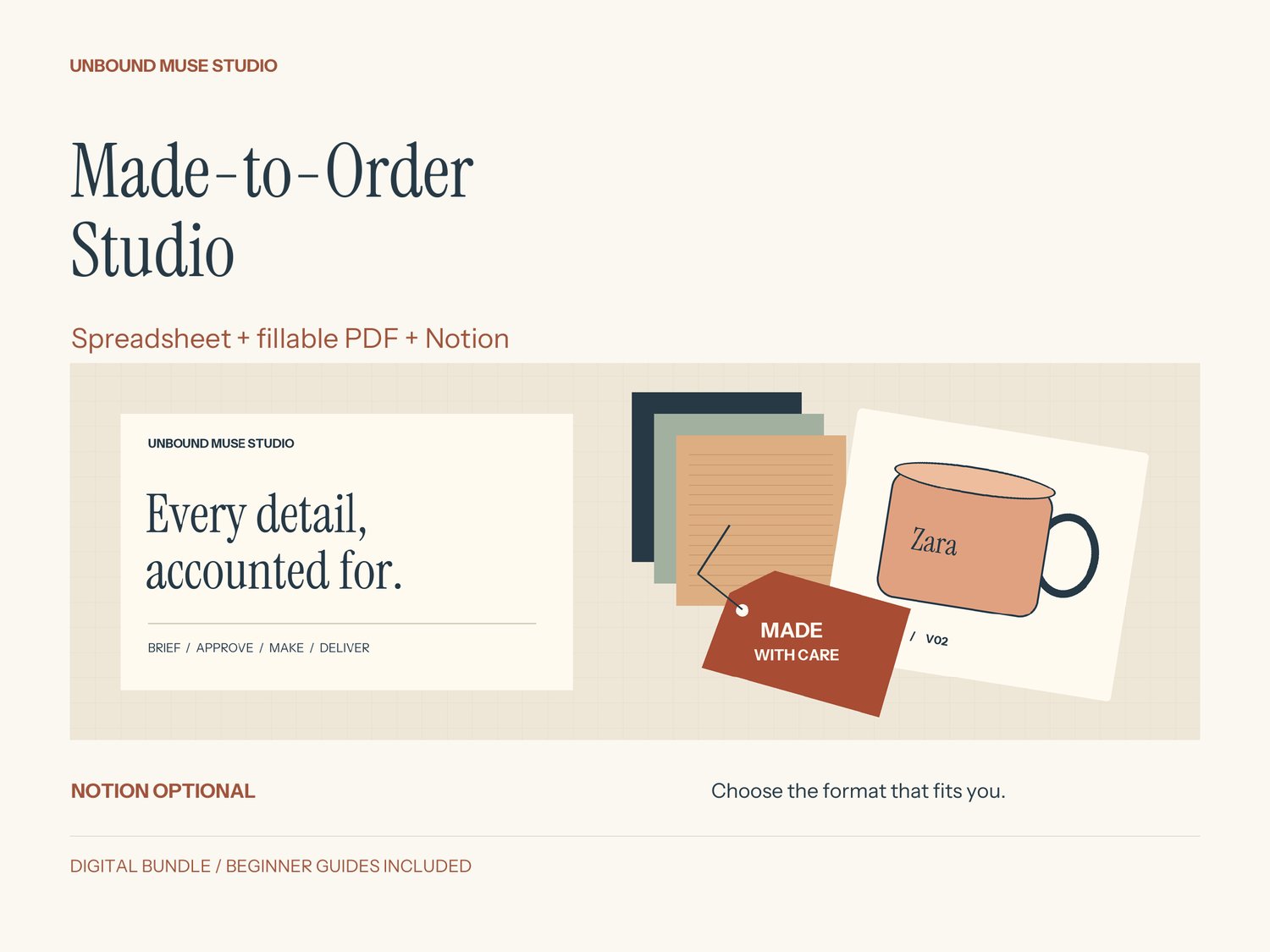
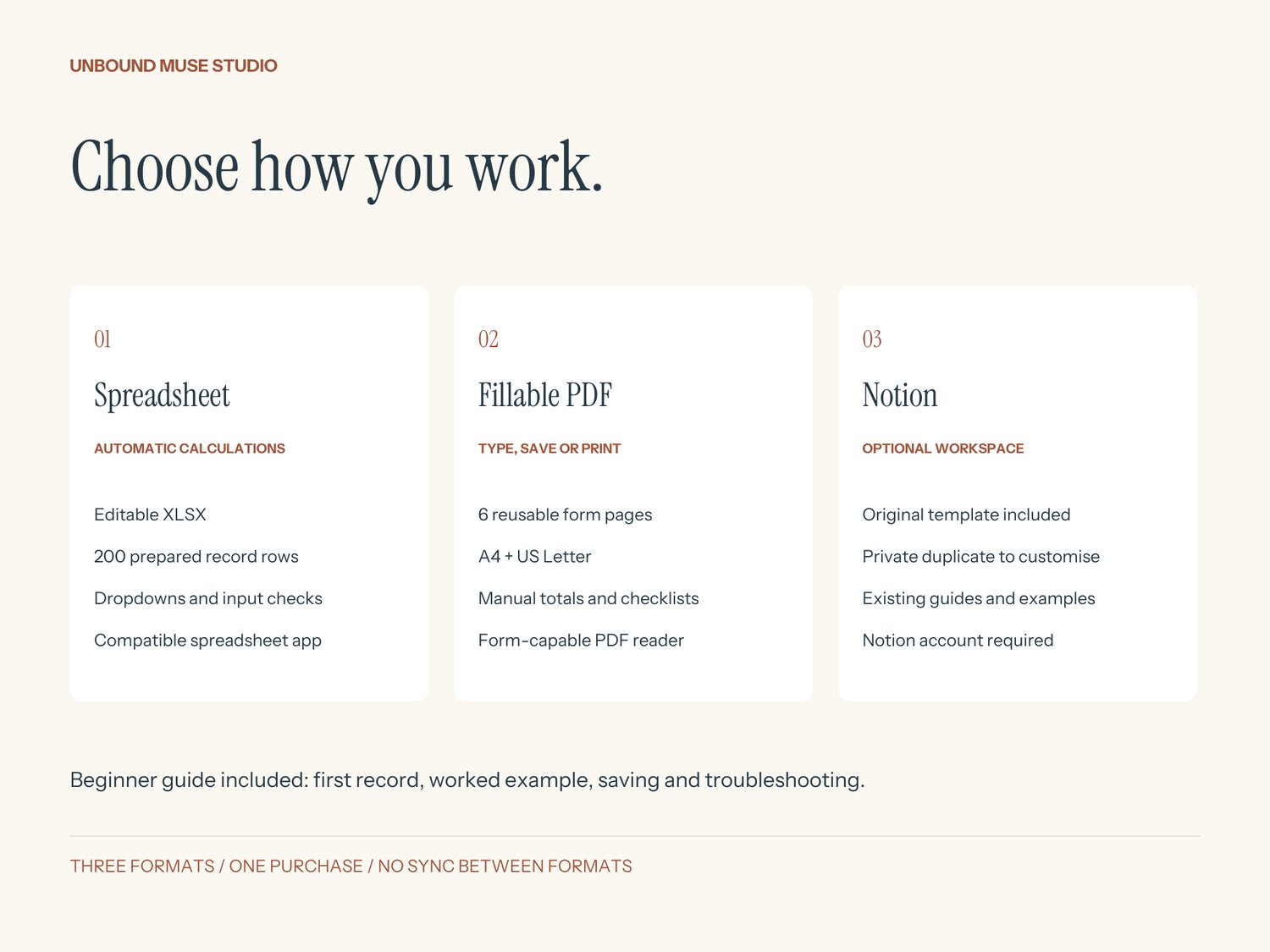
Made-to-Order Studio now includes a spreadsheet, fillable PDFs and the original Notion workspace for small personalised-product businesses. Notion is optional: use the spreadsheet or PDF forms independently, with a beginner guide to help you start.
WHAT YOU GET
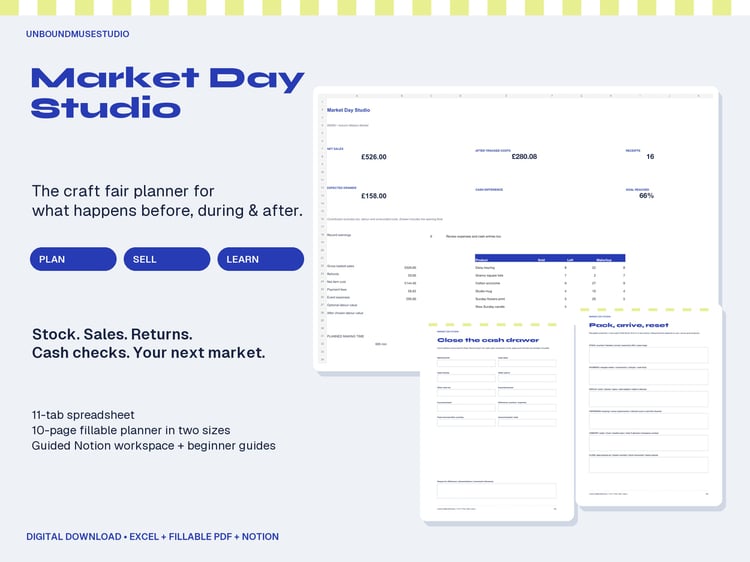
- Editable XLSX workbook with Orders, Item details and Approval log tabs.
- 200 prepared rows per sheet, dropdowns and table filters.
- Automatic readiness checks, duplicate order-reference warnings and calculated outstanding balances.
- Fields for exact wording, quantities, materials, current and approved versions, deadlines, payments, batches and next steps.
- Six-page fillable PDF in A4 and US Letter: exact brief, item details, proofs/materials, amounts/production, quality checks/handover and batch planning. Type, tick, save or print. PDF totals and decisions are manual.
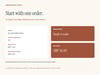
- Five-page beginner guide with first-order setup, six-mug worked example, saving, troubleshooting and format requirements.
- Original Notion workspace with illustrated order gallery, make-by calendar, four fictional demos, readiness formula and reusable Job Card.
- Maker Toolkit covering quote preparation, batches, purchasing, message prompts and a weekly reset.
- Original Notion access guide and eight-page printable Maker Companion in A4 and US Letter.
- Approximately three-minute English narrated, captioned Notion walkthrough MP4, plus SRT subtitles.
- One-business licence.
HOW TO START
Download and extract the ZIP, then open 00-Start-Here.pdf. Choose your preferred format. The spreadsheet is blank and ready for real orders; the guide includes a worked example. For Notion, sign in and duplicate the template into your own workspace. The three formats do not sync.
REQUIREMENTS
XLSX: a compatible desktop spreadsheet application. No Notion account or macros required. Calculations were checked in the authoring engine and LibreOffice; Excel and native mobile spreadsheet apps were not separately tested. There are 200 prepared rows per sheet; start a fresh copy when full.
PDF: a reader that supports filling and saving form fields, or a printer for handwriting. The separate Maker Companion is for handwriting. No Notion account required.
Notion: a Notion account and internet access. Core features do not need Notion AI or paid integrations. Desktop setup recommended; wide tables may need horizontal scrolling. The included video demonstrates the Notion version.
IMPORTANT DETAILS
Records are entered manually. Supporting item/proof records do not automatically change the confirmation fields in Orders. Make check shows the first unresolved step; resolve it and read again. Free orders with zero total need manual review. Negative balance means recorded overpayment and needs reconciliation.
Use one currency throughout; GBP examples/labels are supplied. Changing a display does not convert amounts. No automatic DM imports, payment collection, stock deduction, shipping labels, tax calculation or customer messaging. All supplied examples are fictional. This is an organisational toolkit, not a standalone app.
LICENCE & SUPPORT
For one purchaser to adapt and use in one business. You may use completed records to run your business. Do not resell or redistribute blank files, templates or access links. Contact UnboundMuseStudio through your purchase platform for access support. Digital download only; no physical item. Created with AI assistance and reviewed/tested by UnboundMuseStudio. Independent product, not affiliated with Notion or Microsoft.