Hotel Acquisition DCF & Valuation Model: 10-year hotel DCF with IRR, NPV and sensitivity grids
Full description
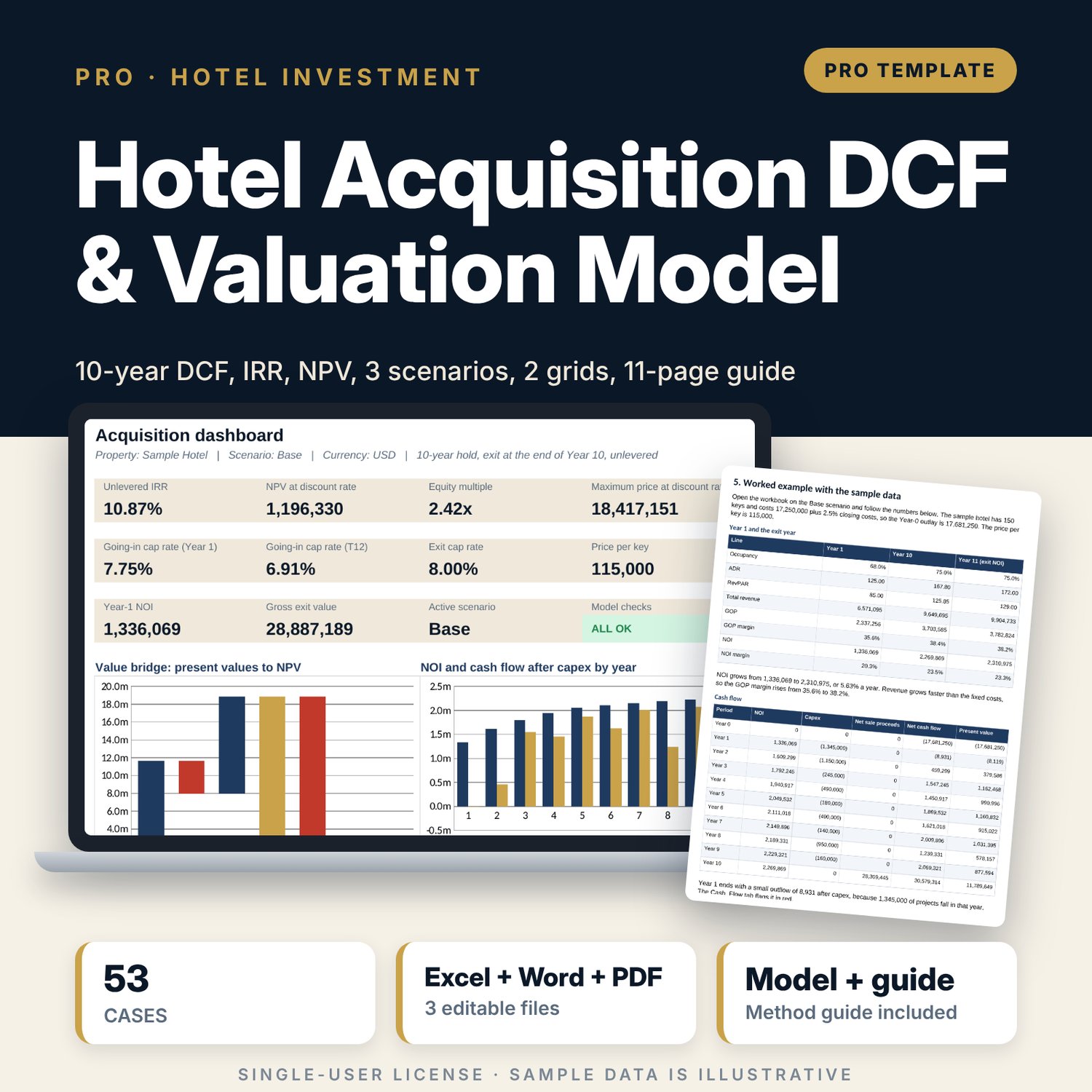
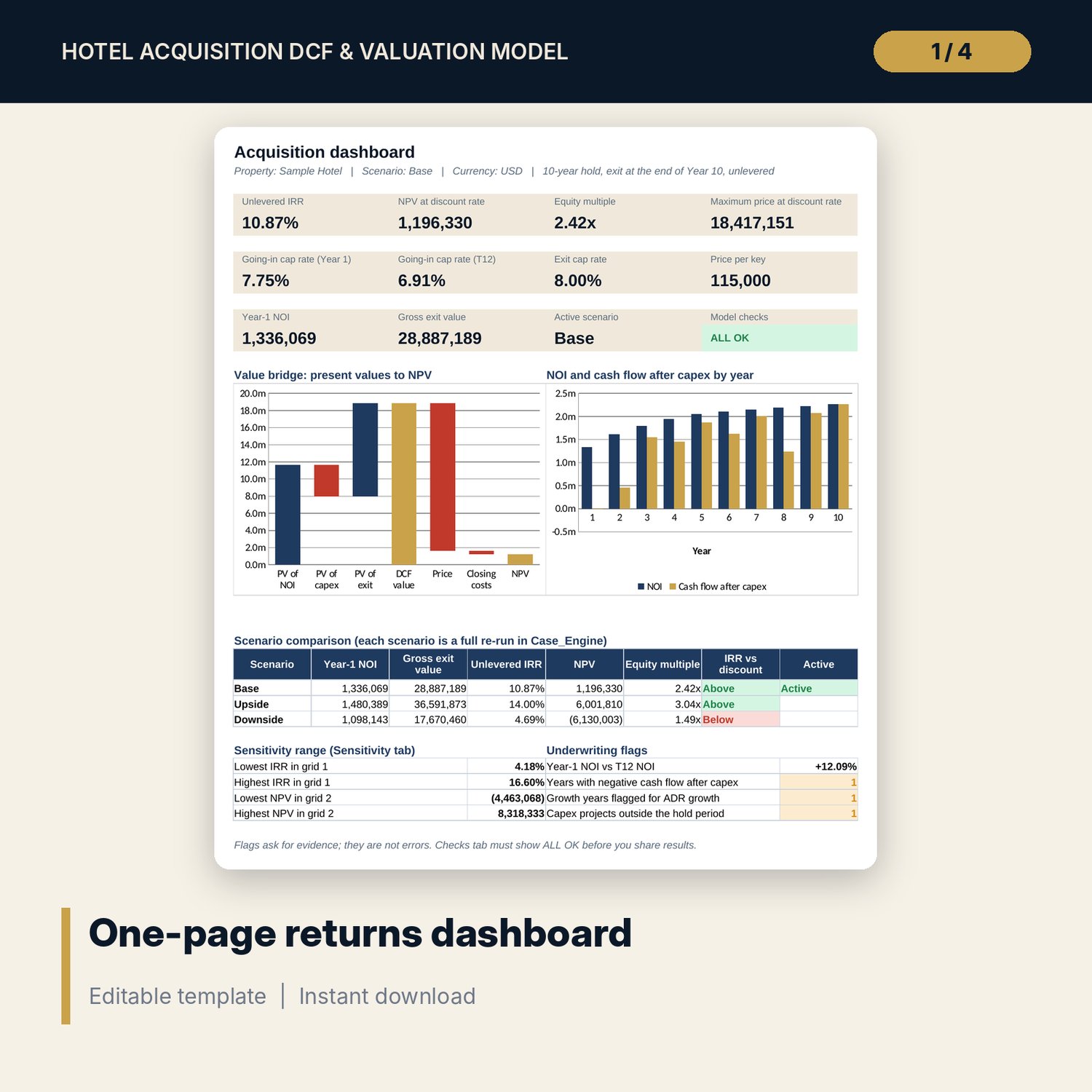
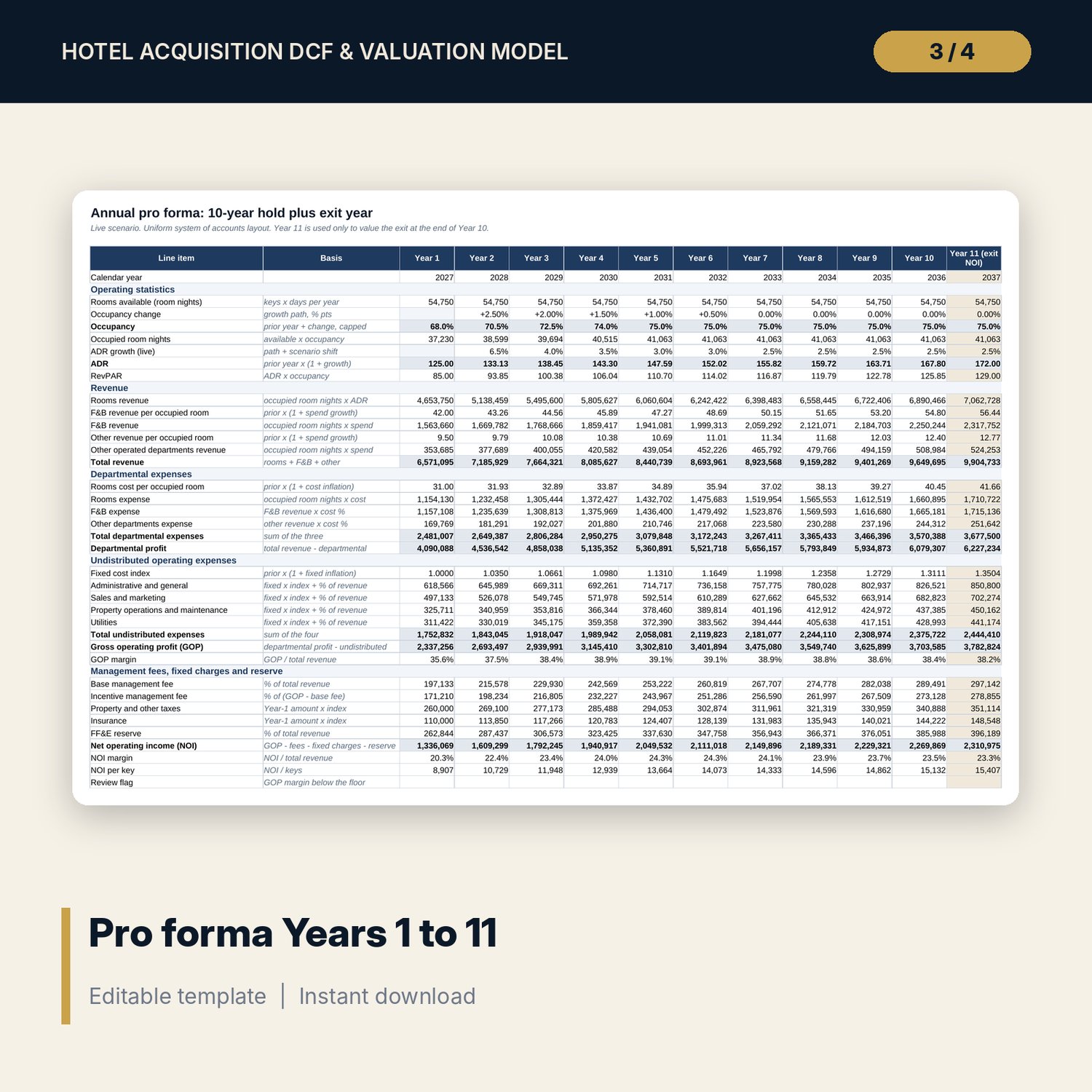
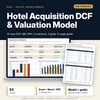
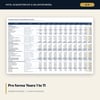
For asset managers, owners, general managers and financial controllers who must decide what to pay for an existing hotel. You enter the price, closing costs %, rooms, Year-1 occupancy and ADR, growth paths for occupancy, ADR and costs (fixed and variable kept apart), management fees, FF&E reserve %, capex by project and year, exit cap rate, selling costs and discount rate. The workbook builds a Years 1 to 11 pro forma in the uniform system of accounts layout, turns NOI into unlevered cash flow, values the exit at Year-11 NOI divided by the exit cap rate and reports IRR, NPV, equity multiple, going-in and exit cap rates, price per key, the maximum price that still meets your discount rate and a value bridge. A scenario switch (Base, Upside, Downside) uses CHOOSE, and a one-case-per-row engine re-runs the whole model 53 times to fill two 5 x 5 sensitivity grids and a scenario table, with no data tables or macros.
Save with a bundle: this workbook is also in the Hotel Finance & Investment Pro Bundle, 25 workbooks for $59 instead of $329. All 100 Pro workbooks are in the Pro Library for $119, and all 241 templates and workbooks are in the Ultimate Hospitality Library for $149.
What is inside
- Hotel_Acquisition_DCF_Valuation_Model.xlsx: 12 tabs, 5,912 formulas, 2 native charts, 15 integrity checks, a written Method tab with 20 calculation notes.
- Sample deal (illustrative): 150-room hotel, 17 capex projects with 23 spare rows, 12 months of seller actuals, 3 scenarios, growth paths for Years 2 to 11.
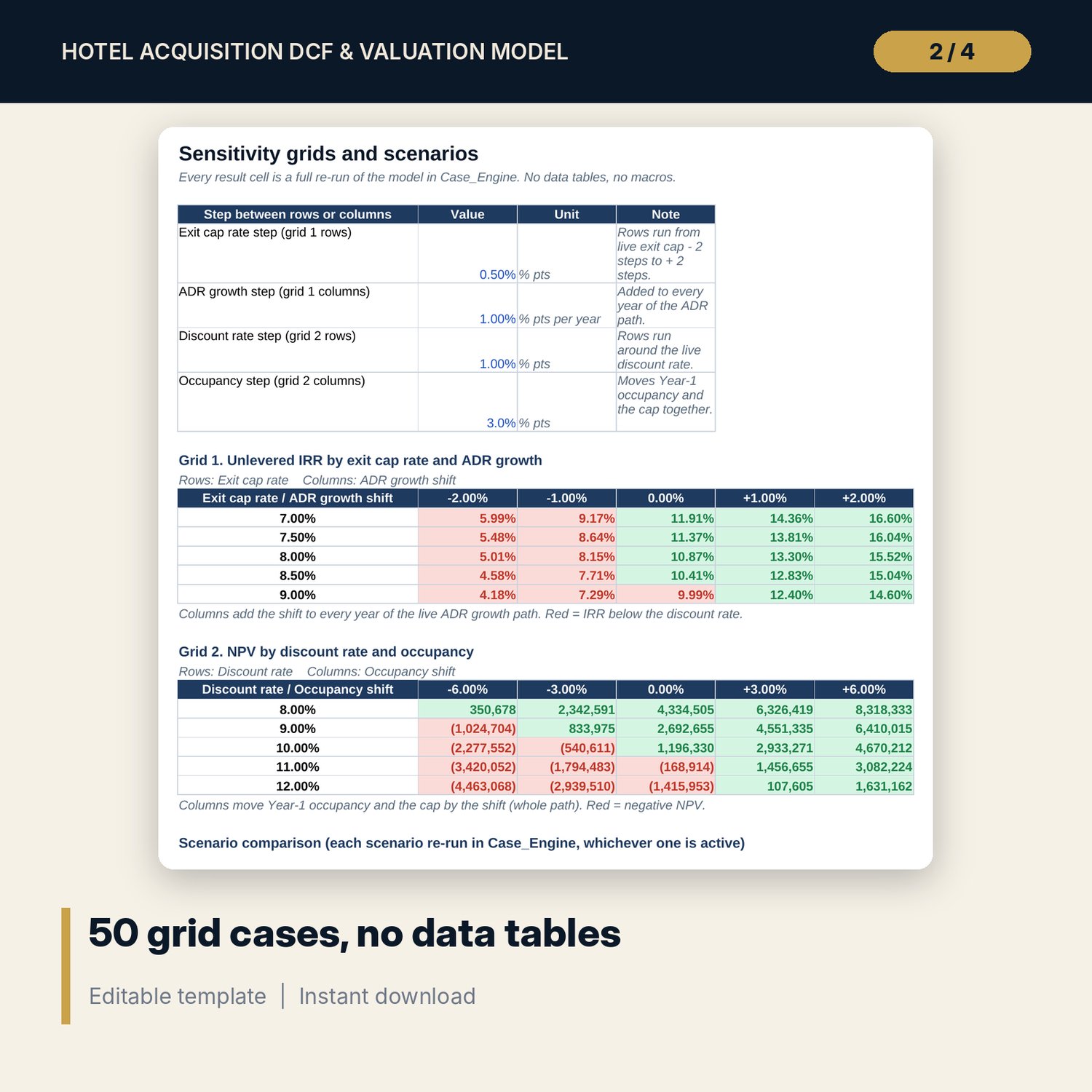
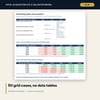
- Sensitivity: IRR by exit cap rate x ADR growth and NPV by discount rate x occupancy, 25 cases each, plus 3 scenarios side by side (53 full model re-runs in the case engine).
- T12 test: the seller's last 12 months restated on your fee and reserve terms and compared with your Year 1, with flags.
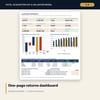
- Dashboard: 10 KPI tiles, a check tile, a value bridge waterfall, an NOI and cash flow chart and a flag summary, printable on one page.
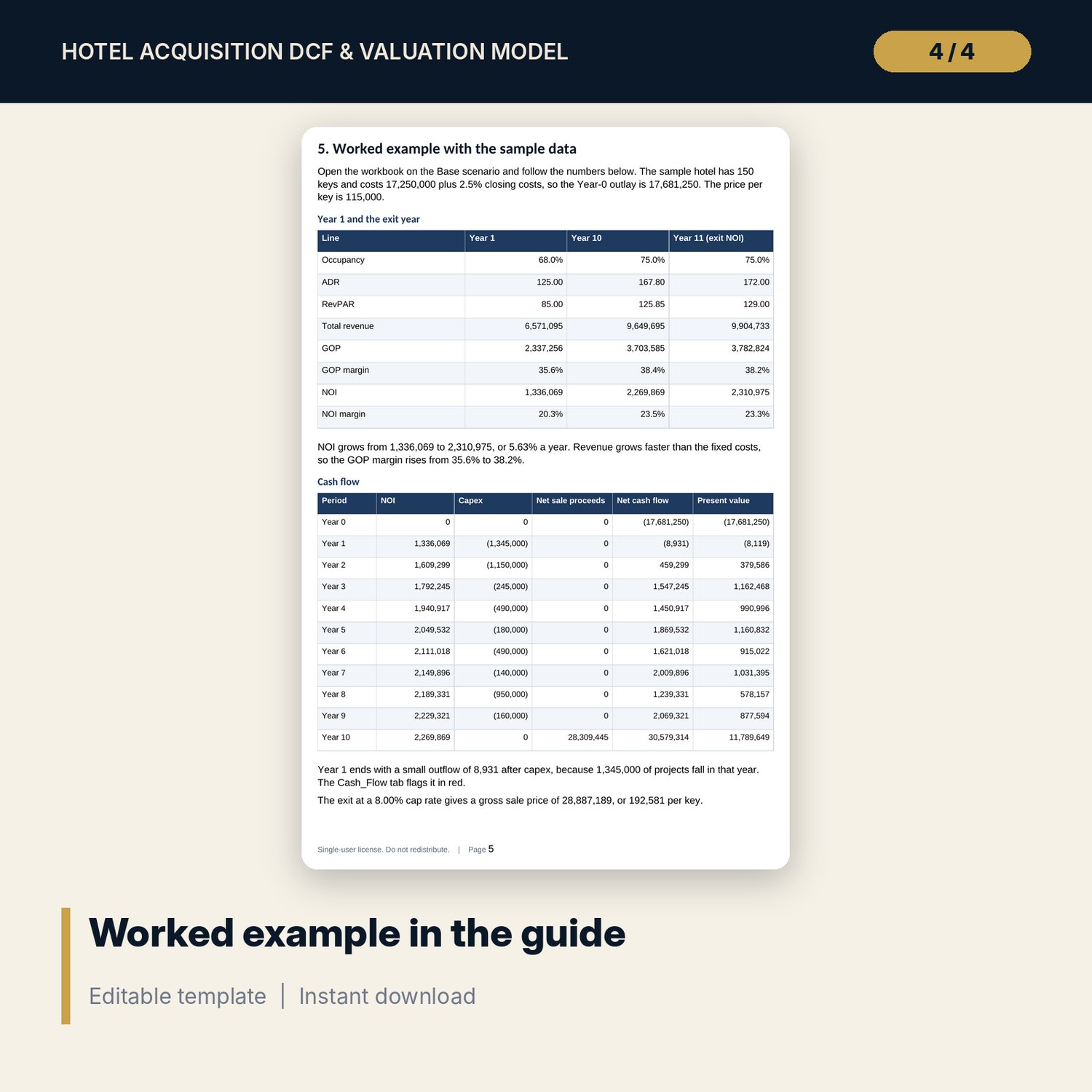
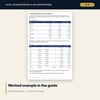
- Hotel_Acquisition_DCF_Valuation_Guide.docx and Hotel_Acquisition_DCF_Valuation_Guide.pdf: 11-page guide with the method in plain equations, every assumption, the worked example on the sample results, IRR vs NPV, what to do with the results, common underwriting mistakes, limitations, a pre-bid checklist and a glossary.
- README.txt and LICENSE-and-Terms.txt.
How it works
- Enter the deal terms, Year-1 operating inputs, fees, selling costs and discount rate on Assumptions.
- Paste the seller's last 12 months on T12_Actuals and check how far your Year 1 sits above them.
- Set Base, Upside and Downside drivers and the growth paths on Scenarios_Growth, and list your capex projects.
- Read IRR, NPV, the maximum price and the value bridge on Cash_Flow and the Dashboard.
- Stress the price on Sensitivity and confirm the Checks tab shows ALL OK before you share the file.
Details
- Formats: XLSX workbook, DOCX guide, PDF guide.
- Language: English.
- Software: Excel 2016 or later, or LibreOffice Calc. No macros, no data tables, no add-ins.
- Annual model, 10-year hold, unlevered cash flows in any currency.
- Delivery: instant download.
Good to know
- Sample data is illustrative and does not describe any market. Replace it with your own figures.
- Not investment, financial, legal or tax advice. Returns are before debt and income tax.
- Transfer taxes, property taxes and selling costs are inputs: verify local requirements.
- Single-user license.
FAQ
Does the model include debt?
No. Cash flows are unlevered so you judge the hotel first. Add the loan in your own financing model once the asset case works.
Why no Excel data tables for the sensitivity grids?
Each grid cell reads a row of the case engine that re-runs the whole model with its own inputs. It calculates at once, works in LibreOffice and never needs a manual refresh.
Can I change the hold period?
The hold is fixed at 10 years with the exit valued on Year-11 NOI. A different hold needs the cash flow and engine columns rebuilt.
Can I use it for an owner-operated hotel?
Yes. Set the incentive fee to 0% and use the base fee for the head office or central service costs you expect to carry.
How do I know the formulas are right?
The Checks tab runs 15 tests, including a full independent re-run of the live case that must match the main IRR and NPV. The Method tab shows how each result is built.