Your Cart
Loading

Ease Layers

On Sale
€5.00
€5.00
Added to cart

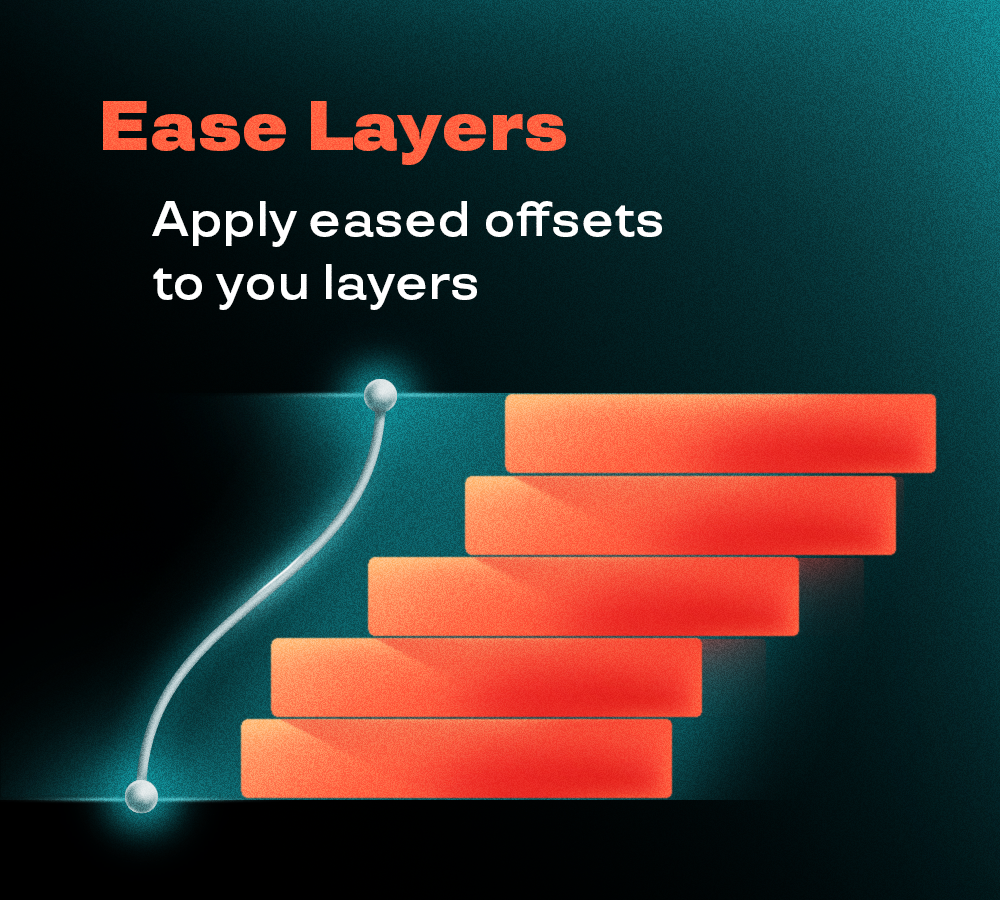
Ease Layers lets you offset multiple layers or keyframes not only with linear spacing but also with different easing functions.


By adding curves to your layer staggering in the timeline, you can create more beautiful and natural movements in your motion design projects

You will get a ZIP (68KB) file

What it does

90% of the time, a linear offset will do the job. But for more refined motion design projects, you need to apply a curve to your layers’ offset.

Ease Layer offsets your layers in one click, with an even spacing or following an easing curve, so the delays accelerate or slow down along the sequence.

It works on both layers and keyframes: select some keyframes and only those are offset, leaving the layers where they are.

What it does

Select the layers you want to offset, or select their keyframes to offset only those.

  • From Bottom / From Top: sets the order of the offset in the layer stack


Linear Offset

Set the Total Duration or the Single Offset in frames, then click “Apply Linear”


Eased Offset

Choose the curve direction (In, Out, In-Out, Out-In), the Type and the Duration, then click “Apply Eased”

  • Align: aligns the selected layers or keyframes to the earliest one
  • Adapt to Keyframes: trims each selected layer to its first and last keyframe


All the After Effects scripts in one bundle.

New tools to craft more advanced animations.