Your Cart
Loading

Text Animator

On Sale
€7.00
€7.00
Added to cart

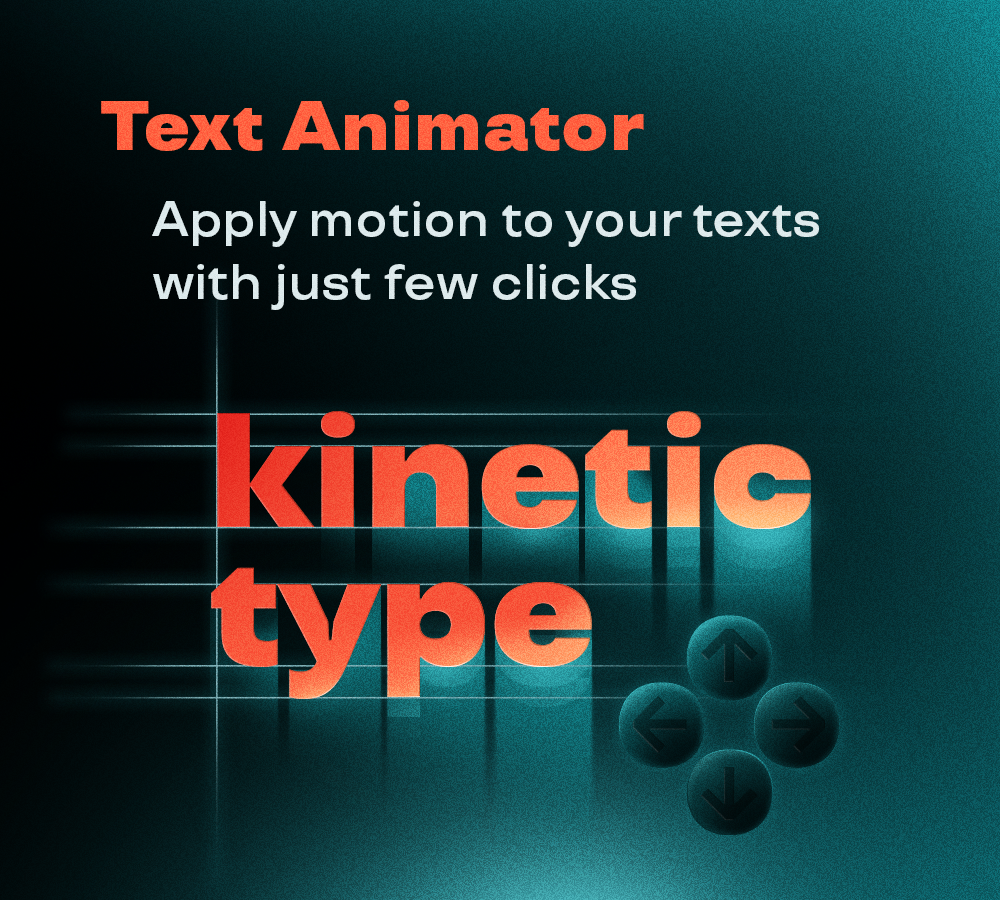
Apply motion to your text layers in one click, with no manual setup of text animators and selectors. Combine properties and easing curves, and apply them as intros, outros or both.


Retime your animations by dragging real keyframes on the timeline, then copy and paste them from one text layer to another.

You will get a ZIP (73KB) file

What it does

Animating text in After Effects means adding animators, range selectors and keyframes by hand, every single time (I hate it).


Text Animator apply the whole setup in one click.

Choose what to animate (characters, words or lines), combine position, opacity, scale and rotation, and pick an easing curve, from simple Sine to Back, Bounce and Elastic. You can apply it as an intro, an outro, both, or a pulse in the middle of the layer.


Every animation is driven by real keyframes on the timeline: drag them to retime it. When you like a result, copy it and paste it onto other text layers.

How to use

How to use it

Select one or more text layers.

  • Apply to: Intro, Outro, Both, or Middle (the text animates and comes back, centered on the layer)
  • What: animate Characters, Words or Lines
  • Order: First to Last or Last to First
  • Length: duration of the animation, in frames or seconds

Check the properties you want to animate and set their values:

  • Position: distance in px, with the arrows to choose the direction
  • Opacity, Scale and Rotation: starting value

Set the curve:

  • Ease: Ease Out, Ease In or Ease In-Out
  • Type: from Linear to Expo, plus Back, Bounce and Elastic
  • Stagger: how much the characters, words or lines are offset from each other
  • Intensity (Back, Elastic) and Osc (Bounce, Elastic): amount of overshoot and number of oscillations

With “Apply controller on layer” checked, the script adds sliders to the layer to tweak every value after applying.


Click “Apply”.


In the bottom section:

  • Copy → copies the Intro, Mid, Outro or All animations from the selected layer
  • Paste → applies them to the selected text layers
  • Clean → removes all the script’s animations and controllers from the selected layers

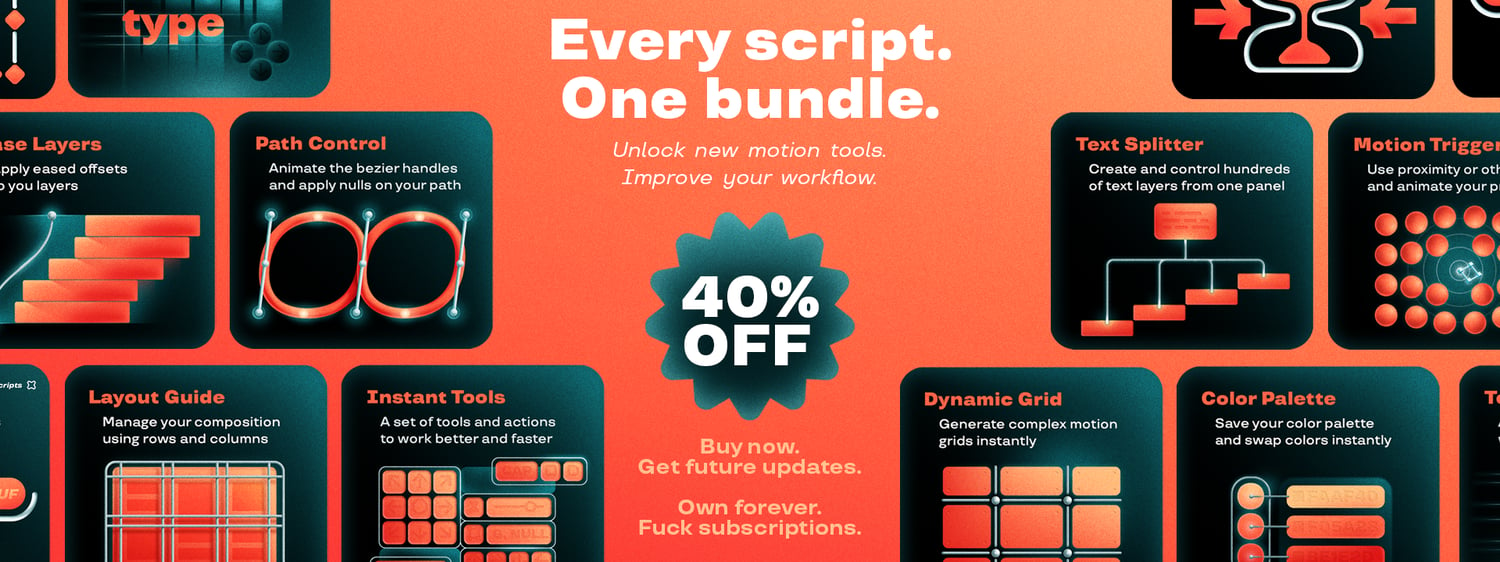
All the After Effects scripts in one bundle.

New tools to craft more advanced animations.