Layout Guide
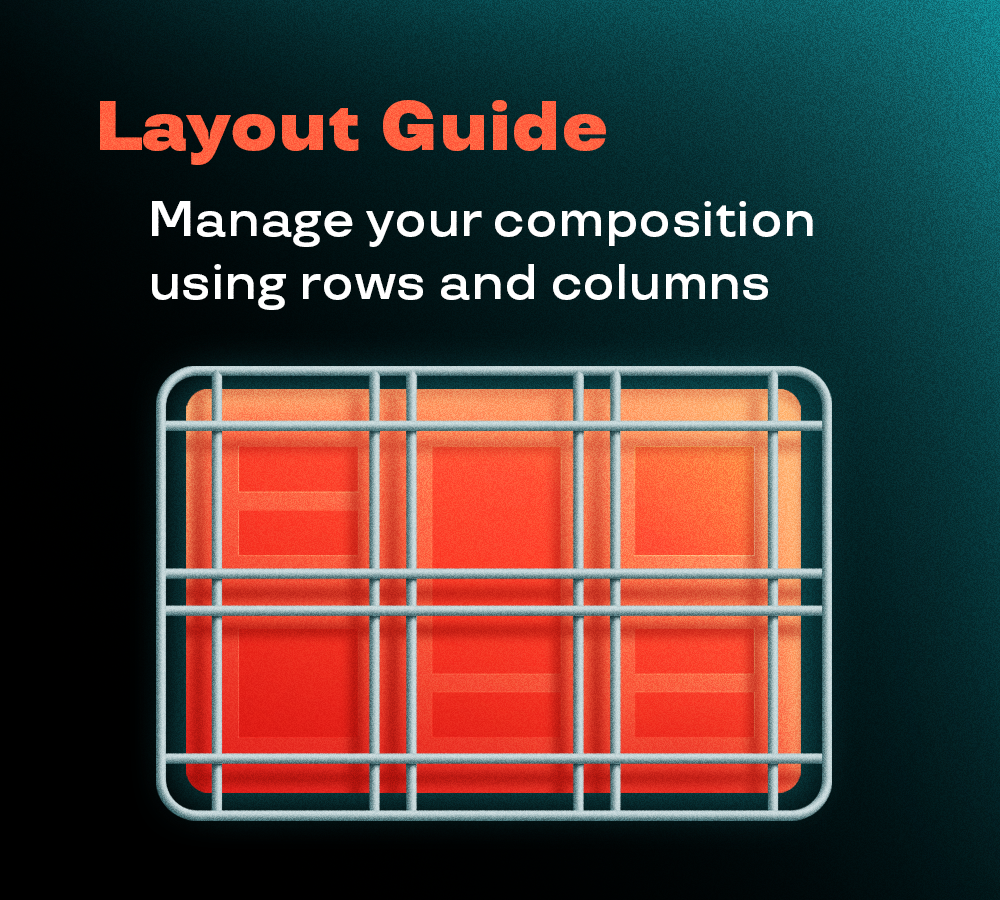
Layout Guide generates precise layout systems with customizable margins, rows, columns, and gutters.
Get clean alignment guides that help you create structured, professional compositions instead of eyeballing your spacing.
Layout Guide generates precise layout systems with customizable margins, rows, columns, and gutters.
Get clean alignment guides that help you create structured, professional compositions instead of eyeballing your spacing.
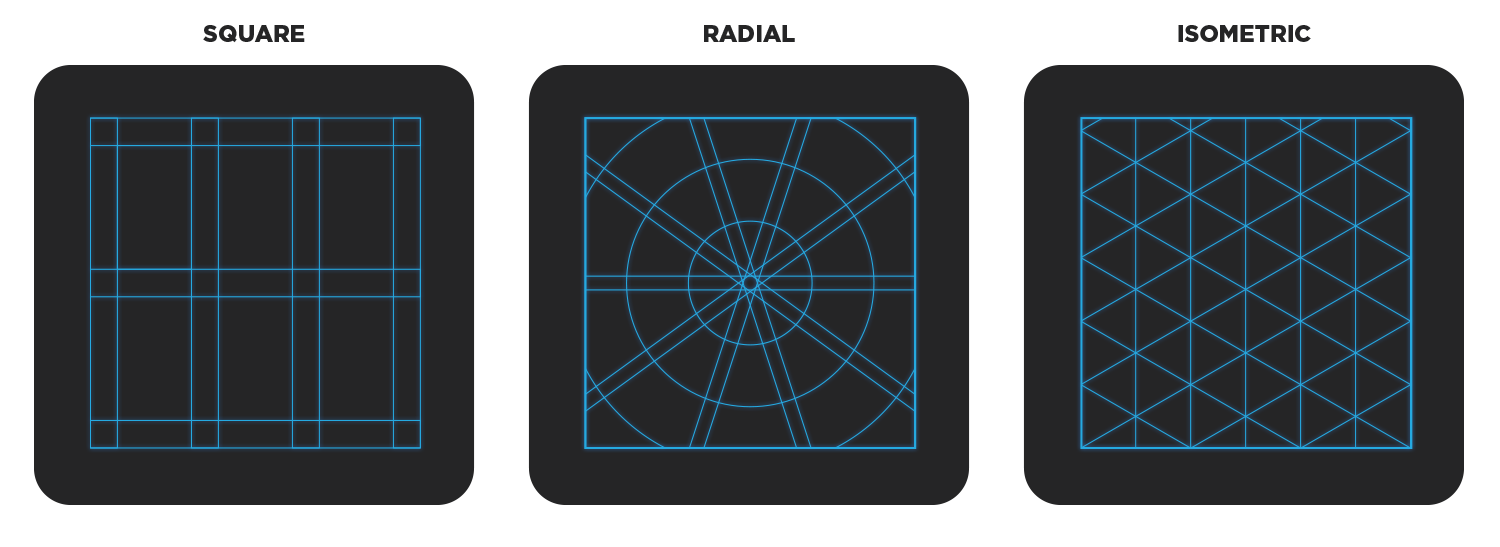
Builds a layout guides grid in your comp as a shape layer, marked as a guide layer so it never renders. You can choose between three types of layout guides.
Squares gives you the classic editorial grid of rows and columns. Radial draws spokes out from a centre with concentric rings around it. Isometric lays down verticals and two sets of 30° diagonals for anything that needs to sit in a fake 3D space.
With the square layout, the most common one, you have three ways to determine the grid proportion.
Composition is the quick one: the grid simply fills the comp.
Area lets you choose width and height, and the grid is built inside that, centred, ignoring the comp size.
Cells works the other way round, you decide how big a single cell should be and the grid grows outward from there, anchored wherever you choose.
Start from the Type dropdown at the top. Everything below it changes with your choice, so you only ever see the controls that apply.
Define: Composition, Area or Cells. Area adds a width and height to type in, Cells adds the size of a single cell plus an anchor that decides which way the grid grows.
Margins: the pixel inset from the edge. Leave the chain button on to drive all four at once, switch it off to set them one by one.
Rows & Columns: first box is how many, Gap box is the space between them in pixels. The chain links the row and column gaps together.
Row Centers / Col Centers: tick these to drop a guide down the exact middle of each row or column. They come in their own colour so they do not read as part of the grid.
Margins: same as above. They pull the centre and the outer ring inward.
Radial Dividers: Radii is how many spokes, Rings how many circles.
Each has its own Gap, which splits the line in two when you raise it above zero.
Spacing: the only value is the distance between every line. Nothing else to set.
Create New: builds the grid as a new guide layer.
Update: select a grid layer, change the values, hit Update and it rewrites that layer instead of adding another.

New tools to craft more advanced animations.