Path Rig panel
Select the Path property of your shape layer.
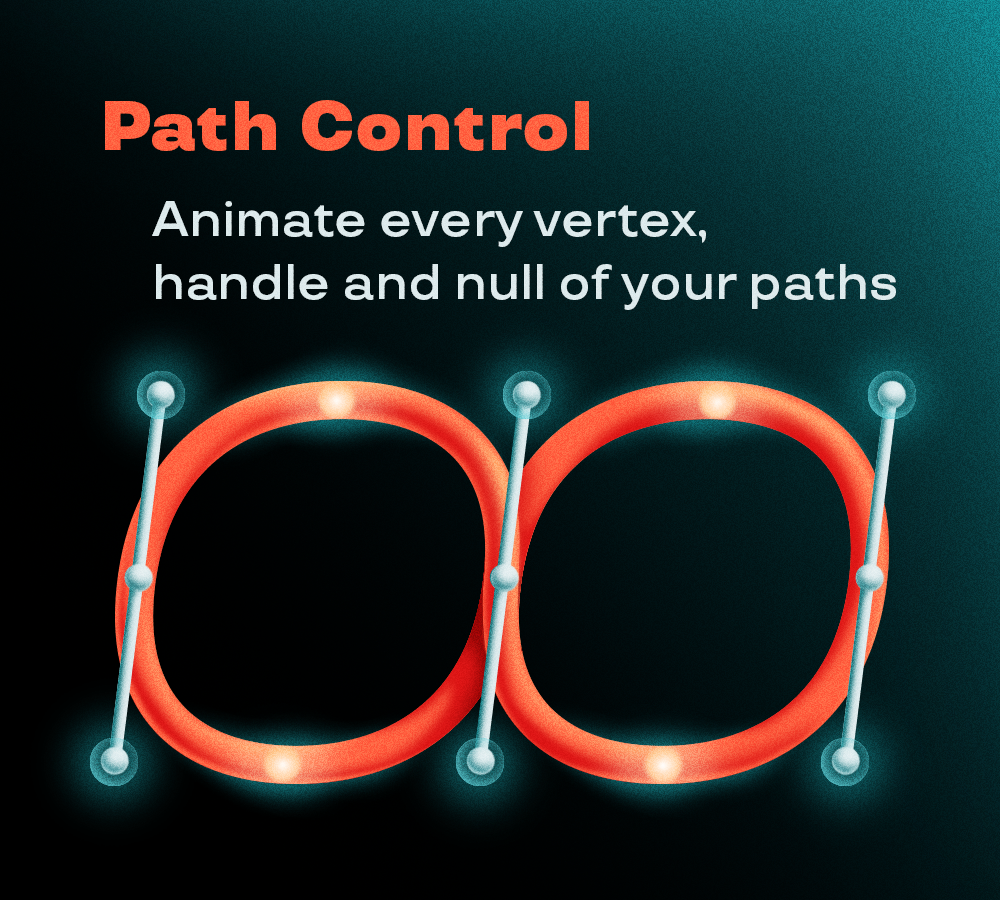
In "Controllers", choose whether to control the vertices and the handles with Nulls (better control, more layers) or with a Wireframe (less comfortable control, but just one layer so you get a cleaner timeline).
In "Behavior" you can choose:
- Handles follow vertex rotation: rotating a vertex controller also rotates its handles
- Lock tangent handles: on smooth points, the two handles stay aligned to keep the curve smooth
In "Appearance" you can set the size of the wireframe dots (in px) and of the nulls (in %).
By clicking Track you generate the rig on the selected path.
Null Track panel
Select the Path property of your shape layer and set the Number of points.
In the “Spacing mode” dropdown menu you can choose:
- Uniform Spacing: the nulls are evenly distributed, and you control them all together
- Individual Control: each null gets its own slider to set its position along the path
In the “Controller location” dropdown menu you can choose where the sliders are created:
- On source path layer
- On a new Controller Null,
- On individual point Nulls.
The checkbox “Orient toward path direction” makes the nulls rotate to follow the path.
By clicking “Create Points on Path” you generate the nulls on the selected path.