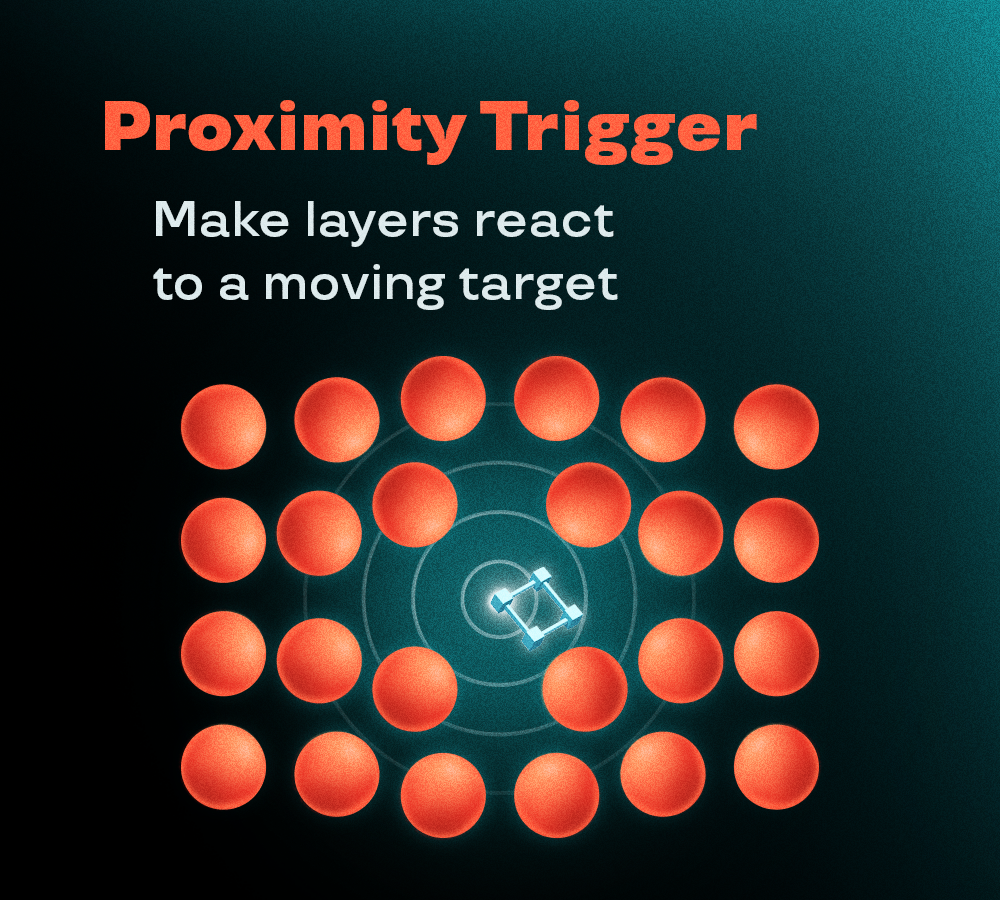
Choose the Target layer from the dropdown (click “Refresh” if the comp has changed), then select the layers that should react.
In Trigger you can choose:
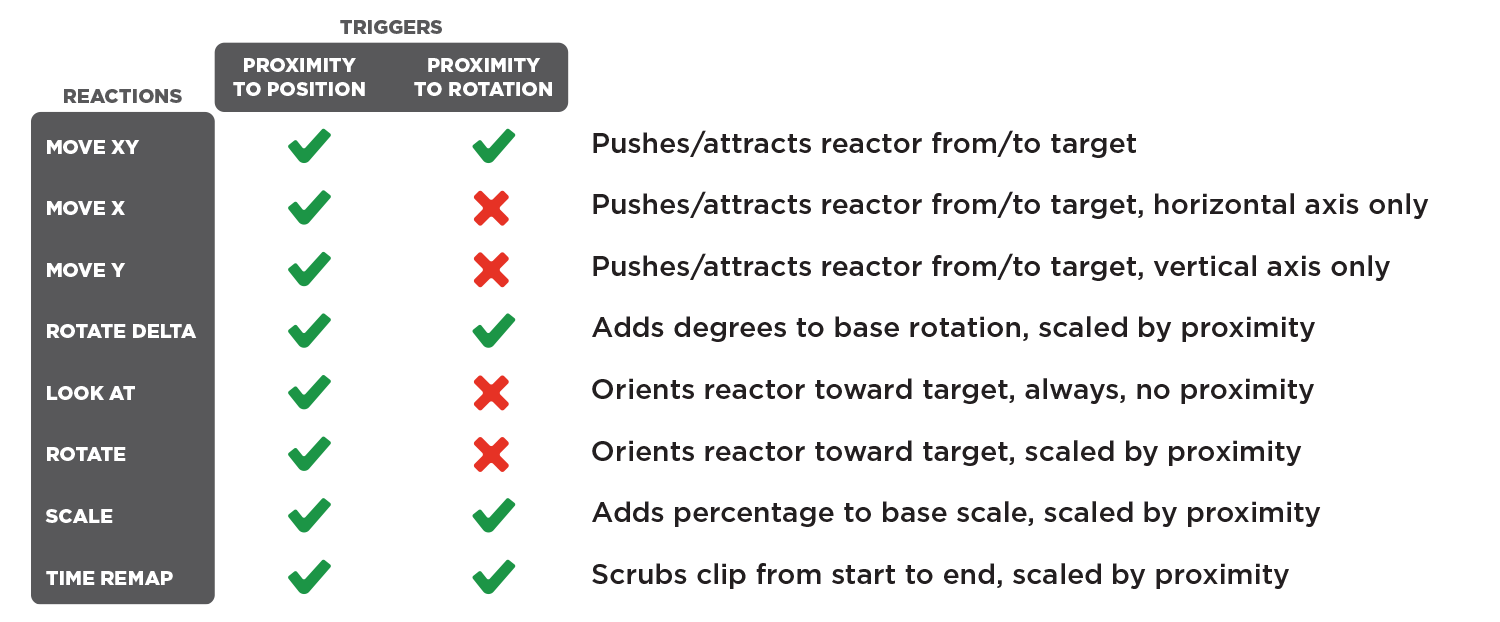
- Proximity to Position: layers react based on their distance from the target
- Proximity to Rotation: layers react when the target points toward them
In Reactions, check one or more:
- Attract/Repel (XY, X only, Y only): layers are pushed or pulled by the target
- Rotate delta: layers rotate by a set amount
- Look at target: layers always point toward the target
- Rotate toward target: layers turn toward the target as it gets closer
- Scale: layers scale up or down
- Time Remap: precomps and footage play based on the target’s proximity
Reactions not compatible with the selected trigger are greyed out. You can pick only one reaction per property.
By clicking “Apply” you generate the setup and a CONTROLLER null, with sliders to tweak the range, smoothness and strength of each reaction.
By clicking “Clean” you remove the script’s expressions from the selected layers.