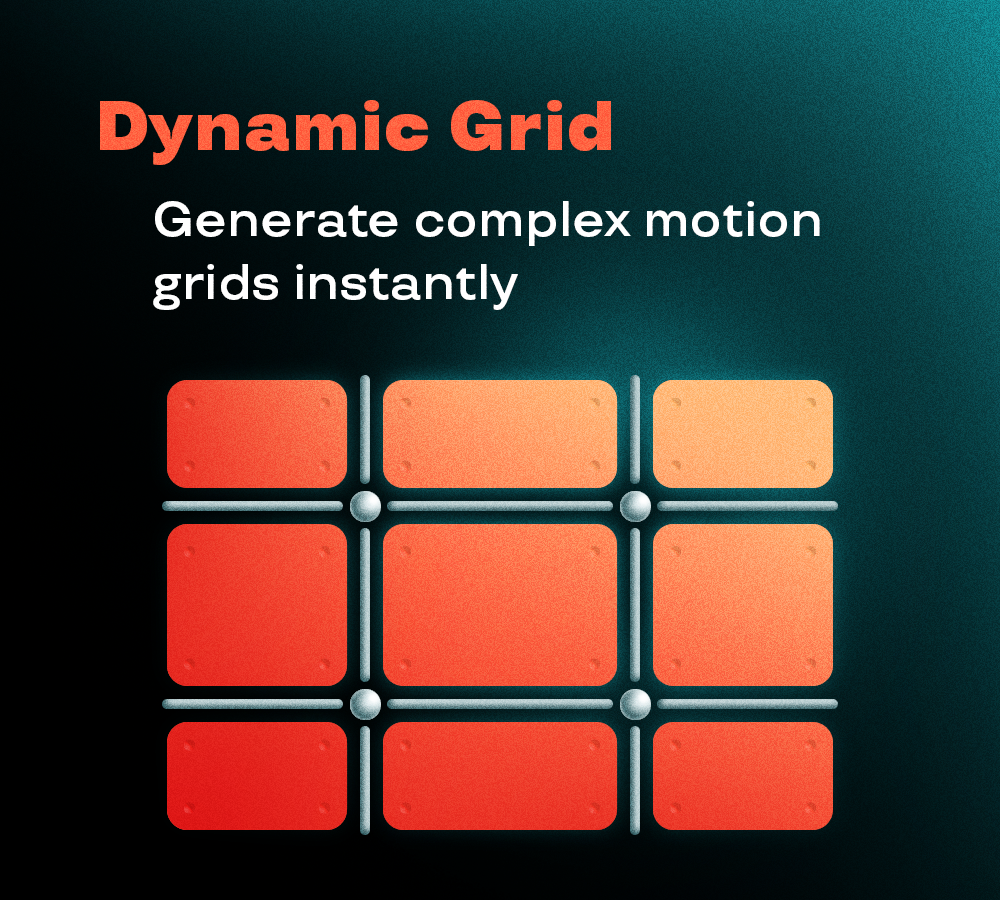
Set a number of vertical and horizontal dividers that you want to generate.
(Remember that the dividers are the number of columns/rows minus 1, so if you want a 4 columns you have to put 3 dividers)
On the dropdown menu "What" you can choose to generate:
- Only the cells of the grid
- Only the strokes
- Both
On the dropdown menu "How" you can choose if your grid guides move:
- Independently → Each moves on their own
- Central symmetry → You control only the top and left half and the other halves mirror the movement in the opposite direction
- Only vertical symmetry → The horizontal guides are independent
- Only horizontal symmetry → The vertical guides are independent
On the settings panel you can choose to also generate trackers for:
- Position of the guides
- Intersection of the guides
- Center of the cells
For each of them you can choose to have as marker a null, a comp, or a shape (ellipse or rectangle).
Click on "generate" to have the script automatically create and link all the elements for you. Use the guide Nulls to animate the grid as you like.
In the appearance settings, if you click at least one of the two options it will generate a null controller called "Appearance Control" with a slider to control those parameters:
- "Roundness" adds and controls rounded corners to each cell
- "Size offset" changes the size of the cell while maintaining it bound to the guides