

UNBROKEN Application Tracker — Editable Excel Job-Search Organizer
STOP LOSING TRACK OF APPLICATIONS—AND WHAT YOU’RE SUPPOSED TO DO NEXT.
You applied. You saved another role. Somebody emailed. A follow-up date is somewhere in your notes. And now your job search has seventeen little tabs open—emotionally and literally. 😂
The UNBROKEN Application Tracker gives you one practical Microsoft Excel workbook for organizing opportunities, tracking progress, and deciding the next move. It is beginner-friendly, record-free when delivered, and built around the information that helps you act—not busywork for the sake of filling cells.
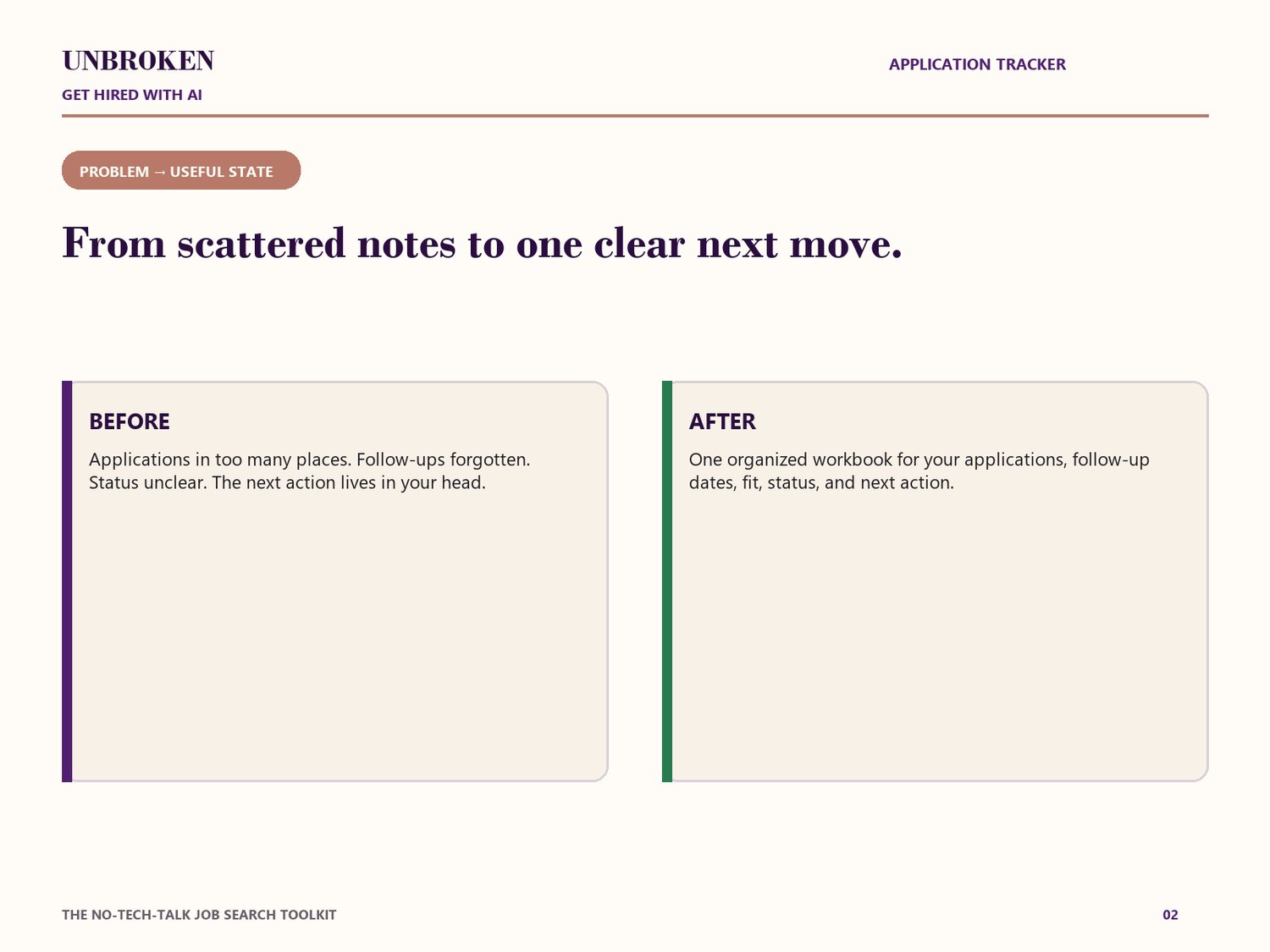
THE PROBLEM IT ADDRESSES
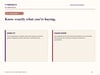
Job searching gets messy fast. This workbook helps you see which opportunities are active, what stage each one has reached, whether the fit is strong or uncertain, what you need to do next, when a follow-up is due, and which searches you want to revisit.
WHAT’S INCLUDED
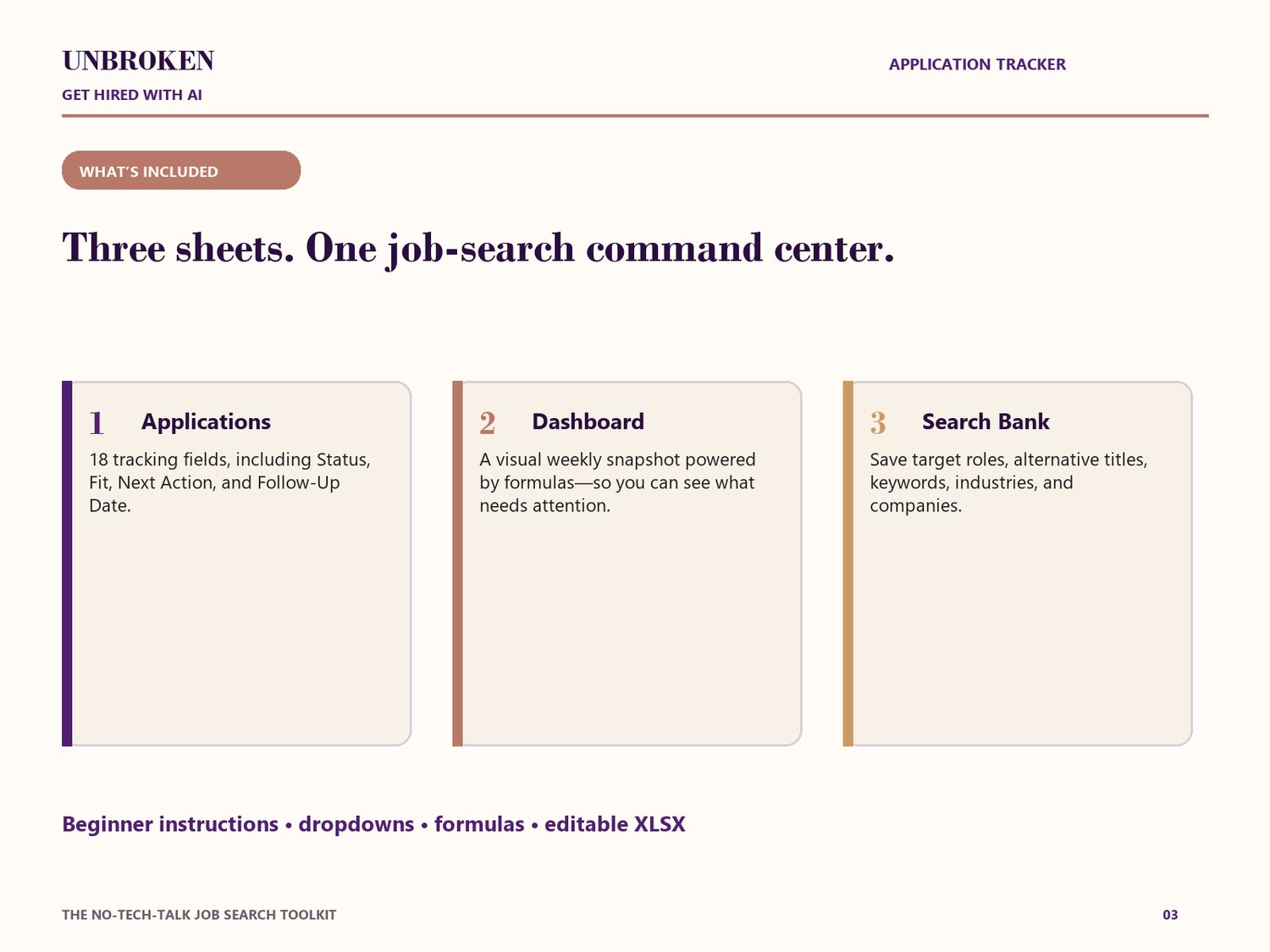
You receive one editable XLSX workbook with three working sheets:
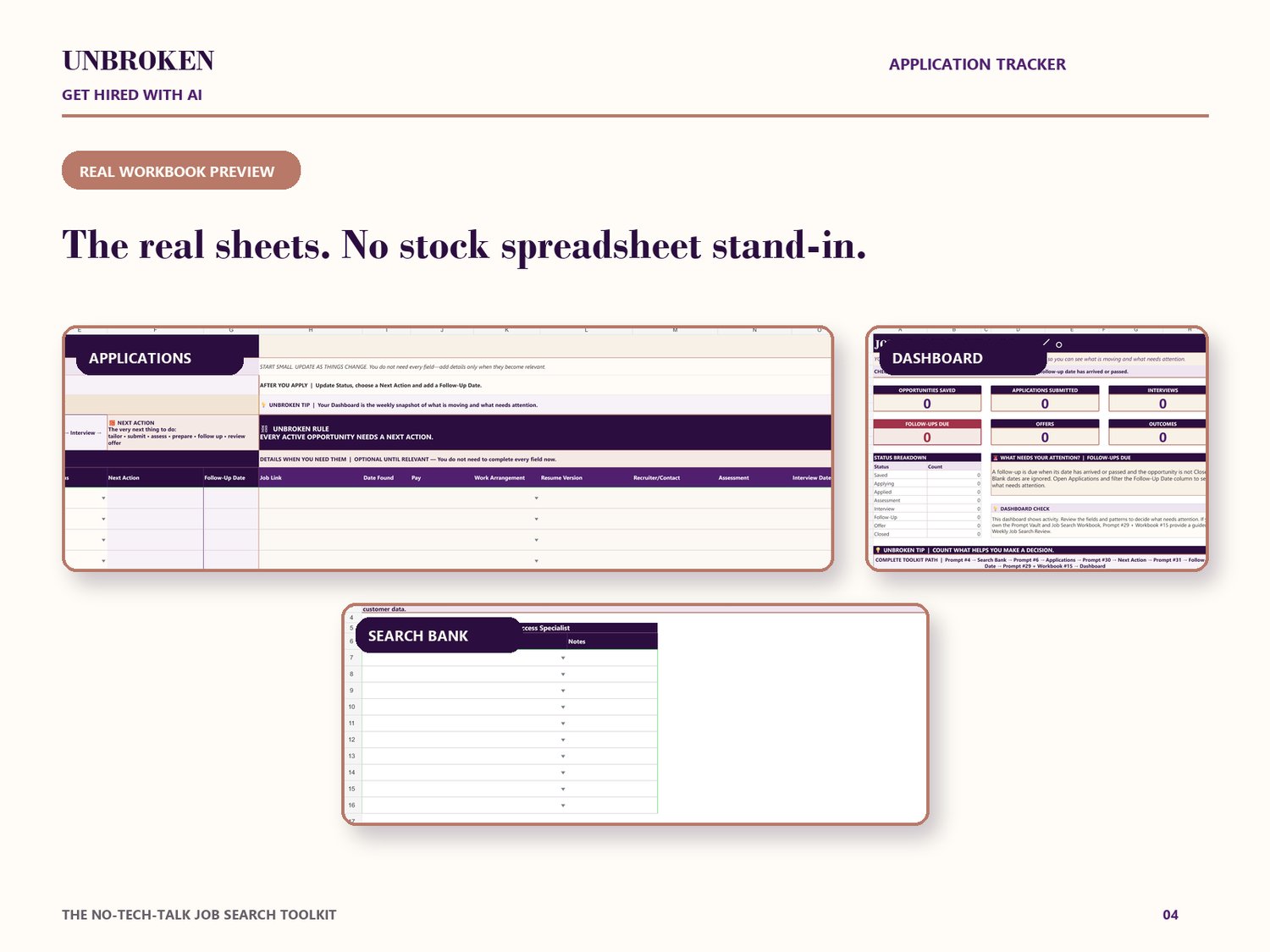
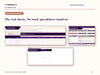
• Applications: 18 tracking fields including Company, Role, Date Applied, Fit, Status, Next Action, Follow-Up Date, Job Link, Pay, Work Arrangement, Resume Version, Recruiter/Contact, Assessment, Interview Date, Offer, Outcome, and Notes—plus beginner instructions and dropdown-supported fields.
• Dashboard: Opportunities Saved, Applications Submitted, Interviews, Follow-Ups Due, Offers, Outcomes, Status Breakdown, and a weekly attention area driven by workbook formulas.
• Search Bank: Target Roles, Alternative Titles, Keywords, Industries, and Companies.
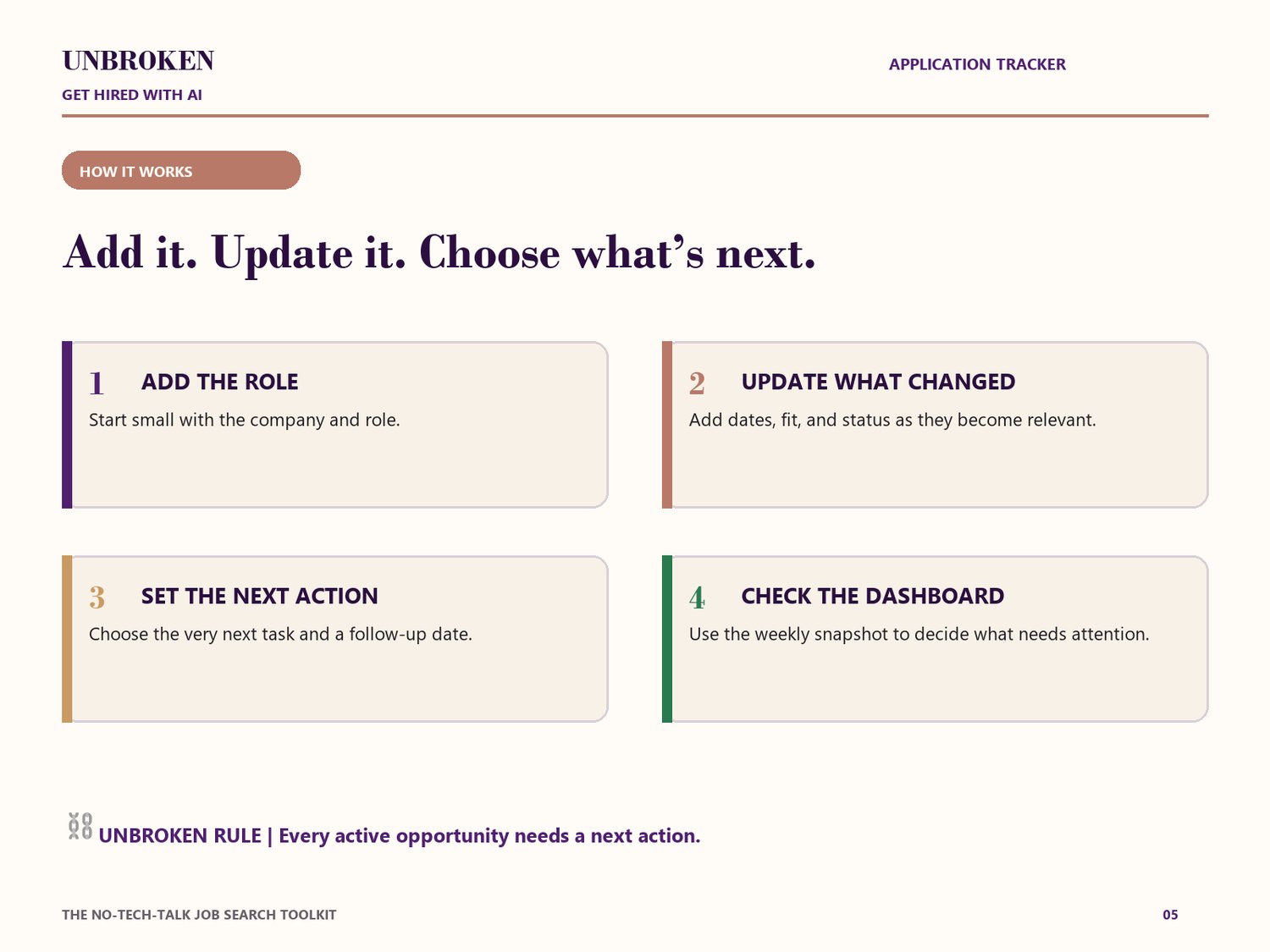
HOW IT WORKS
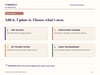
1. Add the opportunity. Start with Company + Role. You do not have to fill every field on day one.
2. Update what changed. Add dates, fit, and status as the opportunity moves.
3. Set the next action. Choose the next task and, when relevant, a follow-up date.
4. Check the Dashboard. Use the weekly snapshot to see what is moving and what needs attention.
5. Save useful searches. Keep titles, keywords, industries, and companies in the Search Bank.
⛓️ UNBROKEN RULE: Every active opportunity needs a next action.
WHO IT’S FOR
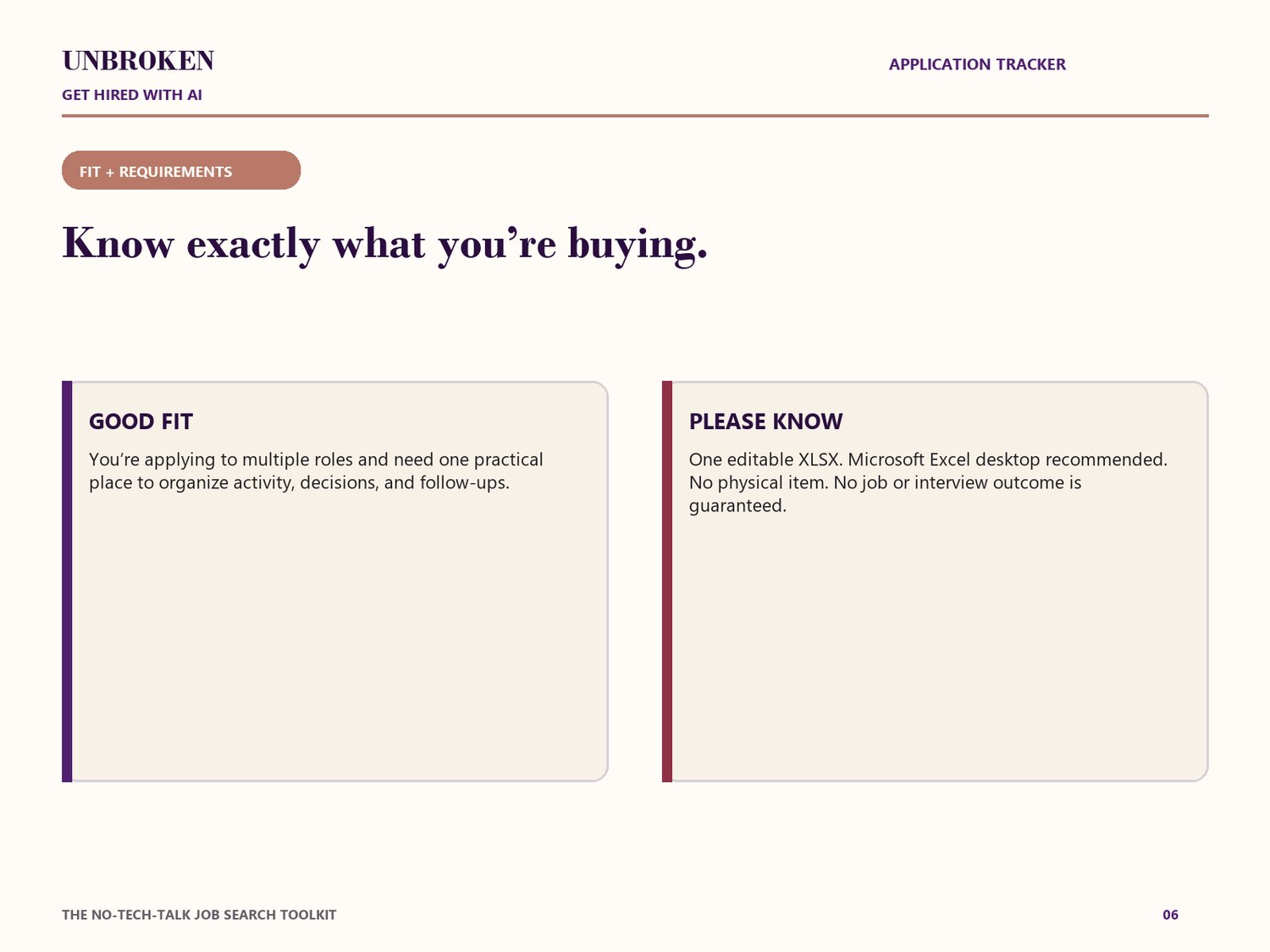
• Job seekers applying to multiple roles.
• People whose applications are spread across notes, email, bookmarks, or memory.
• Beginners who want a clear follow-up habit and a practical Excel workbook.
WHO IT MAY NOT BE FOR
• Anyone expecting an employer database, recruiting service, or automatic application system.
• Anyone without access to desktop Microsoft Excel.
• Anyone expecting a guaranteed interview or job outcome.
DELIVERY AND COMPATIBILITY
• Digital product only. No physical item will be shipped.
• After purchase, download one editable .xlsx file.
• Built and tested for desktop Microsoft Excel.
• Google Sheets, Apple Numbers, mobile spreadsheet apps, and browser-only editors may change formatting, dropdowns, or formula behavior and are not the recommended experience.
• The workbook arrives without customer or sample application records.
TRUTH-FIRST AND PRIVACY NOTE
The Tracker does not independently verify an employer, recruiter, job posting, salary, or offer. Review unfamiliar links and suspicious opportunities before acting. Avoid storing unnecessary sensitive personal, employer-confidential, banking, government-ID, or security information.
IMPORTANT DISCLAIMER
This is a self-guided organization tool. It does not provide legal, financial, recruiting, or individualized career-counseling services, and it does not guarantee employment, interviews, employer responses, salary, or hiring outcomes. You remain responsible for reviewing your information and making final decisions.
LICENSE AND REFUND NOTE
Your purchase is for the buyer’s personal job-search use. Do not resell, redistribute, share, publish, or claim the workbook as your own product. Because this is a digital download, review the file type and compatibility notes before purchase. Any refund request will be handled under the store’s posted refund policy and applicable law.
FAQ
Is this editable?
Yes. You receive one editable Microsoft Excel XLSX workbook.
Do I need to fill all 18 fields?
No. Start with Company + Role and add details when they become relevant.
Does the Dashboard update automatically?
The workbook includes formulas that update the Dashboard from information entered on the Applications sheet. You still choose and enter the underlying information.
Does this apply to jobs for me?
No. It organizes opportunities and next actions; it does not search for or submit jobs on your behalf.
Is another UNBROKEN product required?
No. The Application Tracker is a complete standalone organization tool.
What happens after purchase?
Download the XLSX file, save a clean backup, open it in desktop Excel, read the instructions at the top of the Applications sheet, and add your first Company + Role.