


Which UNBROKEN brick fits your need?
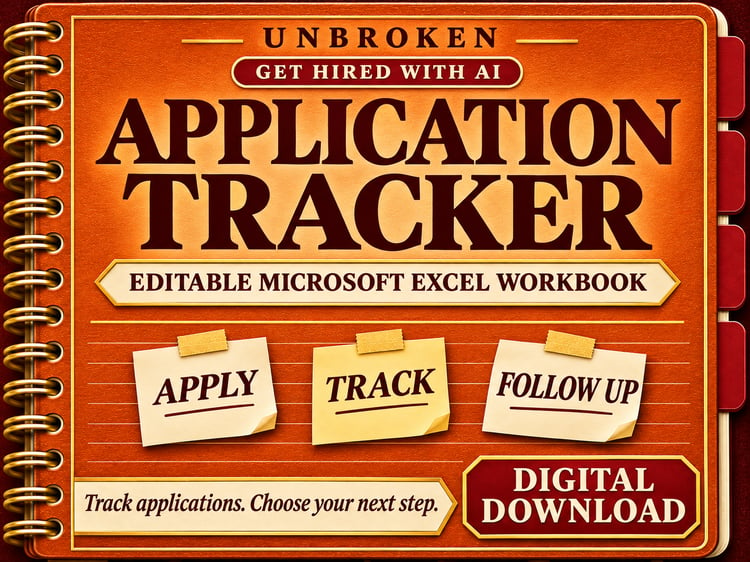
APPLICATION TRACKER
ORGANIZE IT
I mainly need one place to track applications, status, fit, next actions, and follow-ups.
$9
FOUNDING PRICE
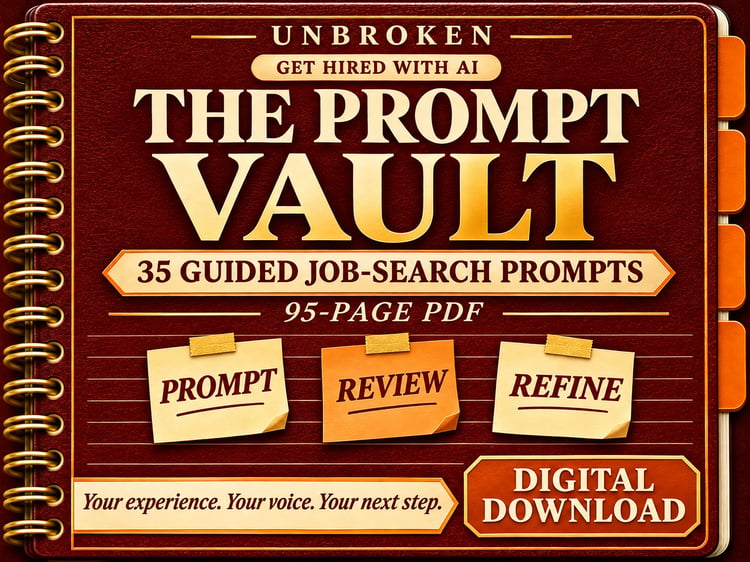
PROMPT VAULT
RUN IT
I mainly need better, structured AI workflows for job-search tasks—with review built in.
$19
FOUNDING PRICE
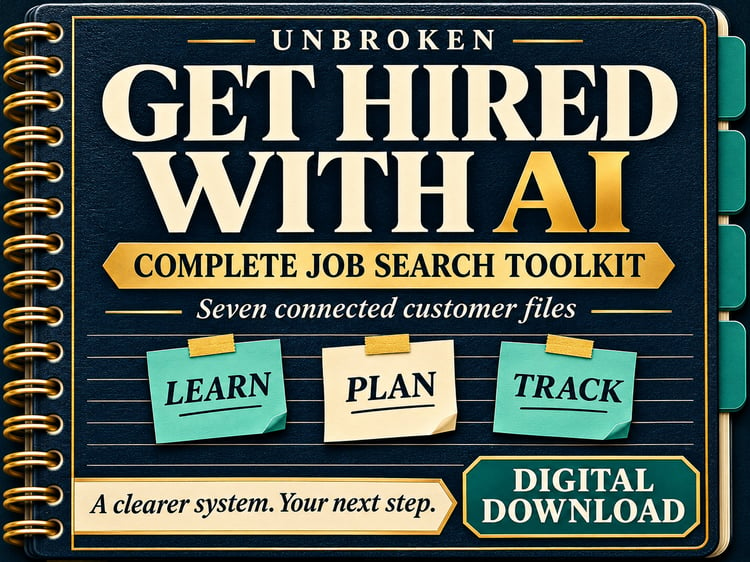
COMPLETE TOOLKIT
BUILD THE SYSTEM
I want the full connected job-search system: learn, prompt, work, track, and verify.
$39
FOUNDING PRICE
About UNBROKEN
Practical AI job-search resources for beginners and career changers: guided prompts, worksheets, an Excel application tracker, and tools to review AI drafts.
Let’s build together, brick by brick.
Practical tools. Your next step.
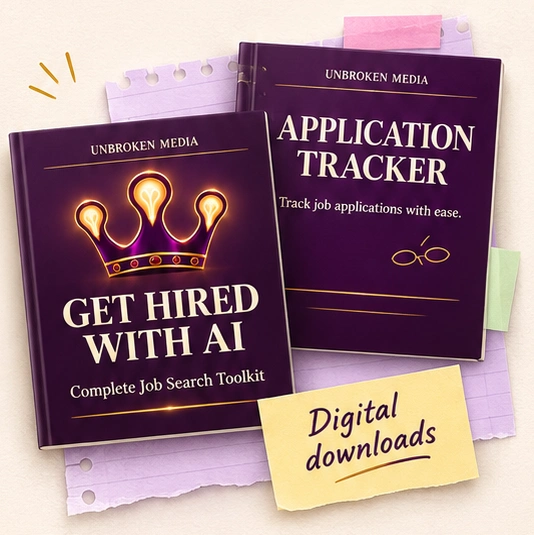
A little structure. A clearer next step.
Practical digital tools for your job search, work, and business.



Before you buy
-
These are digital downloads. No printed notebook or other physical item is shipped.
-
Check each product page for the exact files included and any software requirements. Some tools use PDF, Excel, or ZIP files; requirements vary by product.
-
After a completed purchase, Payhip provides access to your download page and emails a receipt with a download link. Save that email for later. For help accessing your purchase, choose Contact in the shop menu.
-
Choose the $9 Application Tracker if you mainly need to organize applications and follow-ups. Choose the $19 Prompt Vault if you mainly want guided AI job-search workflows.
The $39 Complete Toolkit includes its Tracker and 35-prompt Vault editions, plus the other guides. If you choose the Toolkit, you do not need to buy the standalone Tracker or Vault again for the same person. Check what you already own before buying.
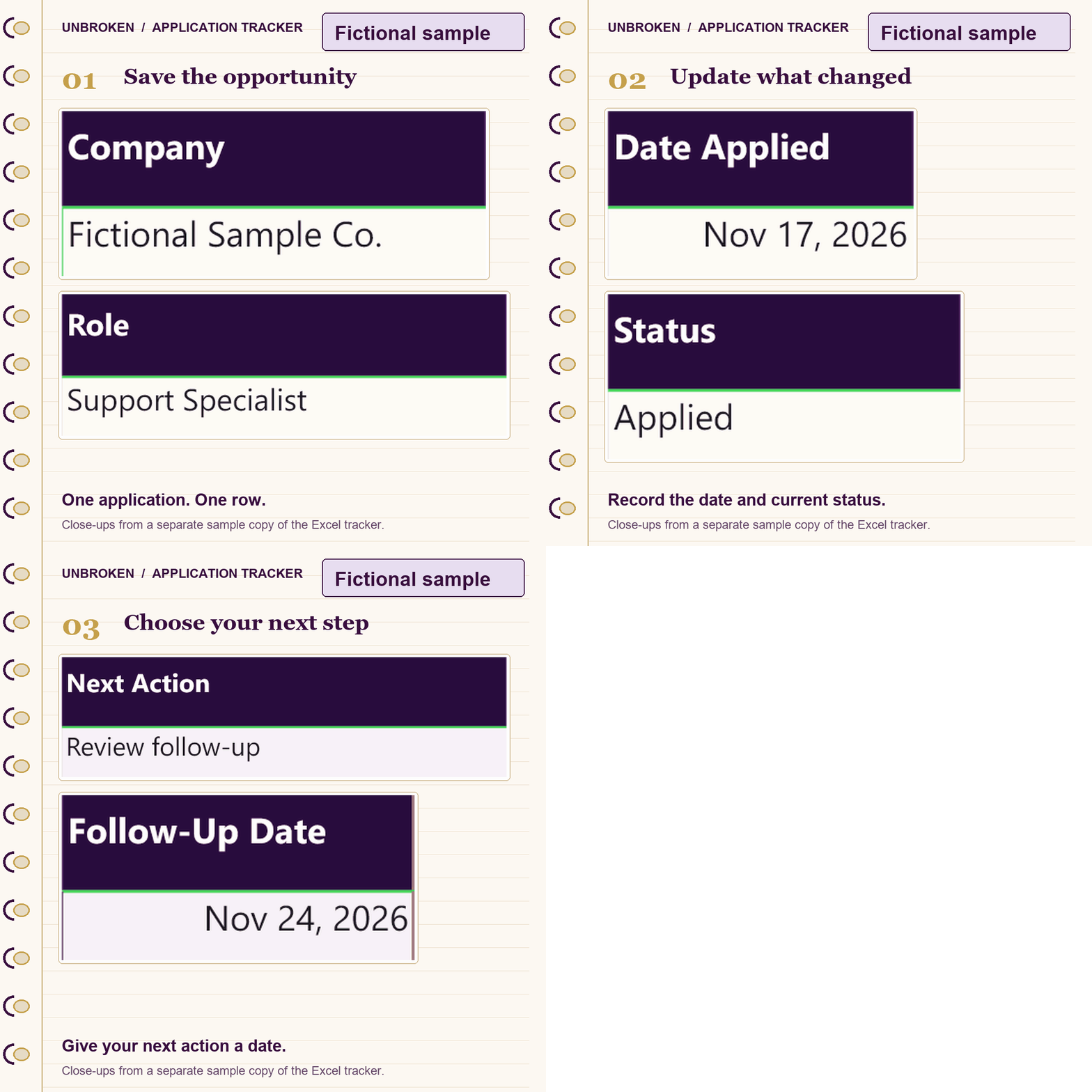
See the Tracker in action
Fictional sample — one application, three simple steps.
Save the company and role. Update the status. Choose your next action and follow-up date.
Close-ups from a separate sample copy. The download is a blank Excel tracker for desktop Microsoft Excel.
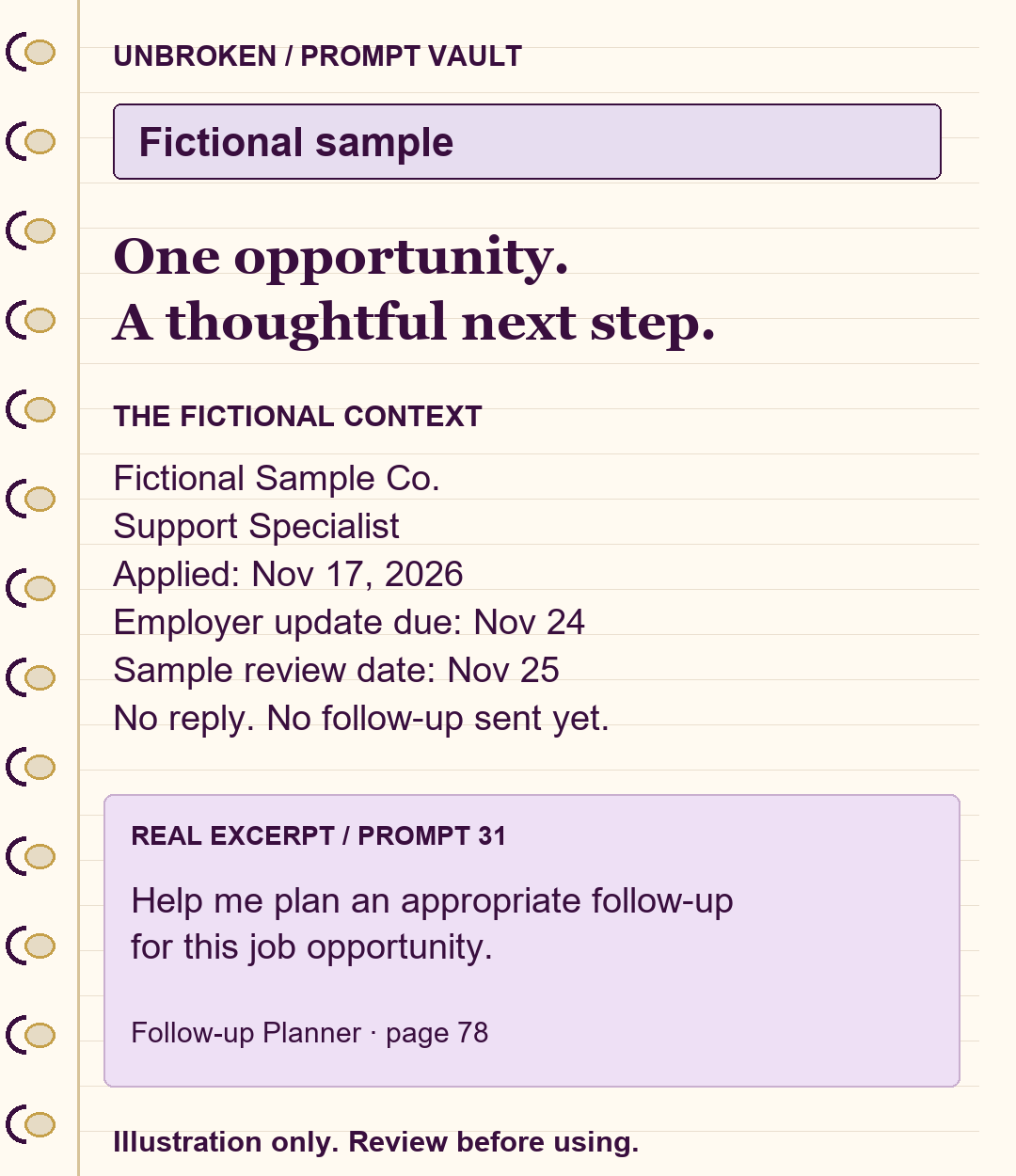
See the Prompt Vault in action
Fictional sample — one job-search task. No real application or employer.
Real excerpt · Prompt 31, Follow-up Planner (page 78): “Help me plan an appropriate follow-up for this job opportunity.”
Sample context: Applied to Fictional Sample Co. for Support Specialist on Nov 17, 2026. The employer said an update was due Nov 24. In this example it is Nov 25, with no reply and no follow-up sent yet.
Illustrative AI draft — review and personalize before using:
Hello, I’m following up on my November 17 application for the Support Specialist role. I remain interested in the opportunity. Could you share any update on next steps? Thank you for your time.
Before using: verify the dates, check for a newer reply or instructions, confirm the role and your interest, and revise the wording. No automatic sending; no promised reply.
Another real instruction from Prompt 31 (page 79): “Do not ignore a timeline the employer explicitly provided.”
This is a short excerpt, not the full prompt. The Vault provides the complete guided workflow.
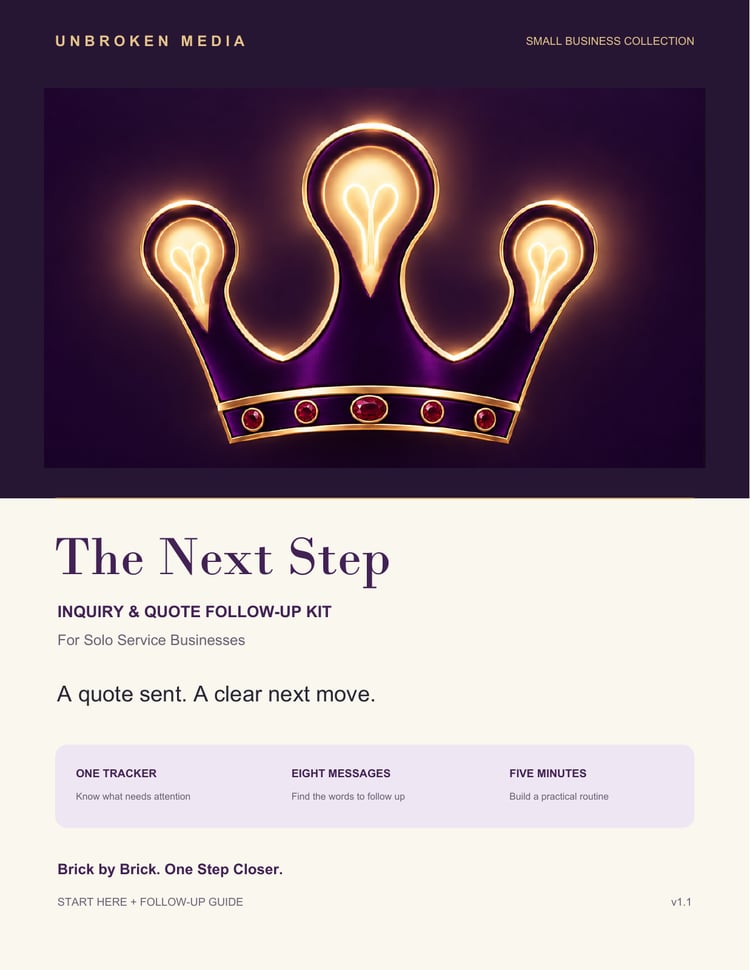
See The Next Step in action
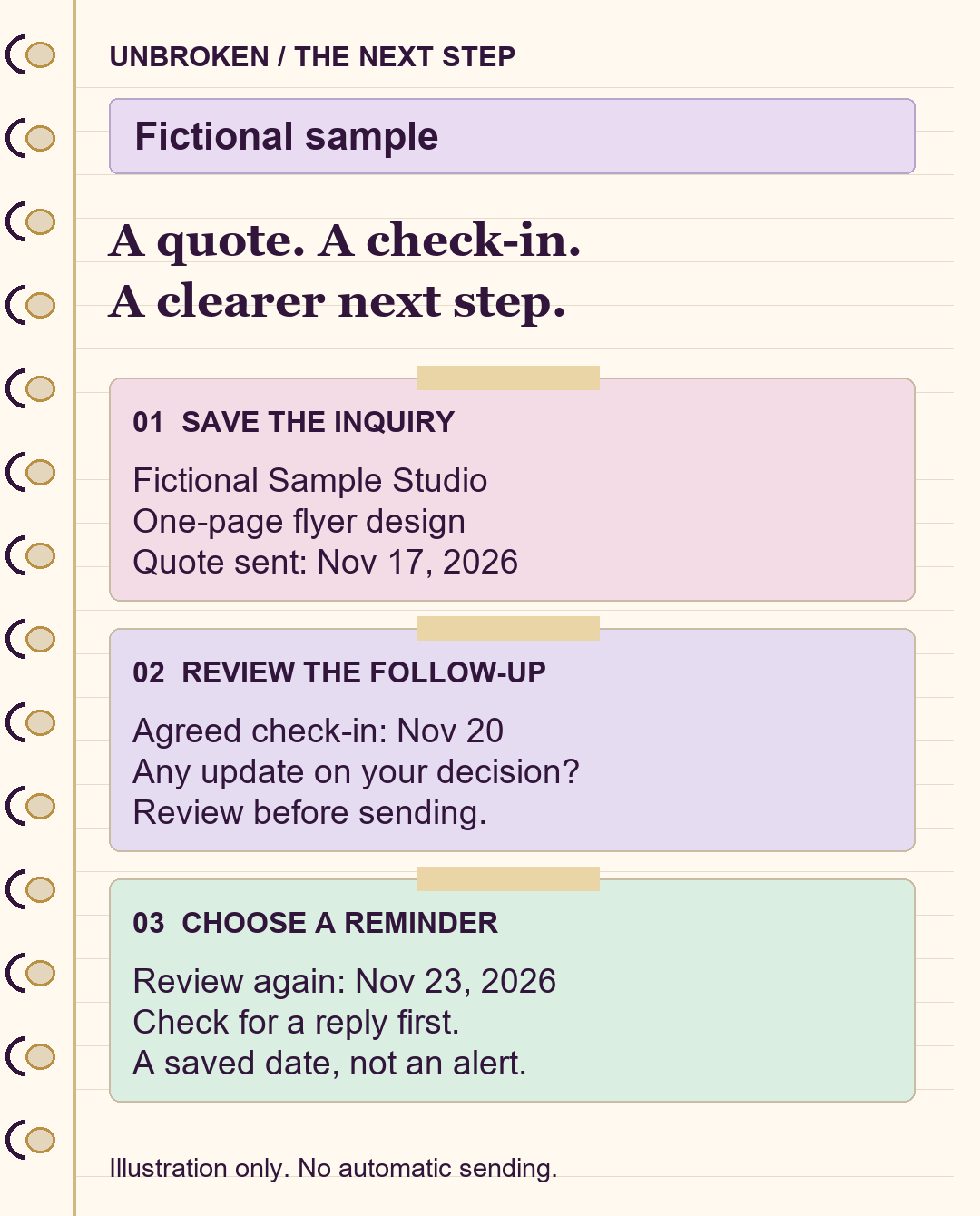
Fictional sample — one inquiry, one thoughtful follow-up. No real customer or message.
1. Save the inquiry: Fictional Sample Studio asks for a quote for a one-page flyer. Quote sent November 17, 2026; customer agrees to a November 20 check-in.
2. Review the follow-up: “Hello, I’m checking in about the flyer quote as agreed for November 20. Would you like to move forward, revisit it later, or leave it for now? I can confirm scope and availability before we start.”
3. Choose a reminder: November 23, 2026 — review whether a reply arrived and decide the next appropriate action. This saved date does not send an automatic alert.
Illustration based on the kit’s editable follow-up messages. Review names, dates and the latest reply before sending. Stop after an opt-out or decline. No automatic sending or promised sales.
The kit includes a start-here PDF, an Excel tracker and eight editable message templates.
Take a peek before you pick
See the Tracker
One fictional application. Three simple steps.
Try a Prompt Vault example
A prompt excerpt and a draft to review.
See a business follow-up
An inquiry, a follow-up, and a reminder date.
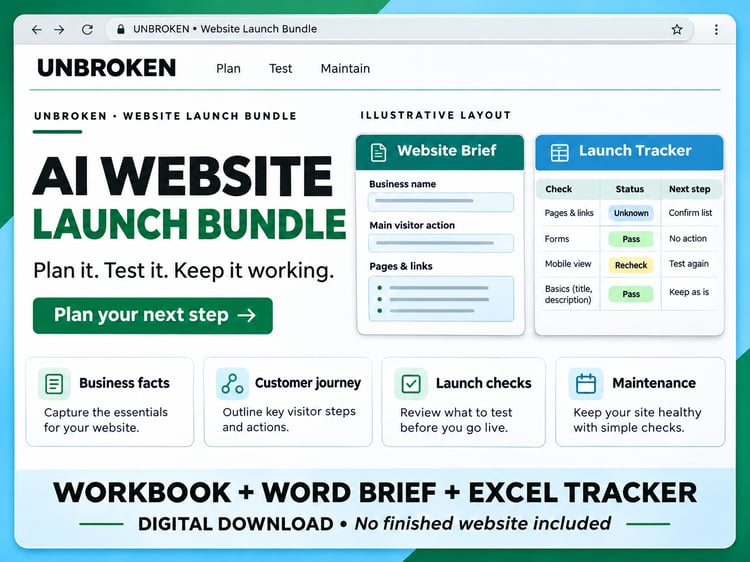
See a website check
A fictional website change. Plan it, check it, and track the next step.
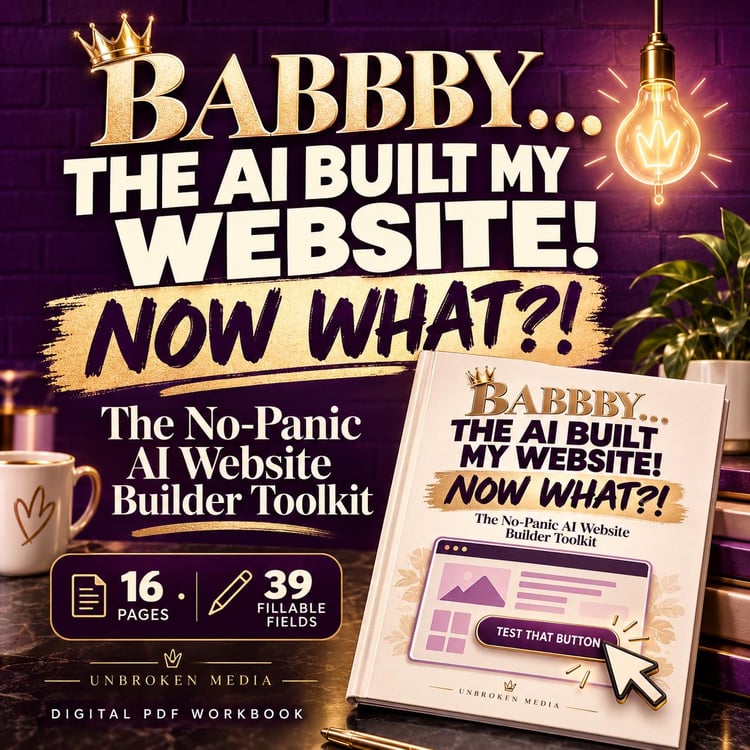
Which website kit fits me?
$9 · Website Launch Checklist & Workbook
Want a guide for checking your website yourself? Start here.
Get the 16-page fillable workbook and Start Here instructions. Plan the basics, check buttons and forms, review phone layouts, and record what needs attention.
$24 · Website Launch & Maintenance Bundle
Want the original AI prompts plus a way to maintain your site without AI? Choose the bundle.
Get five files in one ZIP: the prompt-inclusive workbook, nine-page no-AI maintenance guide, editable Word brief, Excel tracker, and Start Here instructions.
Already own the workbook?
Most workbook content overlaps. The bundle restores the four original AI prompts and adds the maintenance guide, Word brief, and tracker. The brief and tracker also match the earlier four-file bundle. Check your files first—no need to buy the same tools twice.
Both are self-guided digital downloads. You perform the checks; neither automatically tests or fixes your site. No finished website, AI service, or software subscription is included.
See the Website Bundle in action
1 · Plan it
Fictional sample · Cedar Studio
In the editable Word brief: “Make the home-page Contact button easy to use on a phone. Keep the existing contact page. Change one thing at a time.”
Write the goal and what a successful check should show before editing.
2 · Check it
Fictional sample · Manual website check
Use the no-AI maintenance guide: open the sample site on a phone, tap Contact, and check that the intended page opens and is readable.
Sample finding: the right page opens, but the button text is hard to read. You perform the check—the guide does not test or fix your site.
3 · Track it
Fictional sample · Next step
In the Excel tracker, record: “Contact link opens correctly. Improve button contrast, then check again on a phone.” Keep the task open until you verify the change.
Illustrative workflow, not an automated website test. Digital download: workbook with AI prompts, no-AI guide, Word brief, Excel tracker and Start Here instructions.