
AI Website Launch Checklist & Workbook
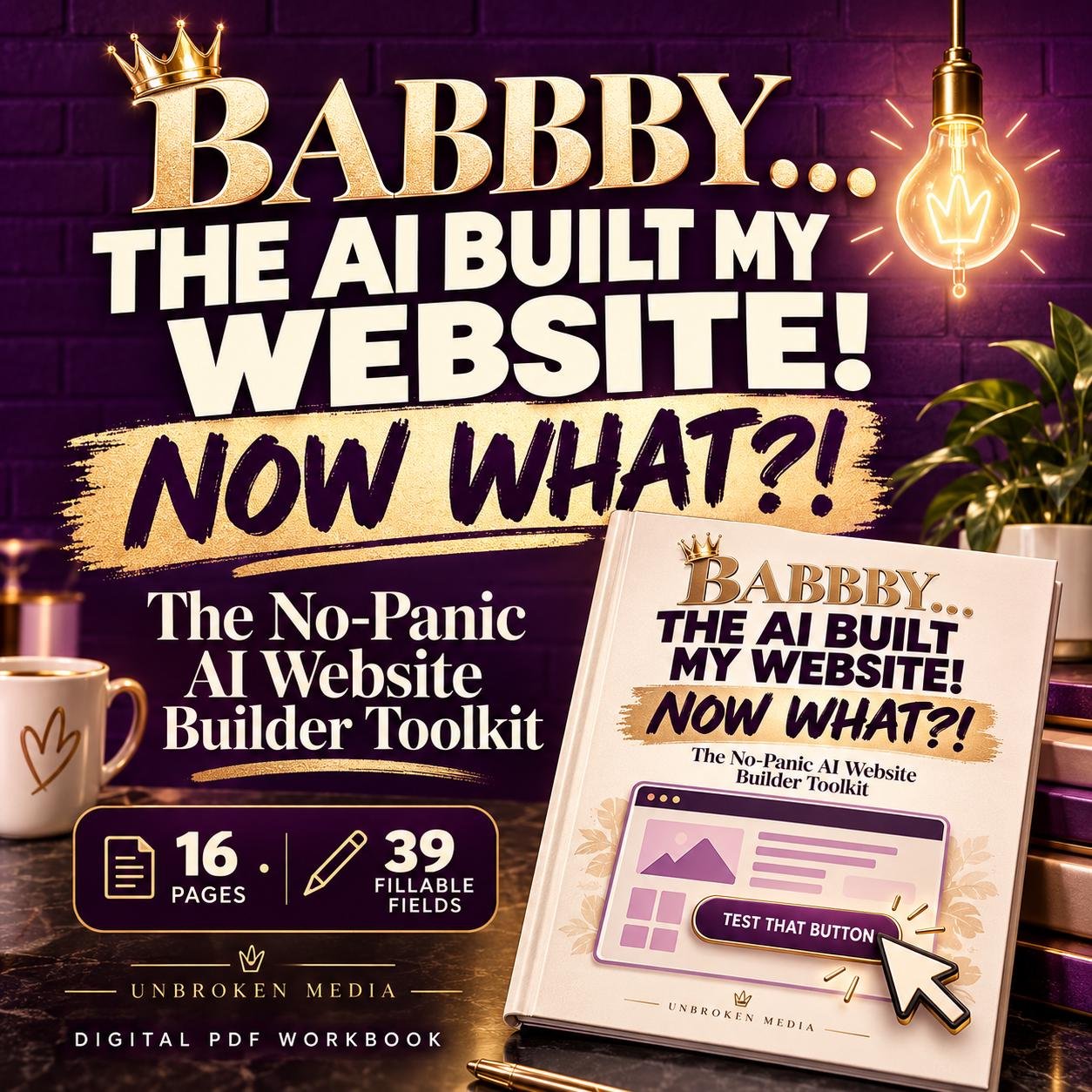
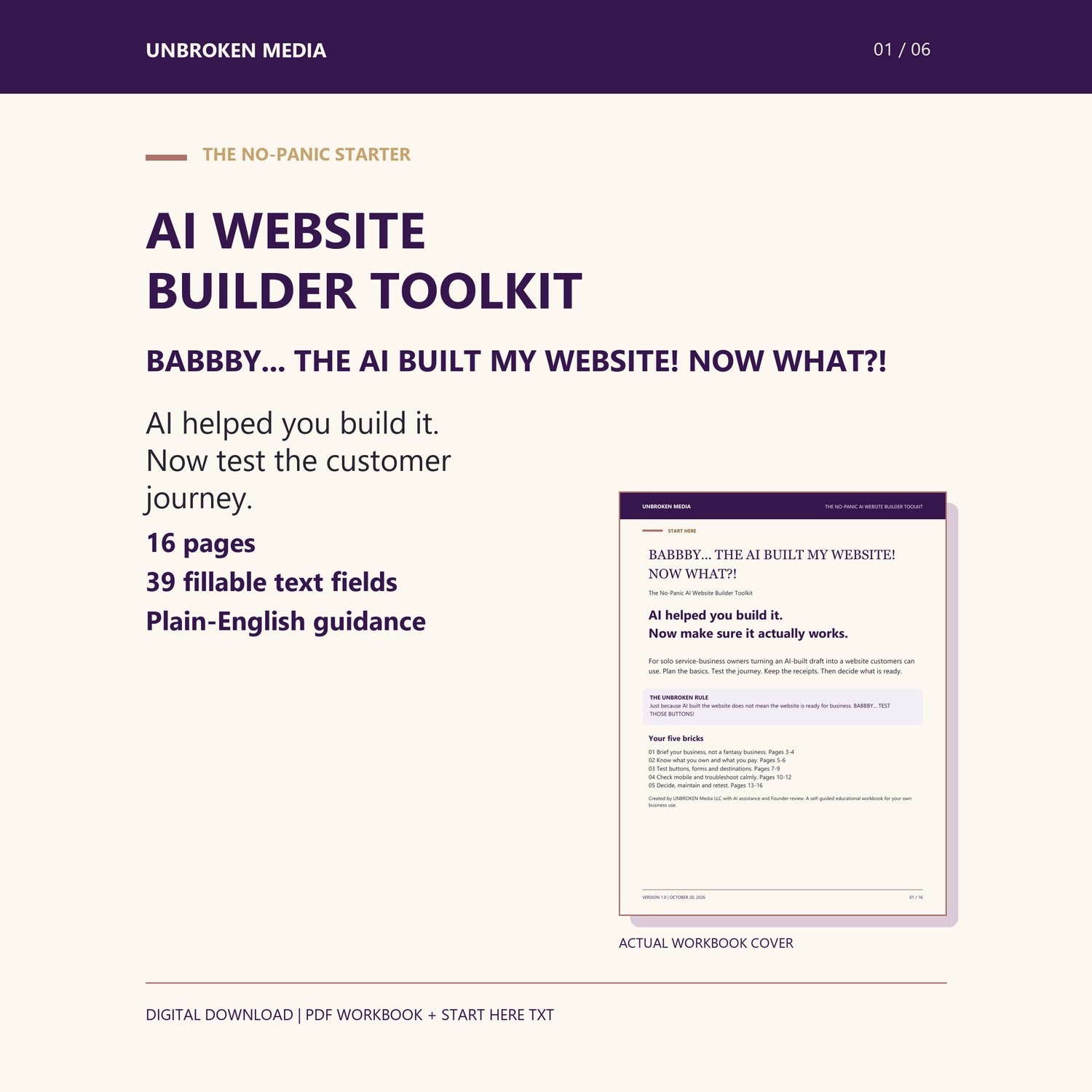
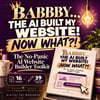
BABBBY... THE AI BUILT MY WEBSITE! NOW WHAT?!
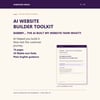
A 16-page fillable PDF workbook to help solo service-business owners plan a simple website, test buttons and inquiry forms, check mobile layouts, and decide what needs fixing before launch.
The No-Panic AI Website Builder Toolkit brings practical customer-experience checks together in plain English. Because a finished-looking page still needs a working customer journey.
WHAT YOU RECEIVE
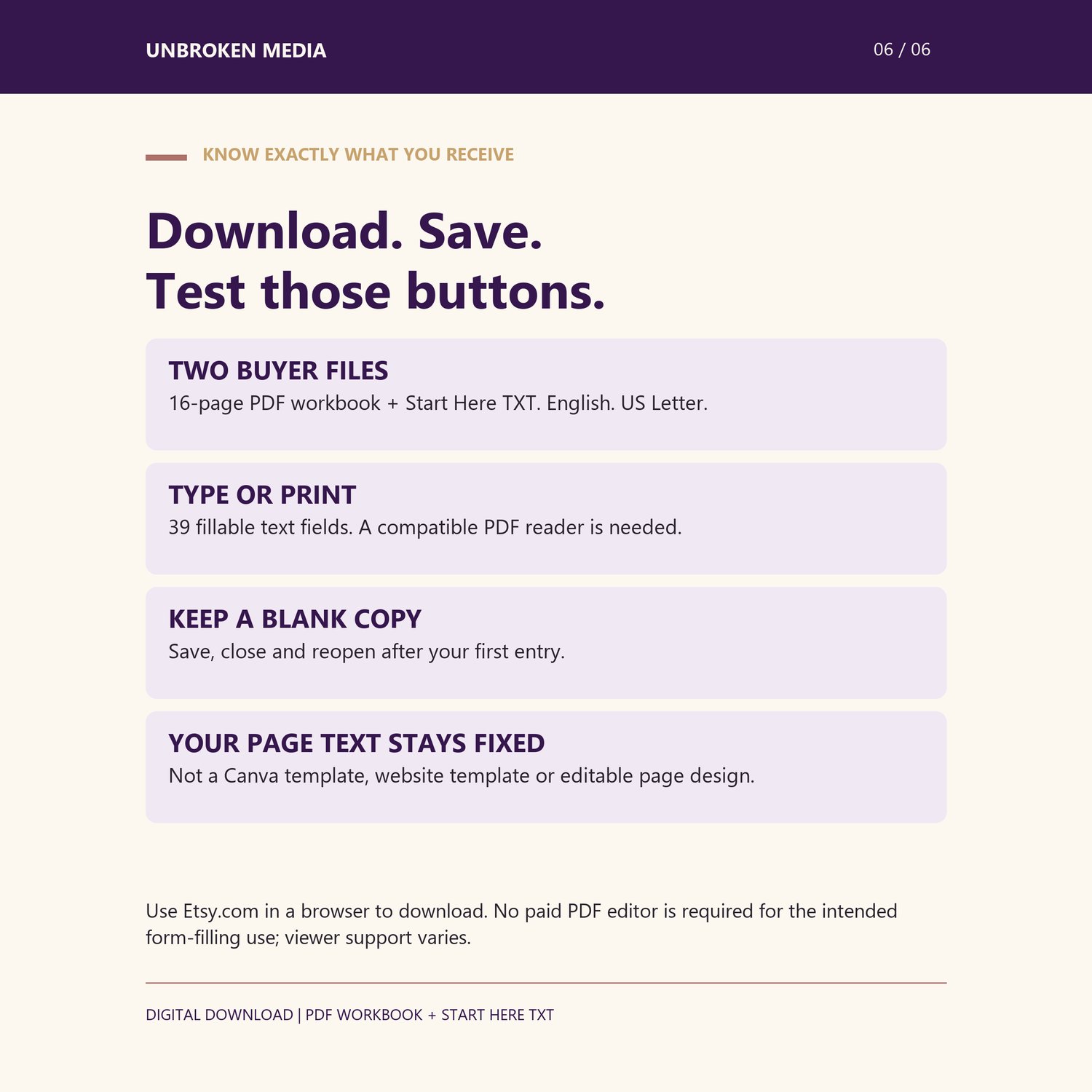
- 1 English-language PDF workbook: 16 US Letter pages, 39 fillable text fields.
- 1 Start Here TXT file with download, saving and printing instructions.
- No physical item. No ZIP extraction required for the buyer files.
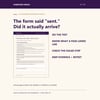
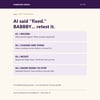
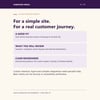
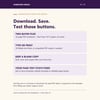
Illustrative cover mockup; download includes the PDF workbook and Start Here file.
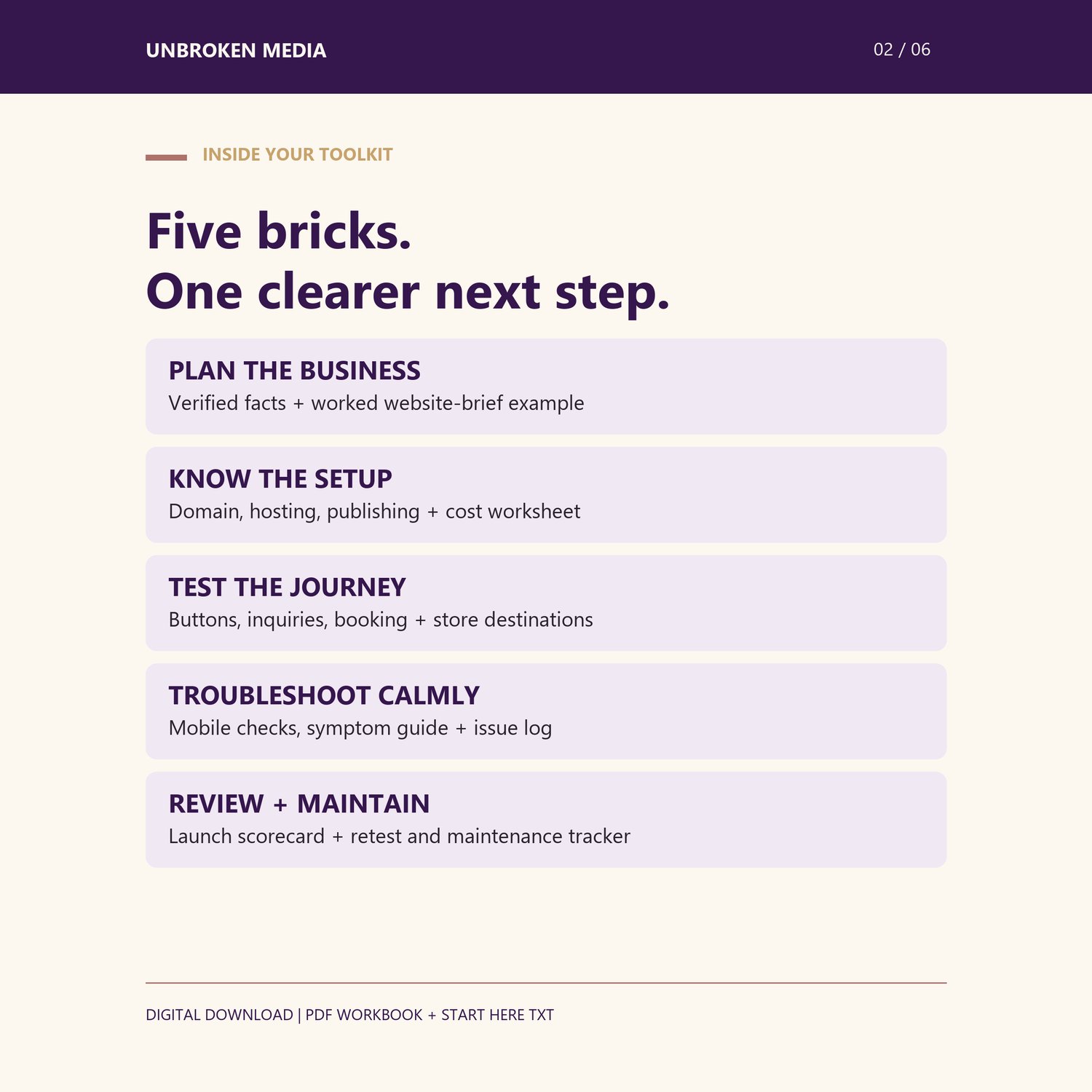
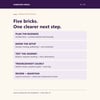
INSIDE YOUR FIVE BRICKS
1. Business-facts planning worksheet and a fictional worked website-brief example.
2. Plain-English domain, hosting and publishing explanations, plus a cost worksheet.
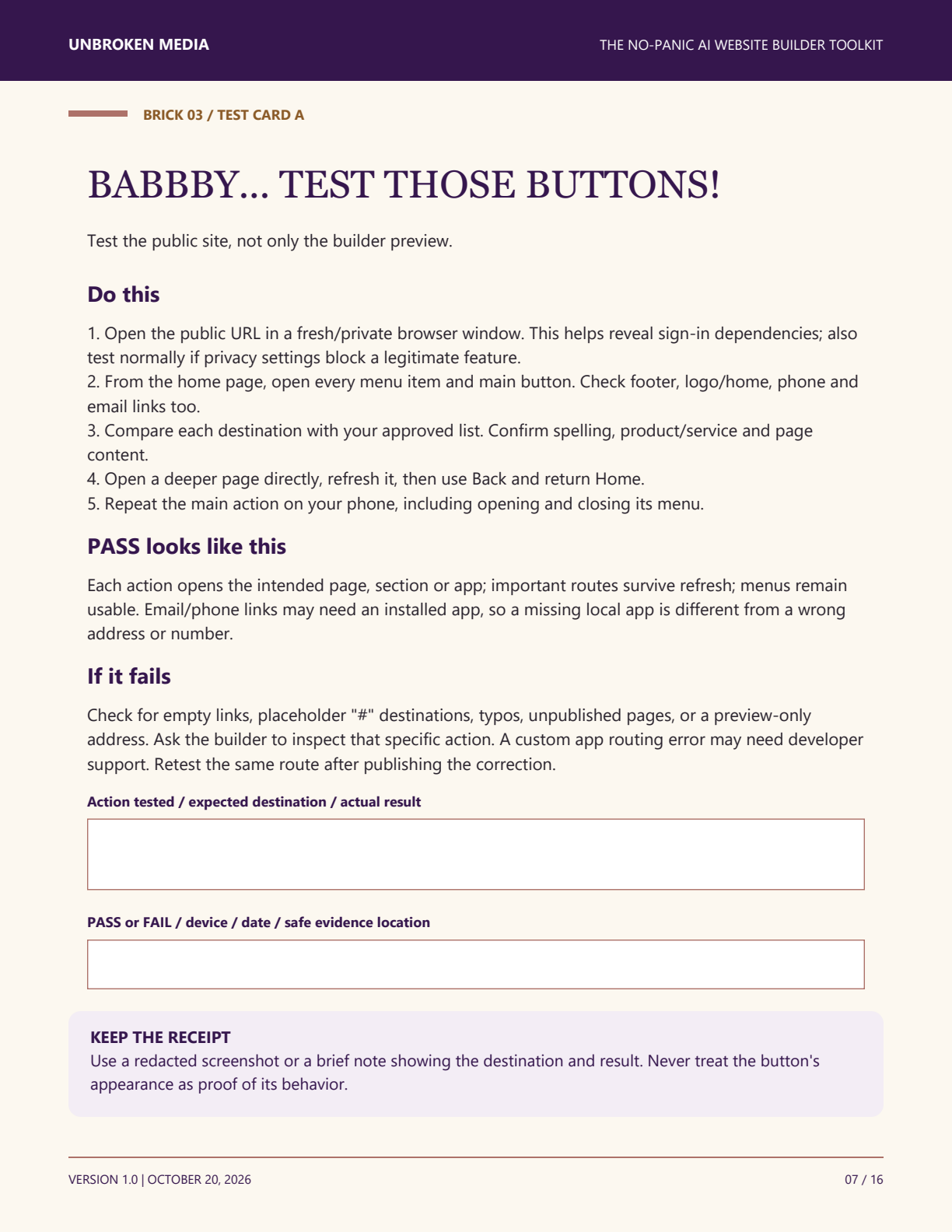
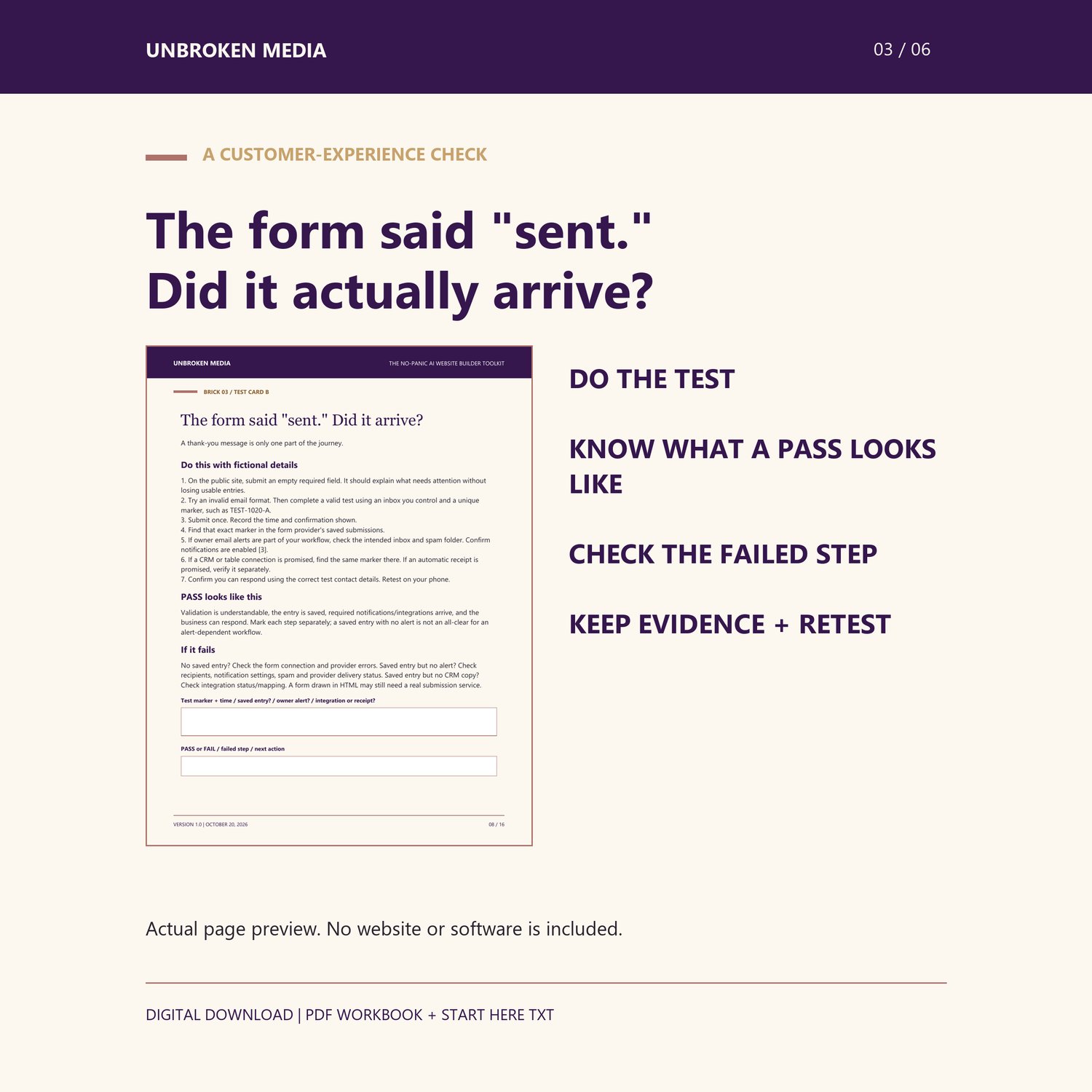
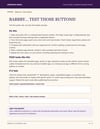
3. Public-site button, navigation, contact-form, booking and store-link test cards.
4. Mobile and accessibility first checks, a symptom-based troubleshooting guide and reusable issue log.
5. Basic discovery guidance, maintenance tracker and the final "BABBBY... DID YOU TEST THAT WEBSITE?!" scorecard.
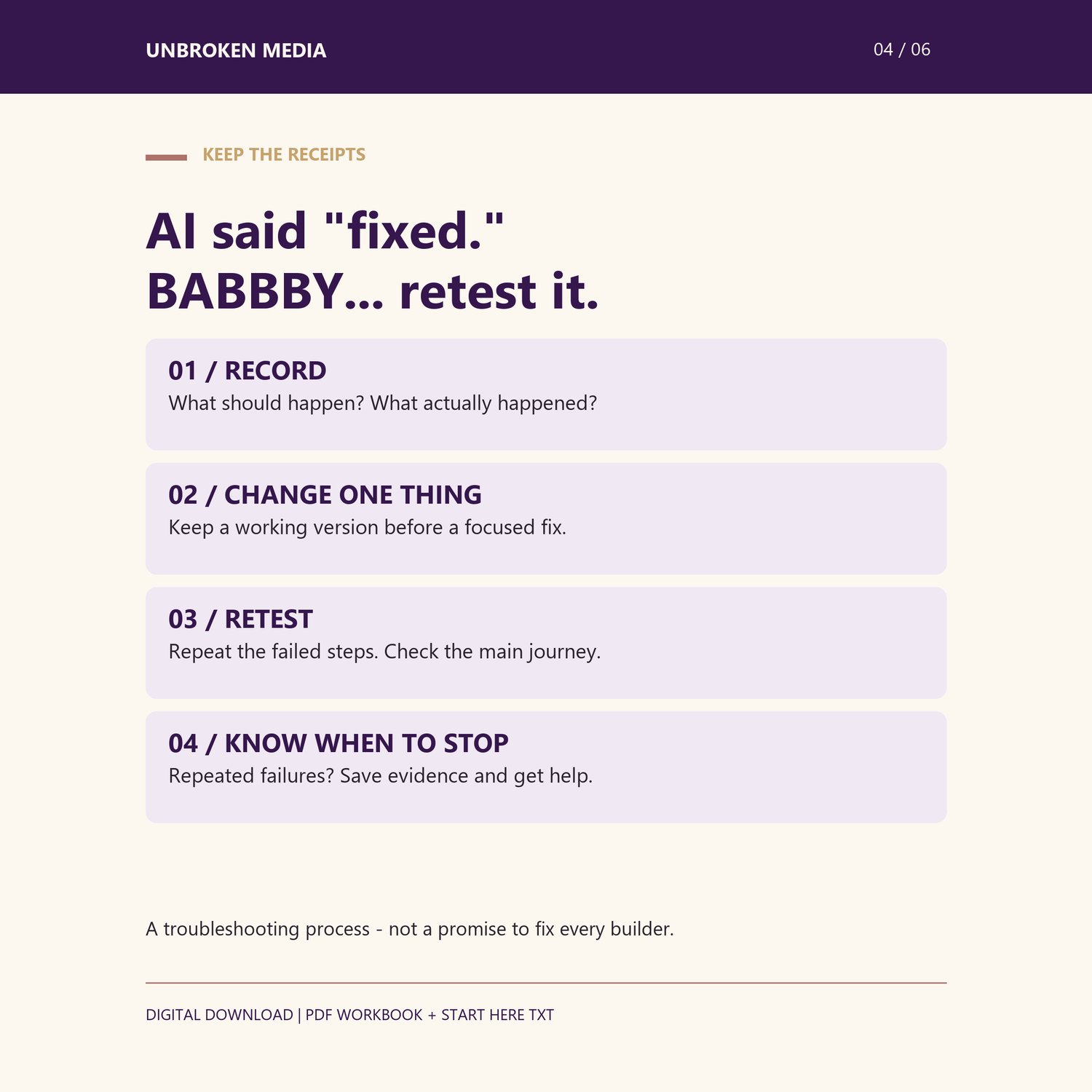
Each test card explains what to do, what a pass looks like, what to check if it fails and what evidence to keep. The scorecard does not turn an untested feature into a pass.
WHO IT IS FOR
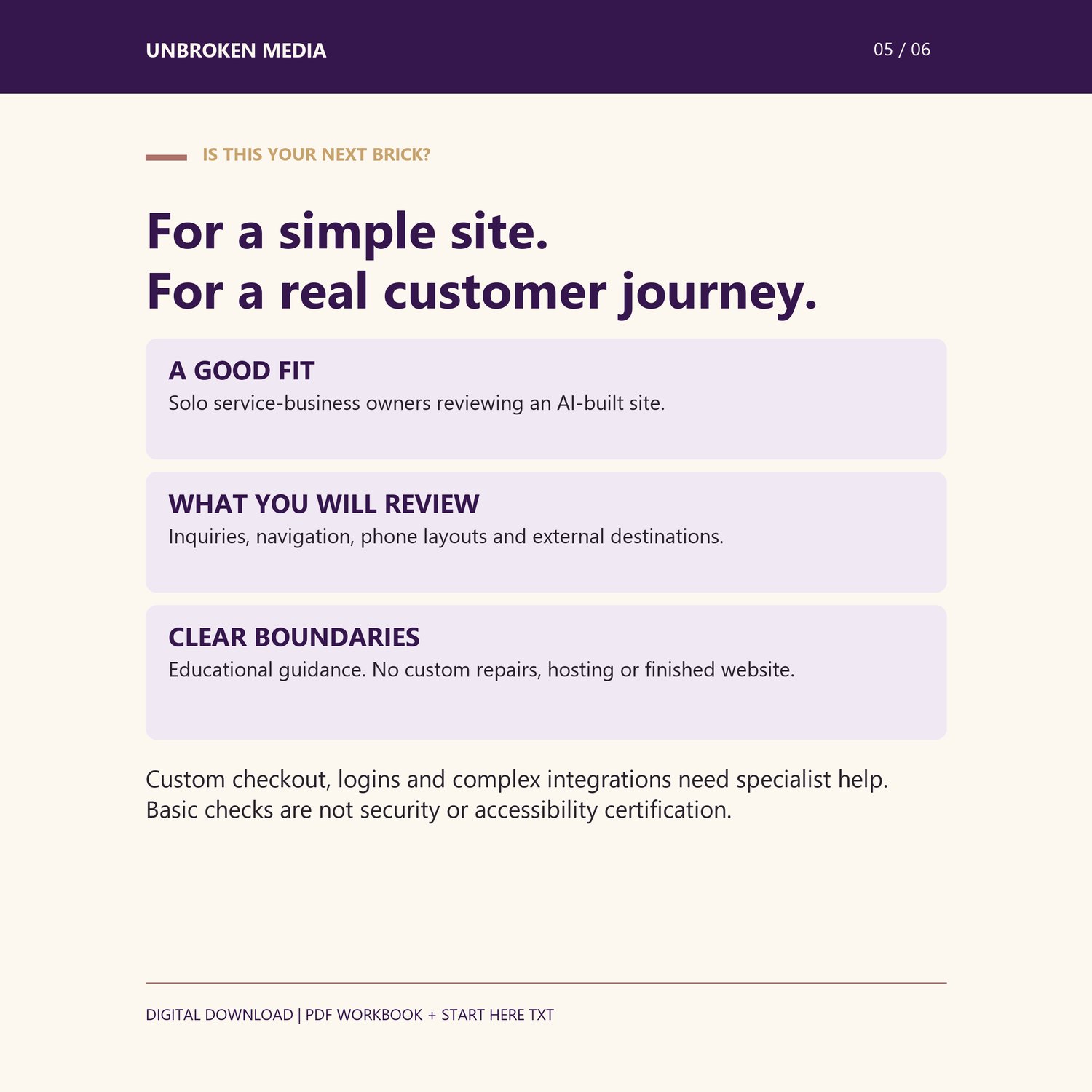
Beginner solo service-business owners reviewing a simple AI-assisted website with an inquiry form or links to existing booking/store services. You do not need coding knowledge to use the workbook. It explains checks and next steps; some fixes will still need your provider or a qualified specialist.
FORMAT AND USE
Download using your Payhip purchase download page or receipt link. Save the PDF to your device, open it in a PDF reader that supports standard text form fields, then save, close and reopen after your first entry. PDF viewer behavior varies. Desktop use is recommended for typing; you may also print and write. No paid PDF editor is required for the intended form-filling use, though you need a compatible reader. The guide's page text/design is not editable. This is not a Canva template or website source code.
WHAT IS NOT INCLUDED
No finished website, hosting, domain, software subscription, custom development, repairs, live audit, payment integration or ongoing monitoring. External accounts and services may have their own fees. This is an educational website-readiness workbook, not an AI prompt bundle. Custom checkout, logins and complex backends are outside its scope.
IMPORTANT EXPECTATIONS
Guidance is platform-neutral where possible and includes dated official references. It does not guarantee compatibility with every builder, sales, traffic, search ranking, security or accessibility compliance. Basic checks do not replace a full professional assessment. A functioning checkout and payment/delivery process must be verified separately where applicable. Use fictional test details and never paste credentials or customer data into the workbook.
USE RIGHTS
For your own business or authorized internal testing. You may copy blank worksheets for internal use. No resale, public redistribution or rebranding for sale.
CREATION DISCLOSURE
Created by UNBROKEN Media LLC with AI assistance for drafting and layout, shaped by the Founder's practical website-building experience and reviewed by the Founder. No independent beginner usability study has been completed.
FILE HELP
For missing downloads or file-opening problems, contact UNBROKEN Media through the support link in your Payhip receipt with the file name, device and PDF reader, and a redacted description of the issue. Do not send passwords, payment details or customer records. File help does not include custom website troubleshooting or repair.
Current customer edition: v1.0, October 20, 2026.