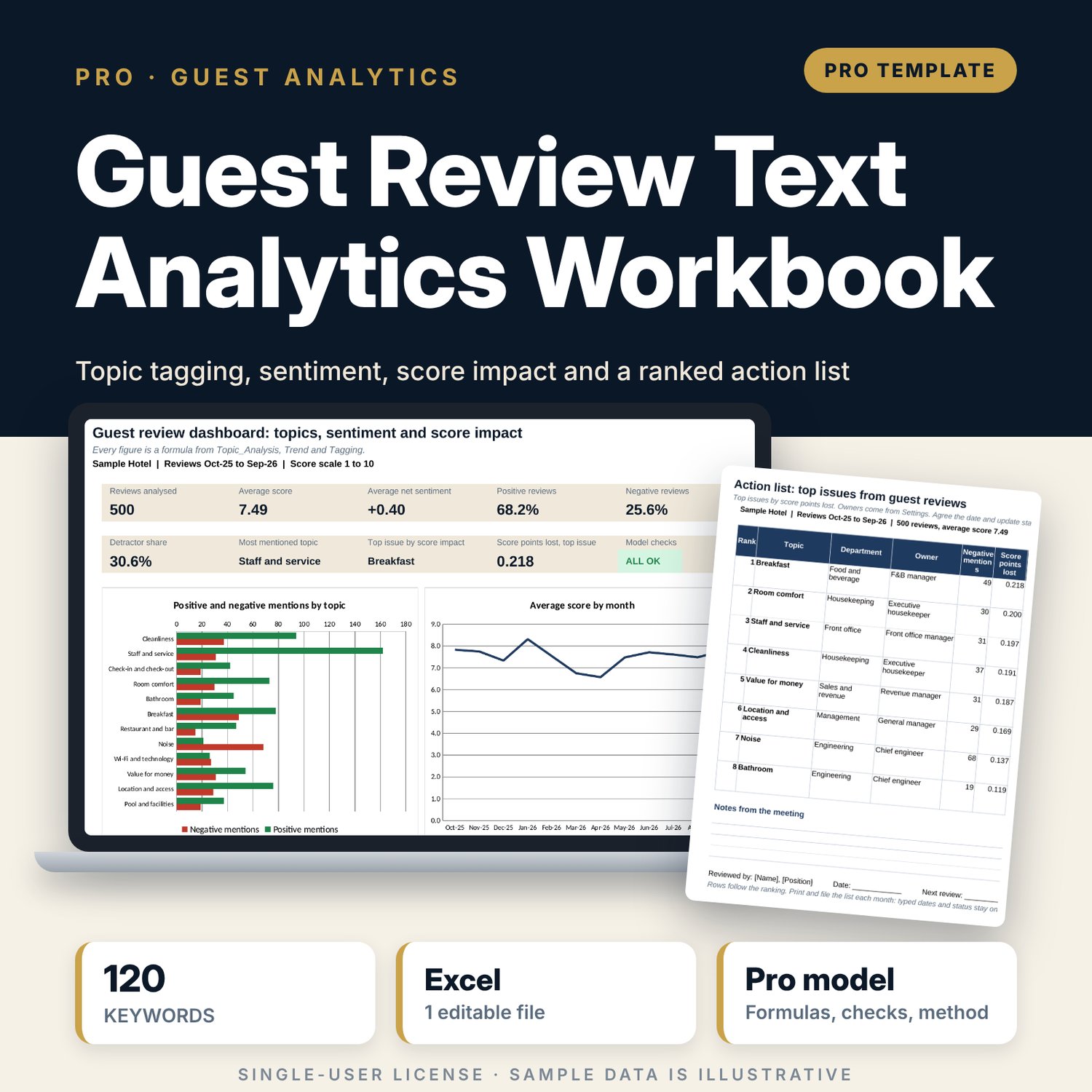
Guest Review Text Analytics Workbook: Hotel Review Sentiment and Topic Analysis Template in Excel
Full description
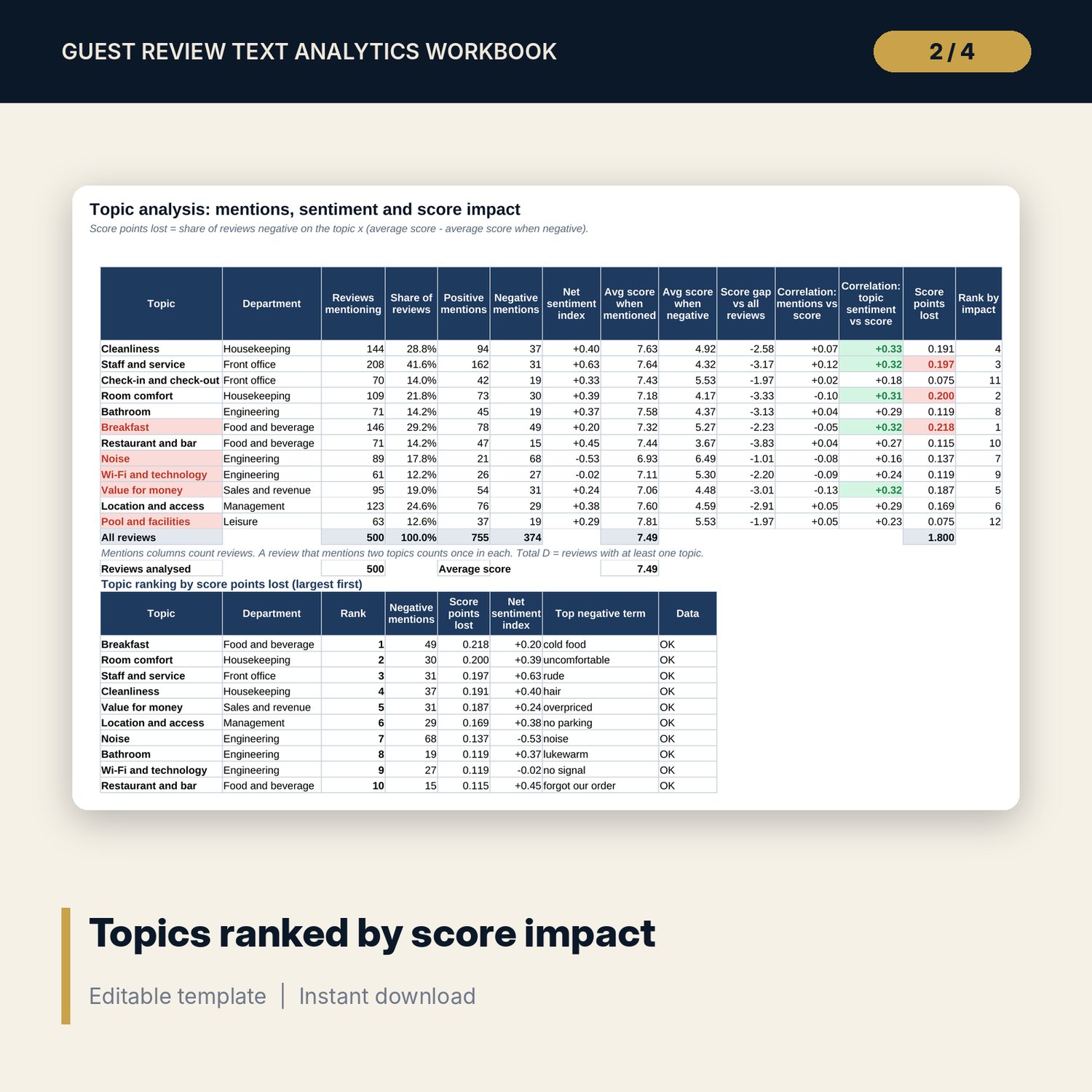
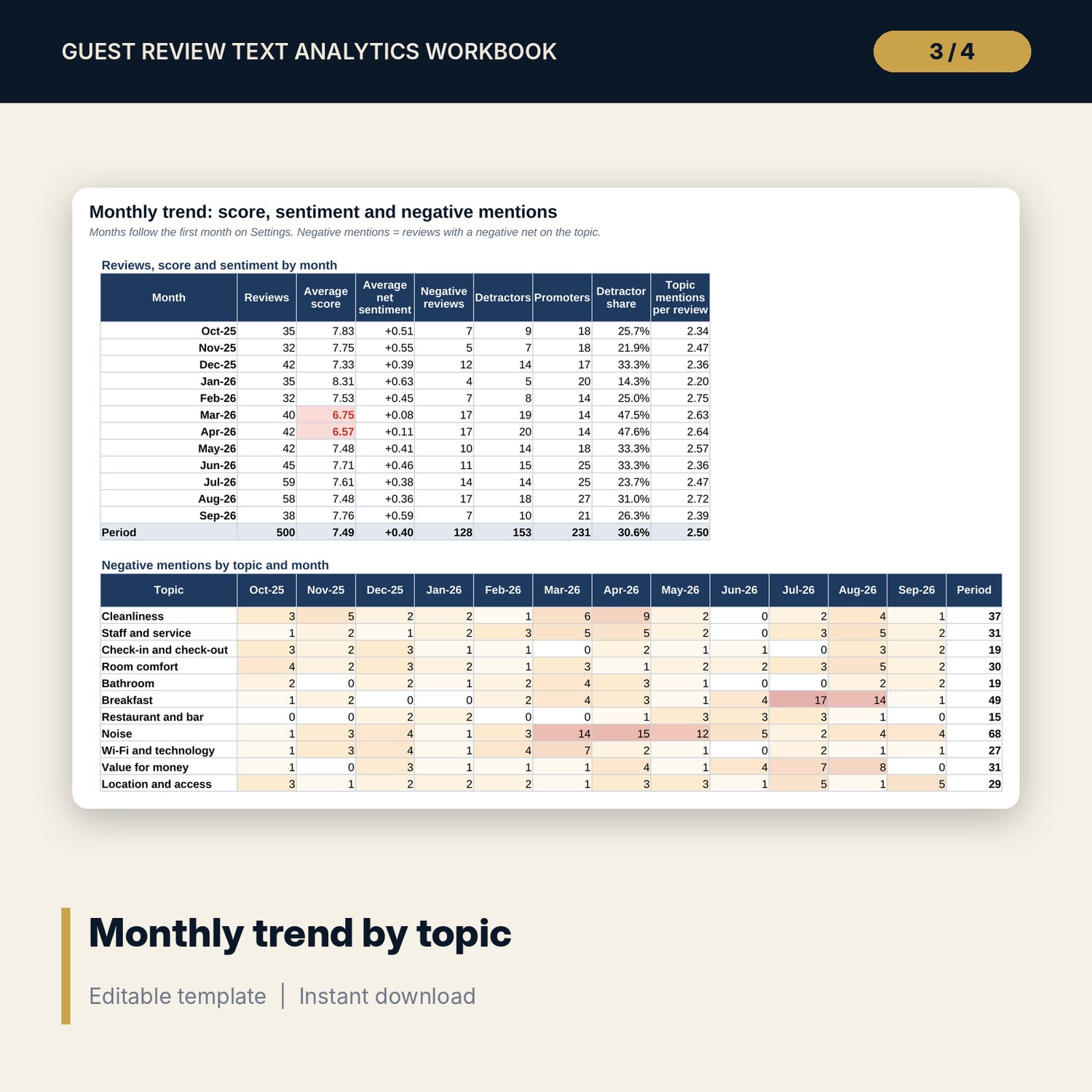
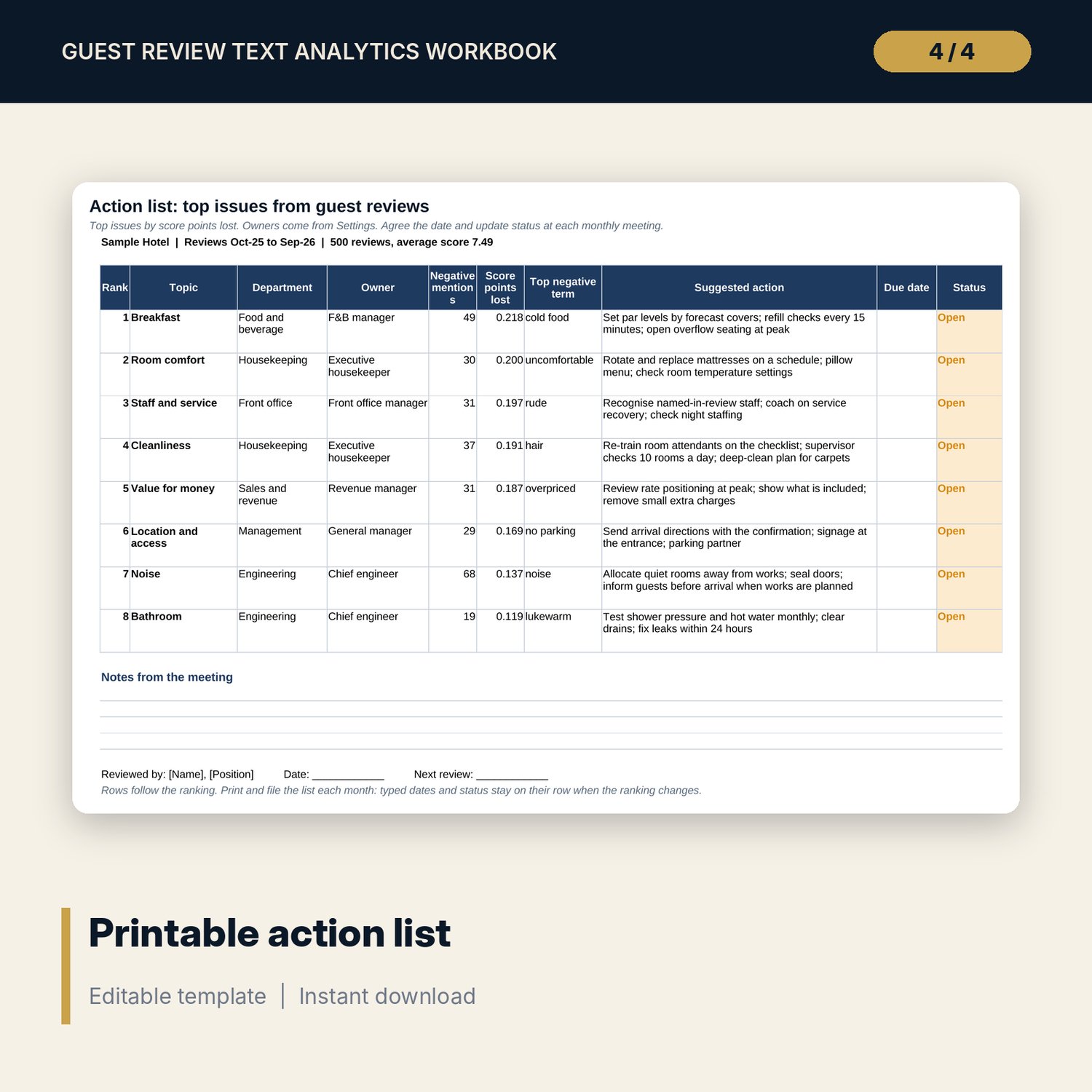
For general managers, quality and guest experience managers and department heads who read reviews every week but need a ranked view of what to fix first. The workbook searches every comment for an editable library of 120 keywords in 12 topics (cleanliness, staff, breakfast, noise, value and more) with SEARCH formulas, so each review gets hits and a net polarity per topic, positive and negative word counts and a net sentiment score. For each topic it reports mentions, negative share, the average score when the topic is negative, the correlation of mentions and of sentiment with the review score, and the score points the topic costs. A monthly trend, the top three negative terms for each department and a printable action list with owners turn the analysis into a meeting agenda. Every formula is visible and an independent COUNTIF count reconciles the tagging engine.
Save with a bundle: this workbook is also in the Hotel Revenue & Data Analytics Pro Bundle, 25 workbooks for $59 instead of $319. All 100 Pro workbooks are in the Pro Library for $119, and all 241 templates and workbooks are in the Ultimate Hospitality Library for $149.
What is inside
- Guest_Review_Text_Analytics.xlsx: 12 tabs, 22,939 formulas, 5 native charts, 10 drop-down and input rules
- Keyword library: 120 terms in 12 topics with polarity, 2 blank slots per topic, and a lexicon of 30 positive and 30 negative words
- Reviews: 500 sample reviews over 12 months with source, trip type and score, plus 100 spare rows
- Tagging engine: hits and net polarity for every review and topic, positive and negative word counts, net sentiment and most negative topic
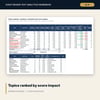
- Topic_Analysis: mentions, sentiment index, score gap, two correlations with the score, score points lost and a ranked table
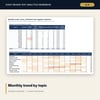
- Trend: reviews, average score, sentiment and detractor share by month, plus negative mentions by topic and month
- Departments: mentions, sentiment and the top three negative terms for 7 departments
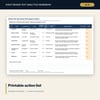
- Action_List: printable one-page list of the top 8 issues with owner, suggested action, due date and status
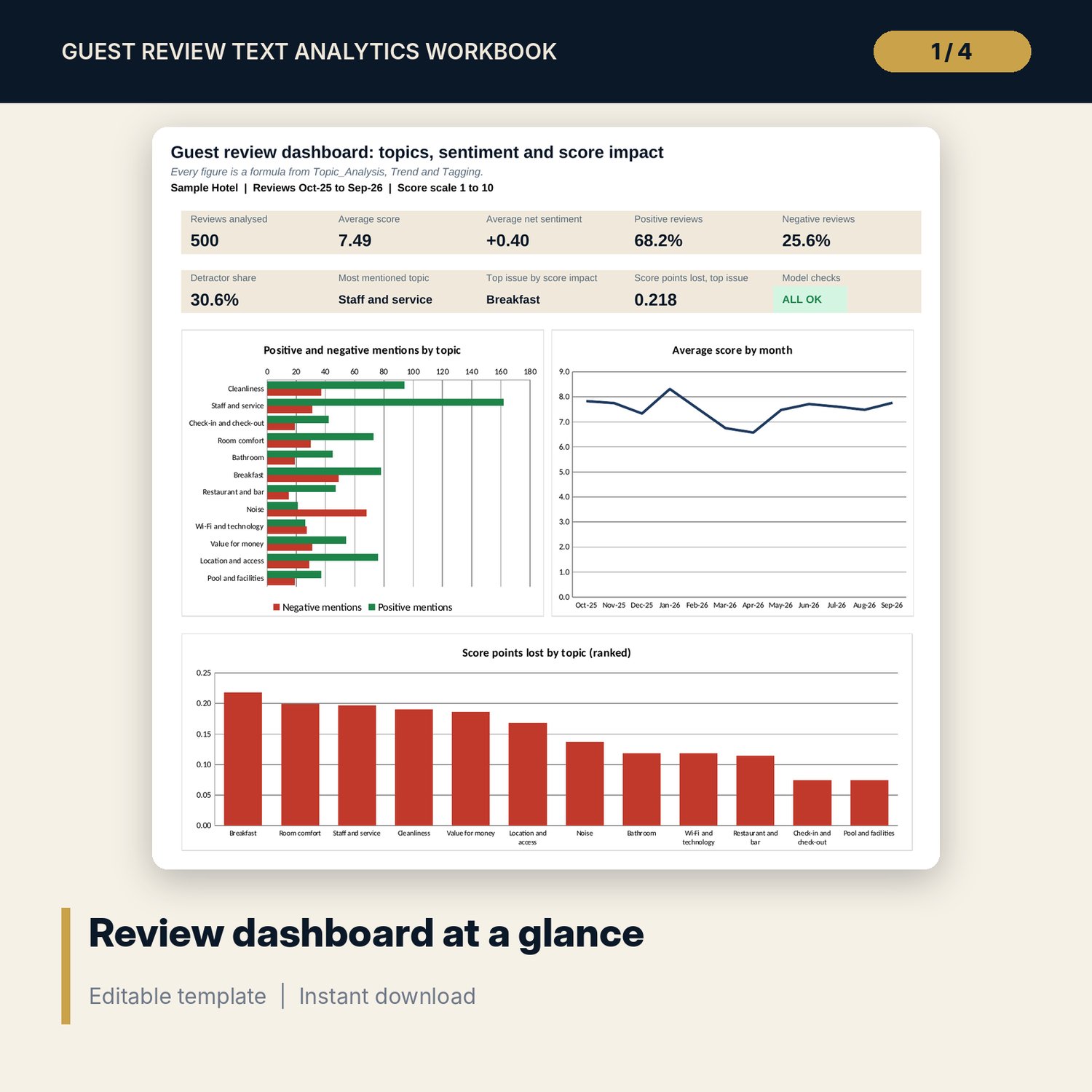
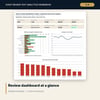
- Dashboard (one page), 15 integrity checks and a Method tab with 16 documented calculations
- README.txt and LICENSE-and-Terms.txt
How it works
- Set the review period, score scale and thresholds on Settings, and check the topics and owners.
- Review the keyword library and add the words your guests use.
- Paste reviews with date, source, trip type, score and comment.
- Read the ranked topics, monthly trend and department issues; confirm the Checks tab shows ALL OK.
- Print the action list for the monthly quality meeting and update due dates and status.
Details
- Format: one .xlsx workbook, English
- Software: Excel 2016 or later, or LibreOffice Calc 7 or later
- No macros, no add-ins, no external links, no array formulas
- Instant digital download
Good to know
- Sample data is illustrative. Replace it with your own reviews.
- Keyword matching does not read negation: "not clean" counts as clean. Read flagged reviews before acting on a single comment.
- Remove guest names and contact details from comments. Verify local requirements for storing guest feedback.
- Single-user license. Do not redistribute.
FAQ
Can I add my own keywords or topics?
Yes. Each topic has 12 slots with 2 left blank, and you can rename topics on Settings. Terms match at the start of a word, so a stem such as dirt also finds dirty.
Does it work with a 1-5 score scale?
Yes. Set the scale maximum to 5 and adjust the detractor and promoter limits on Settings.
What does score points lost mean?
It is the share of reviews that are negative about a topic times how far their average score sits below the overall average. It shows which topic pulls the average score down the most.
How many reviews can it hold?
600 rows are ready. Copy the last formula row down on Reviews and Tagging for more.
Does it need macros or an AI service?
No. Every step is a standard worksheet formula you can audit.