
Advanced Image Uploads for Gravity Forms
Turn a basic Gravity Forms upload field into a polished multi-image experience.
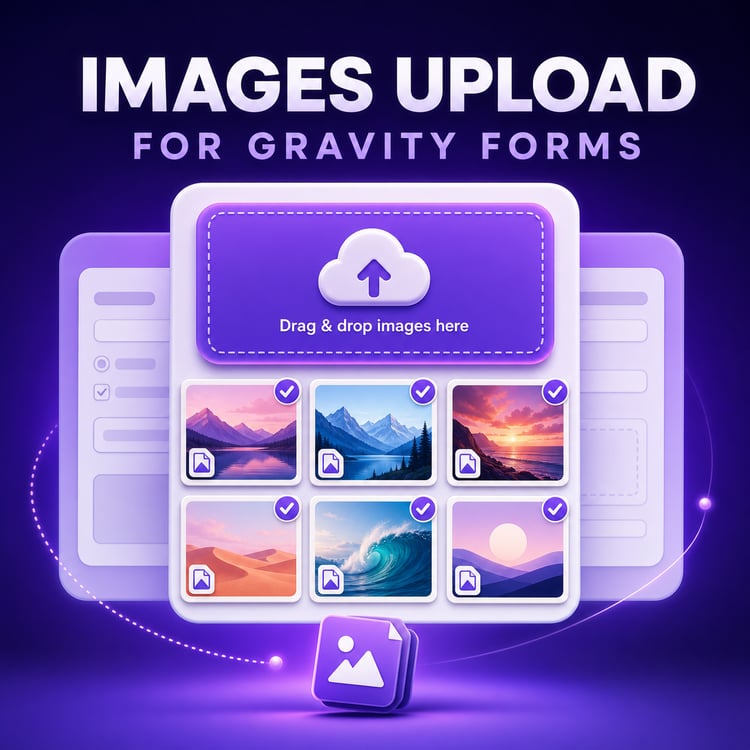
Advance Image Uploads for Gravity Forms lets visitors drag and drop multiple images, preview every selection, edit static images and submit files through a fast, visual workflow that feels at home on a modern website.
Images upload individually through AJAX, animated GIFs keep their original animation, and submitted files appear in a clean WordPress entry gallery—giving both visitors and administrators a much better experience.
TRY THE LIVE DEMO
WHY CHOOSE ADVANCE IMAGE UPLOADS?
• Add a premium drag-and-drop multi-image field to Gravity Forms.
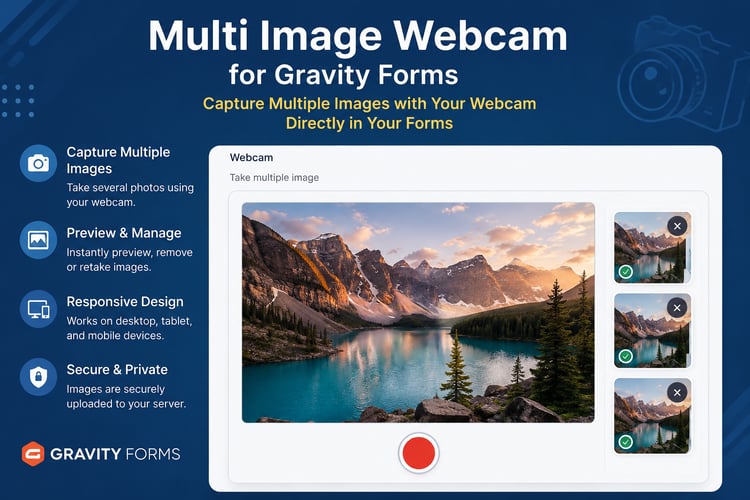
• Show large, responsive previews before form submission.
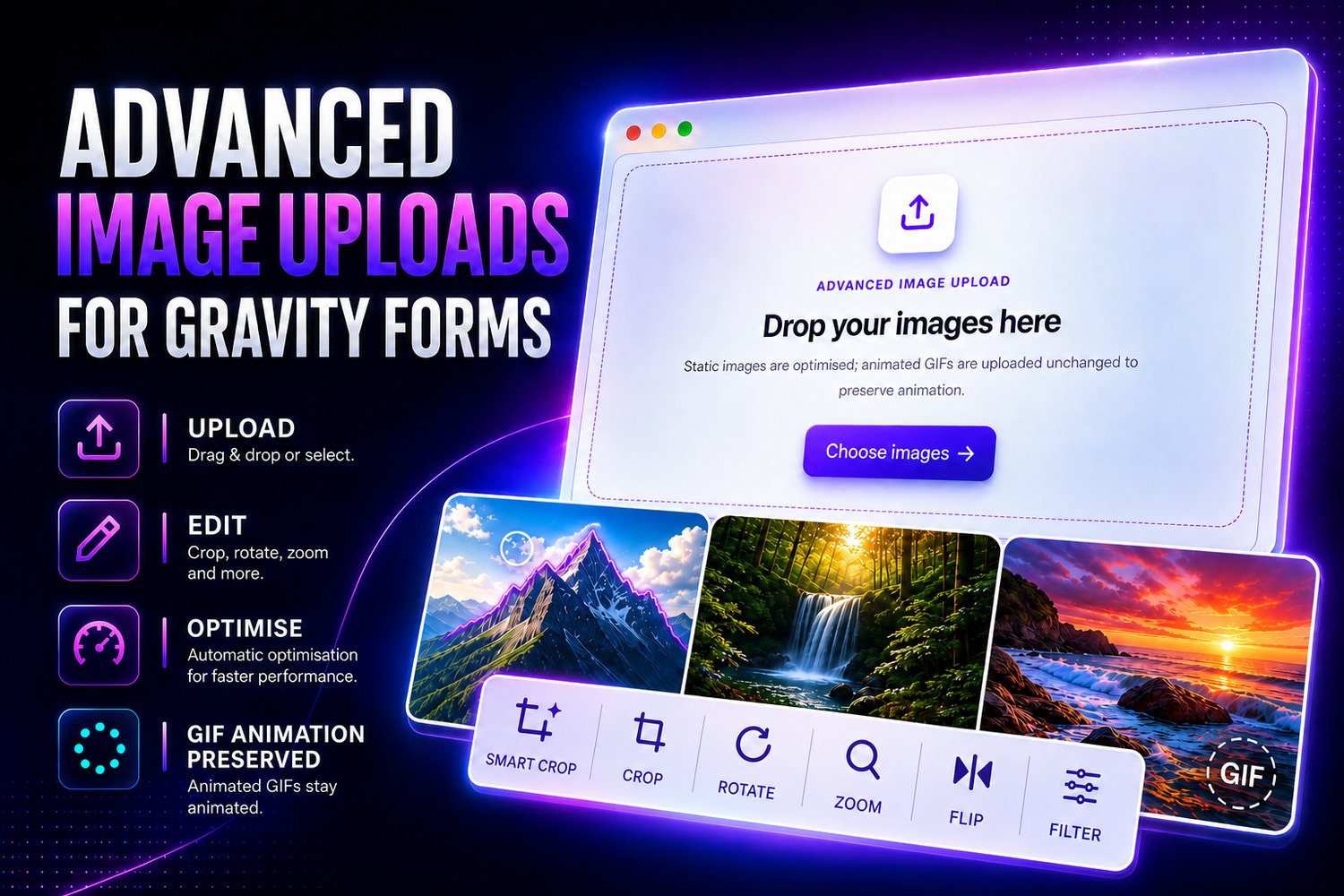
• Let visitors crop, zoom, flip and enhance static images.
• Preserve animated GIF frames, timing, looping and transparency.
• Resize and optimise static images inside the browser.
• Upload every image individually through AJAX.
• Store compact image URLs inside the Gravity Forms entry.
• Review submitted images in a responsive WordPress gallery.
• Support desktop, tablet and mobile layouts.
• Work naturally with Gravity Forms conditional logic and Gutenberg.
A COMPLETE FRONTEND IMAGE EDITOR
Visitors can improve static JPEG and PNG images without leaving your form. The responsive editor includes:
• Touch-friendly cropping.
• Zoom in, zoom out and reset zoom.
• Horizontal and vertical flipping.
• Undo, redo and reset.
• Original plus 11 creative filters: Mono, Sepia, Vivid, Warm, Cool, Contrast, Bright, Fade, Noir, Vintage and Aqua.
• Responsive controls for desktop, tablets, portrait phones and landscape screens.
AI-ASSISTED SMART CROP
Crop images faster with private, on-device object detection.
Select Smart Crop and the editor automatically identifies objects in the image. Every detected object receives its own crop button, letting visitors or administrators choose exactly what they want to keep.
• Detects people, animals, vehicles and many everyday objects.
• Highlights the object under the pointer while dimming other detection guides.
• Adds safe padding around the selected object to avoid cutting off important parts.
• Creates a normal, manually resizable crop selection with eight adjustment handles.
• Lets users fine-tune the suggested crop before applying it.
• Works in both the frontend upload editor and the Gravity Forms entry image editor.
• Shows no distracting object names, confidence scores, popup panels or side lists.
Smart Crop runs entirely inside the visitor’s browser using a self-hosted machine-learning model. Images are not sent to
an external AI service for detection.
Smart Crop is available for static JPEG and PNG images. Animated GIF editing remains disabled to preserve every frame, its timing, looping and transparency.
ANIMATED GIFS STAY ANIMATED
Many upload tools accidentally flatten an animated GIF into a single static frame. Advance Image Uploads avoids that problem.
Animated GIFs bypass canvas conversion and upload in their original format, preserving their frames, timing, looping and transparency. Editing is intentionally disabled for GIF files because browser-based cropping or filtering would destroy the animation.
Animated GIFs can be uploaded up to 10 MB or your website’s lower WordPress upload limit.
MORE RELIABLE MULTI-IMAGE SUBMISSIONS
Static images are resized to a maximum dimension of 1600 pixels and compressed toward an upload-friendly file size before being sent to your website.
Each file then uploads individually through AJAX. The final Gravity Forms submission stores compact file URLs instead of placing a large collection of image data inside one request. This helps reduce oversized submissions and gives visitors clear progress for every image.
A BETTER WORDPRESS ENTRY EXPERIENCE
Submitted images are presented as structured thumbnail stacks and entry galleries instead of hard-to-read file links.
Administrators can open images in a responsive full-screen viewer with:
• Previous and next navigation.
• Desktop thumbnails and a mobile filmstrip.
• Zoom and reset controls.
• Original-file links and downloads.
• Non-destructive crop, flip and filter tools for static images.
Administrator edits can be downloaded as new copies without overwriting the original submitted image.
BUILT FOR GRAVITY FORMS AND GUTENBERG
Advance Image Uploads appears as its own field in the Gravity Forms editor and supports Gravity Forms conditional logic.
It is also styled correctly inside the Gutenberg Gravity Forms block preview while remaining non-interactive, so the uploader does not interfere with selecting or editing the block.
PERFECT FOR
• Application and registration forms.
• Property and accommodation listings.
• Product and marketplace submissions.
• Support requests and damage reports.
• Profile and membership forms.
• Portfolio and photography submissions.
• Photo contests and event submissions.
• Any Gravity Forms workflow that accepts multiple images.
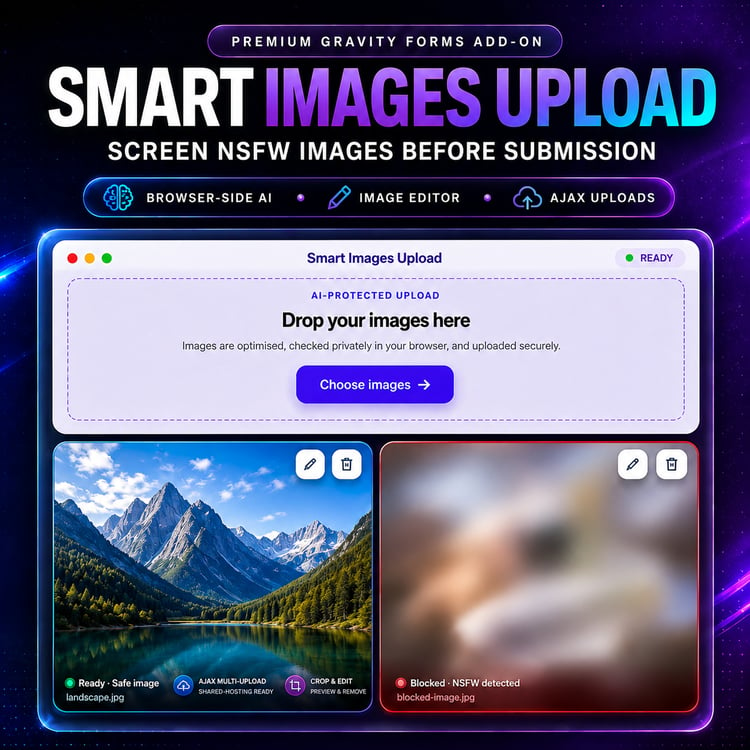
NEED AUTOMATED IMAGE MODERATION?
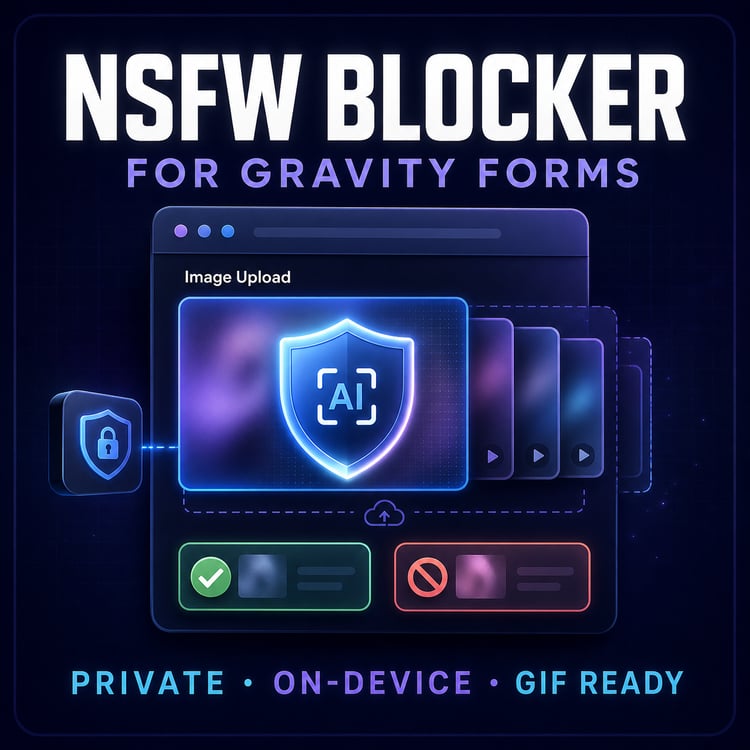
If your website accepts public or user-generated content and you also want browser-based, AI-assisted NSFW screening, upgrade to Smart Image Uploads for Gravity Forms:
Smart Image Uploads adds a moderation-aware workflow designed to help prevent potentially inappropriate images from reaching your Gravity Forms entries.
REQUIREMENTS
• WordPress 5.0 or newer.
• PHP 7.4 or newer.
• Gravity Forms 2.5 or newer.
• A modern browser with JavaScript enabled.
Gravity Forms is required and is not included with this add-on.
INSTALLATION
1. Download the add-on ZIP after purchase.
2. In WordPress, go to Plugins → Add New → Upload Plugin.
3. Upload the ZIP, install it and activate the add-on.
4. Open a form in Gravity Forms and add the Advance Image Uploads field.
5. Go to Forms → Settings → Advance Image Uploads and enter the license key supplied with your purchase.
6. Configure the field, save the form and test your upload workflow.
REFUND
7 Day refund guarantee . Change of mind doesn't apply
UPGRADE YOUR GRAVITY FORMS IMAGE EXPERIENCE
Give visitors a polished way to upload, preview and edit multiple images—and give administrators a much better way to review every submission.
Get Advance Image Uploads for Gravity Forms today.