
Toxic Post Blocker for Gravity Forms
Toxic Post Blocker for Gravity Forms — Lifetime License
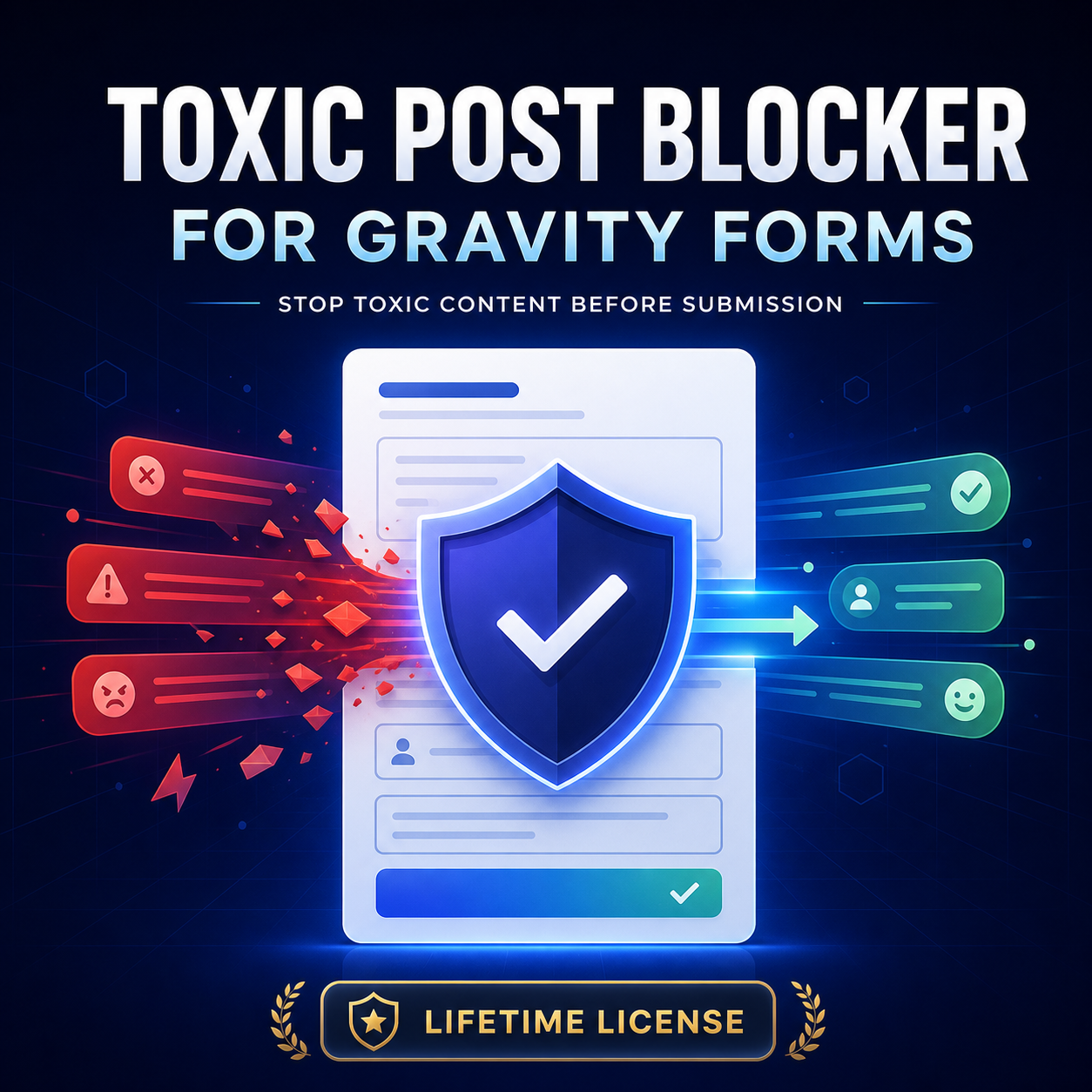
Stop toxic, abusive, threatening, hateful, obscene, or insulting content before it reaches your WordPress website.
Toxic Post Blocker adds intelligent, real-time moderation to Gravity Forms Post Title and Post Body fields. When visitors enter potentially harmful content, submission is paused and a clear, professional notice asks them to revise it. The Submit button remains disabled until all protected content has been checked and approved.
Key features
- Checks Post Title and Post Body fields
- Prevents toxic content from being submitted
- Professional, accessible frontend notices
- Works with standard and AJAX Gravity Forms submissions
- Uses an AI toxicity-detection model directly in the visitor’s browser
- No moderation API key or recurring AI fee required
- Form content is not sent to an external moderation API
- Adjustable toxicity threshold
- Settings located under Gravity Forms → Settings
- Fail-closed protection when moderation cannot be completed
- Lightweight plugin package
- Compatible with conditional logic and TinyMCE
How it works
The plugin loads its moderation model only on forms containing supported post fields. As visitors type, their content is checked locally in the browser. Safe content unlocks submission, while potentially toxic content keeps the form paused until it is revised.
An internet connection is required when the browser first downloads the moderation model. The model works best with English-language content.
LIVE DEMO
Requirements
- WordPress 6.2 or newer
- PHP 7.4 or newer
- An active Gravity Forms installation
- A modern browser with JavaScript enabled
Your purchase includes
- Toxic Post Blocker plugin ZIP
- Lifetime use and product updates
- One year of installation and technical support
- License for one production website plus its staging or development copy
Gravity Forms is required and sold separately.
REFUND
7 Day Money back gaurantee. Change of mind doesn't apply
Please note: automated toxicity detection can occasionally produce false positives or miss harmful content. So set Detection sensitivity according to your need.