Espresso Calibration & Extraction Yield Log: Espresso Dial-In Log with Extraction Yield and Drink Costing
Full description
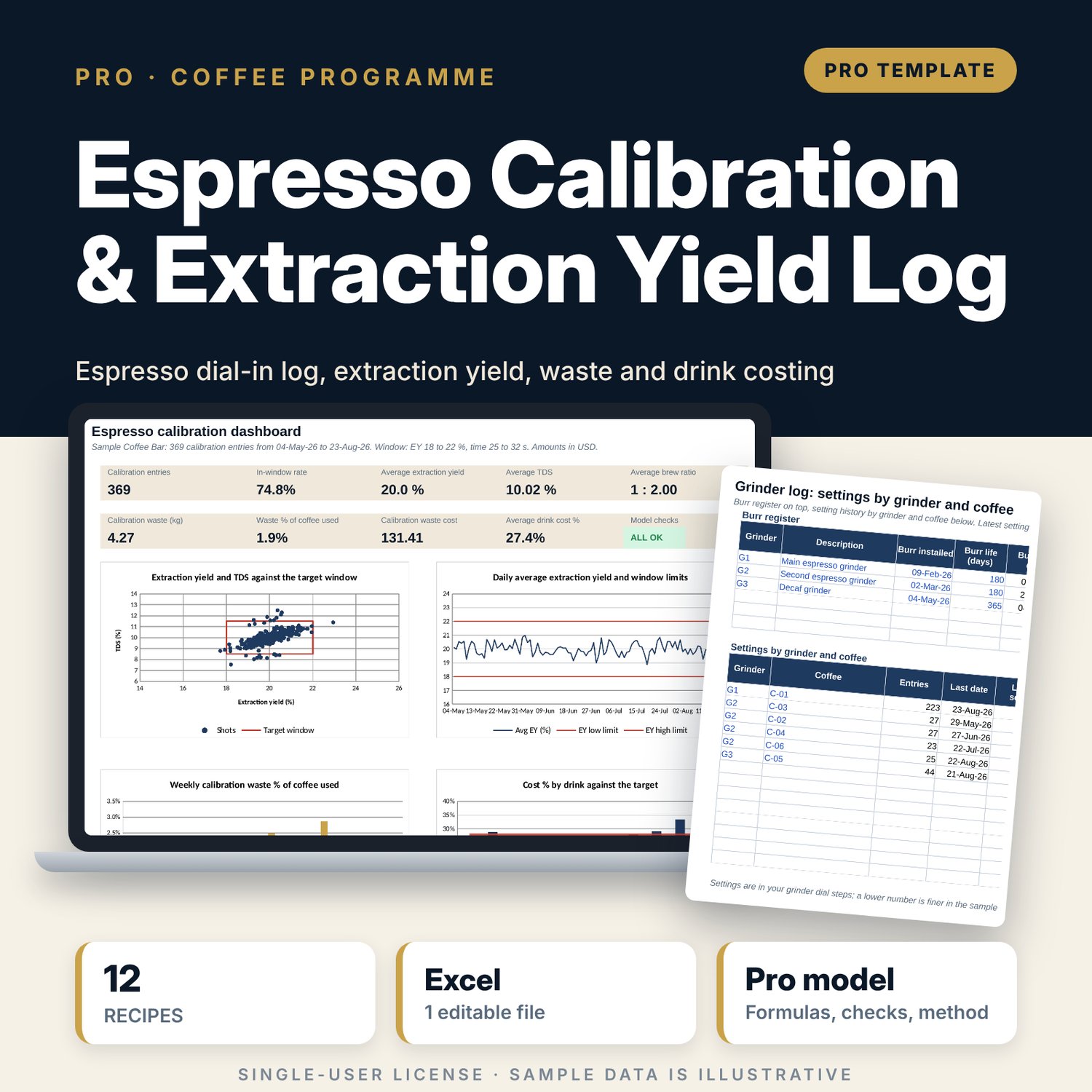
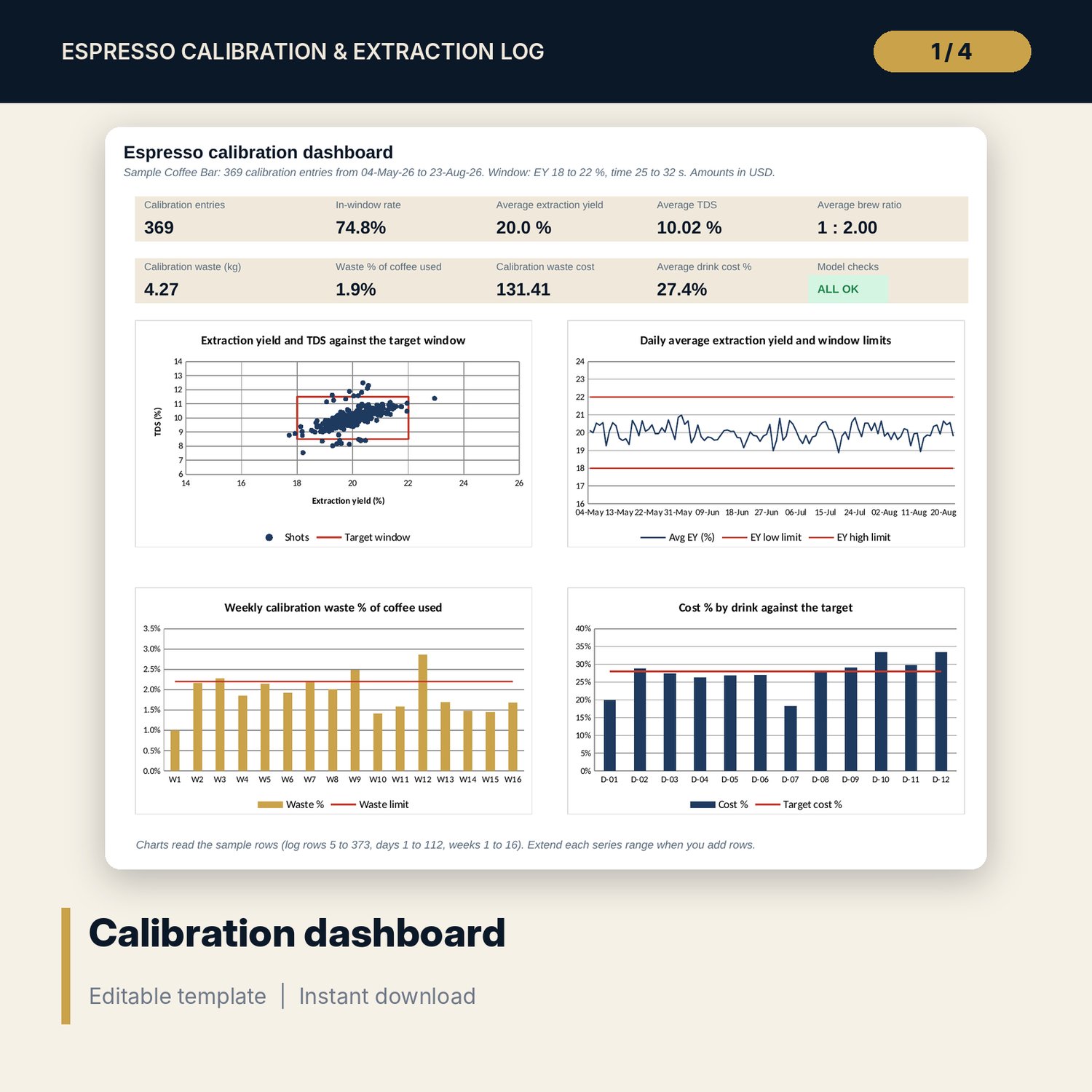
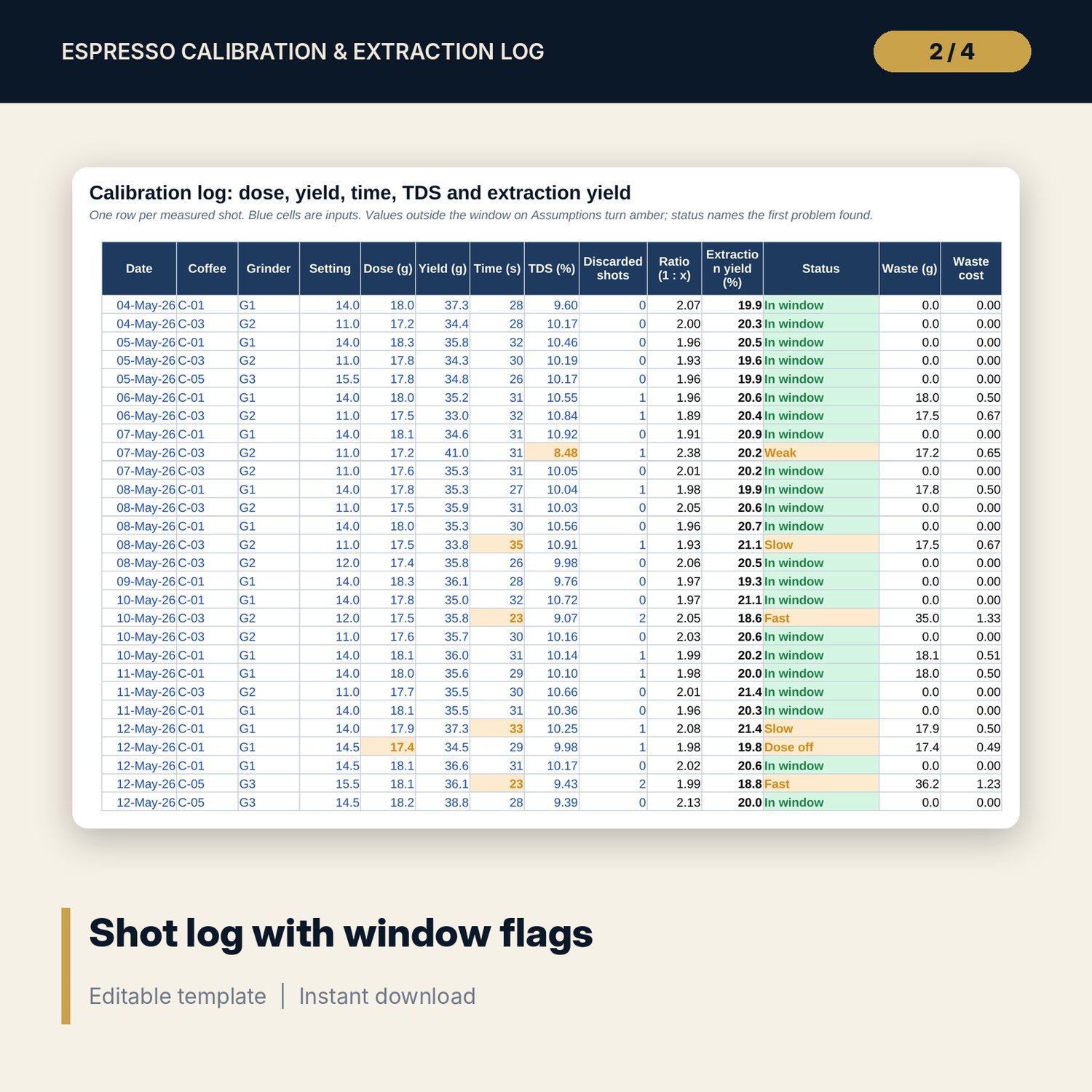
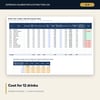
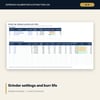
For café owners, head baristas, coffee trainers and food and beverage managers who want dial-in shots recorded and judged against a standard. Each entry holds dose, yield, time, TDS and grinder setting. The workbook calculates brew ratio and extraction yield, then names the first problem against your target window: under-extracted, over-extracted, weak, strong, fast, slow, ratio off or dose off. Daily and weekly roll-ups show the in-window rate and the coffee thrown away while dialling in, with its cost and its share of coffee used. A grinder log tracks settings by coffee and burr life. Twelve recipe cards set drink standards, and drink costing adds milk and cup cost to give cost % and margin.
Save with a bundle: this workbook is also in the F&B Control & Audit Pro Bundle, 25 workbooks for $59 instead of $310. All 100 Pro workbooks are in the Pro Library for $119, and all 241 templates and workbooks are in the Ultimate Hospitality Library for $149.
What is inside
- Espresso_Calibration_Log.xlsx: 12 tabs, 5,328 formulas, 4 native charts, 34 drop-down and input rules
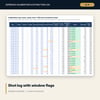
- Calibration_Log: 369 sample entries over 112 days, with room for 500
- Coffees: 6 sample coffees with cost per g and target dose, room for 12
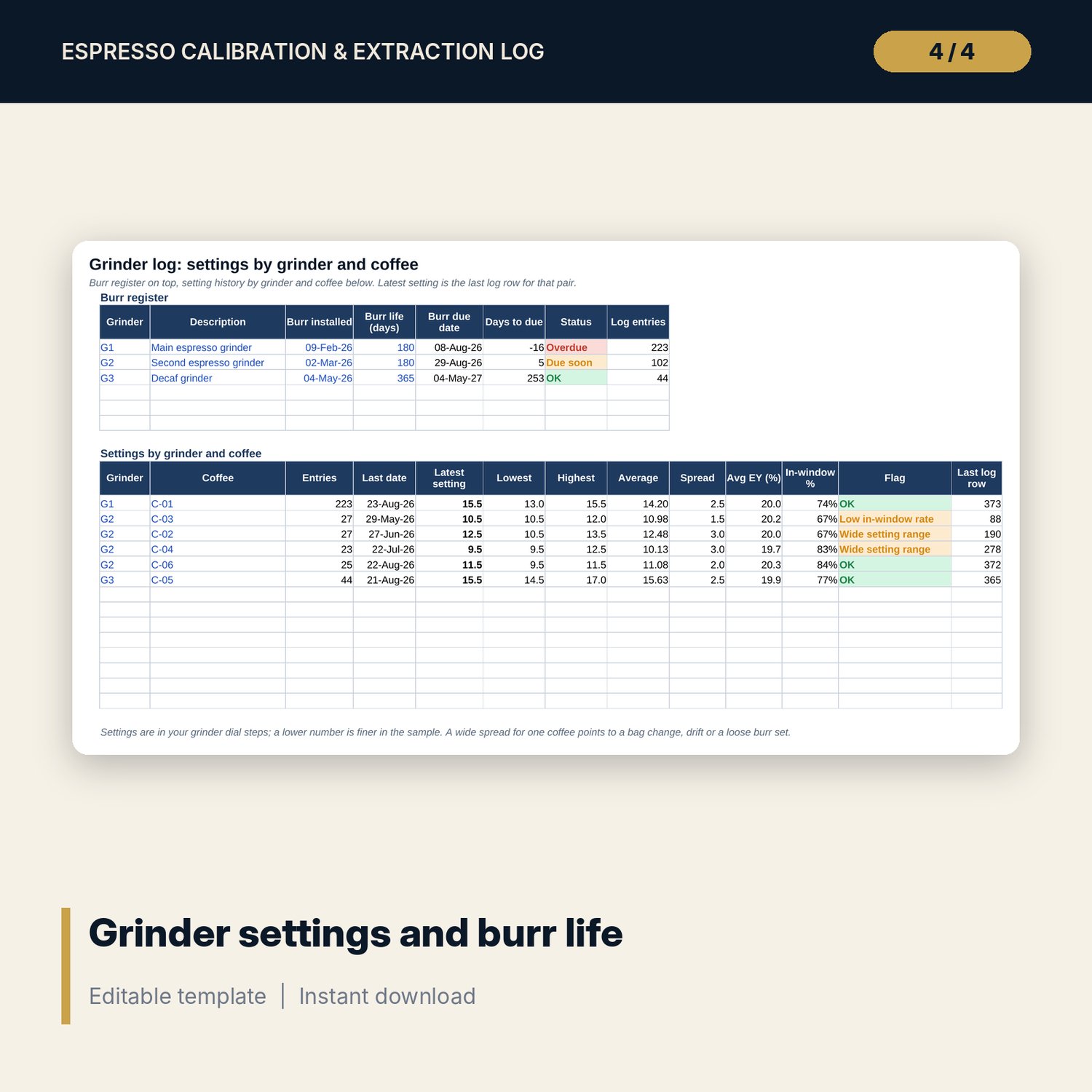
- Grinder_Log: burr register for 3 sample grinders and a settings table for 6 grinder and coffee pairs
- Daily and weekly roll-up: 112 days and 16 weeks of sample shots served, with room for 140 days and 20 weeks
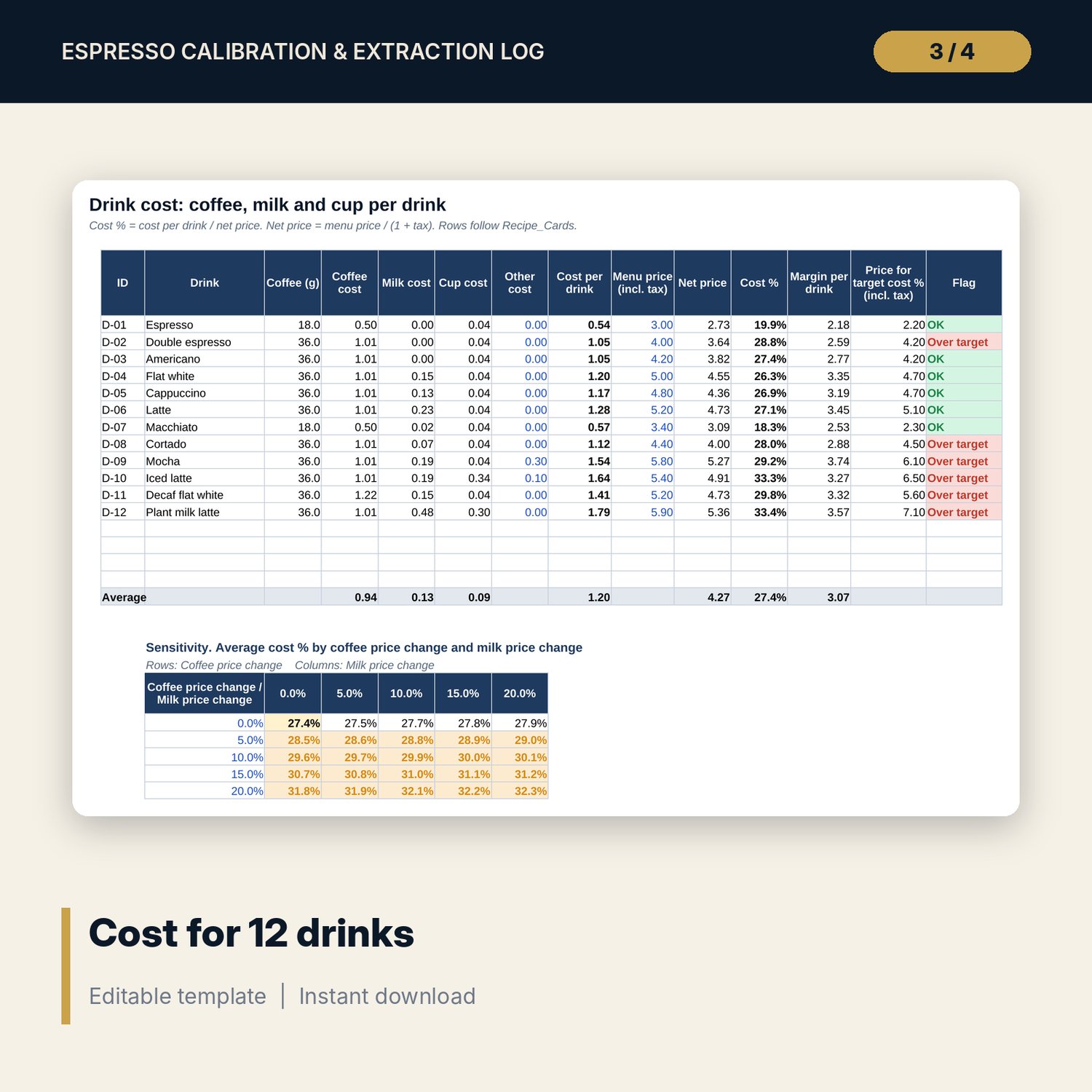
- Recipe_Cards and Drink_Cost: 12 drinks with standards, cost %, margin, target price and a sensitivity grid
- Card: one printable recipe card for any drink
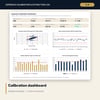
- Dashboard (one printed page, 4 charts), 15 integrity checks and a Method tab with 16 documented calculations
- README.txt and LICENSE-and-Terms.txt
How it works
- Set the target window, dose tolerance, tax, target cost % and cup and milk costs on Assumptions.
- Enter coffees, bag prices, target doses, grinders and burr dates.
- Log each calibration shot with its readings and the number of shots thrown away. Read the status and the amber flags.
- Enter shots served each day to see waste as a % of coffee used, by day and by week.
- Set menu prices on Drink_Cost. Drinks above the target cost % show the price that would reach it.
Details
- Format: one .xlsx workbook, English
- Software: Excel 2016 or later, or LibreOffice Calc 7 or later
- No macros, no external links, no data tables, no array formulas
- Instant digital download
Good to know
- Sample data is illustrative. Replace it with your own figures.
- The target window (ratio, time, TDS, extraction yield) is an editable starting point. Set your own after tasting. Milk temperatures and hygiene limits are food safety matters: verify local requirements; this is not food-safety advice.
- The scatter chart, the daily line and the weekly bars read the sample rows. Extend the series ranges when you add rows beyond them.
- Single-user license. Do not redistribute.
FAQ
How is extraction yield calculated?
EY % = TDS % x yield in g / dose in g. You enter the TDS from a refractometer reading on the shot.
Can I use my own target window?
Yes. The ratio, time, TDS and extraction yield limits are inputs on Assumptions. Every flag, chart and roll-up reads them.
How is waste from calibration counted?
Discarded shots x dose for each entry, priced at the cost per g of that coffee. Waste % compares it with the coffee used for served shots.
Does it work without a refractometer?
Yes. Leave the TDS cell blank and the shot is judged on ratio and time only. Extraction yield and the scatter chart need TDS.
Does it need macros or add-ins?
No. Every result is a standard worksheet formula.