F&B Internal Audit Program & Workpapers: Hotel F&B Internal Audit Program Template with Sampling and Workpapers
Full description
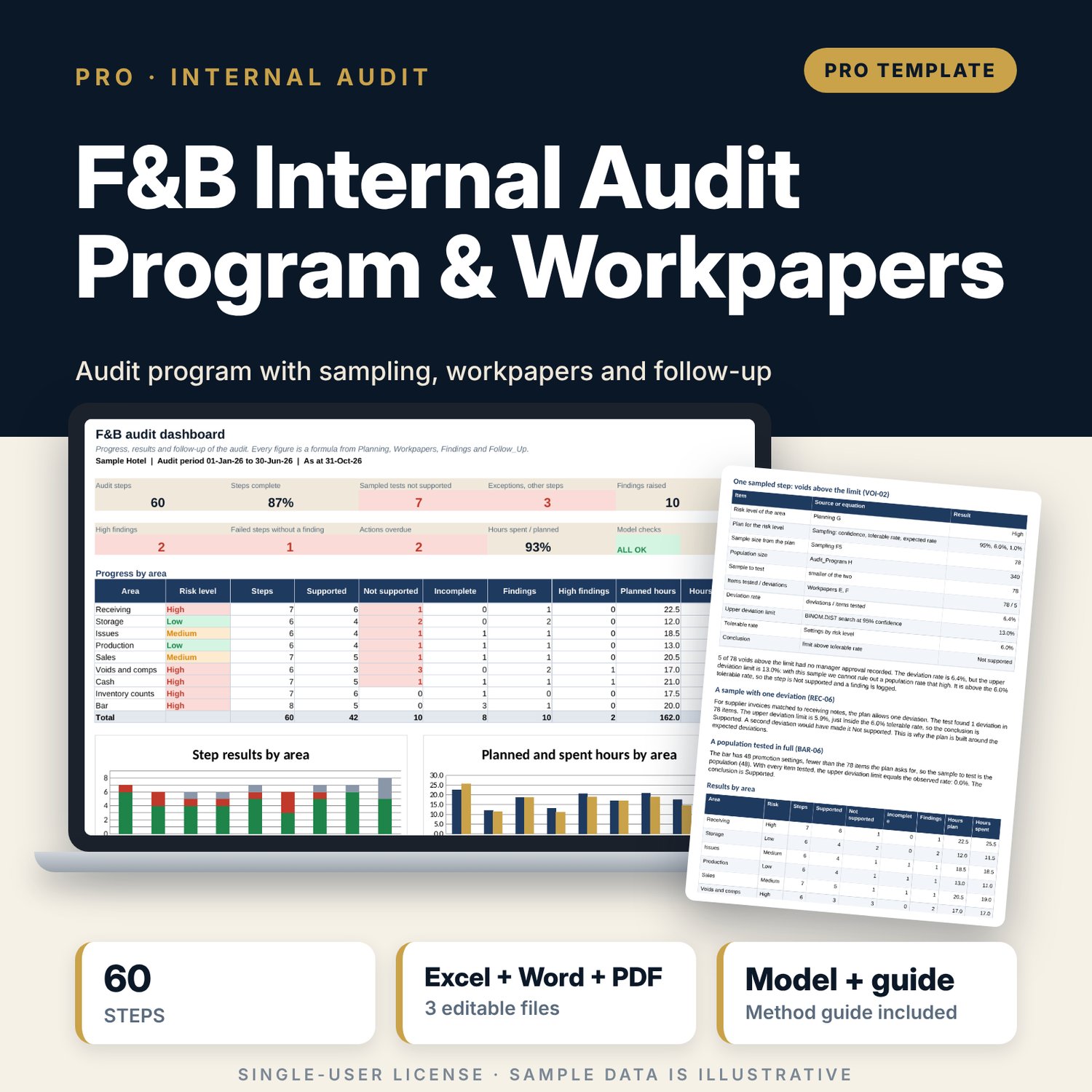
For internal auditors, financial controllers, F&B managers and general managers who audit the food and beverage cycle. The workbook holds a planning memo and risk assessment, 60 audit steps from receiving to the bar, and attribute sampling that sizes each sample from confidence, tolerable deviation rate and expected deviation rate. After testing, it works out the upper deviation limit for each sample, compares it with the tolerable rate and shows a conclusion. Findings are rated by likelihood and impact, and a follow-up tracker shows management responses, policy due dates and overdue actions. The Word guide explains the method and includes a fill-in report template.
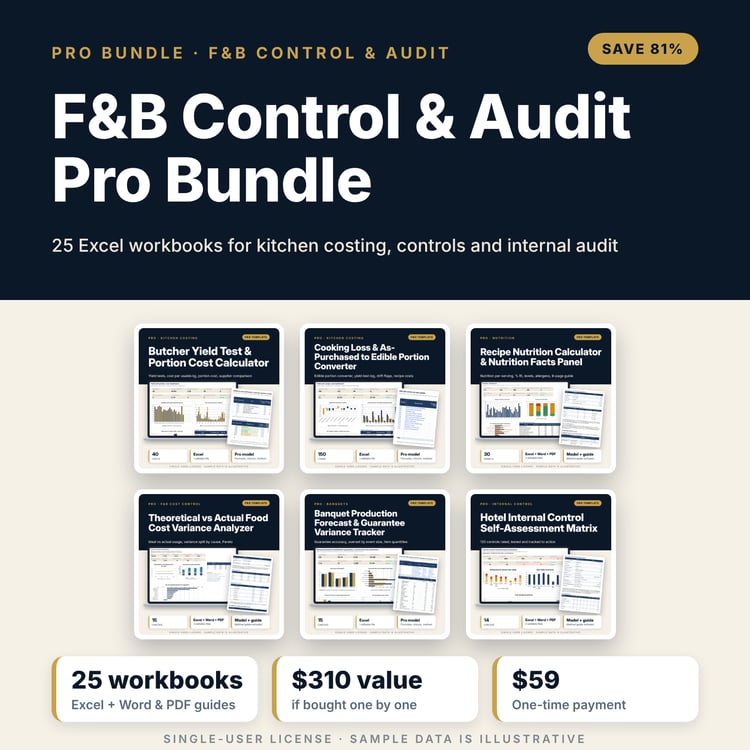
Save with a bundle: this workbook is also in the F&B Control & Audit Pro Bundle, 25 workbooks for $59 instead of $310. All 100 Pro workbooks are in the Pro Library for $119, and all 241 templates and workbooks are in the Ultimate Hospitality Library for $149.
What is inside
- FB_Internal_Audit_Program_and_Workpapers.xlsx: 12 tabs, 3,473 formulas, 3 native charts, 15 integrity checks, 14 method rows
- Audit program: 60 steps in 9 areas (receiving, storage, issues, production, sales, voids and comps, cash, inventory counts, bar) with objective, procedure, evidence, test type, population and hours; room for 80 steps
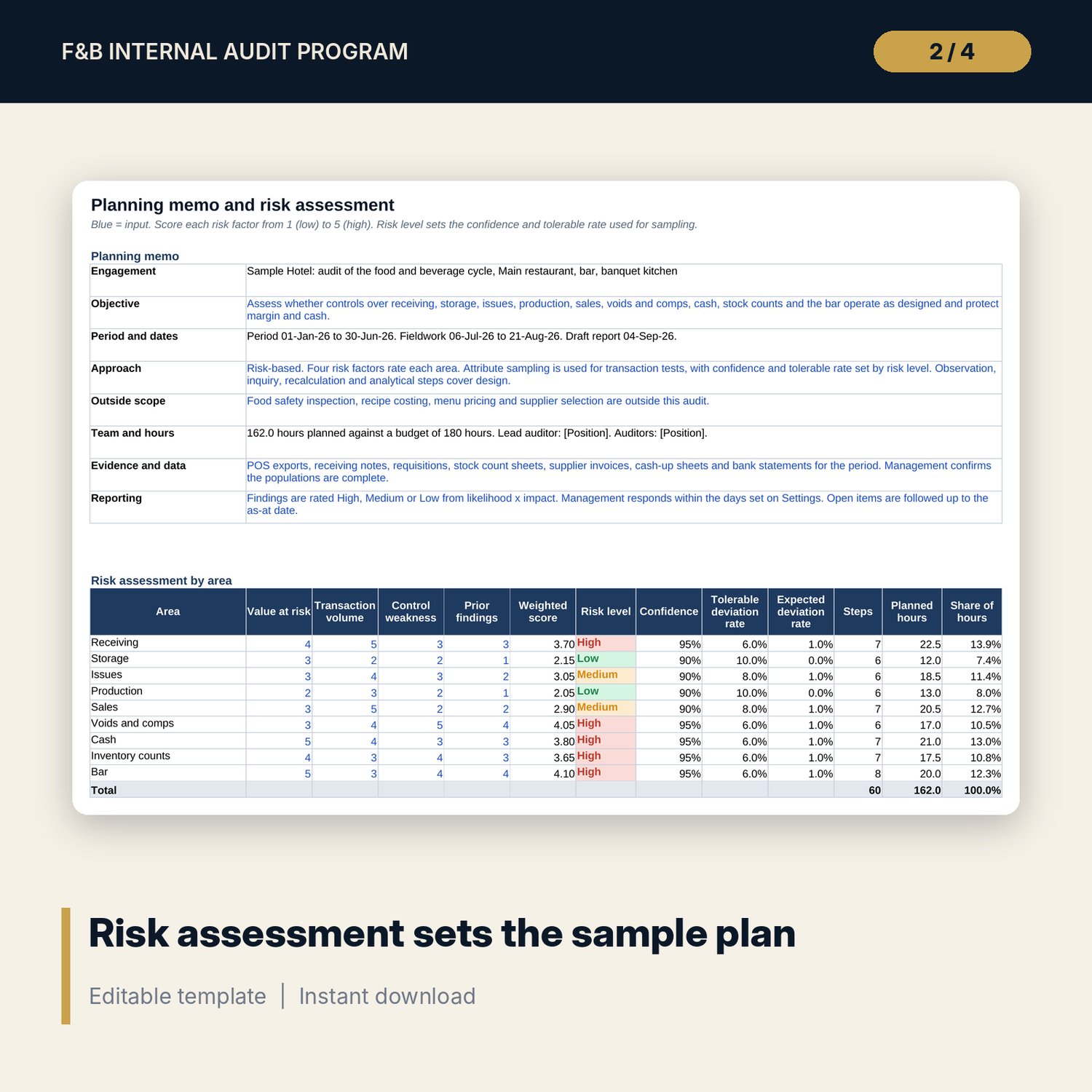
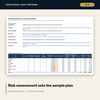
- Planning tab: memo and a risk assessment that scores four factors per area and sets the risk level, the confidence and the tolerable rate
- Sampling tab: sample size from confidence, tolerable rate and expected rate by the binomial method, with every search step visible and a calculator row; 36 steps are sampled tests
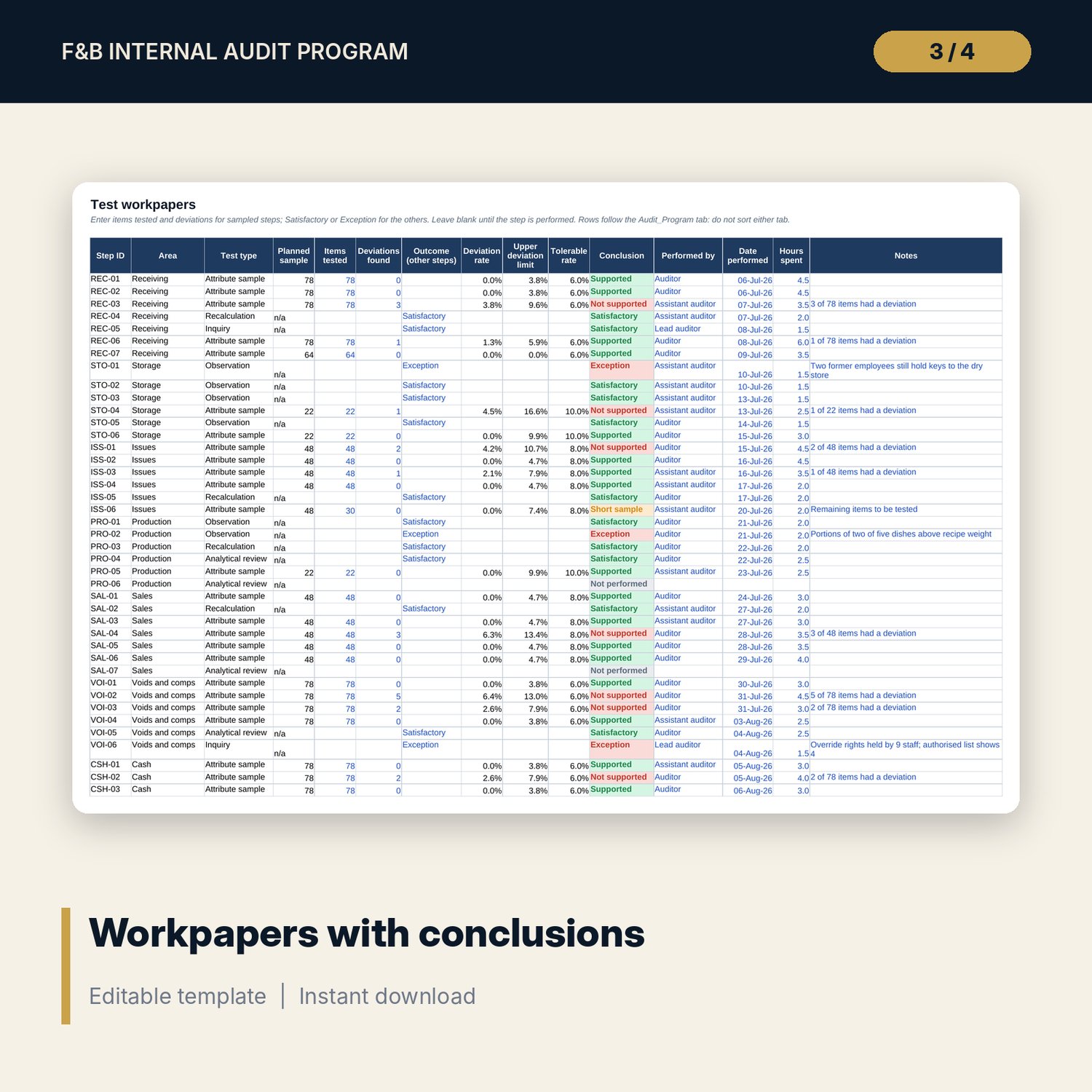
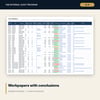
- Workpapers and Evaluation tabs: items tested, deviations, deviation rate, upper deviation limit by a 14-step search, tolerable rate and a conclusion for each step
- Findings and Follow_Up tabs: likelihood x impact rating, management response, agreed date, policy due date, days overdue and flag; 10 sample findings, room for 40
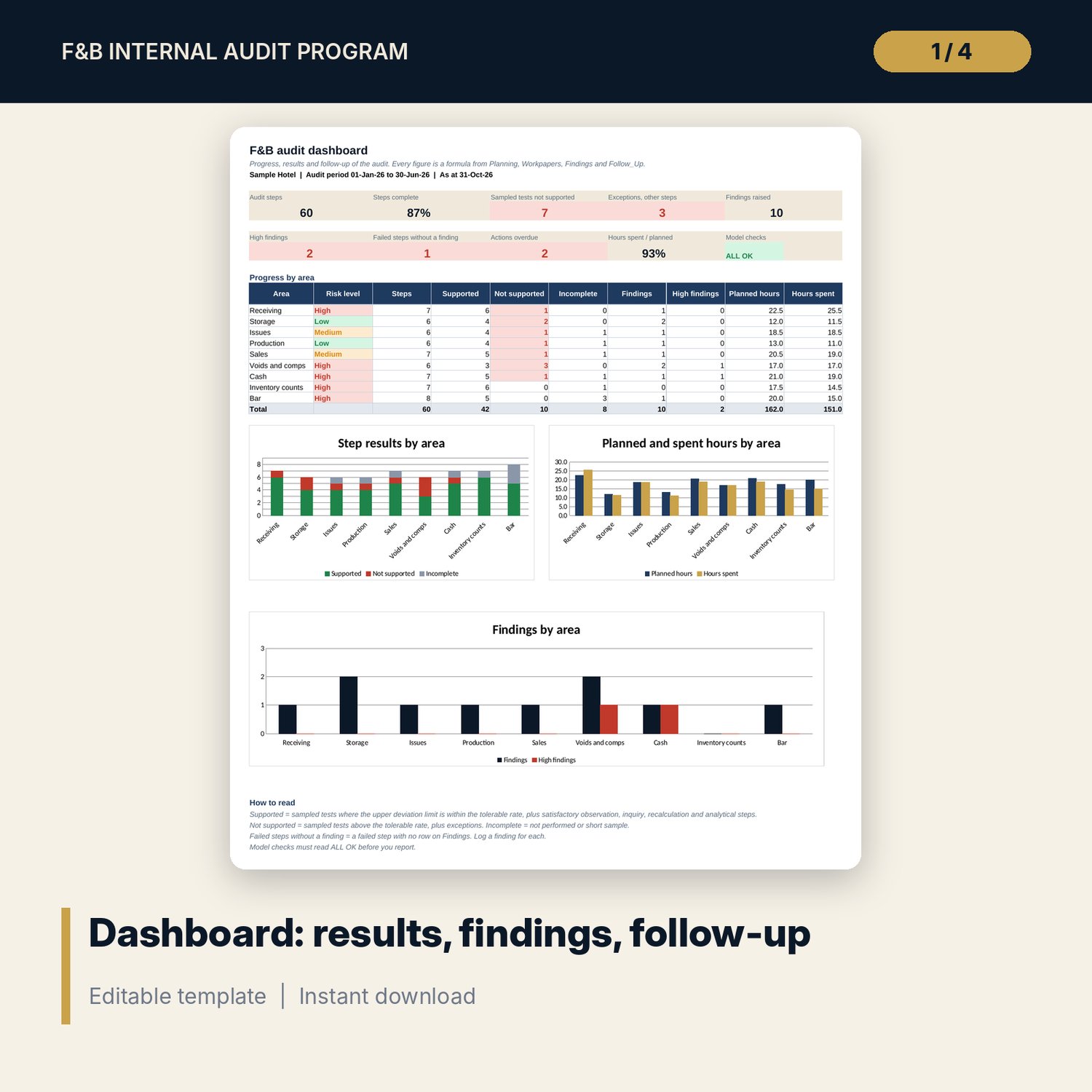
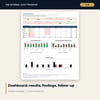
- Dashboard: 9 KPI tiles, a model check tile, a table by area and 3 charts
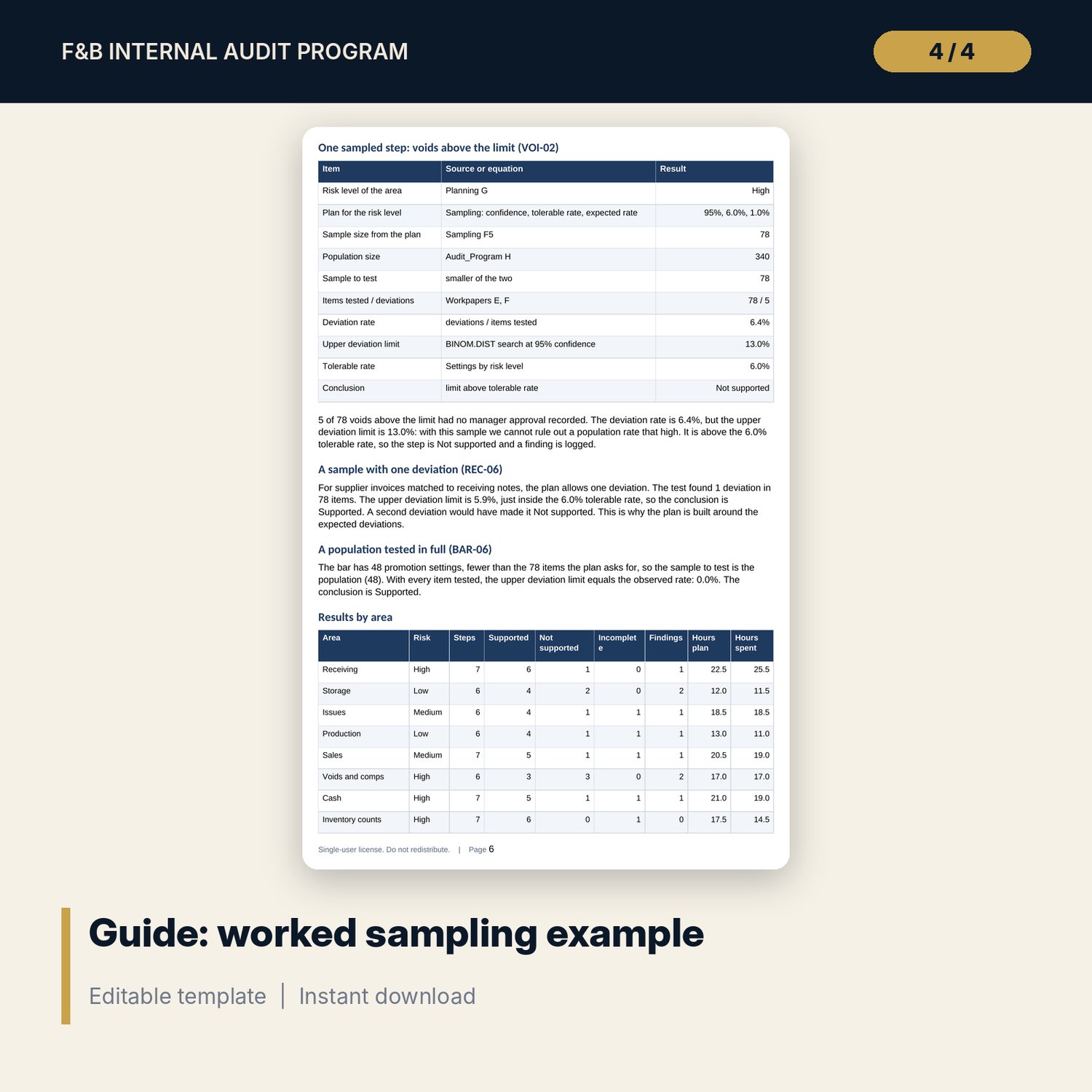
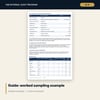
- FB_Internal_Audit_Guide_and_Report_Template.docx and .pdf: 12 A4 pages with the cycle, sampling equations, a worked example, finding ratings, a fill-in audit report template, checklist and glossary
- README.txt and LICENSE-and-Terms.txt
How it works
- Set the audit dates, hours budget, weights and thresholds on Settings, then set confidence, tolerable rate and expected rate for each risk level.
- Score the four risk factors for each area on Planning. The risk level sets the sampling plan.
- Edit the audit steps and enter the population size for each sampled step. The workbook shows the sample to test.
- Enter items tested and deviations on Workpapers. Read the upper deviation limit and the conclusion for each step.
- Log a finding for each failed step, rate it, record the management response and track the action. Confirm the Checks tab reads ALL OK.
Details
- Formats: XLSX workbook, DOCX and PDF guide
- Language: English
- Software: Excel 2016 or later (Windows or Mac), or LibreOffice Calc 7 or later
- No macros, no external links, no pivot tables
- Instant digital download
Good to know
- Sample data is illustrative. Replace it with your own steps, populations and results.
- Confidence, tolerable rates, expected rates, thresholds and due days are examples. Verify them with your audit method and local requirements.
- Not audit, legal or accounting advice. The workbook gives no assurance on the financial statements and is not a food safety audit.
- Single-user license.
FAQ
How is the sample size worked out?
From three inputs per risk level: confidence, tolerable deviation rate and expected deviation rate. The Sampling tab finds the smallest sample where the binomial probability of the allowed deviations is no more than 1 minus the confidence. Every search step is shown.
What if the population is smaller than the sample?
The sample to test is capped at the population, so you test every item. The conclusion then uses the observed deviation rate instead of an upper limit.
What does Not supported mean?
The upper deviation limit from your sample is above the tolerable rate, so the control cannot be shown to work well enough. A finding should follow.
Can I change the steps and add outlets?
Yes. The program holds 80 rows and 60 are filled. Edit, add or clear steps and keep one row per step. Areas come from a list on Settings.
Does it replace an audit by an external firm?
No. It supports internal audit work by a hotel team. It gives no assurance on the financial statements and is not a food safety audit.