Supplier Food Safety Approval & Audit Scorecard: Supplier Approval Register and 60-Point Food Safety Audit Template
Full description
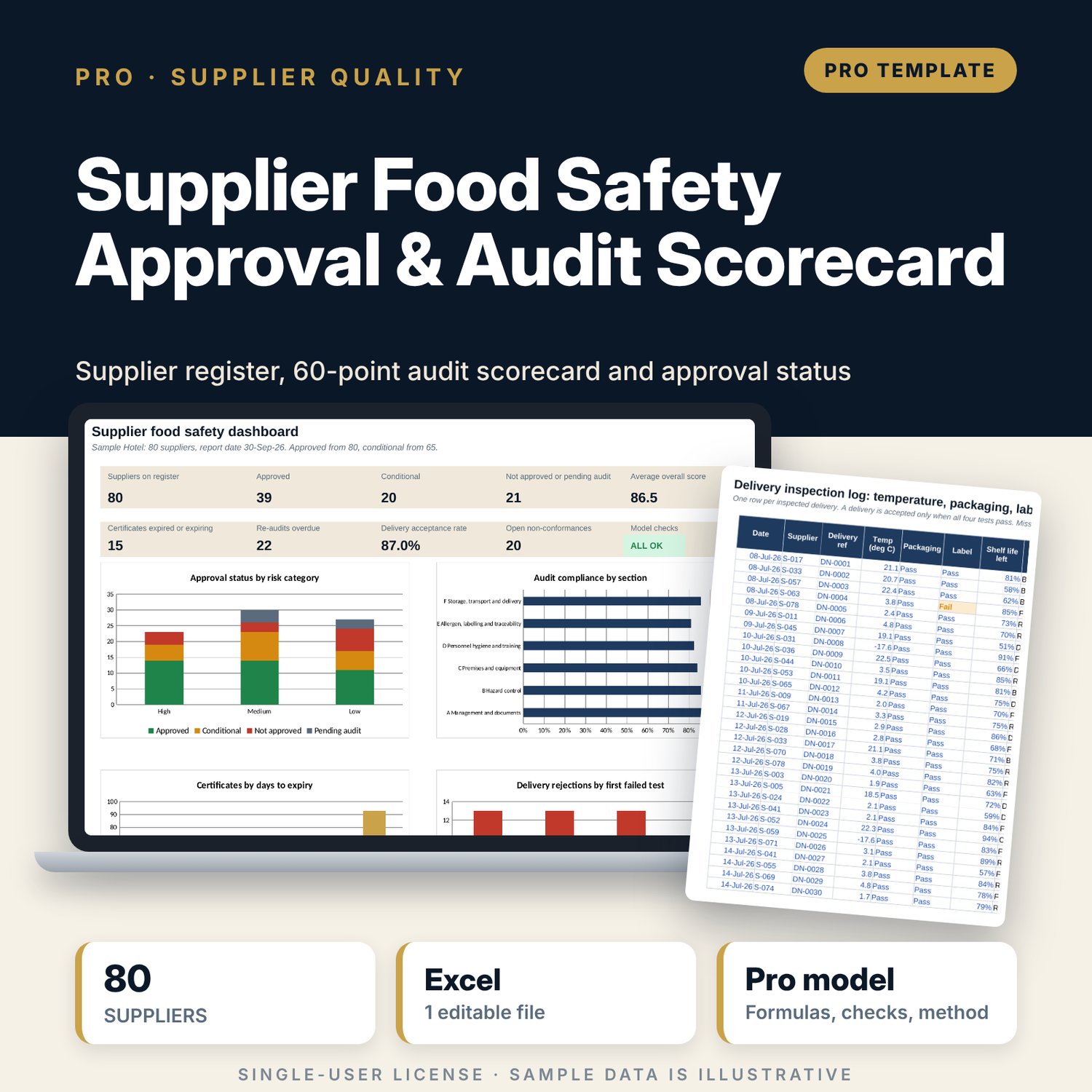
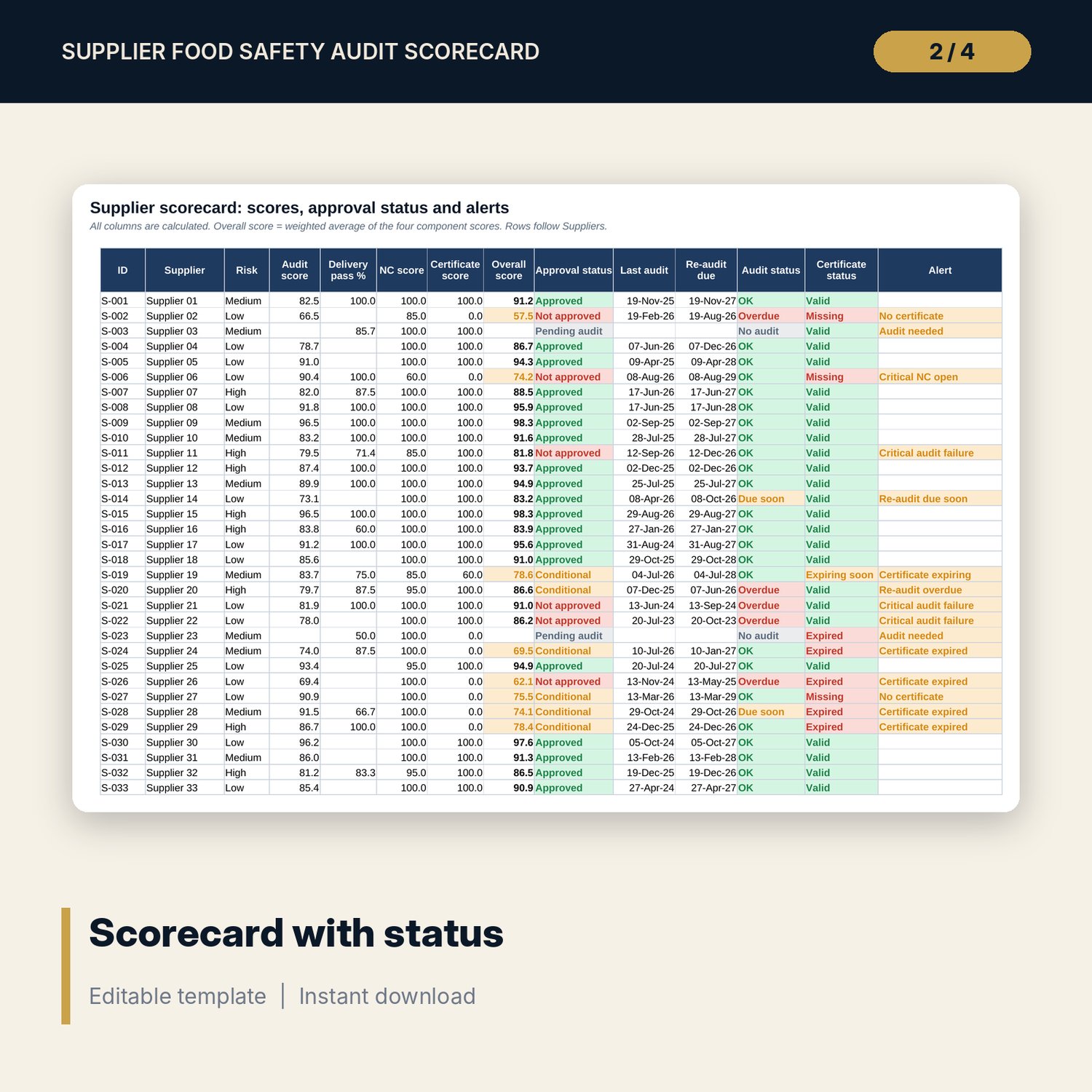
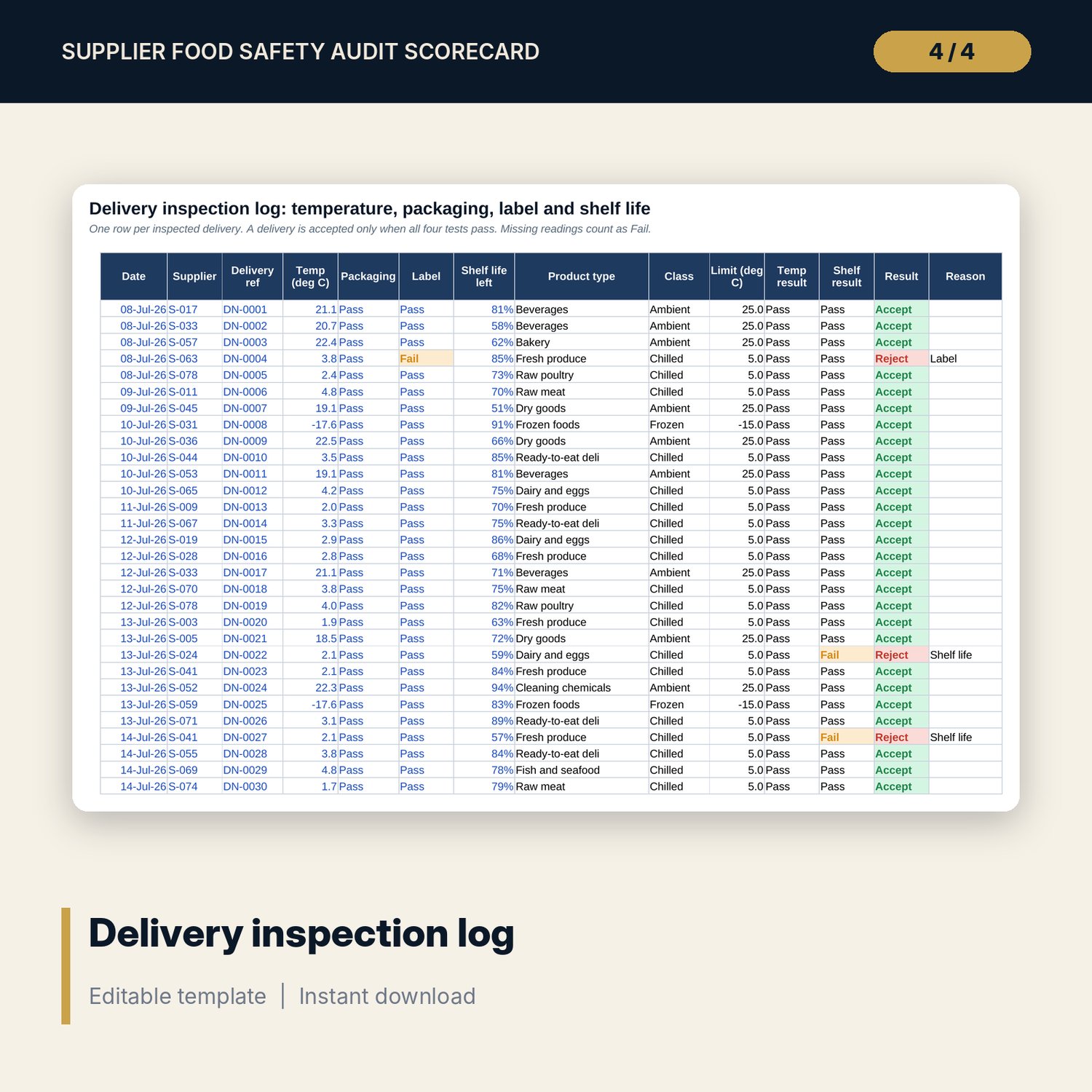
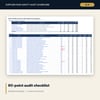
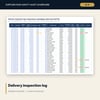
For food and beverage managers, purchasing managers, executive chefs, quality managers and internal auditors who need one view of supplier food safety. Each supplier has a product type that sets a risk category and a temperature class. A 60-point checklist with weights and critical flags is scored per audit. Delivery inspections test temperature, packaging, label and shelf life. A non-conformance log tracks severity, due dates and closure, and a certificate register tracks expiry. The scorecard combines audit, delivery, open non-conformance and certificate scores with weights you set, then applies clear rules to give Approved, Conditional, Not approved or Pending audit, with a re-audit due date and an alert for every supplier.
Save with a bundle: this workbook is also in the F&B Control & Audit Pro Bundle, 25 workbooks for $59 instead of $310. All 100 Pro workbooks are in the Pro Library for $119, and all 241 templates and workbooks are in the Ultimate Hospitality Library for $149.
What is inside
- Supplier_Food_Safety_Scorecard.xlsx: 12 tabs, 10,538 formulas, 4 native charts, 21 drop-down and input rules
- Suppliers: 80 sample suppliers in 12 product types, with room for 120
- Audits: 89 sample audits with 60 scores each, with room for 150
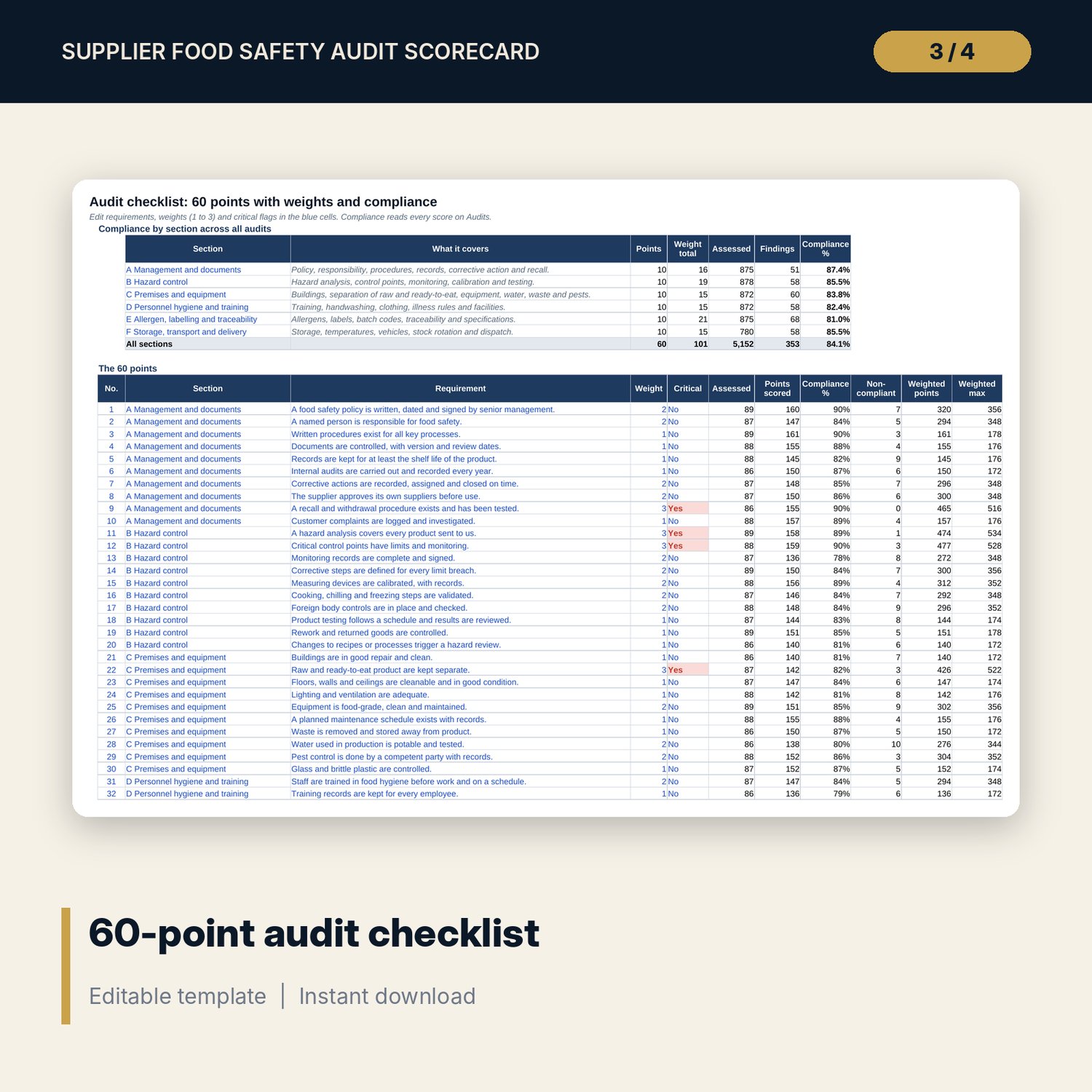
- Audit_Points: the 60-point checklist in 6 sections, with weights, critical flags and compliance by section
- Deliveries: 377 sample inspections, with room for 600
- NC_Log: 69 sample non-conformances, with room for 150
- Certificates: 109 sample certificates, with room for 160
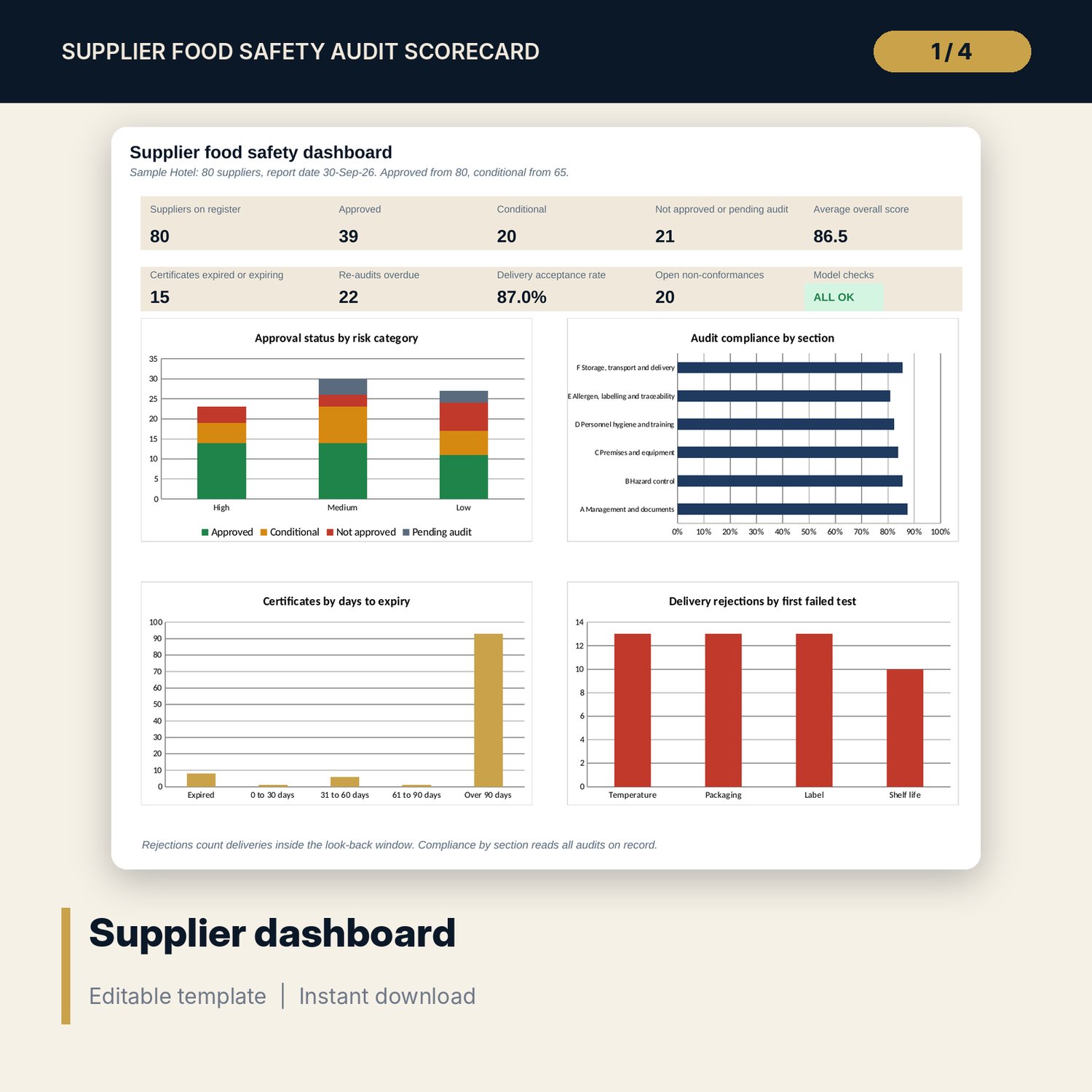
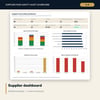
- Scorecard, Dashboard (one printed page, 4 charts), 15 integrity checks and a Method tab with 16 documented calculations
- README.txt and LICENSE-and-Terms.txt
How it works
- Set the report date, score weights, approval thresholds, re-audit intervals and product types on Assumptions.
- List suppliers and certificates. Edit the 60-point checklist if you need to.
- Enter audit scores (2, 1, 0 or blank), delivery inspections and non-conformances.
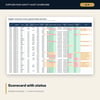
- Read the Scorecard for overall score, approval status, re-audit due date and alert.
- Act on Conditional, Not approved and Pending audit lines, and on certificates that are expired or expiring.
Details
- Format: one .xlsx workbook, English
- Software: Excel 2016 or later, or LibreOffice Calc 7 or later
- No macros, no external links, no data tables, no array formulas
- Instant digital download
Good to know
- Sample data is illustrative. Replace it with your own figures.
- The checklist, weights, temperature limits, shelf life minimums, intervals and thresholds are editable starting points. Verify local requirements and your own standards; this is not legal or food-safety advice.
- A critical audit failure or a critical open non-conformance always gives Not approved, whatever the overall score.
- Single-user license. Do not redistribute.
FAQ
How is the overall score calculated?
It is the weighted average of four scores: audit, delivery acceptance, open non-conformances and certificates. The weights are inputs on Assumptions and must add up to 100.
What decides Approved, Conditional and Not approved?
Score thresholds you set, plus rules: critical failures give Not approved; an expired certificate or an overdue re-audit gives at most Conditional.
Can I change the 60 audit points?
Yes. Edit the requirement text, weight (1 to 3) and critical flag on Audit_Points. Scores and section compliance update.
How are re-audit dates set?
Last audit date plus the interval for the risk category. A Conditional or Fail result shortens the interval to the months you set.
Does it need macros or add-ins?
No. Every result is a standard worksheet formula.