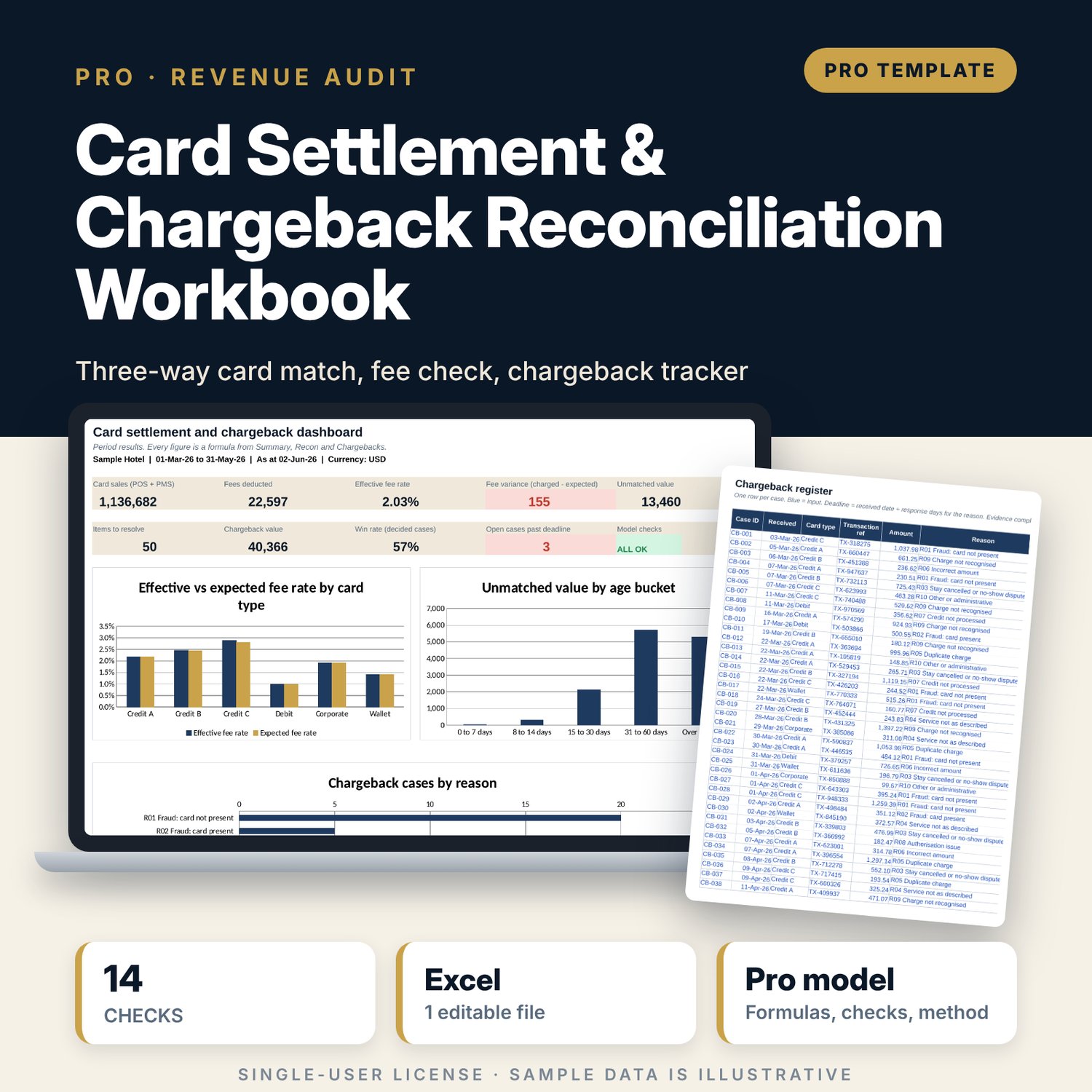
Card Settlement & Chargeback Reconciliation Workbook: Hotel Card Reconciliation Template with Fee Check and Chargeback Tracker
Full description
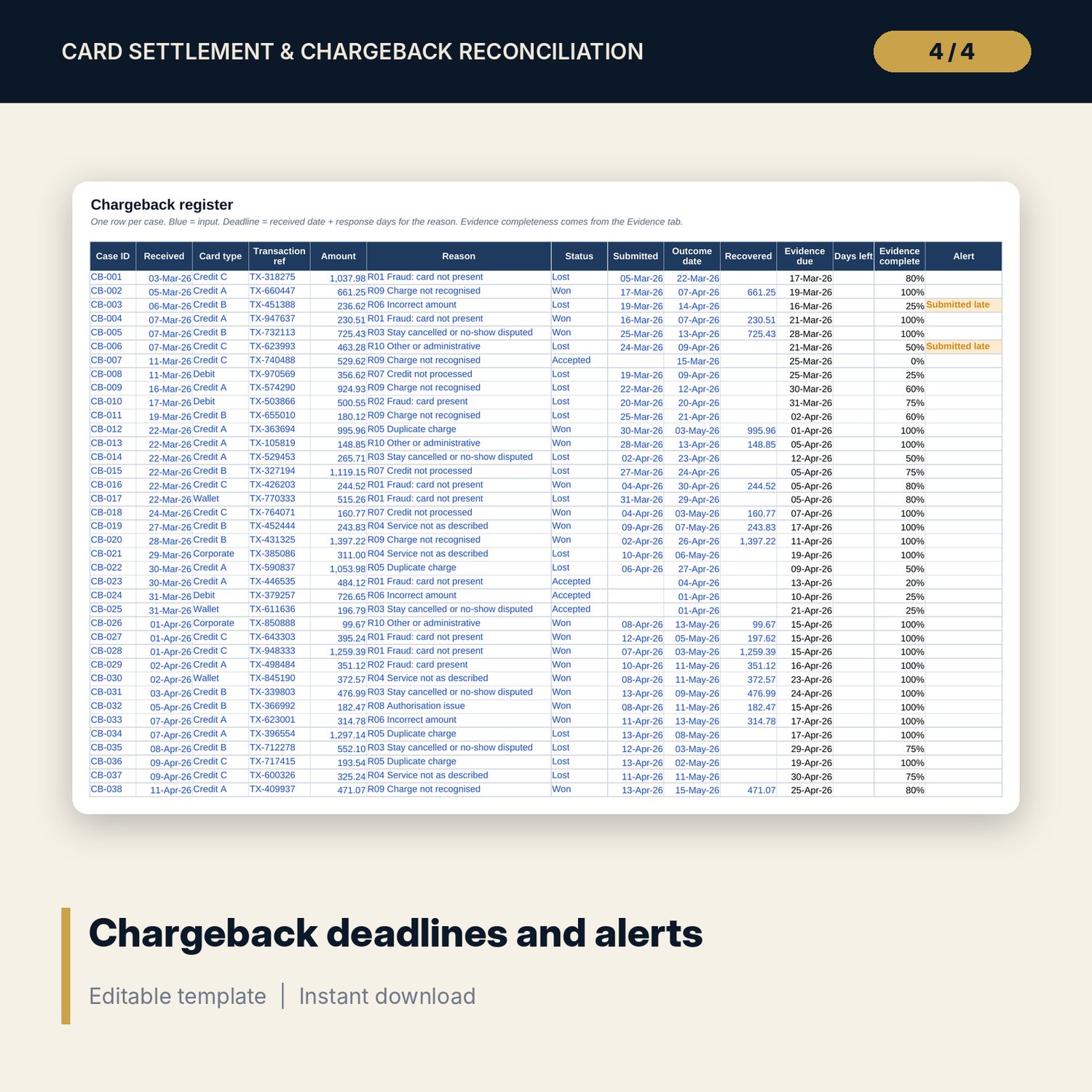
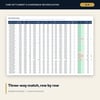
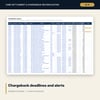
For financial controllers, income auditors, night auditors and general managers who need to know whether the card money received matches the card sales captured, and whether the fees match the contract. The workbook reconciles POS and PMS totals, terminal batches and bank settlements by day and card type. It calculates the expected fee (gross settled x contract rate + transactions x fixed fee), shows fee variance and the effective fee rate, counts business days to settle with your bank closed days, and classifies every row as matched, in transit, late or unmatched with a value and an age. A chargeback register adds reason-based deadlines, an evidence checklist, win rate, chargeback ratio against an alert level and net loss.
Save with a bundle: this workbook is also in the F&B Control & Audit Pro Bundle, 25 workbooks for $59 instead of $310. All 100 Pro workbooks are in the Pro Library for $119, and all 241 templates and workbooks are in the Ultimate Hospitality Library for $149.
What is inside
- Card_Settlement_Reconciliation_Workbook.xlsx: 10 tabs, 14,115 formulas, 3 native charts, 14 integrity checks, 16 method rows
- Sample data: 552 daily rows (92 days x 6 card types) with POS and PMS sales, terminal batch, settlement date, gross settled, fee deducted and net received, and 70 chargeback cases
- Spare capacity: 650 daily rows (about three months of six card types) and 150 chargeback cases
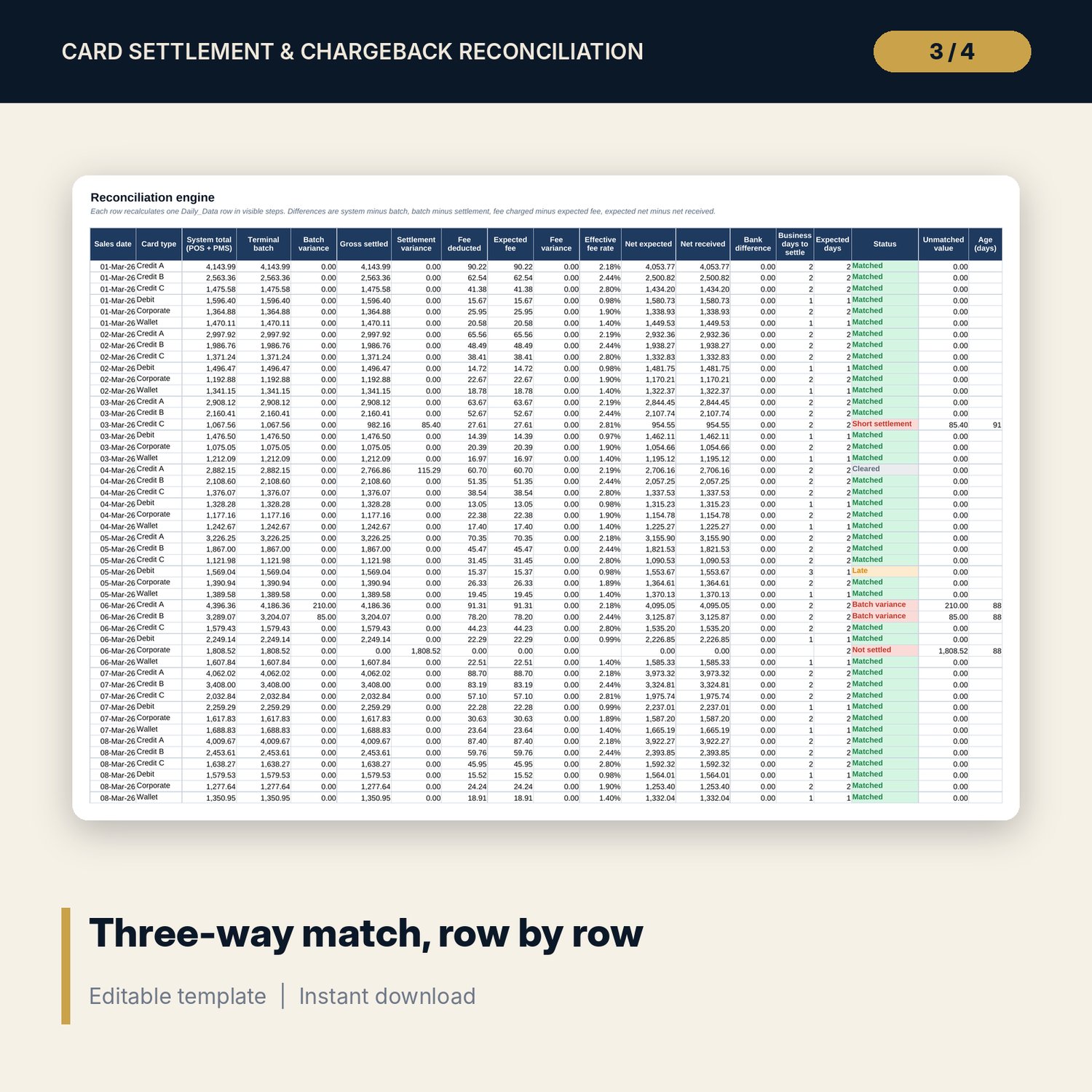
- Recon engine: system total, batch variance, settlement variance, expected fee, fee variance, effective fee rate, bank difference, business days to settle, status, unmatched value and age on one row per day and card type
- Settings: contract rate, fixed fee and expected settlement days per card type, bank closed days, tolerances, ageing limits, chargeback reasons with response days and required evidence
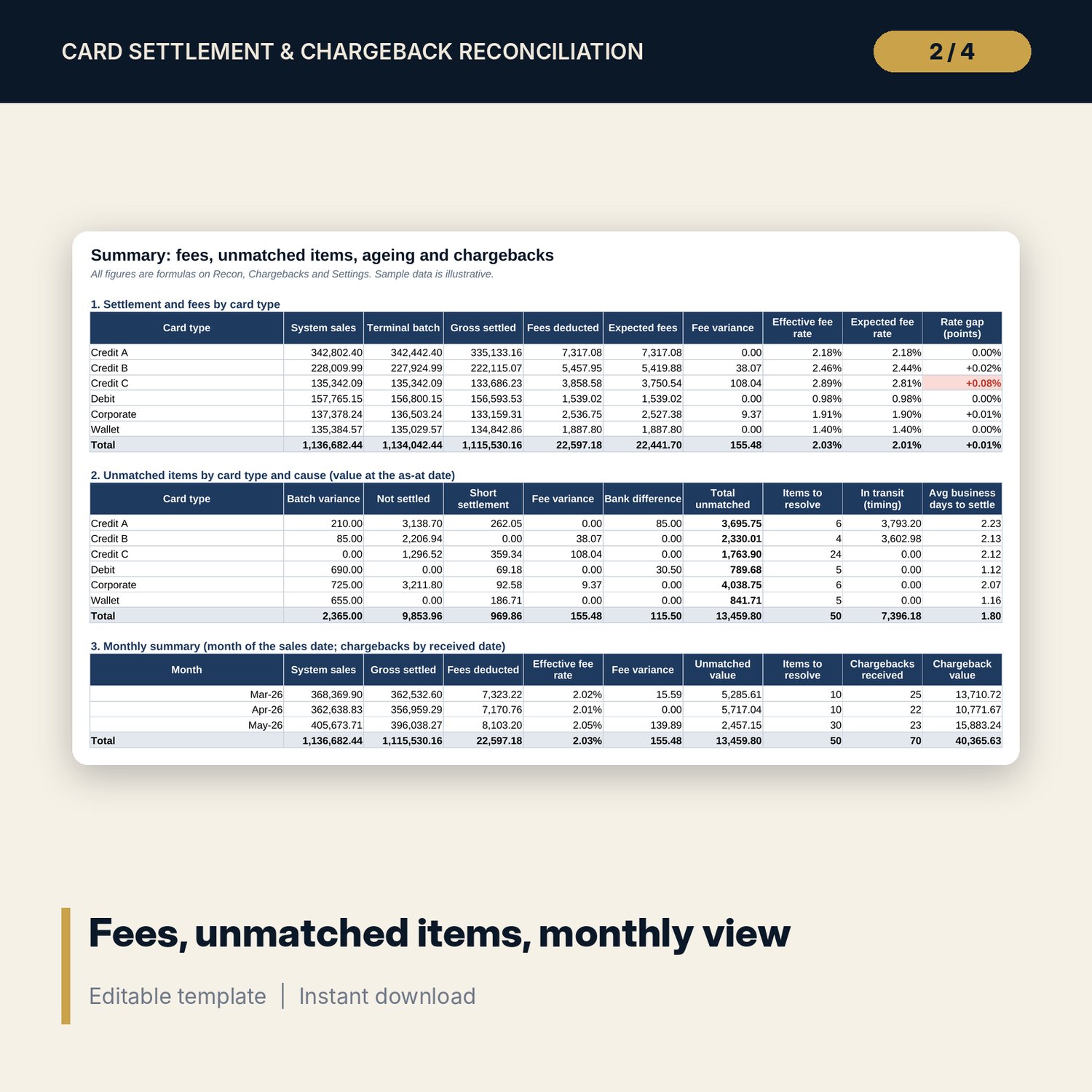
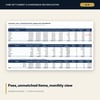
- Summary: fees by card type, unmatched items by cause, monthly summary, ageing buckets, chargebacks by reason and by card type with ratio, win rate and net loss
- Chargebacks and Evidence: deadline, days left, alert and an evidence checklist of seven document types against what each reason requires
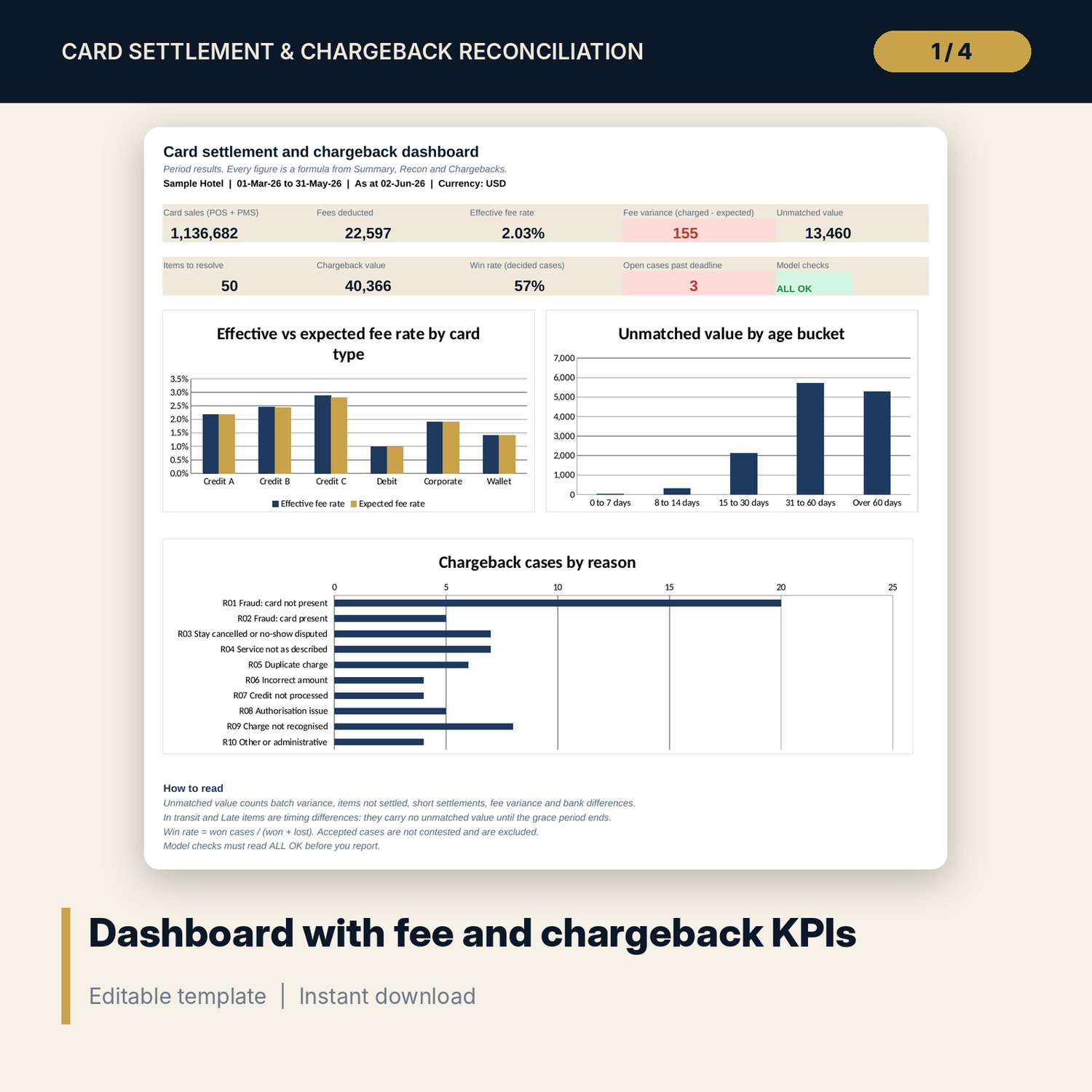
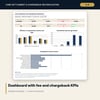
- Dashboard: 9 KPI tiles, a model check tile and 3 charts
- README.txt and LICENSE-and-Terms.txt
How it works
- Enter the period, the as-at date, tolerances, your card types with contract rates and settlement days, and your bank closed days on Settings.
- Paste or type one row per day and card type on Daily_Data from POS and PMS reports, terminal batch reports, the acquirer statement and the bank statement.
- Read the Status column on Recon. Clear data errors first, then work the items with a cause: batch variance, not settled, short settlement, fee variance, bank difference.
- Log each chargeback on receipt, mark the evidence you hold and submit before the deadline shown.
- Review Summary and Dashboard for fees, unmatched value, ageing and win rate, and confirm the Checks tab reads ALL OK.
Details
- Formats: XLSX workbook
- Language: English
- Software: Excel 2016 or later (Windows or Mac), or LibreOffice Calc 7 or later
- No macros, no external links, no pivot tables
- Instant digital download
Good to know
- Sample data is illustrative. Replace it with your own figures.
- Fees, rates, settlement days, closed days and chargeback terms are examples. Verify them with your acquirer and bank.
- Not legal, tax or accounting advice. Chargeback rules differ by card scheme and acquirer: verify local requirements.
- Single-user license.
FAQ
Does it handle one bank credit that covers several batches?
Yes. Enter each batch on its own row and split the credit using the batch amounts on the acquirer statement. The sum of the rows must equal the credit.
How are weekends and bank holidays treated?
Settlement time is counted in business days. Weekends are excluded and you list your bank closed days on Settings, so a Friday sale settled on Monday counts as one day.
Can I use more than six card types?
The card table, Summary and charts hold six types. Rename them or merge small types to fit. Daily_Data holds 650 rows, so fewer types cover a longer period.
Where do the fee rates come from?
You type them from your acquirer agreement. The sample rates are examples only. Verify rates, fixed fees, settlement days and chargeback terms with your acquirer and bank.
What does a CHECK result mean?
A total does not reconcile or an input is out of range. The Checks tab names the tab and column to look at. Common causes are an unknown card type or a date outside the period.