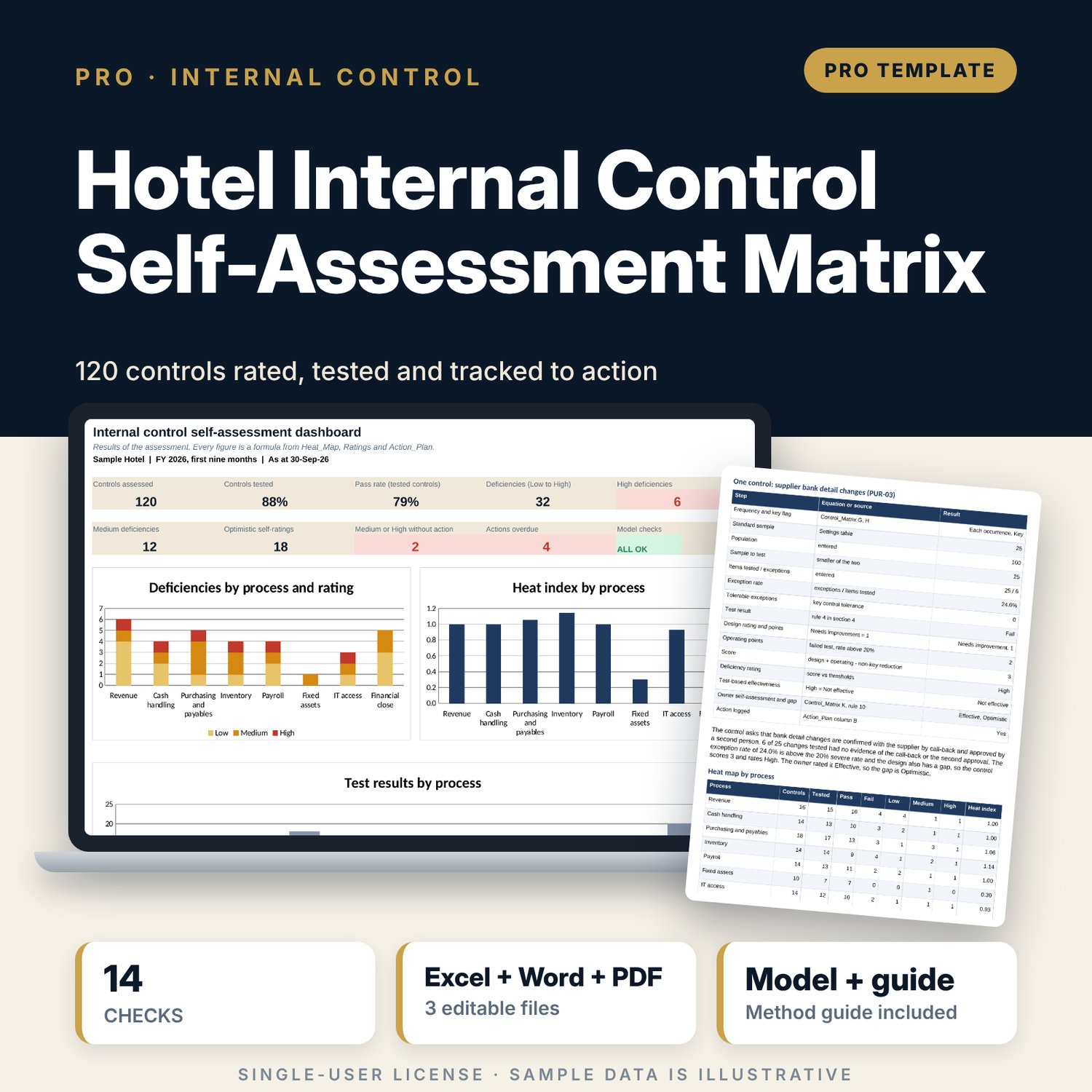
Hotel Internal Control Self-Assessment Matrix: Hotel Internal Control Self-Assessment Template with Testing and Heat Map
Full description
For financial controllers, internal auditors, income auditors and general managers who run a yearly control self-assessment. The workbook holds a matrix of 120 controls in eight hotel processes. Owners rate each control, you test a sample sized by control frequency, and the workbook scores each control from design points and operating points, rates it None, Low, Medium or High, compares the owner view with the test result, draws a heat map by process and checks that every Medium or High deficiency has an action with an owner and a date. The Word guide explains the cycle, the equations, a worked example and how to write up a finding.
Save with a bundle: this workbook is also in the F&B Control & Audit Pro Bundle, 25 workbooks for $59 instead of $310. All 100 Pro workbooks are in the Pro Library for $119, and all 241 templates and workbooks are in the Ultimate Hospitality Library for $149.
What is inside
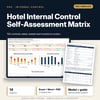
- Hotel_Internal_Control_Self_Assessment_Matrix.xlsx: 10 tabs, 4,211 formulas, 3 native charts, 14 integrity checks, 15 method rows
- Sample matrix: 120 controls in 8 processes (revenue, cash handling, purchasing and payables, inventory, payroll, fixed assets, IT access, financial close), each with risk, control activity, owner, frequency, key flag, type and test steps
- Sample test results for 106 controls, owner self-assessments, 24 management actions; room for 150 controls and 60 actions
- Settings: tolerable exceptions, scoring points, rating thresholds, heat index weights, sample size by frequency, action due days and the drop-down lists
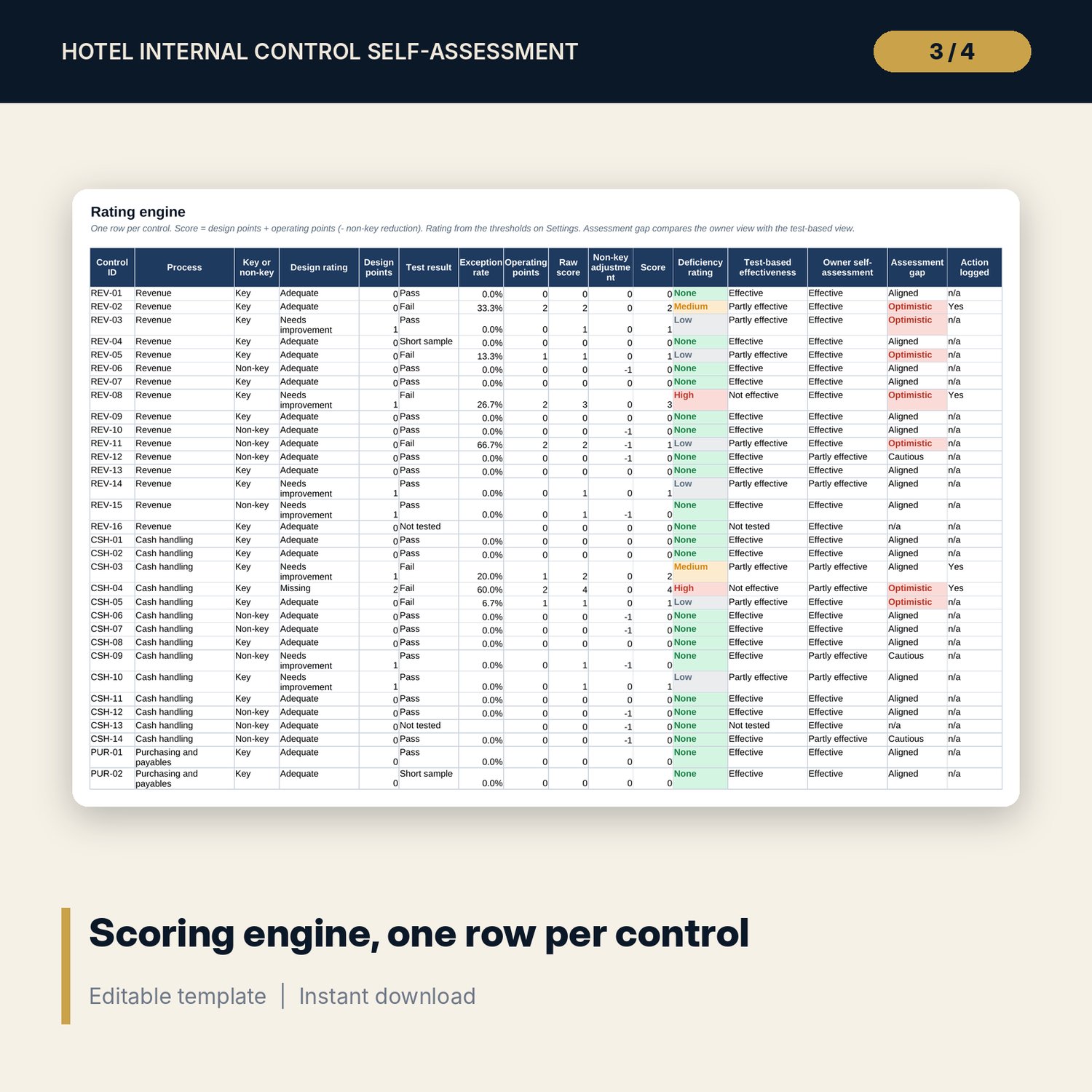
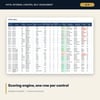
- Ratings engine: score from design and operating points, deficiency rating, test-based effectiveness, assessment gap and action logged, on one row per control
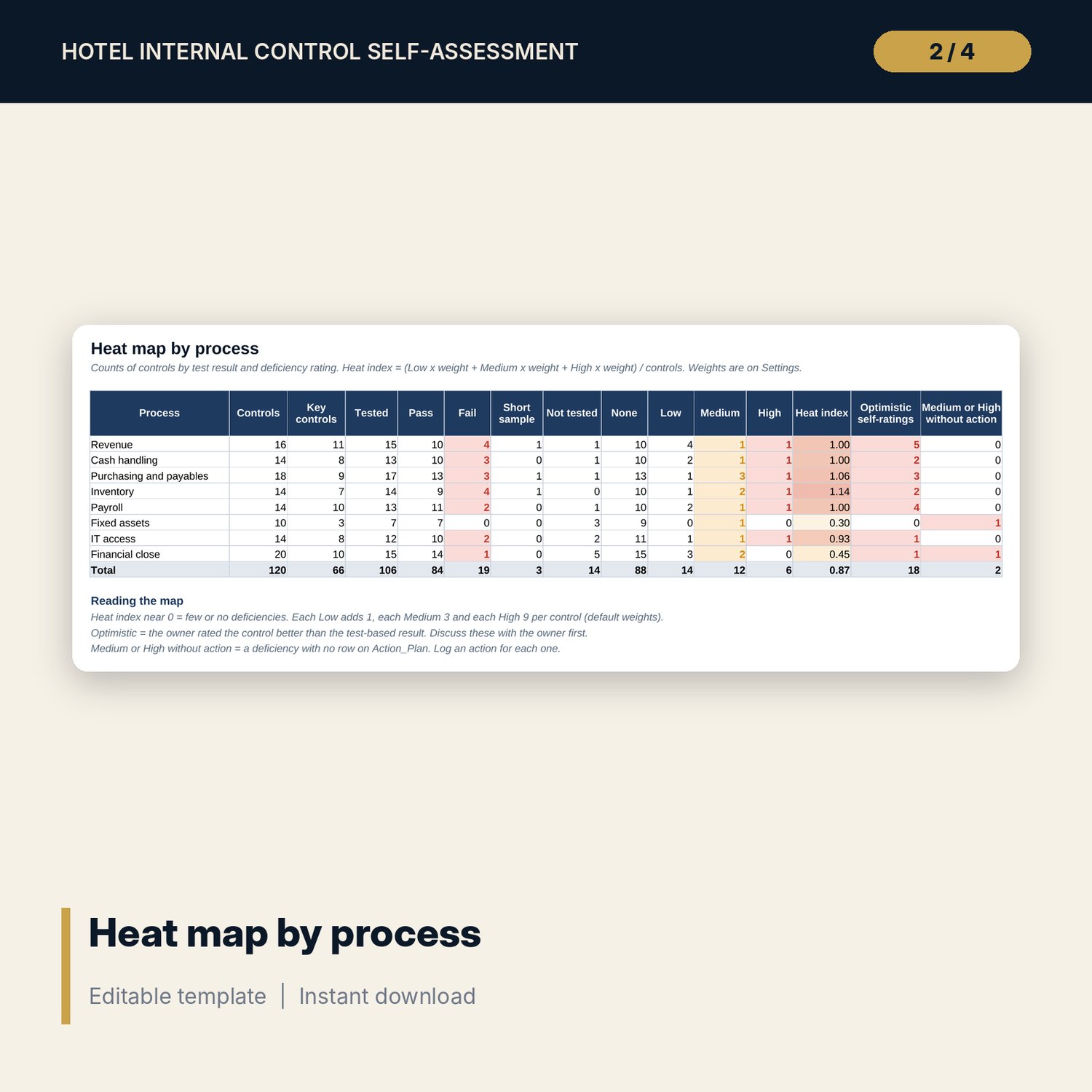
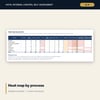
- Heat_Map: test results and deficiency ratings by process, heat index, optimistic self-ratings and Medium or High deficiencies without an action
- Action_Plan: owner, target date, status, policy due date, days overdue and an Overdue, Beyond policy, On track or Done flag
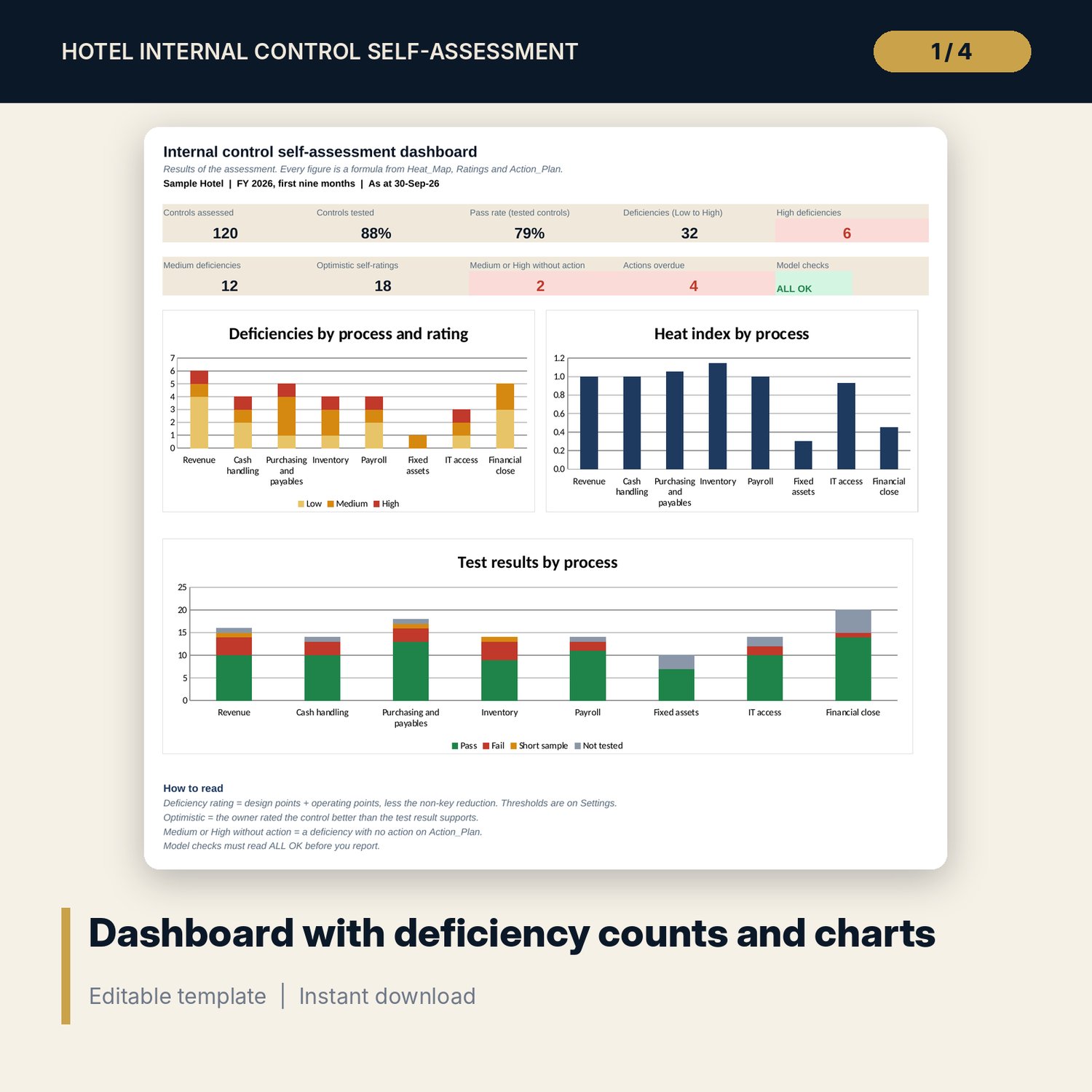
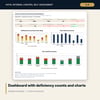
- Dashboard: 9 KPI tiles, a model check tile and 3 charts
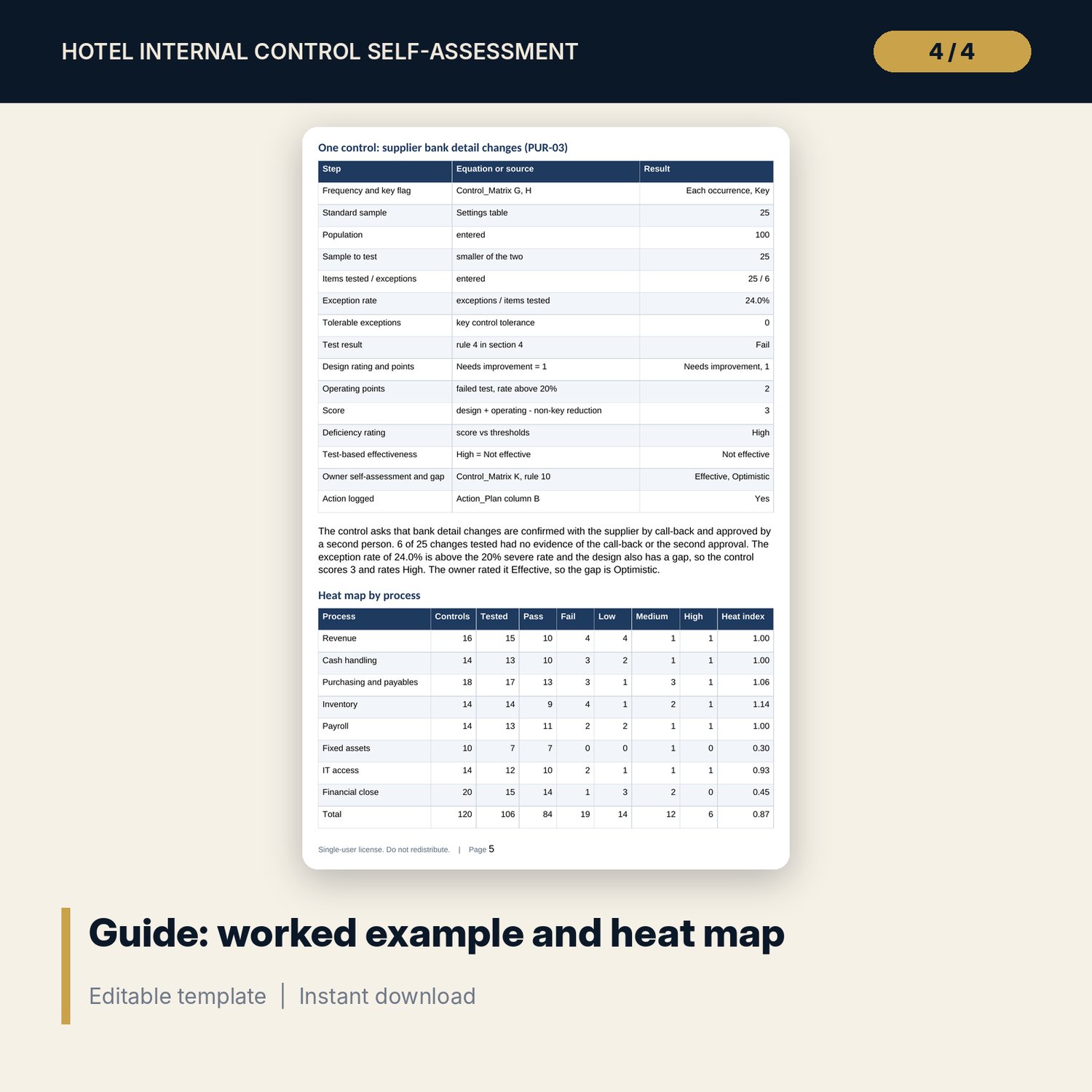
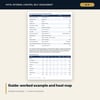
- Hotel_Internal_Control_Self_Assessment_Guide.docx and .pdf: 10 A4 pages with the cycle, equations, a worked example, a deficiency write-up routine, checklist, glossary and sign-off
- README.txt and LICENSE-and-Terms.txt
How it works
- Set the as-at date, tolerable exceptions, scoring points, thresholds and sample sizes on Settings.
- Edit the control list on Control_Matrix, then have each owner enter a self-assessment before any testing.
- Test a sample for each control and enter the population, items tested and exceptions on Testing.
- Read Ratings and Heat_Map, discuss every High, Medium and optimistic rating with the owner, and log an action for each Medium and High item.
- Review the Dashboard, confirm the Checks tab reads ALL OK and update the action status each month.
Details
- Formats: XLSX workbook, DOCX and PDF guide
- Language: English
- Software: Excel 2016 or later (Windows or Mac), or LibreOffice Calc 7 or later
- No macros, no external links, no pivot tables
- Instant digital download
Good to know
- Sample data is illustrative. Replace it with your own controls, owners and test results.
- Sample sizes, tolerable exceptions, scoring points and thresholds are examples. Verify them with your audit method and local requirements.
- Not audit, legal or accounting advice. The workbook gives no assurance on the financial statements.
- Single-user license.
FAQ
Can I add or remove controls?
Yes. Control_Matrix, Testing and Ratings hold 150 rows and 120 are filled. Overwrite the sample controls with yours, add rows up to 150 and clear the ones you do not use. Action_Plan holds 60 actions.
How are the sample sizes set?
Settings holds a table of sample size by control frequency. The sizes are examples. Agree them with your audit method or external auditor and change them in the table.
What does Optimistic mean?
The owner rated the control better than the test result supports. The workbook compares the owner self-assessment with the test-based result for each control and counts the gaps.
Is a control that has not been tested counted as a pass?
No. It shows Not tested, is excluded from the pass rate and is counted separately, so the Dashboard shows both the pass rate and the share of controls tested.
Does it replace an internal or external audit?
No. It supports management self-assessment and first-line testing. It gives no assurance on the financial statements and does not detect fraud.