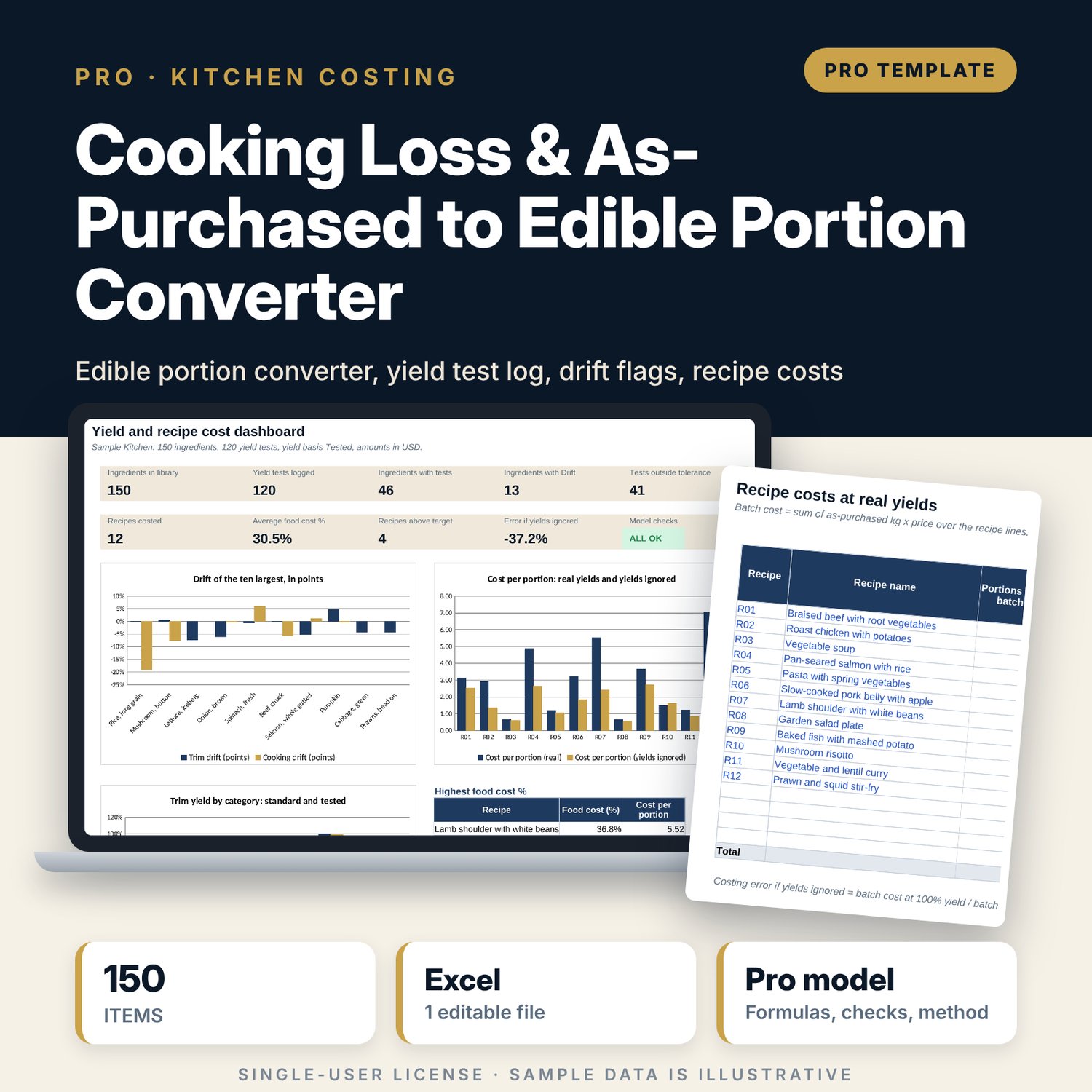
Cooking Loss & As-Purchased to Edible Portion Converter: Yield Converter and Recipe Costing in Excel
Full description
For executive chefs, kitchen managers, purchasing staff and food and beverage controllers who order by as-purchased weight but cook and cost by edible portion. The library holds a standard trim yield and cooking yield for each of 150 ingredients. The yield log takes your in-house tests (as-purchased, prepped and cooked weights), averages them by ingredient, and flags any ingredient whose tested yield drifts beyond your tolerance. The converter turns a required edible or cooked quantity into the quantity to order and its cost, with trim waste and cooking loss shown. Recipes draw their yields from the library, so recipe cost follows what the kitchen really pays, and the workbook shows how far a costing that ignores yields would be off.
Save with a bundle: this workbook is also in the F&B Control & Audit Pro Bundle, 25 workbooks for $59 instead of $310. All 100 Pro workbooks are in the Pro Library for $119, and all 241 templates and workbooks are in the Ultimate Hospitality Library for $149.
What is inside
- Cooking_Loss_and_Edible_Portion_Converter.xlsx: 11 tabs, 6,213 formulas, 3 native charts, 22 drop-down and input rules
- Library: 150 sample ingredients in 9 categories with room for 180; standard and tested yields, yield used, cost per kg edible raw and cooked
- Yield_Log: 120 sample tests and 40 spare rows with trim yield, cooking yield, total yield and drift against standard
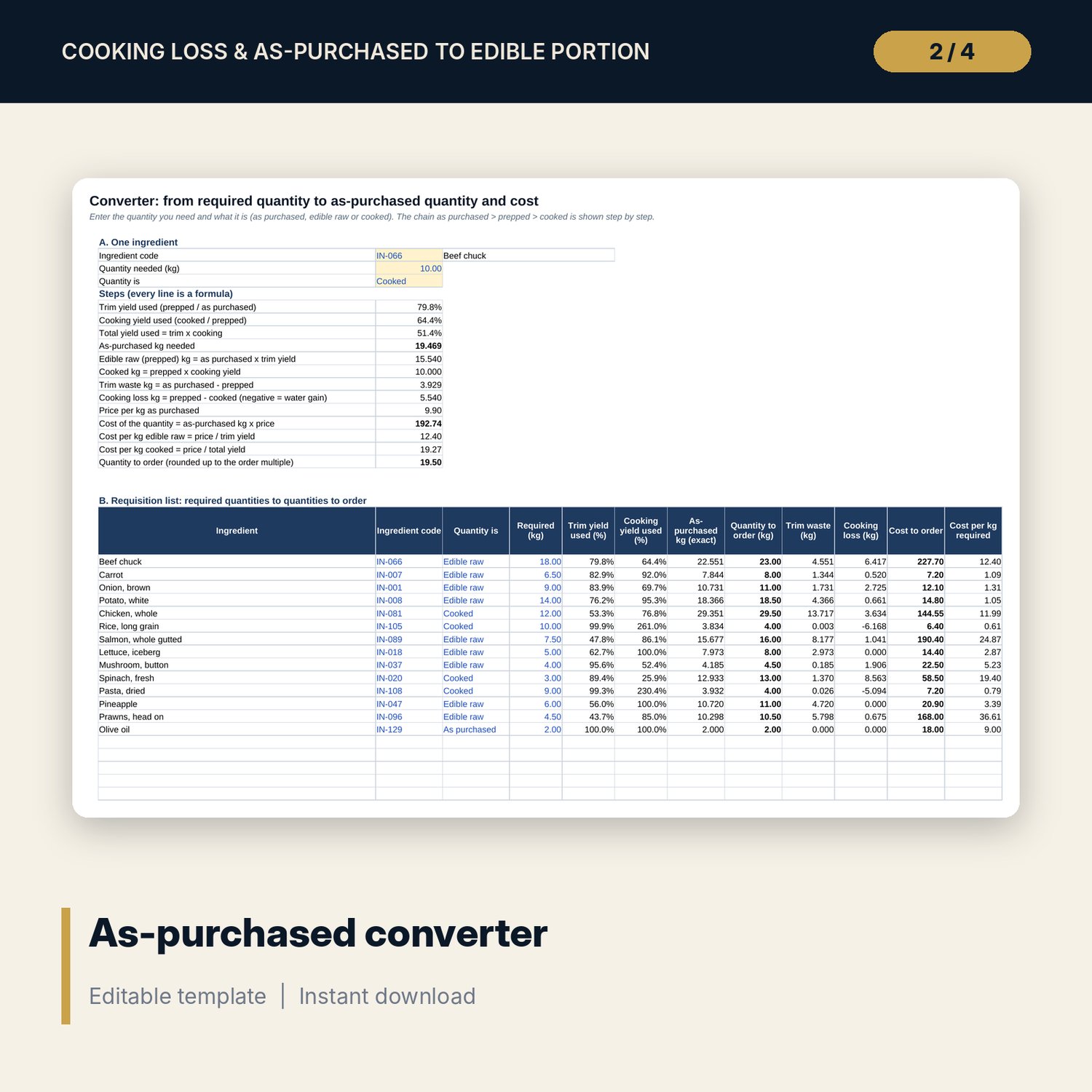
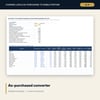
- Converter: one-ingredient steps, a 20-line requisition list with order rounding, and a yield sensitivity grid
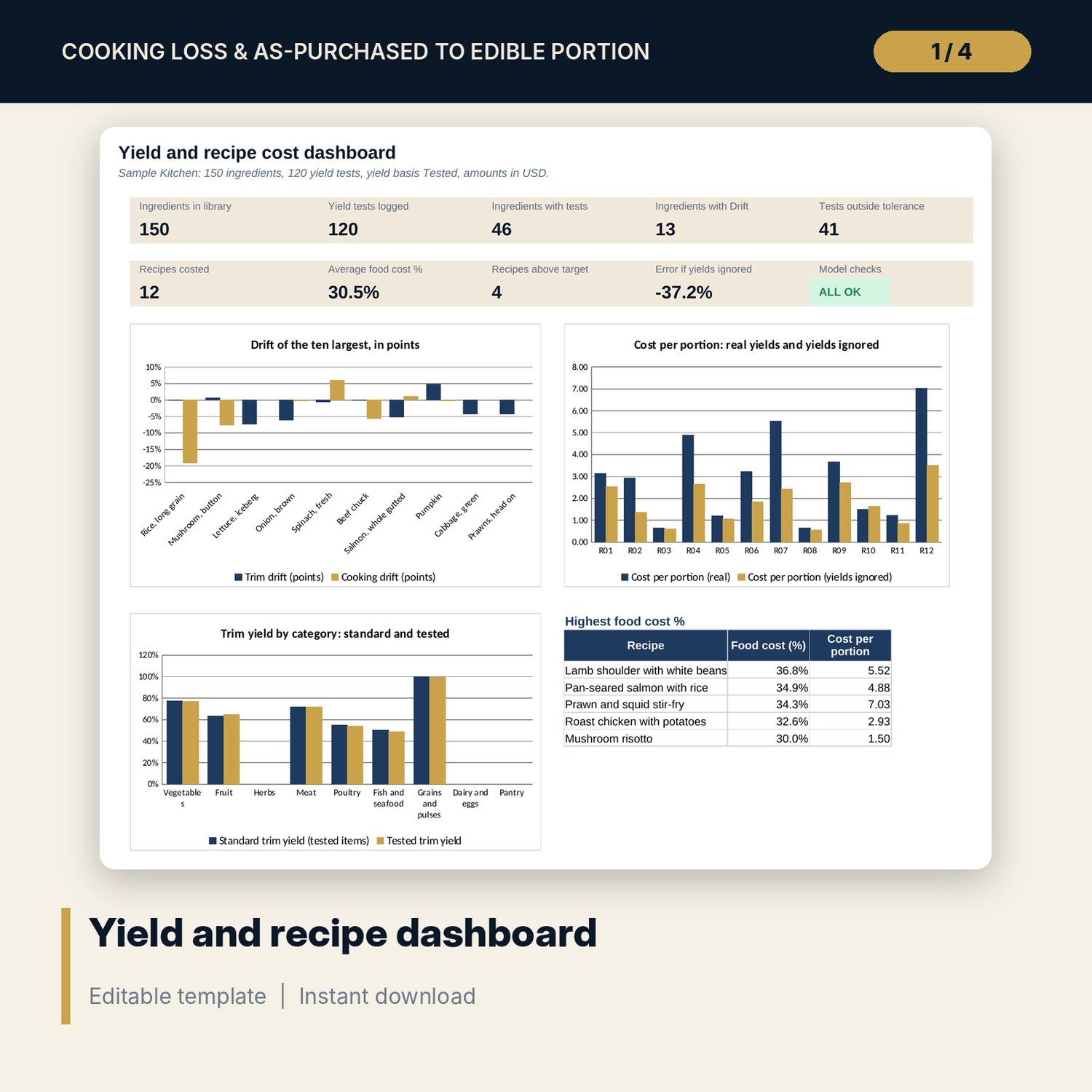
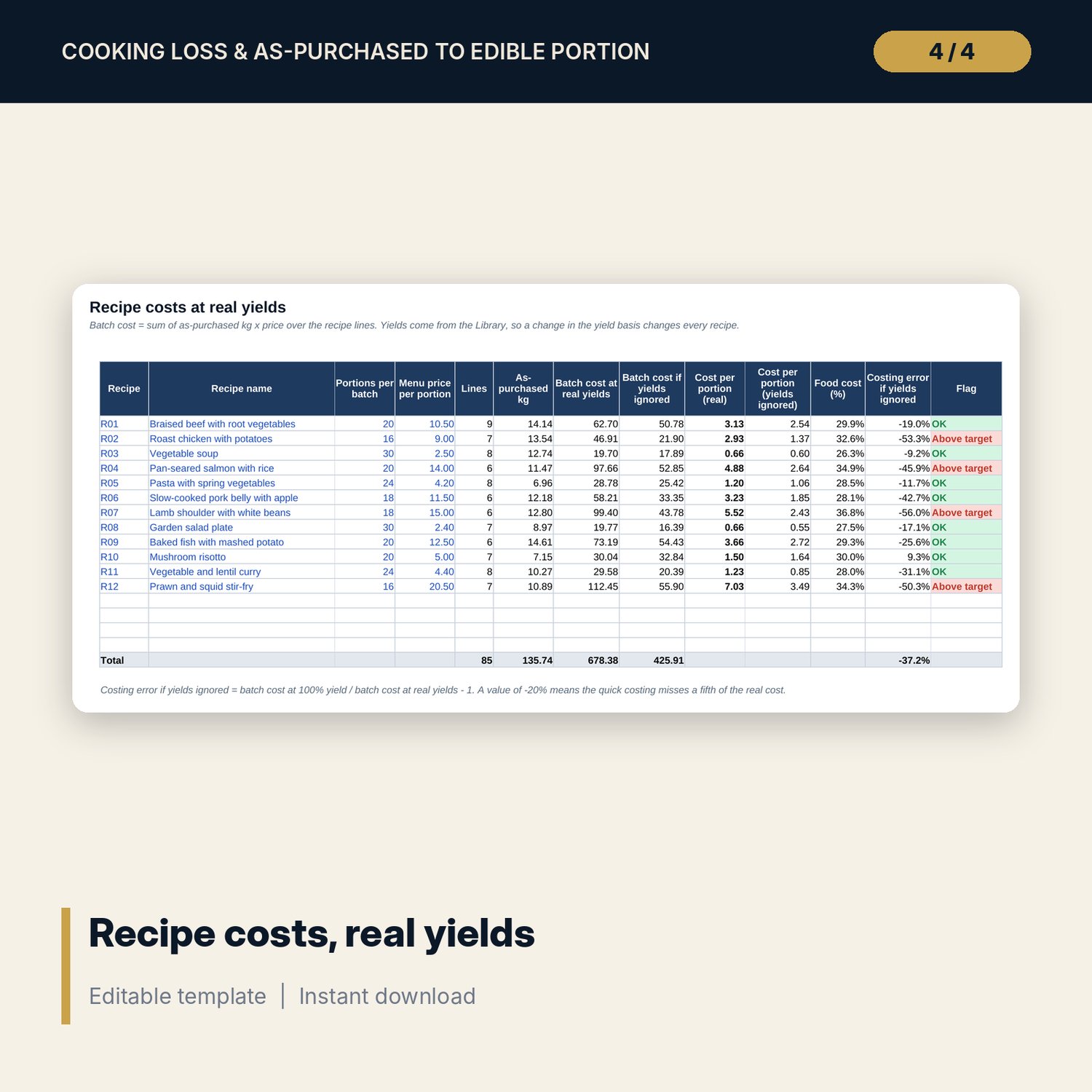
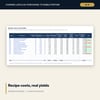
- Recipe_Lines and Recipe_Costs: 12 sample recipes with batch cost, cost per portion, food cost % and the error of ignoring yields
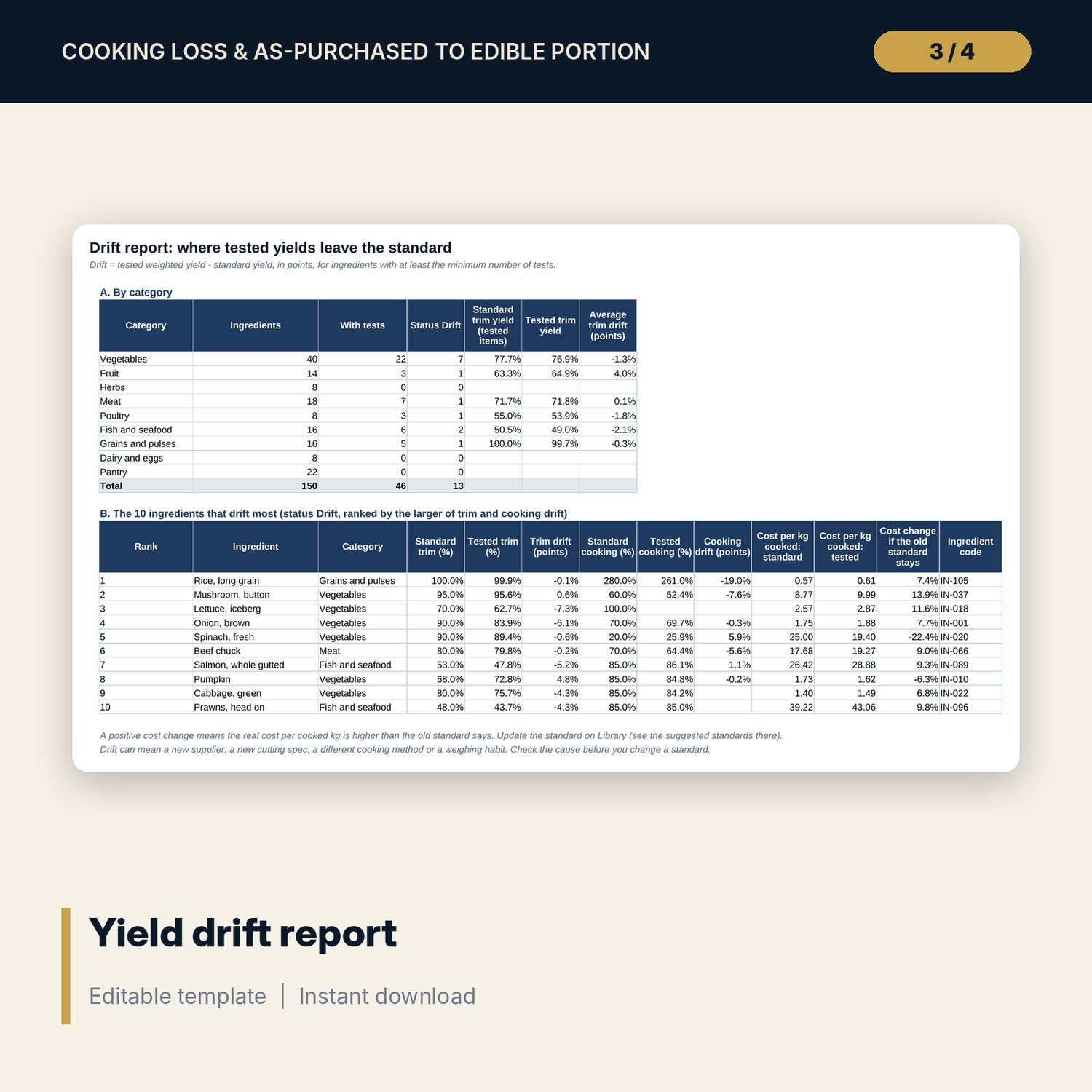
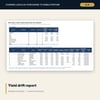
- Drift_Report: drift by category and the ten ingredients that drift most, with the cost effect
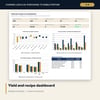
- Dashboard (one printed page), 15 integrity checks and a Method tab with 17 documented calculations
- README.txt and LICENSE-and-Terms.txt
How it works
- Set the yield basis (standard, tested or lower of both), the drift tolerance and the minimum tests on Assumptions.
- Replace the sample prices and standard yields on Library with your own.
- Log each preparation test on Yield_Log: as-purchased, prepped and, if cooked, cooked weight.
- Read the Status column and the Drift_Report; accept or reject the suggested new standards.
- Convert required quantities on Converter and cost your recipes on Recipe_Lines and Recipe_Costs.
Details
- Format: one .xlsx workbook, English
- Software: Excel 2016 or later, or LibreOffice Calc 7 or later
- No macros, no external links, no data tables, no array formulas
- Instant digital download
Good to know
- Sample data is illustrative. Replace it with your own figures.
- Yields depend on cut, supplier, season, cooking method and skill. Verify every standard with your own tests.
- The workbook supports costing and purchasing. It is not food-safety advice; follow your own HACCP plan.
- Single-user license. Do not redistribute.
FAQ
What is the difference between trim yield and cooking yield?
Trim yield is prepped weight divided by as-purchased weight. Cooking yield is cooked weight divided by prepped weight. Total yield is the product of the two.
Can the cooking yield be above 100%?
Yes. Rice, pasta and pulses absorb water, so their cooking yield is above 100%. The converter shows a negative cooking loss for them.
How does it decide which yield to use?
You choose on Assumptions. Standard uses the library. Tested uses your weighted test average once an ingredient has the minimum tests. Lower of both uses the smaller yield.
Can I add ingredients and recipes?
Yes. The library has 30 spare rows, the log 40 spare rows, and the recipe tabs have room for more recipes and lines.
Does it work in Google Sheets?
The formulas are standard. The file is built and tested for Excel and LibreOffice Calc.