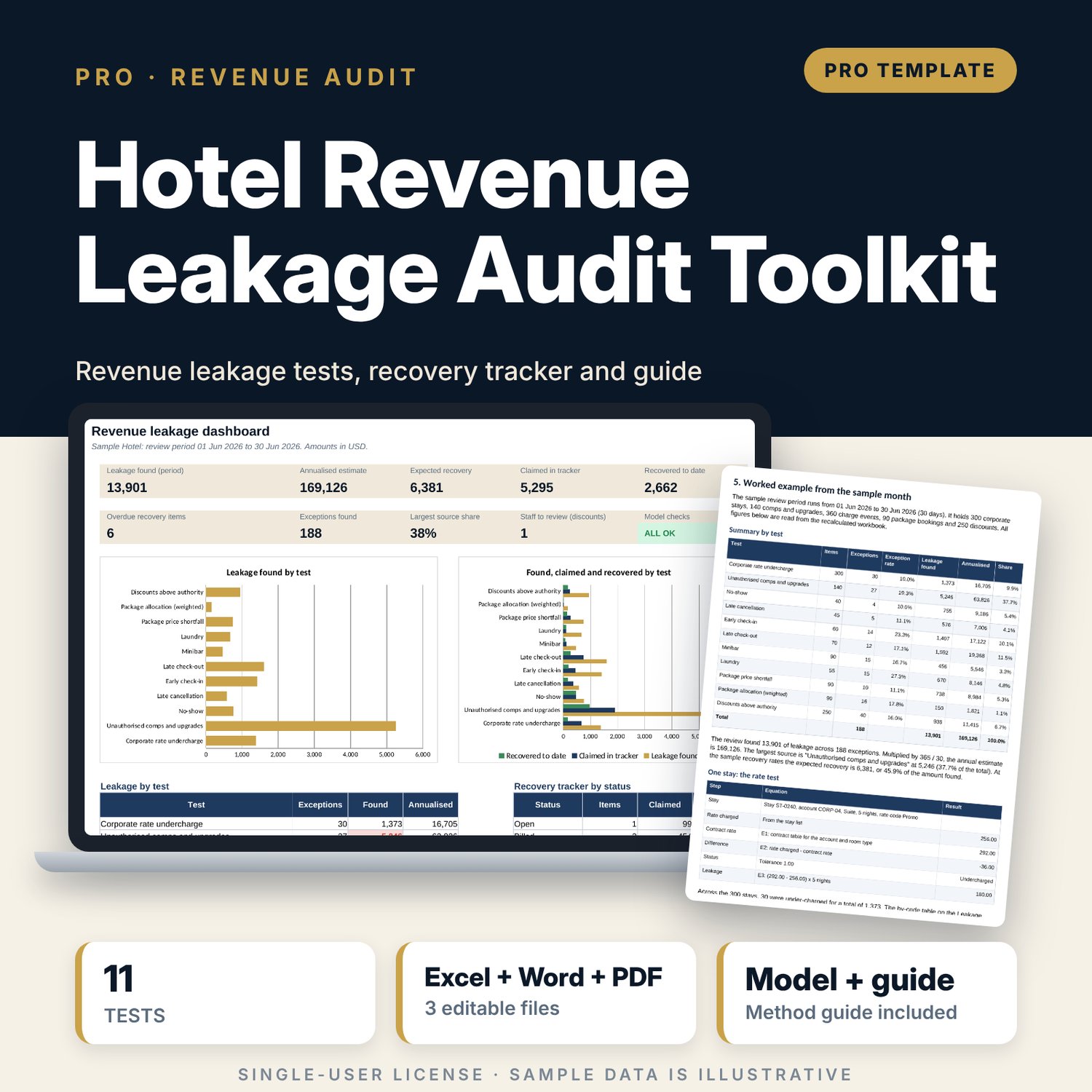
Hotel Revenue Leakage Audit Toolkit: Revenue Leakage Audit in Excel for Monthly Revenue Integrity Reviews
Full description
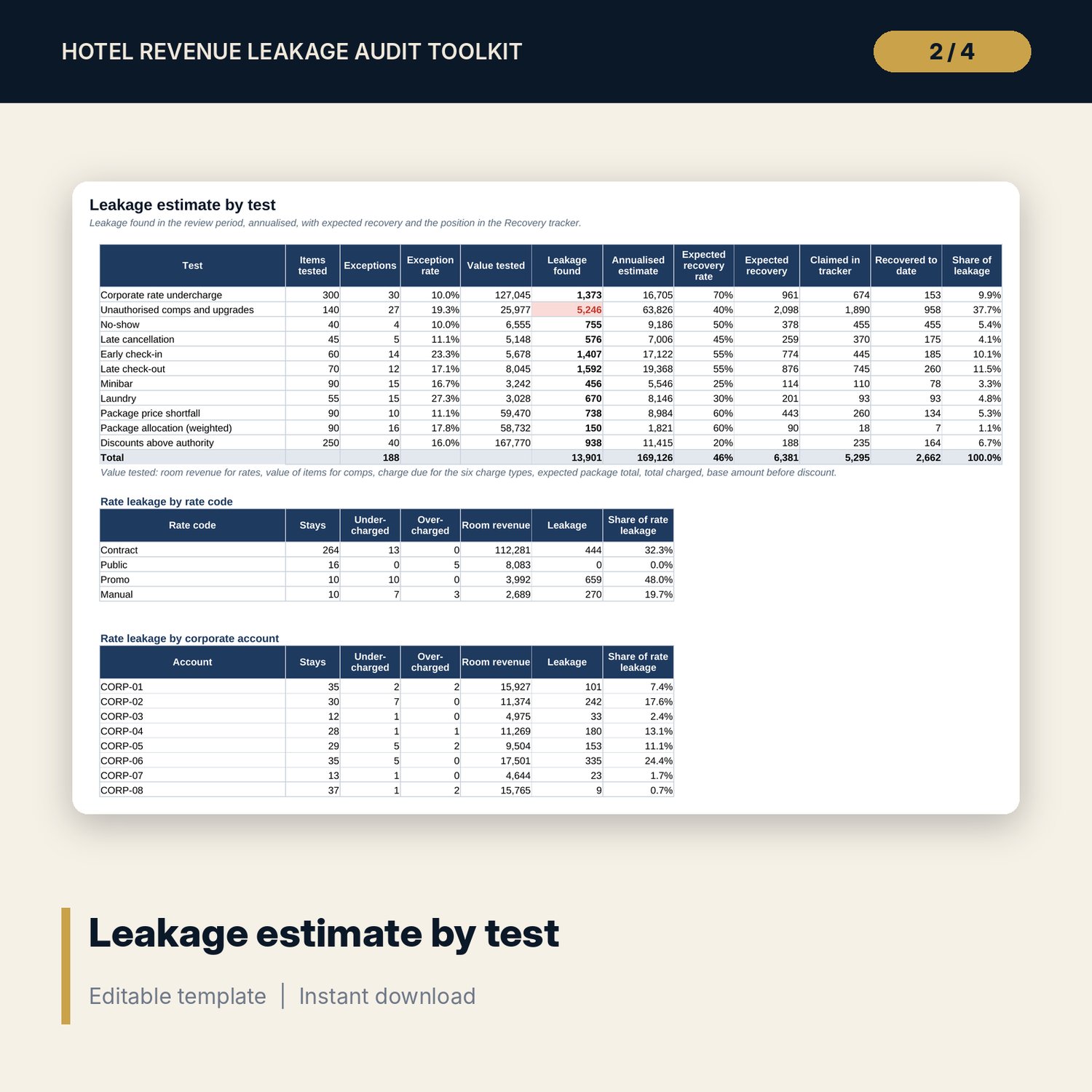
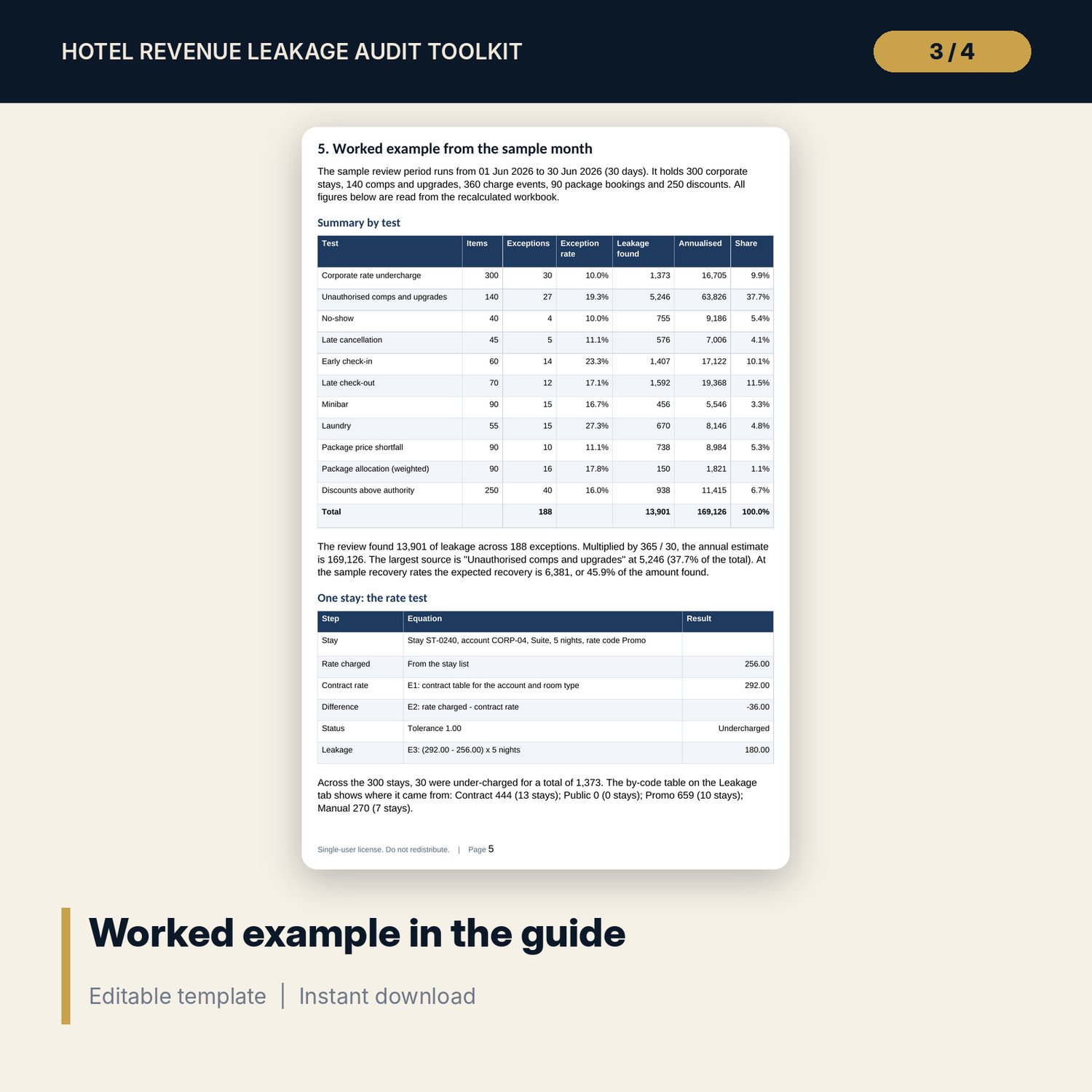
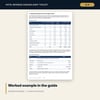
For revenue managers, financial controllers, front office managers and internal auditors who run a monthly revenue integrity review. The workbook tests corporate stays against contract rates, comps and upgrades against authority limits, no-show, late cancellation, early check-in and late check-out charges against a policy table, minibar and laundry postings against housekeeping records, package price and department split, and discounts against each user's authority. Each test returns a leakage value. The Leakage tab adds them, annualises the total, applies expected recovery rates and compares the result with a recovery tracker. A 11-page Word guide with a PDF copy covers the monthly process, the equations and a worked example.
Save with a bundle: this workbook is also in the F&B Control & Audit Pro Bundle, 25 workbooks for $59 instead of $310. All 100 Pro workbooks are in the Pro Library for $119, and all 241 templates and workbooks are in the Ultimate Hospitality Library for $149.
What is inside
- Hotel_Revenue_Leakage_Audit_Toolkit.xlsx: 12 tabs, 13,150 formulas, 2 native charts, 31 drop-down and input rules
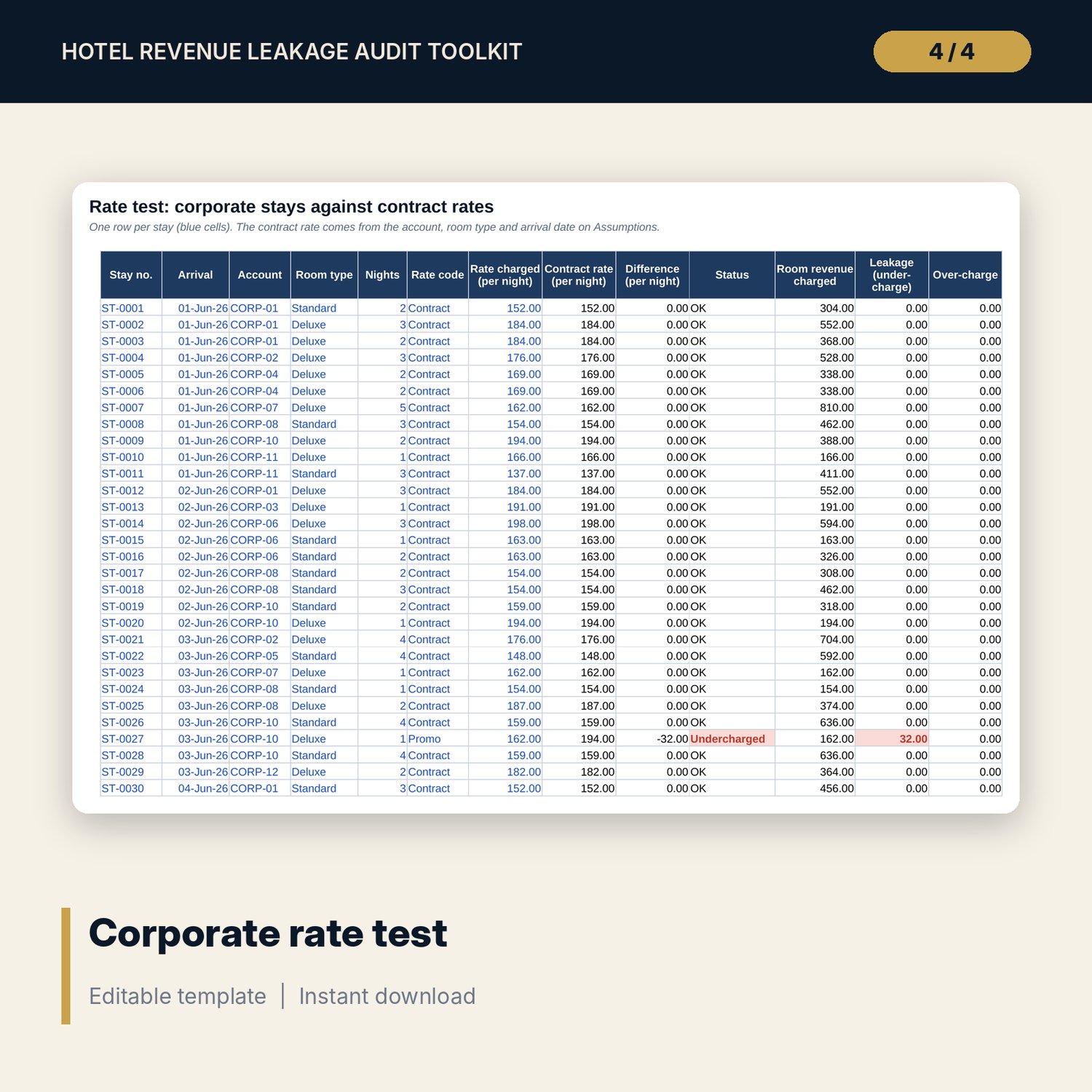
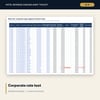
- Rate_Test: 300 sample corporate stays across 12 accounts, room for 400 rows
- Comps_Upgrades: 140 sample items with 4 authority tests, room for 250 rows
- Charge_Audit: 360 sample events across 6 charge types and 14 policy tiers, room for 500 rows
- Packages: 90 sample bookings across 6 packages, room for 150 rows
- Discounts: 250 sample discounts, room for 400 rows, plus a use-of-authority table for 14 staff
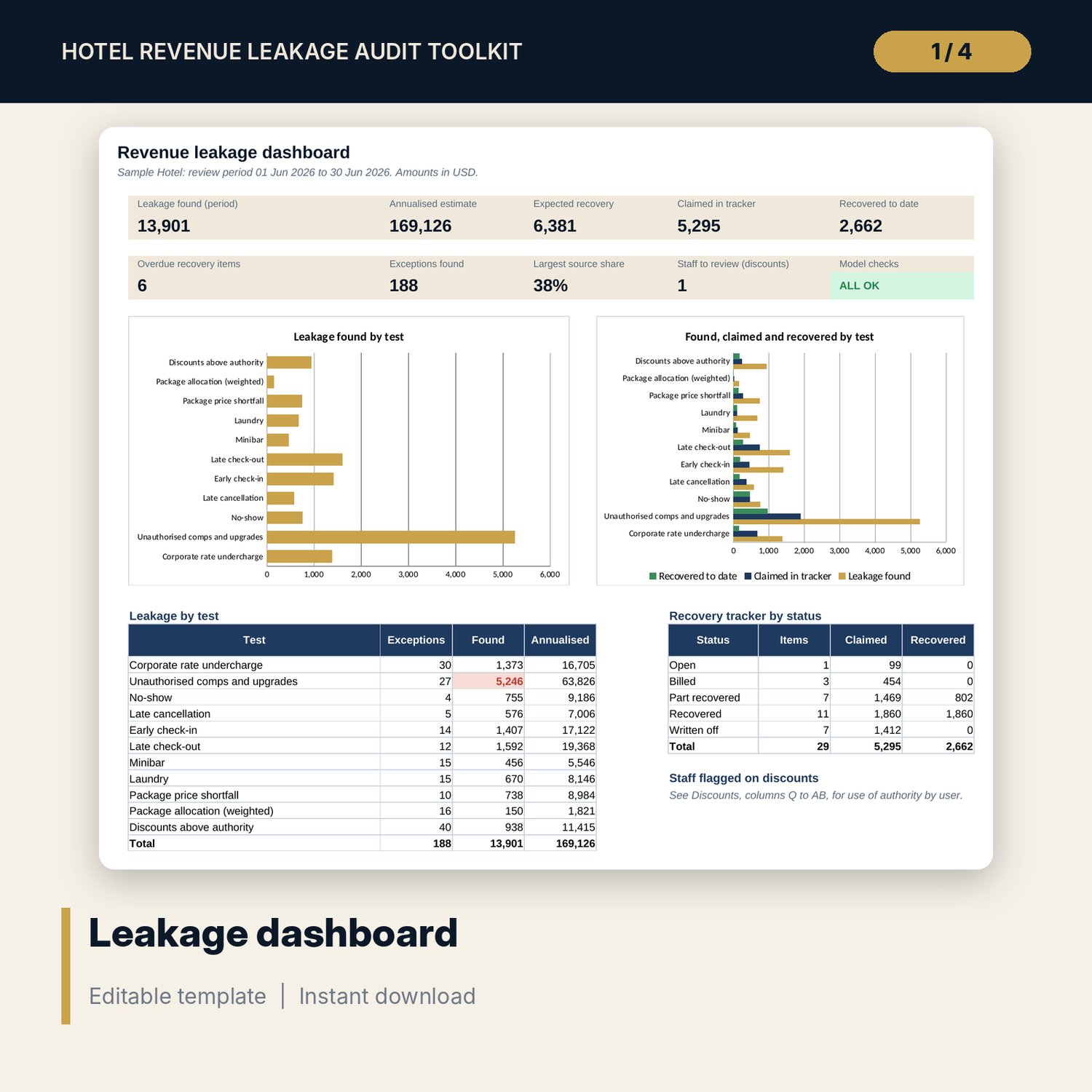
- Leakage (11 test lines, rate leakage by rate code and account), Recovery tracker (29 sample items, room for 80)
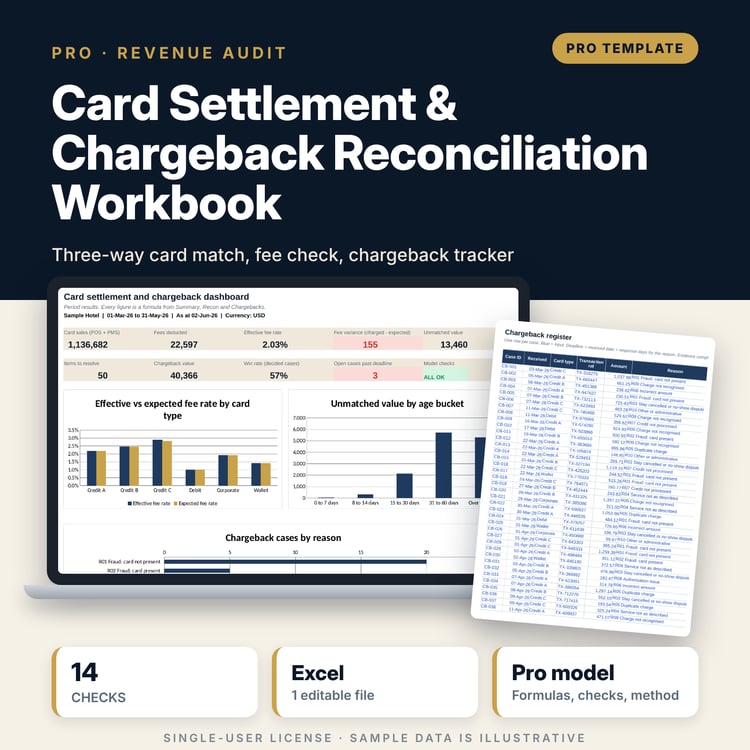
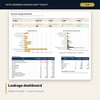
- Dashboard (one printed page), 14 integrity checks and a Method tab with 14 documented calculations
- Hotel_Revenue_Leakage_Audit_Guide.docx and Hotel_Revenue_Leakage_Audit_Guide.pdf: 11 pages
- README.txt and LICENSE-and-Terms.txt
How it works
- Set the review period, tolerances, policy tiers, contract rates, staff limits and packages on Assumptions.
- Paste each log into its tab: stays, comps and upgrades, charge events, packages and discounts.
- Read the Status and Leakage columns on each test tab and confirm flagged rows at source.
- Read the Leakage tab for the total, the annual estimate and the largest sources.
- Raise confirmed items on Recovery, update them as money comes back, and confirm that Checks shows ALL OK.
Details
- Format: one .xlsx workbook, one .docx guide and a PDF copy of the guide, English
- Software: Excel 2016 or later, or LibreOffice Calc 7 or later; any word processor or PDF reader for the guide
- No macros, no external links, no add-ins, no array formulas
- Instant digital download
Good to know
- Sample data is illustrative. Replace it with your own figures.
- A flag is a reason to check a record, not proof of loss. The toolkit is a control tool, not legal, accounting or audit advice.
- Contract rates, policy tiers, staff limits, package splits and recovery rates are editable samples. Verify local requirements and your own agreements before you bill a charge.
- Single-user license. Do not redistribute.
FAQ
Which tests are included?
Corporate rate against contract, comps and upgrades against authority, no-show and late cancellation, early check-in and late check-out, minibar and laundry posting gaps, package price and allocation, and discounts against authority.
How is the charge due worked out?
A policy table gives the share of the base amount due for each trigger value (hours of notice or clock hour). The leak is the charge due less the amount posted, above a tolerance you set.
Can I use my own policies, accounts and packages?
Yes. Contract rates, charge types, policy tiers, staff limits and packages are inputs on Assumptions.
Does it estimate annual leakage and recovery?
Yes. Leakage found is scaled by 365 over the days in the review period, and expected recovery uses a rate you set for each test. The tracker shows claimed, recovered and outstanding amounts.
Does it need macros or add-ins?
No. Every result is a standard worksheet formula.