Menu Change Project Planner & Tasting Trial Log: Menu Change Project Plan Template and Dish Trial Log
Full description
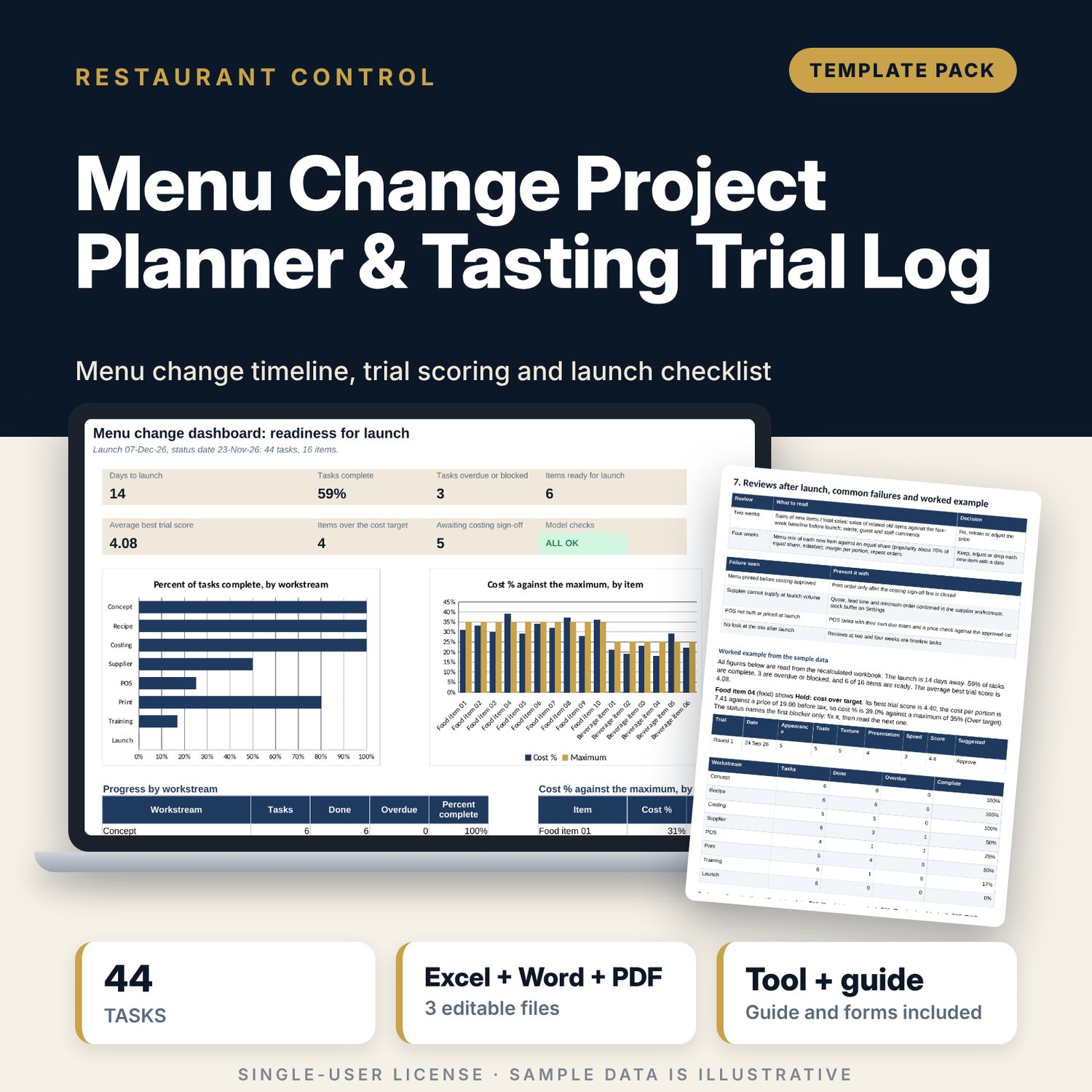
For F&B directors, chefs, outlet managers and bar managers who are changing a menu and want every department on one timeline. The workbook counts 44 tasks in 8 workstreams back from the launch date, logs dish trials with five scored criteria, and joins best trial score, cost % against your maximum, costing sign-off, supplier sample, stock-ready date and POS build into a single status for each item that names the first blocker. The 8-page Word project plan gives you the plan on a page, concept brief, trial protocol, costing and supplier sheets, training plan, launch checklist and review forms.
What is inside
- Menu_Change_Project_Planner.xlsx: 7 tabs, 549 formulas, 2 native charts, 19 drop-down and input rules
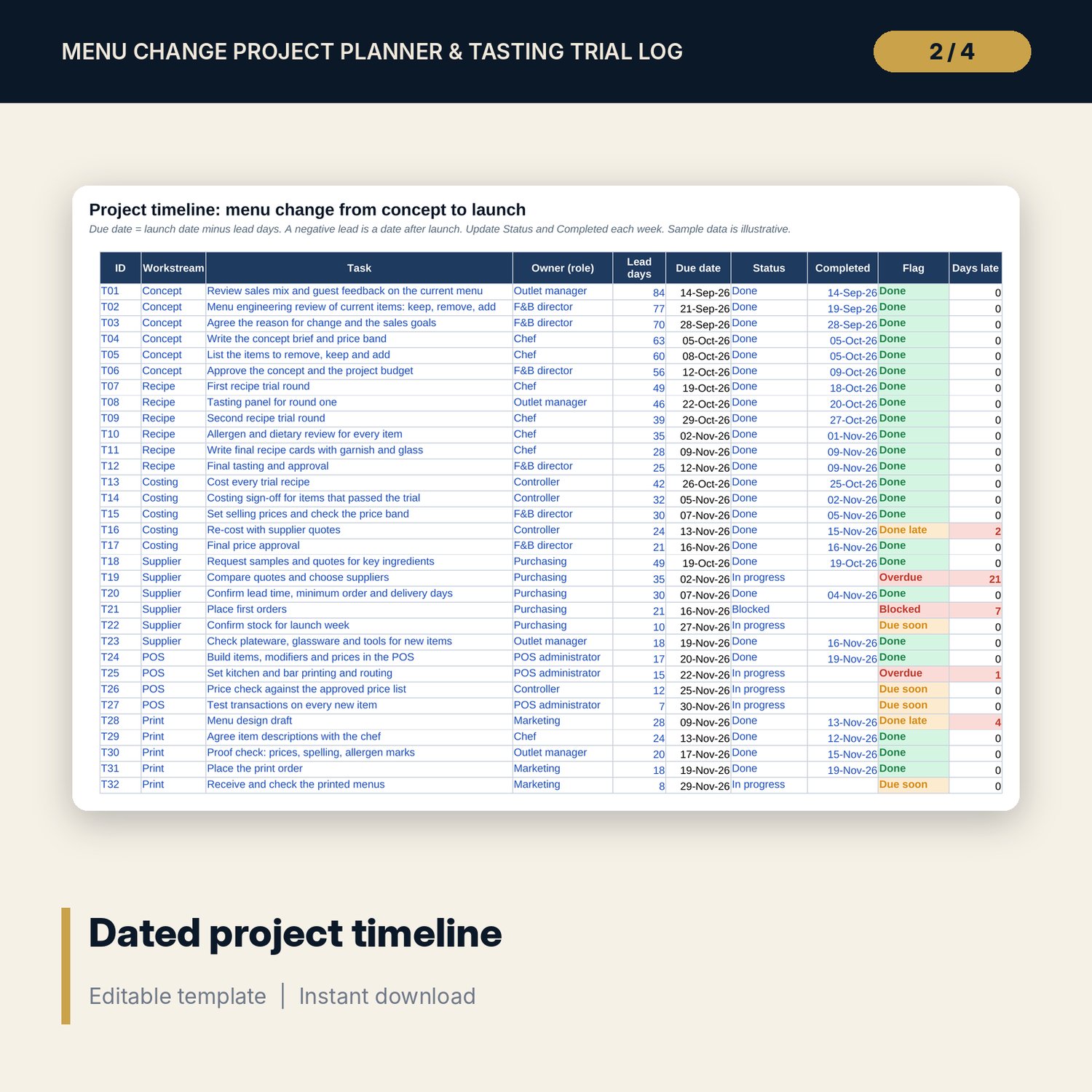
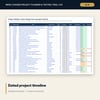
- Timeline: 44 tasks in 8 workstreams (concept, recipe, costing, supplier, POS, print, training, launch) with due date, status, flag and days late, plus 6 spare rows
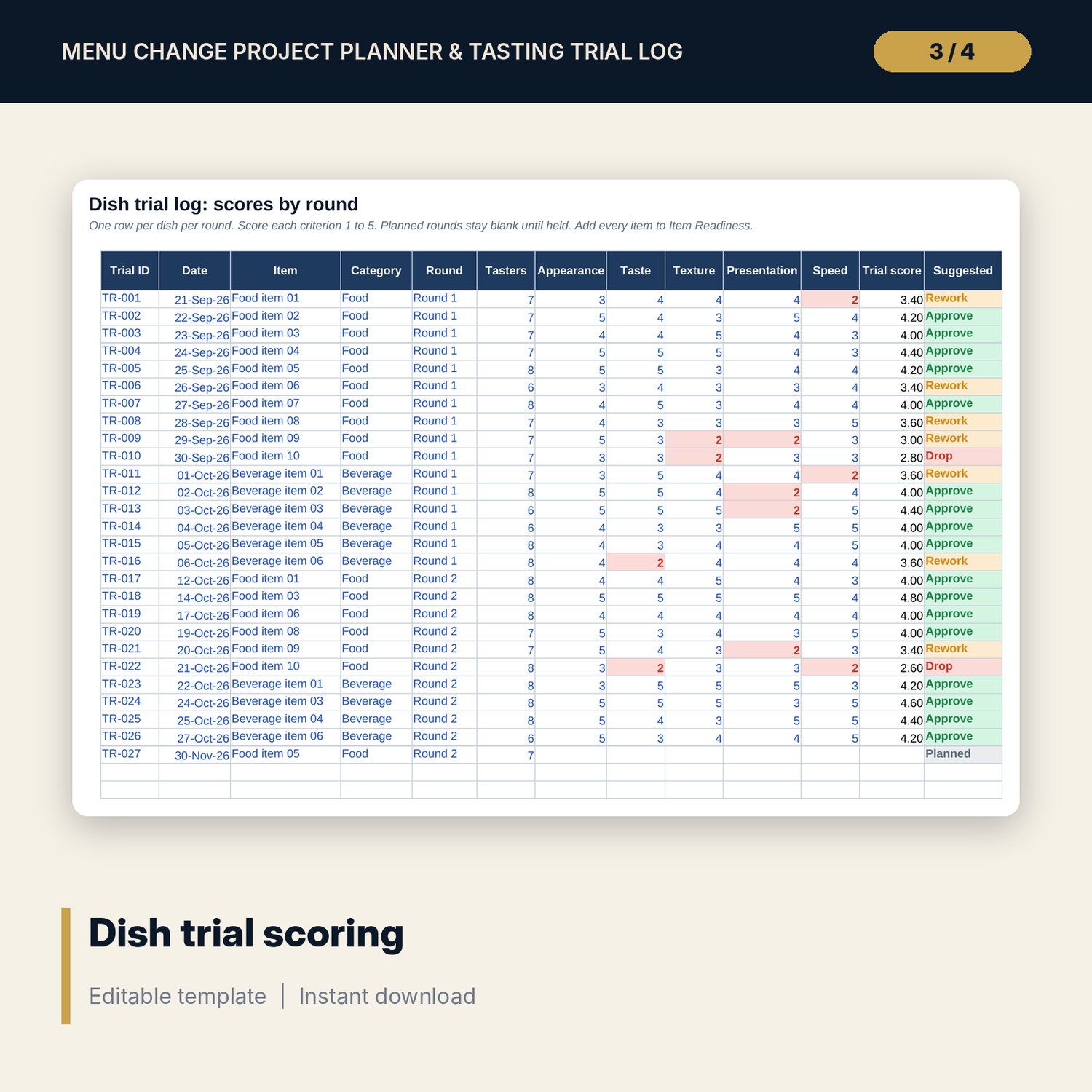
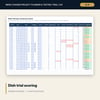
- Dish Trials: 27 sample trial rows over 16 items, five criteria scored 1 to 5, trial score and a suggested decision, plus 14 spare rows
- Item Readiness: 16 sample items, 18 columns from trial score to POS build, status naming the first blocker, plus 8 spare rows
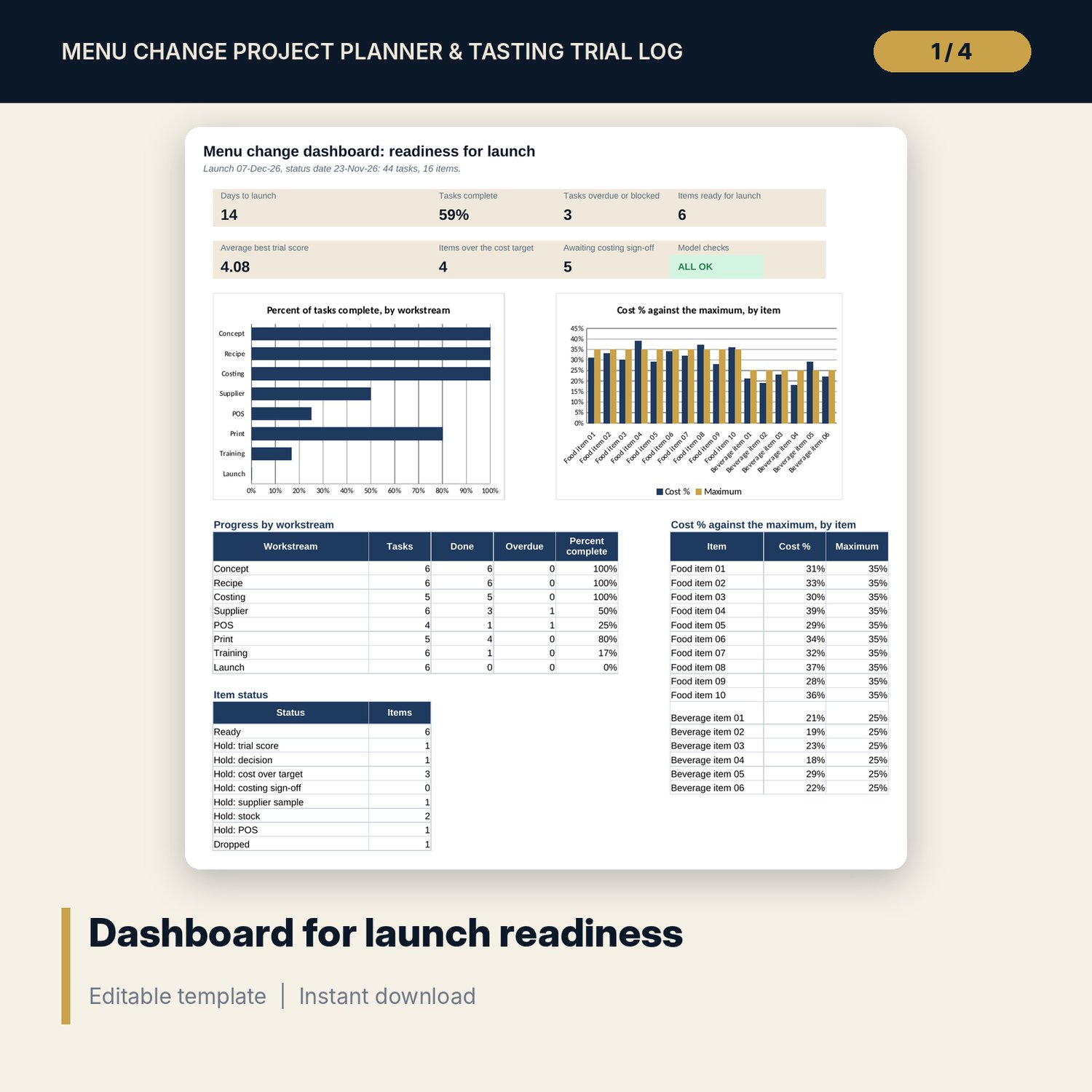
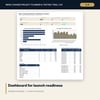
- Dashboard: 8 tiles (one is the check status), 2 charts, progress by workstream and item status counts; 8 integrity checks on the Checks tab
- Menu_Change_Project_Plan.docx and PDF: 8 pages with plan on a page, concept brief, trial and costing sheets, supplier readiness, training plan, 15-point launch checklist, review forms and a worked example
- README.txt and LICENSE-and-Terms.txt
How it works
- Enter the launch date, status date, pass marks and cost maximums on Settings.
- Adjust the lead days on Timeline and update status each week.
- Log each dish trial with five scores, then complete the item row on Item Readiness.
- Read the status column and clear the first blocker on each item in the weekly meeting.
- Use the Word plan for the concept brief, sign-offs, training and the launch day checklist.
Details
- Formats: 1 Excel workbook (.xlsx), 1 project plan in Word (.docx) and PDF, English
- Software: Excel 2016 or later, or LibreOffice Calc 7 or later
- No macros, no external links, no data tables, no array formulas
- 3 files plus README and license; instant digital download
Good to know
- Sample data is illustrative. Replace it with your own figures.
- Lead times, cost targets and pass marks are editable starting points. Verify them against your own suppliers and standards.
- The files support a project. They are not food-safety or legal advice.
- Single-user license. Do not redistribute.
FAQ
How are due dates set?
Due date = launch date minus the lead days on each task. Change the launch date on Settings and every date moves.
What does the item status tell me?
It names the first blocker: trial score, decision, cost over target, costing sign-off, supplier sample, stock or POS. Ready means every test is passed.
Can I change the cost % targets?
Yes. Food and beverage maximums are inputs on Settings, with typical ranges noted beside them.
Does it cover staff training?
Yes. Timeline has six training tasks and the Word plan has a training grid, a product knowledge card and a quiz step.
Do I need macros?
No. Every result is a standard worksheet formula.