Vacation Rental Damage, Deposit & Incident Log: Guest Damage Claim Tracker Spreadsheet
Full description
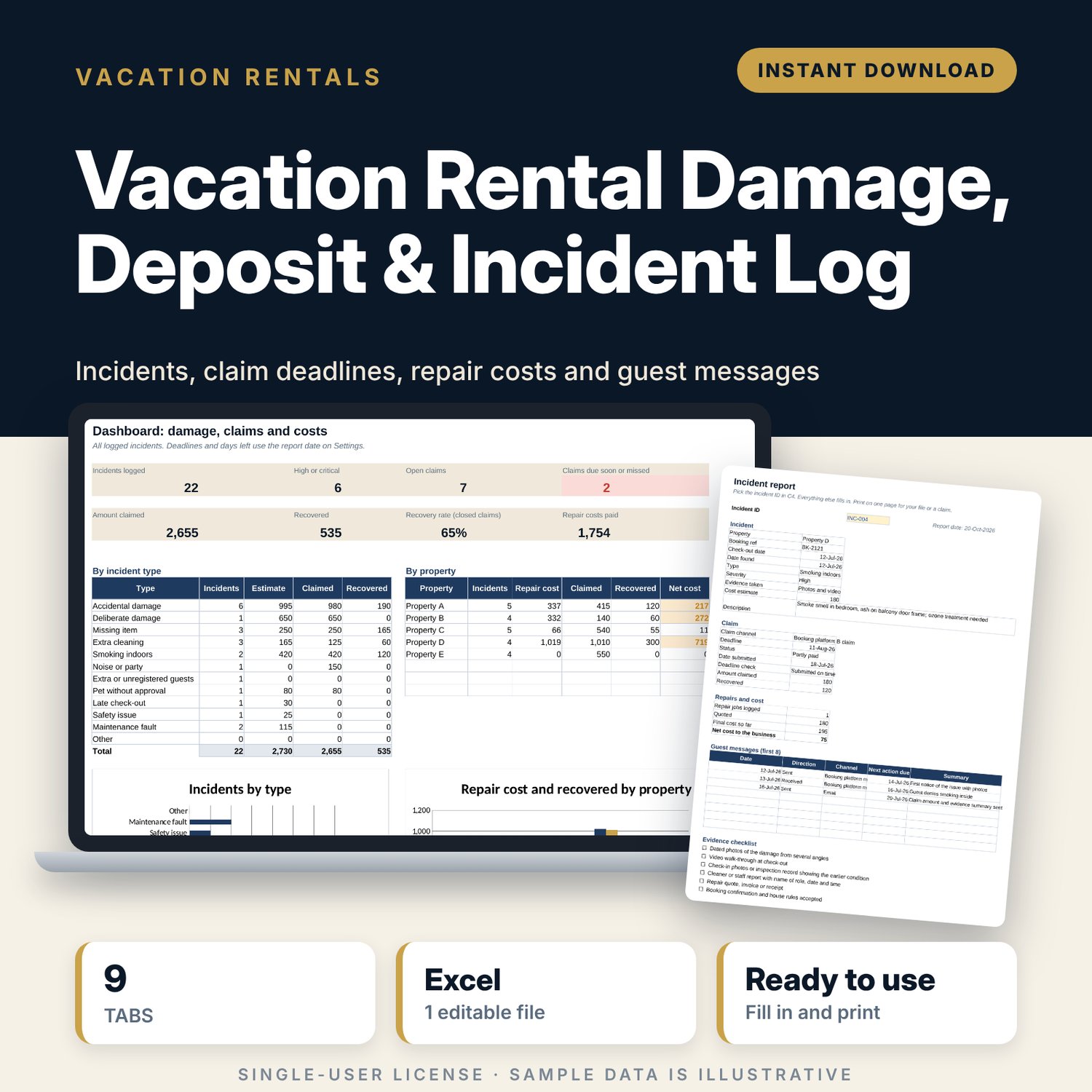
For hosts and property managers who need a clear record when a guest damages, takes or leaves behind something that costs money. You log each incident with its booking ref, check-out date and evidence. The workbook sets the claim deadline for each channel from the check-out date, warns you before it passes, tracks what you claimed and recovered, records repairs and guest messages, summarises costs by incident type and property, and prints a one-page incident report for your file or claim.
Save with a bundle: this template is also in the Vacation Rental Business Bundle, 10 templates for $29 instead of $69. All 141 templates are in the All-Access Hospitality Template Library for $79.
What is inside
- Vacation_Rental_Damage_Deposit_Incident_Log.xlsx: 9 tabs, 2,431 formulas, 2 native charts, 17 drop-down or number rules.
- Settings: report date, warning days, 8 property slots, 5 claim channels with deadline days, 12 incident types, 4 severity levels, 8 claim statuses and other drop-down lists.
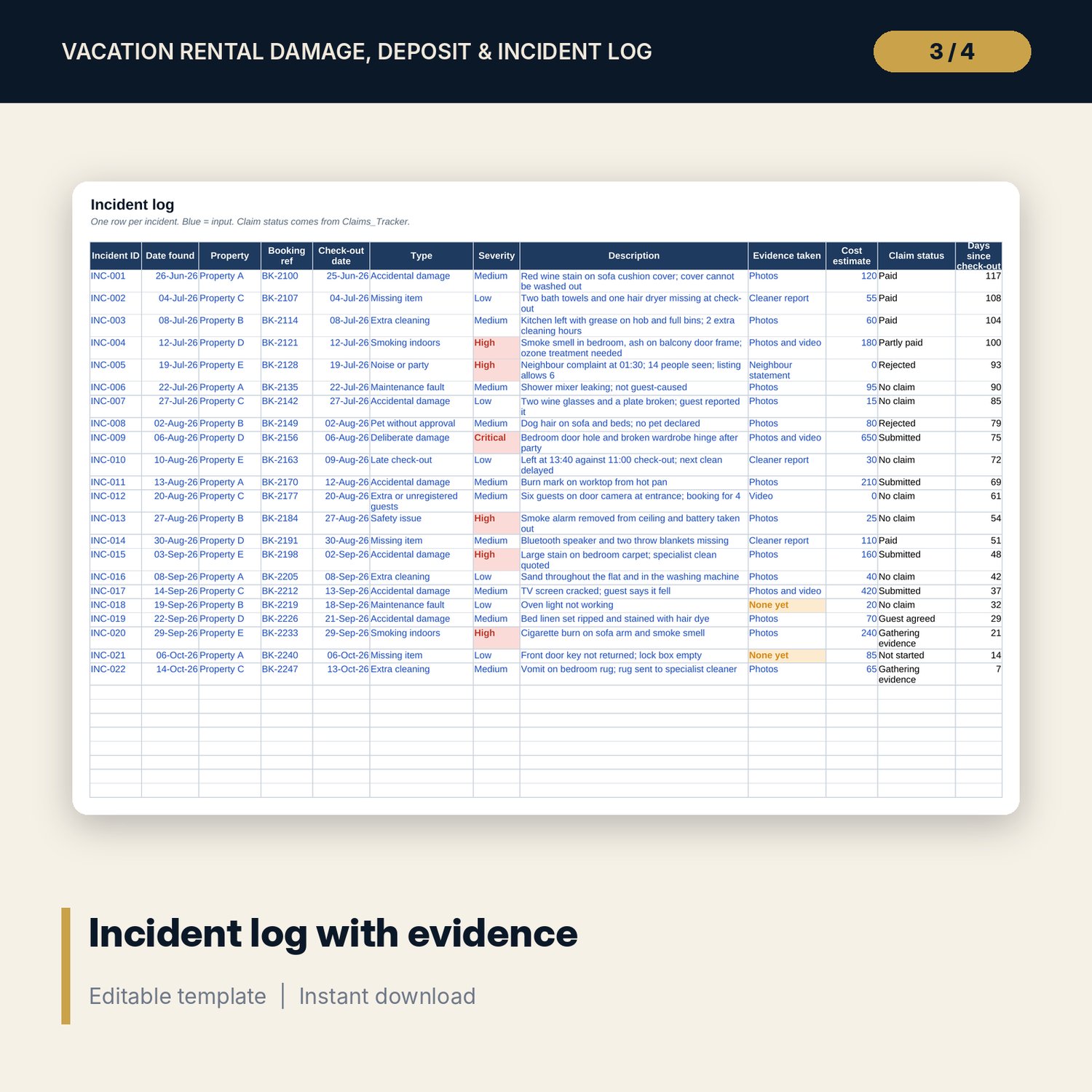
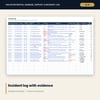
- Incident_Log: room for 200 incidents (22 sample rows) with type, severity, description, evidence, cost estimate, claim status and days since check-out.
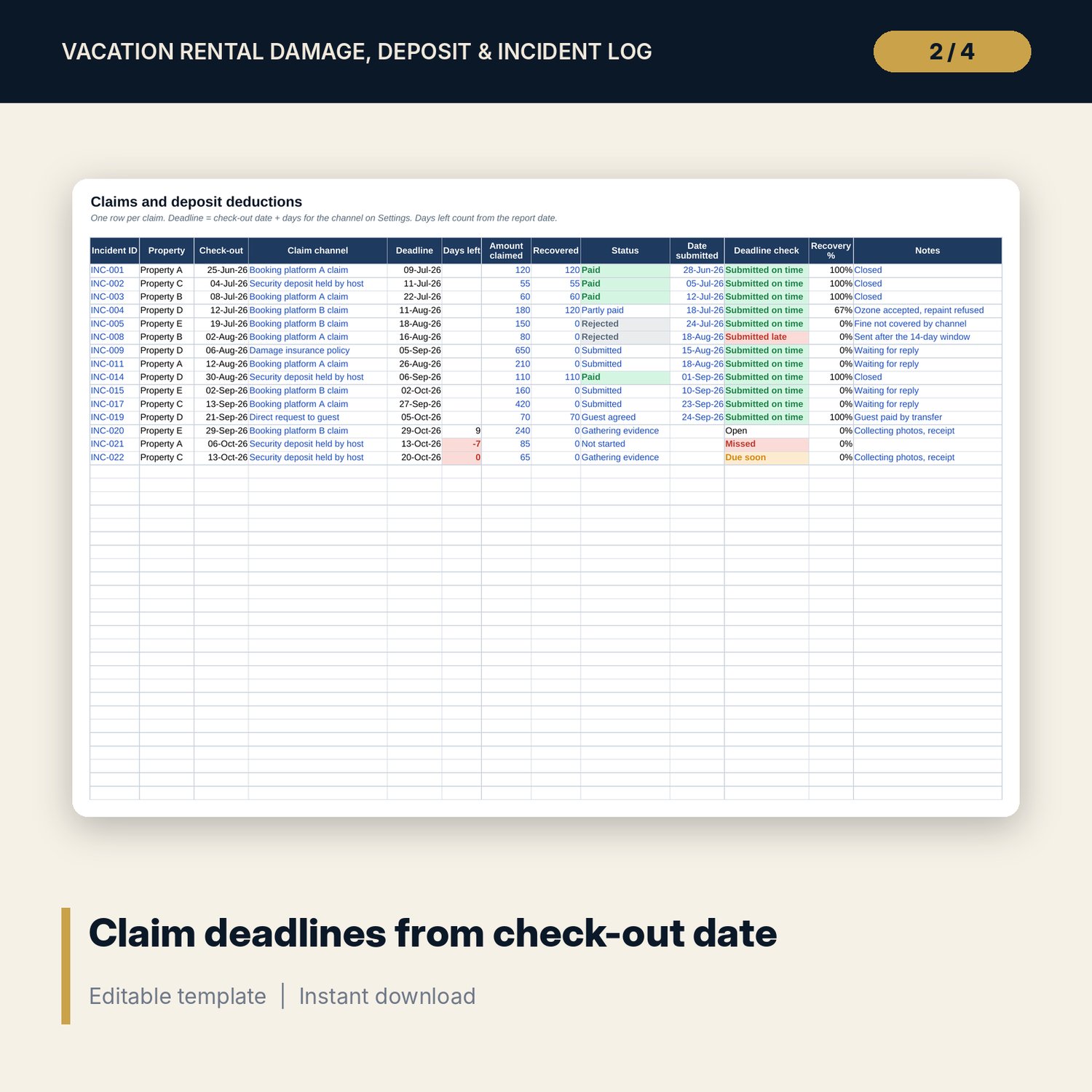
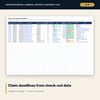
- Claims_Tracker: room for 150 claims (15 sample rows) with deadline, days left, amount claimed, recovered, status, submission date and a deadline check.
- Repair_Costs: room for 200 jobs (17 sample rows) with quote, final cost, who pays, status and variance.
- Guest_Comms: room for 300 messages (22 sample rows) with next action and an overdue flag.
- Message_Templates: 6 short guest messages, from first notice to resolution.
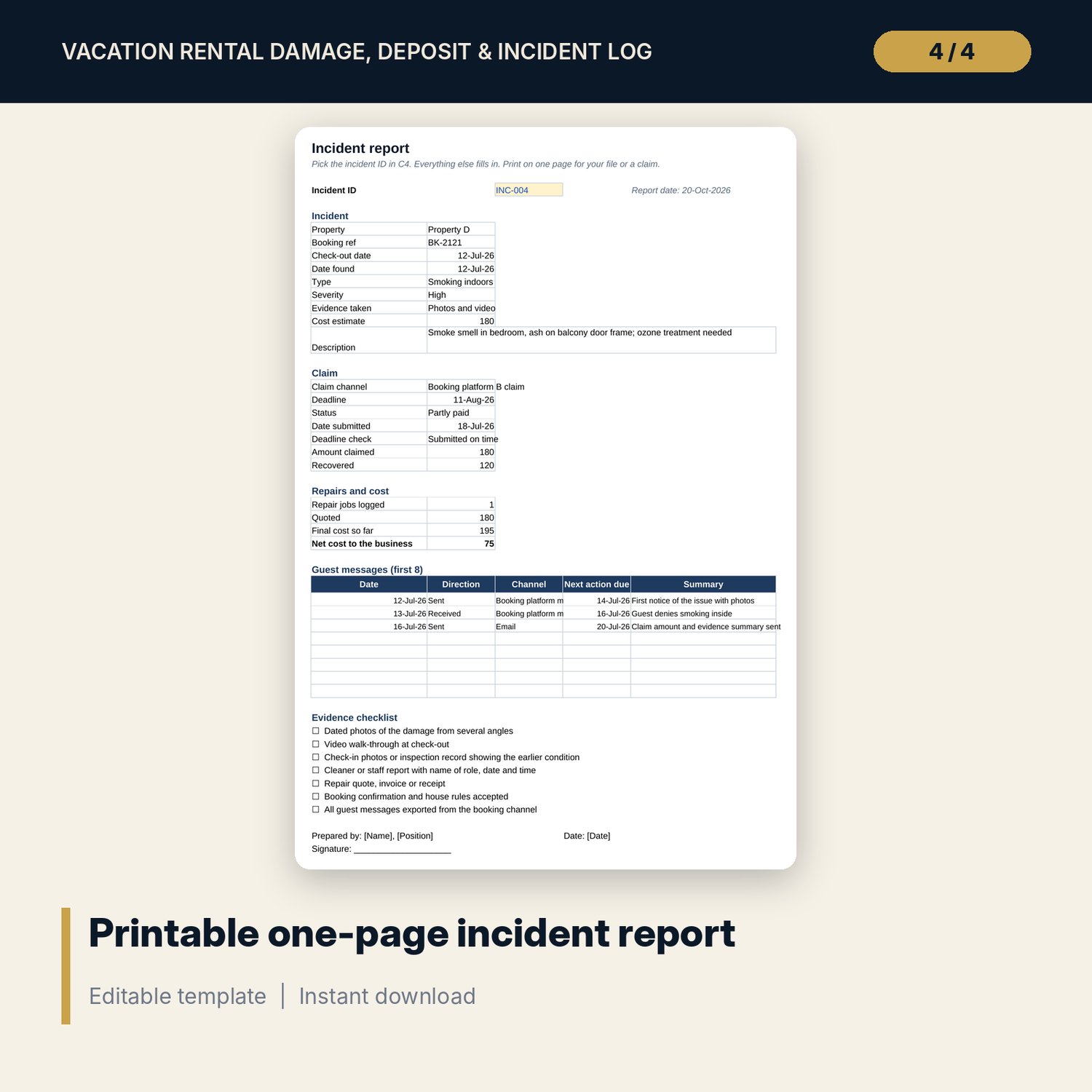
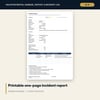
- Incident_Report: one printable page for the incident you pick, with claim, repairs, up to 8 messages and a 7-point evidence checklist.
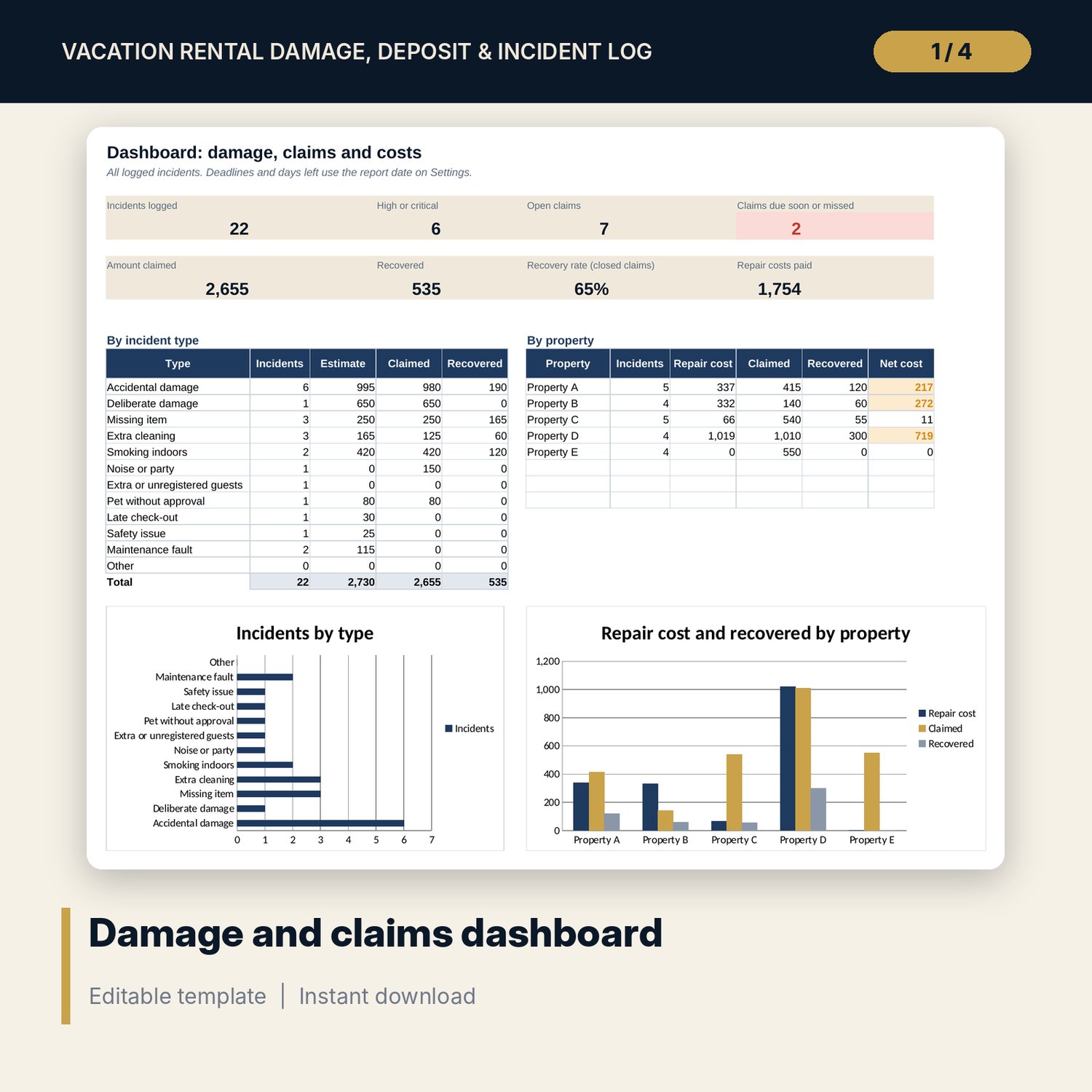
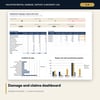
- Dashboard: 8 KPI tiles, a summary by incident type and by property, and 2 charts.
- README.txt and LICENSE-and-Terms.txt.
How it works
- Enter today's date and your properties on Settings, and check each claim channel's deadline against current terms.
- Log each incident on Incident_Log with the check-out date and the evidence you took.
- Add a row on Claims_Tracker for every claim or deposit deduction and watch the days left.
- Record repairs on Repair_Costs and every guest message on Guest_Comms.
- Print Incident_Report for the file and check the Dashboard each month.
Details
- Format: Excel workbook (.xlsx). No macros.
- Language: English. Currency is a label you choose.
- Software: Excel 2016 or later, or Google Sheets.
- Delivery: instant digital download. Nothing is shipped.
Good to know
- All sample incidents, amounts and messages are illustrative. Replace them with your own records.
- Claim deadlines in the sample are examples. Booking channels, insurers and local deposit rules change: verify local requirements and current terms.
- This is a record-keeping tool, not legal advice.
- Single-user license. Do not share or resell the files.
FAQ
How is the claim deadline worked out?
Check-out date plus the number of days you set for the claim channel on Settings. Days left count down from the report date.
What counts as a missed deadline?
A claim with no submission date after its deadline has passed. A claim submitted after the deadline shows as submitted late.
Can I record repairs that are not caused by guests?
Yes. Leave the incident ID blank on Repair_Costs for wear and tear, and set who pays to host or owner.
Does it work in Google Sheets?
Yes, the formulas calculate in Google Sheets. Check the drop-downs after import.
Is this a physical product?
No. It is a digital download. Refund terms follow the store policy at the time of purchase.