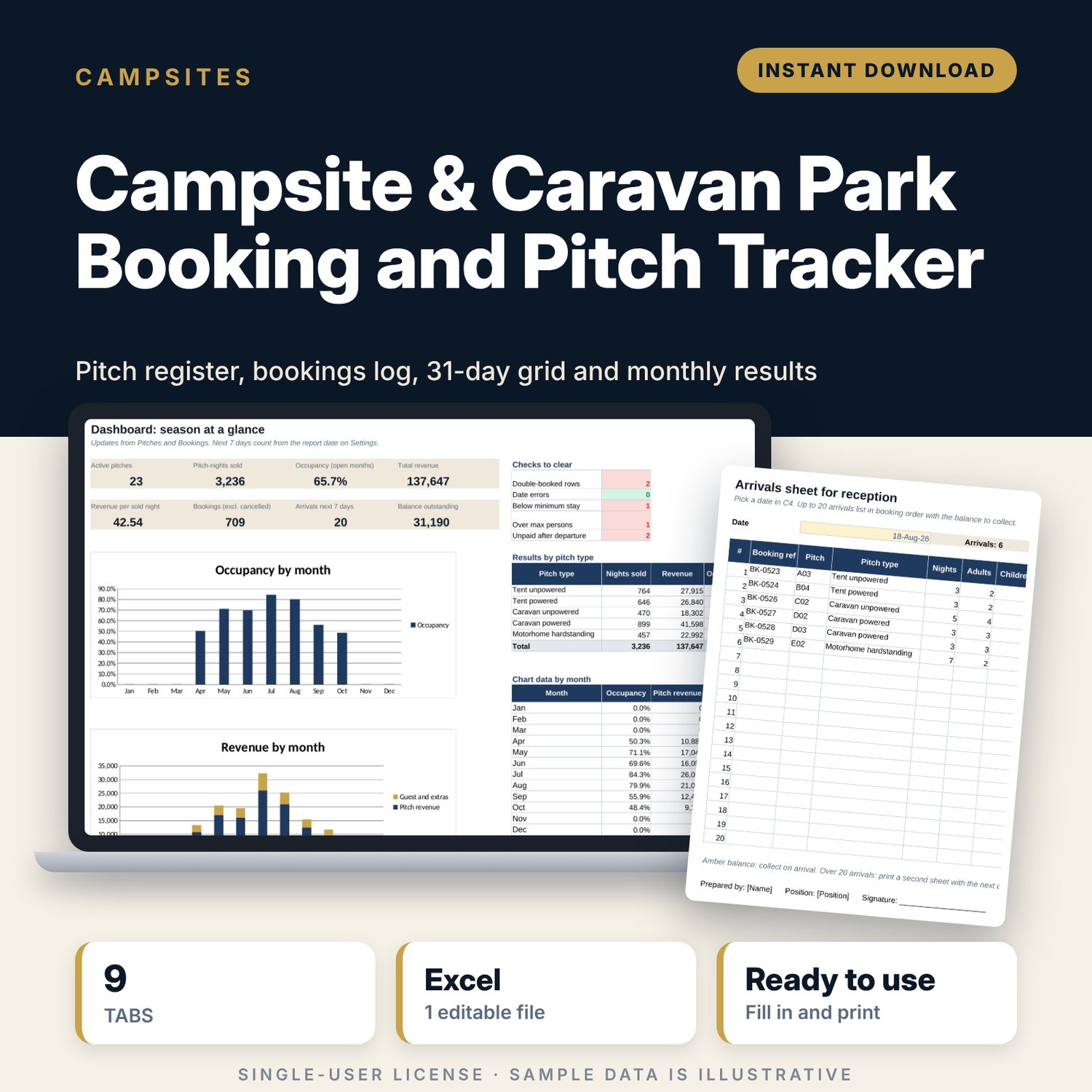
Campsite & Caravan Park Booking and Pitch Tracker: Campground Booking Spreadsheet
Full description
For owners and managers of small campsites, caravan parks and holiday parks with up to 40 pitches. You set your prices by pitch type and season, list your pitches and log each booking once. The workbook prices the stay, adds charges for extra guests, vehicles and dogs, flags double bookings and short stays, fills a 31-day grid by pitch, and turns the log into monthly occupancy and revenue with a one-page dashboard and a printable arrivals sheet for the desk.
Save with a bundle: this template is also in the Alternative Lodging Bundle, 10 templates for $29 instead of $74. All 141 templates are in the All-Access Hospitality Template Library for $79.
What is inside
- Campsite_Caravan_Park_Booking_Tracker.xlsx: 9 tabs, 11,238 formulas, 2 native charts, 14 drop-down or number rules.
- Settings: year, currency label, target occupancy, report date, a 12-month season and opening calendar, and 6 drop-down lists.
- Rates: nightly price for 5 pitch types in 3 seasons, persons included, minimum stay by season and a price list of 10 extras.
- Pitches: room for 40 pitches (24 sample rows) with zone, type, powered, maximum persons, length, surface, status, and nights sold, revenue and occupancy for the year.
- Bookings: room for 1,000 bookings (736 sample rows). Nights, pitch fee, guest and vehicle fee, total, balance, month and a check column calculate from your inputs.
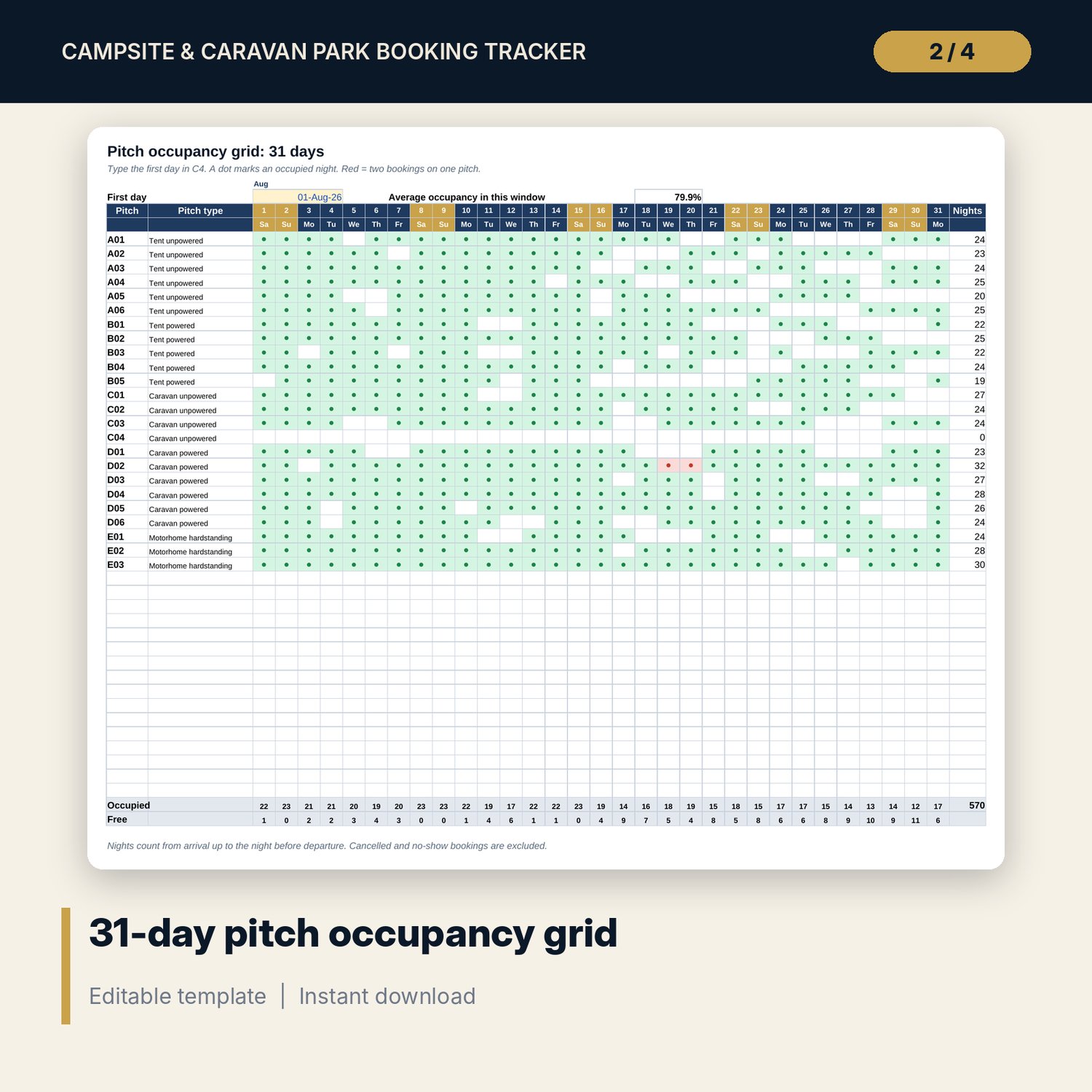
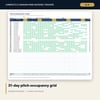
- Occupancy_Grid: 31 days from any start date for every pitch, with occupied and free counts per night and clashes in red.
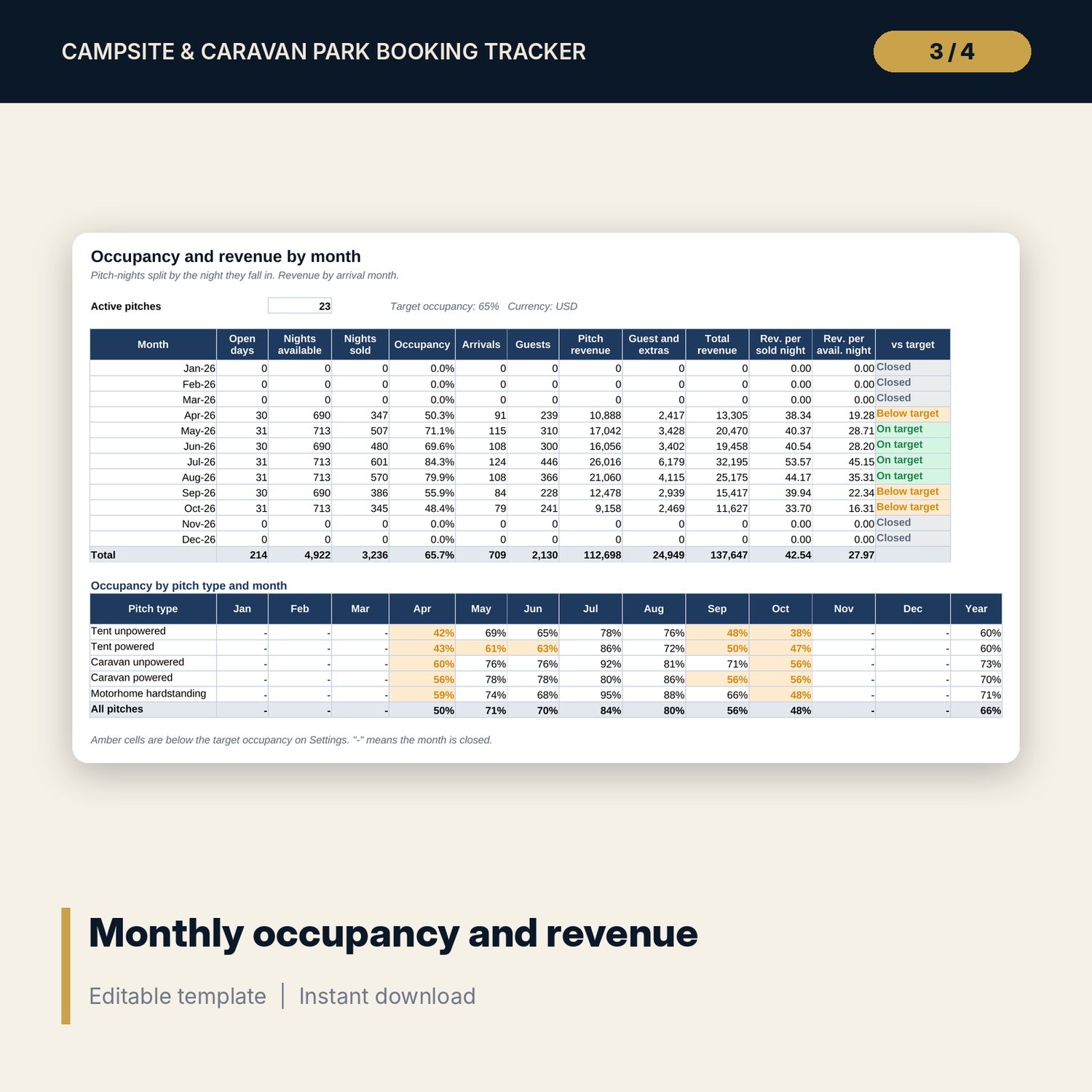
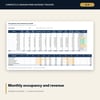
- Monthly_Summary: 12 months of pitch-nights available and sold, occupancy, arrivals, guests, revenue and a target flag, plus occupancy by pitch type and month.
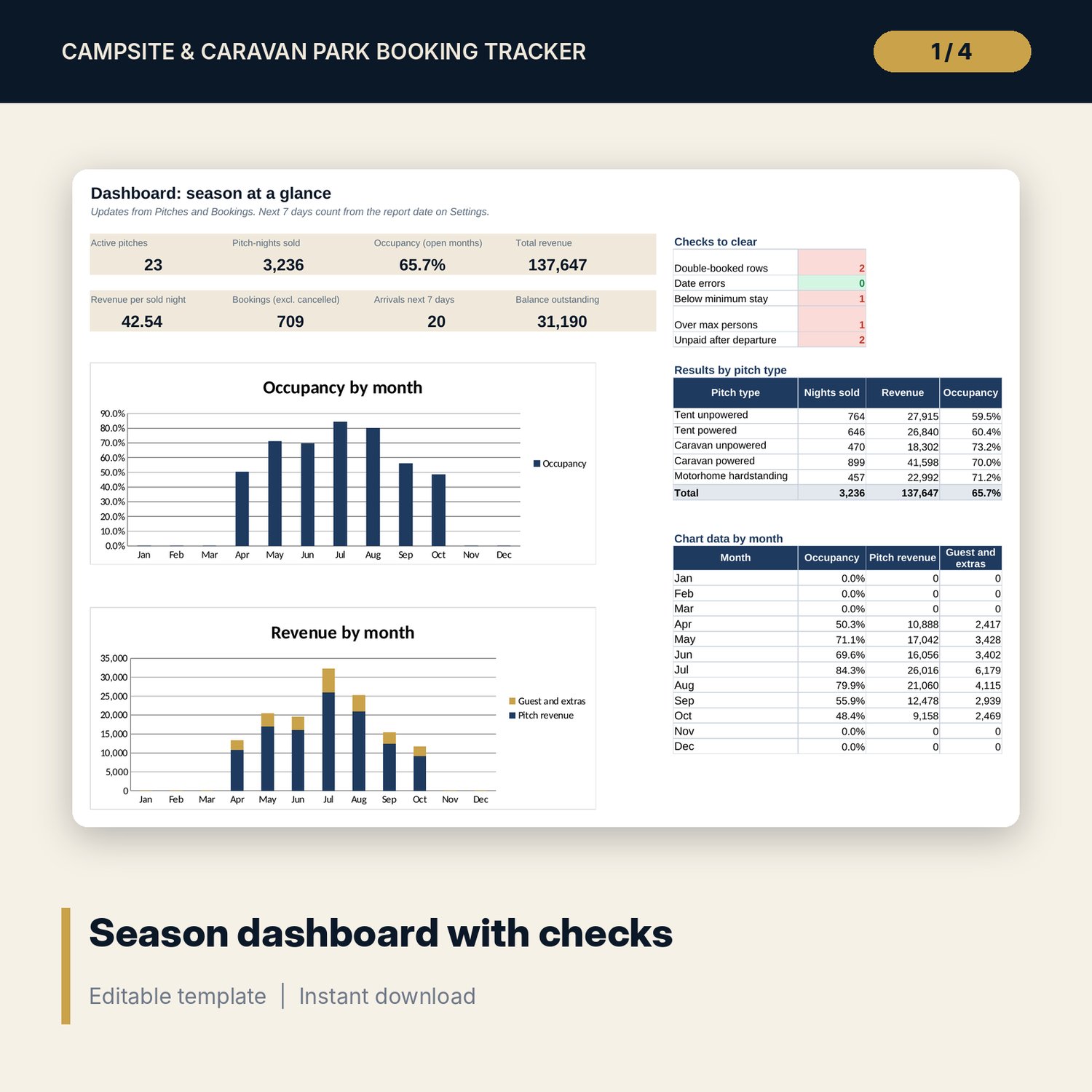
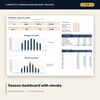
- Dashboard: 8 KPI tiles, 5 checks to clear, results by pitch type and 2 charts.
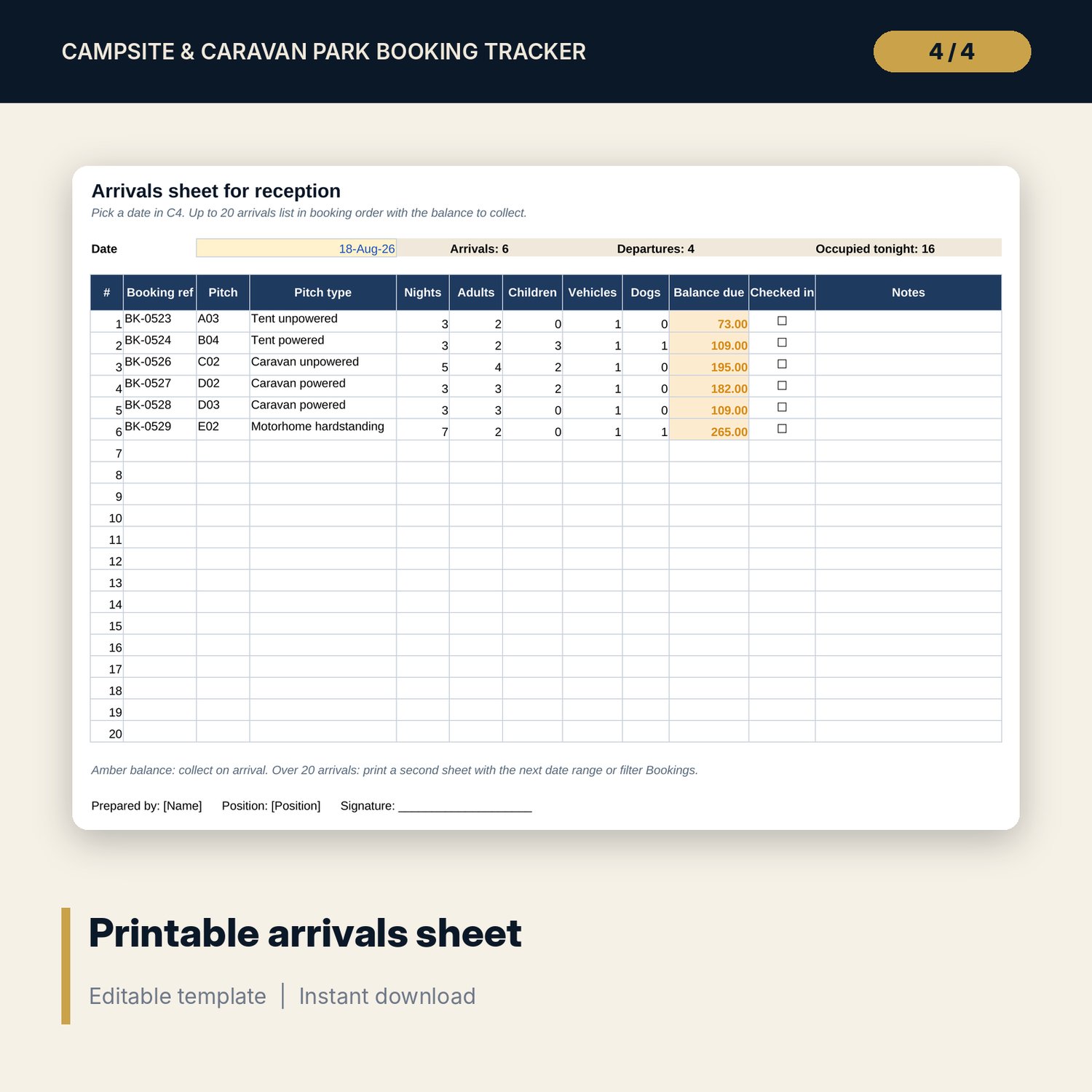
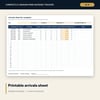
- Arrivals_Sheet: one printable page listing up to 20 arrivals for a date with the balance to collect.
- README.txt and LICENSE-and-Terms.txt.
How it works
- Enter the year, opening months and the season for each month on Settings.
- Set your nightly prices, persons included and extras on Rates.
- List your pitches on Pitches, then clear the sample bookings.
- Log each booking. Fix anything the Check column flags.
- Use the grid and arrivals sheet day to day, and the summary and dashboard for results.
Details
- Format: Excel workbook (.xlsx). No macros.
- Language: English. Currency is a label you choose.
- Software: Excel 2016 or later, or a spreadsheet program that opens .xlsx files.
- Delivery: instant digital download. Nothing is shipped.
Good to know
- All sample pitches, prices and bookings are illustrative. Replace them with your own data.
- The pitch price uses the season of the arrival month. Revenue counts in the month of arrival.
- Tourist taxes, licensing and consumer rules are not built in. Verify local requirements.
- Single-user license. Do not share or resell the files.
FAQ
Can I change the pitch types and seasons?
Yes. Rename the 5 pitch types on Rates and the 3 seasons on Settings. The drop-downs and price lookups follow.
Does it stop double bookings?
It does not block entry. It flags any booking that overlaps another on the same pitch, and the grid shows the clash in red.
Does it work in Google Sheets?
It opens in Google Sheets and the formulas calculate. Check the drop-downs after import.
What if I have more than 40 pitches?
The register and grid hold 40 pitches. For a larger park, use one copy per area.
Is this a physical product?
No. It is a digital download. Refund terms follow the store policy at the time of purchase.