Vacation Rental Setup & Furnishing Checklist: Short-Term Rental Furnishing List and Budget
Full description
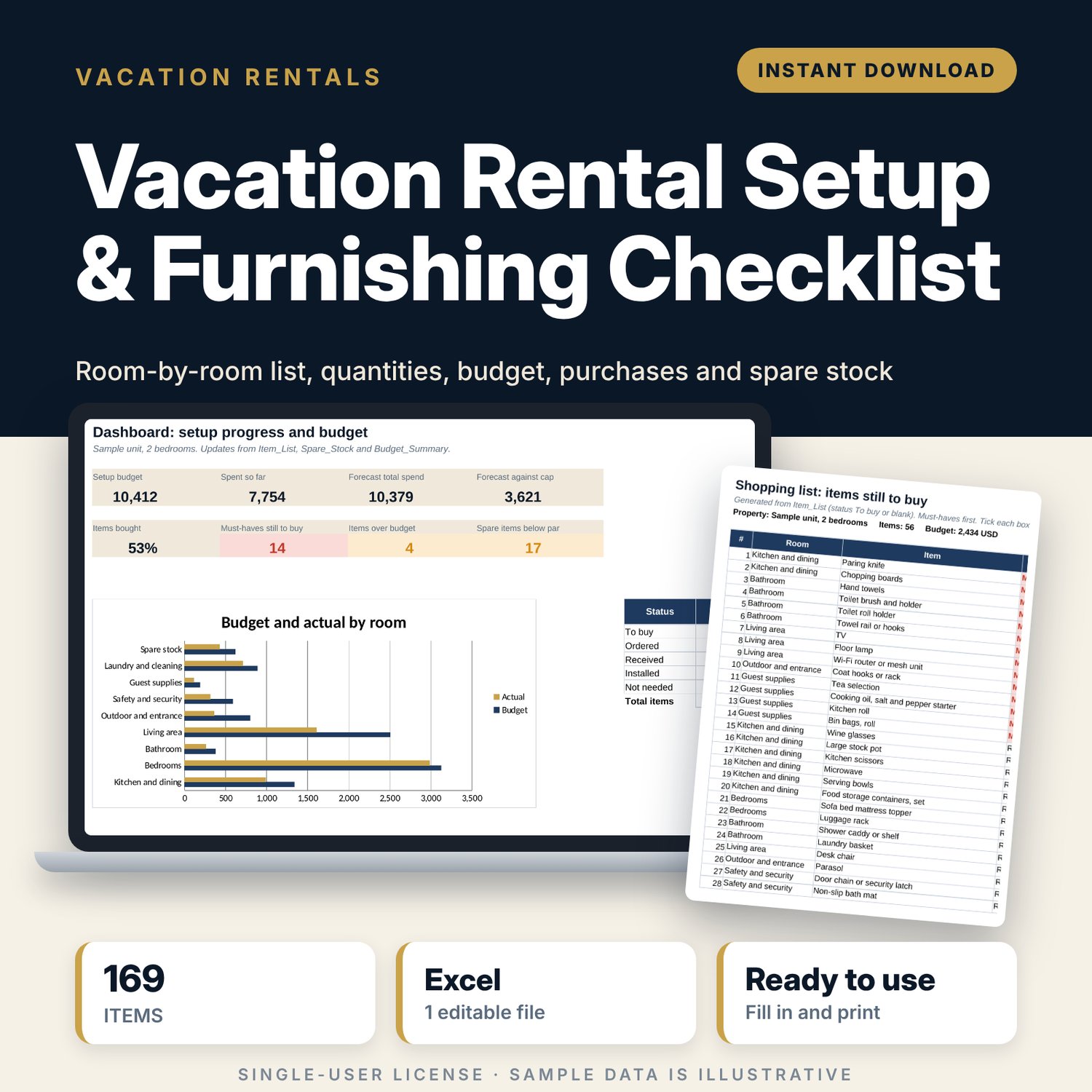
For new hosts and property managers who are furnishing a short-term rental and want to buy the right things once, in the right quantities, within budget. You enter the bedrooms, bathrooms, guests, beds and outdoor area. The workbook sets the quantity of each of 169 items, prices them, tracks what is ordered, received and installed, builds a shopping list of what is left, sets par levels for spare linen and consumables, and compares budget with actual spend by room against your setup budget cap.
Save with a bundle: this template is also in the Vacation Rental Business Bundle, 10 templates for $29 instead of $69. All 141 templates are in the All-Access Hospitality Template Library for $79.
What is inside
- Vacation_Rental_Setup_Furnishing_Checklist.xlsx: 7 tabs, 2,685 formulas, 3 native charts, 12 drop-down or number rules.
- Settings: property profile (bedrooms, bathrooms, guests, 3 bed types, outdoor area), setup budget cap, over-budget tolerance and 10 quantity rules such as per guest, per bedroom and per double bed.
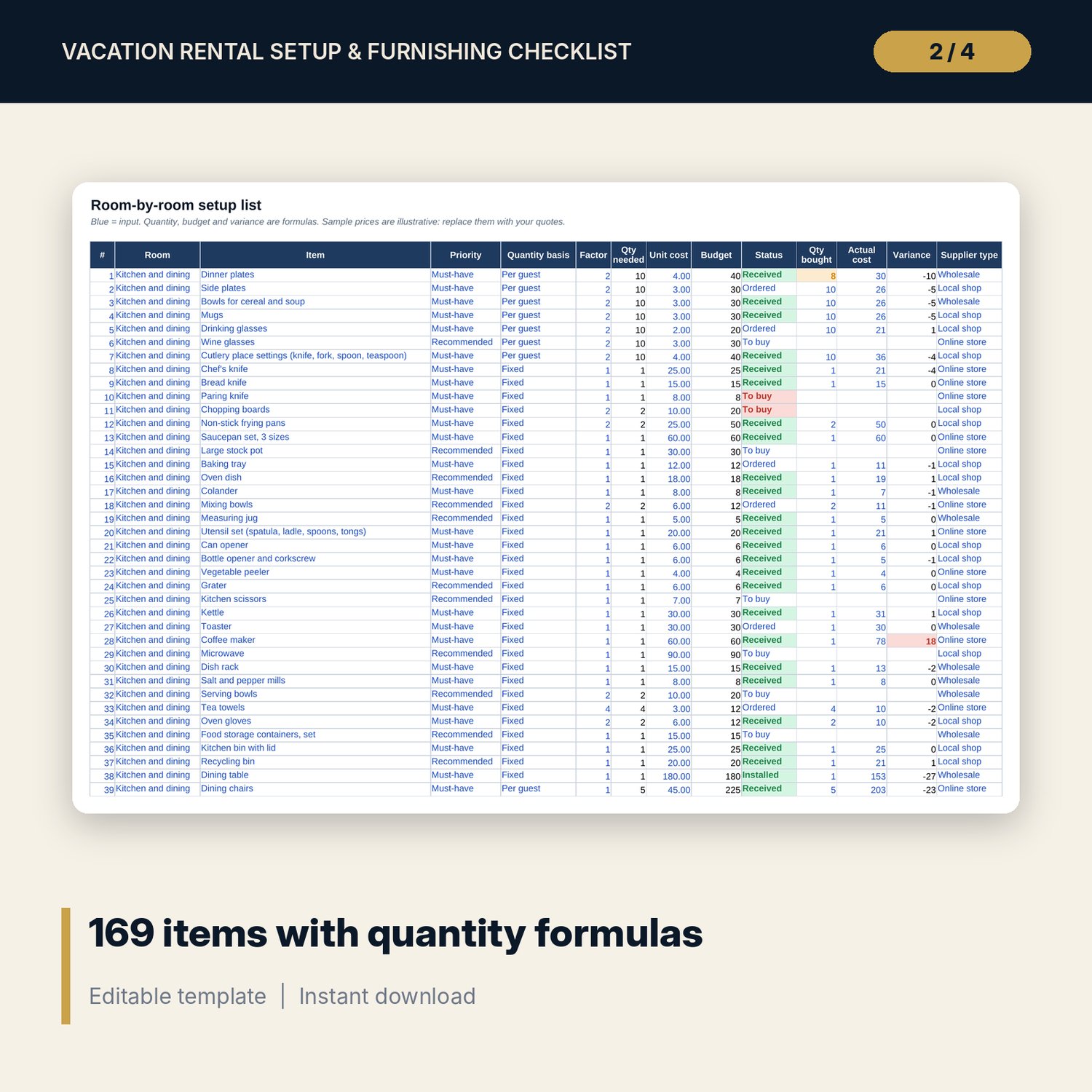
- Item_List: 169 items in 8 areas (kitchen and dining 42, bedrooms 27, guest supplies 21, living area 20, safety and security 16, bathroom 15, outdoor and entrance 14, laundry and cleaning 14), each marked must-have, recommended or nice to have, plus 60 blank rows. Quantity, budget and variance calculate.
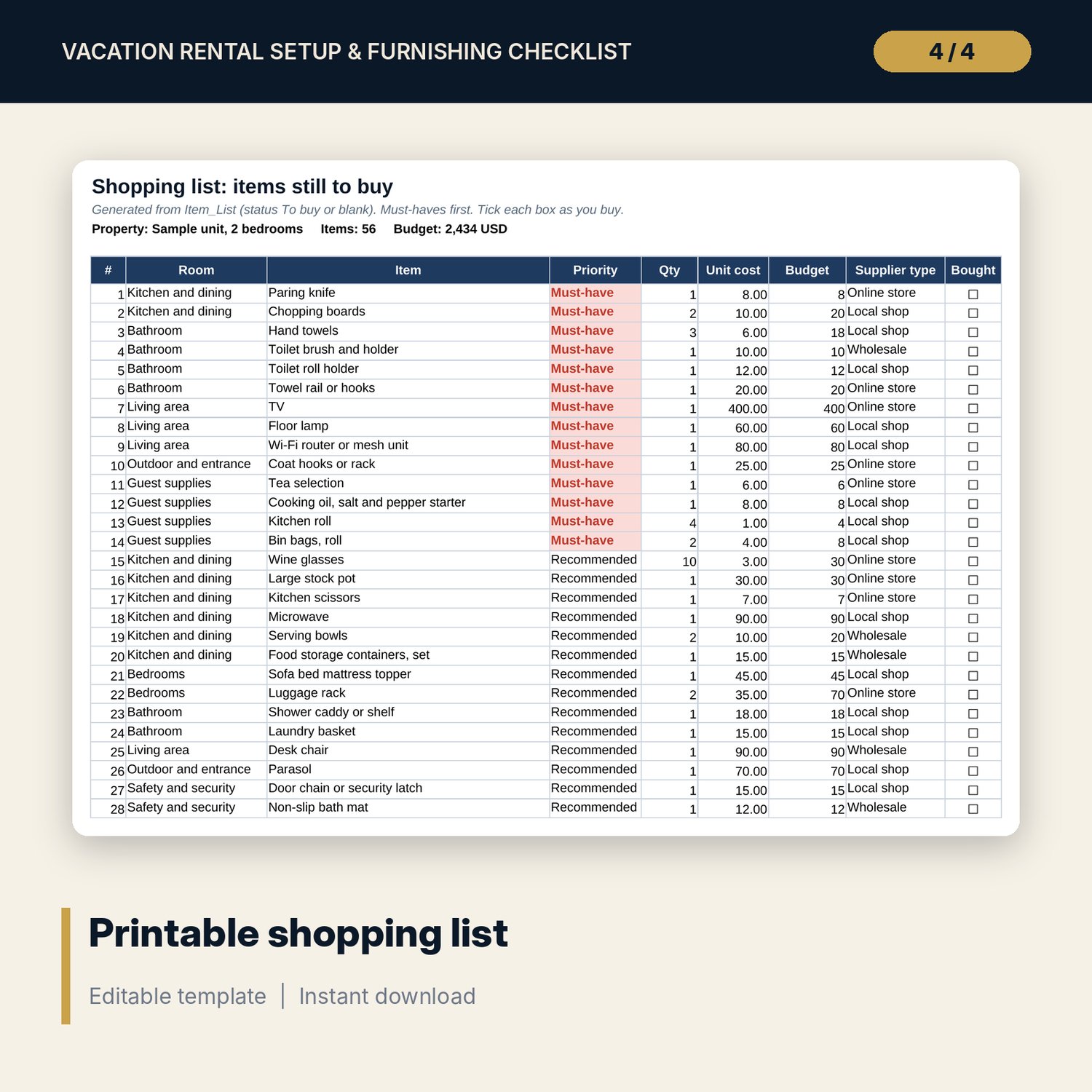
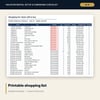
- Shopping_List: up to 120 items still to buy, must-haves first, with a tick box for each.
- Spare_Stock: 30 spare stock items (linen, bathroom, kitchen, consumables, maintenance) with par level, on-hand count, quantity to buy and status, plus 20 blank rows.
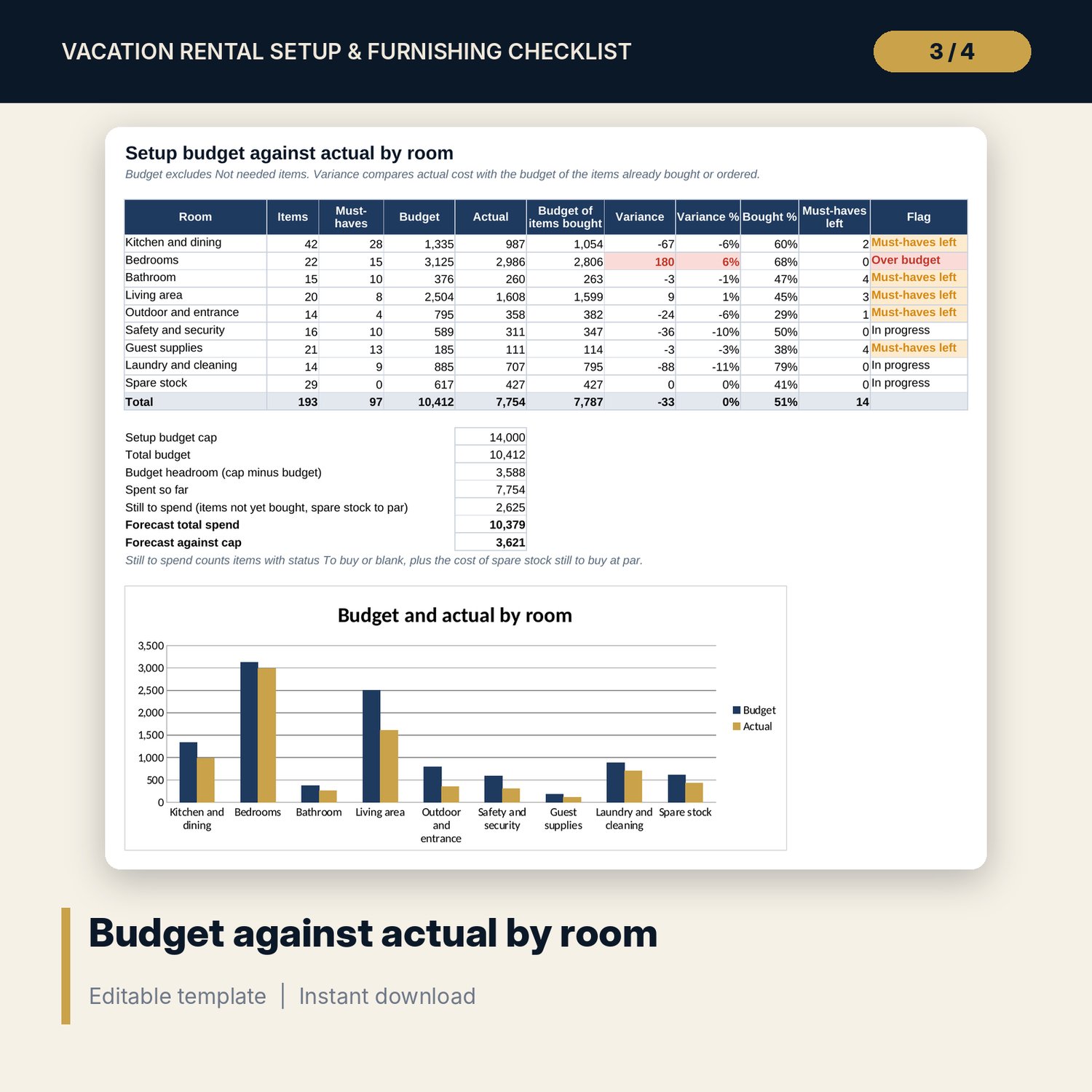
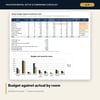
- Budget_Summary: budget, actual, variance and progress for each area and for spare stock, with a forecast against your budget cap and a chart.
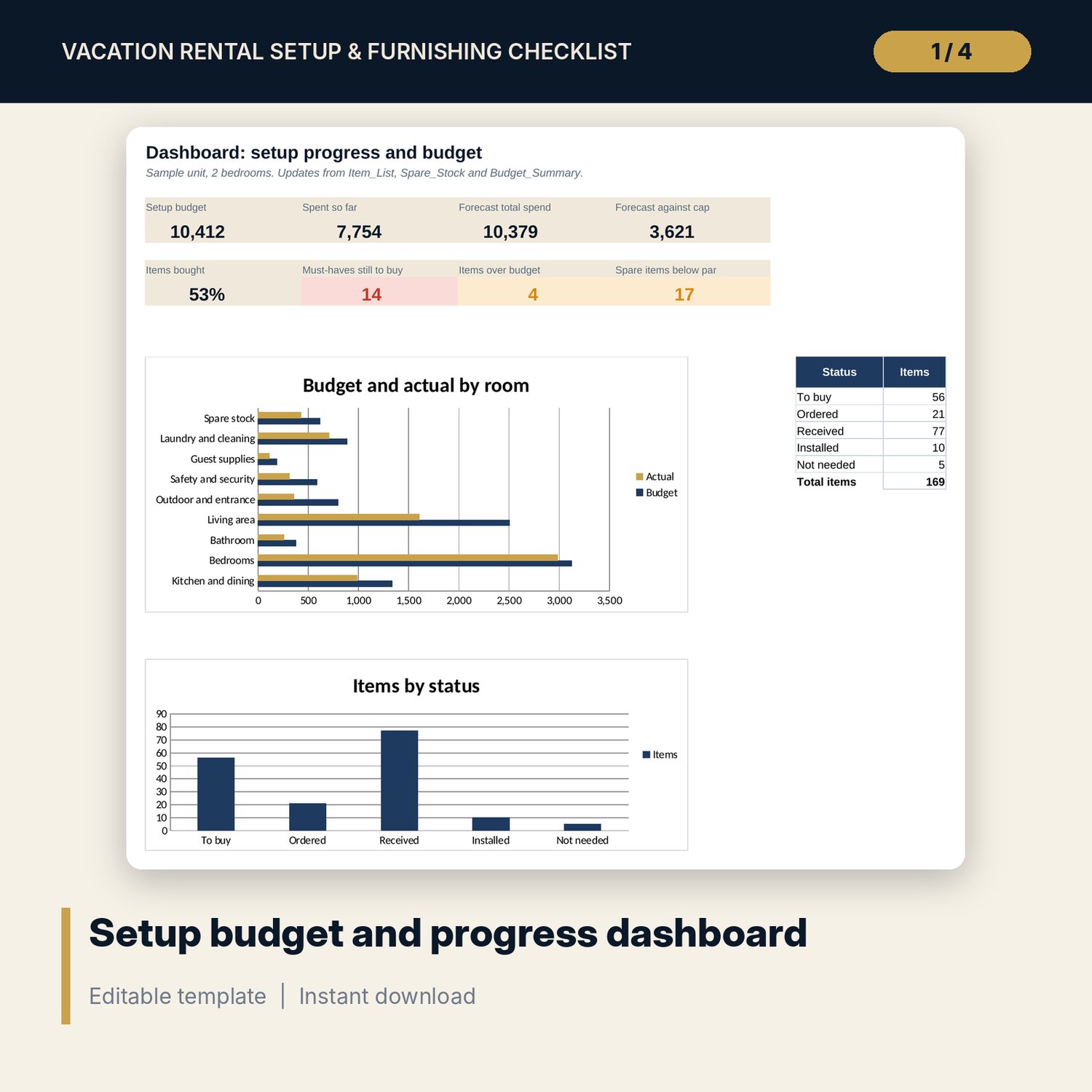
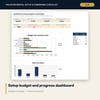
- Dashboard: 8 KPI tiles, a budget against actual chart and an items by status chart.
- README.txt and LICENSE-and-Terms.txt.
How it works
- Enter your bedrooms, bathrooms, guests, beds and outdoor area on Settings.
- Replace the sample unit prices with quotes from your suppliers and mark items you do not need.
- Update the status, quantity bought and actual cost as you shop.
- Print Shopping_List before each shopping trip.
- Count your spare stock and check Budget_Summary against your setup budget cap.
Details
- Format: Excel workbook (.xlsx). No macros.
- Language: English. Currency is a label you choose.
- Software: Excel 2016 or later, or Google Sheets.
- Delivery: instant digital download. Nothing is shipped.
Good to know
- Sample prices, quantities and statuses are illustrative. Replace them with your own quotes.
- Safety items are a starting point. Fire, gas and safety equipment rules differ by location: verify local requirements.
- No brands or shops are named. Choose suppliers that suit your market.
- Single-user license. Do not share or resell the files.
FAQ
How are quantities set?
Each item has a basis (fixed, per guest, per bedroom, per bathroom, per bed type or outdoor area) and a factor. Change the profile on Settings and every quantity updates.
Can I add my own items?
Yes. Use the 60 blank rows at the end of Item_List. Pick the area, priority and basis from the drop-downs.
What is the difference between Item_List and Spare_Stock?
Item_List covers what goes into the unit. Spare_Stock covers the reserve you keep in a locked cupboard, such as extra linen, toilet paper and light bulbs.
Does it work in Google Sheets?
Yes, the formulas calculate in Google Sheets. Check the drop-downs after import.
Is this a physical product?
No. It is a digital download. Refund terms follow the store policy at the time of purchase.